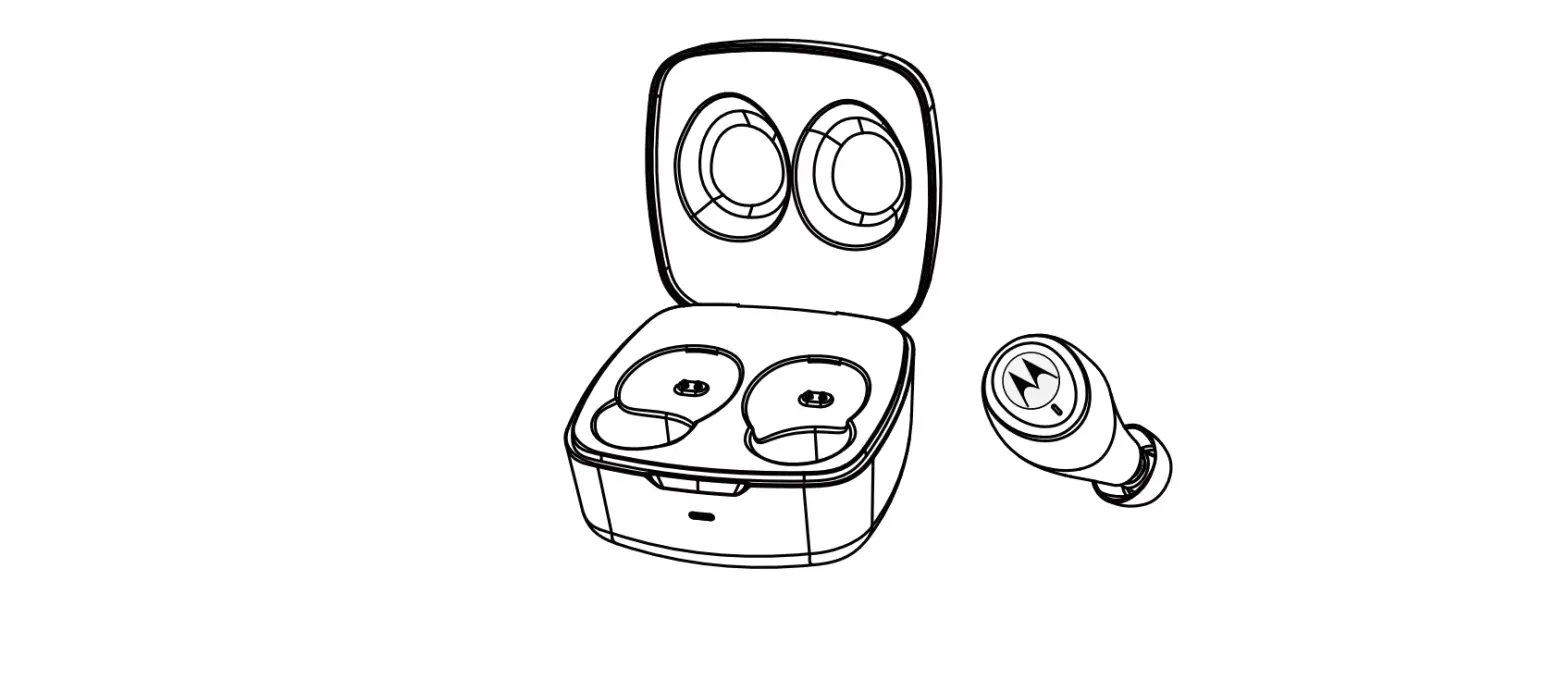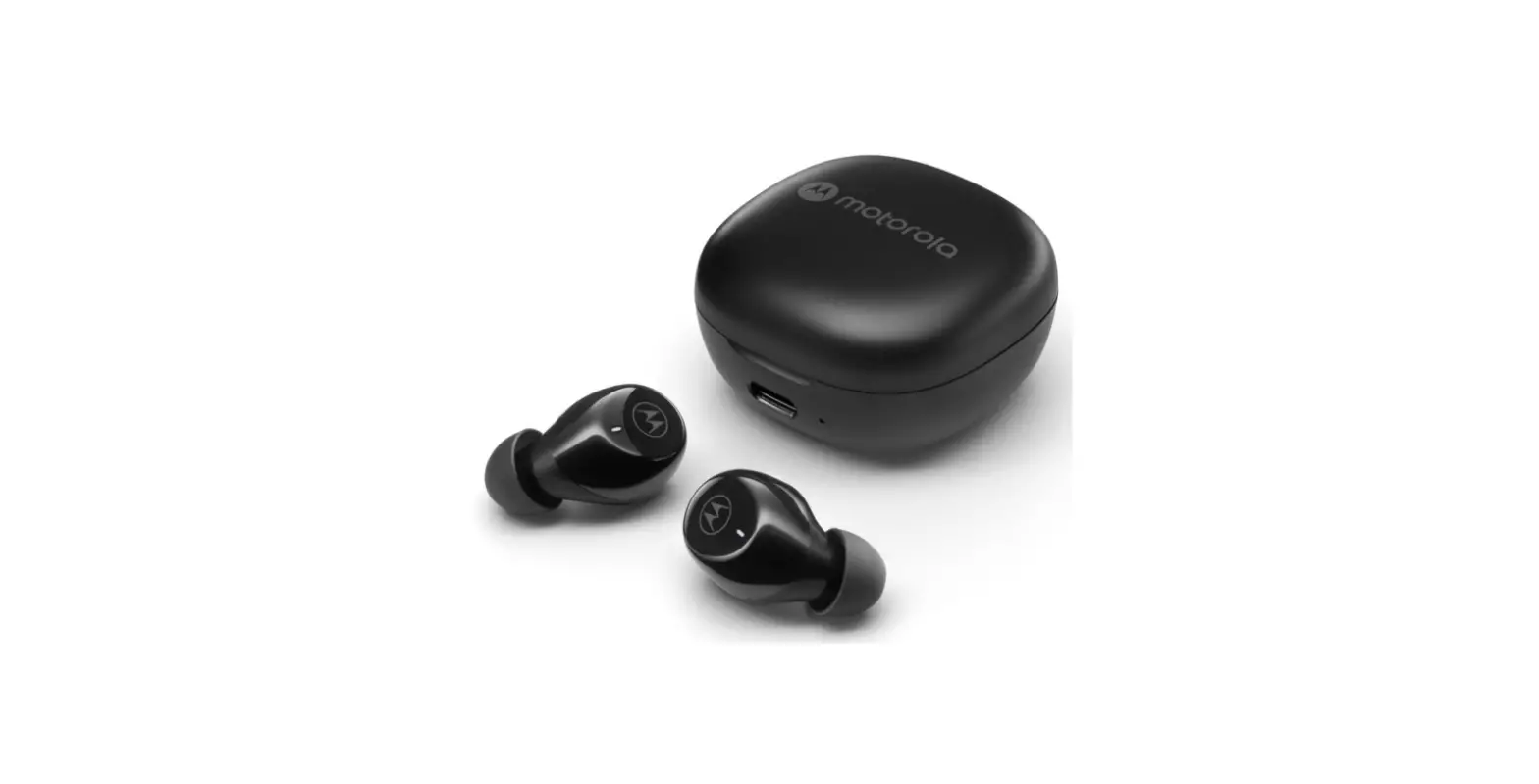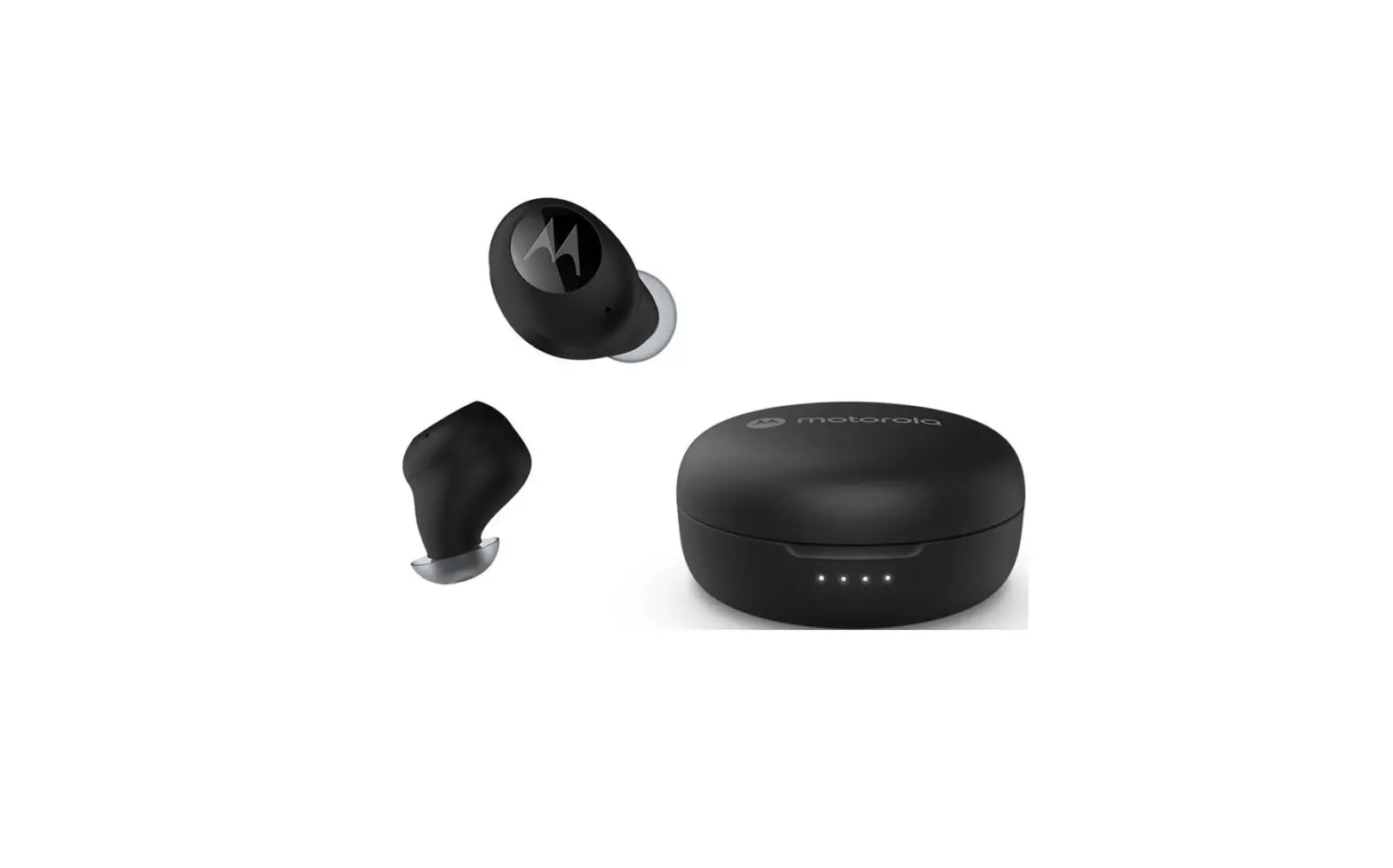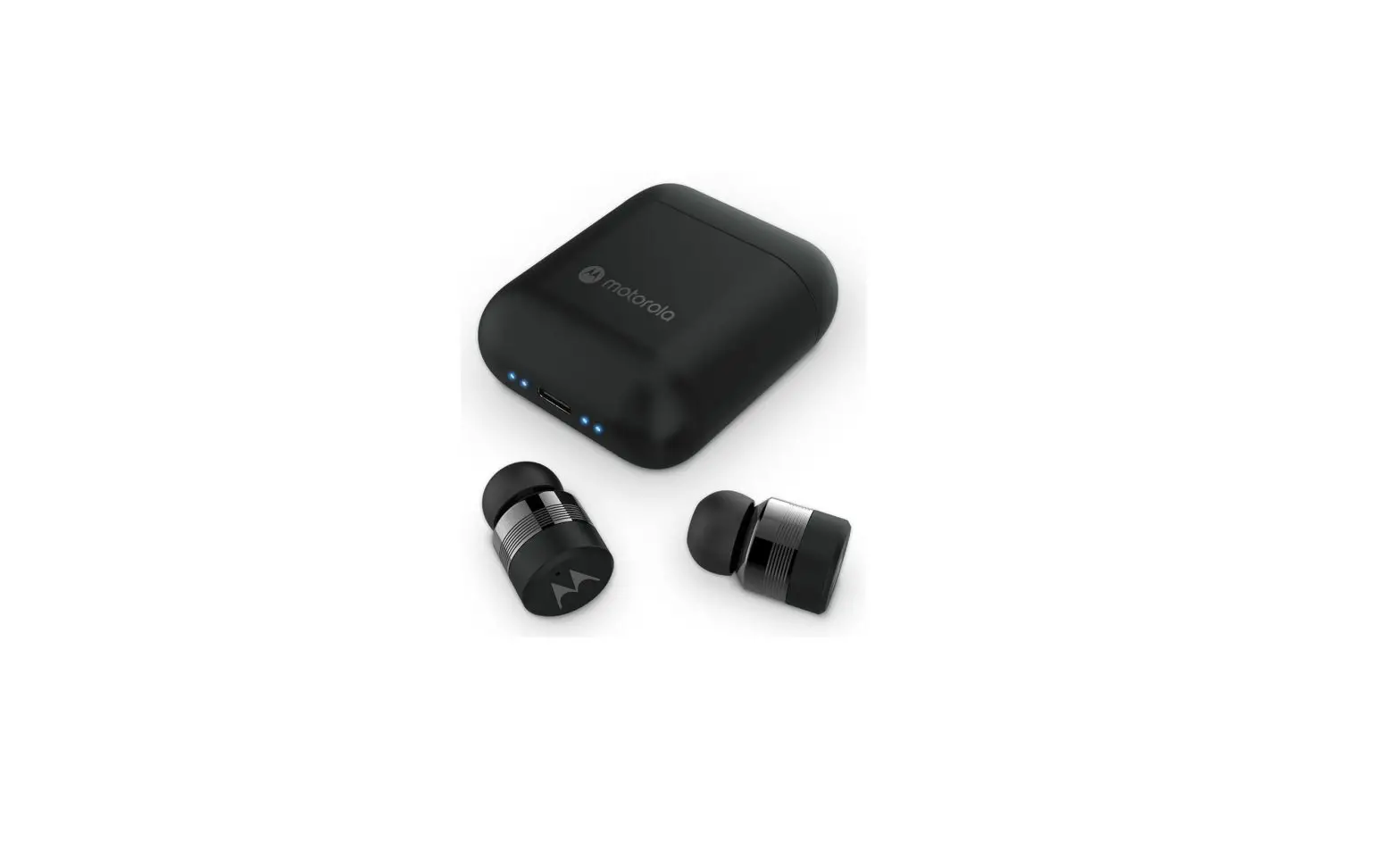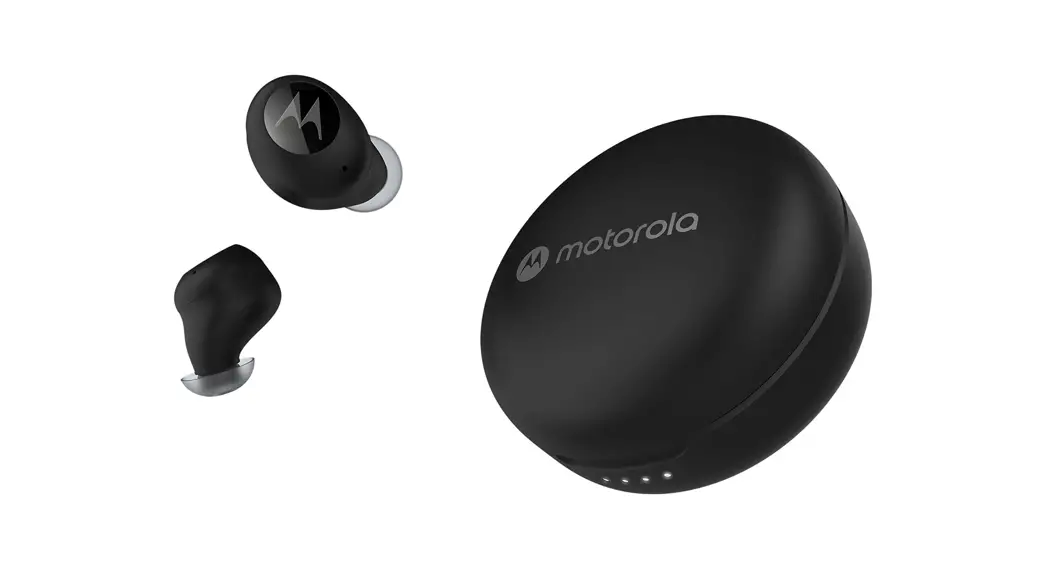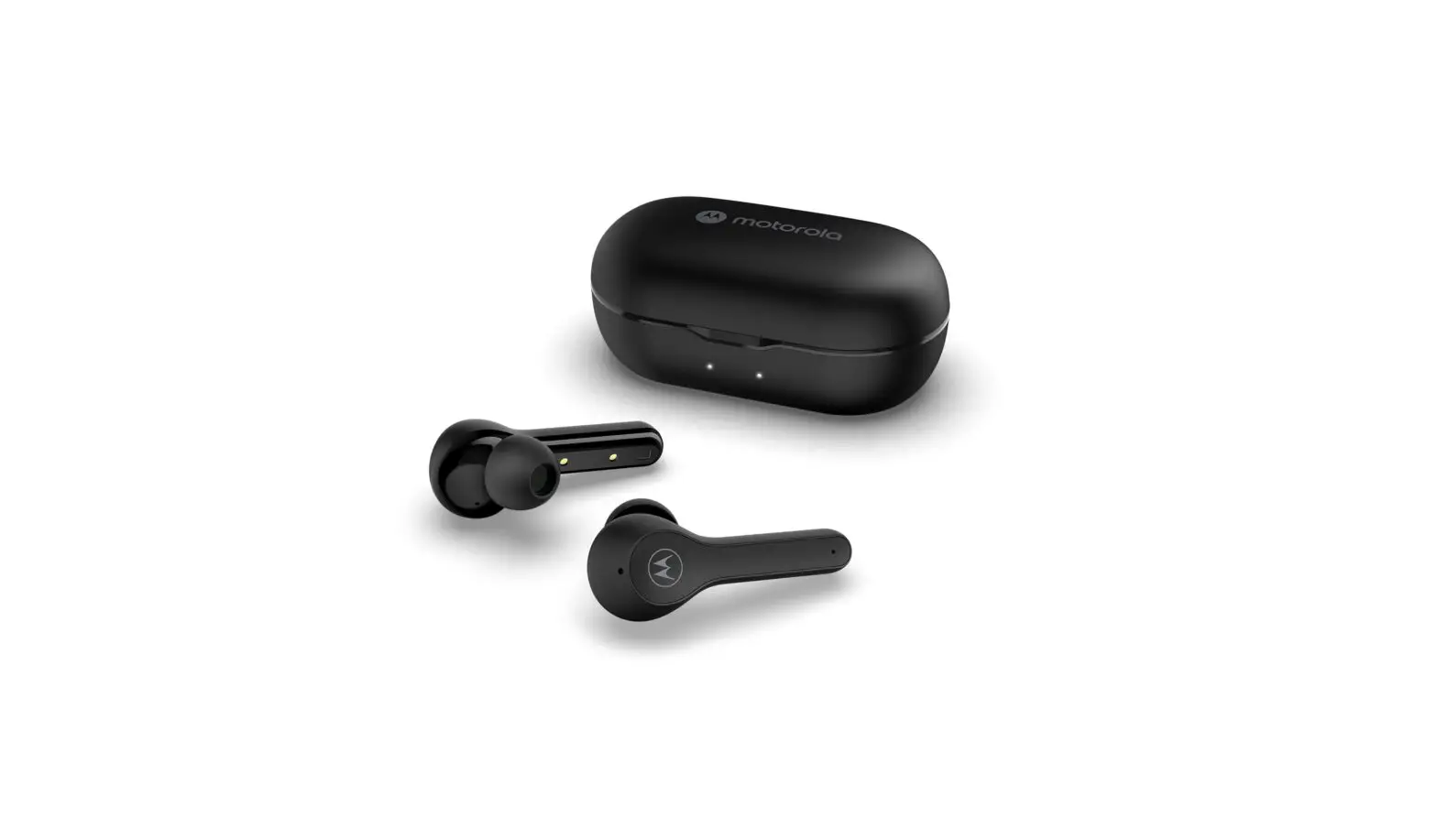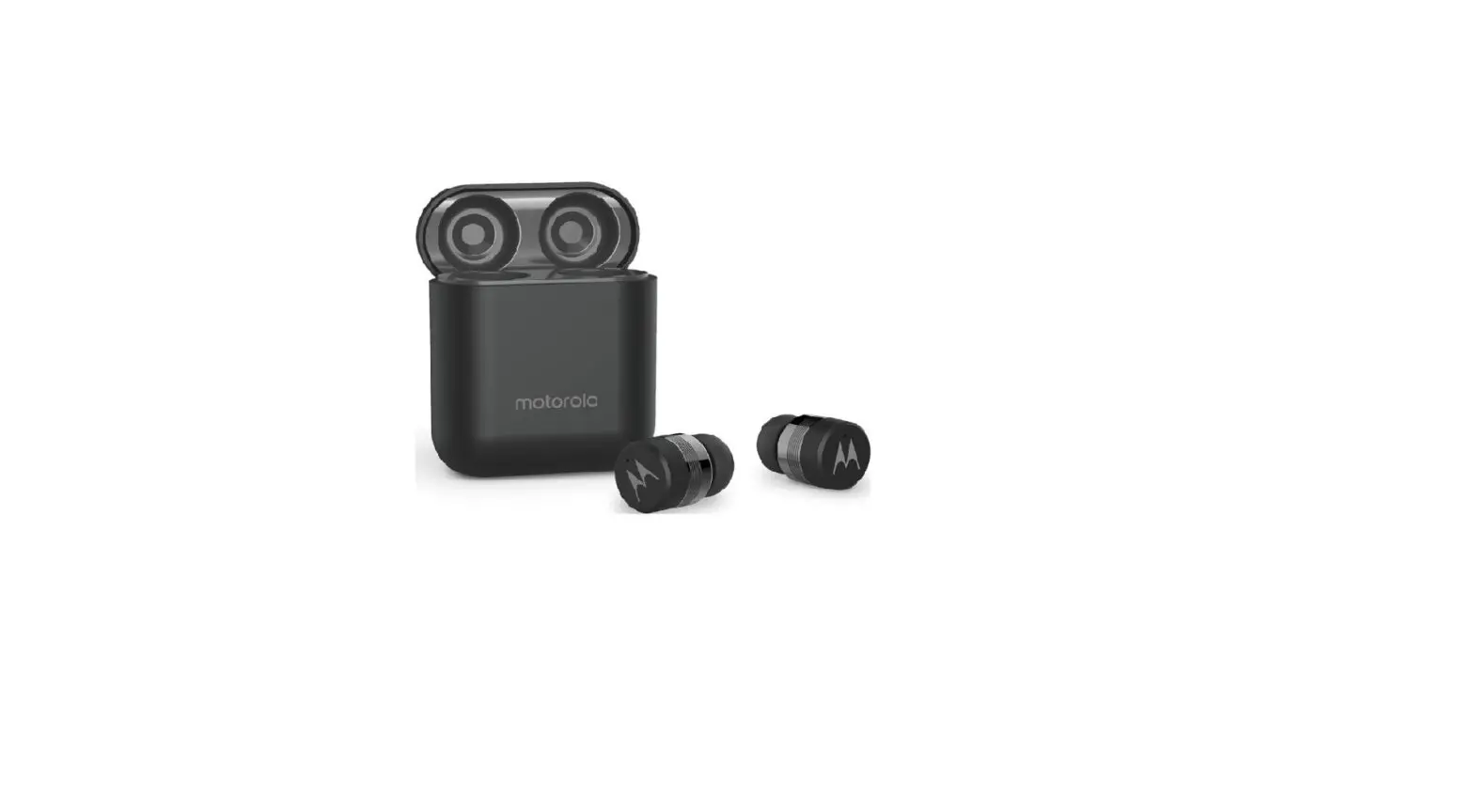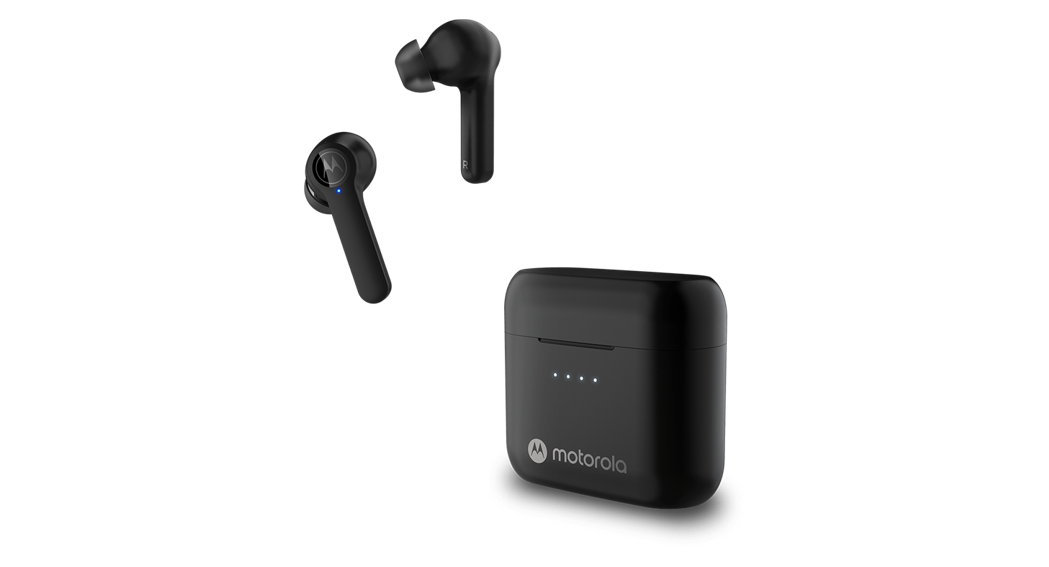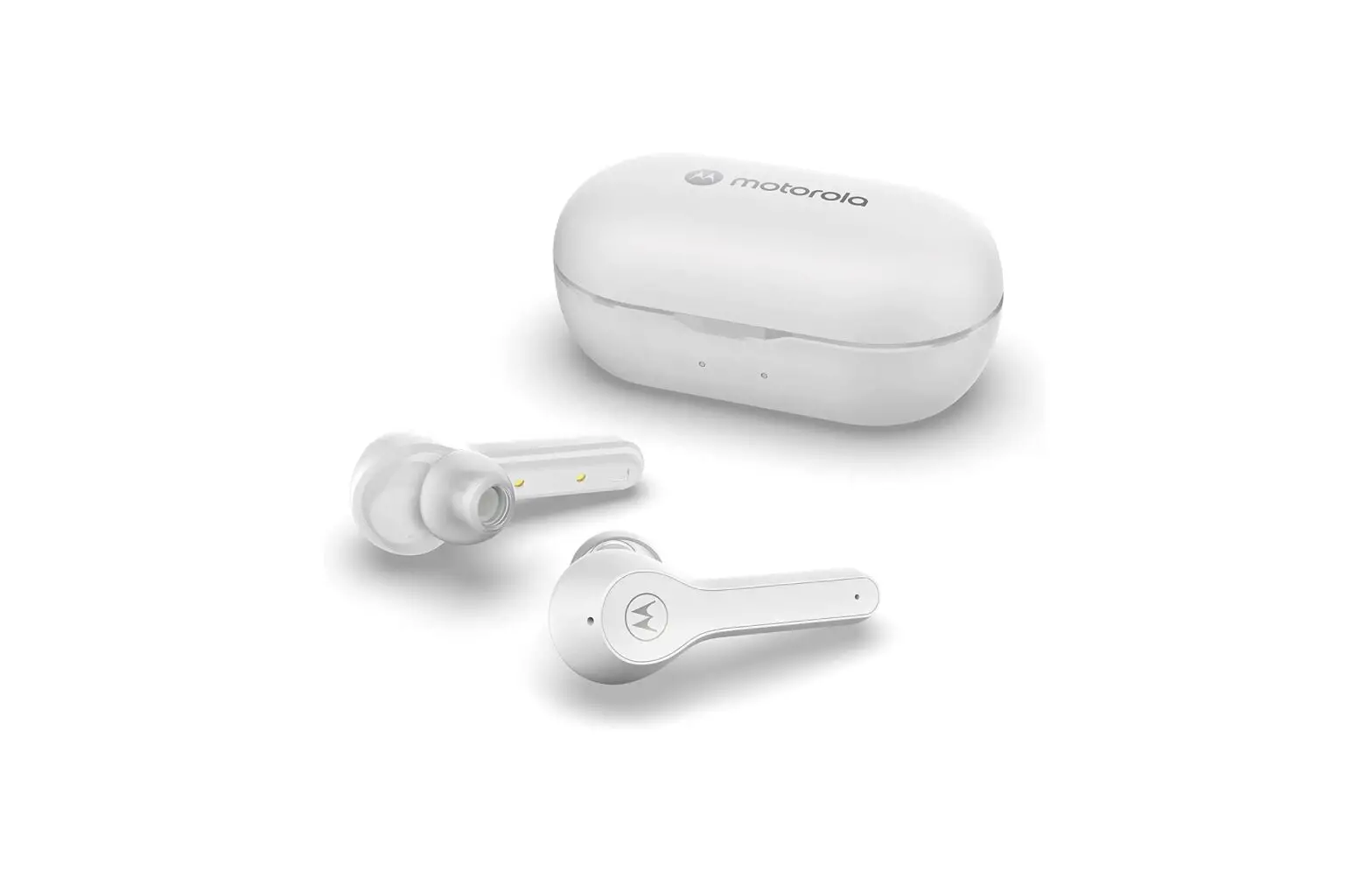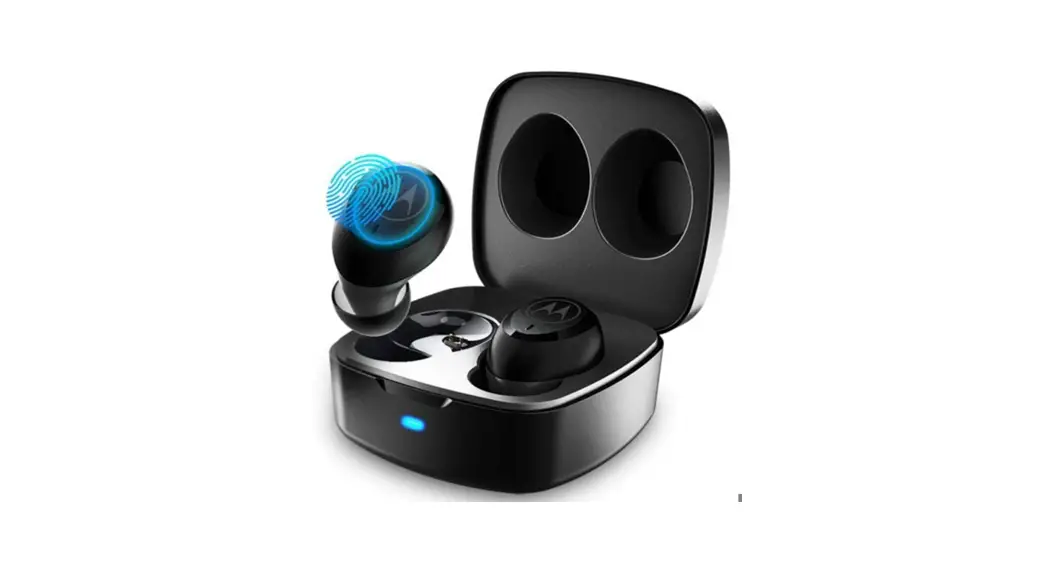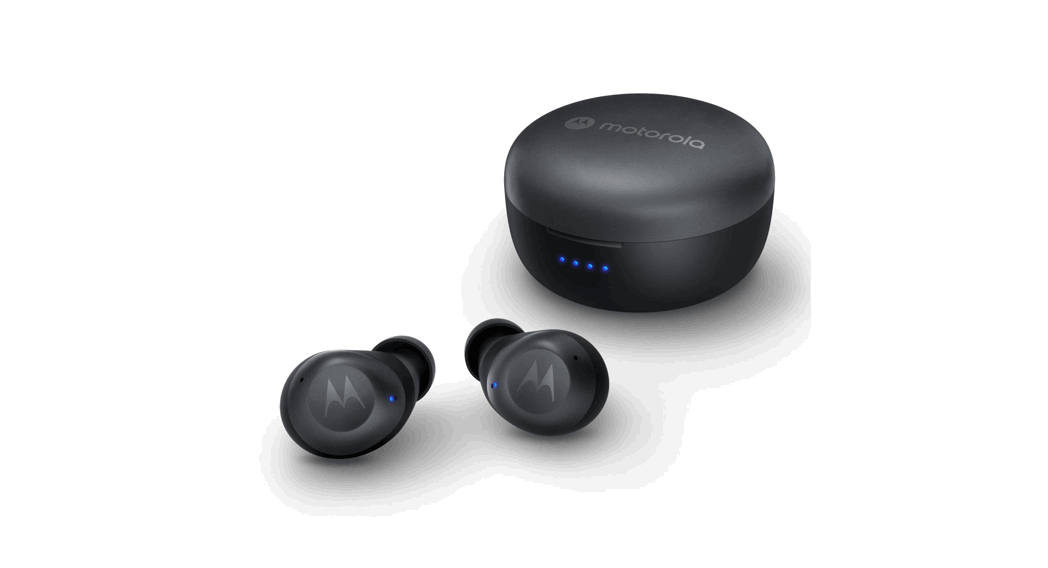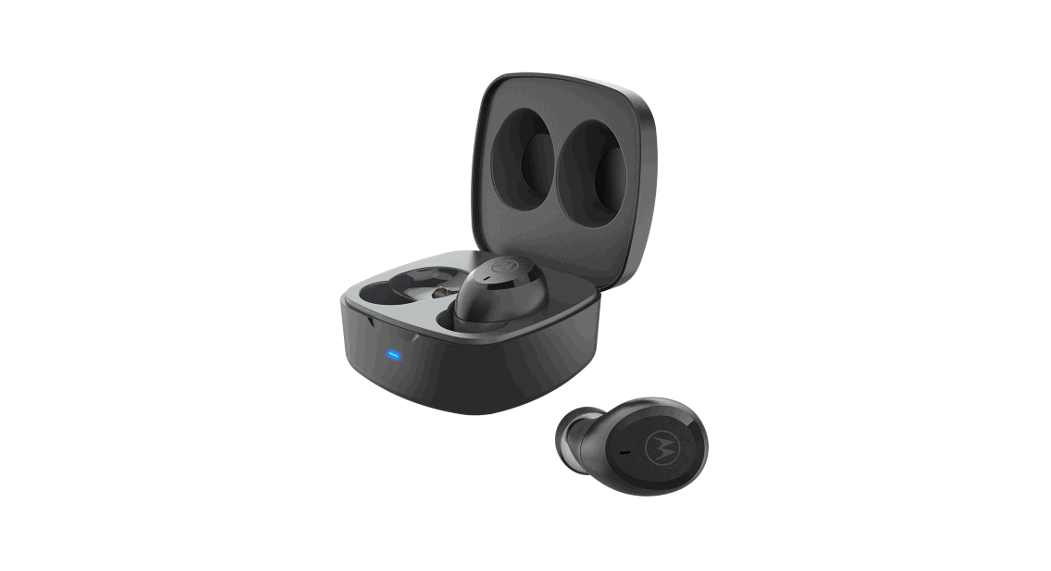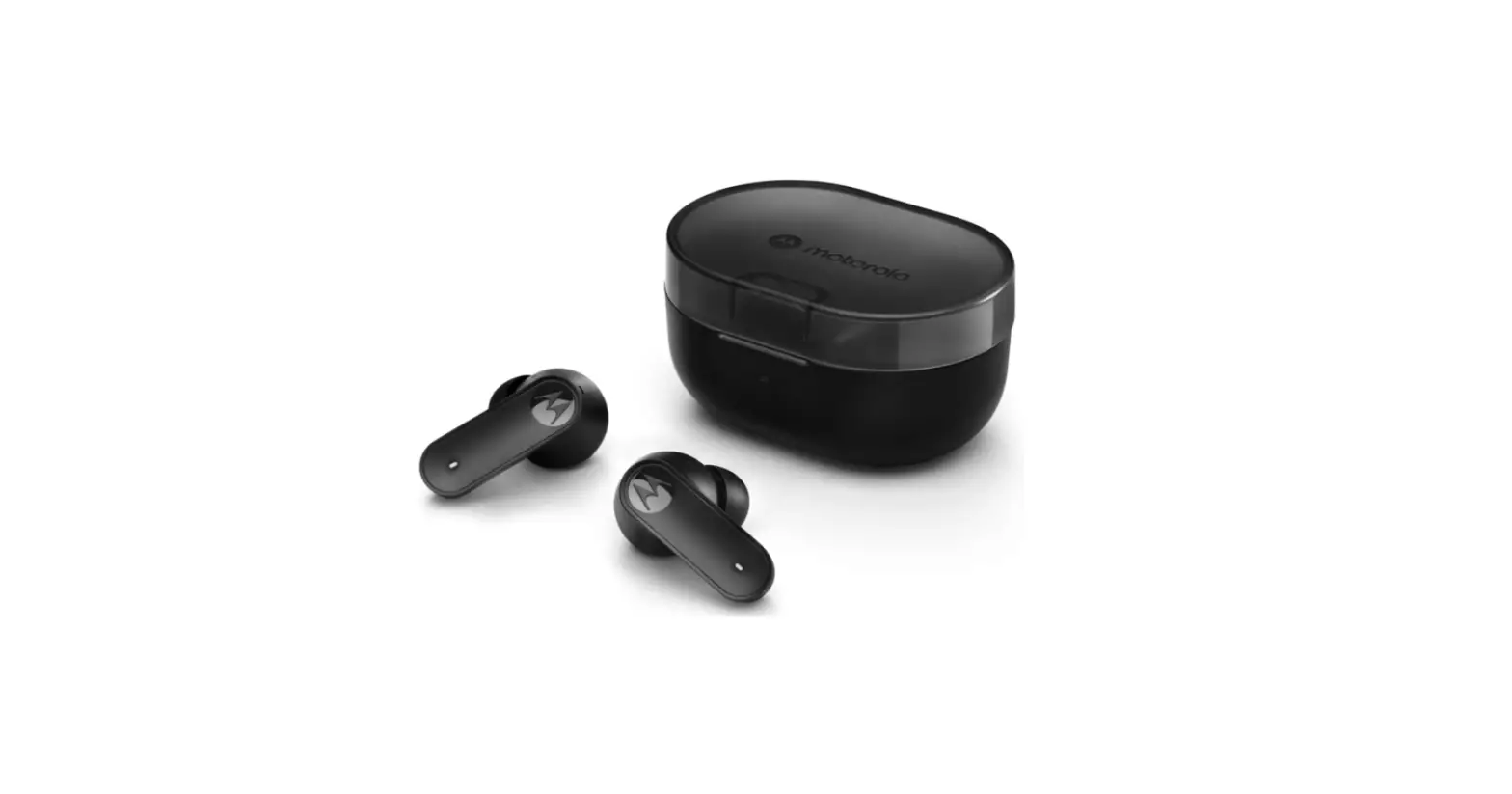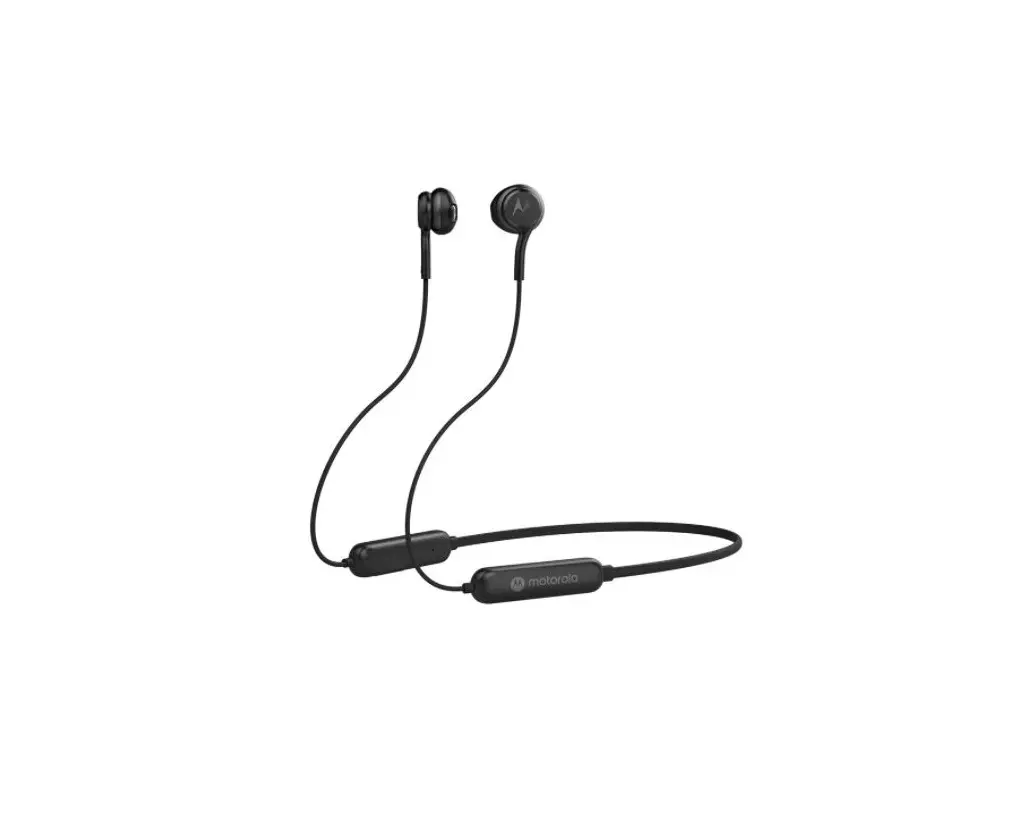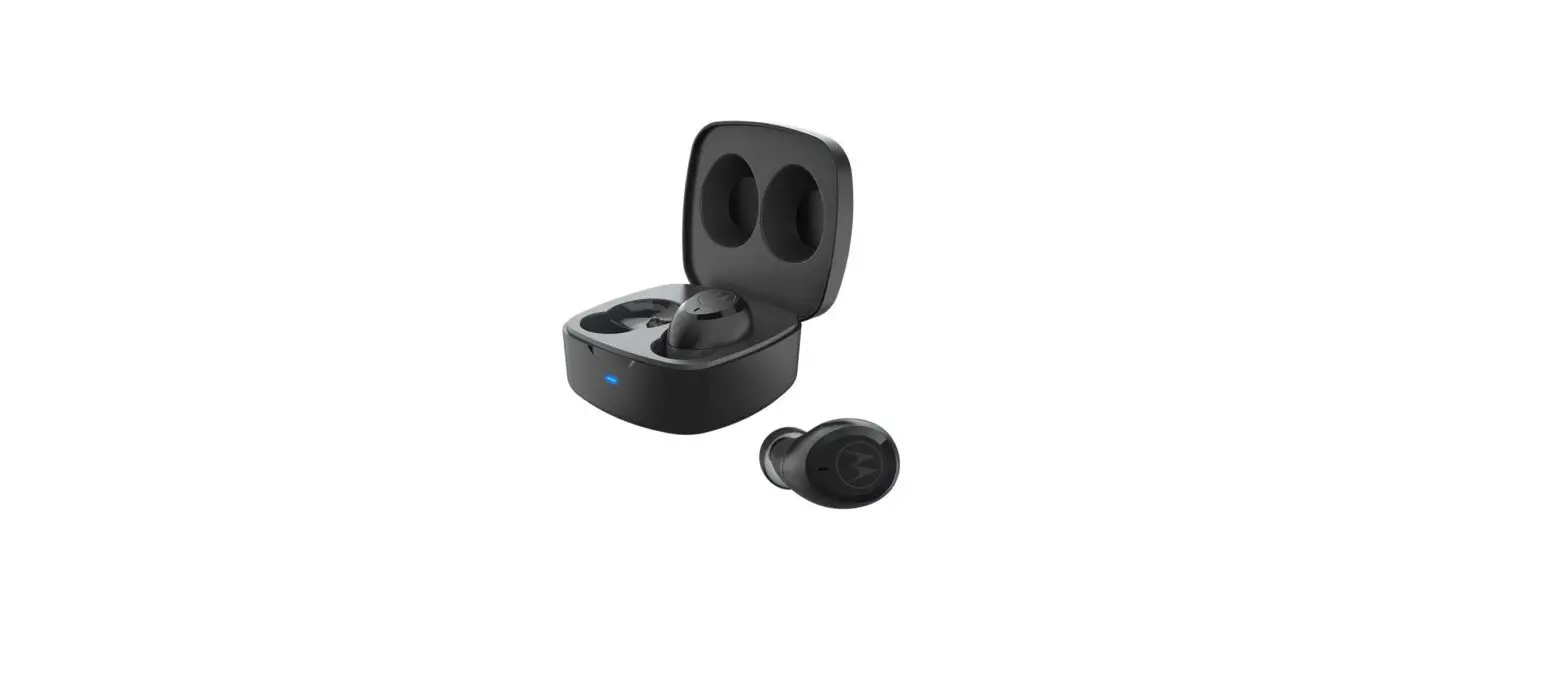

Model No.: MOTO BUDS 100 FCC ID: 2ARRB-VB100
Frequency Band: 2.402 – 2.480GHz IC: 20353-VB100
Maximum RF power: 6 dBm Working temperature: -10°C–45°C
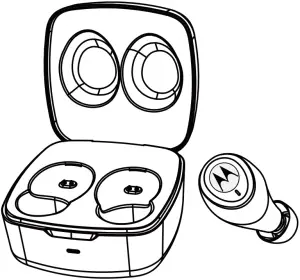
Quick Start Guide
1. Charging:
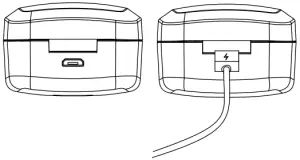
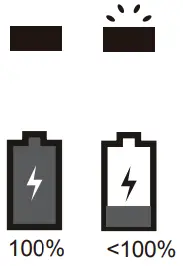
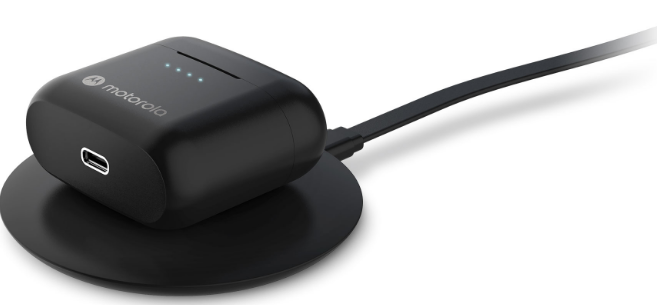
Fully charge before use
The device can be powered through a micro USB from any CE compliant power source that implement the European interface as requested by EN 301 489-52.
2. Pairing:
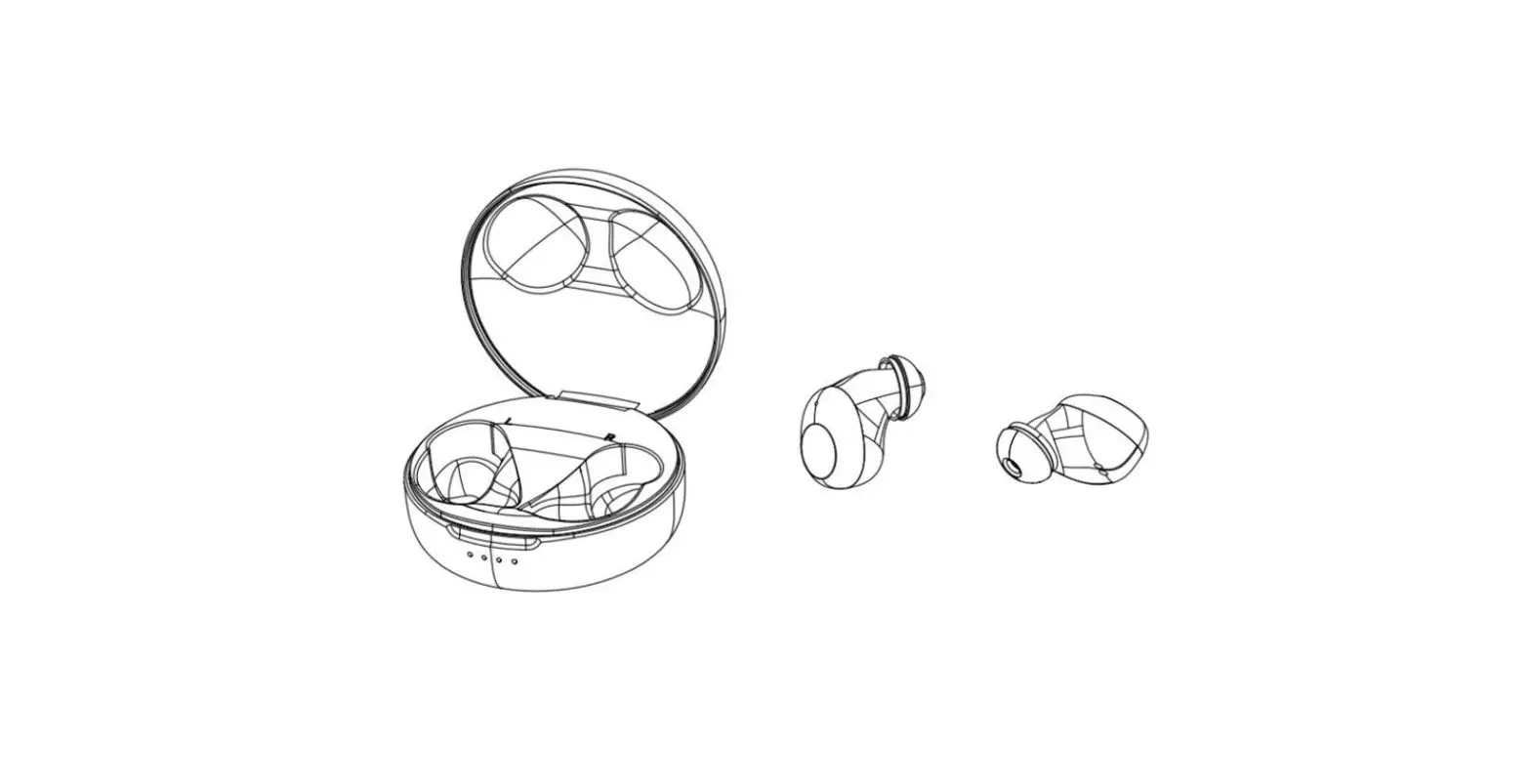
2.1 Ensure both buds are inside the charging case and take out both buds. The buds will flash blue and red.
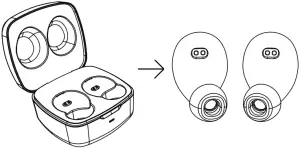
2.2 Select “MOTO BUDS 100 from the smartphone bluetooth menu.
3. Fitting:
3.1 To optimize the best fit and audio experience, it is recommended to try different earbud sizes.
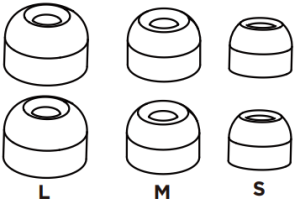
3.1
3.2 Insert the MOTO BUDS into your ear and rotate to fit comfortably.
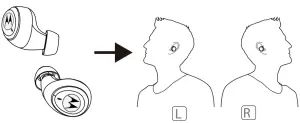
3.2
4. Basic Operation:
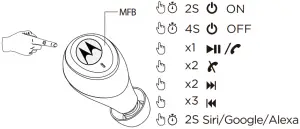
| Additional Operation | |
| Factory reset |
|
| Reject a call | MFB 2sec |
| Receive incoming and on hold ongoing call | Single Press MFB |
| LED Indicator | |
| Pairing | Red-blue flash |
| Standby | Blue flash |
| Charging | Red steady |
| Fully charged | Off |
| Battery low | Red flash |
 Global V9