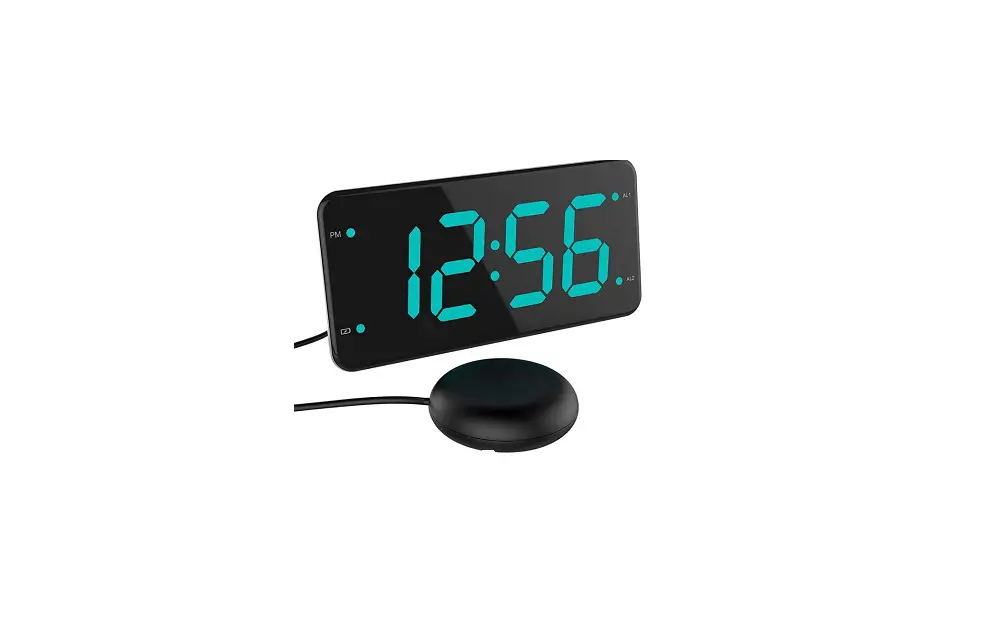
OnLyee CR1018i Alarm Clock with USB Charger User Guide

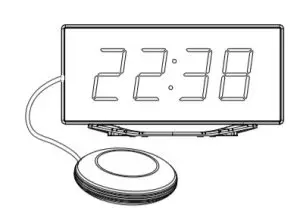
CR1018i
Alarm Clock with USB Charger
CREATE YOUR PERFECT SLEEP ENVIRONMENT
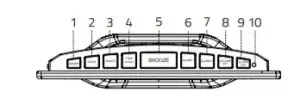
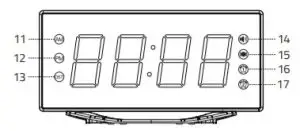
Chapter 1 LOCATION OF CONTROLS
- Dimmer Button

- Time Button
- Alarm 2 Button
- Red Indicator Light
- DST Indicator
- Alarm 1 Indicator
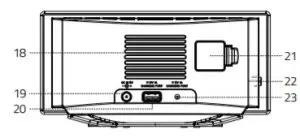
- DC Input Port
- BUZZ/VIB Switch
- Hour Button
- Snooze Button
- Volume Button

- AM Indicator
- Ring Indicator
- Alarm 2 Indicator
- USB Output Port
- Vibrator Jack
- Minute Button
- Alarm 1 Button

- Alarm OFF Button
- PM Indicator
- Vibrator Indicator
- Speaker
- Back Up Battery
Chapter 2 POWER RESOURCES
- Pull out of the insulator at battery compartment to activate
CR2032 coin cell backup battery.
NOTE: Backup battery(included) doesn’t support time display but can back up time & alarm setting. - Connect the adapter line to DC jack , then plug into a 100~240V AC wall power outlet.

Chapter 3 TIME SETTING
- Press
 button once, display starts flashing.
- Press
 button to set the hour. press
 button to set the minute.
 - Press button or
 button to save time or wait for another 10 seconds to confirm automatically.
To change 12H/24H time format Hold pressbutton to change 12H/24H time format.
 button once, display starts flashing.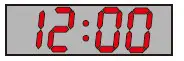
Chapter 4 ALARM SETTING
1. Press  button, the alarm indicator will
  light up, the display
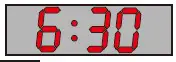 starts flickering.
2. Press  button to set the hour, press
  button to set the minute.
3. Press button or button to save alarm time or just wait for another 10 seconds to confirm automatically.
Setting ALARM 2 is the same as ALARM 1.
Set Alarm Ring Volume
Repeat button to adjust the alarm ring volume for your preference.
There is 7 levels, The sequence is as follows: 03-04-05-06-07-06-05-04-03-02-01-02……..
Set Alarm Ring Volume
Repeat  button to adjust the alarm ring volume for your preference.
There is 7 levels, The sequence is as follows: 03-04-05-06-07-06-05-04-03-02-01-02……..
Turn off Alarm
When alarm goes off:
1. Press button to temporarily turn off alarm for 9 minutes. Alarm will ring every next 9 minutes.
2. Press  button to turn off alarm for 24 hours.
The alarm indicator or is still on, which means alarm is still activated and will ring after 24 hours.
Chapter 7 DIMMER
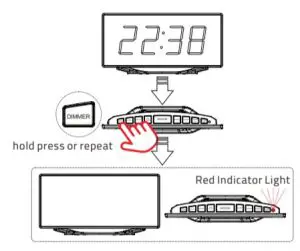
Repeat  button to adjust the brightness of display for your preference.
There is 8 levels, The sequence is as follows: 04(default)-05-06-07-06-05-04-03-02-01-OFF-01-02……..
When the OFF level is selected, the display will be completely turned off and the Red Indicator light will turn on. Then if any button is
pressed again, the display screen will be restored to 04 default level instead of complete off state, and the Red indicator light will also be turned off.
NOTE: Hold press the DIMMER button, the display will be completely turned off directly.
Cancel Alarm
- Hold press
 button to turn off alarm1 and alarm 2 permanently. And corresponding indicator
  and
and will turn off.
 - Hold press
 button, just turn off alarm 1 permanently. indicator will turn off.
 - Hold press
 button, just turn off alarm 2 permanently. indicator will turn off.
 - If alarm 1 goes off, then hold press or , just turn off alarm1 permanently. indicator will turn off .
- If alarm 2 goes off, then hold press or , just turn off alarm 2 permanently. 2 indicator will turn off.
 button, just turn off alarm 2 permanently.
Chapter 5 DST
Hold press button to switch DST function. DST indicator will turn on.
Hold press button again to turn off DST function. DST indicator will turn off.
Chapter 6 USB CHARGING
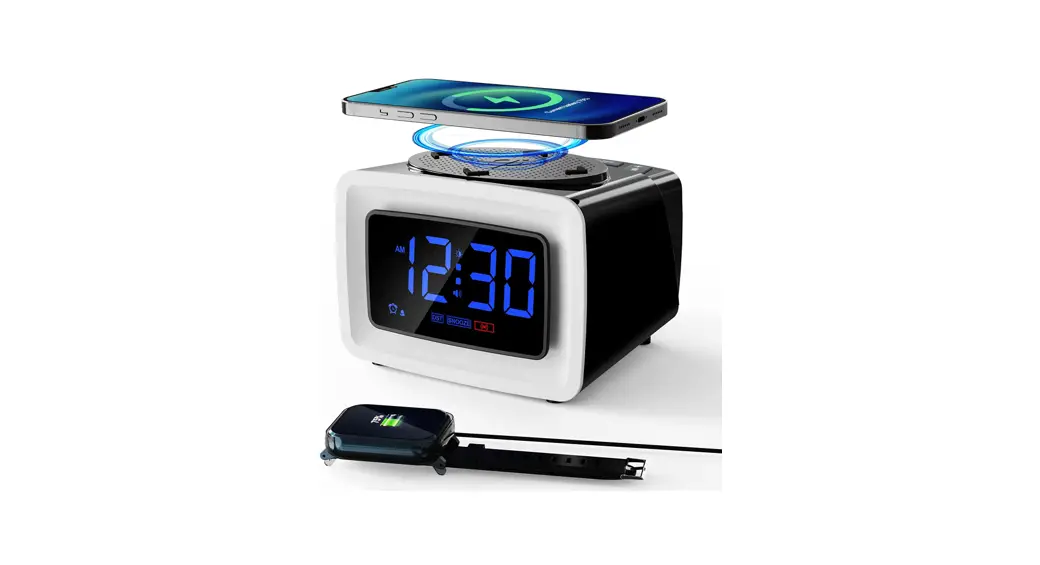
Plug charging cable into device such as phone or tablet.
Device can charge both your phone or tablet The maximum charge current is 1 Ampere.
Chapter 8 RED INDICATOR LIGHT
- When the alarm goes off,the Red Indicator Light will flash
- When the brightness of dispaly is set to OFF, the Red Indicator Light will stay on
Chapter 9 Vibrator
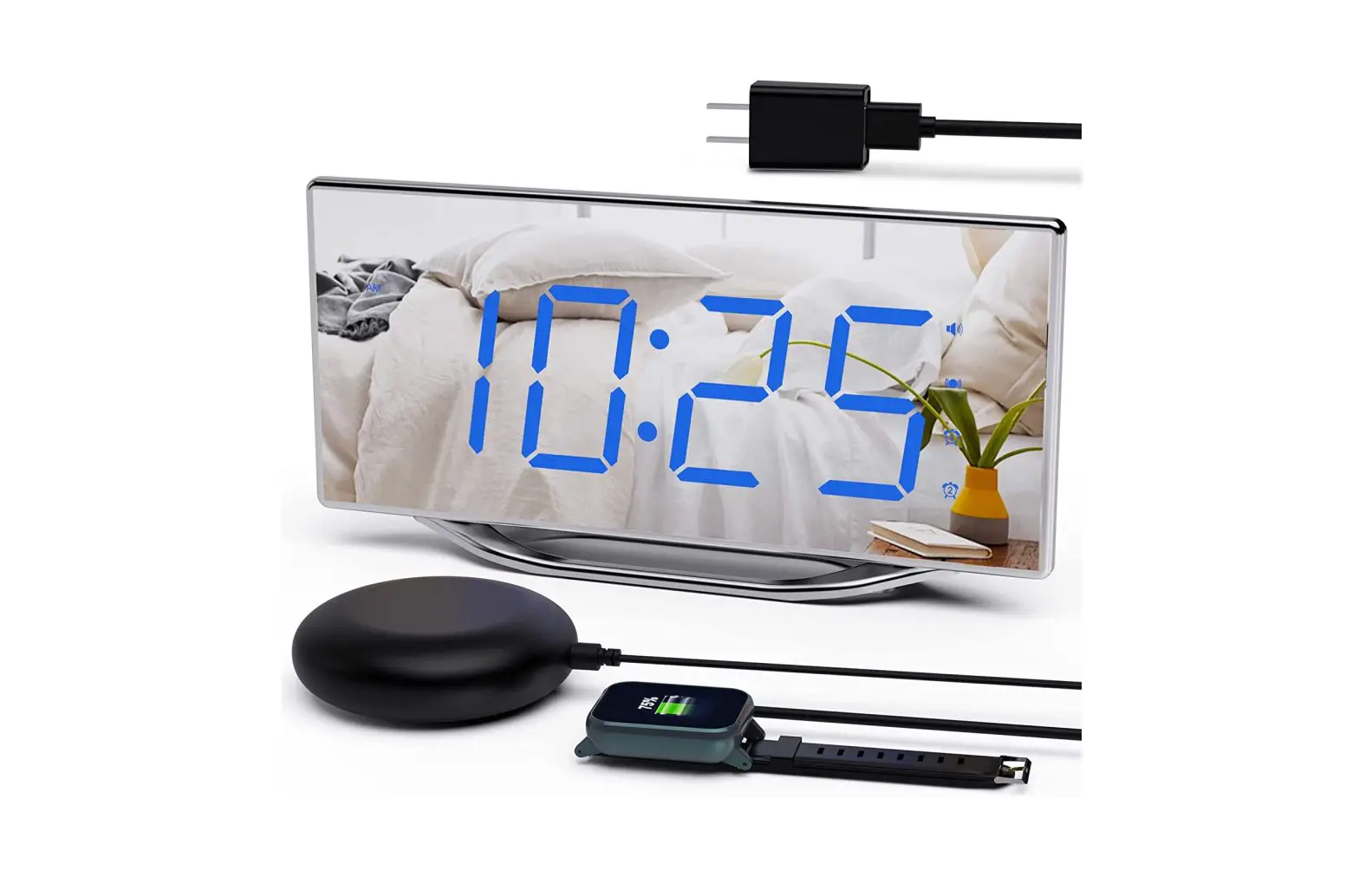
Insert the vibrator plug into the vibrator jack of the machine.
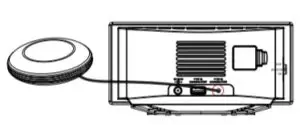
A Wake up only by bed shaker set alarm on — toggle switch to VIB indicator will light up.
B. Wake up only by buzzer soundSet alarm on — toggle switch to BUZZ — indicator will light up
C. Wake up by both Vibrator and Buzzer soundset alarm on — toggle switch to BUZZ/VIB — and indicator will light up.
If you do not insert the vibrator plug into the vibrator jack of the machine, no matter you slide the switch button to VIB or BUZZ/VIB, the
clock will have the buzz sound when alarm goes off.