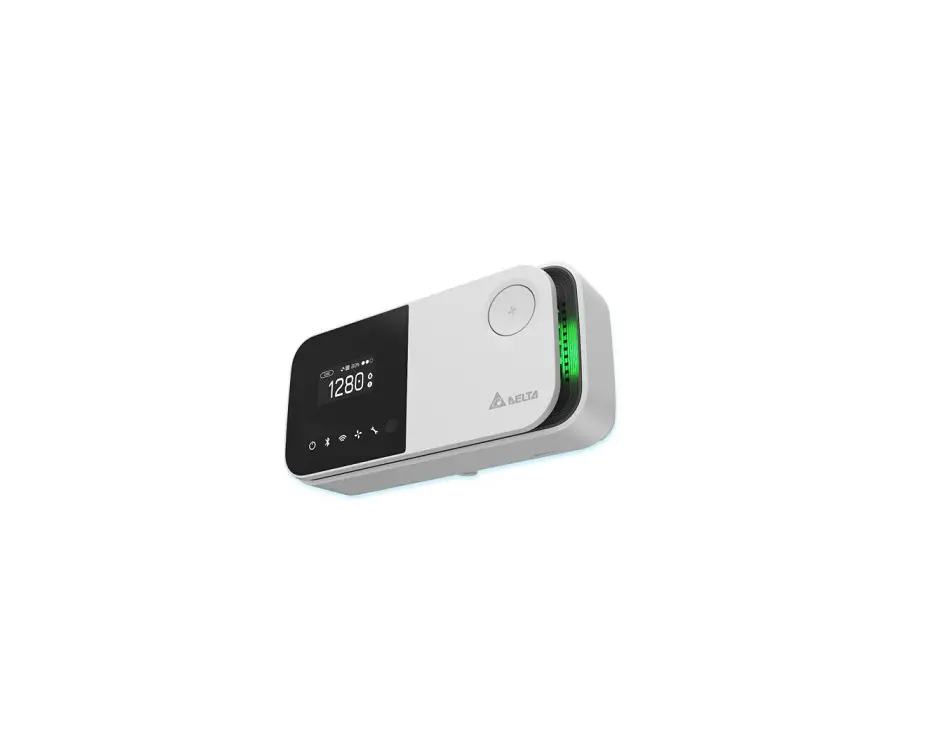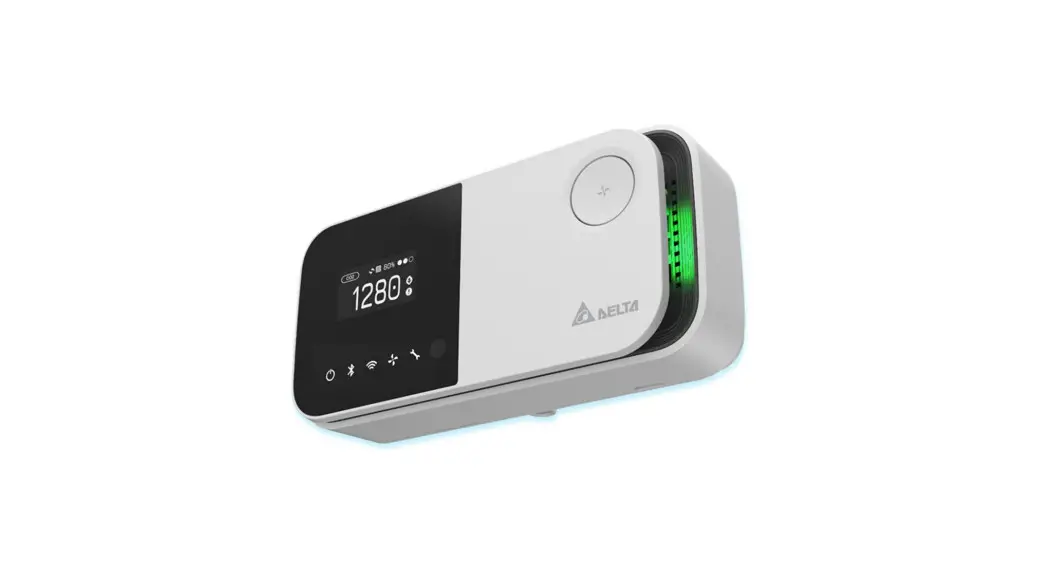

Delta Rs485 Unonext Uno-7tb Indoor Air Quality Monitor User Manual

Delta Rs485 Unonext Uno-7tb Indoor Air Quality Monitor User Manual

DELTA logoRS485 UNOnext UNO-7TB Indoor Air Quality Monitor
User ManualDELTA RS485 UNOnext UNO-7TB Indoor Air Quality MonitorDelta Electronics, Inc. 
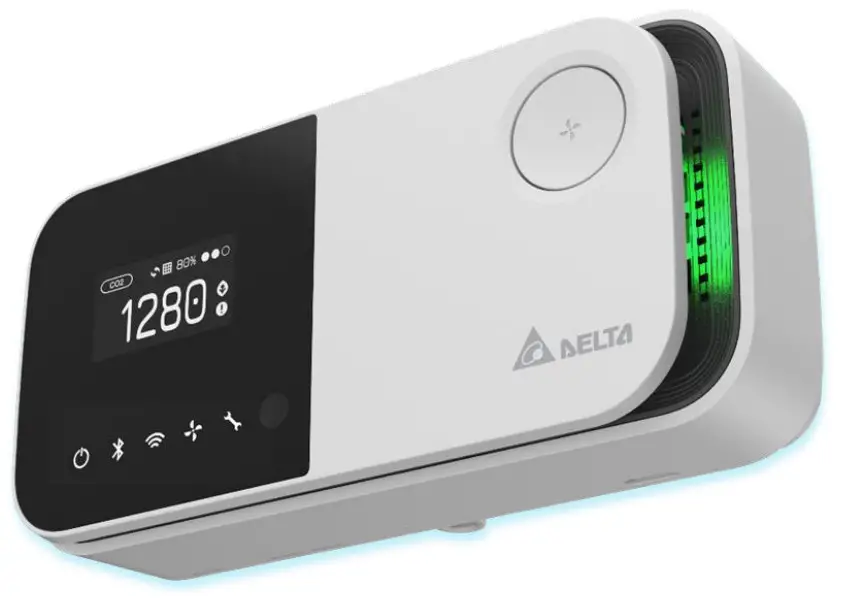
UNOnext UNO-7TB
Troubleshooting: RS485
V20220225

RS485 UNOnext UNO-7TB Indoor Air Quality Monitor

UNOnext UNO-7TB supports Modbus RTU and BACnet MS/TP via RS485, and these two protocols run simultaneously. Following the document: UNOnext BACnet use  guide, the Building Management System (BMS) system retrieves the UNOnext data RS485 interface. If there is any trouble, please check the items below to verify the  environment and device settings in the RS485 bus. All referred documents can be found at https://isdweb.deltaww.com/resources.
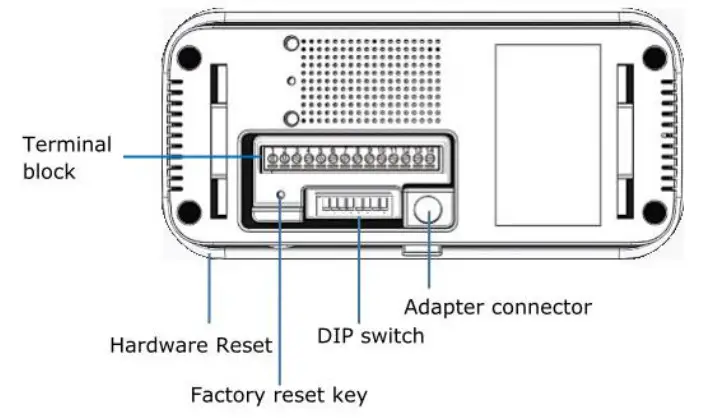
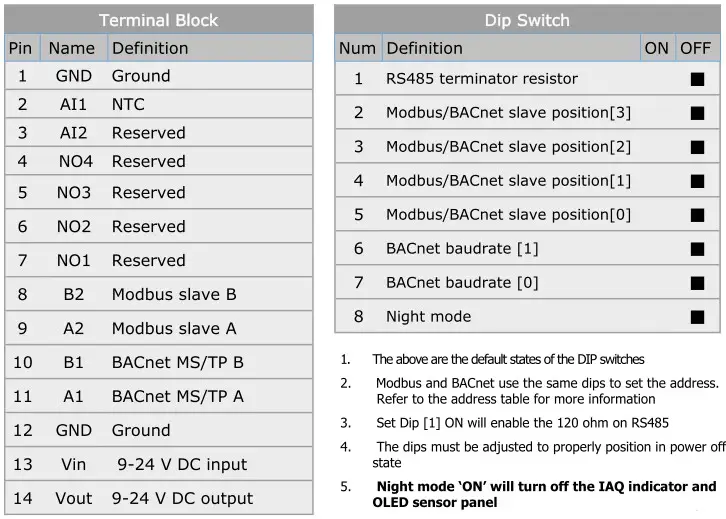
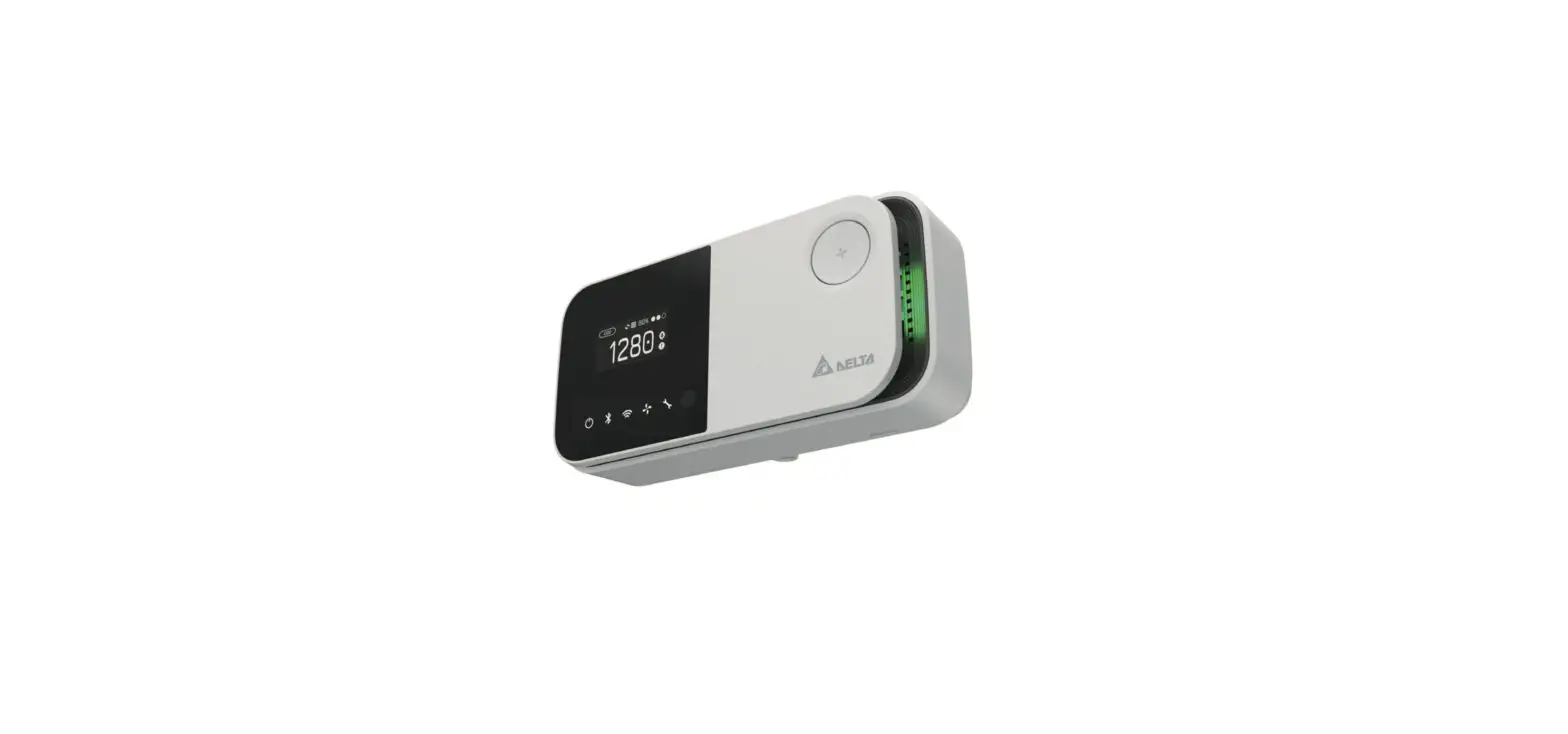
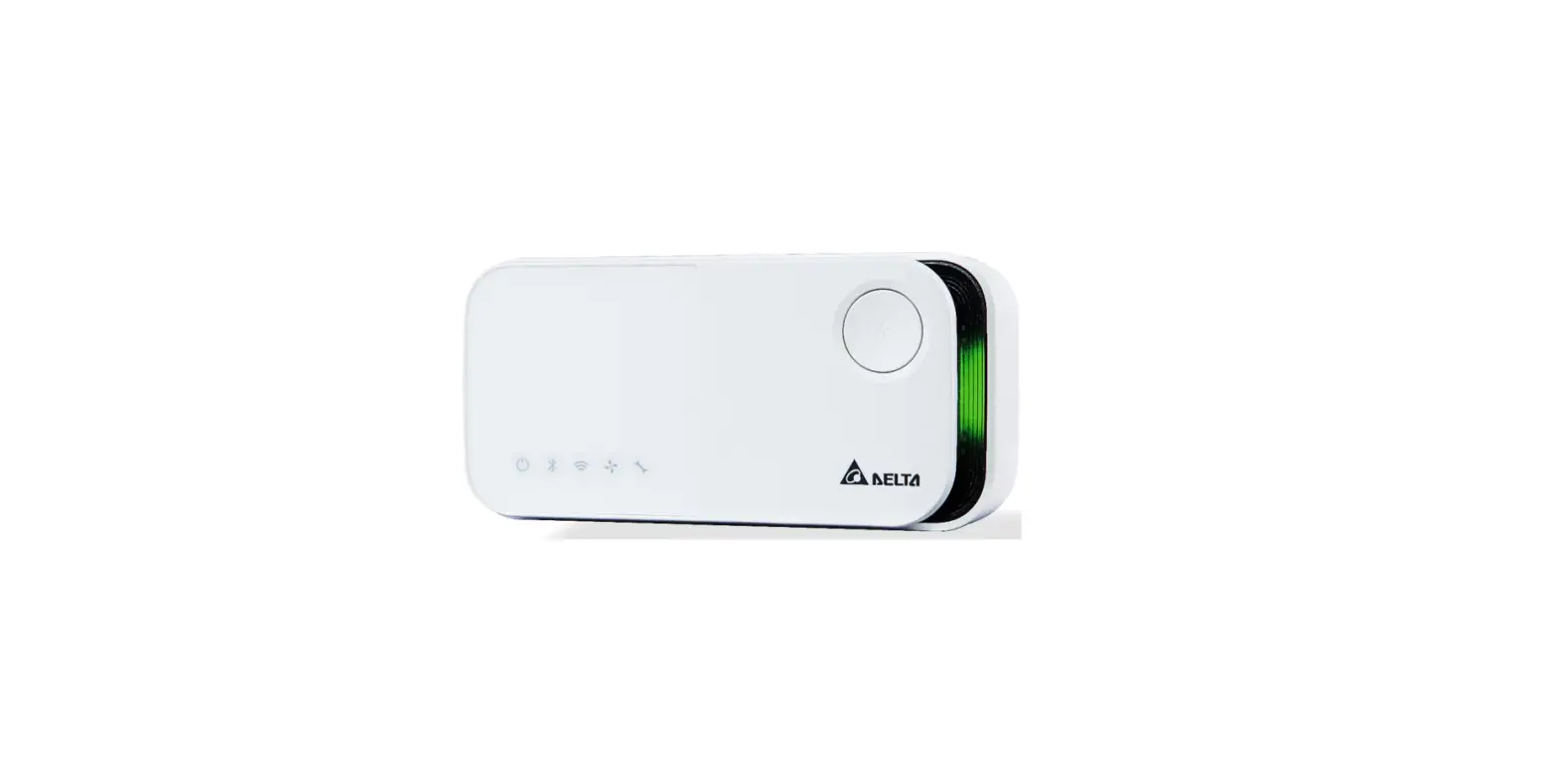
DELTA RS485 UNOnext UNO-7TB Indoor Air Quality Monitor - Figure 1DELTA RS485 UNOnext UNO-7TB Indoor Air Quality Monitor - Figure 3

Environment Settings

  1. Check for correct power from the 9-24V DC input or adapter is correct. The requirement of Adapter is output 12VDC/1A. Please refer to Quick start guide about the  mechanical specification of mechanical.
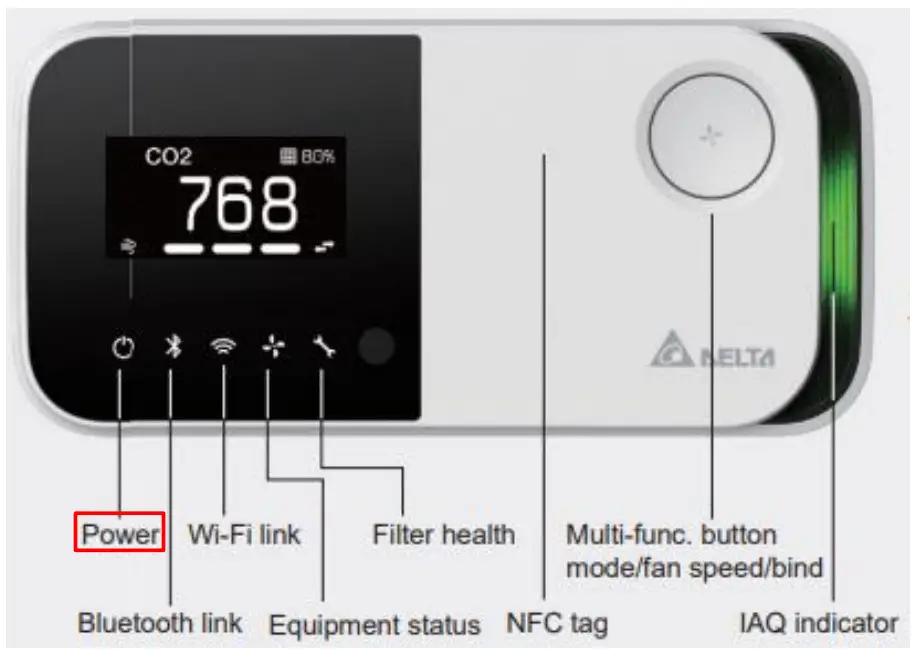
    If the power supply is normal and the UNOnext hardware is normal, the power led is on. If the power supply is normal but the power led is not on, please send  UNOnext back for repair.
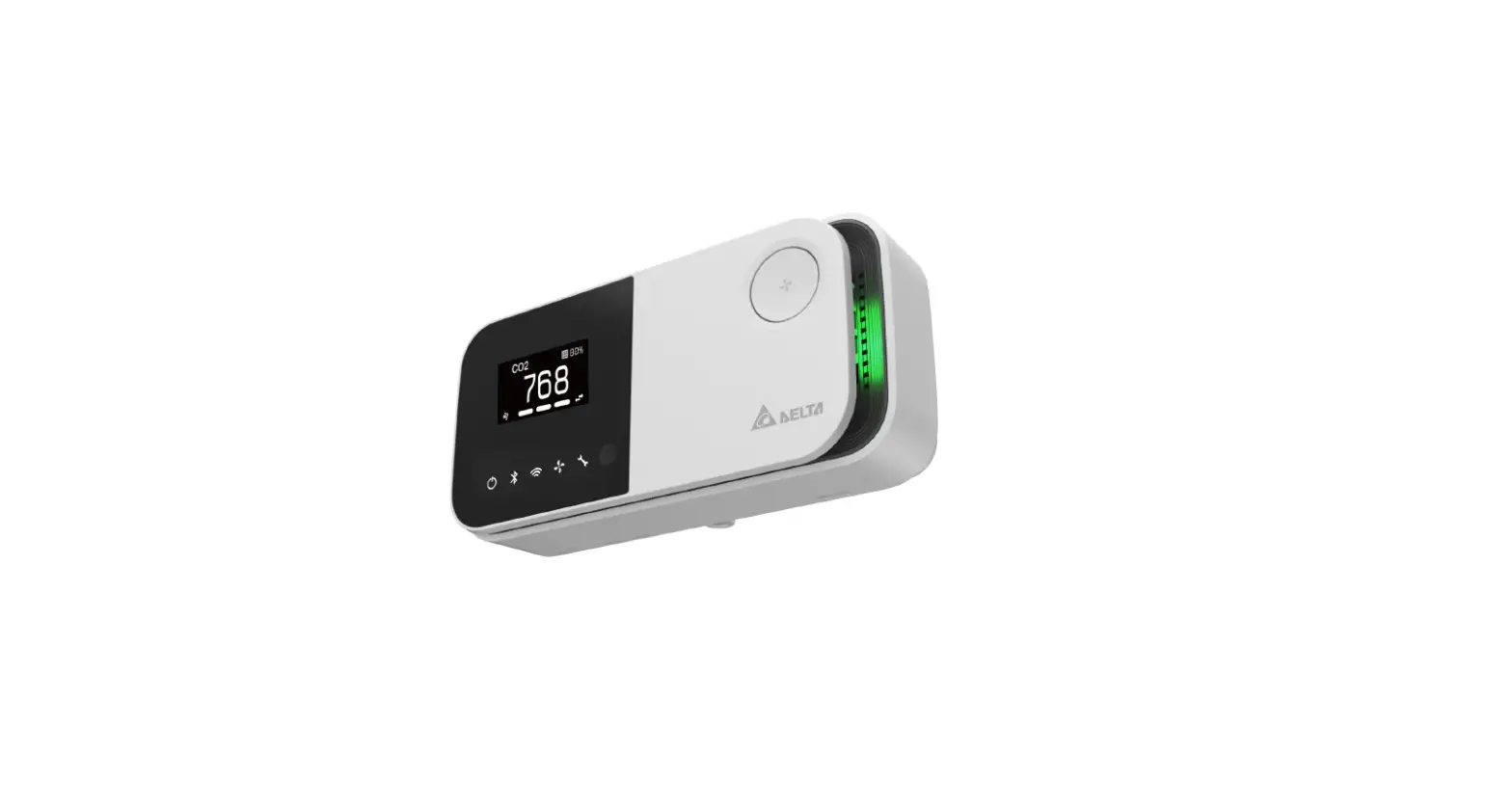
    DELTA RS485 UNOnext UNO-7TB Indoor Air Quality Monitor - Figure 2
  2. For Modbus RTU, check that the A2 (+) and B2 (-) are properly connected to Modbus RTU client.
  3. For BACnet MS/TP, check that the A1 (+) and B1 (-) are properly connected to BACnet MS/TP client.
  4. Check the cable specifications.
    It is recommended to use a 22AWG/24AWG multi-core shielded twisted pair cable or above to achieve the best performance for UNOnext.
  5. Check that the signal and power wire are in the same conduit or not.
    It is recommended to separate the signal and power wire into separate conduit. Or use the individual power supply for UNOnext.
    Please refer the following suggested RS485 wire specs:
Twisted Pair Cable

  • 22-24AWG twisted pair, shielded jacketed communication cable.
  • Characteristic impedance of 100-120 ohms.
  • Capacitance of 17 pF/ft conductor-to-conductor or less. 18AWG cable does not meeting this specification.
  • Braided or aluminum foil shield.
  • Velocity of propagation of 66% or higher.

Example compatible cable products are Belden 9841, Belden 82841 and Windy City Wire 42002-S

Device Settings

  1. Check the Modbus RTU slave address and BACnet MAC address settings.
    The Modbus RTU slave address and BACnet MAC Address are set by DIP switch from [2] to [5] in the back of UNOnext. The DIP definition of address is shown as  below table.
    Modbus Salve AddressBACnet MAC AddressPIN No. of DIP switches
    DecimalHexadecimalDecimalHexadecimalDELTA RS485 UNOnext UNO-7TB Indoor Air Quality Monitor - icon 1DELTA RS485 UNOnext UNO-7TB Indoor Air Quality Monitor - icon 1DELTA RS485 UNOnext UNO-7TB Indoor Air Quality Monitor - icon 1DELTA RS485 UNOnext UNO-7TB Indoor Air Quality Monitor - icon 1
    208OxDO0Ox00DELTA RS485 UNOnext UNO-7TB Indoor Air Quality Monitor - icon 1DELTA RS485 UNOnext UNO-7TB Indoor Air Quality Monitor - icon 1DELTA RS485 UNOnext UNO-7TB Indoor Air Quality Monitor - icon 1DELTA RS485 UNOnext UNO-7TB Indoor Air Quality Monitor - icon 2
    2090xD11Ox01DELTA RS485 UNOnext UNO-7TB Indoor Air Quality Monitor - icon 1DELTA RS485 UNOnext UNO-7TB Indoor Air Quality Monitor - icon 1DELTA RS485 UNOnext UNO-7TB Indoor Air Quality Monitor - icon 2DELTA RS485 UNOnext UNO-7TB Indoor Air Quality Monitor - icon 1
    2100xD220x02DELTA RS485 UNOnext UNO-7TB Indoor Air Quality Monitor - icon 1DELTA RS485 UNOnext UNO-7TB Indoor Air Quality Monitor - icon 1DELTA RS485 UNOnext UNO-7TB Indoor Air Quality Monitor - icon 2DELTA RS485 UNOnext UNO-7TB Indoor Air Quality Monitor - icon 2
    2110xD330x03DELTA RS485 UNOnext UNO-7TB Indoor Air Quality Monitor - icon 1DELTA RS485 UNOnext UNO-7TB Indoor Air Quality Monitor - icon 2DELTA RS485 UNOnext UNO-7TB Indoor Air Quality Monitor - icon 1DELTA RS485 UNOnext UNO-7TB Indoor Air Quality Monitor - icon 1
    2120xD440x04DELTA RS485 UNOnext UNO-7TB Indoor Air Quality Monitor - icon 1DELTA RS485 UNOnext UNO-7TB Indoor Air Quality Monitor - icon 2DELTA RS485 UNOnext UNO-7TB Indoor Air Quality Monitor - icon 1DELTA RS485 UNOnext UNO-7TB Indoor Air Quality Monitor - icon 2
    213OxDS5Ox05DELTA RS485 UNOnext UNO-7TB Indoor Air Quality Monitor - icon 1DELTA RS485 UNOnext UNO-7TB Indoor Air Quality Monitor - icon 2DELTA RS485 UNOnext UNO-7TB Indoor Air Quality Monitor - icon 2DELTA RS485 UNOnext UNO-7TB Indoor Air Quality Monitor - icon 1
    2140xD660x06DELTA RS485 UNOnext UNO-7TB Indoor Air Quality Monitor - icon 1DELTA RS485 UNOnext UNO-7TB Indoor Air Quality Monitor - icon 2DELTA RS485 UNOnext UNO-7TB Indoor Air Quality Monitor - icon 2DELTA RS485 UNOnext UNO-7TB Indoor Air Quality Monitor - icon 2
    215OxD770x07DELTA RS485 UNOnext UNO-7TB Indoor Air Quality Monitor - icon 1DELTA RS485 UNOnext UNO-7TB Indoor Air Quality Monitor - icon 1DELTA RS485 UNOnext UNO-7TB Indoor Air Quality Monitor - icon 1DELTA RS485 UNOnext UNO-7TB Indoor Air Quality Monitor - icon 1
    216OxD880x08DELTA RS485 UNOnext UNO-7TB Indoor Air Quality Monitor - icon 2DELTA RS485 UNOnext UNO-7TB Indoor Air Quality Monitor - icon 1DELTA RS485 UNOnext UNO-7TB Indoor Air Quality Monitor - icon 1DELTA RS485 UNOnext UNO-7TB Indoor Air Quality Monitor - icon 2
    217OxD990x09DELTA RS485 UNOnext UNO-7TB Indoor Air Quality Monitor - icon 2DELTA RS485 UNOnext UNO-7TB Indoor Air Quality Monitor - icon 1DELTA RS485 UNOnext UNO-7TB Indoor Air Quality Monitor - icon 2DELTA RS485 UNOnext UNO-7TB Indoor Air Quality Monitor - icon 1
    218OxDA10OxOADELTA RS485 UNOnext UNO-7TB Indoor Air Quality Monitor - icon 2DELTA RS485 UNOnext UNO-7TB Indoor Air Quality Monitor - icon 1DELTA RS485 UNOnext UNO-7TB Indoor Air Quality Monitor - icon 2DELTA RS485 UNOnext UNO-7TB Indoor Air Quality Monitor - icon 2
    219OxDB11OxOBDELTA RS485 UNOnext UNO-7TB Indoor Air Quality Monitor - icon 2DELTA RS485 UNOnext UNO-7TB Indoor Air Quality Monitor - icon 1DELTA RS485 UNOnext UNO-7TB Indoor Air Quality Monitor - icon 1DELTA RS485 UNOnext UNO-7TB Indoor Air Quality Monitor - icon 1
    220OxDC12OxOCDELTA RS485 UNOnext UNO-7TB Indoor Air Quality Monitor - icon 2DELTA RS485 UNOnext UNO-7TB Indoor Air Quality Monitor - icon 2DELTA RS485 UNOnext UNO-7TB Indoor Air Quality Monitor - icon 1DELTA RS485 UNOnext UNO-7TB Indoor Air Quality Monitor - icon 2
    221OxDD13OxODDELTA RS485 UNOnext UNO-7TB Indoor Air Quality Monitor - icon 2DELTA RS485 UNOnext UNO-7TB Indoor Air Quality Monitor - icon 2DELTA RS485 UNOnext UNO-7TB Indoor Air Quality Monitor - icon 2DELTA RS485 UNOnext UNO-7TB Indoor Air Quality Monitor - icon 1
    222OxDE14OxOEDELTA RS485 UNOnext UNO-7TB Indoor Air Quality Monitor - icon 2DELTA RS485 UNOnext UNO-7TB Indoor Air Quality Monitor - icon 2DELTA RS485 UNOnext UNO-7TB Indoor Air Quality Monitor - icon 2DELTA RS485 UNOnext UNO-7TB Indoor Air Quality Monitor - icon 2
    223OxDF15OxOFDELTA RS485 UNOnext UNO-7TB Indoor Air Quality Monitor - icon 2DELTA RS485 UNOnext UNO-7TB Indoor Air Quality Monitor - icon 2DELTA RS485 UNOnext UNO-7TB Indoor Air Quality Monitor - icon 2DELTA RS485 UNOnext UNO-7TB Indoor Air Quality Monitor - icon 1
  2. For Modbus RTU, check the UART settings.
    The UART settings for UNOnext as:
    • Baud: 9600 by default, also supports 38400, 57600, 115200 modified by Modbus RTU protocol. (See UNOnext BACnet use guide or UNOnext Modbus RTU)
    • Data-bit: 8
    • Parity: None
    • Stop-bit: 1
  3. For BACnet MS/TP, check the UART settings.
    The baud rate of BACnet MS/TP UART settings is set by DIP switch [6] and [7]. Refer to the below table.
    BACnet MS/TP Baudrate 
    Baudrate DIP 
    7680067
    9600DELTA RS485 UNOnext UNO-7TB Indoor Air Quality Monitor - icon 1DELTA RS485 UNOnext UNO-7TB Indoor Air Quality Monitor - icon 1
    19200DELTA RS485 UNOnext UNO-7TB Indoor Air Quality Monitor - icon 2DELTA RS485 UNOnext UNO-7TB Indoor Air Quality Monitor - icon 1
    38400DELTA RS485 UNOnext UNO-7TB Indoor Air Quality Monitor - icon 1DELTA RS485 UNOnext UNO-7TB Indoor Air Quality Monitor - icon 2
  4. If the UNOnext daisy-chained for longer distances, please pull up the DIP switch [1] to enable RS485 terminal resister to try.
  5. Try a factory reset.
    If the problem is still not solved after checking and modifying the above device settings, please try to restore the factory settings.
    METHOD: After booting, press the reset key three times duration one second to execute factory reset. After factory reset, all settings will be cleaned.

Note. If all actions do not resolve the problem, please contact your dealer for assistance.

References

Documents / Resouces

Download manual
Here you can download full pdf version of manual, it may contain additional safety instructions, warranty information, FCC rules, etc.


Related Manuals