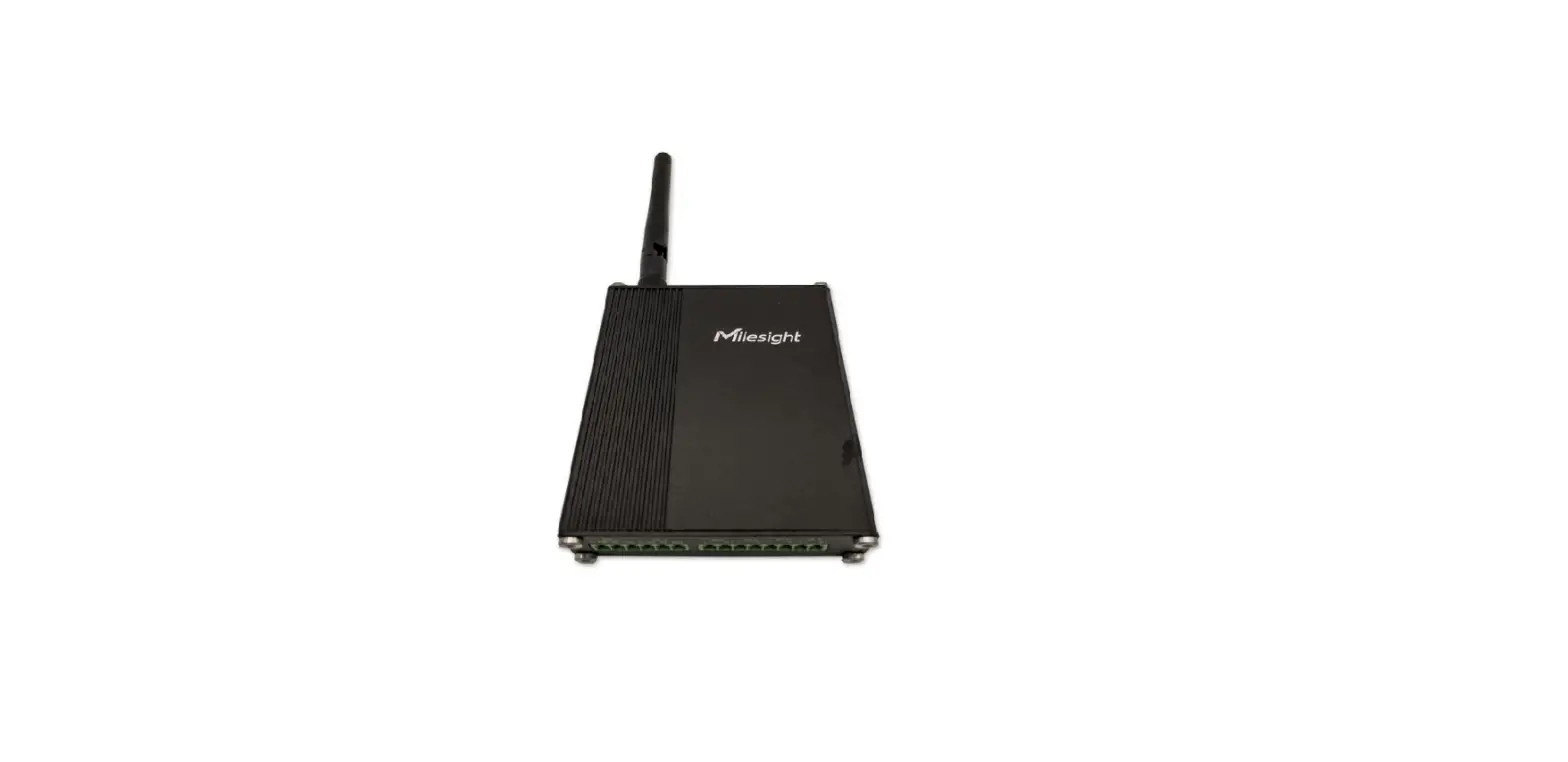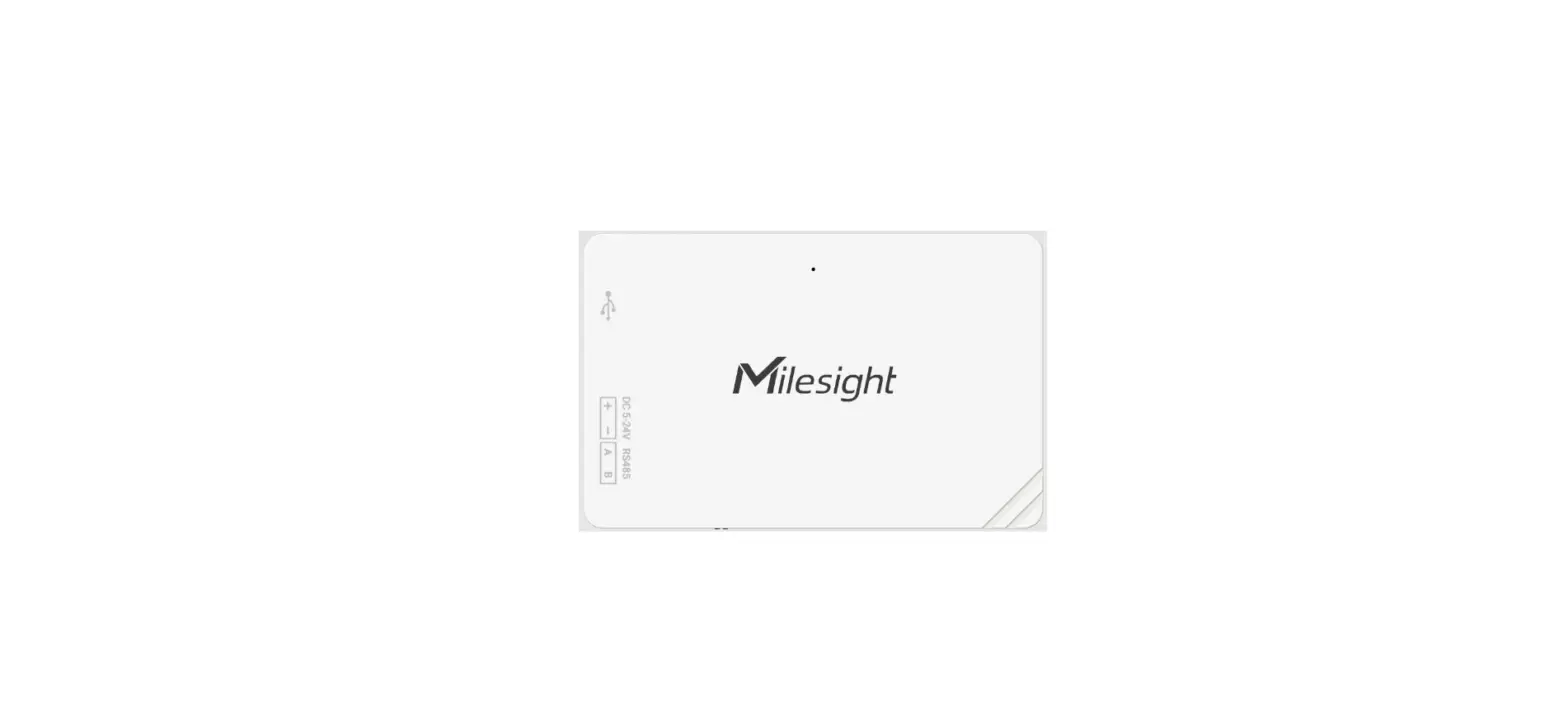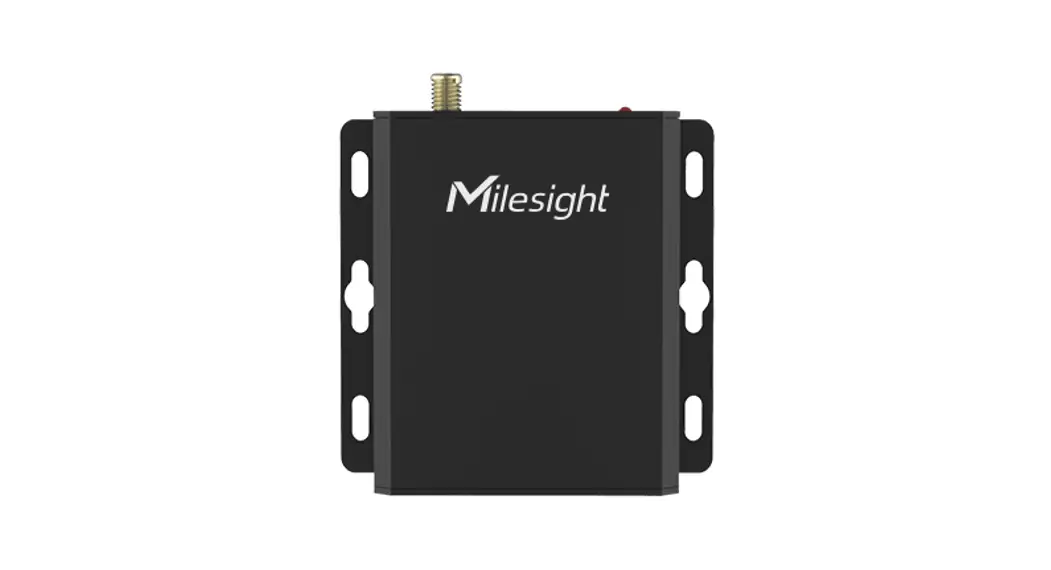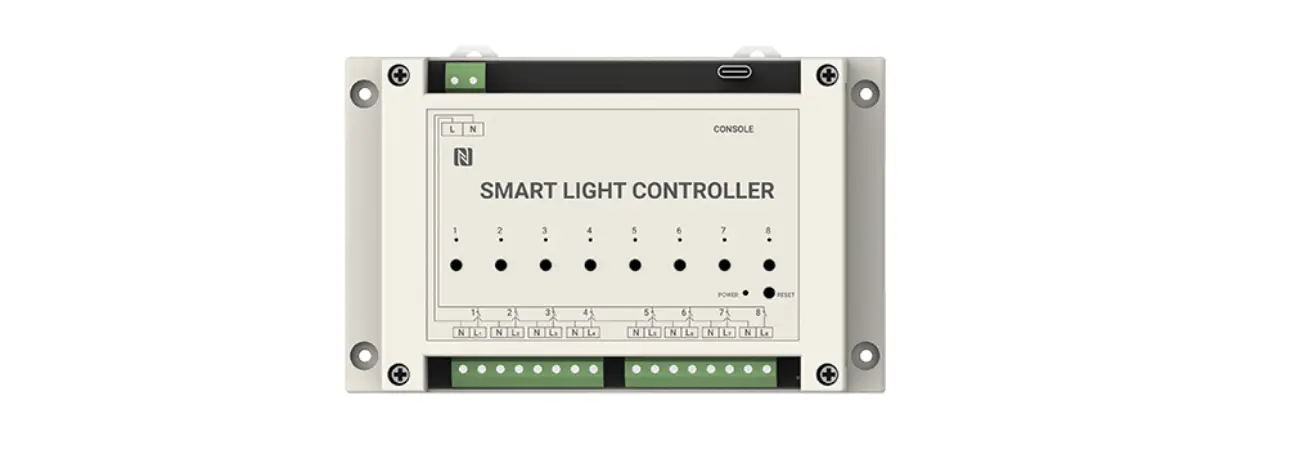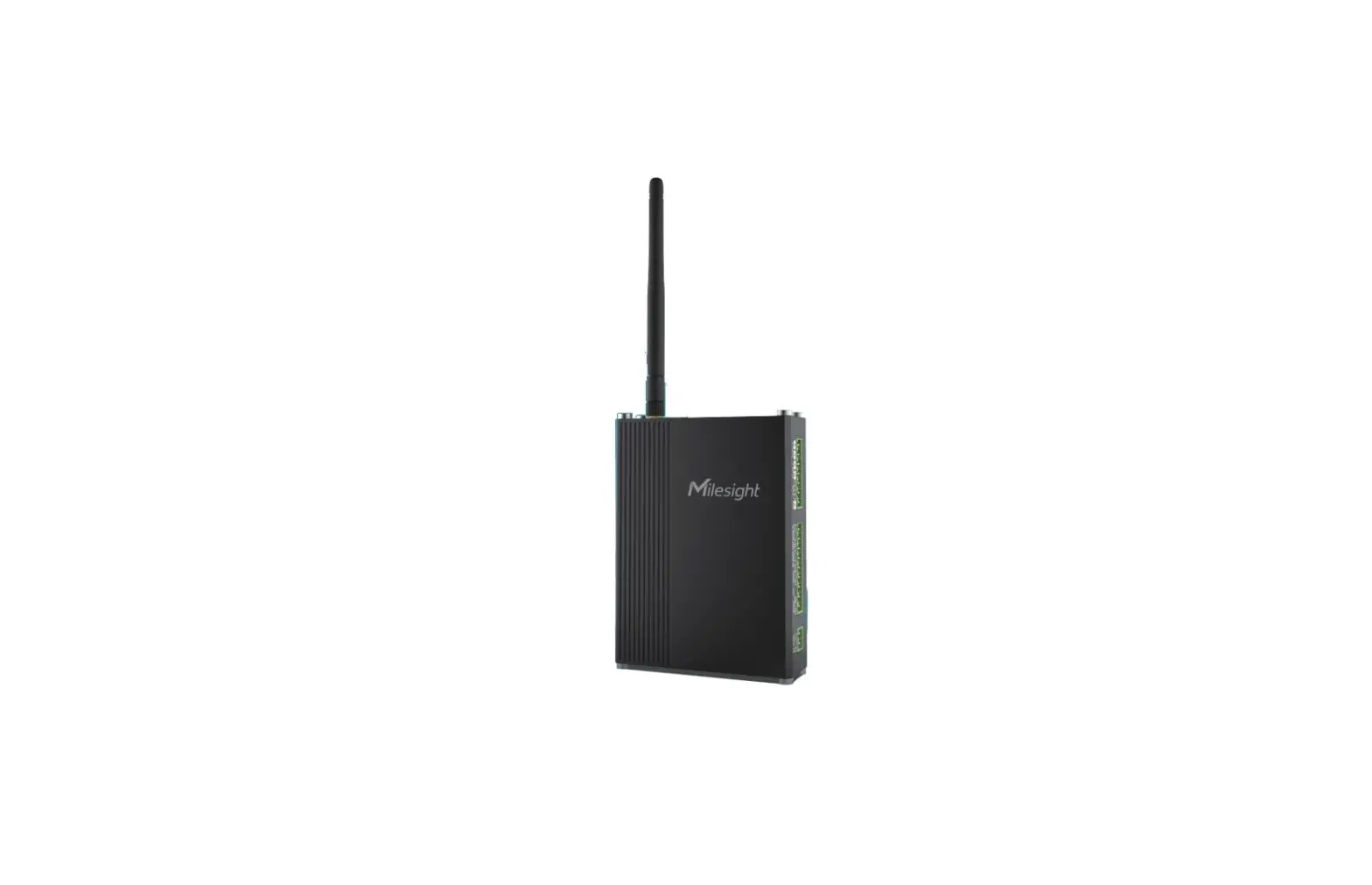
Milesight UC300 Smart IoT Controller User Guide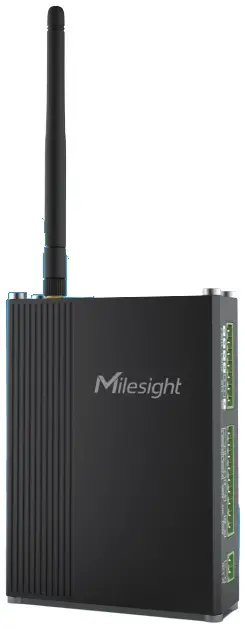
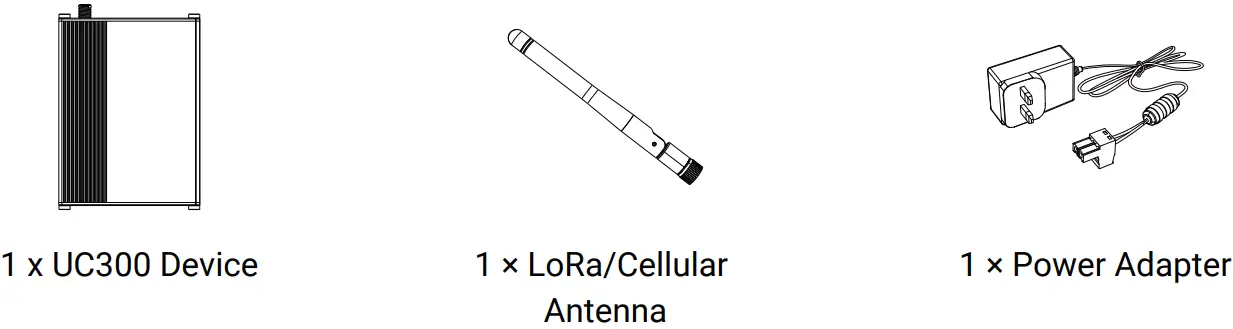
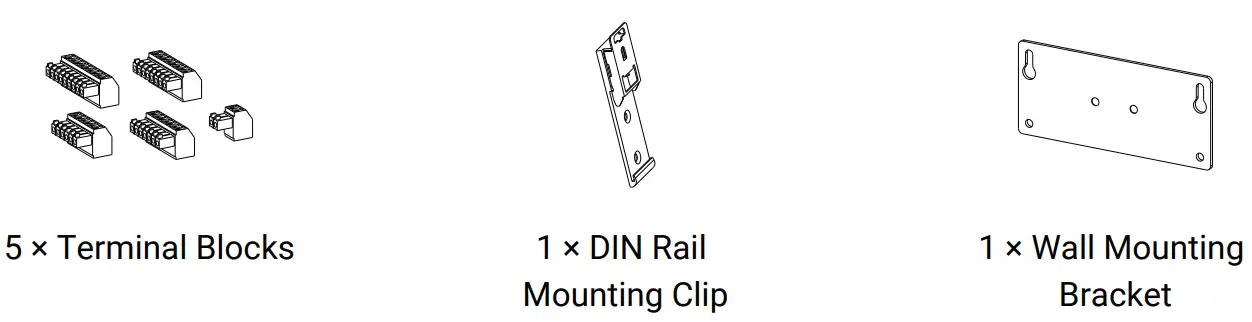
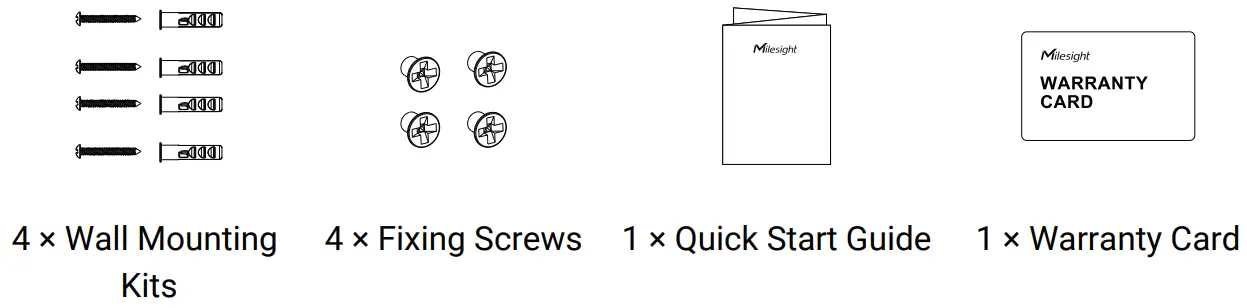
Packing List
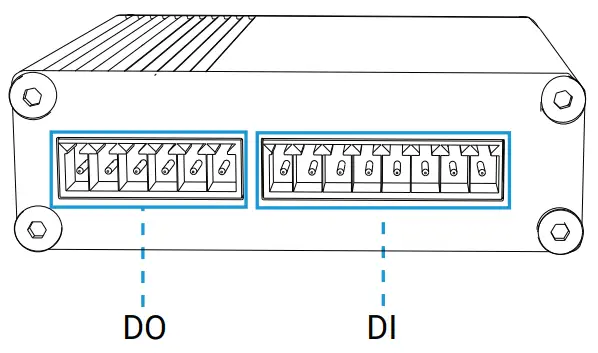
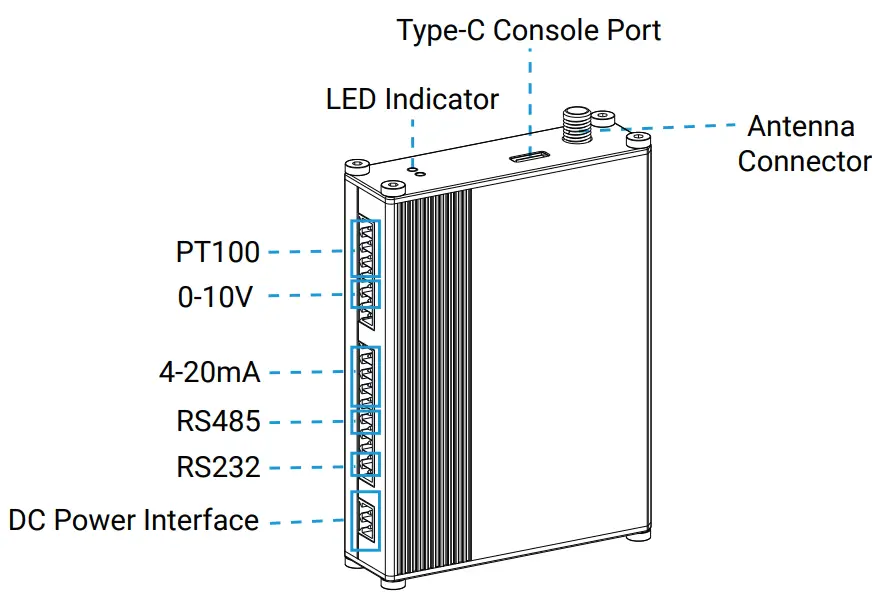
Hardware Introduction
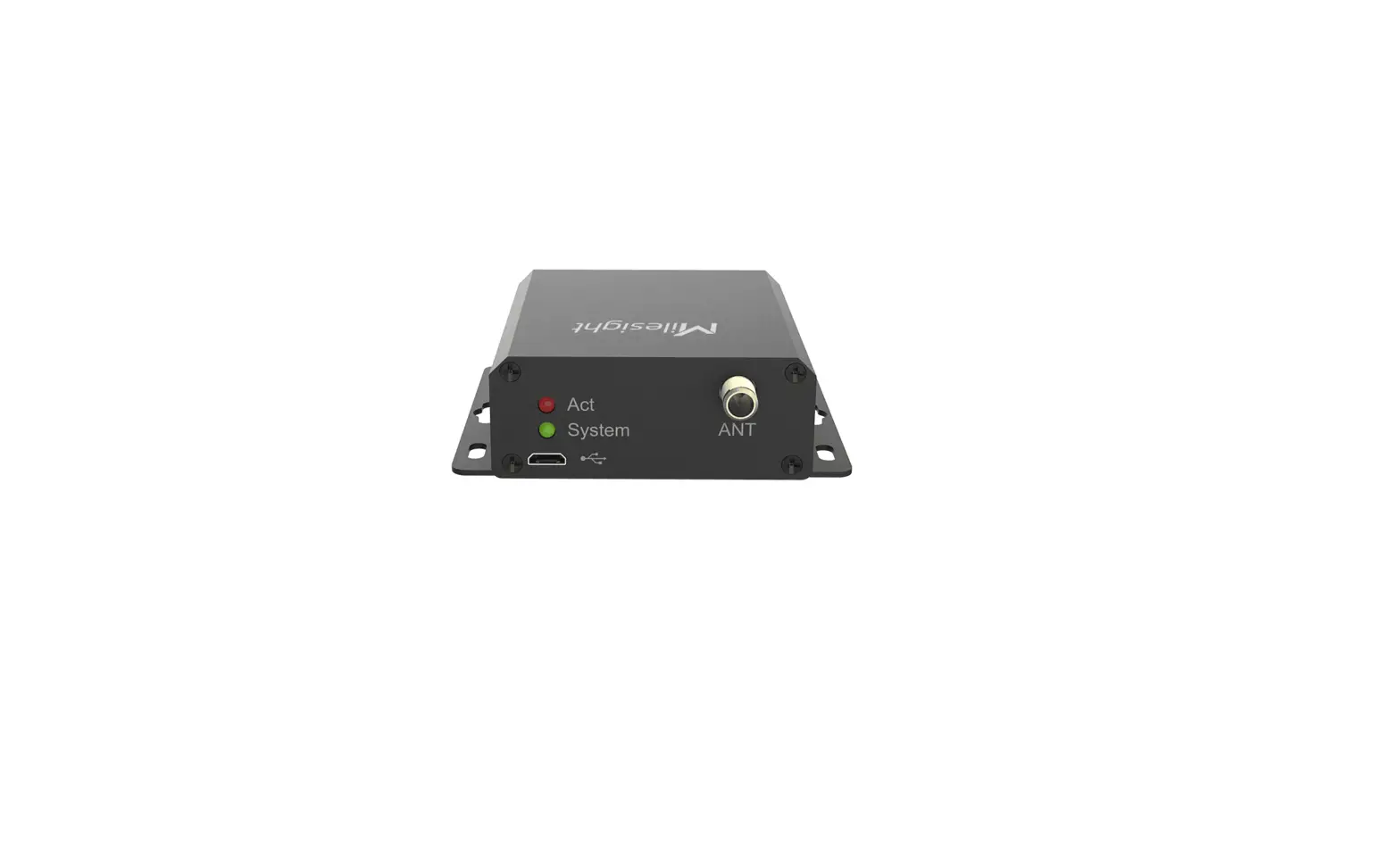
LED Patterns
| LED | Device Status | Description |
| SYS | System works | Static On |
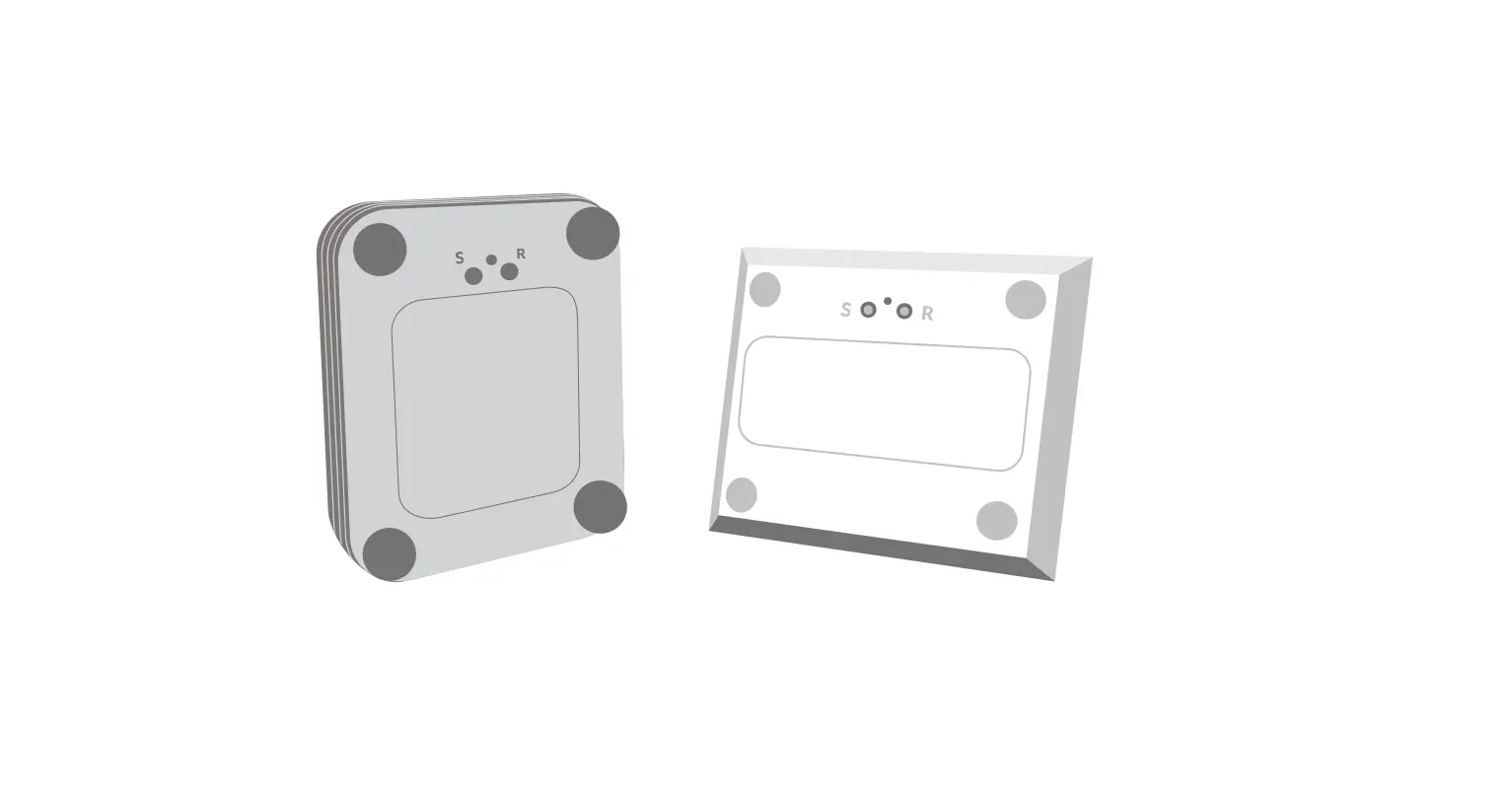
| Reset to factory default: hold the reset button inside the device for more than 10 seconds | Static On → Quickly Blinks | |
| Fail to acquire data from data interfaces | Slowly Blinks | |
| System error | Static On | |
| ACT | Send join network requests | Blinks as Requests |
| Succeed to join/register to network | Blinks Twice → Static OnBlinks Twice → Static On | |
| Succeed to send uplinks | Blinks Once | |
| Succeed to send uplink | Blinks Twice | |
| Receive downlinks | Blinks Twice |
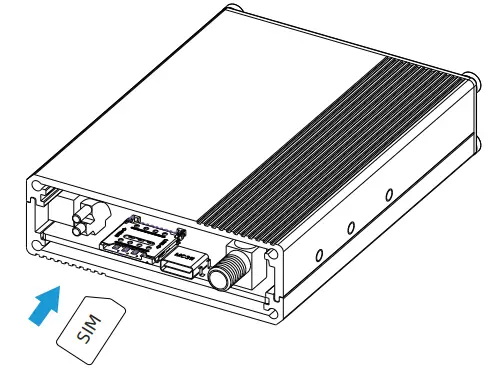
SIM Installation (Cellular Version)
Release the screws and cover on the antenna connector, insert the SIM card into the slot. If you want to take out the SIM card, press it to make it pop out.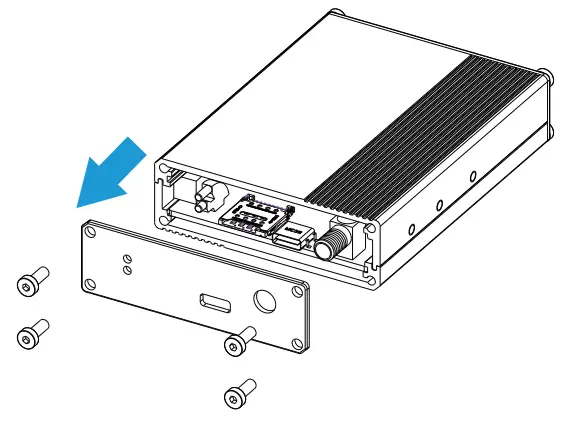
Configuration Guide
Preparation:
- Type-C USB cable
- PC (Windows 10 is recommended)
- ToolBox Software: it can be downloaded from Milesight IoT website.
Steps:
Connect the device to computer via type-C port and open the ToolBox, select serial port as USB port and type as “General”, then type the password to log in ToolBox and configure the device. (Default login password: 123456)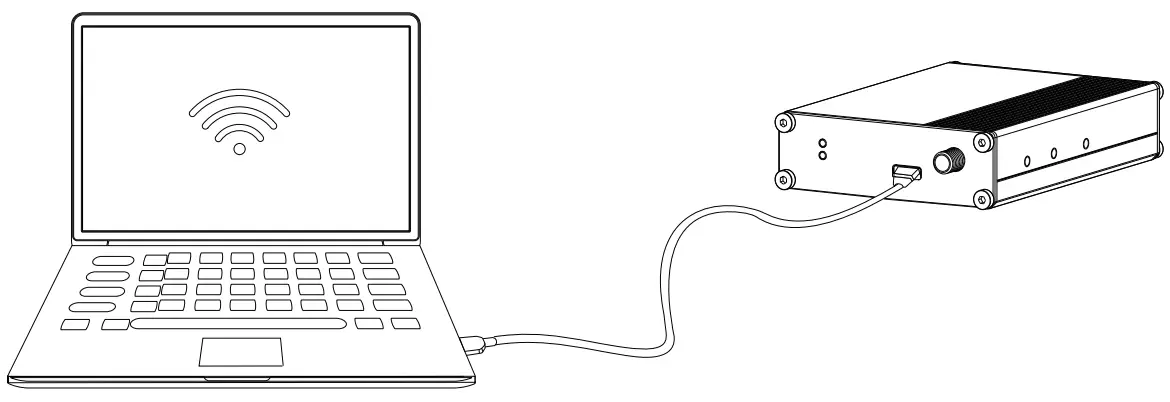
Installation
Wall Mounting
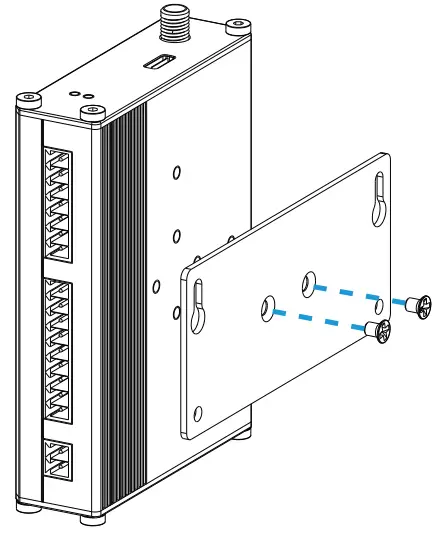
- Fix the wall mounting bracket to the device with 2 screws.

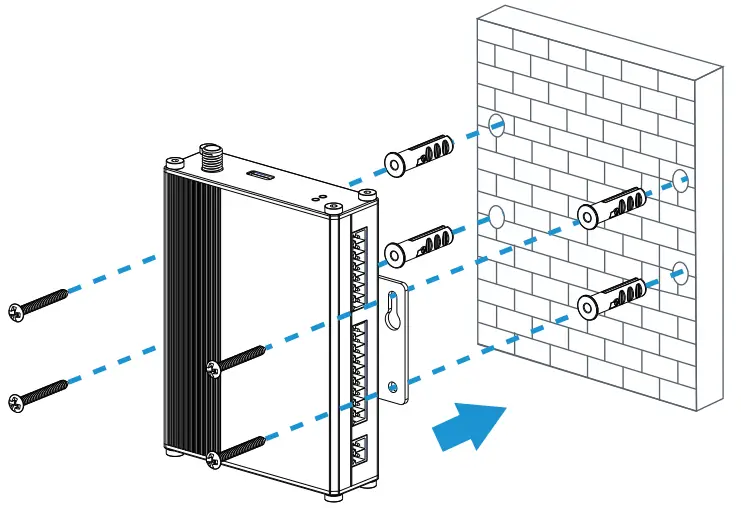
- Drill 4 holes on the wall according to the wall mounting bracket, then fix the wall plugs into the wall.

- Fix the device to the wall plugs with screws. When installation, it’s suggested to fix the upper two screws first.
DIN Rail Mounting
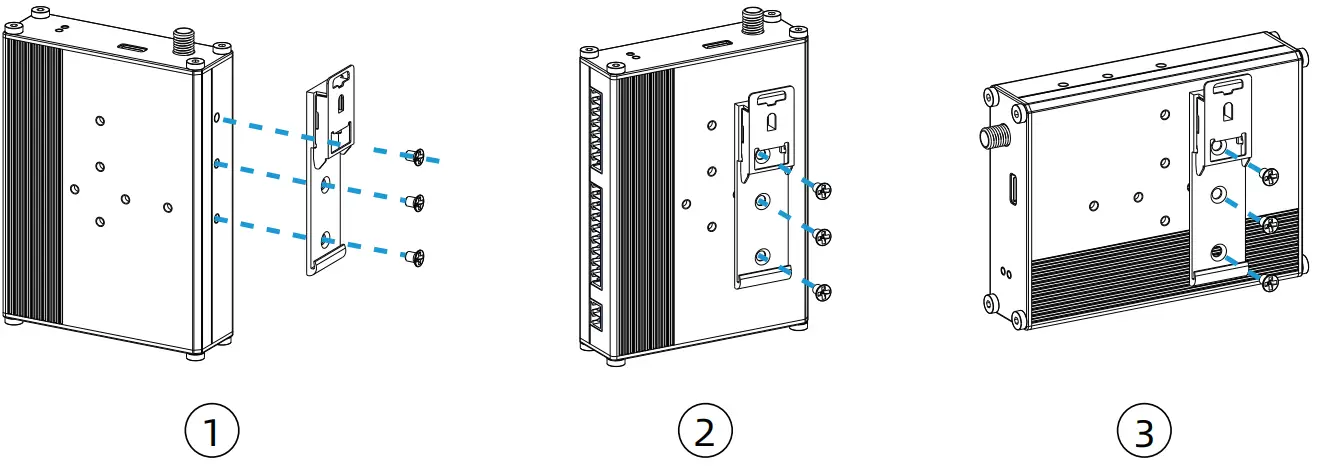
- Fix the mounting clip to the device with 3 screws.

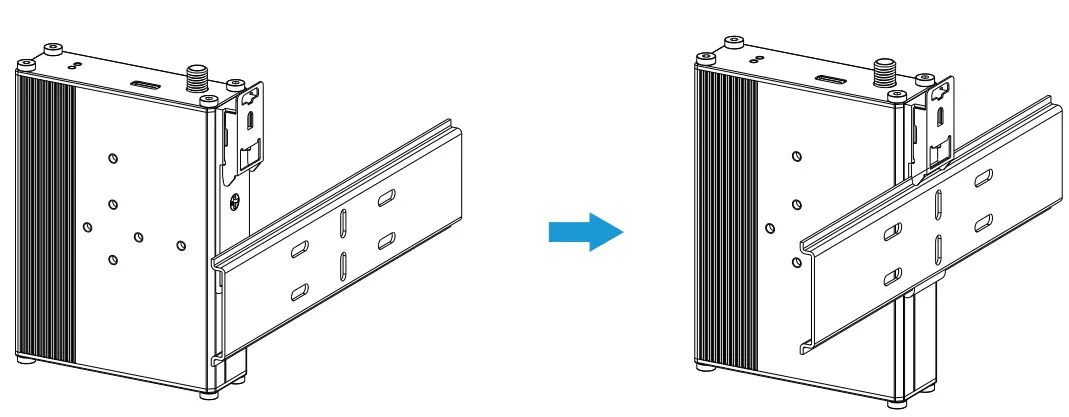
- Hang the device to the DIN rail. The width of DIN rail should be 35 mm.

Cloud App 
Quick Start Guide 
 All Software & files can be downloaded from
https://www.milesight-iot.com/documents-download/
Better Inside, More in Sight
Milesight IoT Co., Ltd. www.milesight-iot.com

 Milesight IoT - LoRaWAN, 5G & AIoT