
QUICK START GUIDE
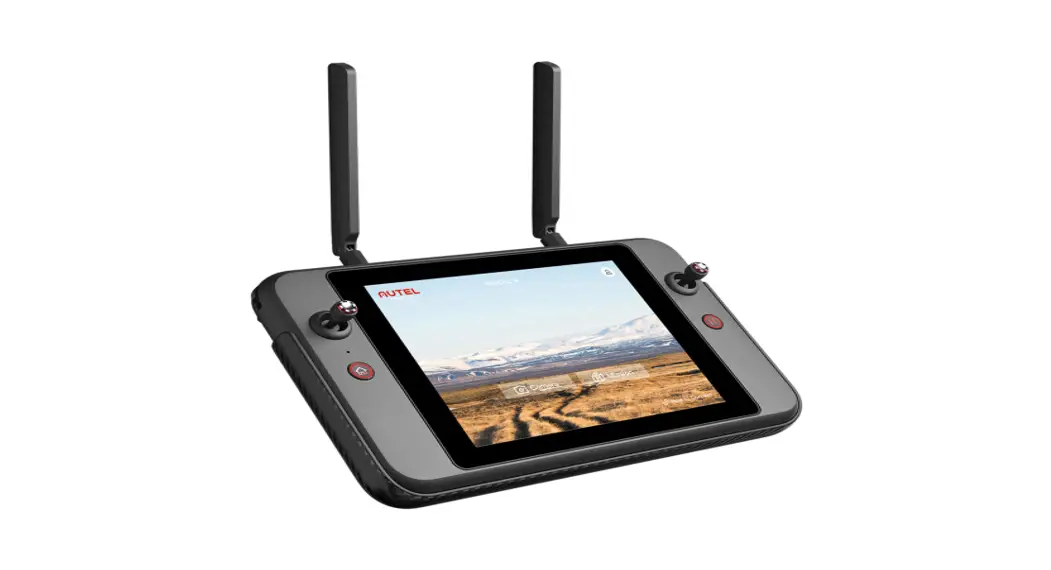
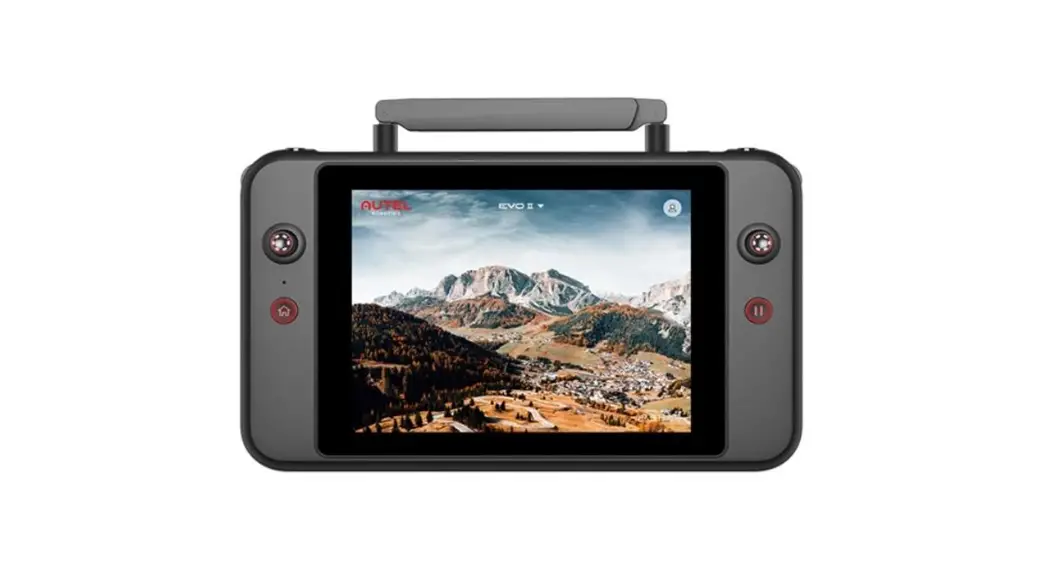
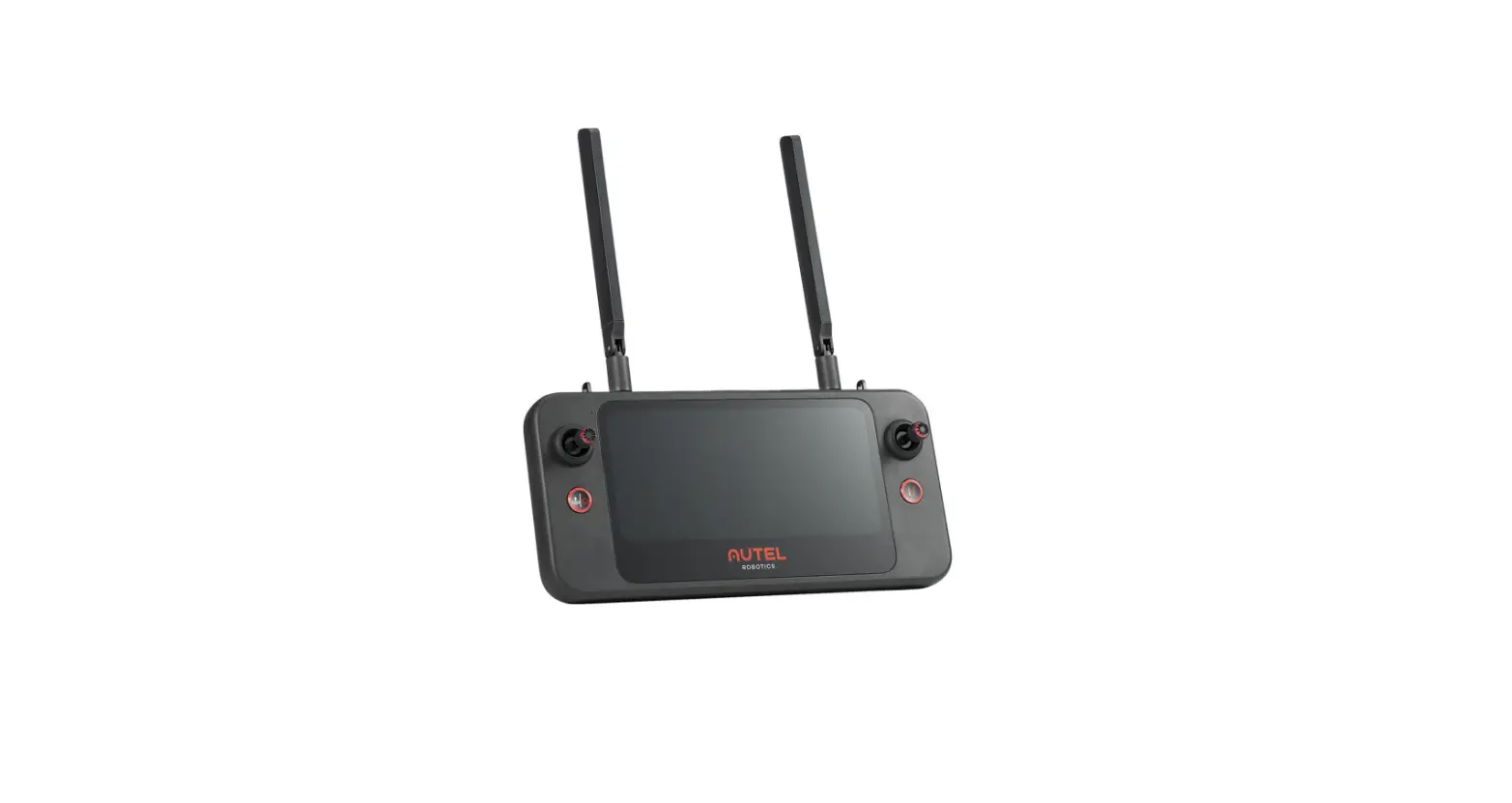
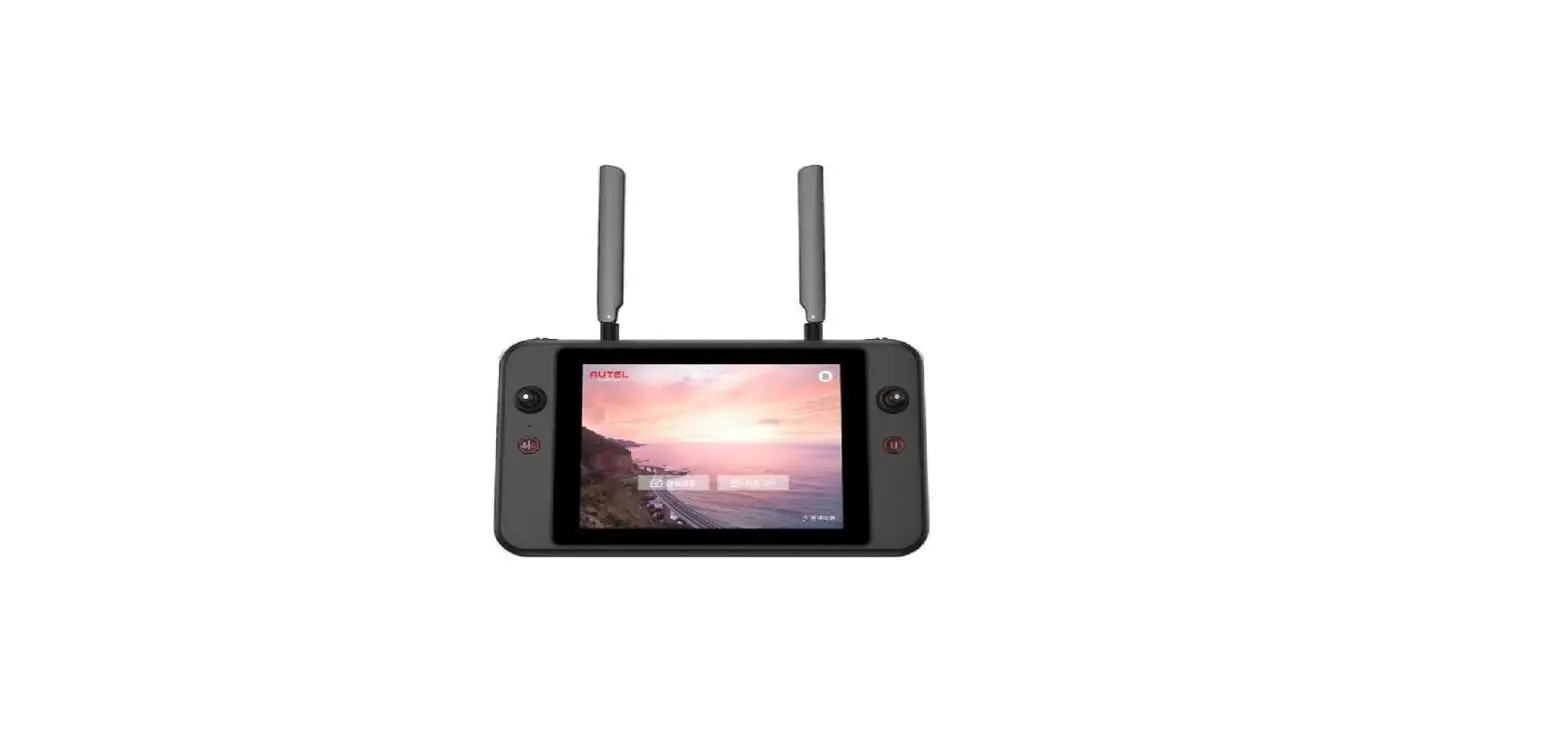
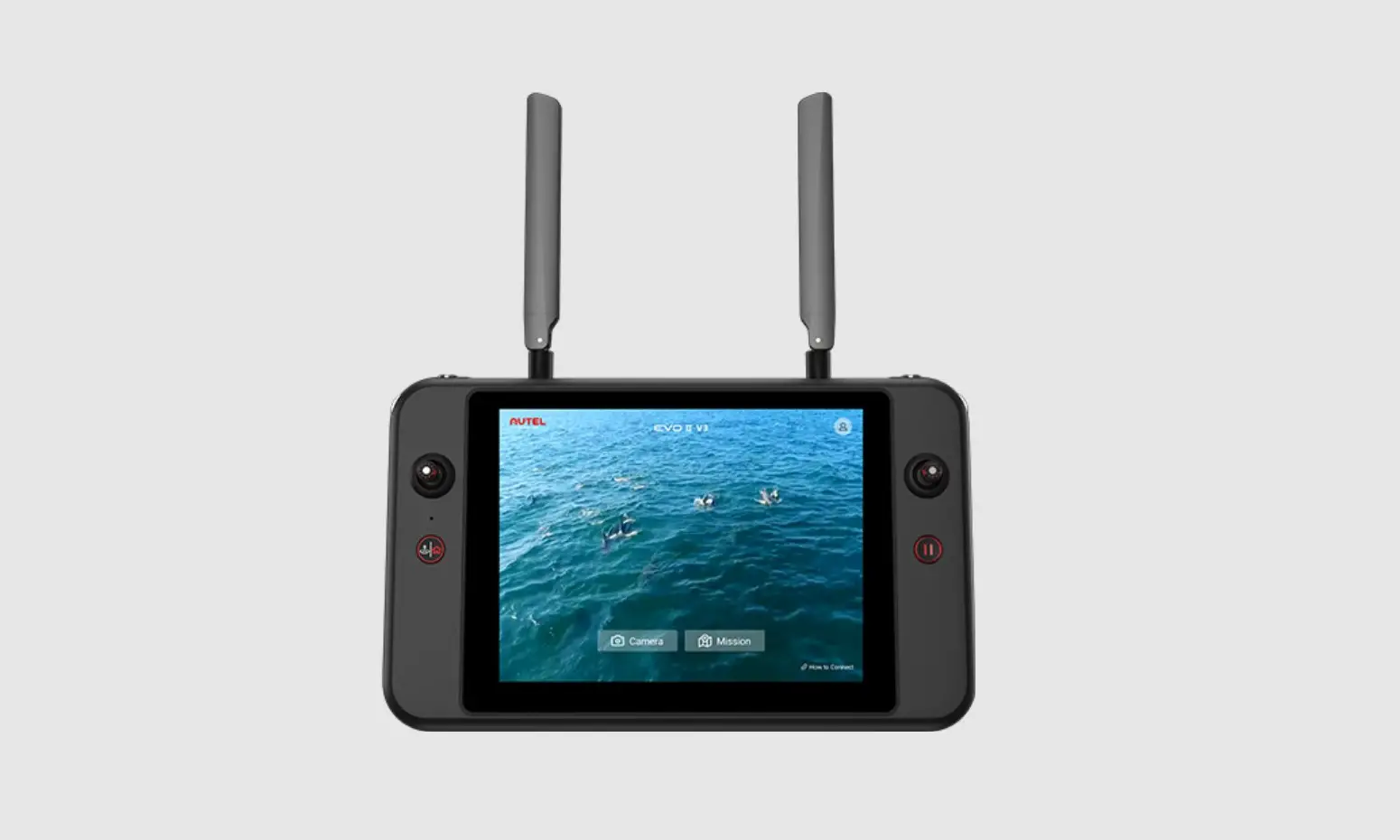
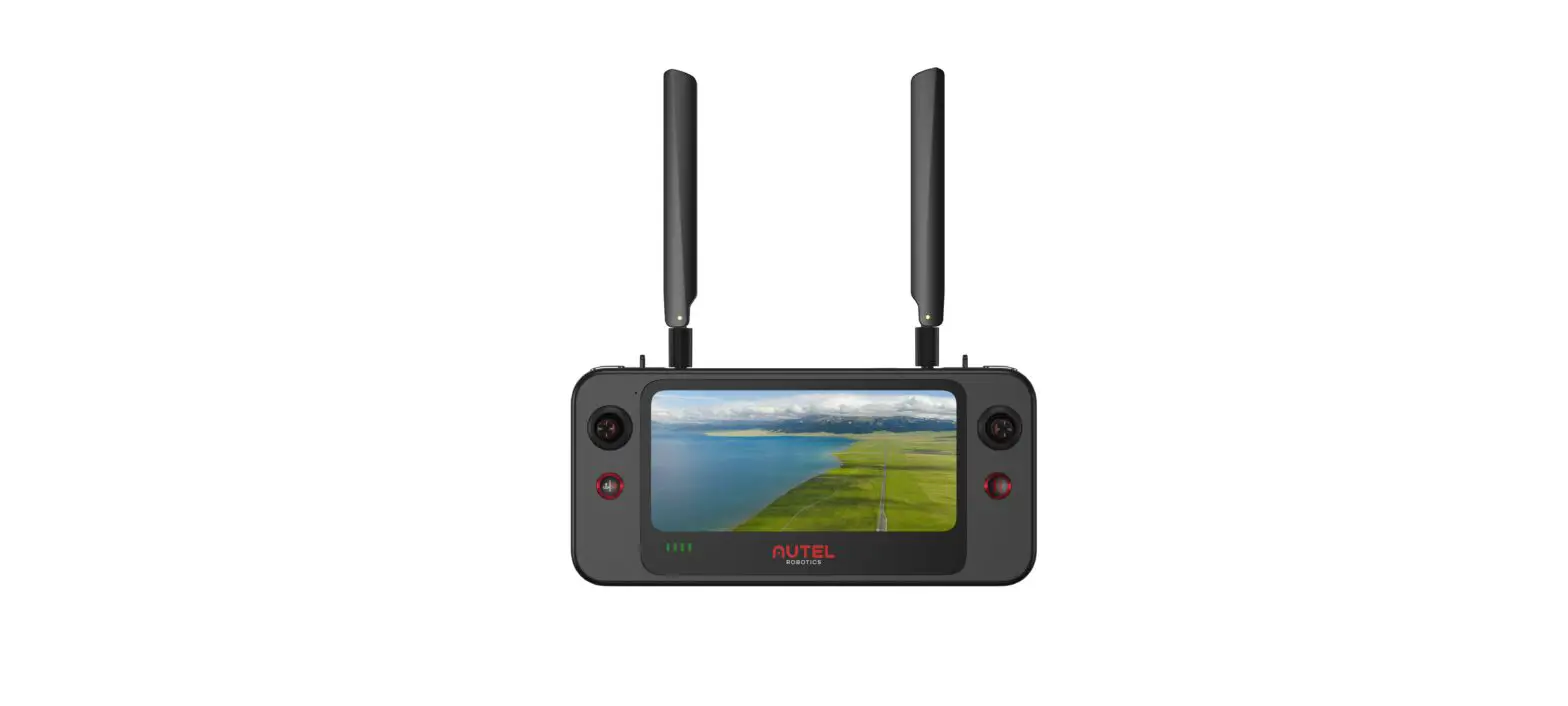
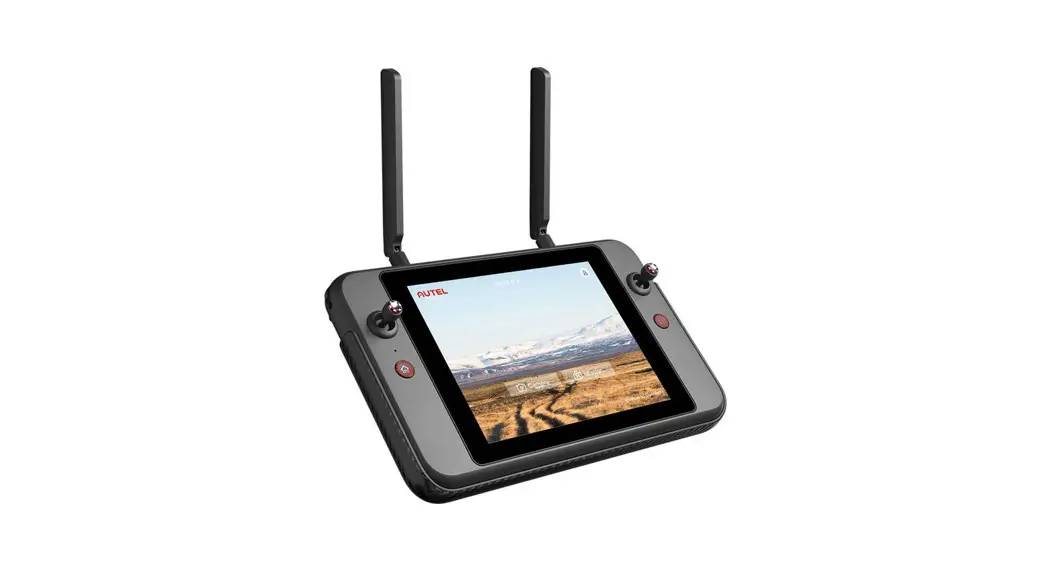
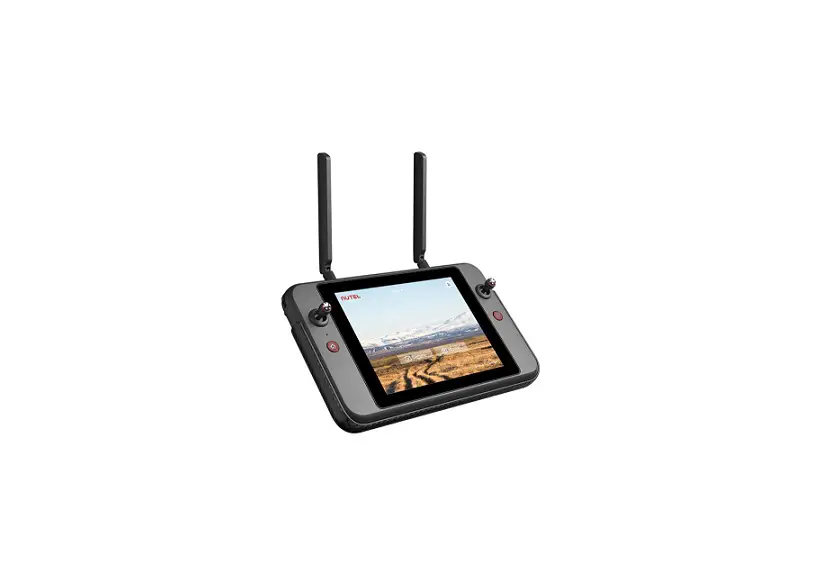
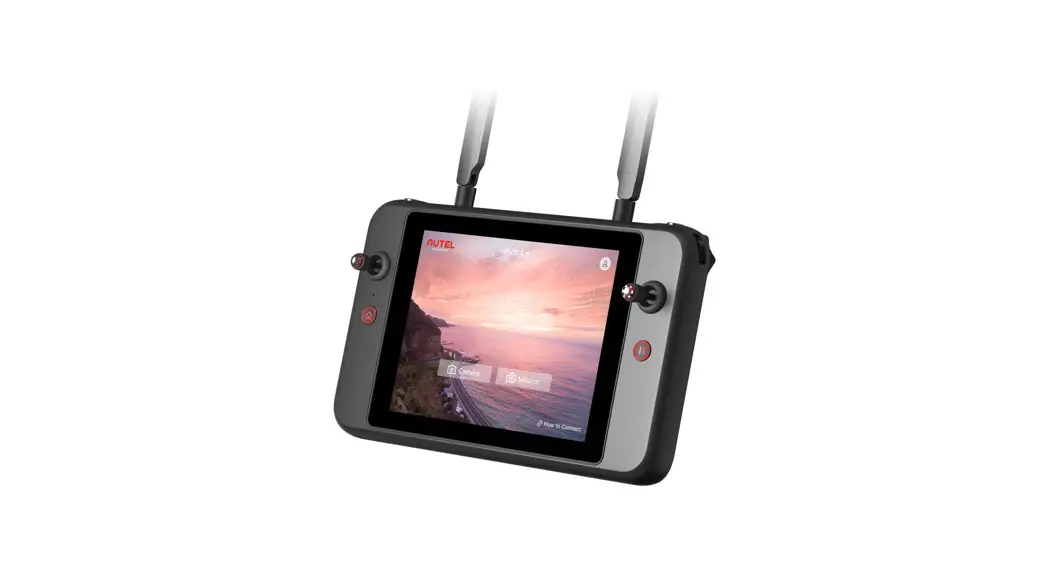
Autel Smart Controller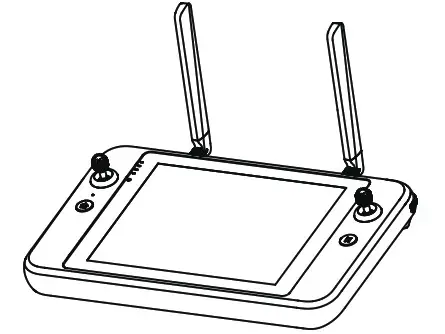
DISCLAIMER
To ensure the safe and successful operation of your Autel smart remote controller, please strictly follow the operating instructions and steps in this guide.
If the user does not abide by the safety operation instructions, Autel Robotics will not be responsible for any product damage or loss in use, whether direct or indirect, legal, special, accident or economic loss (including but not limited to loss of profit), and does not provide warranty service. Do not use incompatible parts or use any method that does not comply with the official instructions of Autel Robotics to modify the product. The safety guidelines in this document will be updated from time to time.
To ensure you get the latest version, please visit the official website: https://www.autelrobotics.com/
BATTERY SAFETY
The Autel smart remote controller is powered by a smart lithium-ion battery.
Improper use of lithium-ion batteries can be dangerous. Please ensure that the following battery usage, charging and storage guidelines are strictly followed.
 WARNING:
- Only use the battery and charger provided by Autel Robotics. It is forbidden to modify the battery assembly and its charger or use third-party equipment to replace it.
- The electrolyte in the battery is extremely corrosive. If the electrolyte spills into your eyes or skin accidentally, please rinse the affected area with clean water and seek medical attention immediately.
PRECAUTIONS
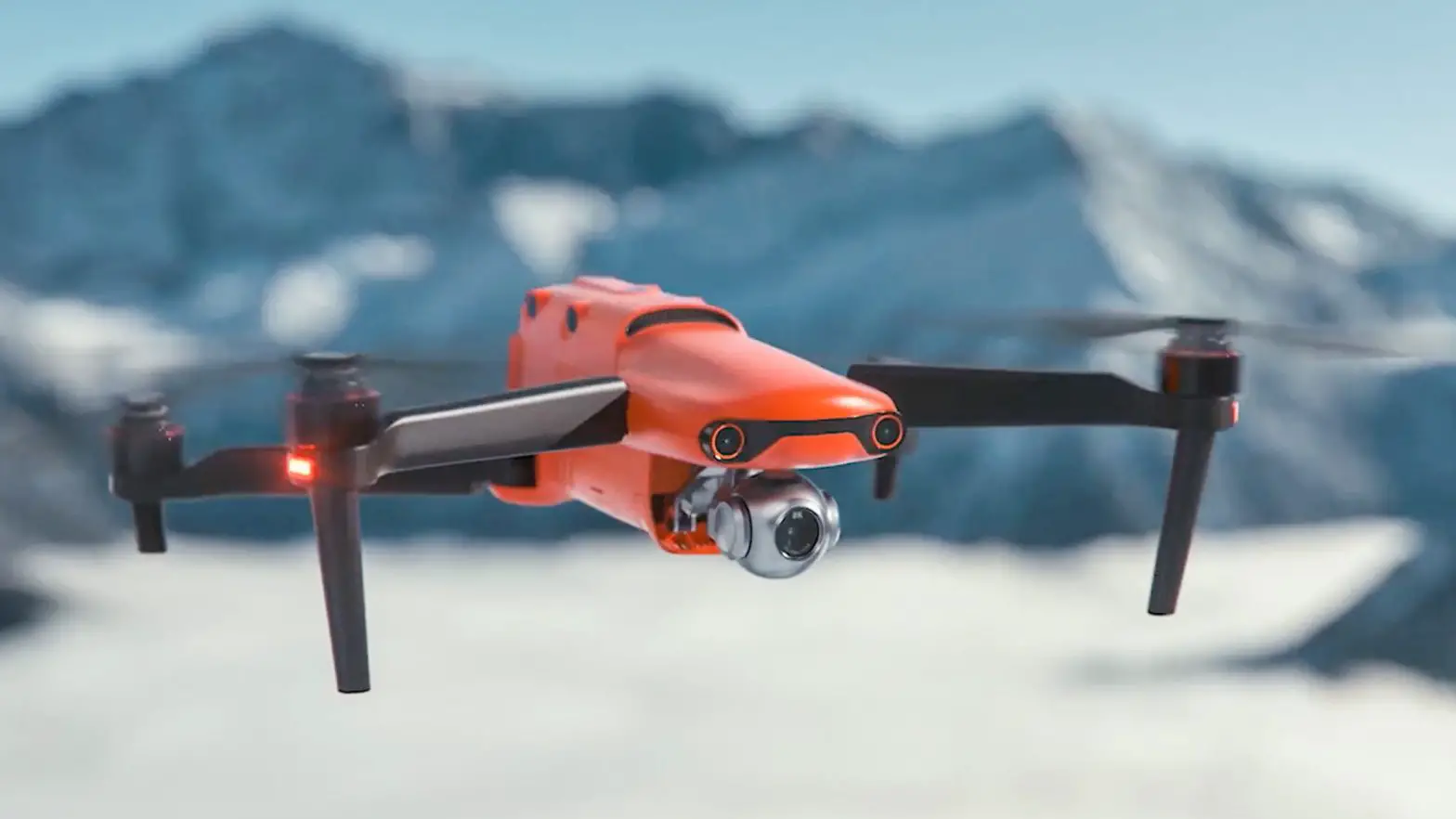
When using the Autel Smart Controller (hereinafter referred to as the “Smart Controller”), if improperly used, the aircraft may cause a certain degree of injury and damage to people and property. Please be cautious while using it.
For details, please refer to the aircraft’s disclaimer and safety operation guidelines.
- Before each flight, make sure that the Smart Controller is fully charged.
- Make sure the Smart Controller antennas are unfolded and adjusted to the appropriate position to ensure the best possible flight results.
- If the Smart Controller antennas are damaged, it will affect the performance, please contact the after-sales technical support immediately.
- If the aircraft is changed, it needs to be repaired before using.
- Make sure to turn off the aircraft power before turning off the remote controller each time.
- When not in use, make sure to fully charge the smart controller every three months.
- Once the power of the smart controller is less than 10%, please charge it to prevent an over-discharge error. This is caused by long-term storage with a low battery charge. When the smart controller will not be in use for an extended time, discharge the battery between 40%-60% before storage.
- Do not block the vent of the Smart Controller to prevent overheating and diminished performance.
- Do not disassemble the smart controller. If any parts of the controller are damaged, contact Autel Robotics After-Sale Support.
AUTEL SMART CONTROLLER
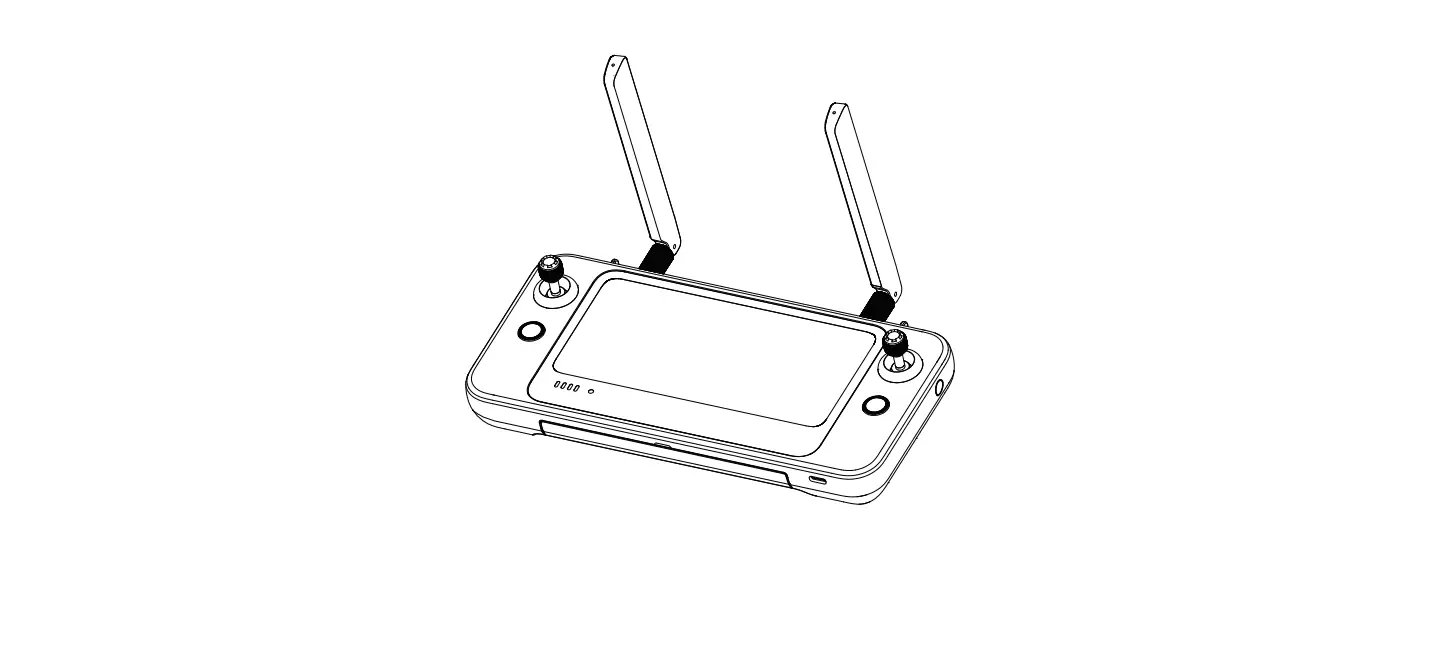
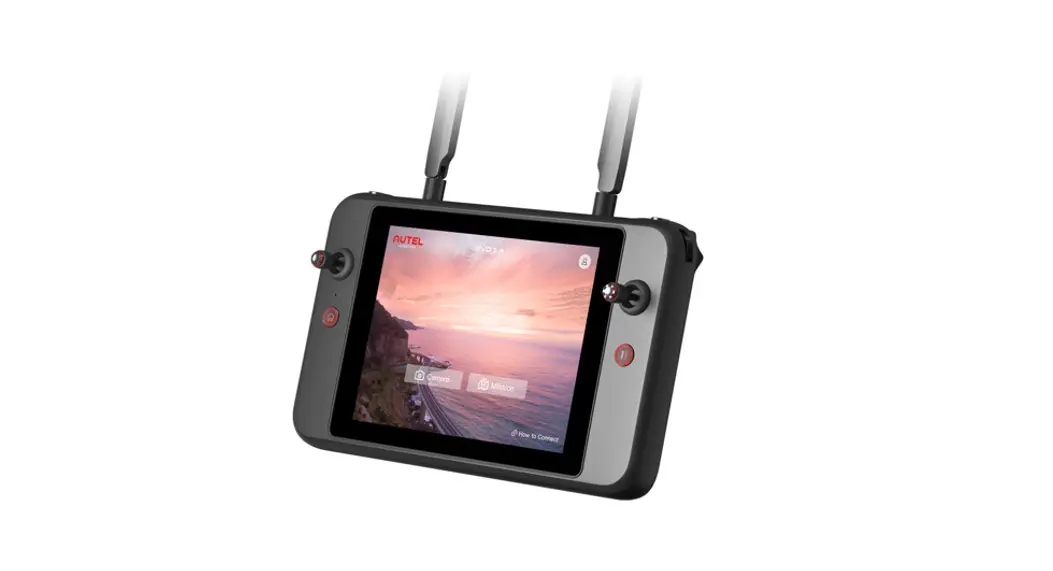
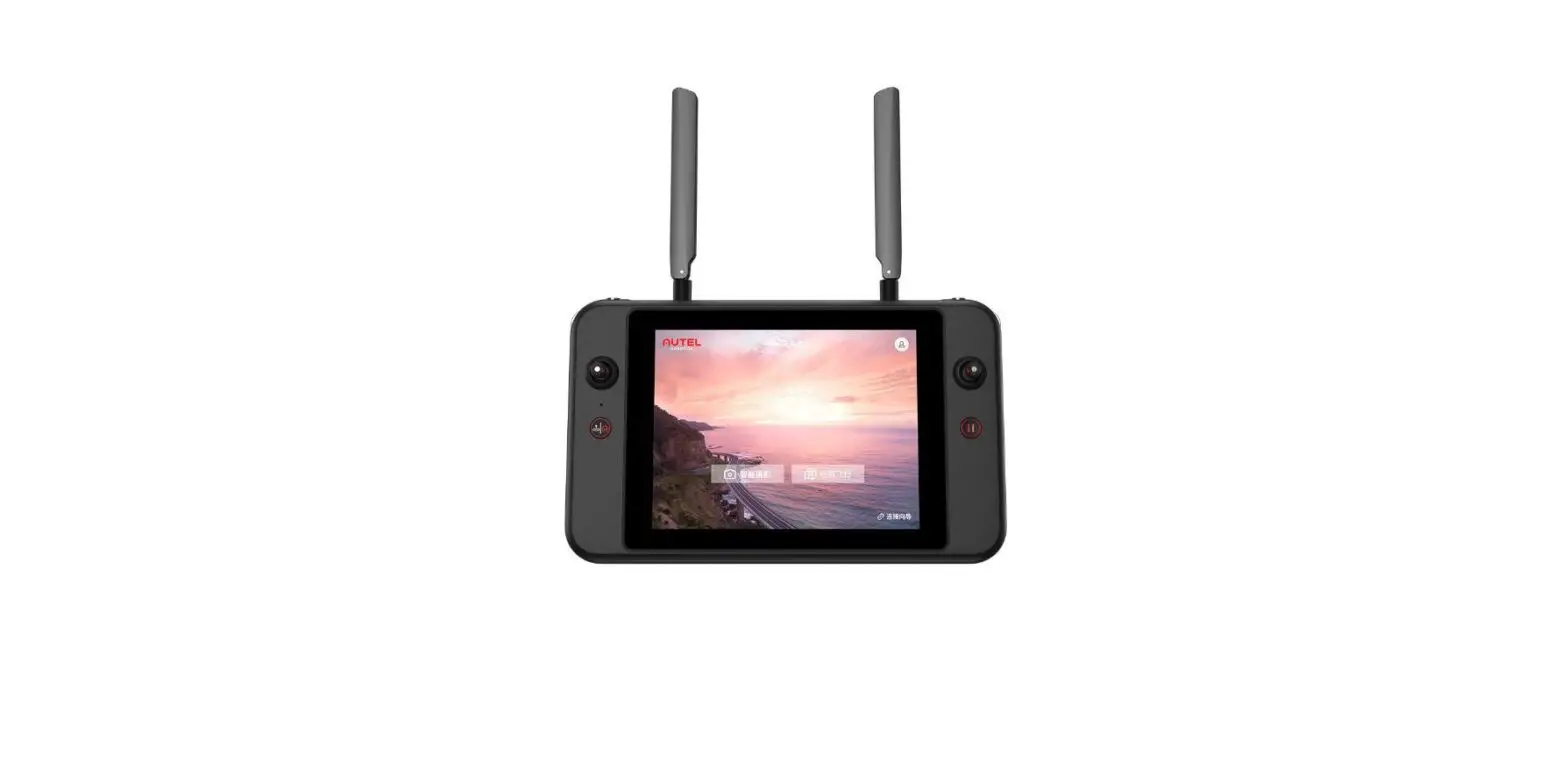
The Autel Smart Controller can be used with any supported aircraft, and it provides a high-definition real-time image transmission and it can control the aircraft and camera up to 13km (8.08 miles) [1] communication distance. The Smart Controller has a built-in 7.9-inch 2048×1536 ultra-high-definition, ultra-bright screen with a maximum 2000nit brightness. It provides a clear image display under the bright sunlight. With its convenient, built-in 128G memory it can store your photos and videos onboard. The operating time is about 4.5 hours when the battery is fully charged and the screen is at 50% brightness [2].
ITEM LIST
| NO | DIAGRAM | ITEM NAME | QTY |
| 1 | 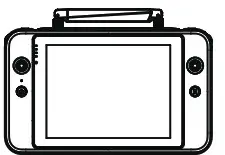 | 7.9 inch Smart Remote Controller | 1PC |
| 2 | 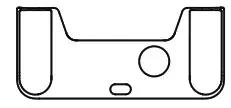 | Smart Controller Protective Case | 1PC |
| 3 | 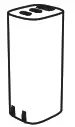 | A/C adapter | 1PC |
| 4 | 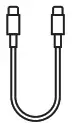 | USB Type-C cable | 1PC |
| 5 | 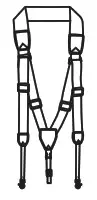 | Chest Strap | 1PC |
| 6 | 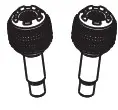 | Spare Command Sticks | 2PCS |
| 7 |  | Documentation (Quick Start Guide) | 1PC |
[1] Fly in an open, unobstructed, electromagnetic interference-free environment. The smart controller can reach the maximum communication distance under FCC standards. The actual distance may be less based on the local flight environment.
[2] The above-mentioned working time is measured in a laboratory environment at room temperature. The battery life will vary in different usage scenarios.
CONTROLLER LAYOUT
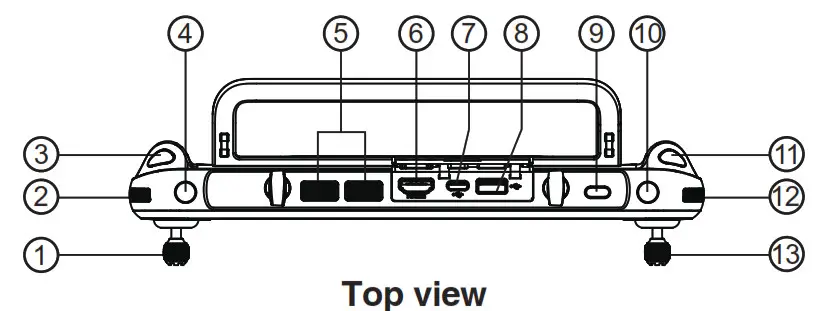
| 1. Left Command Stick 2. Gimbal Pitch Angle Wheel 3. Video Recording Button 4. Customizable Button C1 5. Air Outlet | 6. HDMI Port 7. USB TYPE-C Port 8. USB TYPE-A Port 9. Power Button 10. Customizable Button C2 | 11. Photo Shutter Button 12. * Zoom Control Wheel 13. Right Command Stick |
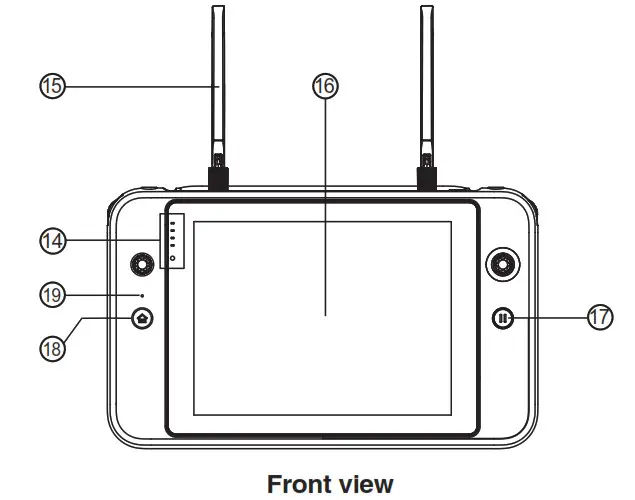
| 14. Battery Indicator 15. Antenna 16. Touch Screen | 17. Pause Button 18. Return to Home (RTH) Button 19. Microphone |
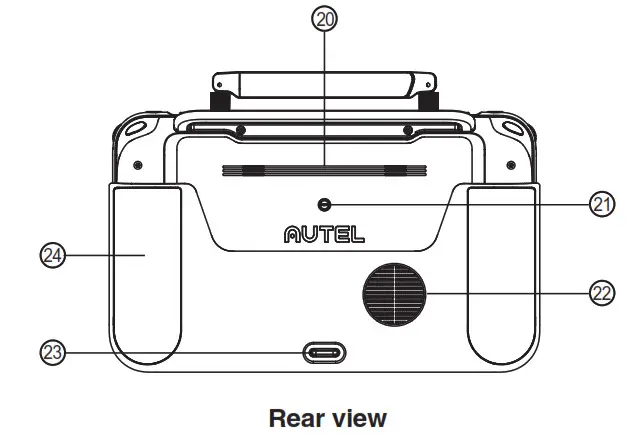
| 20. Speaker hole 21. Tripod Mount Hole 22. Air Vent | 23. Bottom Hook 24. Grips |
POWER ON THE SMART CONTROLLER
Check Battery Level
Press the power button to check the battery life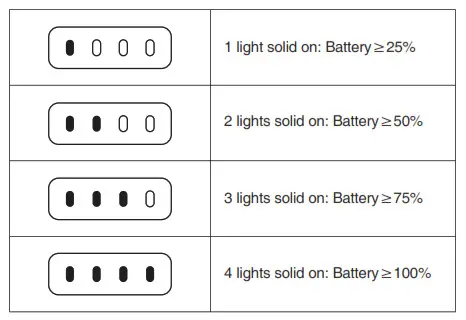
Powering on/off
Press and hold the power button for 2 sec to turn on and off the Smart Controller.
Charging
Remote Controller indication light status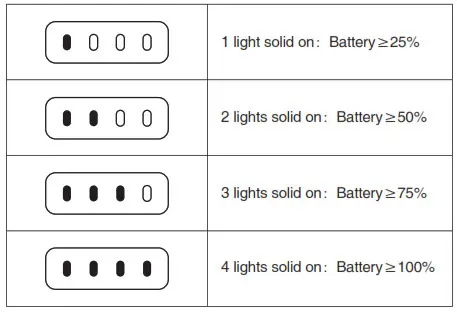
 NOTE: LED indicator light will blink while charging
ANTENNA ADJUSTMENT
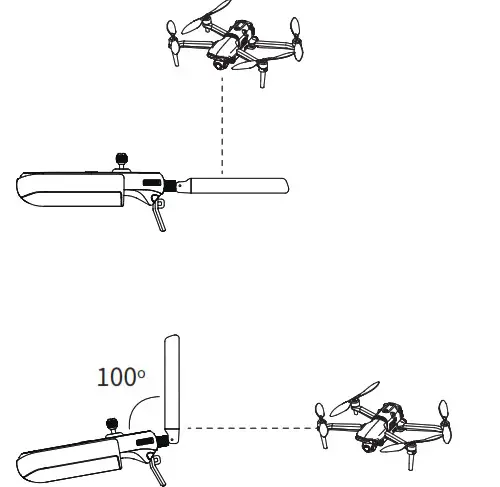
Unfold the Smart Controller antennas and adjust them to the optimal angle. The signal strength varies when the antenna angle is different. When the antenna and the back of the remote controller are at an angle of 180° or 260°, and the antenna surface is facing the aircraft, the signal quality of the aircraft and controller will reach the optimal condition.
NOTE:
LED indicator will flash while charging
- Do not use other communication equipment which has the same frequency band at the same time, to avoid the interference
to the Smart Controller signal. - During operation, the Autel Explorer app will prompt the user when the image transmission signal is poor. Adjust the antenna angles according to the prompts to ensure the Smart Controller and aircraft have the best communication range.
FREQUENCY MATCH
When the Smart Controller and the aircraft are purchased as a set, the Smart Controller has been matched to the aircraft at the factory, and it can be used directly after the aircraft is activated.
If purchased separately, please use the following methods to link.
- Press (short press) the linking button next to the USB port on the right side of the aircraft body to put the aircraft into the linking mode.
- Power on the Smart Controller and run the Autel Explorer app, enter the mission flight interface, click the gear icon in the upper right corner, enter the settings menu, click “remote control -> data transmission and image transmission linking> start linking”, wait a few seconds until the data transmission is set correctly and the linking is a success.
FLIGHT
Open the Autel Explorer app and enter the flight interface.
Before takeoff, place the aircraft on a flat and level surface and face the rear side of the aircraft towards you.
Manual takeoff and landing(Mode 2)
Toe-in or out on both command sticks for about 2 seconds to start the motors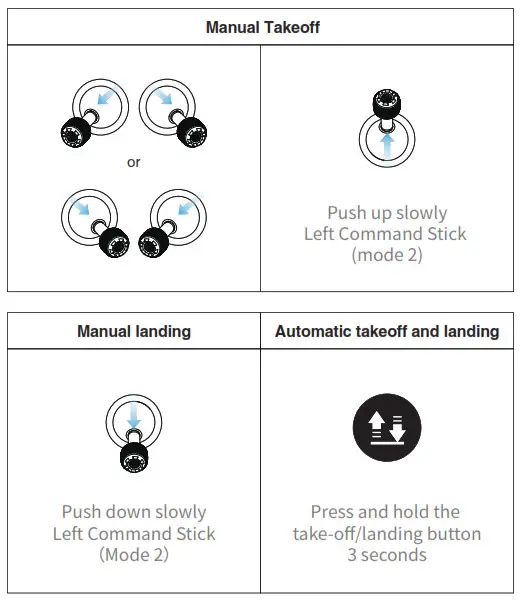
NOTE:
Before takeoff, place the aircraft on a flat and level surface and face the rear side of the aircraft towards you.
Mode 2 is the default control mode of the Smart Controller. During the flight, you can use the left stick to control the flight altitude and direction, and use the right stick to control the forward, backward, left, and right directions of the aircraft.
NOTE:
- Please make sure that the Smart Controller has successfully matched with the aircraft.
- For more functions of the Smart Controller, please read the user manual for details
Command Stick Control (Mode 2)
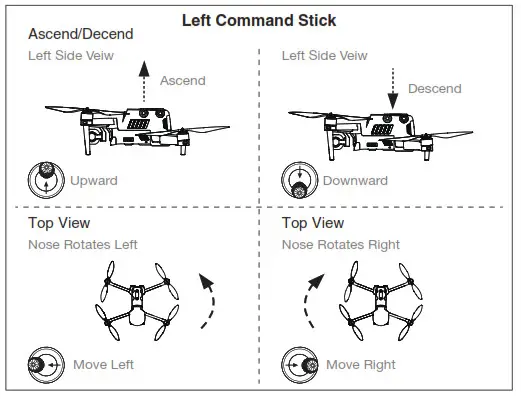
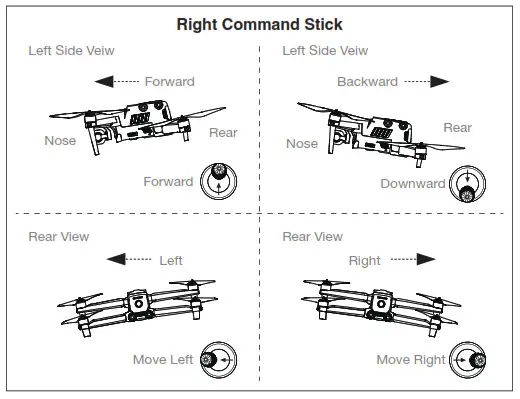
Specifications
Image Transmission
| Max Signal Transmission | FCC:13 km |
| Distance | CE / MIC:7 km |
| (No interference, No obstacles) | SRRC:7 km |
Digital transmission
| Working Frequency | 5.725 – 5.755 GHz |
Wi-Fi
| Distance | Wi-Fi Direct, Wi-Fi Display, 802.11a/b/g/n/ac Support 2 x 2 MIMO Wi-Fi |
| * Working Frequency | 2.400 – 2.4835 GHz; 5.150 – 5.250GHz; 5.650 – 5.755GHz; 5.725 – 5.850 GHz |
Other Specifications
| Battery | Name: Intelligent Li-ion battery Capacity:5800mAh Voltage:11.55V Battery Type: Li-ion Battery Energy:67 Wh Charging time:120 min |
| Operating Hours | ~ 3h (Max Brightness) ~ 4.5 h (50% Brightness) |
| Internal Storage | 128GB |
| Video Output port | HDMI Port |
| USB-A Voltage/Current | 5V / 2A |
| Operating Environment Temp | -20℃ to 40℃ |
| Storage temperature | -20℃ to 60℃ (within a month) -20℃ to 45℃ (between one to three months) -20℃ to 23℃ (one year) |
| Charging Environment Temp | 0℃ to 40℃ |
| **Supported Aircrafts | EVO II Series EVO II RTK Series EVO II Enterprise |
| Satellite Positioning Module | GPS + GLONASS + Galileo |
| Dimensions | 303×190×87mm (with antenna folded) 303×273×87mm (with antenna unfolded) |
| Weight | 1150g (without protective case) 1250g (with protective case) |
NOTE:
- When external devices are connected and powered by the remote controller, the battery life may be reduced.
- The working frequency band varies according to different countries and models.
- We will support more Autel Robotics aircraft in the future, please visit our official website https://www.autelrobotics.com/ for the latest information.
www.autelrobotics.com
2020-2021 Autel Robotics Co., Ltd. All Rights Reserved
 Autel Robotics Camera Drone, Quadcopter & UAV for Sale | Leader in Drones