
Let’s get started 
User Guide
OnePlus Watch
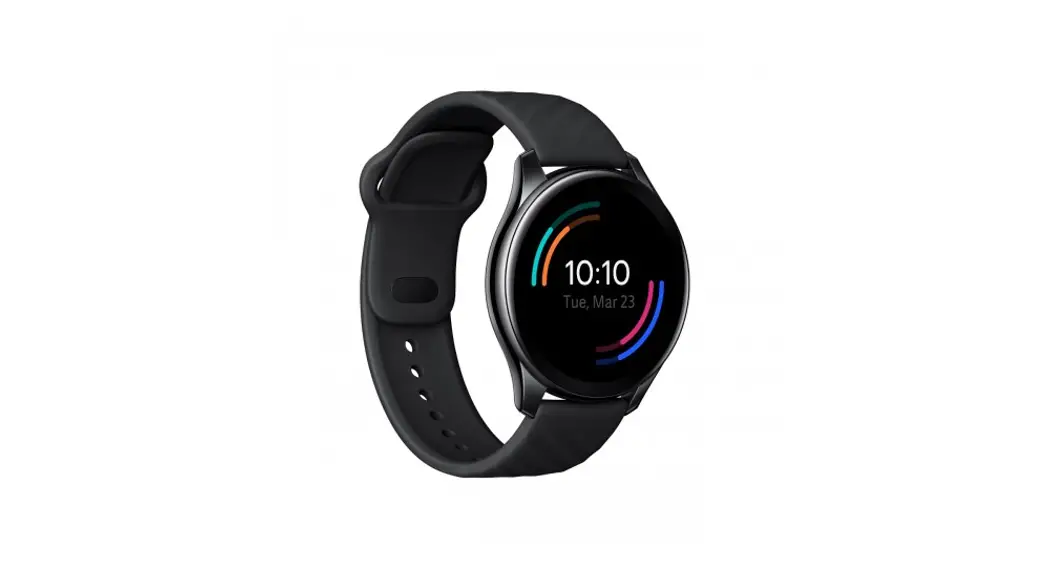
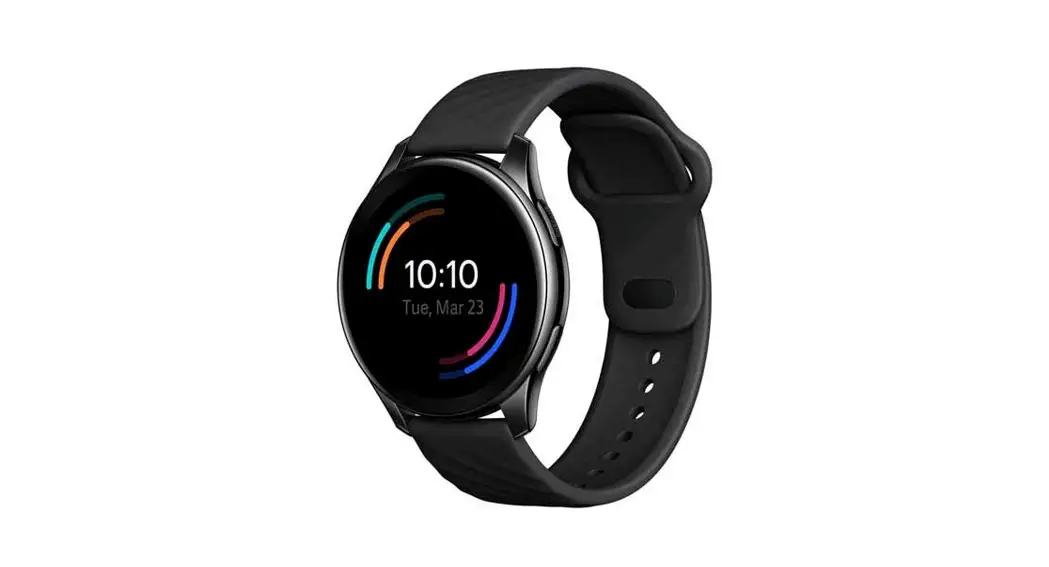
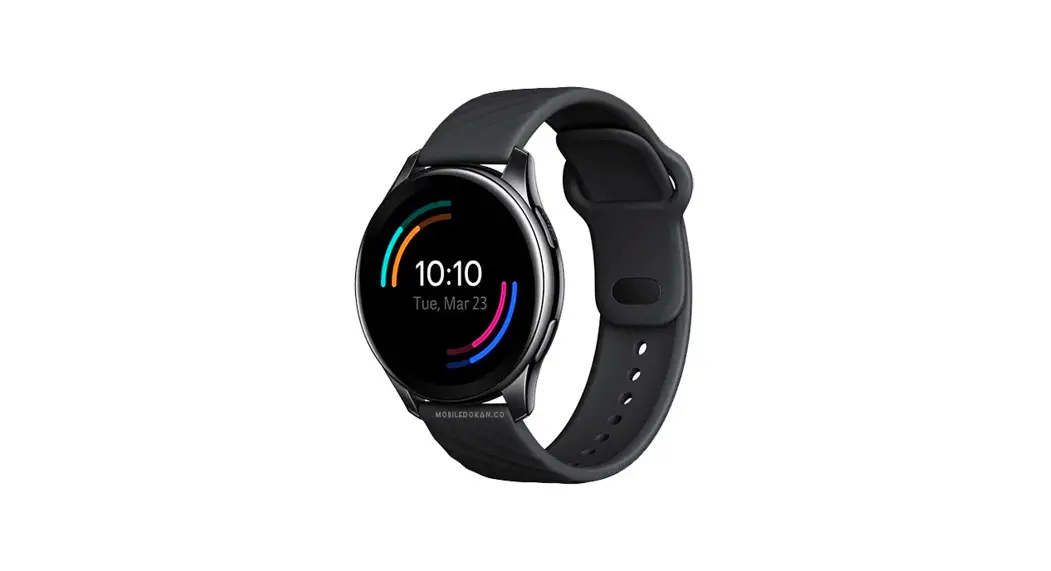
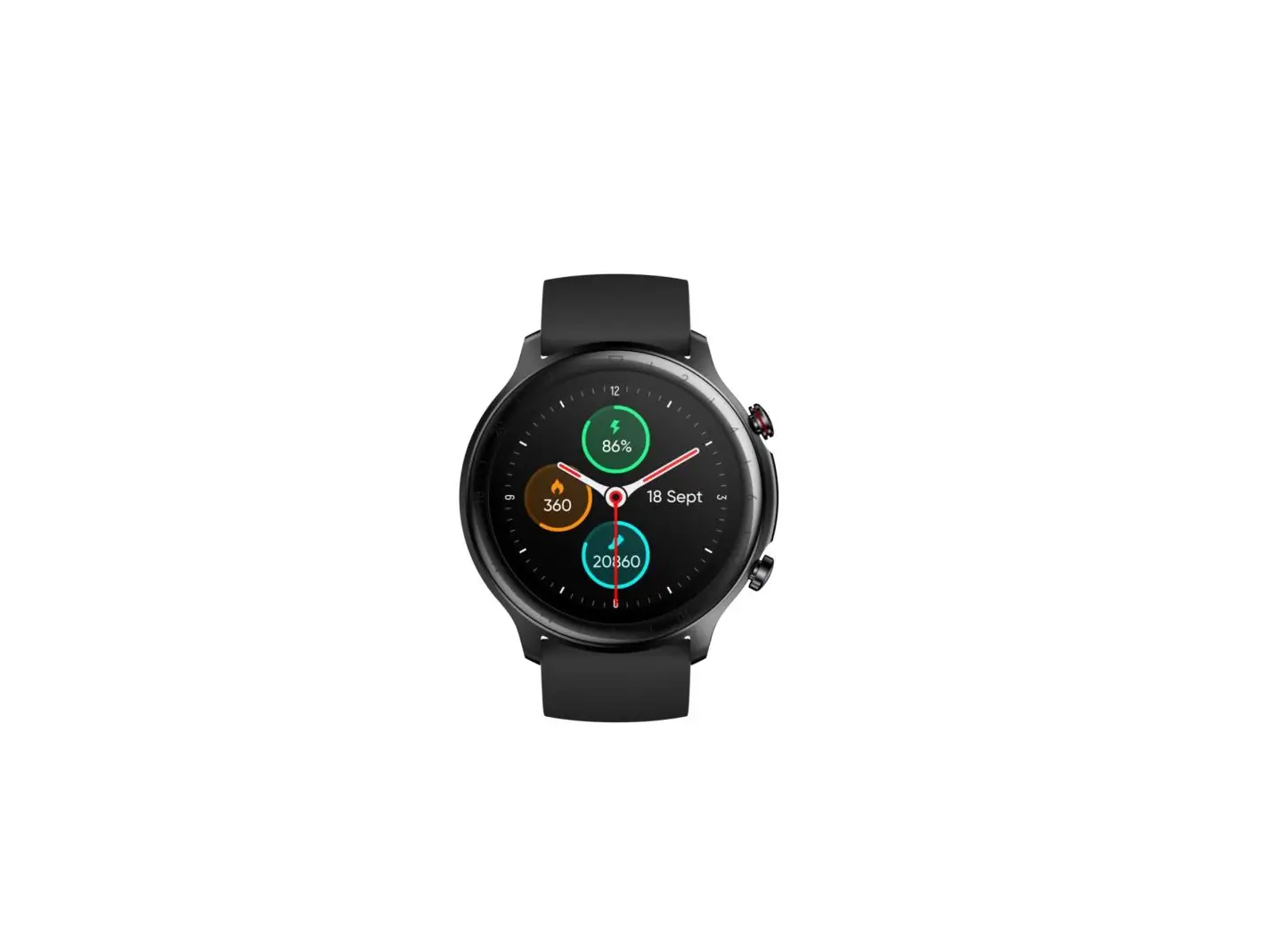
Product overview
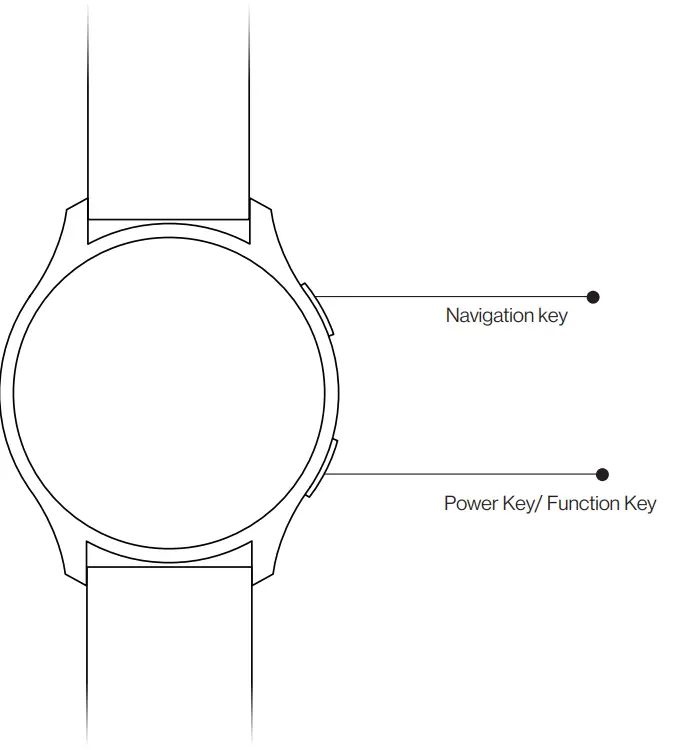
- To ensure accurate heart rate measurement, properly wear the watch on your wrist and avoid the wrist bones.
- The watch is made of quality materials, and you can wear it assuredly. If you feel uncomfortable when wearing the watch, stop wearing it and consult a doctor.
Charging and power-on
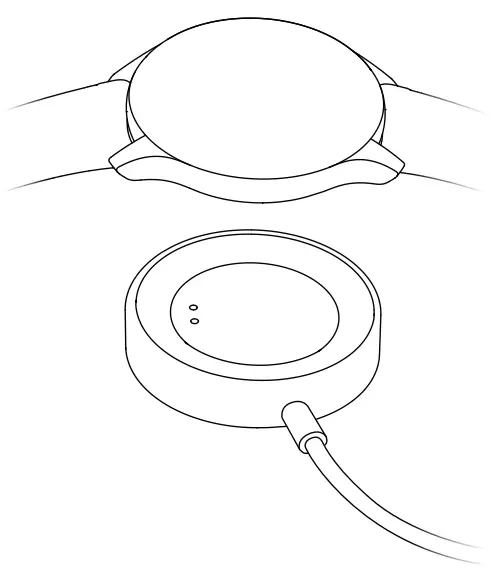
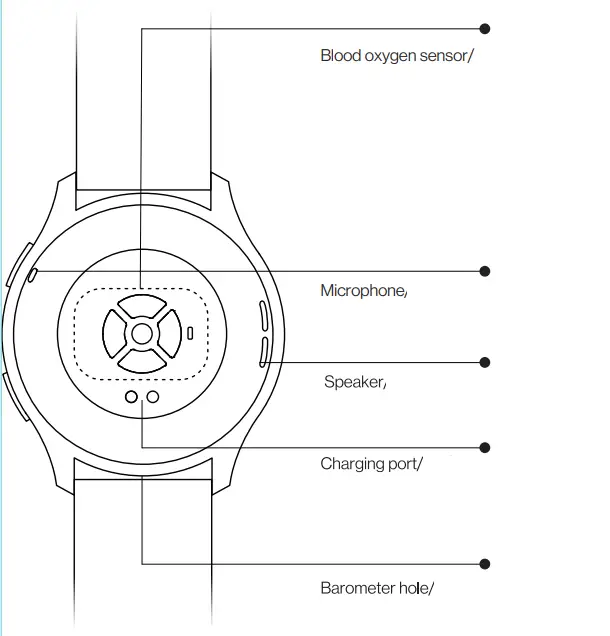
Charging: Align the charging port on the watch with the metal contact of the charging base and fit them properly until a charging indicator is displayed on the watch screen. When the watch prompts a low battery level, charge it in a timely manner.
- Watch warp quick charging: When the battery temperature is between 20°C and 40°C and the adapter has a rated output of 5V/1A or larger, the watch enters the quick charging mode.
- Before charging, keep the charging port clean and dry to avoid metal contact corrosion or other risks due to residual sweat.
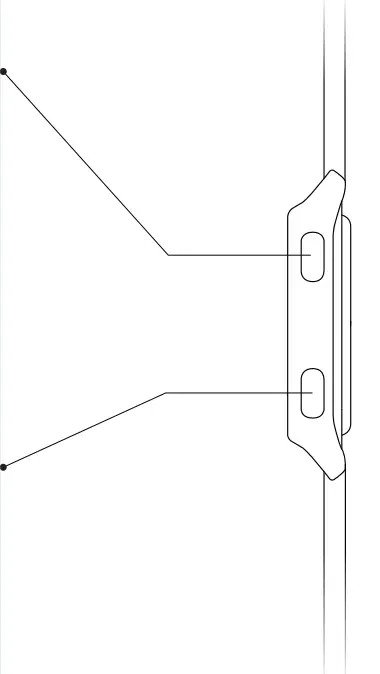
Functional key Power-on:
Press and hold it for 3 seconds until the screen is on. Power-off: Press and hold it for 1.5 seconds and choose Power off. Forcible restart: Press and hold it for 12 seconds. Start a shortcut app: Press it.
Keys and touch control
- If you fail to power on the watch by pressing and holding the function key for 3 seconds, charge the watch and try again.
- To set shortcut apps, go to Settings > Function Key.
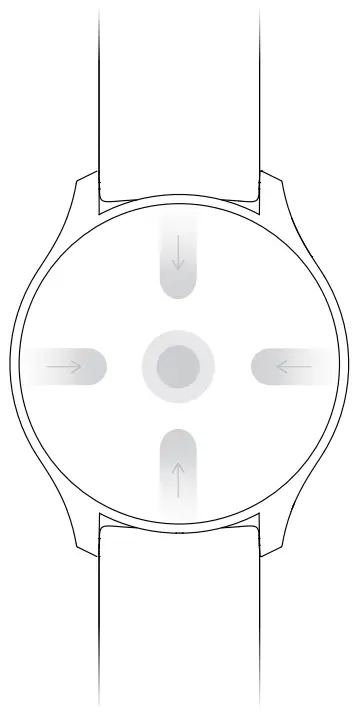
- Slide down the home screen: Display the control center.
- Slide up the home screen: Display the notification center.
- Slide left the home screen: View the heart rate curve, weather, and other information.
- Slide right to the functional screen: Return to the previous screen.
- Tap and hold the screen: Change a screen style.
Phone Connection
Use the OnePlus Health app to connect to the watch. After a successful connection, you can check the connection status, manage screens, and view health information in the app. If you do not install the OnePlus Health app on your phone, download and install the app from Play Store.
Pairing and Connection
- Power on the watch and select a language, then the watch will show the pairing code.
- Start the OnePlus Health app, register an account or log in with your account.
- In the app, choose Manage > Add device, complete the connection as instructed.
a Before pairing, ensure that the battery level of the watch is higher than 20% to prevent a pairing failure due to insufficient power.
b. During pairing and connection, ensure that
Bluetooth Data Transmission
When the watch is connected to the phone, the watch will synchronize data such as the weather, notifications, and sports and health data to the phone. After the connection is disconnected or Bluetooth is disabled, the data will no longer be synchronized to the phone. 
| Packing list | |
| Watch | X 1 |
| Sport Strap | X 1 |
| Charging Base | X 1 |
| User Guide | X 1 |
| Safety Information and Warranty | X 1 |
| Specifications | |
| Product model | W501GB |
| Display | 3.53cm (1.39-inch) and resolution of 454 x 454 pixels |
| Battery type | lithium-ion battery |
| Battery capacity | 402 mAh |
| Input | 5V=1A |
| Memory | 4GB ROM |
| Waterproof level | 5ATM and IP68 |
| Device requirements | Devices running Android 6.0 or later |
| Sensors | Triaxial acceleration sensor, gyroscope sensor, magnetic sensor, optical heart rate, and blood oxygen sensors, ambient light sensor, pressure sensor, and capacitance sensor |
| Software version | Go to Settings > About to view it |
| Regulatory information | Go to Settings > About > Regulatory information to view it |
| Bluetooth | BT5.0, BLE/BR/ED |
| Positioning | GPS, Galileo, GLONASS, and Beidou |
| Note: This manual is for reference only. The functions and product images may be slightly different from those of the actual product. The actual product prevails. | |
WARNING PROPRIETARY
INF URMA TIEN
CAN NOT BE DISCLOSED WITHOUT
AUTHORIZATION