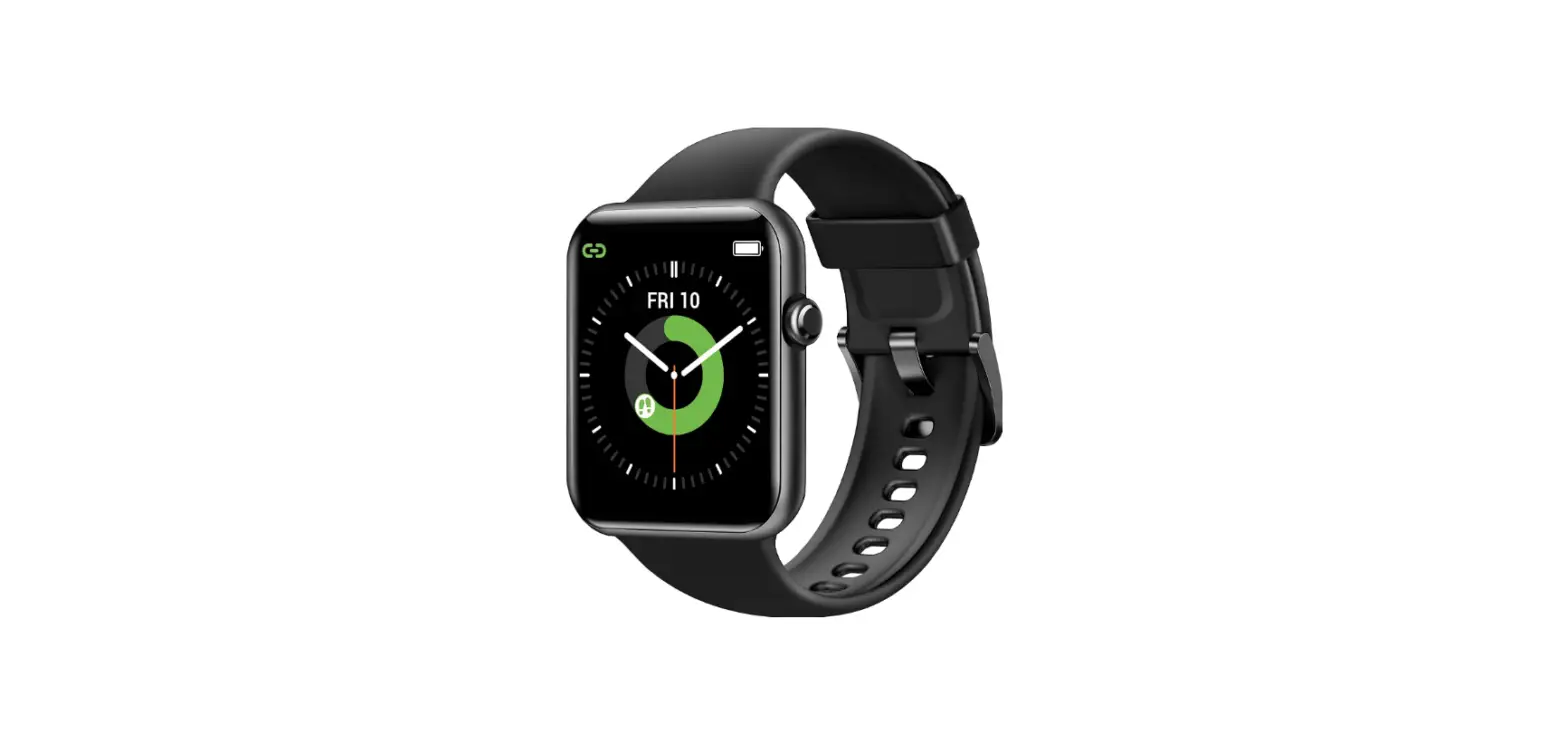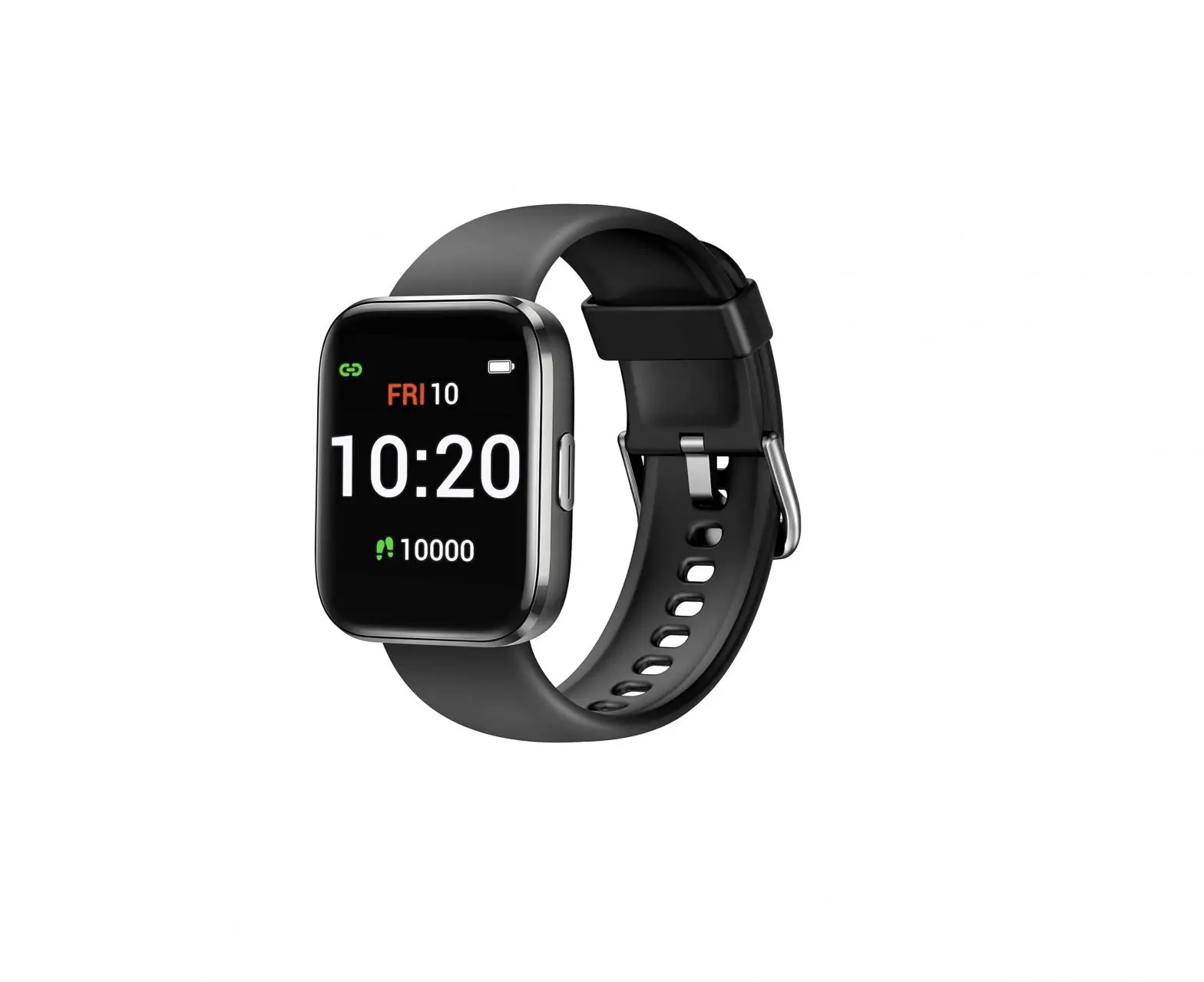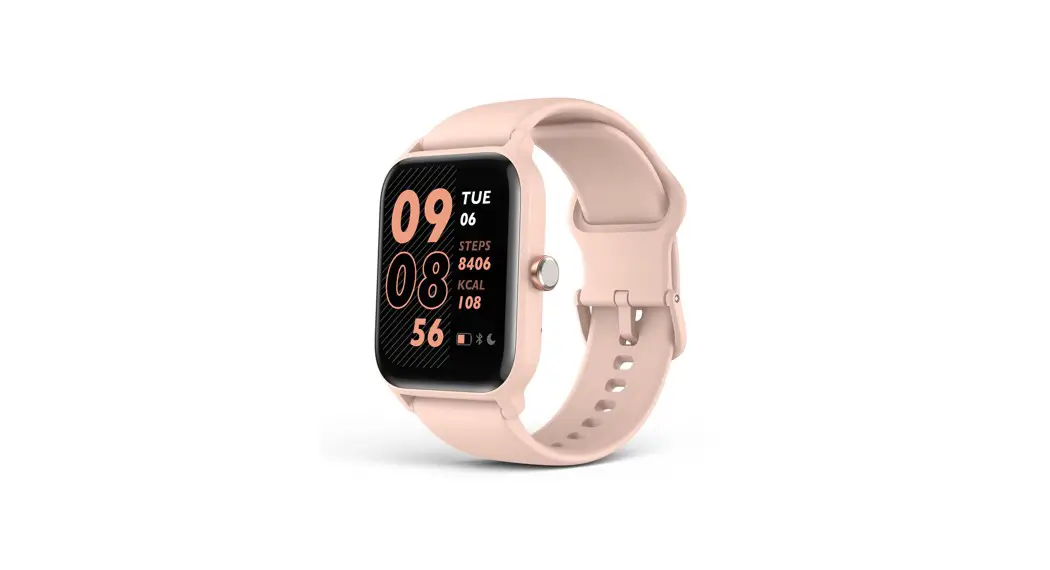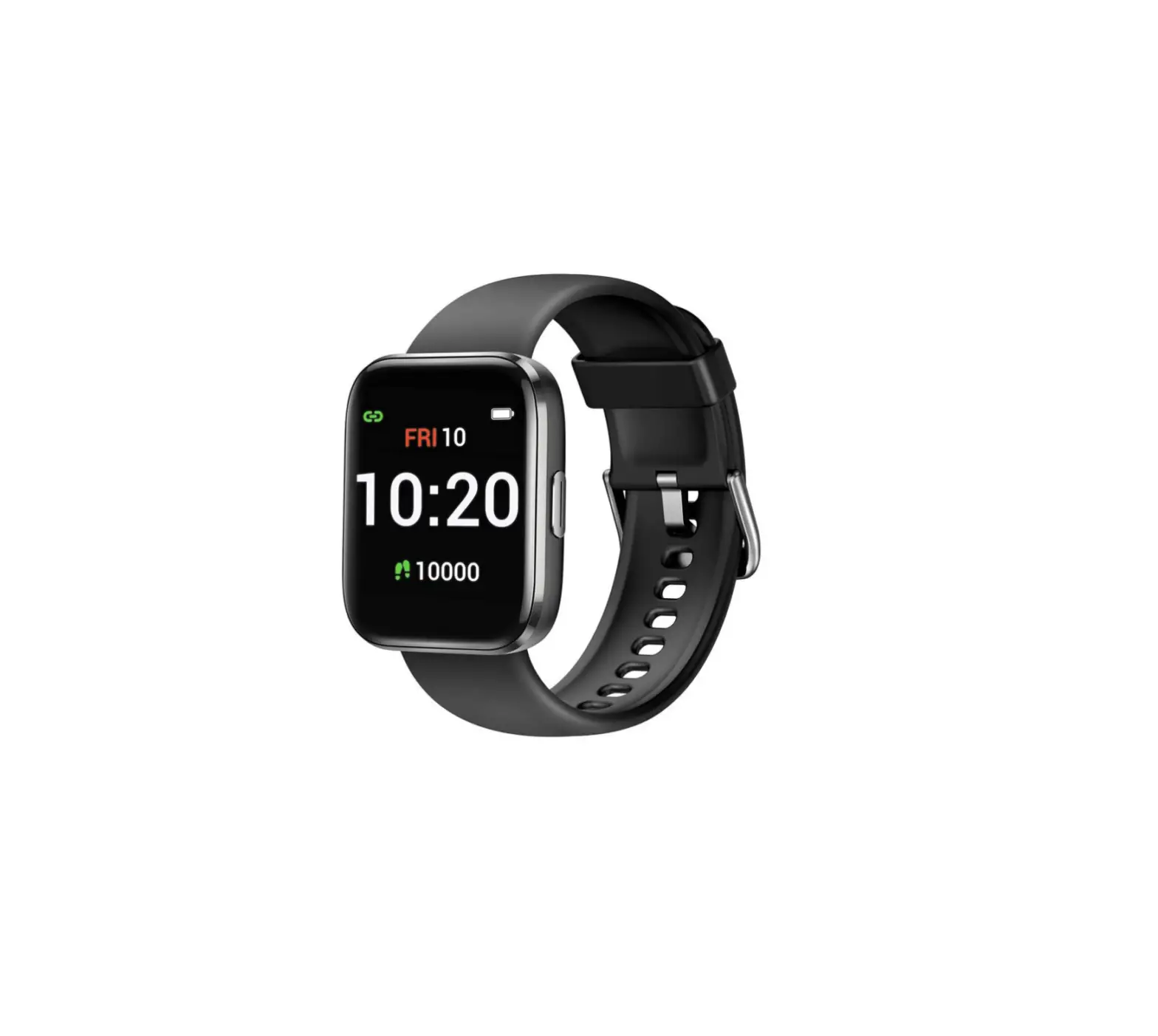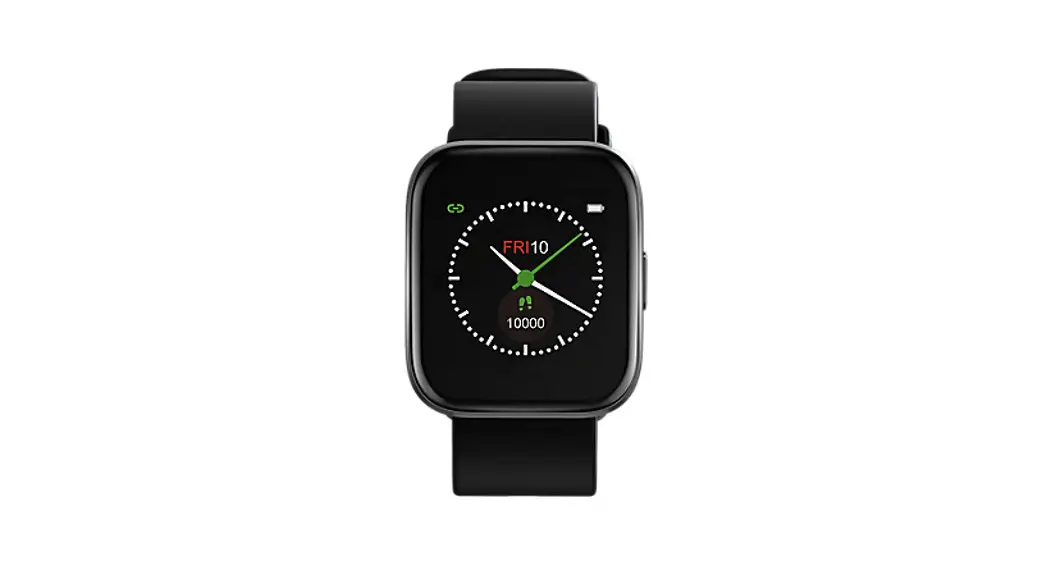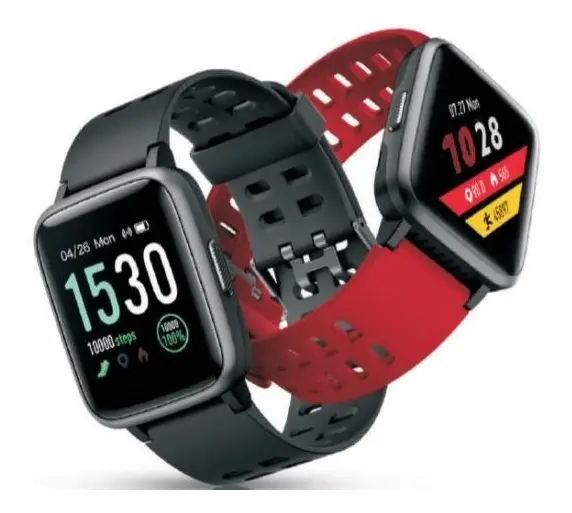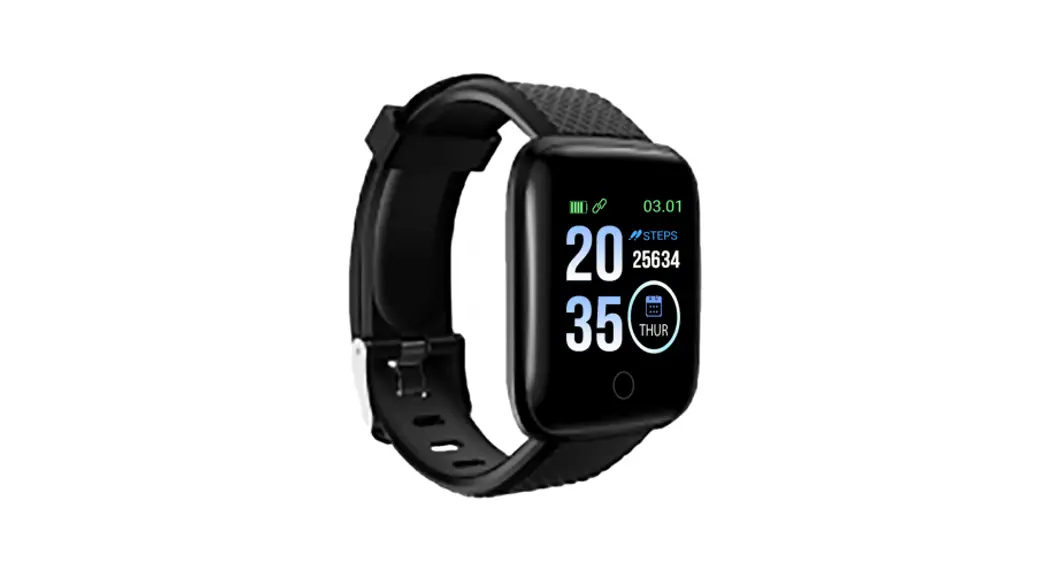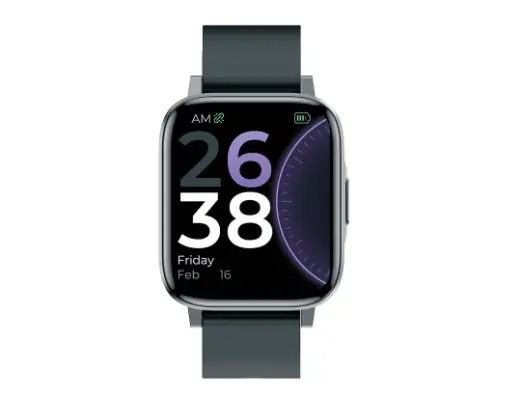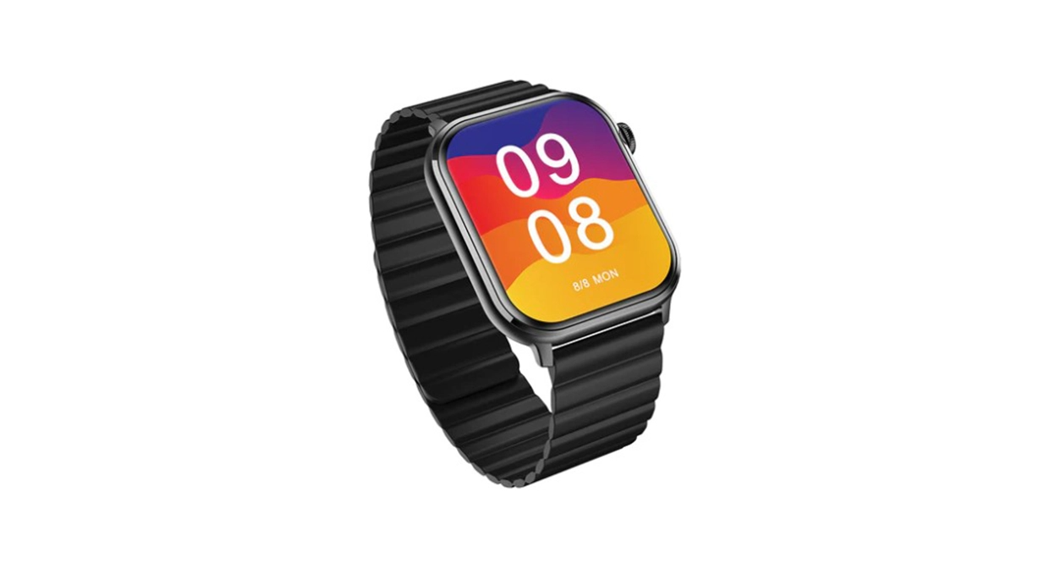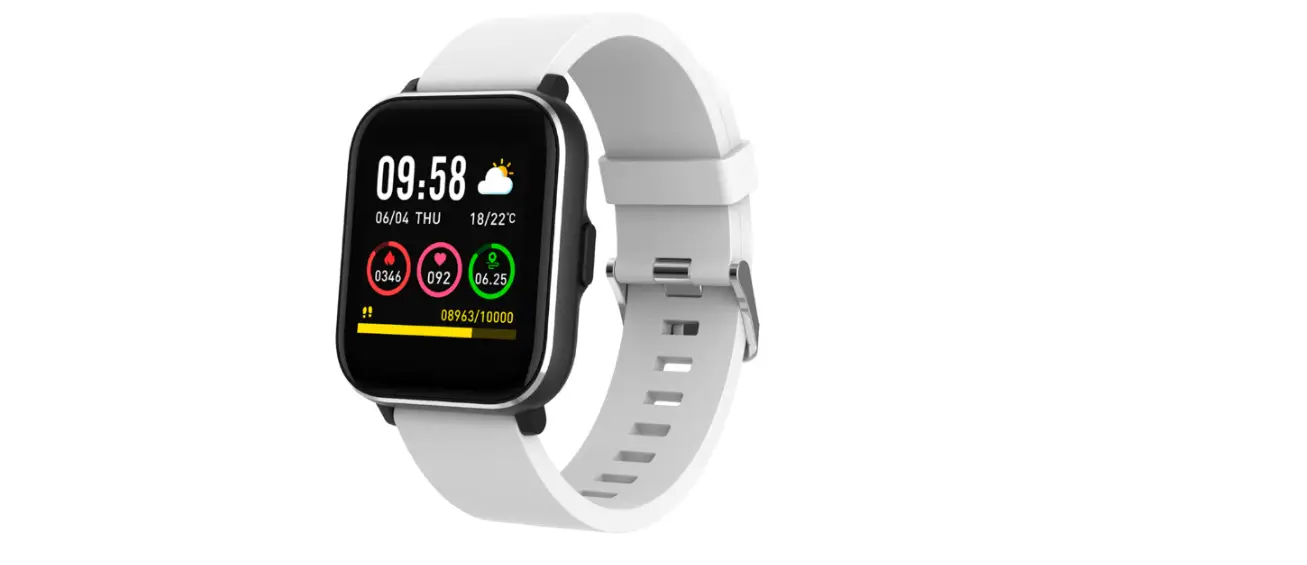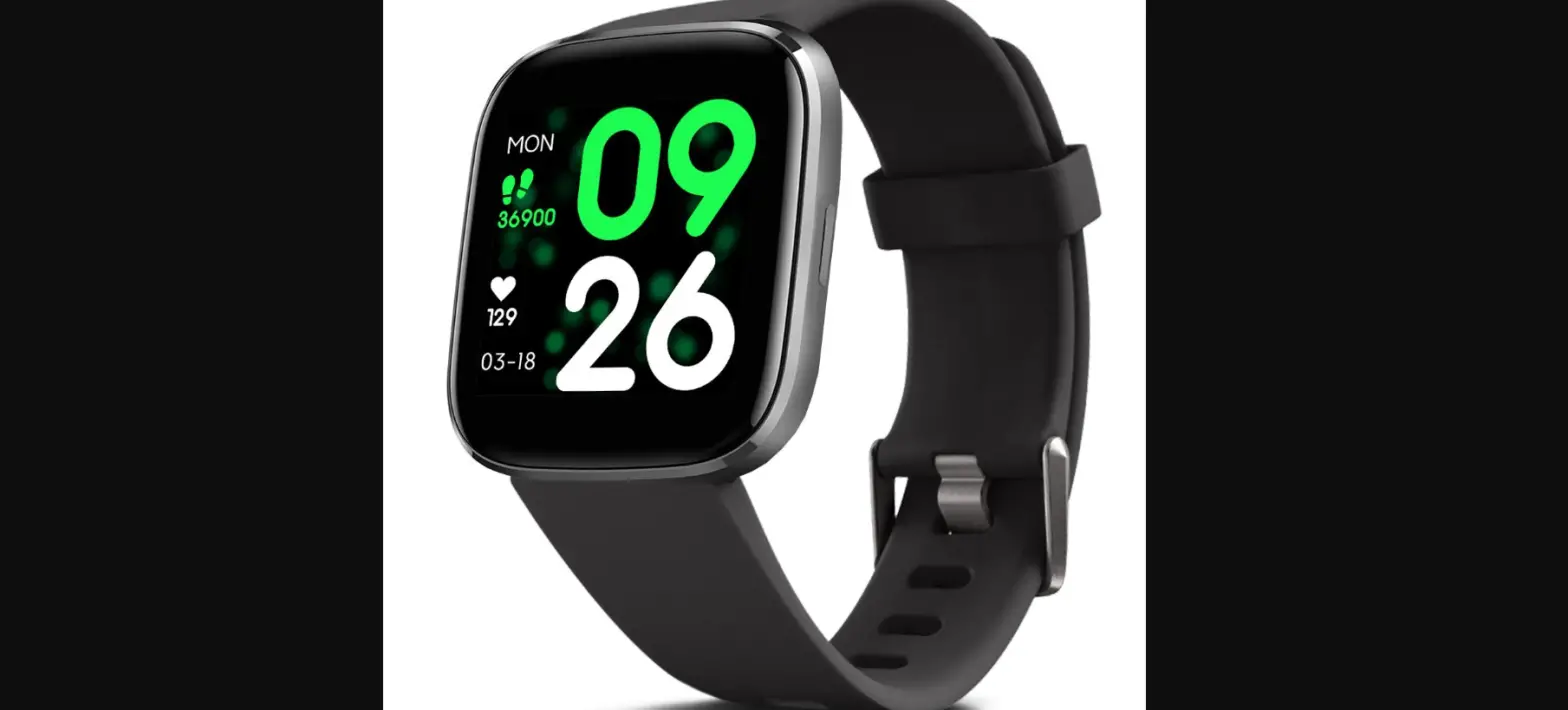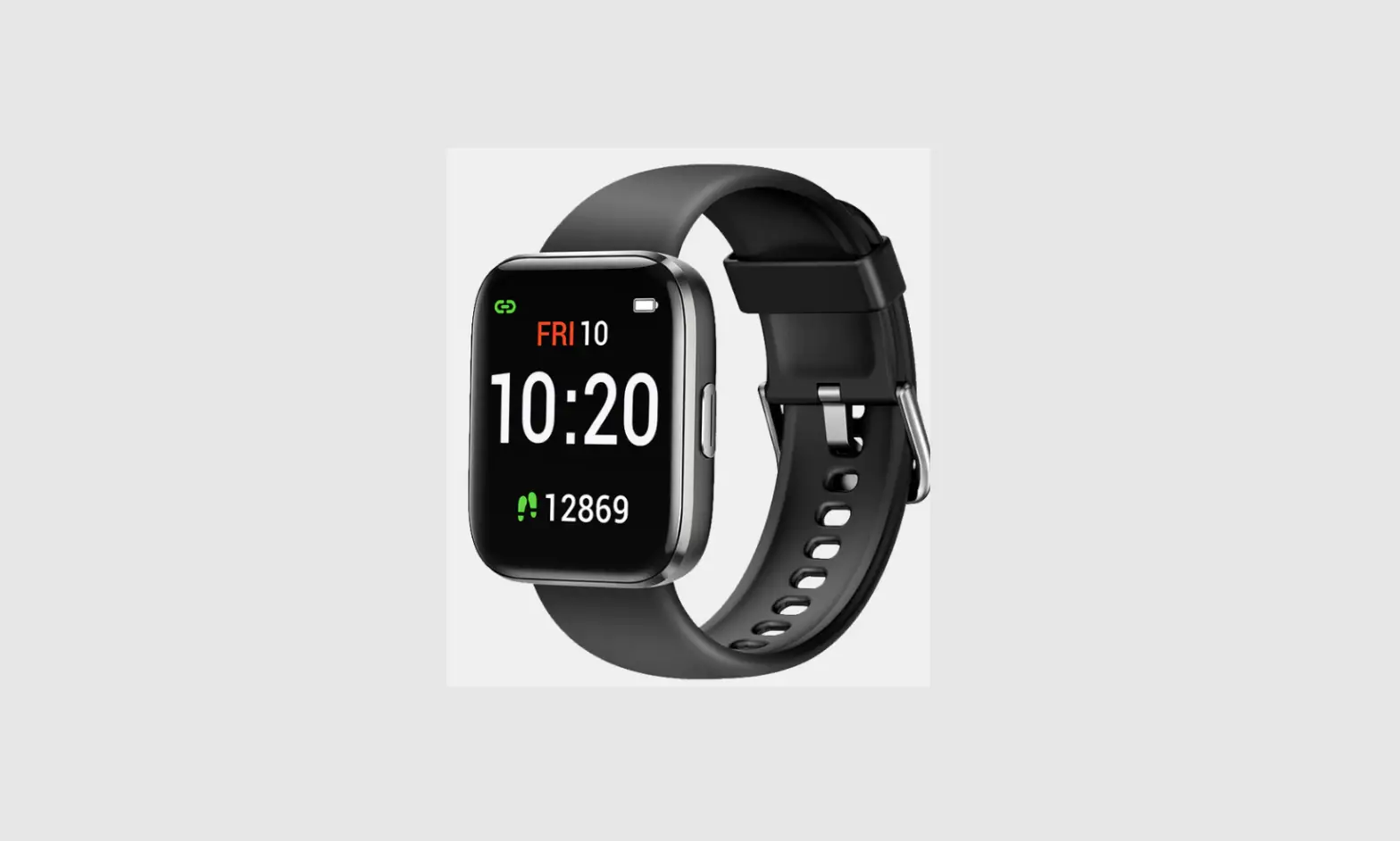

Letsfit IW1 Lite Smart Watch
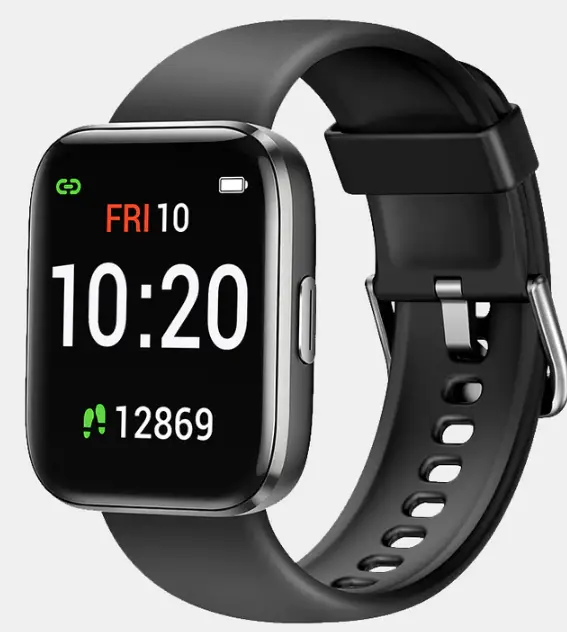
Letsfit IW1 Lite Smart Watch
Quick Start Guide
IW1 Lite Smart Watch
This quick start guide will support you in getting started using your smartwatch. If you’re looking for a more detailed user manual, FAQs, and other information, please visit our official website.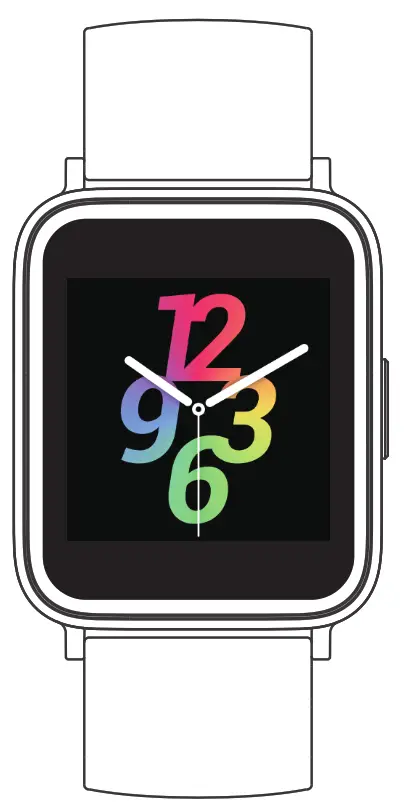 All pictures in this guide are for illustration purposes only. Actual products may vary due to product firmware and app upgrades.
Package Contents
- Smartwatch (IW1 Lite with bands)
- Charging cable
- Quick start guide
Charging
Please fully charge your watch before initial use.
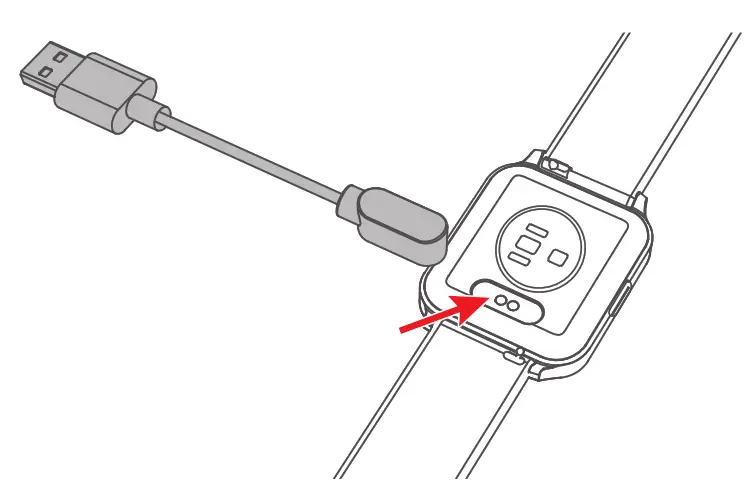
- Insert the USB plug of the charging cable into a USB charger.
- Attach the other end to the charging contacts on the back of the watch.
Installing the Fitdock App 3

iOS 11.0 & above |  | 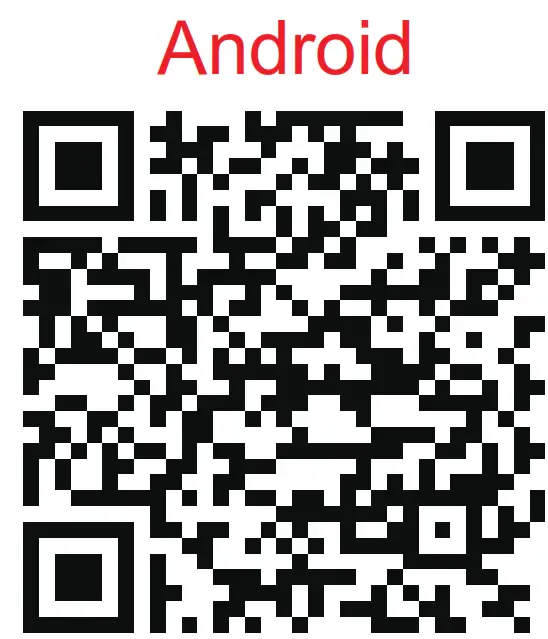 Android 6.0 & above |
| https://apps.apple.com/us/app/fitdock/id1575124602 | Fitdock | https://play.google.com/store/apps/details?com.honbow.fitdock |
Pairing
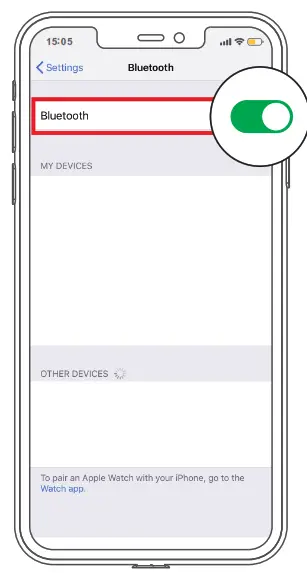
1 Turn on the Bluetooth of your phone.
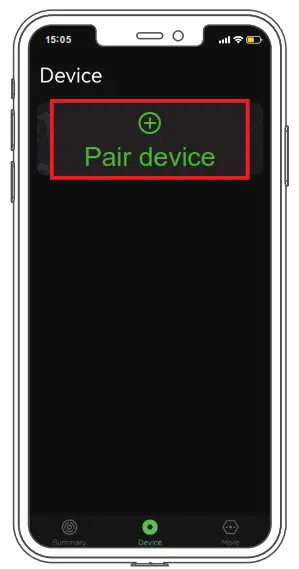
2 Open the Fitdock app. Go to the “Device” page and tap “Pair device”.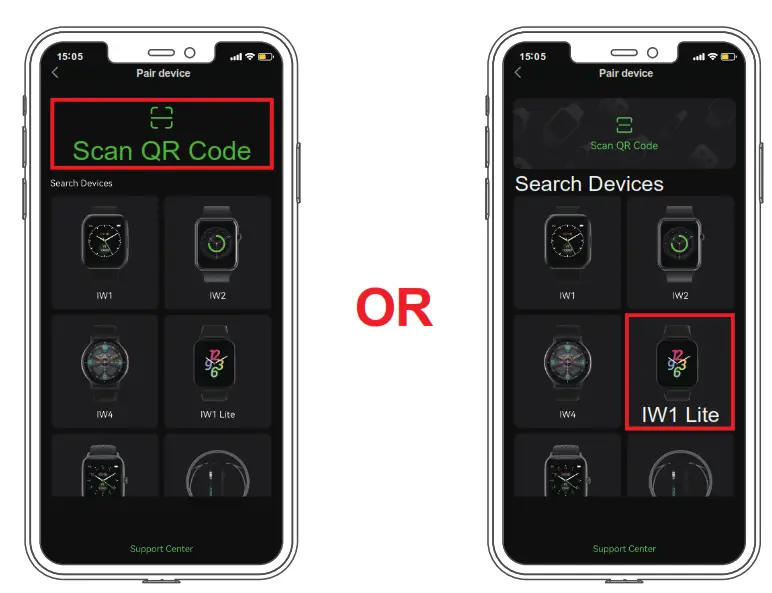
3 Tap “ ” and scan the QR code on the watch to pair. Or tap “IW1 Lite” to search the device for pairing.
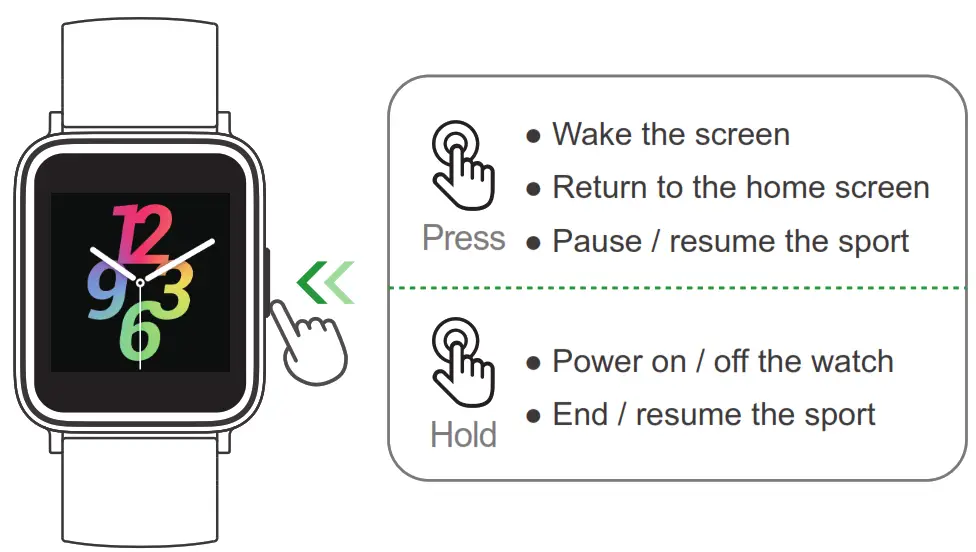
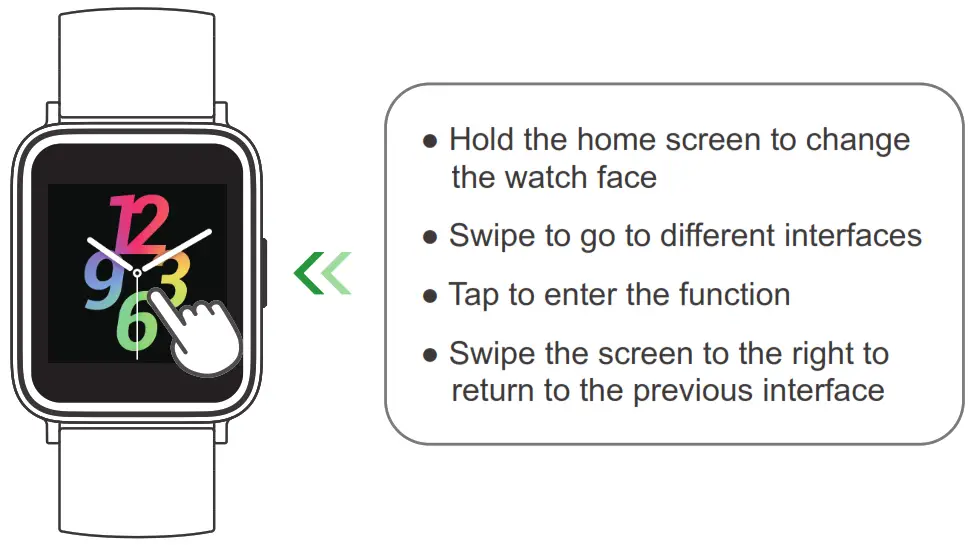
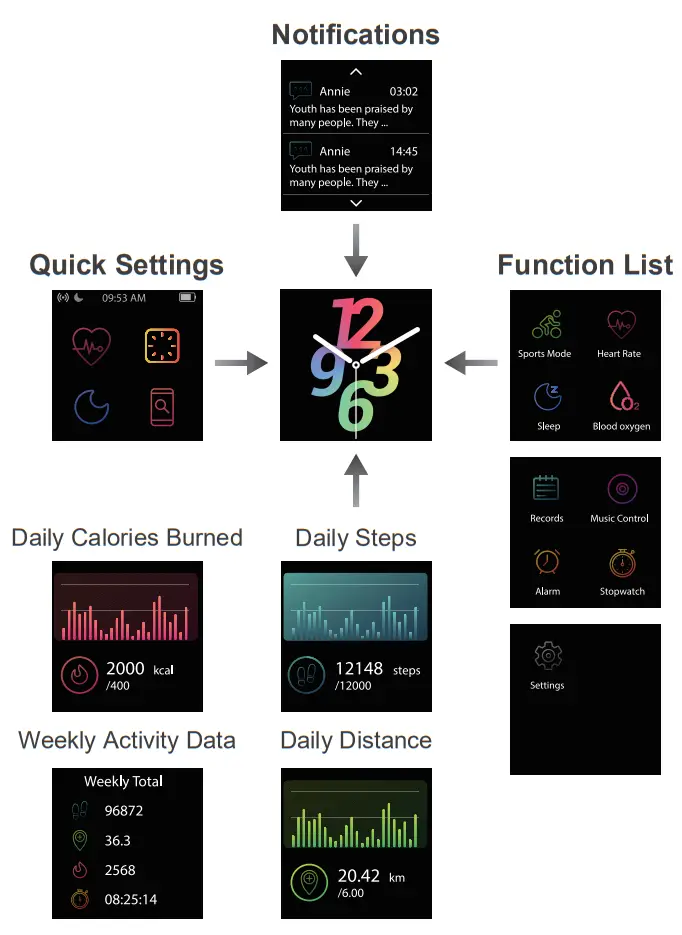
Controls
- Function Button

- Touch Screen
FAQ’S
English, Simplified Chinese, Traditional Chinese, Korean, Spanish, French, German, Italian and Japanese.
Android 4.4 and above; iOS 8.0 and above.
One year from the date of purchase.
Please visit our official website for more information.
Please visit our official website for more information.
Please visit our official website for more information.
IP68 waterproof grade means the IW1 protects against sweat, rain, water splashes and submergence.
The device has a speaker and microphone that allow you to answer calls made to your smartphone.
Letsfit Smart Watch Fitness Tracker with Heart Rate & Sleep Monitor & Blood Oxygen Saturation Compatible with iPhone & Android Phones.
insert the built-in USB plug into a USB port for charging.
Browse photos in the Photos app on Apple Watch
Open the Photos app on your Apple Watch and use these actions to browse your photos. Tap a Memory, Featured Photos, or an album you’ve synced to your Apple Watch. Tap a photo to view it. Swipe left or right to see other photos.
Letsfit EW1 Lite Smartwatch with Blood Pressure Monitor | Free Shipping – Wellbots.
VIDEO
www://letsfit.com/products/iw1-smart-watch