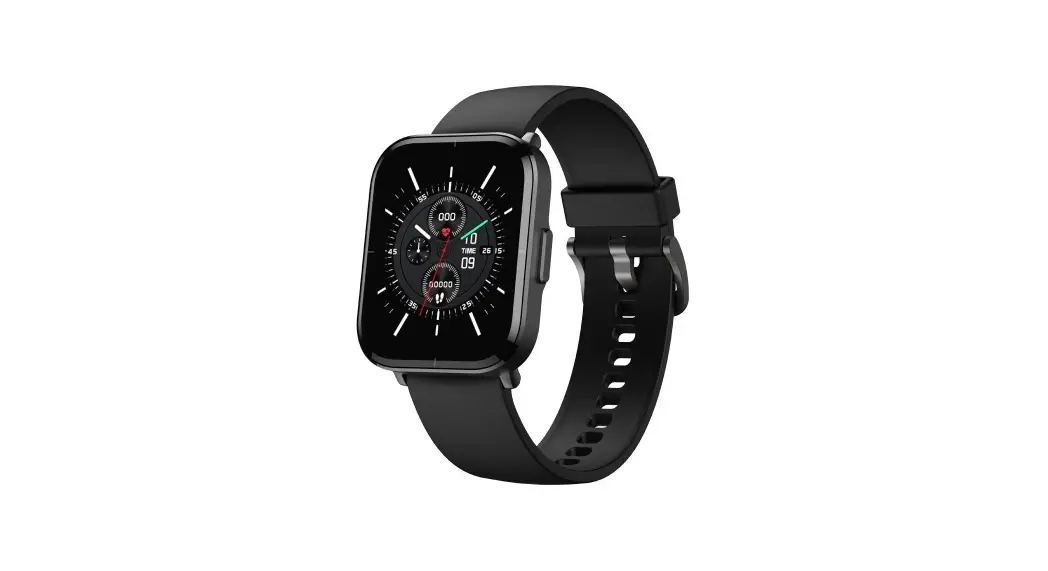
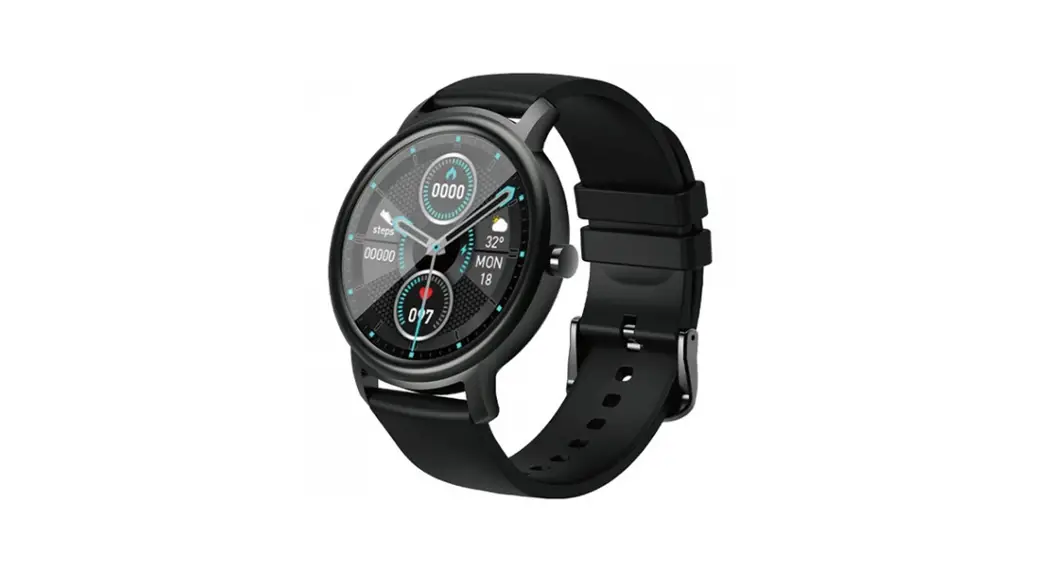
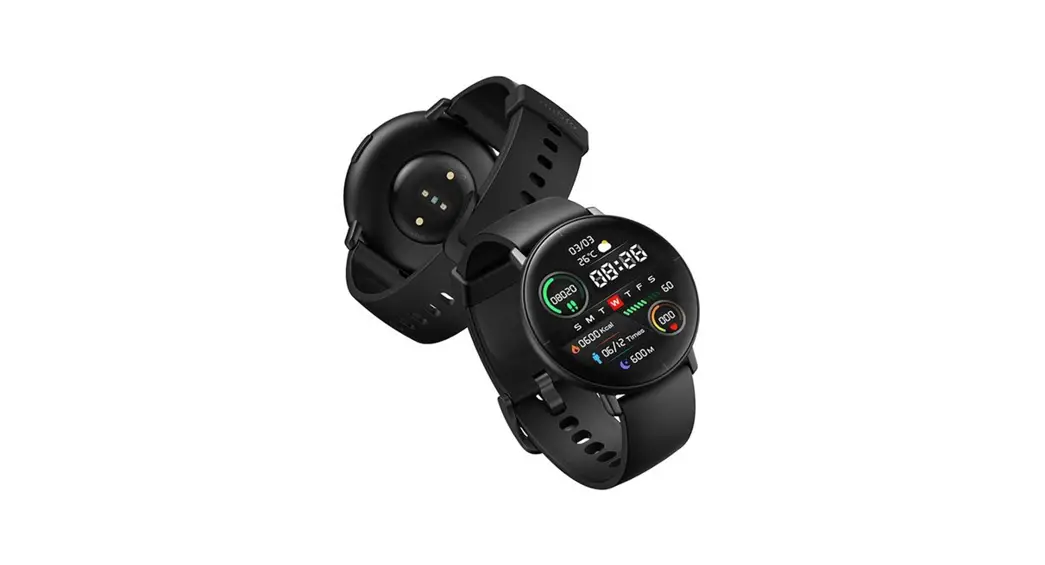
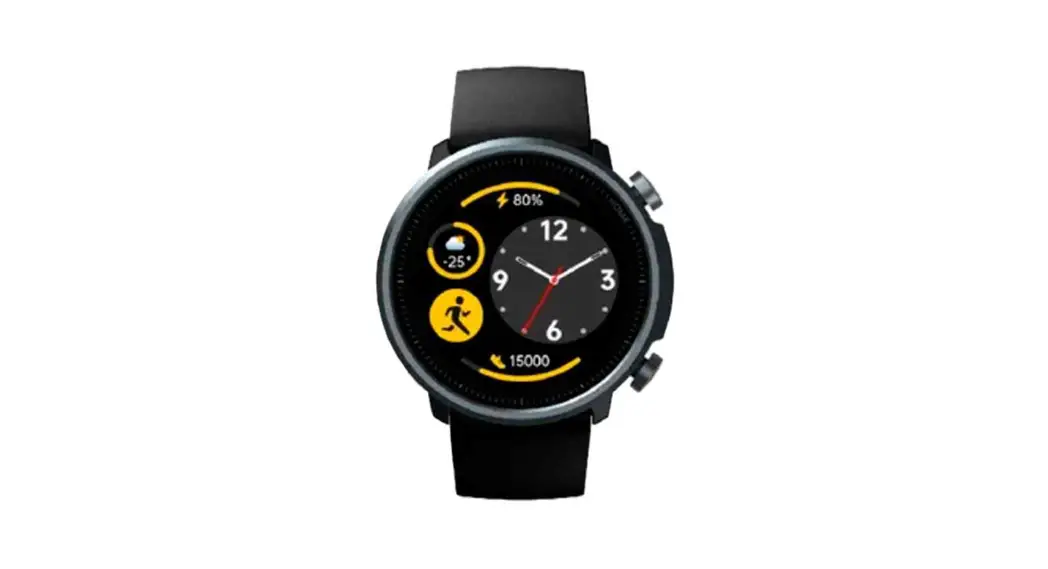
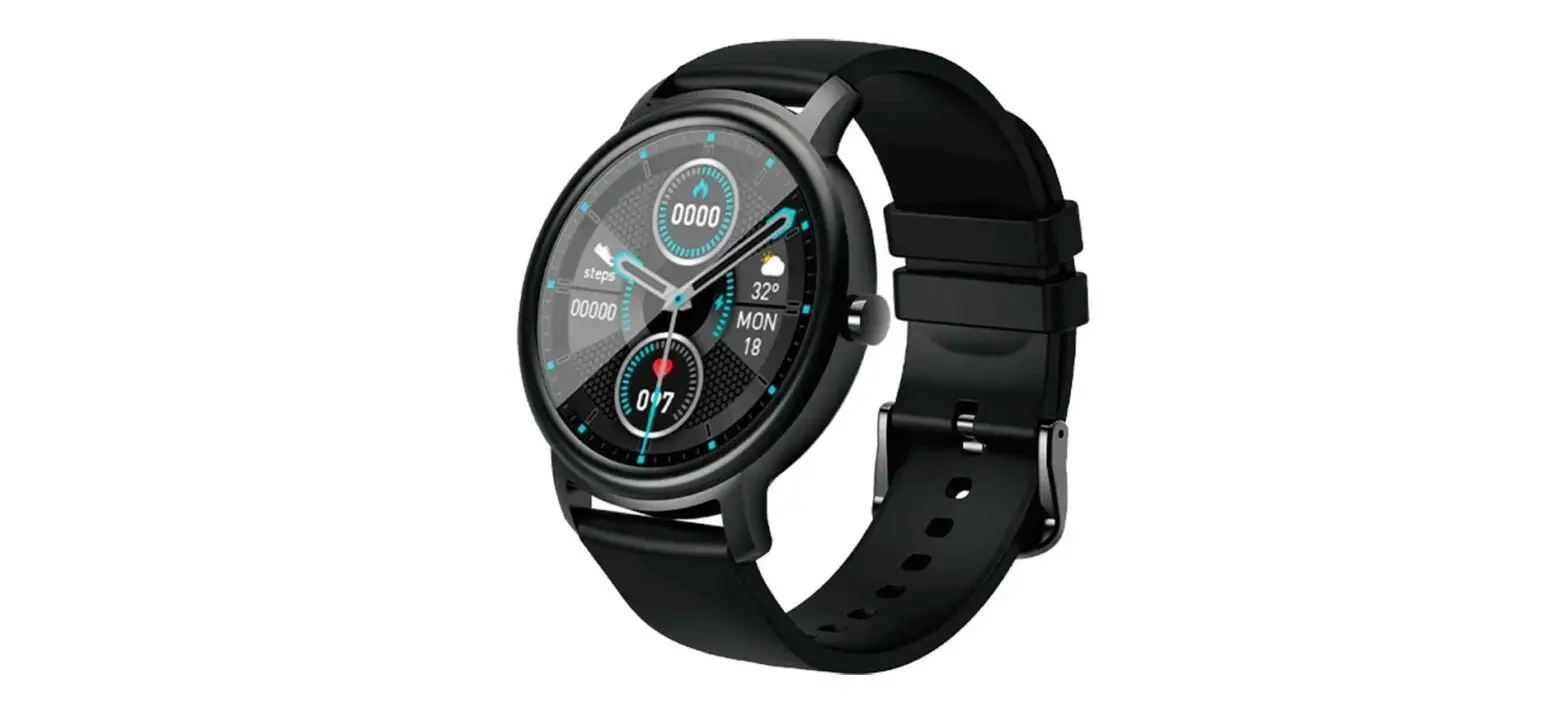
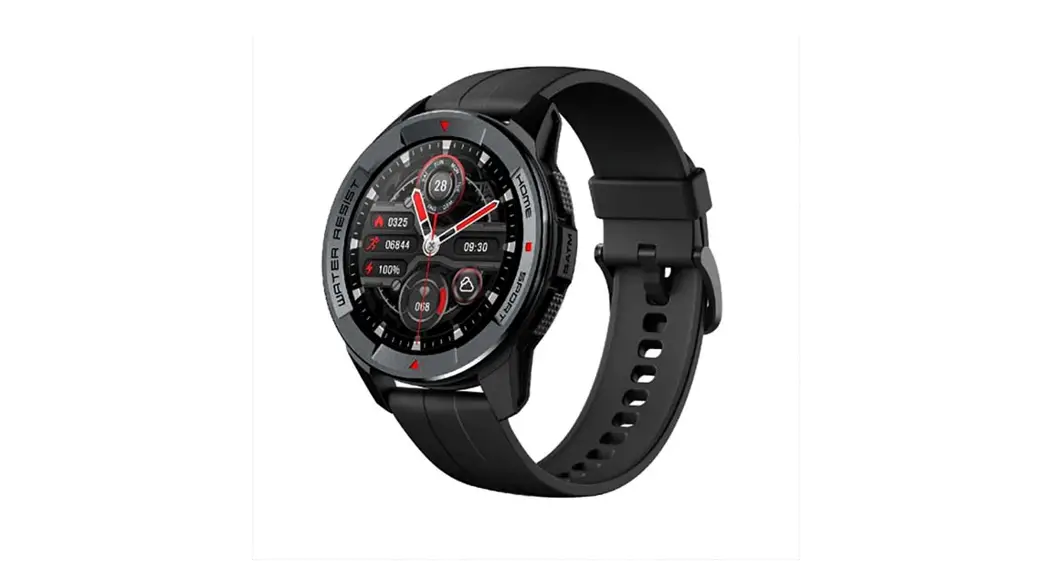
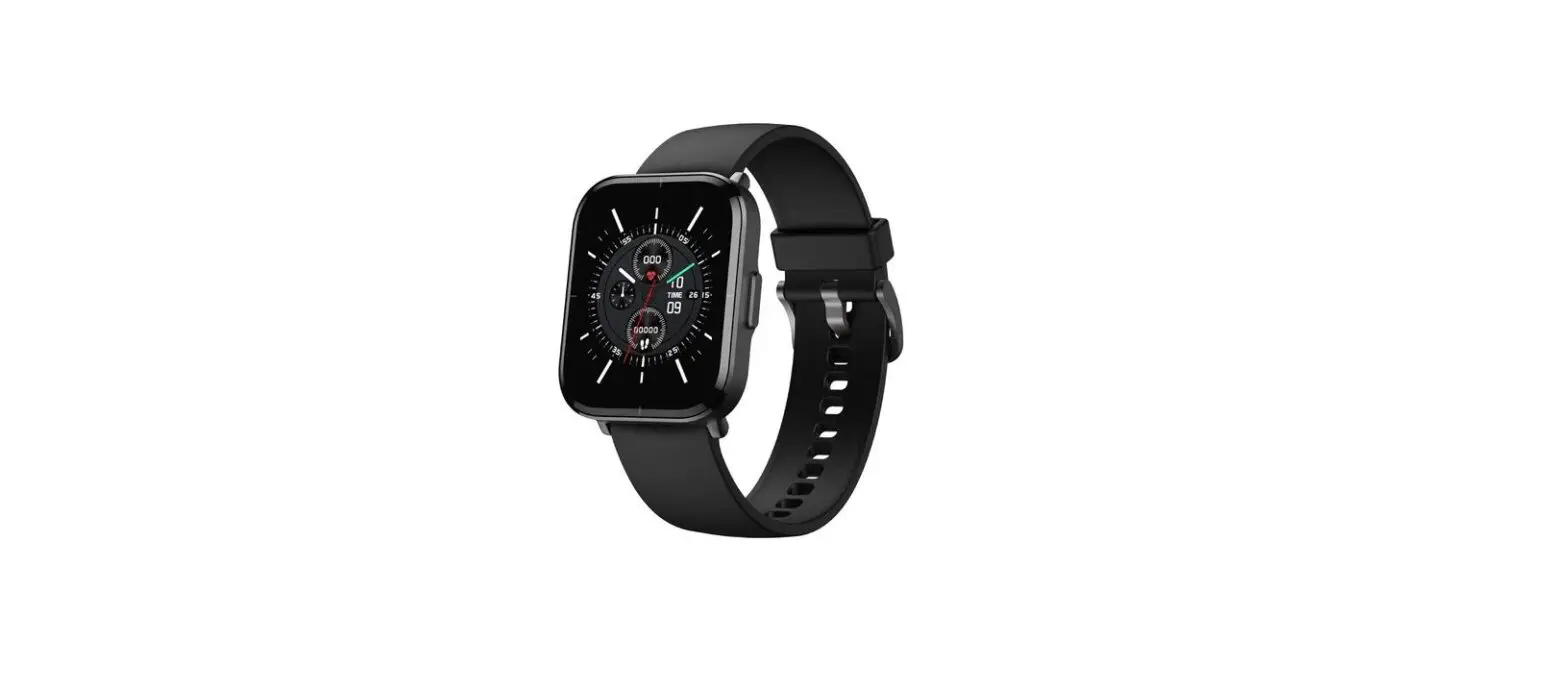
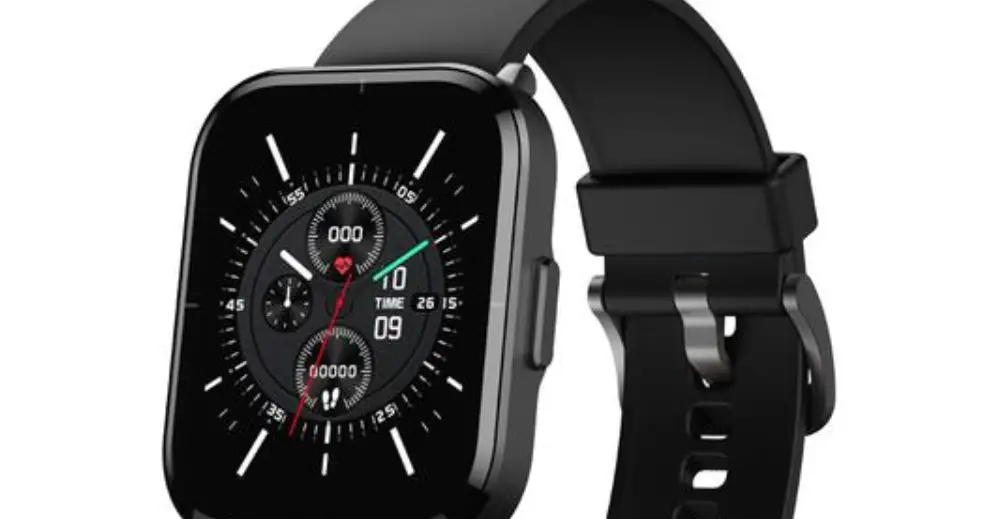
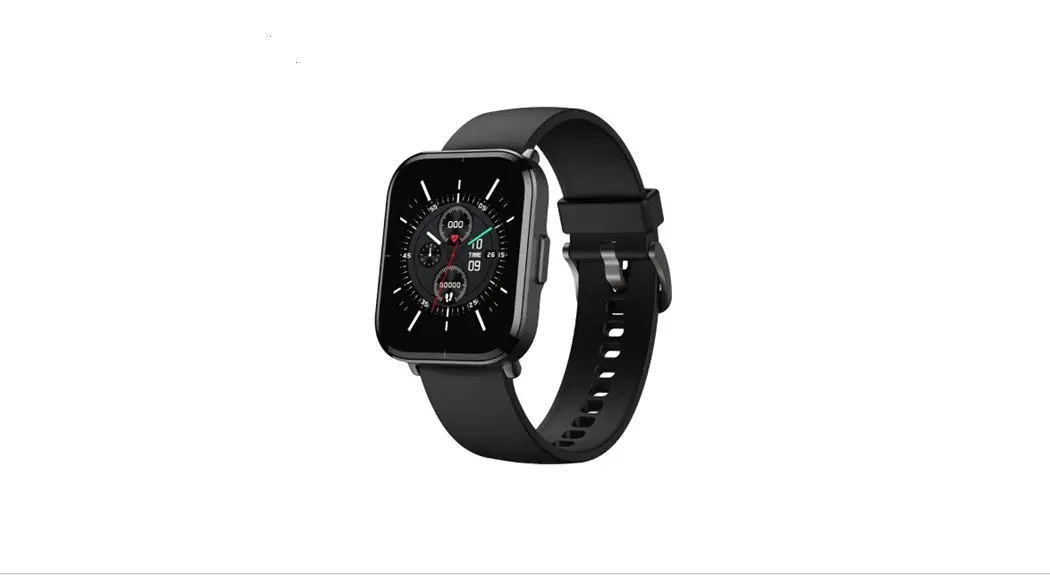
T1 Smart Watch
Mibro Watch T1
Please read this manual carefully before using the product and
keep it properly
Product Description
The Mibro Watch T1 comes with the following items in the packing
list:
- Mibro Watch T1 (including strap) X 1
- Quick Guide X 1
- User manual X 1
- Magnetic charging X 1
Product Overview
- Home button
- Full touch display
- Charging port Positive
- Charging port (Negative)
- Heart rate sensor
- Sound outlet
- Buttons and touch
- Swipe down: Call out the control center
- Home button
- Turning On: Holding the button for 2 seconds until the screen
lights up - Turning Off: Long press the button for 2 seconds until the
screen turn off Functions hot key - Return: Click
- Rotating: menu scrolling operations
- Turning On: Holding the button for 2 seconds until the screen
- Swipe right: Functions hot key
- Swipe left: Functions hot key
- Swipe up: Information interface
- Sound outlet
Turn on and Install App
- For the first use, Please press and hold the home button of the
watch for 2 seconds to turn it on; - Scan the QR code on the right side with your phone, download
the Mibro FitApp, or search for the Mibro Fit App in the Android
App Store/iOS App Store, download and install.
Please scan the QR code to download the Mibro FitApp
Android Device Open Permissions
- Enable self-starting permission
- Backstage power consumption protection
- Clean up backstage protection
- Turn on message notification
Connect The Watch
- The watch connected to App: Slides out of the quick control
center on the main watch face, click the QR code icon, and use the
Scan function in the App to scan the QR code and complete
connection with the watch. Or select Add device in the app, then
select Mibro Watch T1 to search and complete pairing.Please use Mibro fit scanning QR code to pairing
- Connect Audio Bluetooth: According to the prompts in the App,
click Settings to the phone system settings page, and select
XPAW006 XXXX in the system Bluetooth settings page to connect to
Bluetooth. (Only after this audio Bluetooth connected can the watch
use the functions of receiving and making calls and playing
music.)
Operating Instructions
- Key definition
- Home Button:
- Press and hold for 2 seconds to turn on and off;
- On the dial page, short press to enter the menu and return to
the dial; - When the screen is off, press briefly to light up the
screen; - Other pages short press to return to dial page;
- Rotating: menu scrolling operations.
Function page: in the menu page, click each application icon to
enter the corresponding function, right slide back, and press the
home button to return to the main dial page.
Features
- Sports
- Run*3
- Cycling*2
- Swim*1
- Outdoor*2
- Indoor*7
- Ball*5
- Record the daily exercise data, including the number of steps,
distance, calories, activity time, activity times. - Heart rate
- Detect heart rate anytime and anywhere, make scientific chart
analysis, and record the latest 7 heart rate data. - Blood oxygen
- Detected anytime and anywhere, and scientific chart analysis
was made to record the blood oxygen data of the last 7 times.
- Detected anytime and anywhere, and scientific chart analysis
- Detect heart rate anytime and anywhere, make scientific chart
Mibro Watch T1
Please read this manual carefully before using the product and keep it properly
Product description
Packing list: Mibro Watch T1 (including strap) X 1, Quick GuideX1, User manual X 1, Magnetic charging X 1.
Product overview
Home button Full touch display
Charging port Positive
Charging port (Negative)
Heart rate sensor
Sound outlet
Buttons and touch
Swipe down: Call out the control center
Home button
Turning On:
Holding the button for 2 seconds
until the screen lights up
Turning Off:
Long press the button for 2
Swipe right:
seconds until the screen turn off Functions hot key
Return: Click
Rotating: menu scrolling operations
Swipe left: Functions hot key
Sound outlet
Swipe up: Information interface
Turn on and Install App
1. For the first use, Please press and hold the home button of the watch for 2 seconds to turn it on;
2. Scan the QR code on the right side with your phone, download the “Mibro Fit”App, or search for the “Mibro Fit” App in the Android App Store/iOS App Store, download and install.
Please scan the QR code to download the”Mibro Fit”App
Android Device Open Permissions
Enable self-starting permission
Backstage power consumption protection
Clean up backstage protection
Turn on message notification
Tips 1. For better use experience, please update the App to the latest version according to the prompt. 2. The system requires Android 5.0 or iOS 10.0 or above. 3. After the iOS system device connects the App for the first time, it will receive the prompt of Bluetooth pairing request. You need to click “Pairing” to connect, so that the watch can receive the notification and reminder of calls and SMS pushed from the iOS system; 3. After the Android device connects the App for the first time, it will receive a prompt to open the application permission. Please open the permission according to the prompt, otherwise the connection will be unstable with a small probability.
Connect the watch
1. The watch connected to App: Slides out of the quick control center on the main watch face, click the QR code icon, and use the “Scan” function in the App to scan the QR code and complete connection with the watch. Or select “Add device” in the app, then select “Mibro Watch T1” to search and complete pairing.
Please use “mibro fit” scanning QR code to pairing
2.Connect Audio Bluetooth: According to the prompts in the App, click “Settings” to the phone system settings page, and select “XPAW006 XXXX” in the system Bluetooth settings page to connect to Bluetooth. (Only after this audio Bluetooth connected can the watch use the functions of receiving and making calls and playing music.)
Operating Instructions
1. Key definition
Home Button: 1). Press and hold for 2 seconds to turn on and off; 2). On the dial page, short press to enter the menu and return to the dial; 3). When the screen is off, press briefly to light up the screen; 4). Other pages short press to return to dial page; 5).Rotating: menu scrolling operations.
2. Dial page touch gesture 1).Intelligent components: The components can be accessed by sliding the dial page left / right, and the system preset 5 components; 2). Dial switch: Long press the screen on the dial page to display dial selection. Select the corresponding dial and return to the main dial page. Note: four dials are preset, and the last one is “Custom dial page”, which can be displayed only after the custom dial is set in “Mibro Ft” App; 3). Shortcut menu: slide down on the dial page to return; 4). Message notification: slide on the dial page, slide or right slide back; 5). When a message is sent to the watch, the information details will pop up. Right slide or press the home button to return to the dial.
3. Function page operation Function page: in the menu page, click each application icon to enter the corresponding function, right slide back, and press the home button to return to the main dial page.
Features
Sports
Run*3 Cycling*2 Swim*1 Outdoor*2 Indoor*7
Ball*5
Treadmill,Outdoor running,Walking Cycling,Outdoor Cycling Swimming pool Trekking,roller skating Elliptical machine,Free training,Yoga,Sit ups, push ups,rope skipping, aerobics Badminton,Tennis,Basketball,Football,Table tennis
Record the daily exercise data, including the number of steps, distance, calories,
Data
activity time, activity times.
Heart rate
Detect heart rate anytime and anywhere, make scientific chart analysis, and record the latest 7 heart rate data.
Blood oxygen was detected anytime and anywhere, and scientific chart analysis was Blood oxygen made to record the blood oxygen data of the last 7 times.
Sleep
Intelligent monitoring of your sleep quality, scientific analysis of sleep time, record 7 days of sleep data.
Monitor the change of your stress value in a day and form an analysis icon. Pressure
Different frequency and time can be set for respiratory adjustment training. Breath training
Record the change of your exercise intensity and effective value in a week. Mett
Phone Music
The watch is connected to the mobile phone, you can answer and make calls on the watch.
The watch is connected to the mobile phone, you can control the music playing of the mobile phone, and you can also play music through the watch
Timer
Watch quick timer.
Alarm
Watch alarm clock setting function.
Search
After connecting the phone, you can find the phone through the watch.
your phone
Start the stopwatch function. Stopwatch
Weather
After connecting the mobile phone, you can synchronize the weather in the App.
Setting
Screen display setting, system menu switching, vibration mode, do not disturb mode, connecting mobile phone, language setting, power saving mode, factory recovery, restart, shutdown and other settings.
Charging
Please align the metal port surface of the magnetic charging cable and be close to the charging contacts of the watch. The magnetic charging cable will automatically be attached to the charging contacts of the watch to start charging, and the charging instructions will be displayed on the watch screen.
Note: 1. Do not charge in a humid environment; 2. Make sure that the metal port surface on the watch body and the magnetic charging cable are not dirty or corroded; 3. Please clean the metal port surface on the back of the watch and the magnetic charging cable with a clean flannel regularly. Make sure that the contacts of the watch and the magnetic charging cable are in full contact to ensure normal charging; 4. This product is not equipped with a power adapter. In order to ensure the safety of your family and property, you can use a computer USB port or choose a power adapter with an output not exceeding 5V 1A when charging. Please purchase power adapters through formal channels, and avoid using low-quality, fake power adapters to avoid bursting or fire.
Bluetooth data transmission
When connected to a mobile phone, the watch will synchronize some data to the mobile phone via Bluetooth, including weather, notification messages, sports health data, etc. After disconnected or Bluetooth is turned off, the data will not be synchronized.
Precautions
1. The measurement results of this product are for reference only, not for any medical purpose or basis. Please follow the doctor’s instructions and never make self-diagnosis and treatment based on the measurement results. 2. The waterproof grade of this product is 2ATM, but it is not against sea water,deep diving and long time soaking in water. At the same time, it doesn’t prevent hot water, because steam will affect the watch. 3. The company reserves the right to modify the contents of this manual without any notice. Some functions are different in the corresponding software version, which is normal.
Specifications
Name: Mibro Watch T1
Input: 5V 1A Max.
Model: XPAW006
Size: 43.5*35*11.3mm
Nominal voltage: 3.7V
Battery capacity: 350mAh
Charging cut-off voltage: 4.2V
FCC ID: 2AXCI-XPAW006
Equipment requirements: Android 5.0 or iOS 10.0 and above
Client: Zhenshi Information Technology (Shanghai) Co., Ltd. Address: Room 4015, Building 2, No. 588, Zixing Road, Minhang District, Shanghai