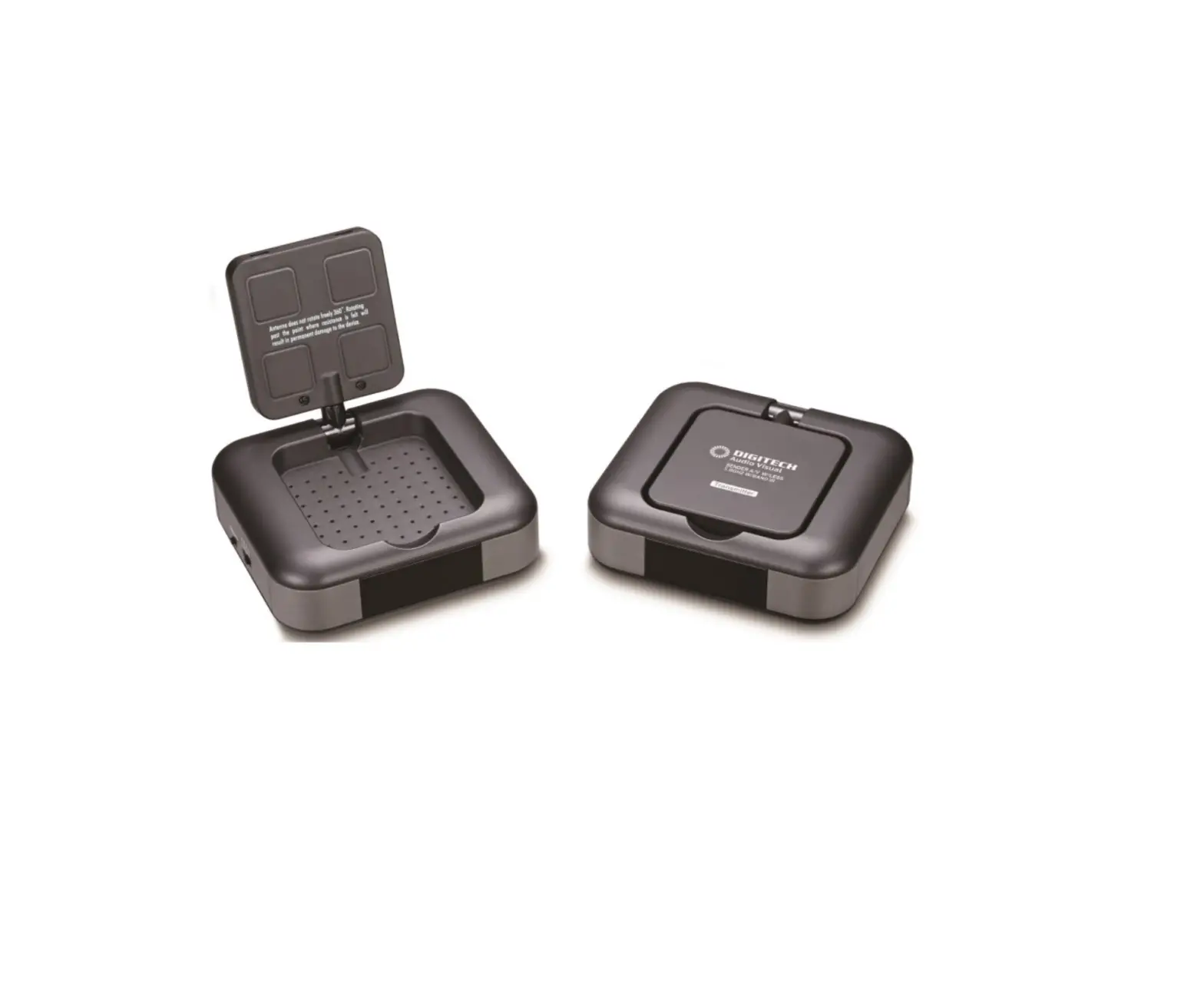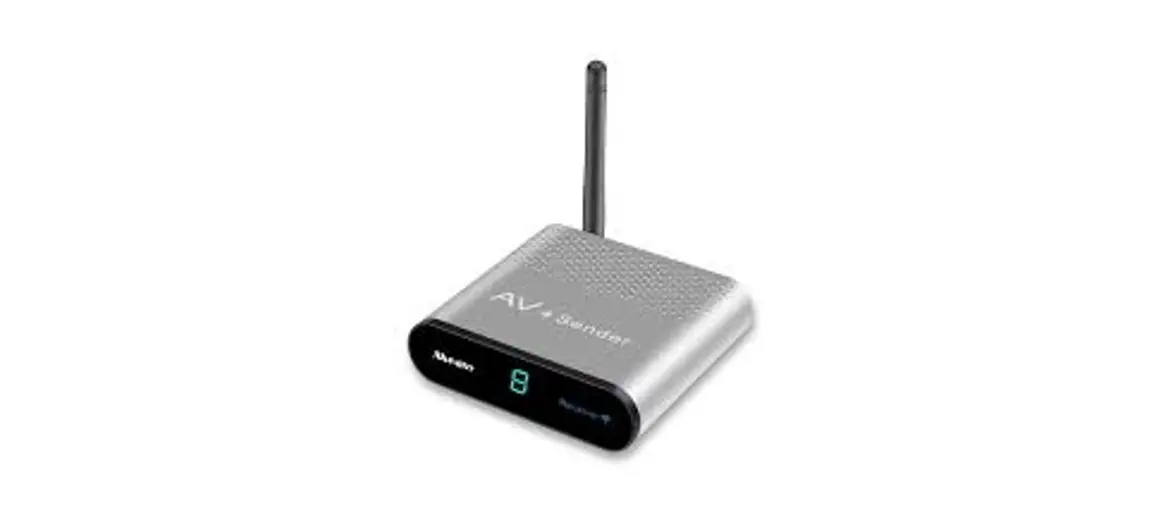
Measy Technology AV220 Wireless AV Sender 2.4 GHz ISM Frequency
User Manual
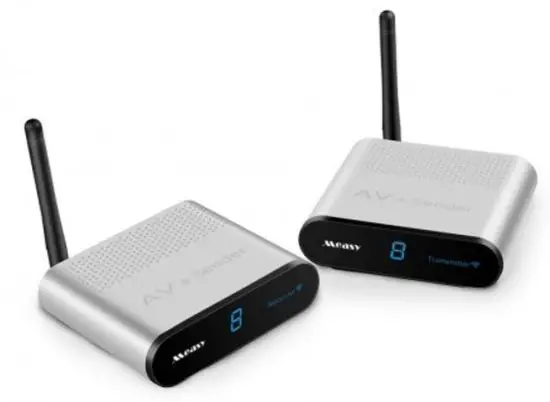
Panel Description
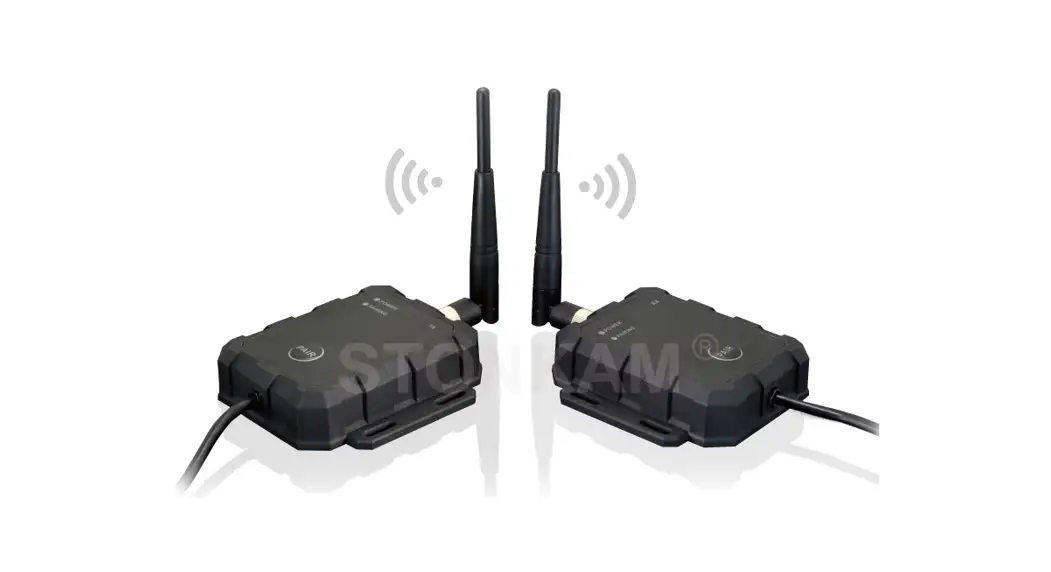
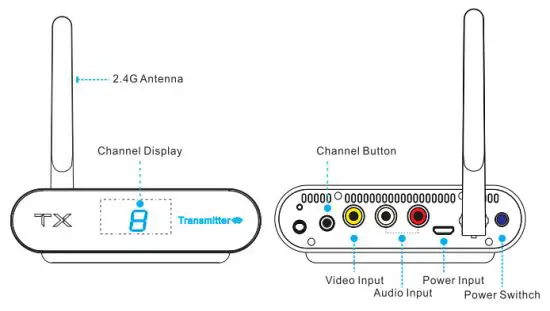
Transmitter(TX)
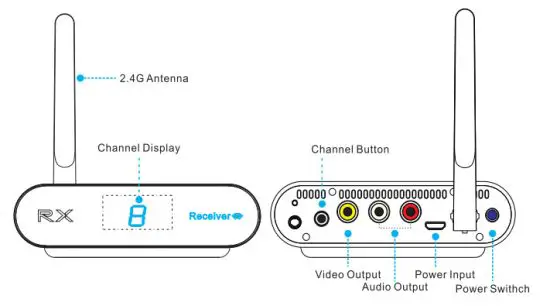
Receiver(RX)
INSTALLATION INSTRUCTIONS
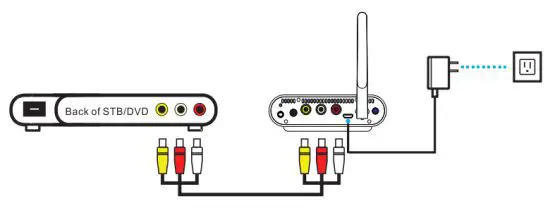
Transmitter Installation
Put the transmitter near t ST8 and other AV output devices, connect the AV cable with the audio-video output signal of STB corresponding to colors(Red, White, Yellow)
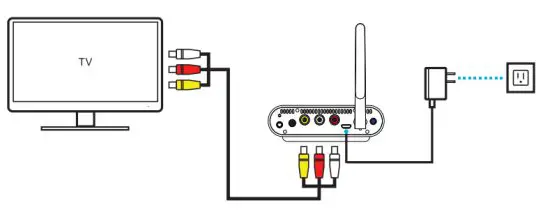
Receiver Installation
put the receiver near t T\¥and other AV input devices, connect the AV cable with the audio-video input signal of TV corresponding to colors(Red/White/Yellow), and modulate the TV channels to video channels until it shows receiving pictures
Attention
After the receiver connects the TV set, you should change from to AV channels and keep the receiver away from other devices and metal devices to avoid effecting wireless signal reception
OPERATION
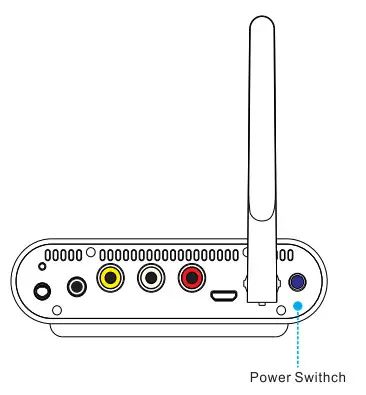
Power switch
Pressing the power switch can switch on or off the power to the transmitter or receiver, and enable it to transmit or not transmit the signal.
Attention;
To ensure that the product can be used normally, the product should be connected when power off in case the product be damaged Switch on when finish connection and never plugin or out at wilt. Please turn off the product if long time does not use it
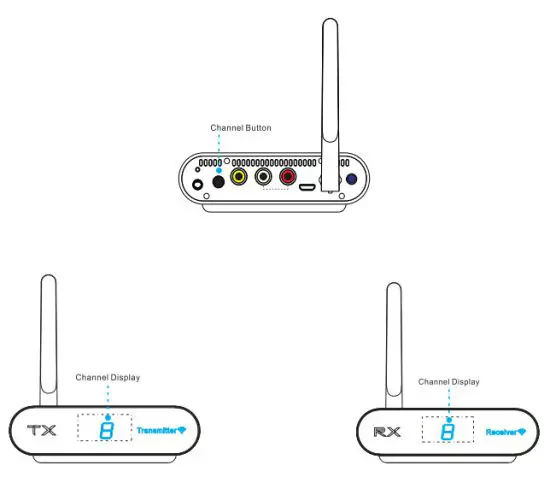
Channel selection
Attention;
Please select the 2.4GHz transmission channel with the best image and sound effects according to the actual operating environment. If there is interference from the router signal in the environment, please select another 2.4GHz transmission channel to avoid the interference source
FEATURES
#Use2.4GHz ISM frequency band, multiple selective channels supported for anti interference from wireless,
# Support 1 group of AV signal input/output
keep Transmitter and receiver setting at the same channel, it can support f transmitter and more receivers at the same time.
#Support DVD, DVR, IPTV, CCTV Camera, Satellite receiver, Digital $TB, and other AV output devices.
#f Transmitter has a butt.in infrared signal emission or infrared transmission extension cable, so that you can do remote control the signal from DVD. DVR, $TB IPTV, and another device.
#f Supports video transmission of PAL/NTSC system and stereo audio transmission, Pictures received are clear flamboyant and stable 4full hardware design without installing any software, plug and play, simple and convenient. Fashionable design
#24GHz modules are certificated. Wireless application is safe and reliable.
SPECIFICATION
| Power input | DC5V=1000mA |
| Video input | 1 Vp-p(PALZNTSC) |
| Audio input | 1.5Vp-p(dual channel) |
| Video output: | 1Vp-p(PAUNTSC) |
| Audio output | 1.5Vp-p(dual channel) |
FAQ
How Cant Transmit To Multiple TV 7
The sender does support multiple receivers. If you wish to transmit to a second T\additional receiver are available. Keep Transmitter and receiver setting at the same channel, it can support 1transmitter and more receivers at the same tire
The image interferes.
A). Please adjust the angle of the antenna for the 2.4GHz transmitter and the receiver
B). Please try to change the 2.4GHz transmission channel for the transmitter and the receiver.
C). If allowed, please put the transmitter and the receiver in a higher place to strengthen the wireless transmission
why is My Video Black and White?
If the image transmits in Black & White, the video cable may be connected to a Component Video input: these are Red, Blue, and Green. Some TVs will have a Yellow RCA connection built into the Green Component connection. It may be necessary to change your TV settings to enable the Video input option. To find information that is specific to your Ty, please check your user manual
Ifthe channel display does not light up and there is no image.
A). Please check the power connection of the transmitter and receiver, open the power switch
B). Please try to change the 2.4GHz transmission channel for the transmitter and the receiver
C). Please check if the transmitter and the receiver are connected correctly (Refer to installation instruction).
What f They Don’t Connect?
A). Please ensure that the transmitter and receiver are within the range of each other. If the signal passes through walls and floors, the transmission distance wif reduced to 32.8ft/10m only. Line of sight is recommended as obstacles can reduce the transmission distance
B). Confirm that both power switches are set to the ON position and that the channel selection switches are set to the same number.
C). Test each channel to improve signal strength and avoid interference
D). Al wireless devices may be subject to interference. which may result in a loss of signal, or intermittent signal, To correct interference issues we recommend adjusting the antennas or the position of the transmitter and receiver by moving them away from sources of interference. Sources of interference can be devices such as cordless phones, wireless routers, and microwaves
How Can[Connect The sender To My Coaxial, BNC, 6r HDMI Source Device?
The sender requires an RCA connection for operation, If you wish to connect to another connection type you will need an adapter (Coaxial to RCA, BNC to RCA)or a converter (HDMI RCA). Many adapters and converters are available for different connection types.
Note: If trying to connect to a Coaxial or HD4I Ty an adapter or converter can still, be used but must be the reverse type (RCA to HDMI, RCA to Coaxial)
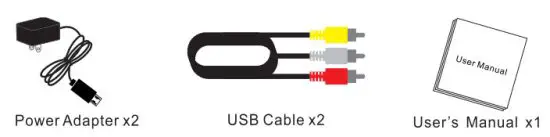
CONTENTS
FCC Warning Statement
Changes or modifications not expressly approved by the party responsible for compliance could void the user’s authority to operate the equipment. This equipment has been tested and found to comply with the limits for a Class B digital device, pursuant to Part 15 of the FCC Rules. These limits are designed to provide reasonable protection against harmful interference in a residential installation. This equipment generates uses and can radiate radio frequency energy and, if not installed and used in accordance with the instructions, may cause harmful interference to radio communications. However, there is no guarantee that interference will not occur in a particular installation. If this equipment does cause harmful interference to radio or television reception, which can be determined by turning the equipment off and on, the user is encouraged to try to correct the interference by one or more of the following measures:
- Reorient or relocate the receiving antenna.
- Increase the separation between the equipment and receiver.
- Connect the equipment into an outlet on a circuit different from that to which the receiver is connected.
- Consult the dealer or an experienced radio/TV technician for help.
This device complies with part 15 of the FCC Rules. Operation is subject to the following two conditions: (1) This device may not cause harmful interference, and (2) this device must accept any interference received, including interference that may cause undesired operation.