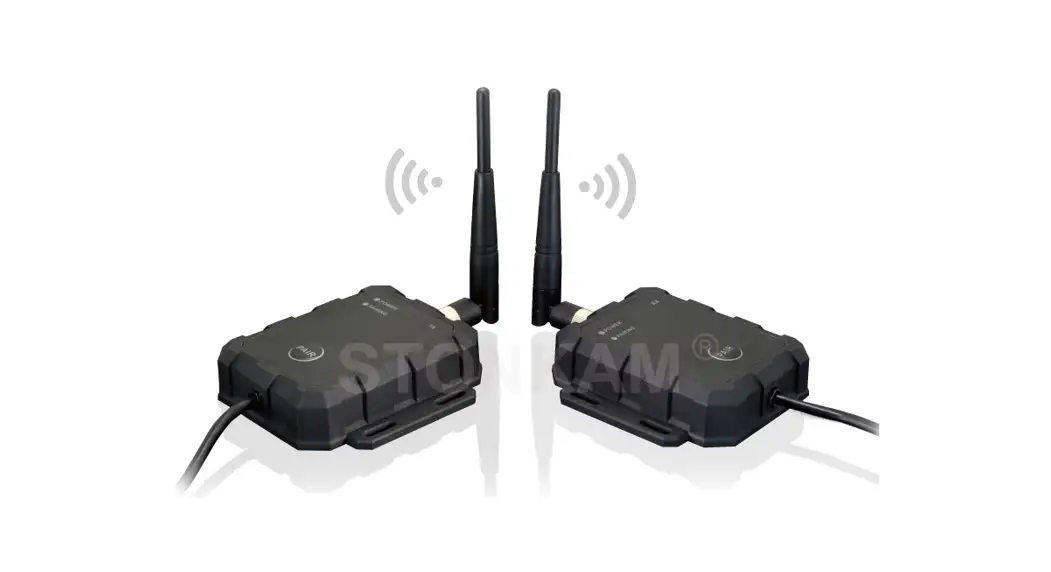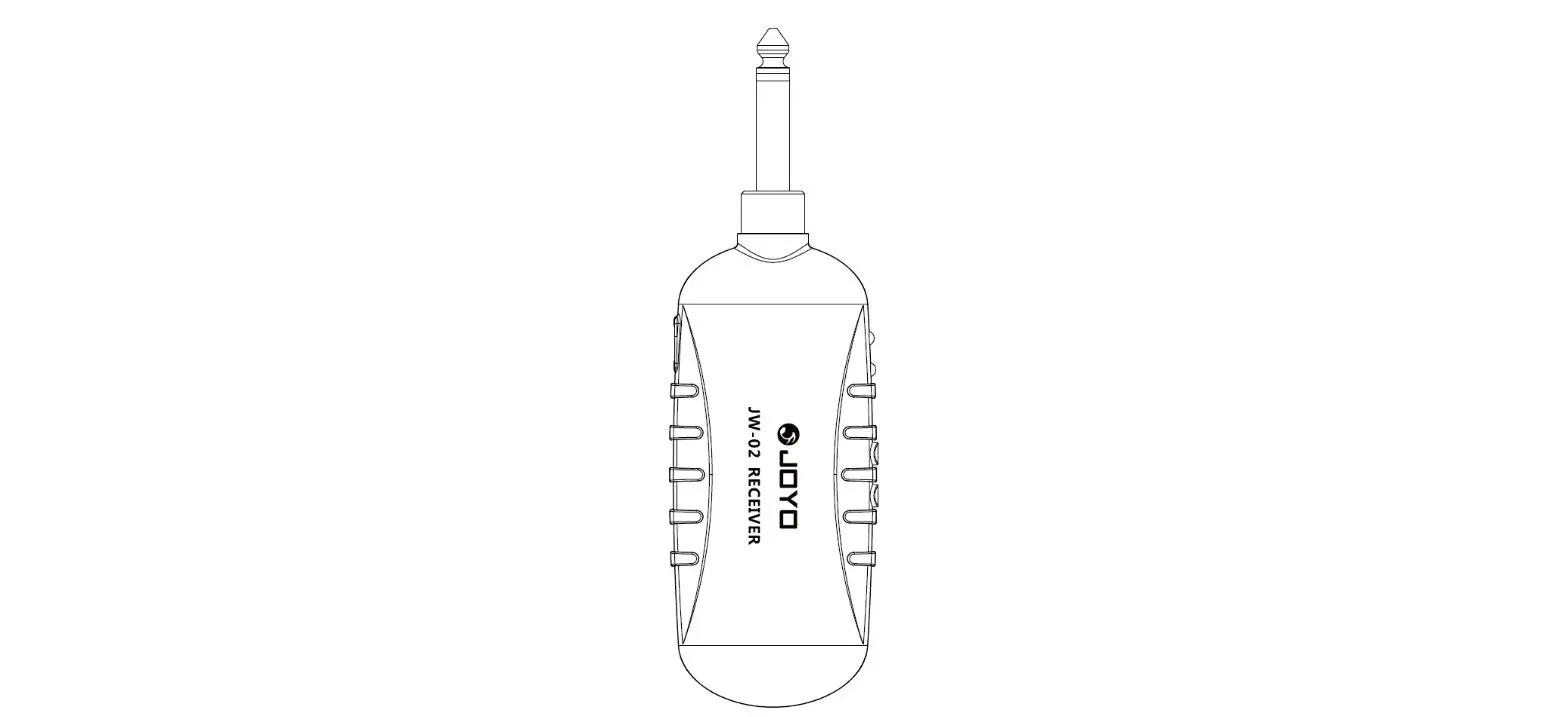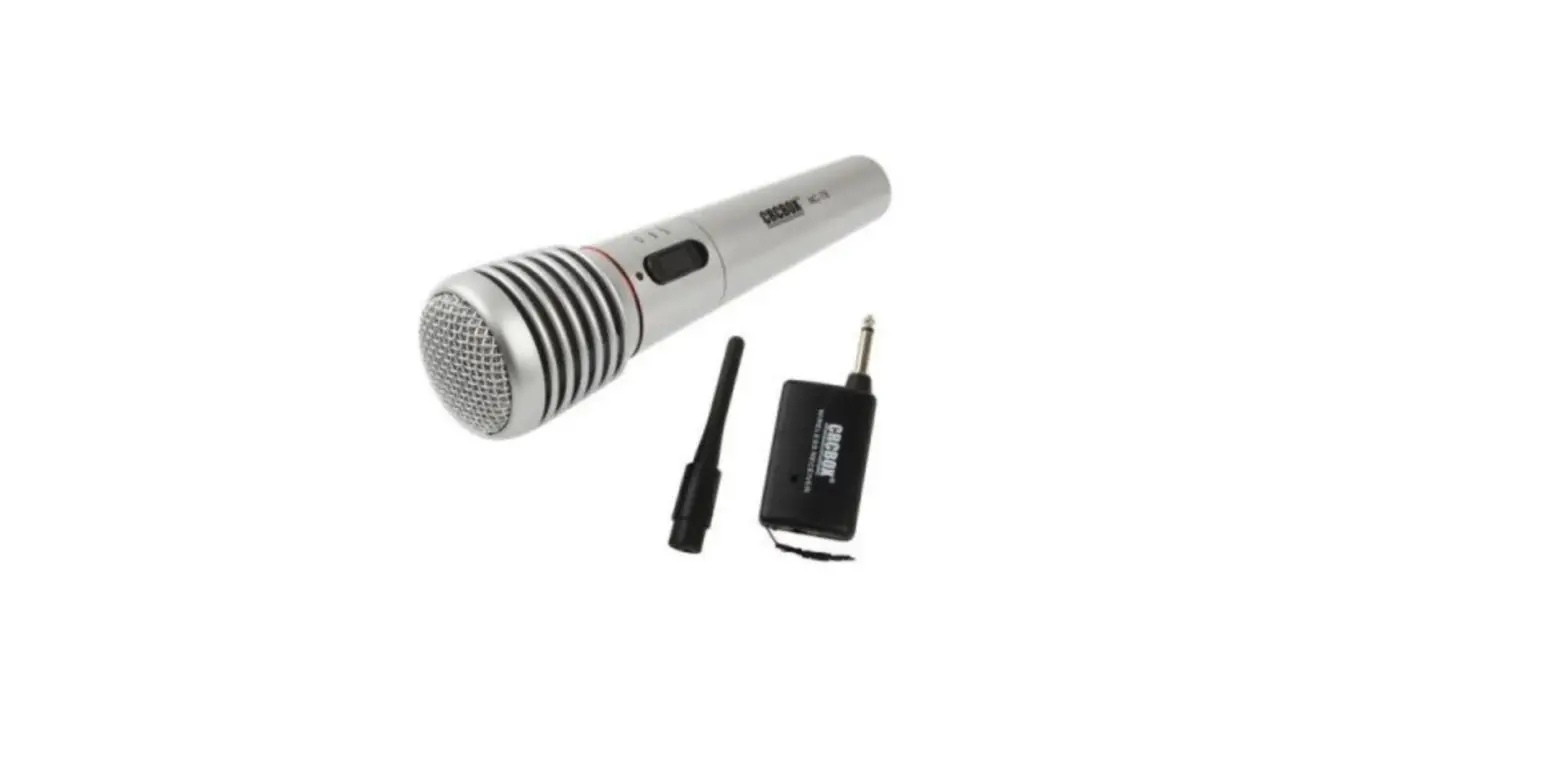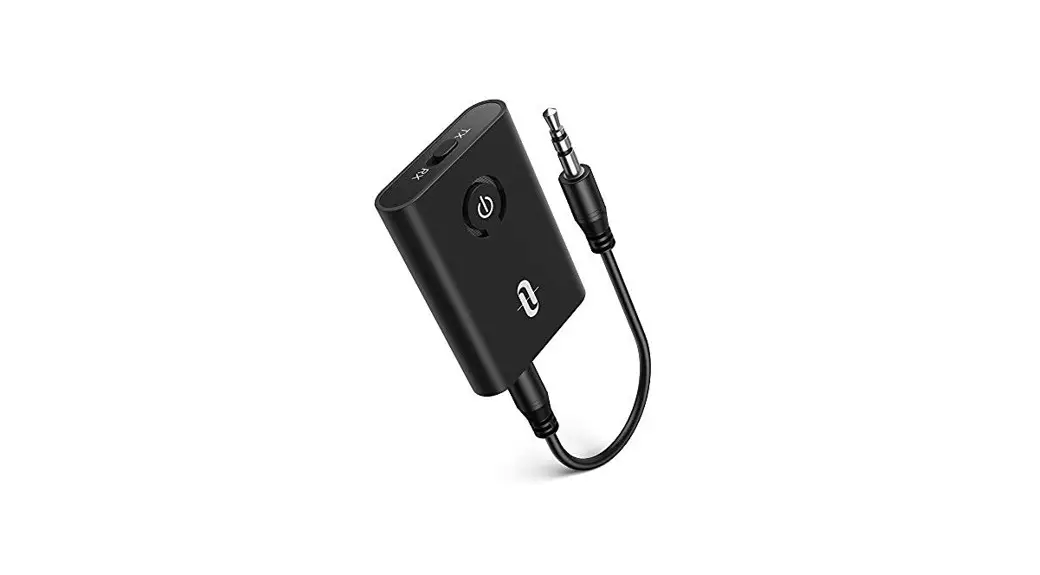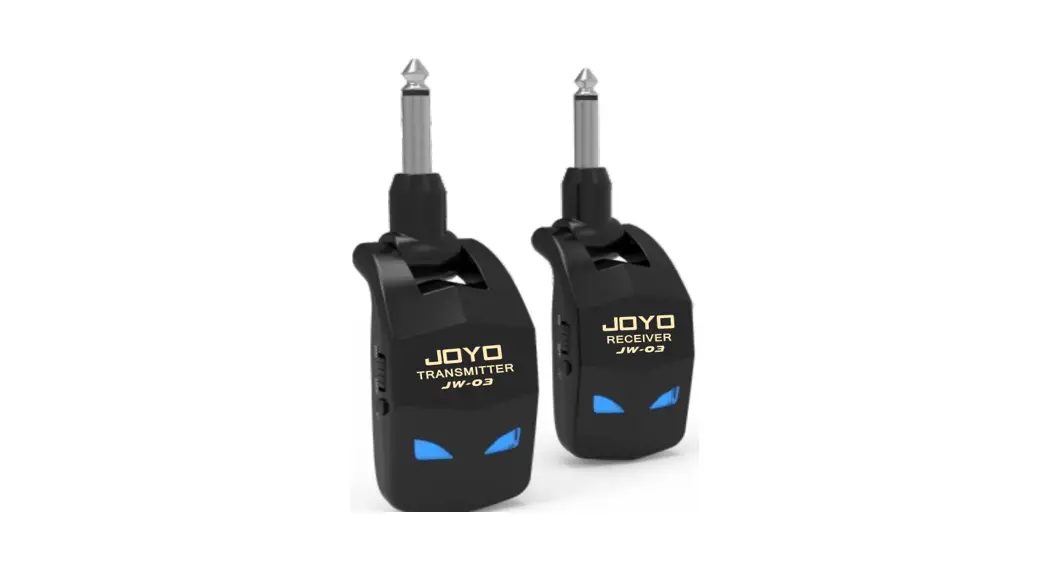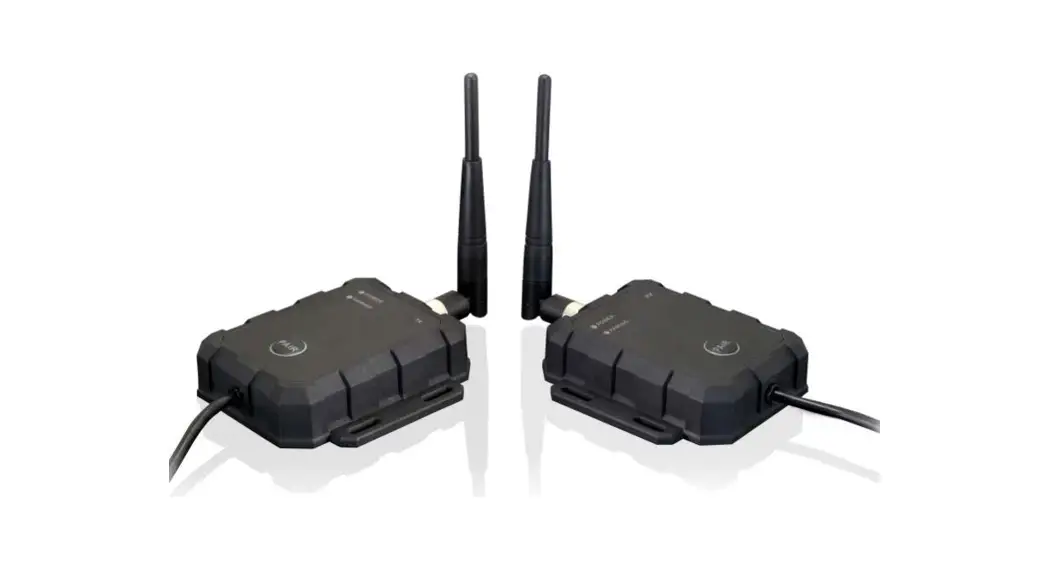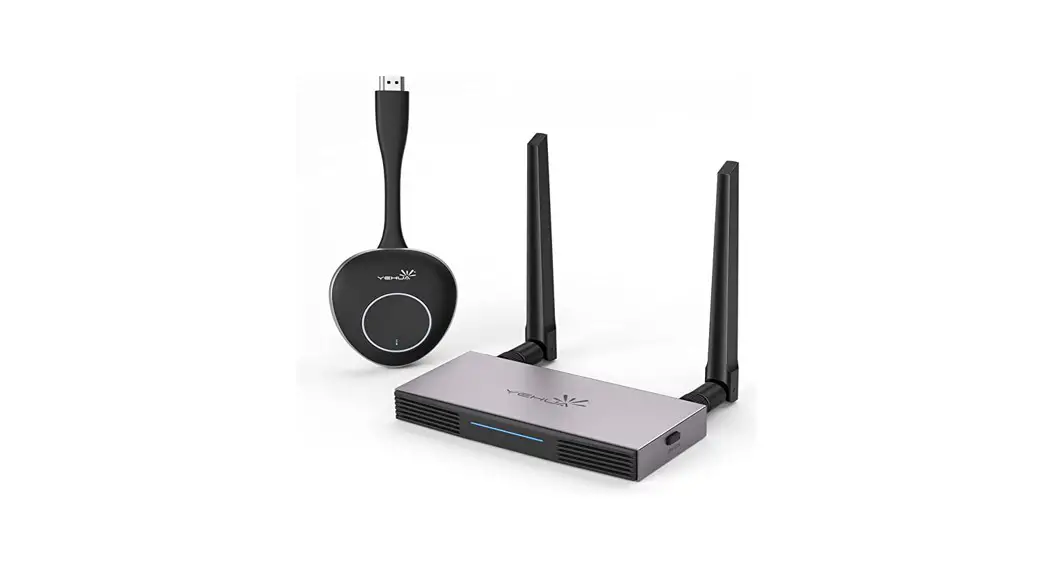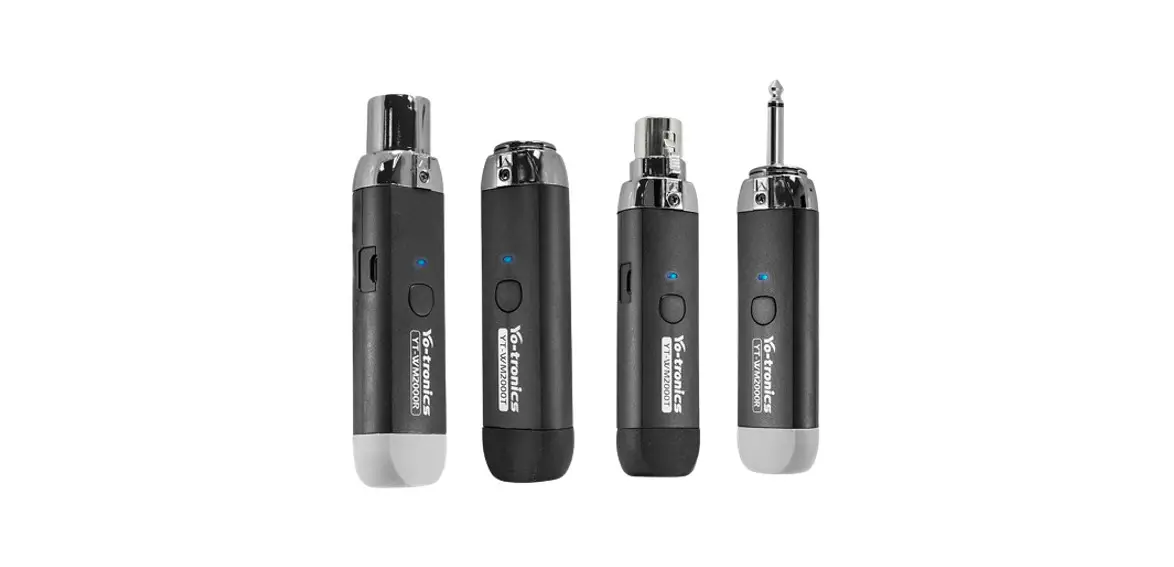
 Technology YT-WM2000 2.4G Wireless Receiver Transmitter
User Manual
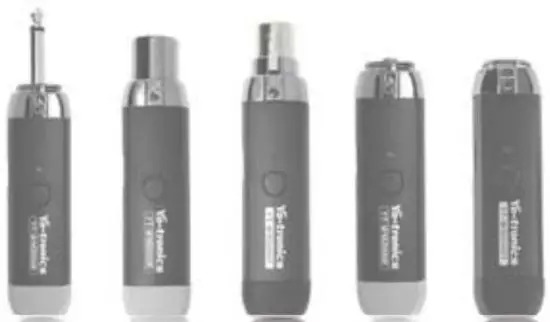
| PRO Set Accessories 3.5mm |  |
| XLR Set Accessories A3F+A3M |
|
| C Set Accessories 3.5mm+A3M | 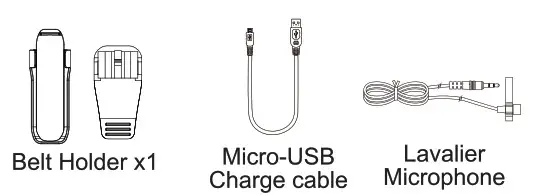 |
| D Set Accessories A3F+6.3mm |
|
| E Set Accessories 3.5mm+6.3mm | |
 Micro-USB
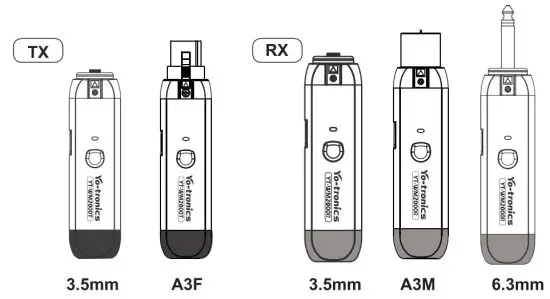
TX and RX connections introduce
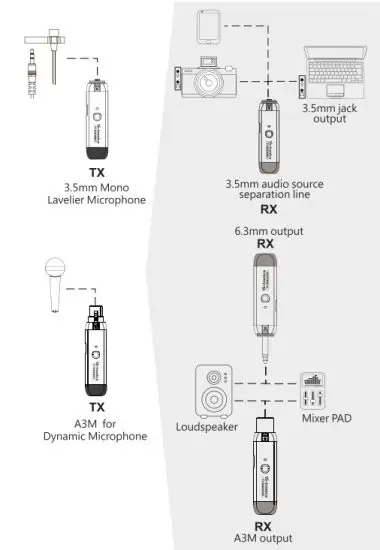
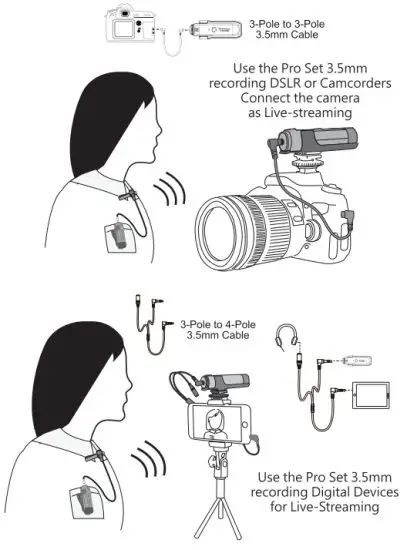
PRO Set connection introduction
Specifications
Set-pro, XLR,C,D,E Specifications
Transmitter
| Receiver
| |
| Operating Voltage | 3.5V-5V | 3.5V-5V |
| Working Current | 80mA | 50mA |
| Temperature | 0 ~+70 °C | |
| Requency Range | 2400 ~ 2483.5MHz | 2400 ~ 2483.5MHz |
| Channels Numbers | 34 | 34 |
| Battery time | 7 Hours | 7 Hours |
| Charging time | 2 Hours | 2 Hours |
| Modulation | GFSK | GFSK |
| Transmitter Power | 98.42dBuv/m | |
| Output impedance | 10KΩ | |
| Input impedance | 32Ω | |
| Output level | 2.5Vp-p(Max) | |
| Input level | 2.7Vp-p(Max) -85dBm(Min.) | |
| Receiver Sensitivity | ||
| Output Impedance | 32 Ohm | |
| Audio Latency | <5ms | |
| Dimension | 95.8(L)26.5(W)x20.5(H)mm | |
| Dynamic Range | 81dB | |
| Weight | 40g(only Transmitter) | 40g(only Receiver) |
| Lavalier Microphone | ||
| Directivity | Omni-Directional | |
| Frequency Response | 50Hz Ω18KHz | |
| Sensitivity | -45dB±3dB | |
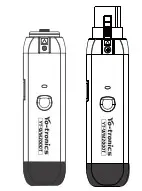
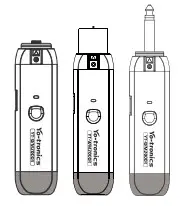
Operation Manual
- Working frequency: ISM 2.4GHz Free band
- Sample rate 32K, Depth 32bits, Mono Audio ‘Transmission distance is more than 50 m in open areas
- Microphone Pre-amp 15dB
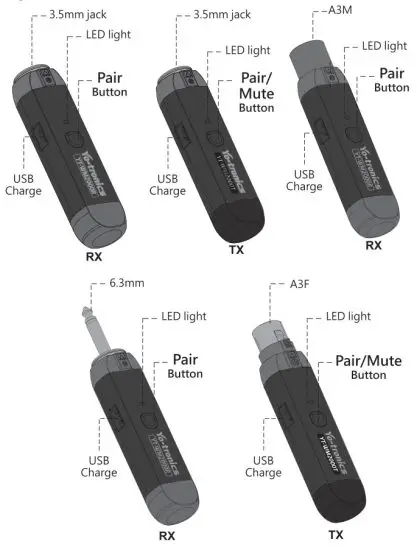 Power ON/04
Keeping Press Pair 3secs
Pairing
Power ON — Press Pair 3 secs to Pairing,
Transmitter has entered pairing mode, Receiver can be paired at close range(<5m); Receiver pairing complete and stay Blue light then automatically exit pairing mode.
Only need to pair once to have memory pairing.
Mate
Press transmitter pair/Mute into mute mode
LED Indicator
| Set-pro, XLR,C,D,E LED Indicator | ||
Transmitter
| Receiver
| |
| Red light long | Charging | |
| REd light shining | Low battery(<3.5V) | |
| Blue light long | Pairing success/working mode Charging power full | |
| blue light shortly | Mute | |
Troubleshooting solution
| No sound | Make sure the Transmitter power ON and Receiver power ON (stay blue light) |
| Check batteries and see if they need to be charged. | |
| make sure devices power ON and check the Volume. | |
| Transmitter power ON Receiver power ON noisy or containing extraneous sounds. | Check batteries and see if they need to be charged. |
| Re-pairing Transmitter and Receiver Check connections if using an instrument. | |
| CheckTransmitter frequencies to avoid the two transmitters’ frequencies being the same. | |
| A signal may be too weak possible, Move them closer to the Transmitter. |
Changes or modifications not expressly approved by the party responsible for compliance could void the user s authority to operate the equipment.
NOTE: This equipment has been tested and found to comply with the limits for a Class B digital device, pursuant to Part 15 of the FCC Rules. These limits are designed to provide reasonable protection against harmful interference in a residential installation. This equipment generates, uses, and can radiate radio frequency energy and, if not installed and used in accordance with the instructions, may cause harmful interference to radio communications. However, there is no guarantee that interference will not occur in a particular installation. If this equipment does cause harmful interference to radio or television reception, which can be determined by turning the equipment off and on, the user is encouraged to try to correct the interference by one or more of the following measures:
- Reorient or relocate the receiving antenna.
- Increase the separation between the equipment and receiver
- Connect the equipment into an outlet on a circuit different from that to which the receiver is connected.
- Consult the dealer or an experienced radio/TV technician for help. The device has been evaluated to meet general RF exposure requirements.
The device can be used in portable exposure conditions without restriction.