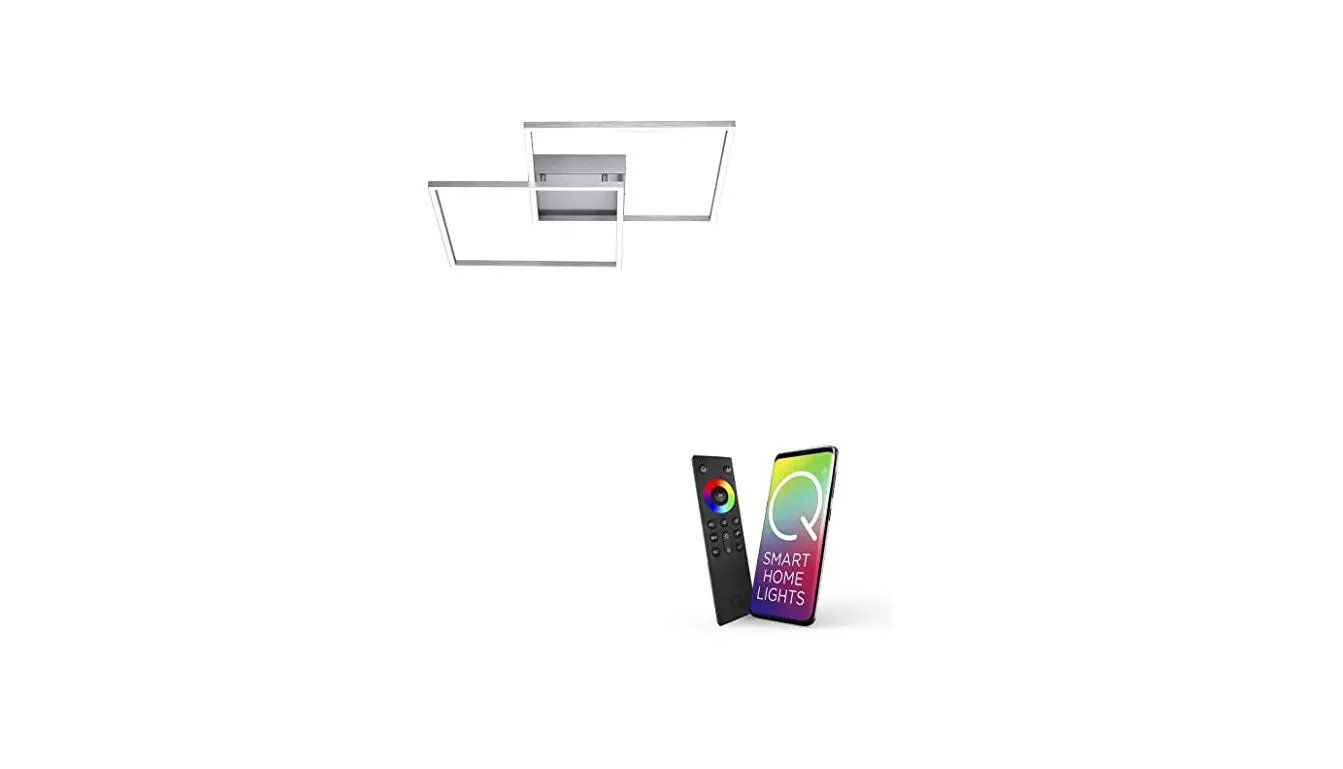
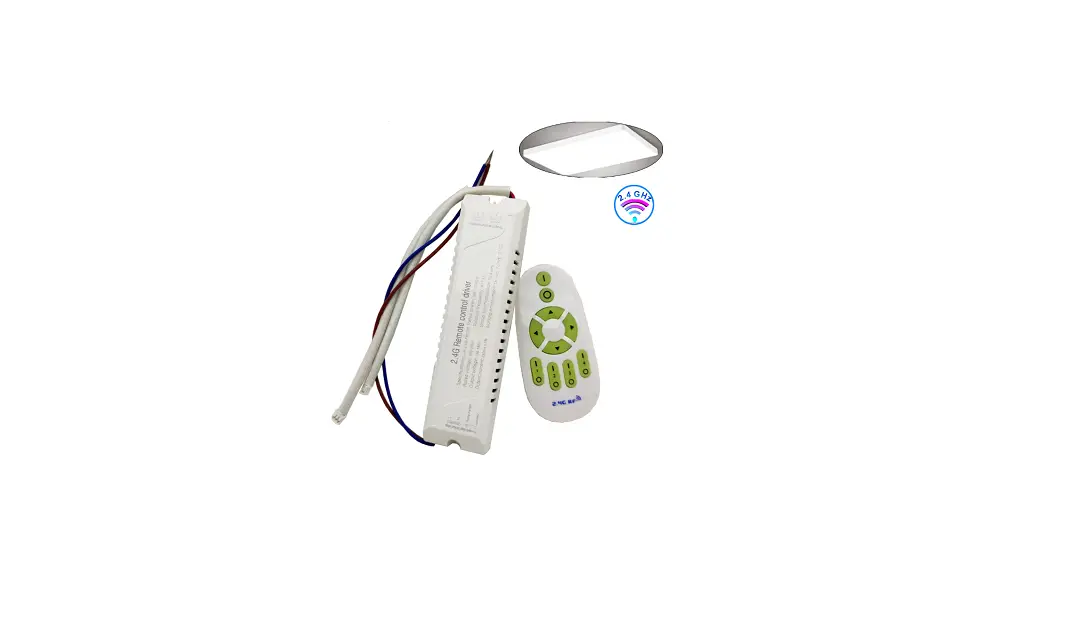
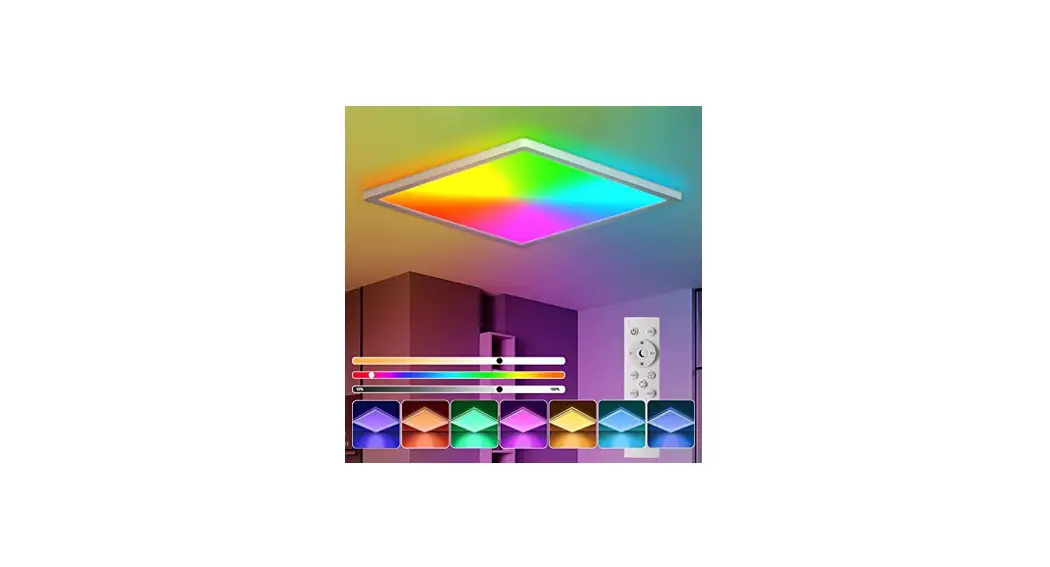
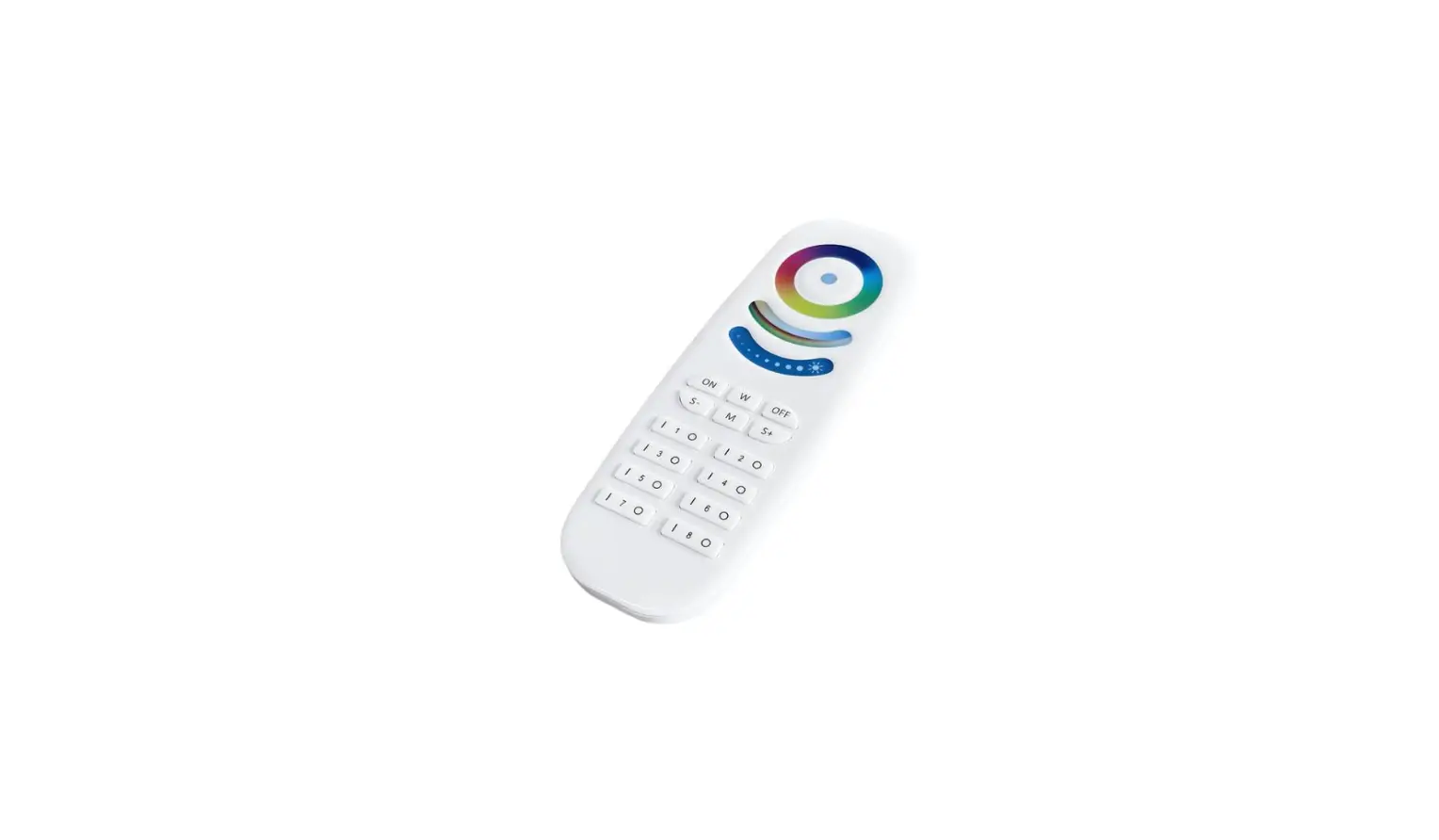
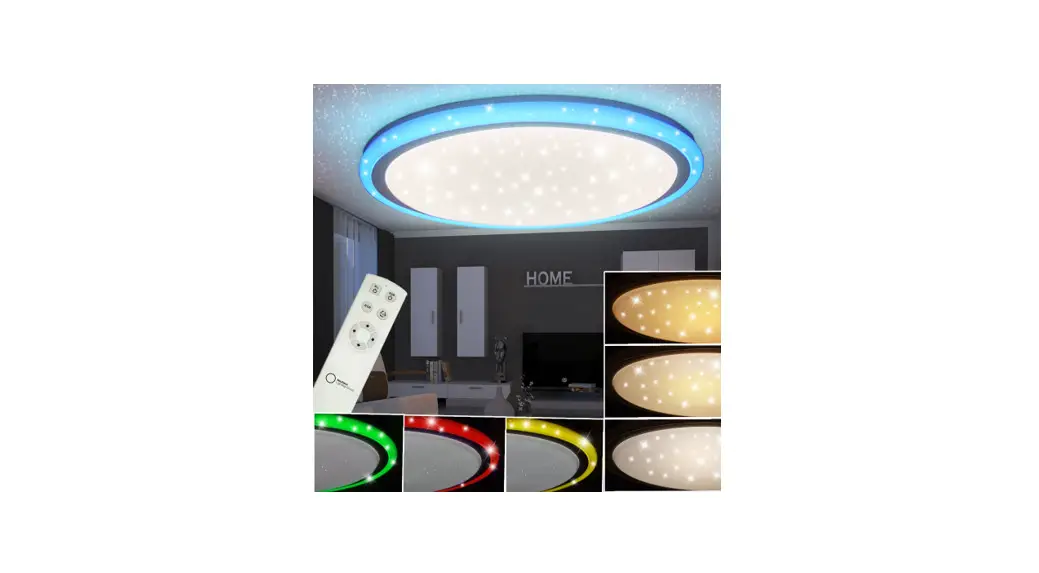
NLG Radio Remote Control for RGB and CCT Ceiling Light

Operating Instructions

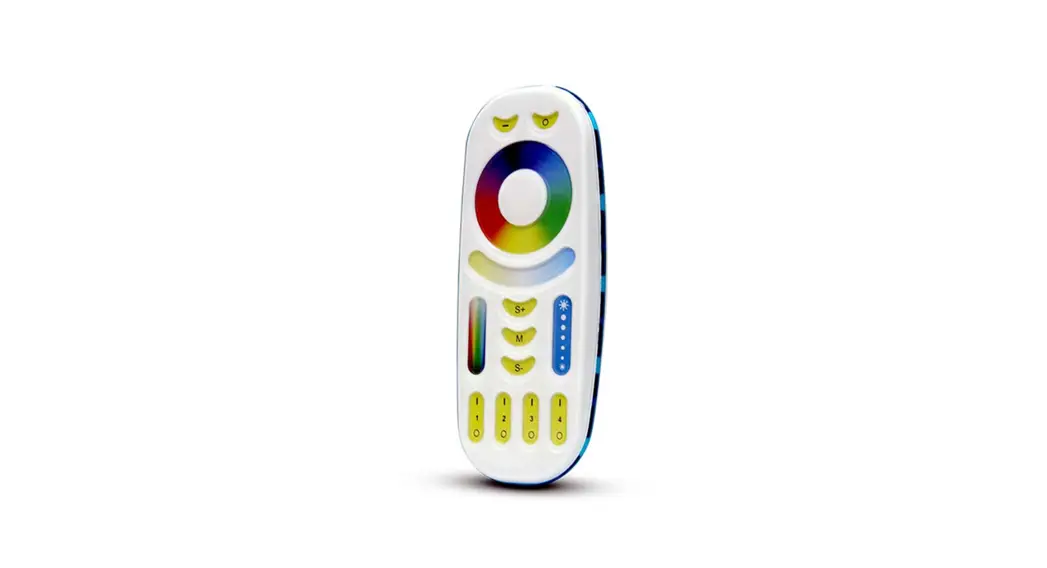
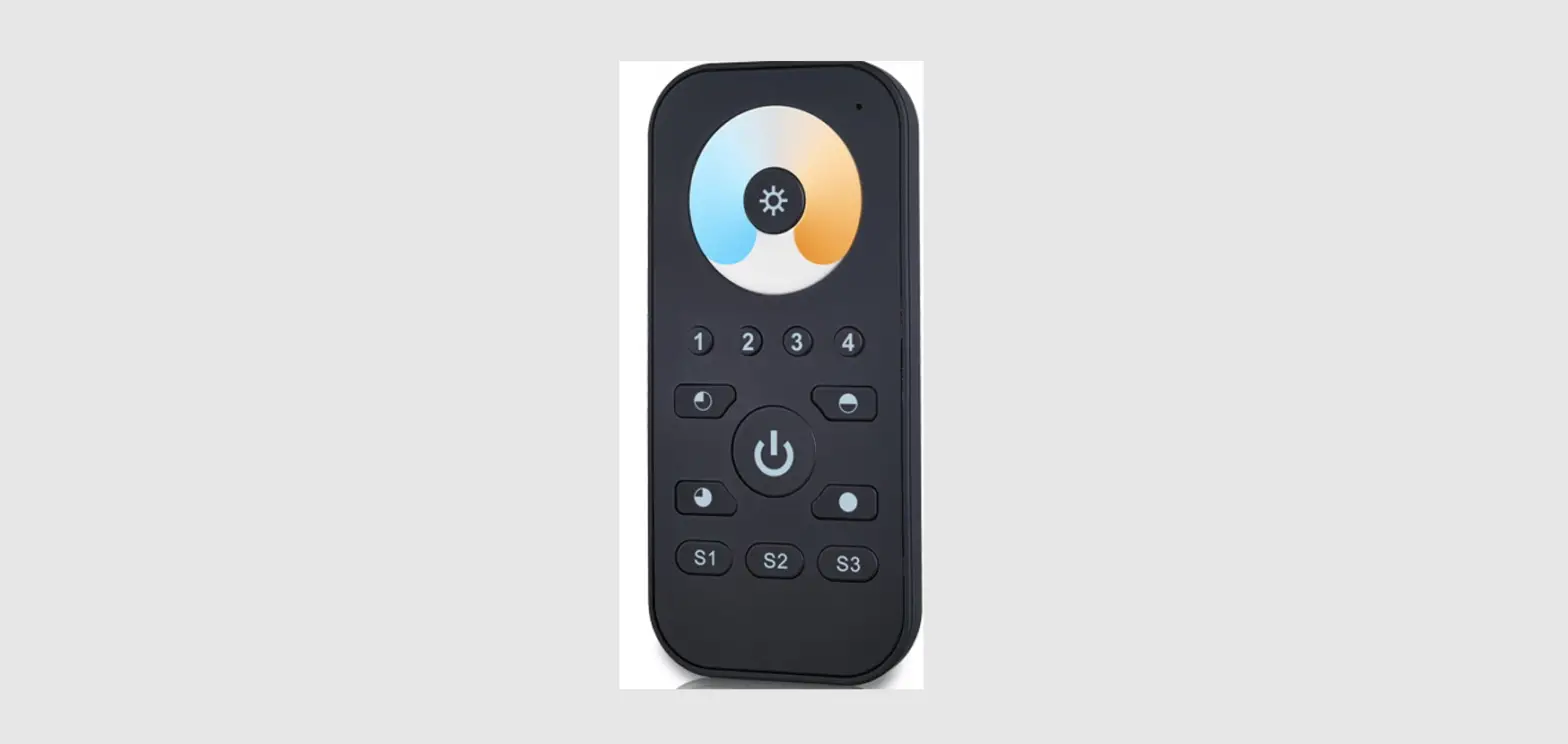
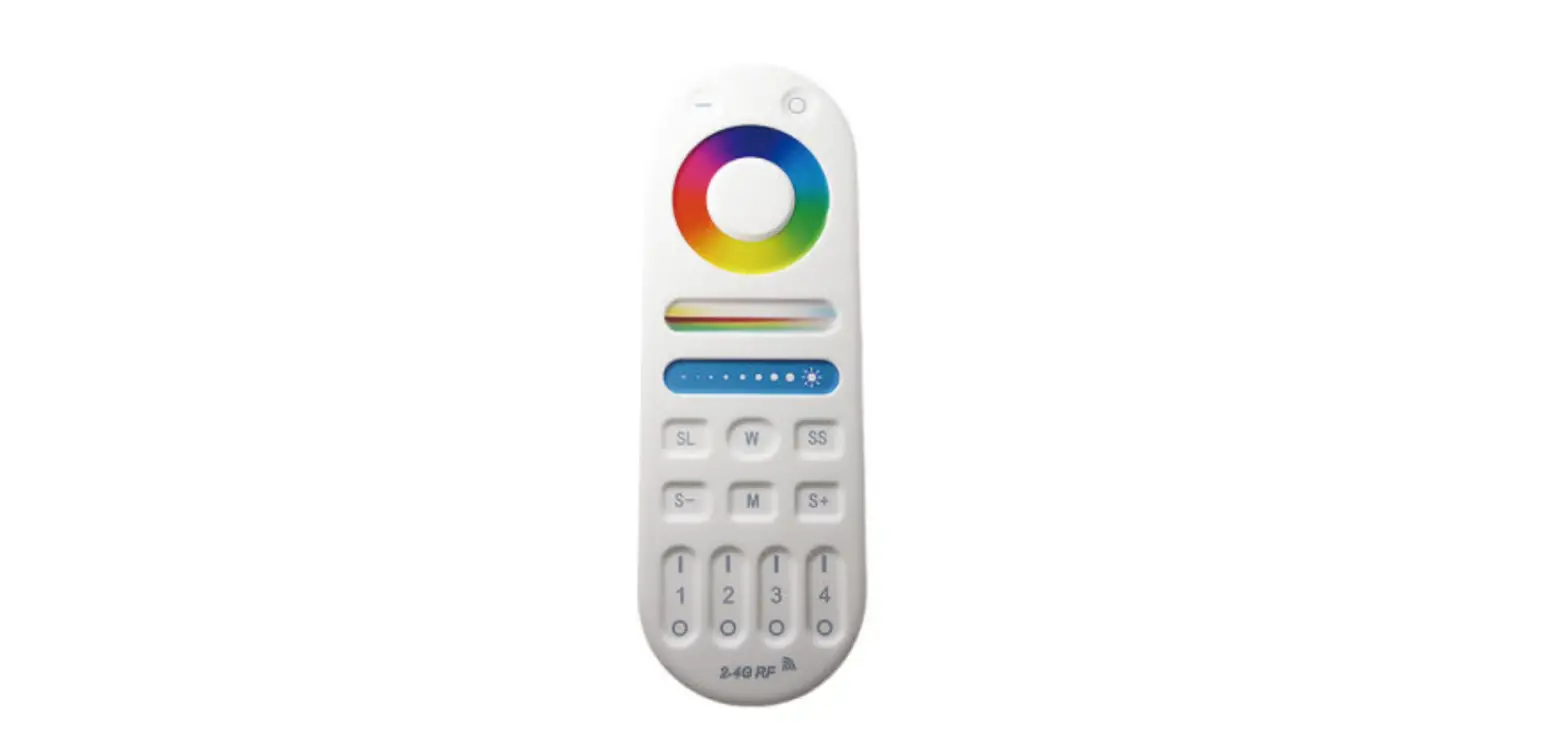
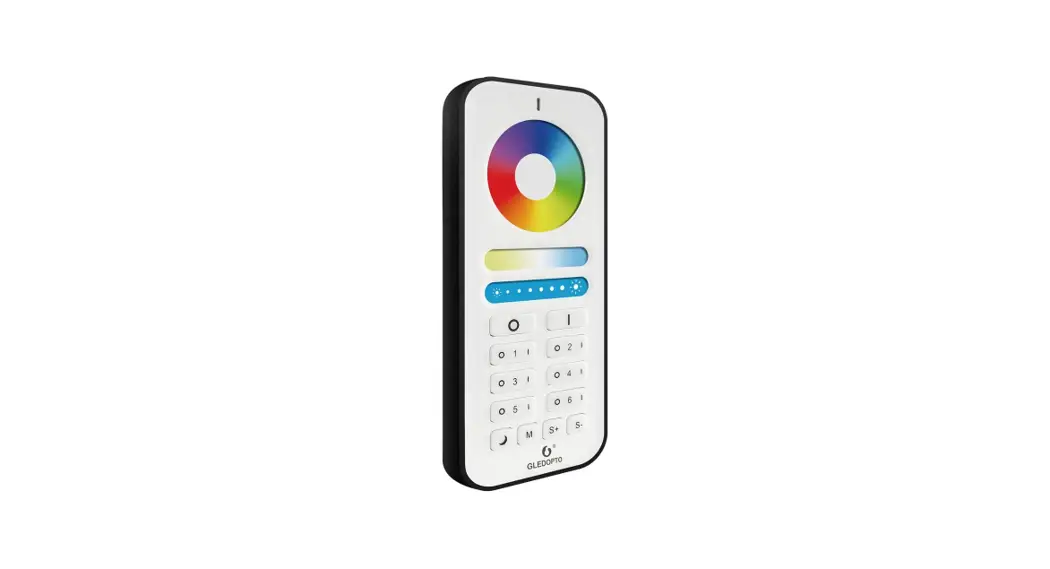
ALL ON: Switches on all lights/groups
ALL OFF:
GROUP 1-4: Switch for the respective group
UPPER BUTTON: Increases the brightness
LOWER BUTTON: Decreases the brightness
LEFT BUTTON:
CCT: Reduces the color temperature
RGB: White light
RIGHT BUTTON:
CCT: Increases the color temperature
RGB: RGB color change
Operating instructions
If your light should not have been paired with the supplied remote control, please pair it to the light as follows:
- Pairing and grouping the remote control to the light before pairing it.
Then switch the light on once again via the wall switch and actuate the ON button of a group once within 3 seconds. The light is now allocated to this group. After you have grouped the lights, they can be controlled via the remote control. lights. A single light can only be controlled by a single remote control!!! - Controlling a single group
In order to control a single group of lights, press the ON button of the respective group and this group of lights can now be controlled by the remote control. - Controlling all groups
In order to control all the groups of lights, press the ALL ON button and all the lights will be controlled by the remote control.
Other functions
 By pressing the Upper Button for a short time, you can increase the brightness of the light in steps.
- By pressing the Upper Button for a longer time, you can increase the brightness of the light continuously.
- By pressing the Lower Button for a short time, you can reduce the brightness of the light in steps.
- By pressing the Lower Button for a longer time, you can reduce the brightness of the light continuously.
 CCT :
CCT : - By pressing the Left Button for a short time, you can reduce the color temperature of the light in steps.
- By pressing the Left Button for a longer time, you can reduce the color temperature of the light continuously.
RGB : - By pressing the Left Button for a short time, the light emits white light.
- By pressing the Left Button for a long time, no function is stored.CCT :
- By pressing the Right Button for a short time, you can increase the color temperature of the light in steps.
- By pressing the Right Button for a longer time, you can increase the color temperature of the light continuously.
RGB : - By pressing the Right Button for a short time, you can select one of the 6 RGB steps (red / green / blue / speed step 1 / speed step 2 / speed step 3).
- By pressing the Right Button for a long time, the RGB color keeps changing. If you release the button at the desired color, this is then stored.
 By pressing the Upper Button for a short time, you can increase the brightness of the light in steps.
 By pressing the Lower Button for a longer time, you can reduce the brightness of the light continuously.
 CCT :
CCT : CCT :
CCT :Memory function
This function is applicable to all the buttons
Technical data
| Description | Operating data | Remarks |
| Supply voltage | 3V | Two batteries (AAA) |
| Transmission frequency | 3500MHz-2463, 5MHz | |
| Modulation process | GFSK | |
| Transmitting power | 6dBm | |
| No-load current | Max SµA | |
| Operating current | Max6mA | |
| Range of the remote control | 10m | |
| Dimensions | 110mm x 52mm x20mm |