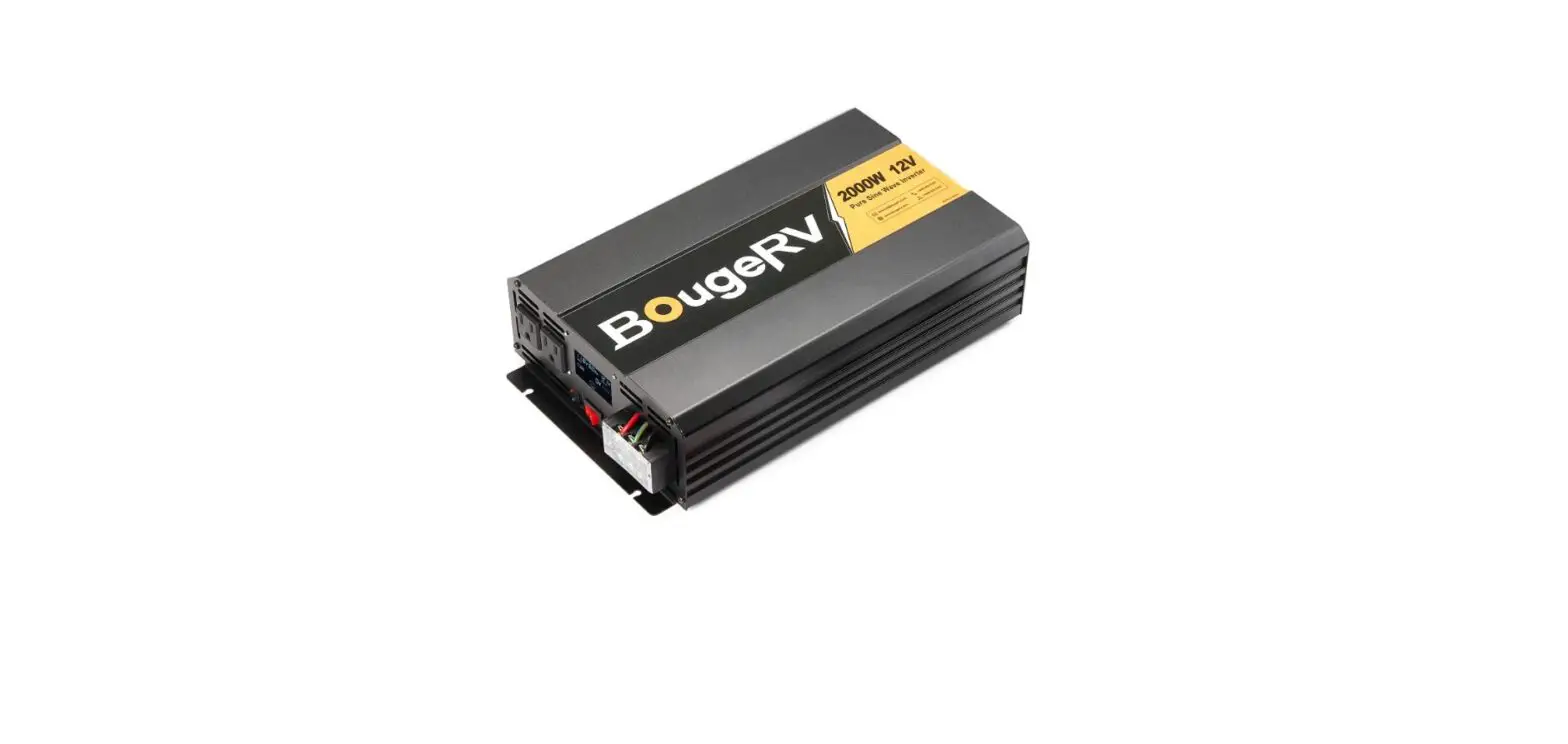
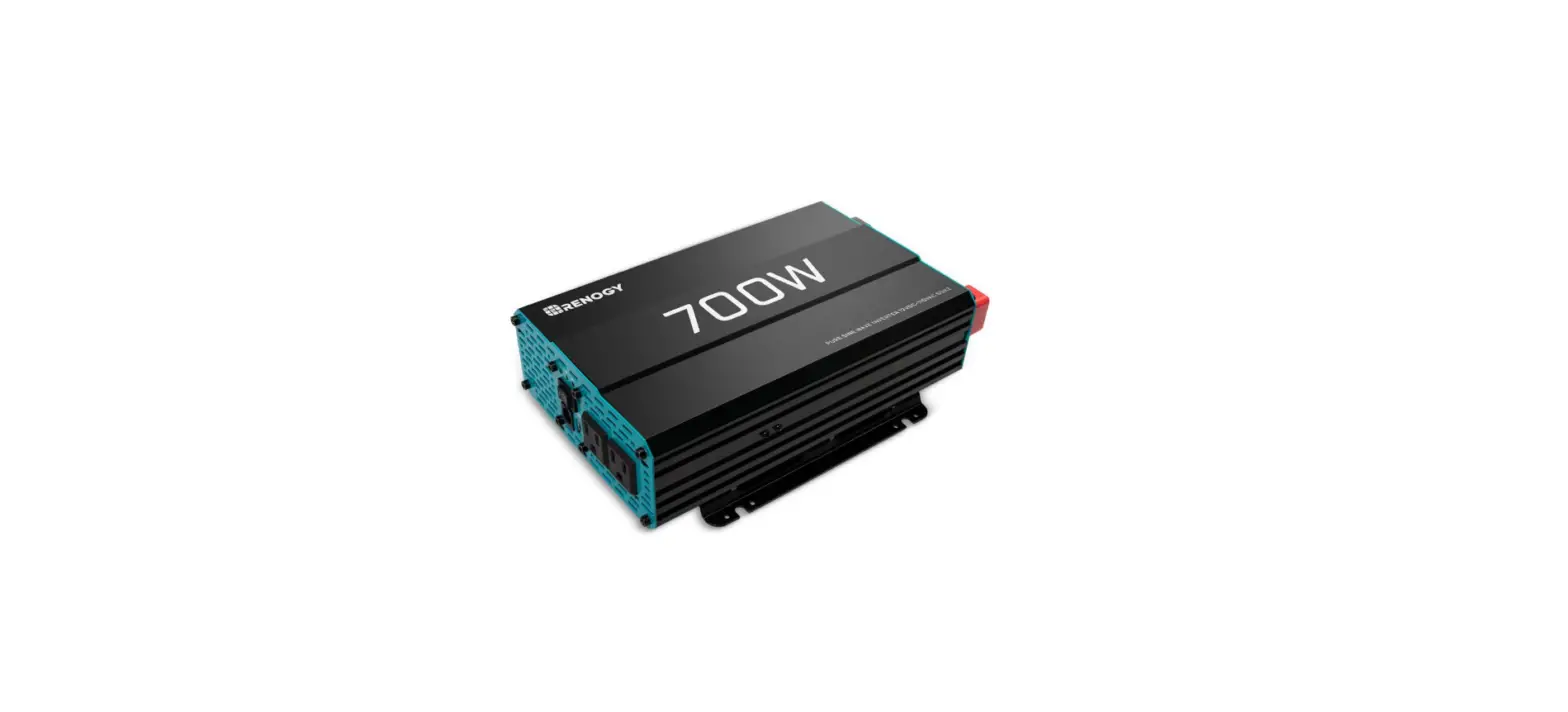
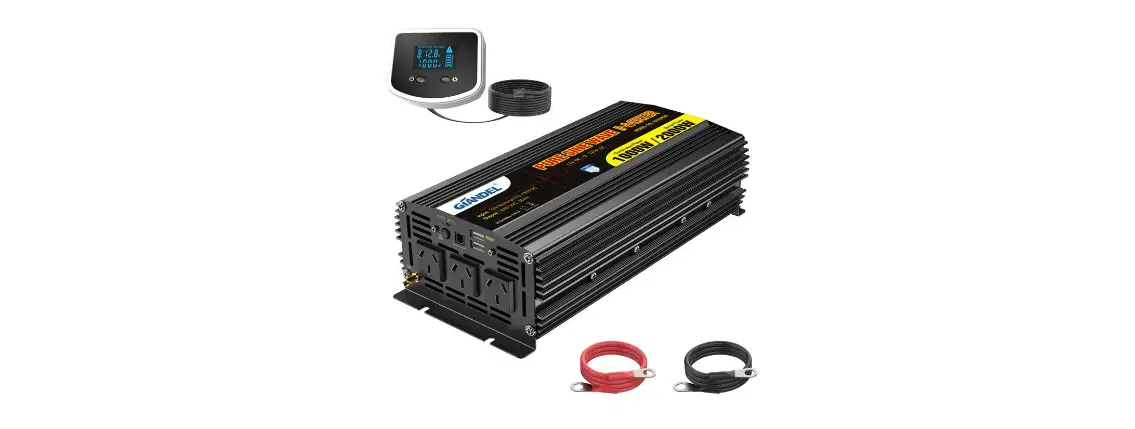
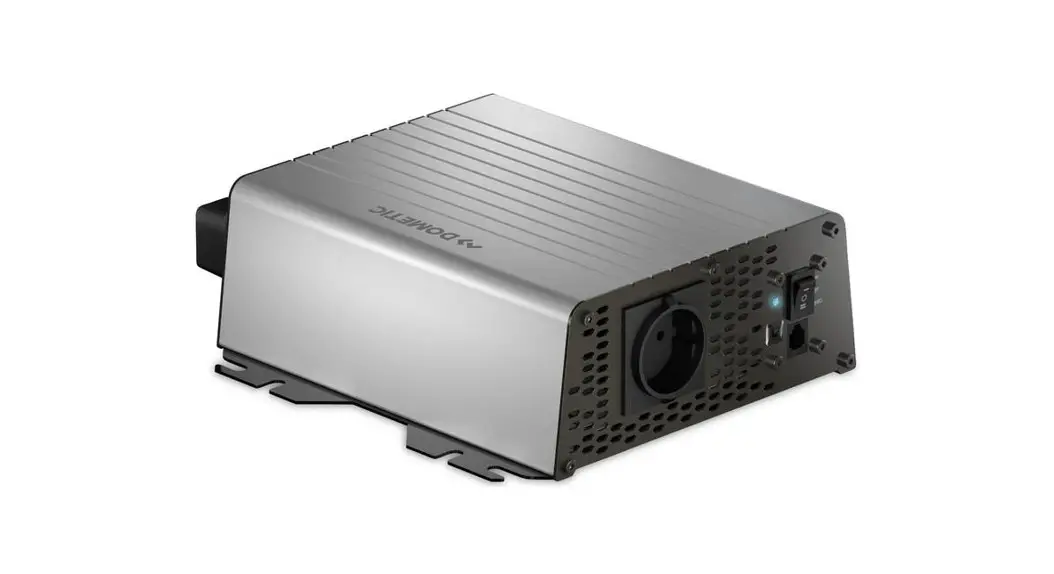
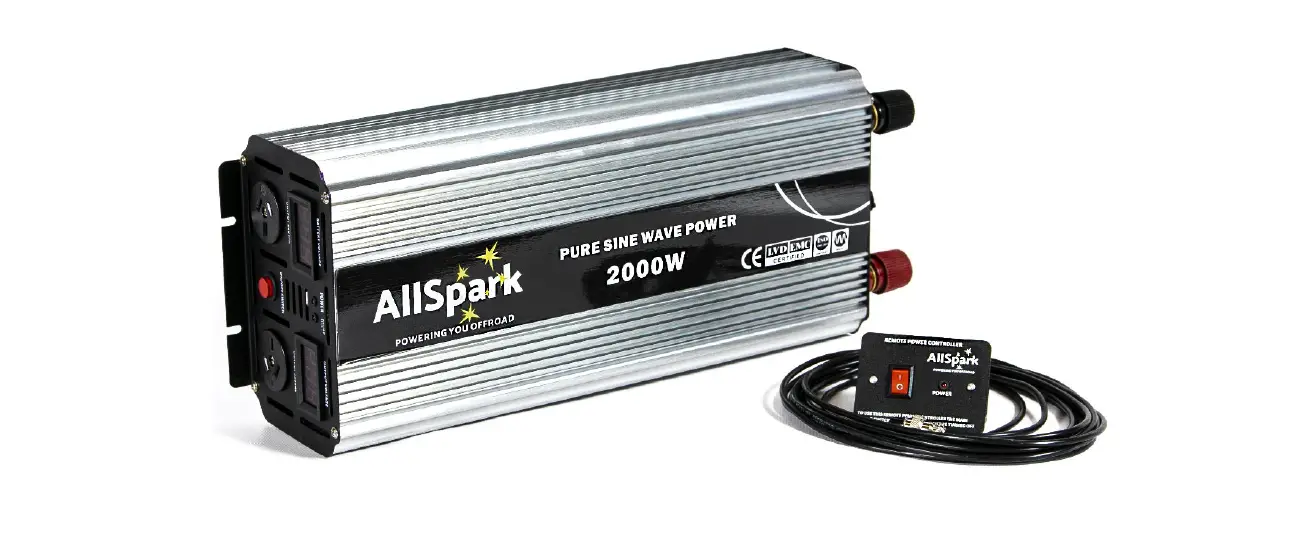
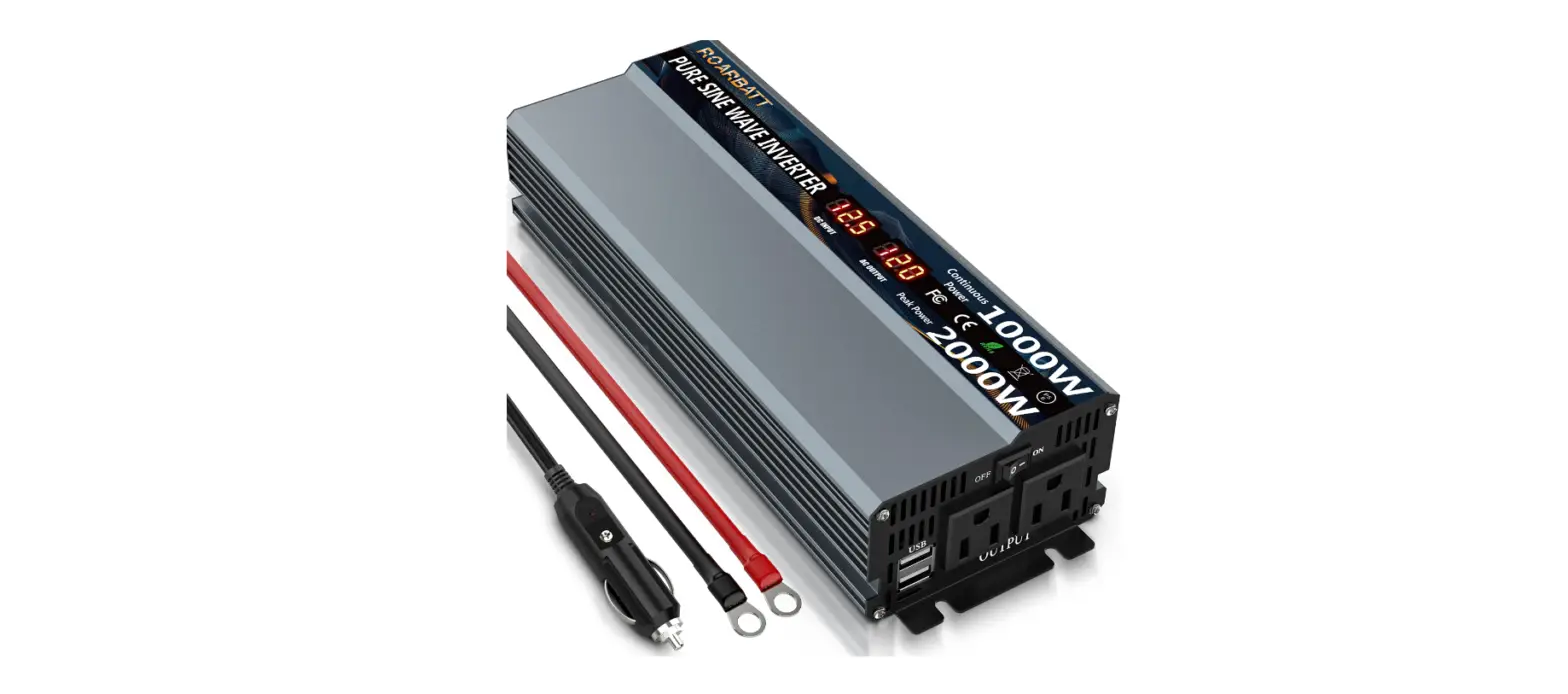
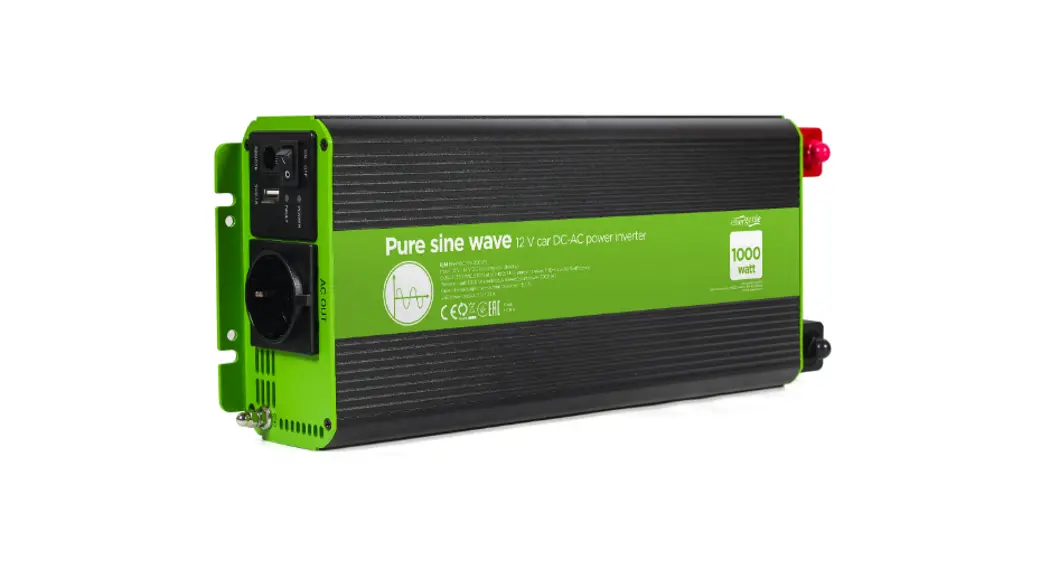
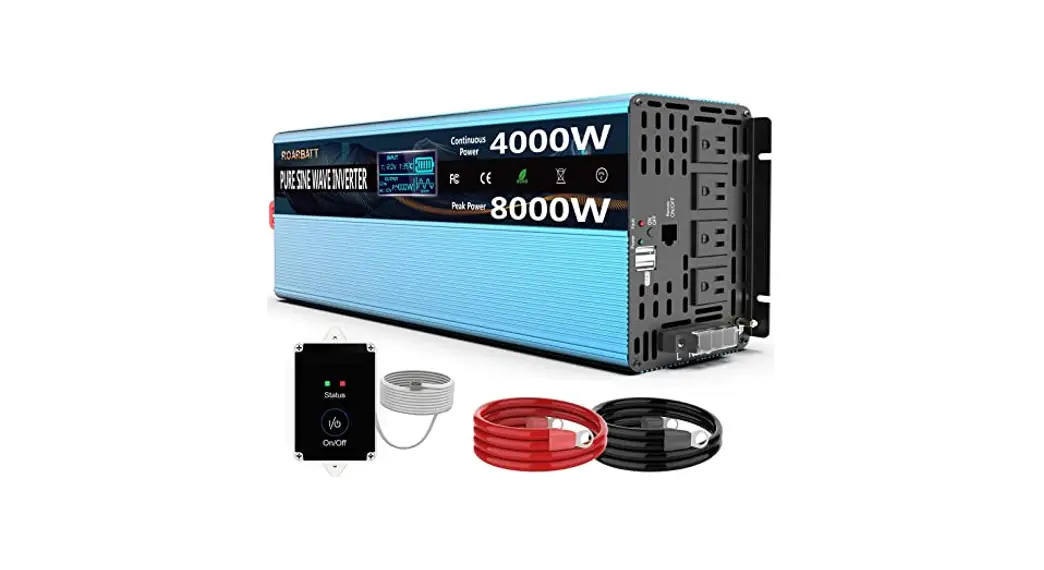
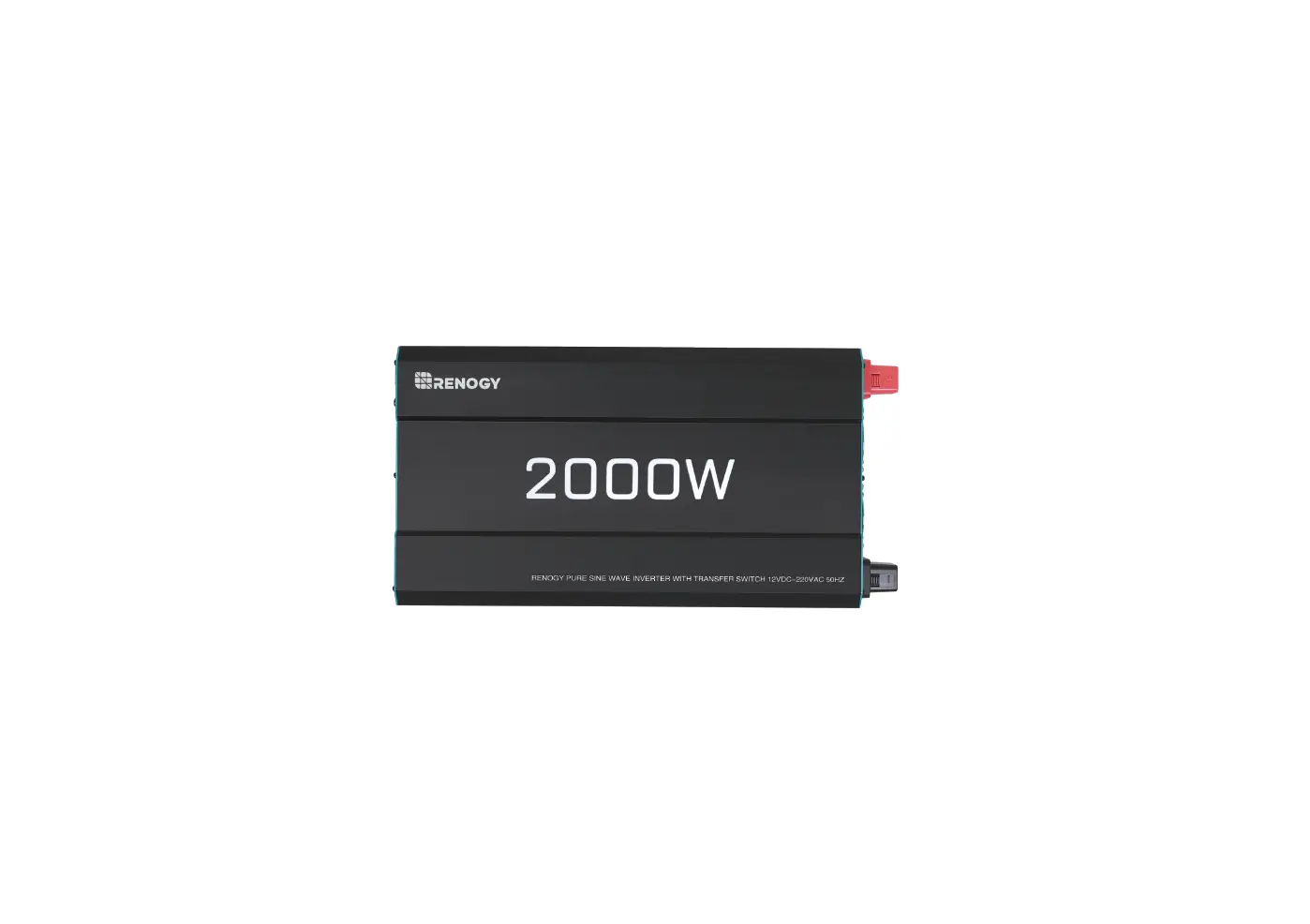
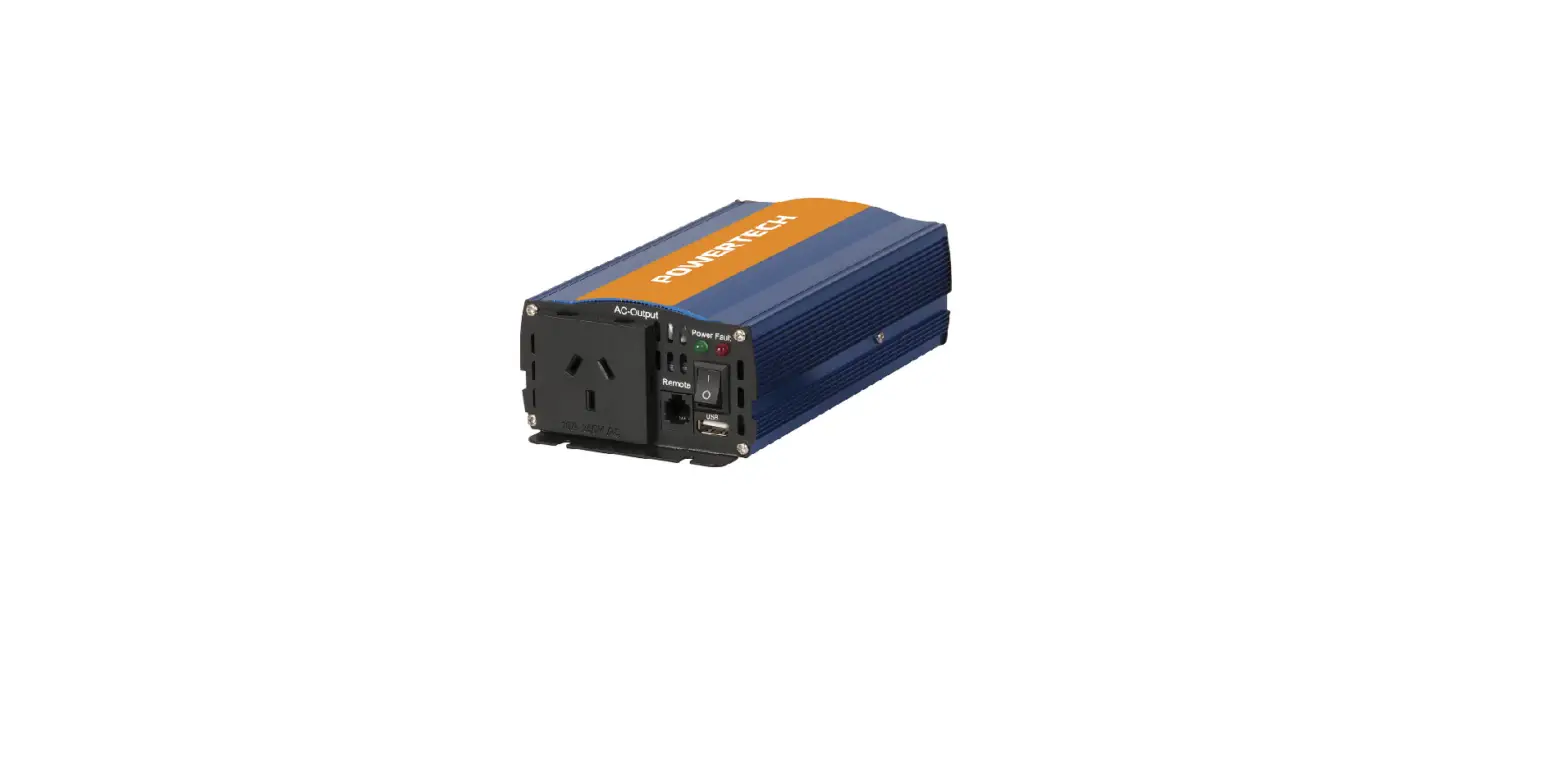
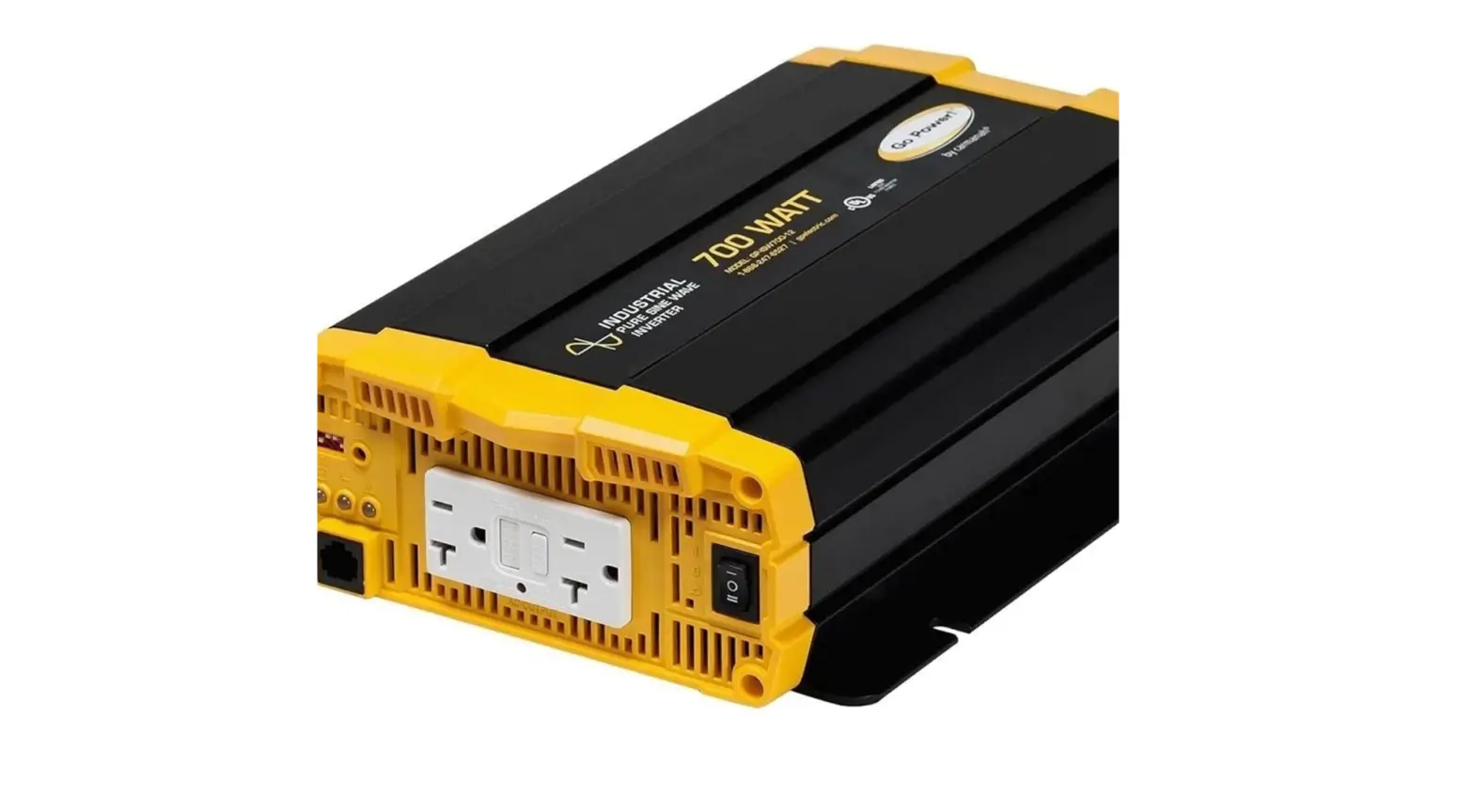
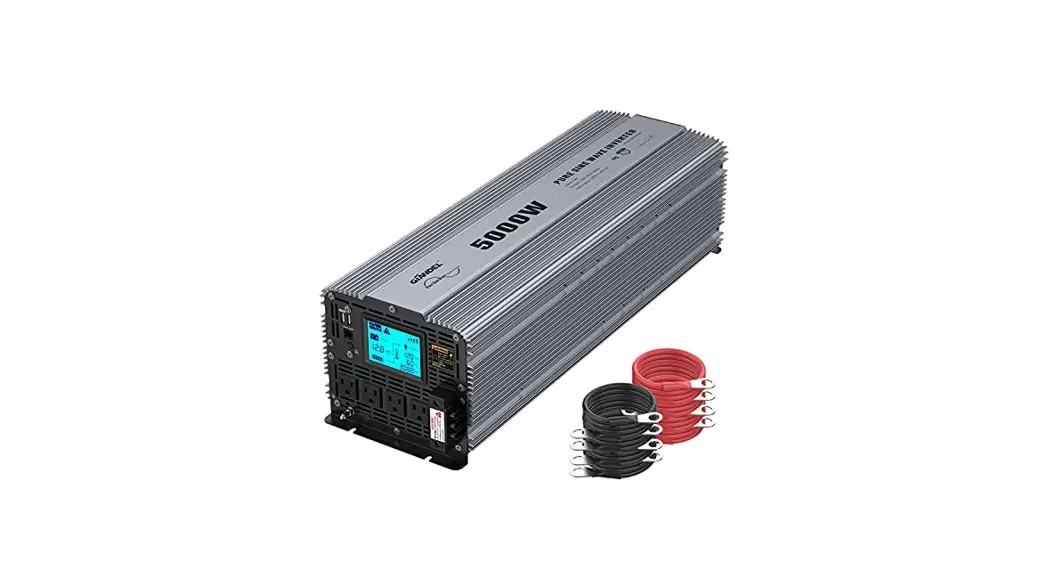
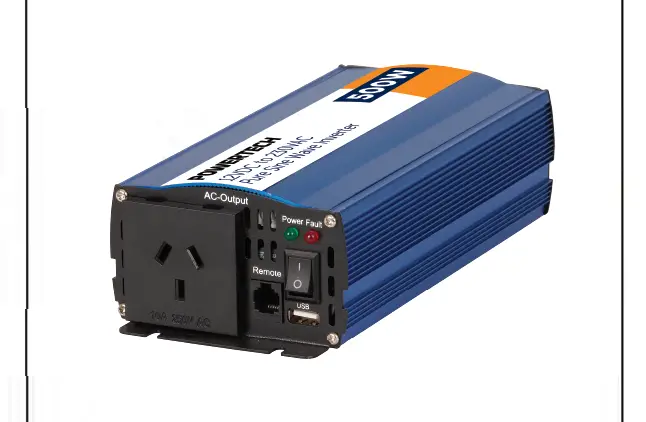
RNG-INVT-1000-12V-P2-US 1000W 12V Pure Sine Wave Inverter
Product Information
The 12V Pure Sine Wave Inverter is a high-performance power
inverter designed for remote off-grid applications. It delivers
cleaner, smoother, and more reliable electricity for powering
sensitive electronics. The inverter features a robust and sleek
design, optimized for 12V DC system voltage. It provides multiple
protection features, including low voltage disconnect (LVD), high
voltage disconnect (HVD), AC overload protection, and
over-temperature protection. The inverter also has an excellent
surge rating of 2x the power rating and is equipped with a
ground-fault circuit interrupter (GFCI) protection. It comes with a
built-in 5V/2.1A USB port for charging devices.
The Renogy Power Inverters output a pure sine wave, which
closely resembles the waveform of the grid power. This ensures
clean and utility-like power with low harmonic distortion, making
it safe for operating sensitive electronics.
Product Usage Instructions
Installation Safety
1. Install the inverter in a well-ventilated, cool, and dry
environment. Ensure that the fans and ventilation holes are not
blocked.
2. Do not expose the inverter to rain, moisture, snow, or any
type of liquid.
Location Recommendations
1. Choose a suitable location for installing the inverter.
2. Ensure proper spacing for ventilation and access to the AC
terminals.
Sizing a Battery Bank
1. Determine the power requirements of your electronic
devices.
2. Calculate the total power consumption and choose an
appropriate battery bank size to meet your needs.
Grounding
1. Follow the grounding instructions provided in the
installation manual to ensure safe operation.
2. Properly ground the inverter to prevent electrical shocks and
damage.
DC Side Connection
1. Connect the DC input cables to the appropriate terminals on
the inverter.
2. Ensure proper polarity and secure connections.
AC Side Operation
1. Connect your AC devices to the high output AC terminals on
the inverter.
2. Remove the protective cover to access the terminals.
3. Comply with US National Electric Code (NEC) wiring gauge
recommendations for AC output wiring that is directly
connected.
Inverter Troubleshooting
If you encounter any issues with the inverter, refer to the
troubleshooting section in the user manual for possible
solutions.
External Fusing
If required, install external fuses according to the
specifications provided in the user manual.
Specifications
The inverter is available in four power ratings:
- 700W
- 1000W
- 2000W
- 3000W
Refer to the dimensions section in the user manual for specific
product dimensions.
BATTERY
POWER INVERTERS
12V Pure Sine Wave Inverter Manual
700w 1000w 2000w 3000w
Version 1.4
Important Safety Instructions
Please save these instructions.
This manual contains important safety, installation, and operating instructions for the inverter. The following symbols are used throughout the manual:
WARNING Indicates a potentially dangerous condition. Use extreme caution when performing this task.
CAUTION Indicates a critical procedure for safe and proper operation of the inverter.
NOTE Indicates a procedure or function that is important to the safe and proper operation of the inverter.
General Safety Information
Installation and wiring must comply with the Local and National Electric Codes (NEC) and must be done by a certified technician. Read all of the instructions and cautions in the manual before beginning the installation. There are no serviceable parts for this inverter. Do NOT disassemble or attempt to repair the inverter. Make sure all connections going into and from the inverter are tight. There may be sparks when making connections, therefore, make sure there are not flammable materials or gases near installation.
Inverter Safety
The inverters are suitable for 12V Battery Banks ONLY. ALWAYS make sure inverter is in OFF position and disconnect all AC and DC connecting when working on any circuit associated with the inverter. NEVER connect the AC output of the unit directly to an Electrical Breaker Panel/ Load Centre which is also fed from the utility power / generator. When connecting battery terminals, ensure the polarity of the battery connections is correct. Incorrect polarity may cause permanent damage to the unit. Be careful when touching bare terminals of capacitors as they may retain high lethal voltages even after power is removed.
01
Battery Safety
Do NOT let the positive (+) and negative (-) terminals of the battery touch each other. Use only sealed lead-acid, flooded, lithium battery, ryor gel batteries which must be deep cycle. Explosive battery gases may be present while charging. Be certain there is enough ventilation to release the gases. Be careful when working with large lead acid batteries. Wear eye protection and have fresh water available in case there is contact with the battery acid. Over-charging and excessive gas precipitation may damage the battery plates and activate material shedding on them. Too high of an equalizing charge or too long of one may cause damage. Please carefully review the specific requirements of the battery used in the system.
Installation Safety
The unit should be installed in a well-ventilated, cool, and dry environment. Make sure the fans of the unit and the ventilation holes are not blocked. Do not expose the unit to rain, moisture, snow, or liquids of any type.
02
Table of Contents
General Information
04
Included Components
05
Identification of Parts (AC Side)
06
Identification of Parts (DC Side)
08
Installation
09
Location Recommendations
09
Sizing a Battery Bank
10
Grounding
11
DC Side Connection
11
AC Side Operation
13
Inverter Troubleshooting
15
External Fusing
16
Specifications
17
Dimensions
18
700W
18
1000W
18
2000W
18
3000W
18
03
General Information
The Renogy Pure Sine Wave Power Inverter delivers superior performance for remote off-grid applications, capable of producing cleaner, smoother, and more reliable electricity for a user’s electronic needs.
Key Features
Robust and sleek design Optimized for 12 VDC system voltage Clean power for safe operation of sensitive electronics Easy-to-read LED indicator display Multiple protection features (LVD, HVD, AC Overload and Over Temperature) Excellent Surge Rating : 2x the Power Rating Ground-fault circuit interrupter(GFCI) protection Build-in 5V/2.1A USB port
Pure Sine Wave
The Renogy Power Inverters output a pure sine wave similar to the waveform of the grid power. In a pure sine wave, the voltage rises and falls in a smooth fashion with very low harmonic distortion and cleaner utility-like power.
Pure(Sine Wavefom)
Time(Seconds)
This gives users stable enough power to operate tools, fans, lights, computers, and other electronics without any interference. Pure sine wave inverters are in many cases more efficient, allowing users to use less energy and allow for more device capability. The main advantage to pure sine wave inverters is that they are used to operate sensitive electronic devices that require a high quality waveform with little harmonic distortion. Almost any electronic device could be powered using a pure sine wave inverter.
04
Amplitude(Volts)
Included Components
The Renogy Pure Sine Wave Battery Inverters will be shipped with inverter cables and a space for powering the inverter on or off.
Inverter Model 700W
Gauge 6 AWG 3ft
1000W 2000W 3000W
4 AWG 3ft 4 AWG*2 3ft Does not include
Wired remote control
List dimensions Thickness Wire length
2.875 x 2.3125 x 0.9375in, 73 x 58.7 x 23.8mm 0625in , 1.5mm Approx 19.8ft
05
Identification of Parts (AC Side)
1
234 5
87
6
Figure 2: 1000W Inverter
Key Parts
1.High Output AC Terminals (30A) — These terminals are for connecting 115V A C devices that require more than 15 amps to operate or for connection to distributed wiring that has multiple AC outlets. Remove the two screws on protective cover to access the terminals. Any AC output wiring that is directly connected must comply with US National Electric Code (NEC) wiring gauge recommendations.
NOTE The spacing distance between the LNG is 8mm.
Facing the front panel, the terminals are:
LEFT
Middle
Right
Neutral (N)
Ground(G)
Live(L)
NEUTRAL and GROUND are bonded inside the inverter to comply with theNational Electric Code (NEC) requirement that any A C source must have a neutral to ground connection.
2. Power LED (Green) — When this green LED is lit, the inverter is operating. 3. GFCI LED (Yellow) — When the yellow LED is lit, the ground fault circuit has been interrupted. Shut down the inverter and restart.
06
4. Fault LED (Red) — The red indicator turns on as the inverter shuts down due to overheating, overload, under voltage, or over voltage. Immediately turn off all AC appliances if the Fault LED is lit. Allow the inverter to cool before continuing. Make sure that the ventilation vents are not blocked. If an inverter shutdown was preceded by a buzzing sound, there may be an excessive load in combination with low voltage or a cable problem.
5. ON/OFF Switch — Controls AC output. 6. AC Outlets (15A) — 115V AC 60Hz, up to 15amps for 2000W and 3000W models, up
to 6.1 amps for 700W,up to 8.7 amps for 1000W. 7. USB Power Port — 5 volts / 2.1A for charging tablets, smartphones, and other small
electronic devices. 8. Remote Switch Connection — Insert wired remote switch to the connection port. Set
ON/OFF switch to “remote” position.
NOTE Alarm –If there is a buzzing sound, the battery is low. The user should reduce the AC load, charge the battery, and check the DC cable for excessive losses.
07
Identification of Parts (DC Side)
1
2
3
0.16inch (4mm)
4 Figure 3: 3000W Inverter
NOTE You are advised to select a wire diameter corresponding to a copper nose that is less than or equal to 4mm.
KEY PARTS
1.Positive Terminal — Positive (+) DC Input (Red) 2.Cooling Fans — Thermally controlled 3.Negative Terminal — Negative (-) DC Input (Black) 4.Ground Terminal — For insulated safety ground wire.
08
Installation
WARNING Make sure inverter is in the off position before connecting anything.
CAUTION Do not over-torque or over tighten the terminals. This could potentially damage the unit.
CAUTION Refer to the technical specifications for max wire sizes on the controller and for the maximum amperage going through wires.
Location Recommendations
WARNING Never install the inverter in a sealed enclosure with flooded batteries. Gas can accumulate and there is a risk of explosion.
Ensure installation follows the following guidelines:
1. Cool, dry, well-ventilated area — Heat is the worst enemy for electronic equipment. Inverters must be in an area where the fans are not blocked or where they are not hit directly by the sun. They should be in an area free of any kind of moisture and allow for clearance of at least 10″ around the unit to provide for adequate ventilation.
2. Protection against fire hazard — the unit should be away from any flammable material, liquids, or any other combustible material. The unit can spark and the consequences could be severe.
3. Close proximity to battery bank–prevent excessive voltage drop by keeping the unit close to the battery bank and having a properly sized wire going from the battery bank to the inverter.
4. WARNING Do not install the inverter in the same compartment as the battery bank because it could serve as a potential fire hazard.
5. Limiting electromagnetic interference (EMI) — ensure the inverter is firmly grounded to a building, vehicle, or earth grounded. Keep the inverter away from EMI receptors such as TVs, radios, and other audio/visual electronics to prevent damage/interference to the equipment.
6. Secure inverter–the inverter could be stand alone or mounted using the outlying terminals on the inverter. WARNING The inverter should never be mounted vertically on a vertical surface since it would present a hazard for the fan opening which is crucial for cooling the inverter.
09
Sizing a Battery Bank
Determine the amount of Watts (Amps * Volts) for the load, and how long the load needs to operate–each electrical appliance has technical specificationsindicating the watts, or the volts and amps required for operation. Estimate load run-time–Battery size depends on load watts and run-time. Most loads are not constant, so estimation is very important. Utilize the formula Watts = Volts * Amps Determine Amps used for how many hours Amp-hour (Ah)
For this Renogy inverter, the battery bank will be 12 volts direct current (12 VDC)
Example
A Microwave oven = 700 Watts
12V battery bank
700 Watts to run microwave oven using the batteries as if it was a 12VDC microwave requires 58 Amps 700 Watts / 12 Volts = 58 Amps
Load Operation = 3 hours
Now that amps have been determined, the amp-hours need to be determined. The microwave will be used for
approximately 3 hours a day. 58 Amps * 3 hours = 174 Ah
At least a 174 Ah battery must be selected in order to use the 700-Watt microwave at 3 hours a day. However, determining a battery size is also dependent on the battery that is able to handle repeated discharge/charge cycles.
NOTE This is just an example. Actual quantities vary by battery capacity and rates of discharge.
NOTE To power the microwave in the example, the user must use an inverter that is at least 1000 watts, if not more.
10
Grounding
If available, the chassis ground lug should be connected to a ground point such as a vehicle chassis or boat grounding system. In fixed locations, connect the ground lug to earth ground. The connections to ground must be tight and against bare metal. Grounding is highly recommended for both when using the inverter in a mobile application, such as an RV, or in a building. Recommended wire material: insulated copper strand wire Recommended wire size:
14AWG to 18AWG (700W) 14AWG (1000W) 12AWG (2000W) 10AWG (3000W)
DC Side Connection
WARNING The Renogy Pure Sine Wave Inverters are suitable for 12V battery bank systems ONLY. Not following the minimum DC requirement will cause irreversible damage to the unit.
CAUTION Be careful of the positive and negative poles. Reversing the poles might cause permanent damage to the inverter. It will surely blow the internal fuse.
NOTE Damage to the Renogy inverters due to reverse polarity is NOT covered by warranty.
NOTE The input terminals of the inverters have large capacitors connected to them. Once a positive and negative wire are connected to the terminals, it will complete the circuit, and commence drawing a heavy current momentarily. As a result, there may be a sparking occurring even if the inverter is in the off position. To minimize sparking, it is recommended that the user have the appropriate size wire feeding into the inverters and/or install an external fuse leading into the inverter.
11
1.Flip inverter power to OFF position (on AC side)
2.Remove Cap, then unscrew inverter terminals and connect battery connections. Then tighten.
For your safety, it is recommended to use a battery fuse.
Model
Continuous Output Power
Battery Fuse
RNG-INVT-700- RNG-INVT-1000- RNG-INVT-2000- RNG-INVT-3000-
12V-P2
12V-P2
12V-P2
12V-P2
700 W
1000 W
2000 W
3000 W
100 A
150 A
250 A
400 A
12
Operation
Assuming proper battery connection, the inverter is now ready for use.
AC Side Operation
1.Connect electronic devices to electrical socket (s) on inverter. Flip inverter power to ON position (on AC side)
2.When finished, switch AC devices off FIRST, then turn off inverter switch
CAUTION
Avoid switching on the inverter with the load (electronic devices) already switched on. This may trigger an overload since some electronic devices have an initial high power surge to start.
CAUTION
When switching off the inverter, turn off the electronic devices first. Although the inverter is off, the capacitors will still have a charge, so the DC and AC terminals must be disconnected if altering the circuitry.
Recommended Ground-Fault Circuit Interrupter (GFCI)
A ground-fault circuit interrupter, or GFCI, is a device that help protect people from electric shocks by de-energizing a circuit or portion of a circuit within an established period of time when a current to ground exceeds some predetermined value that is less than that required to operate the overcurrent device (circuit breaker or fuse) of the supply circuit. GFCIs are usually required in wet or damp locations. While the inverter is equipped with a GFCI, it is recommended to install an external GFCI where you can manually test the circuit. The following table lists GFCIs that meet the specifications and will function properly when they are connected to the AC Outlets of the inverter.
Manufacturer Leviton Hubbell Hubbell
Tested GFCI M odels
Model Number GFNT2
GFP1305 GF15WLA
WARNING Risk of electrical shock. Use only ground-fault circuit inter rupters [receptacle (s) or circuit breaker(s)] compatible with your P2 inverter.
13
WARNING Risk of electric shock. Use only class A ground-fault circuit-interrupter [receptacle (s) or circuit breaker(s)]. Other types may fail to operate properly when connected to this unit.
CAUTION GFCIs shall be installed in a recreational vehicle’s wiring system to protect all branch circuits.
14
Inverter Troubleshooting
Indicator Alarm beeps
Potential Issue Input voltage is below 10.5V Input voltage is above 16.0V Input voltage is below 10V Input voltage is above 16.5V
Fault LED Lit, inverter
Inverter overheats
shut down and alarm on
Operating equipment draws too much power
Troubleshoot Keep input voltage above 10.5V Keep input voltage below 16.0V Keep input voltage above 10V Keep input voltage below 16.5V Allow inverter to cool down Check for adequate ventilation Reduce the load on inverter Use a higher wattage inverter or use a lower powered device
Inverter is short circuited
Disconnect the inverter and turn off the ON/OFF switch to reset
Yellow LED Lit Inverter shut down
GFCI tripped
Disconnect appliances and turn off the ON/OFF switch to reset
15
External Fusing
Fusing is a recommended in PV systems to provide a safety measure for connections going from panel to controller and controller to battery. Remember to always use the recommended wire gauge size based on the PV system and the controller.
NEC Maximum Current for different Copper Wire Sizes
#AWG
16
14
12 10
8
6
4
2
0
Max. Current 10A 15A 20A 30A 55A 75A 95A 130A 170A
16
Specifications
Model
Continuous Power Input Voltage Output Voltage
RNG-INVT-700- RNG-INVT-1000- RNG-INVT-2000- RNG-INVT-3000-
12V-P2
12V-P2
12V-P2
12V-P2
700 W
1000 W
2000 W
3000 W
12V DC
115V AC
Peak surge
Efficiency
Frequency Total harmonic distortion (THD)
No load current draw
Battery low alarm
Battery low shutdown Over voltage shutdown
Cooling fan
1400 W < 0.8A
2000 W
4000 W
> 90%
60Hz
< 3%
< 1.0A
< 2.0A
10.5V ± 0.5V DC
10.0V ± 0.5V DC
16.5V ± 0.5V DC
Thermally controlled
6000 W < 2.5A
AC output sockets
2
2
3
3
USB power port
5V/2.1A
Power output control
AC On/Off Switch
Dimensions
12.2×7.4×3.3 in 12.9×6.8×3.3 in 17.8×8.6×4 in
Net weight (approximate)
5.6 lb
6.0 lb
11.7 lb
18.9×9×4 in 12.5 lb
Certification
ETL Listed to UL 458 and CSA 22.2 NO 107.1-01
List dimensions Thickness Wire length
Wired remote control 2.875 x 2.3125 x 0.9375in, 73 x 58.7 x 23.8mm 0625in , 1.5mm Approx 19.8ft
17
Dimensions
700W
[12.213in] 310.20mm [7.384in] 187.56mm [3.327in] 84.50mm1000W
[6.75in] 171.45mm [12.88in] 327.15mm [3.31in] 84.07mm2000W
[17.75in] 450.85mm
[8.56in] 217.42mm
3000W
[18.854in] 478.90mm
18
RENOGY.COM
Renogy reserves the right to change the contents of this manual without notice.
US
2775 E Philadelphia St, Ontario, CA 91761, USA
909-287-7111 www.renogy.com
CN
15-4 400-6636-695 https://www.renogy.cn
JP
https://www.renogy.jp
CA
https://ca.renogy.com
AU
https://au.renogy.com
UK
https://uk.renogy.com
DE
https://de.renogy.com
References
 Renogy® Official- offer all off grid solar system products
-
Renogy® Official- offer all off grid solar system products
-
Solar Power Kits & Equipment for Sale | Renogy Australia
-
Renogy® Canada solar off-grid items, Canadian solar panels
-
Renogy Day 2023 bis 65% Rabatt bester Preis des Jahres| Renogy DE
-
Top off-grid solar kits, lithium batteries supplies | Renogy UK
 RENOGY如果新能源 | 让每个人拥有独立清洁的能源
-
独立型太陽光発電システム専門 | RENOGY JAPANオンラインショップ
 Renogy® Official- offer all off grid solar system products
 Renogy® Official- offer all off grid solar system products
 Solar Power Kits & Equipment for Sale | Renogy Australia
 Renogy® Canada solar off-grid items, Canadian solar panels
 Renogy Day 2023 bis 65% Rabatt bester Preis des Jahres| Renogy DE
 Top off-grid solar kits, lithium batteries supplies | Renogy UK
 RENOGY如果新能源 | 让每个人拥有独立清洁的能源
 独立型太陽光発電システム専門 | RENOGY JAPANオンラインショップ