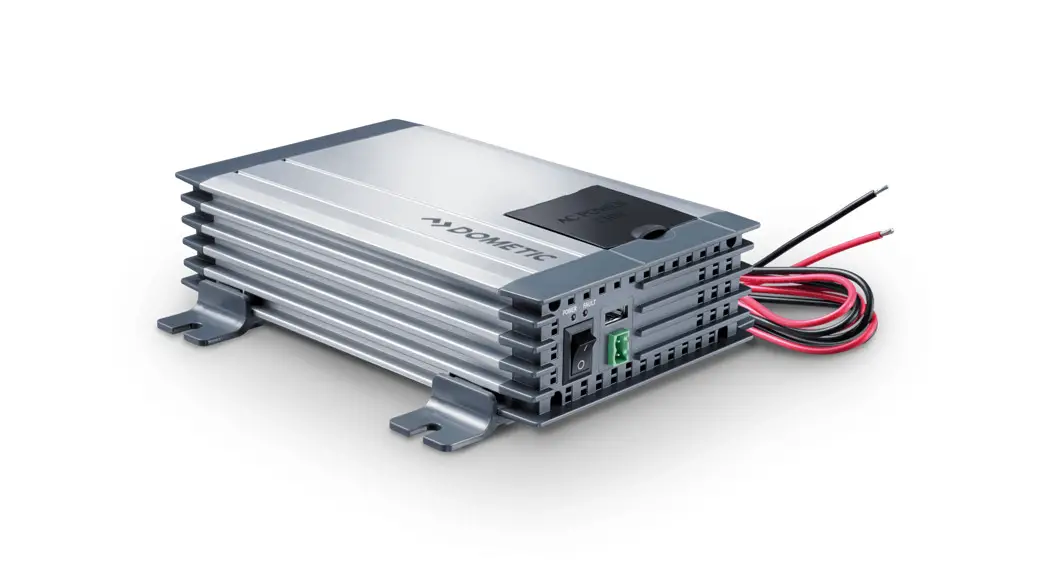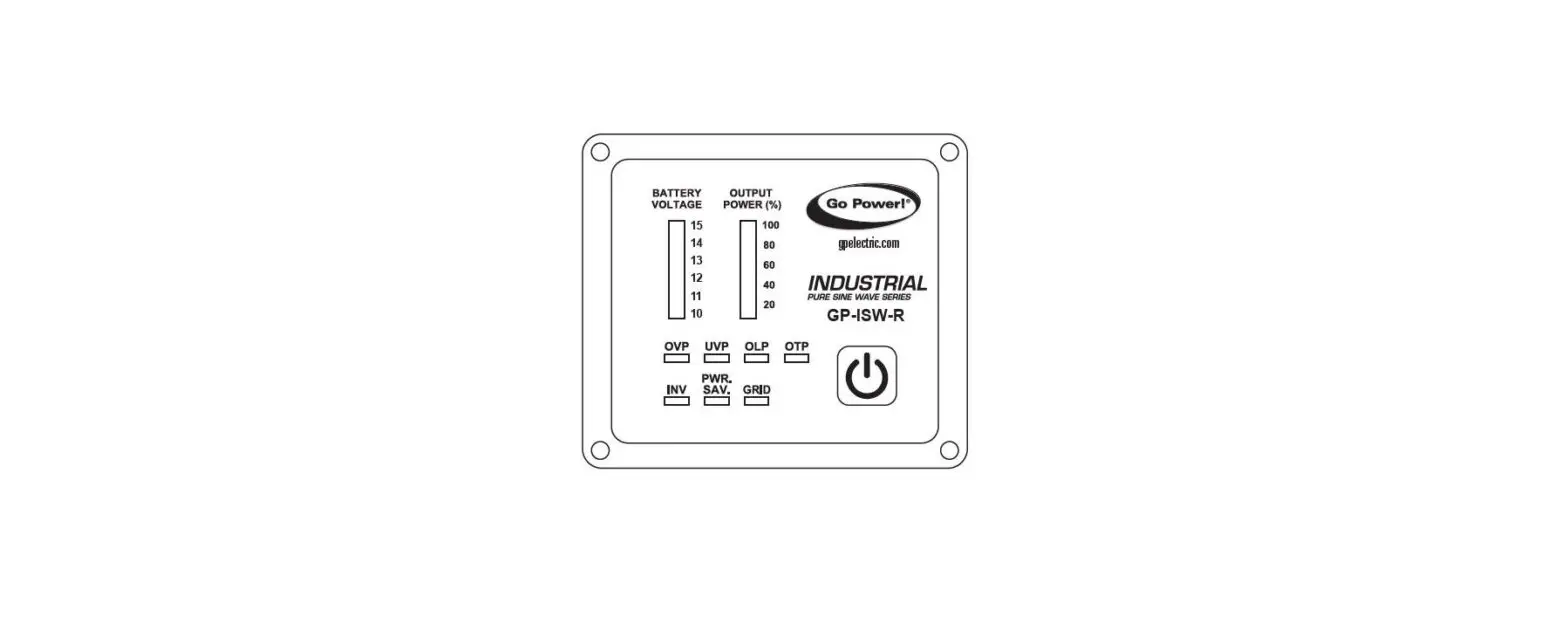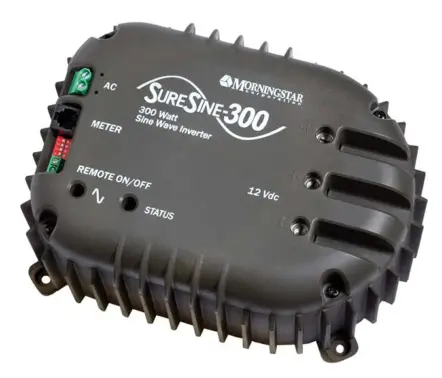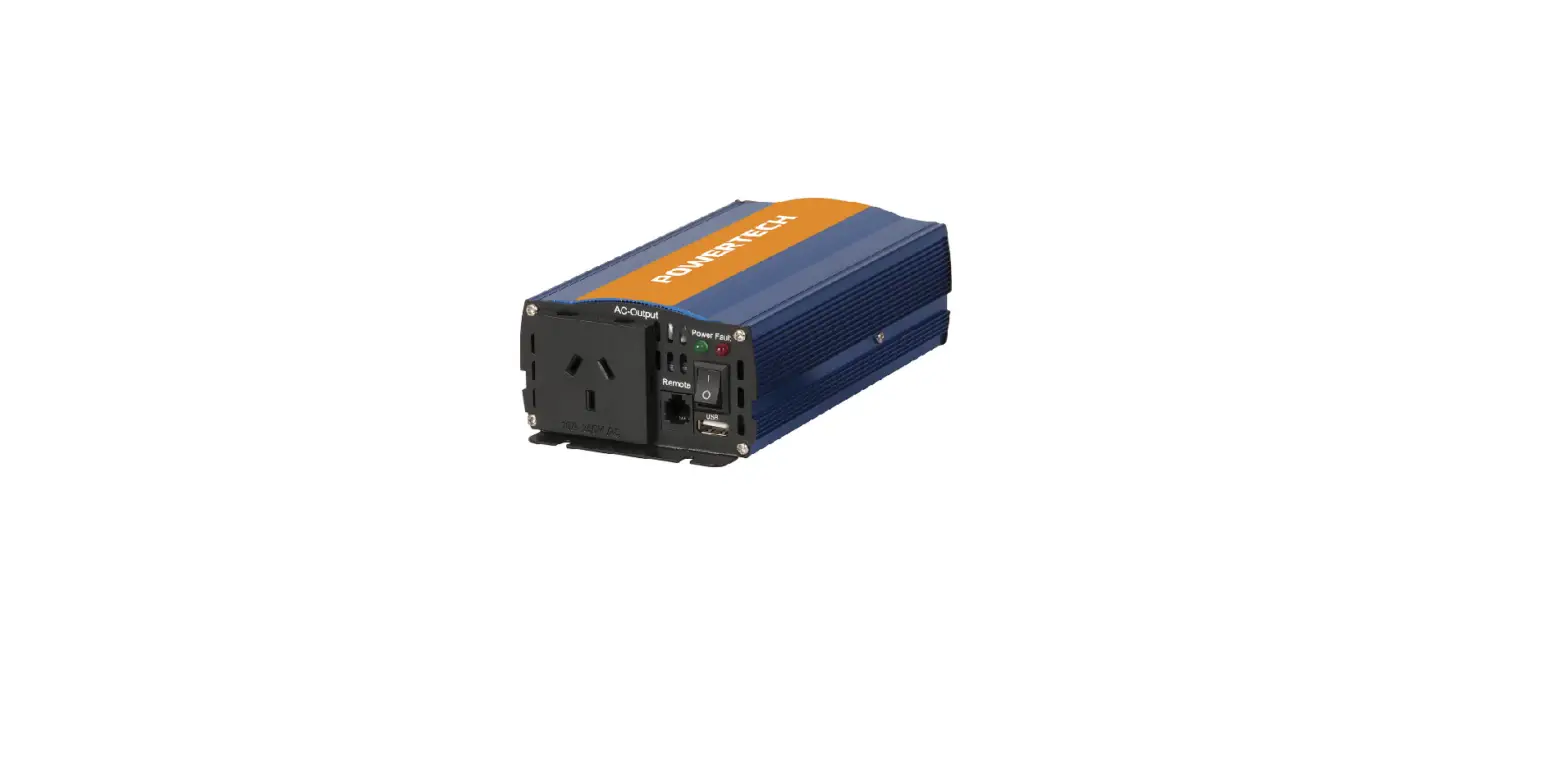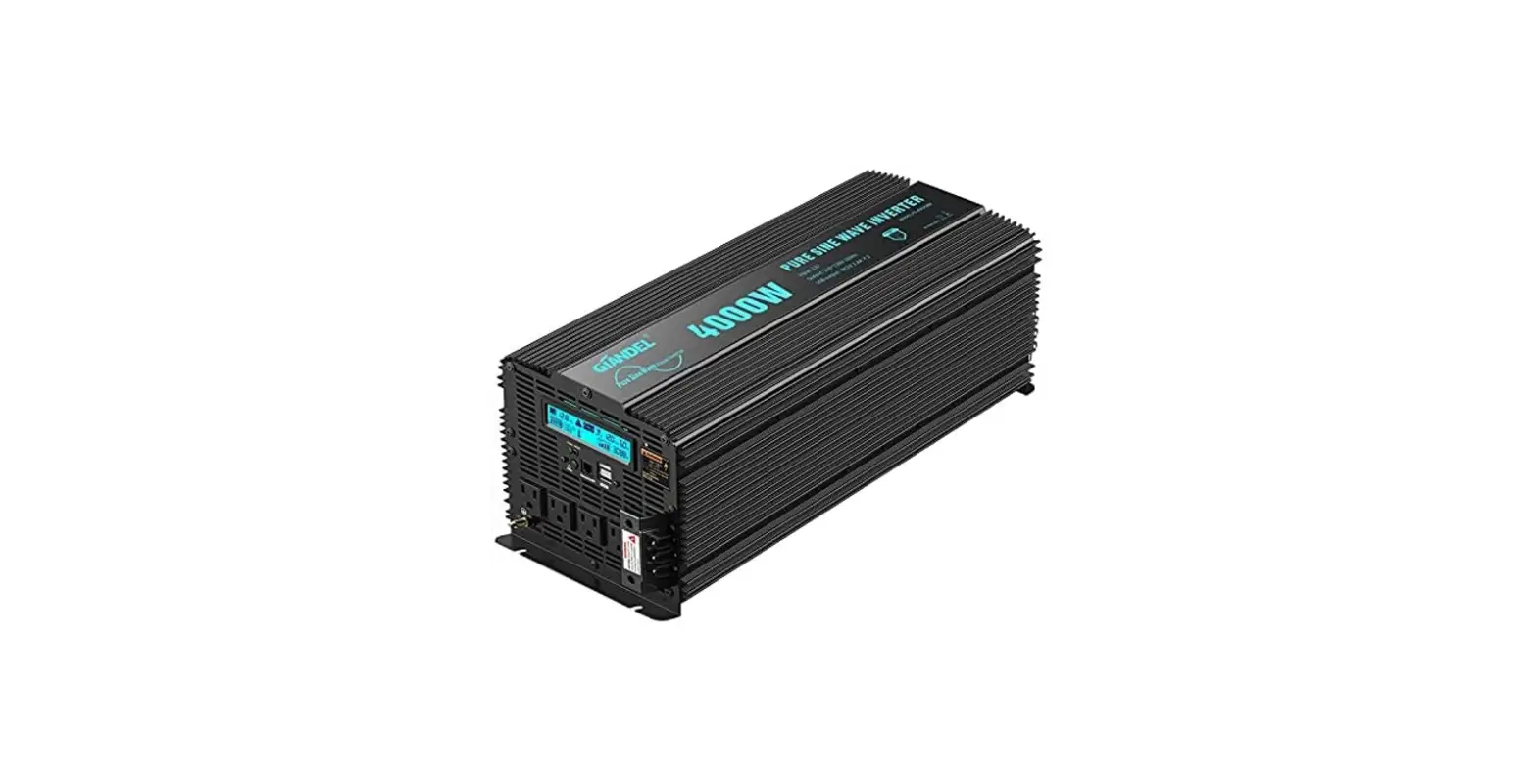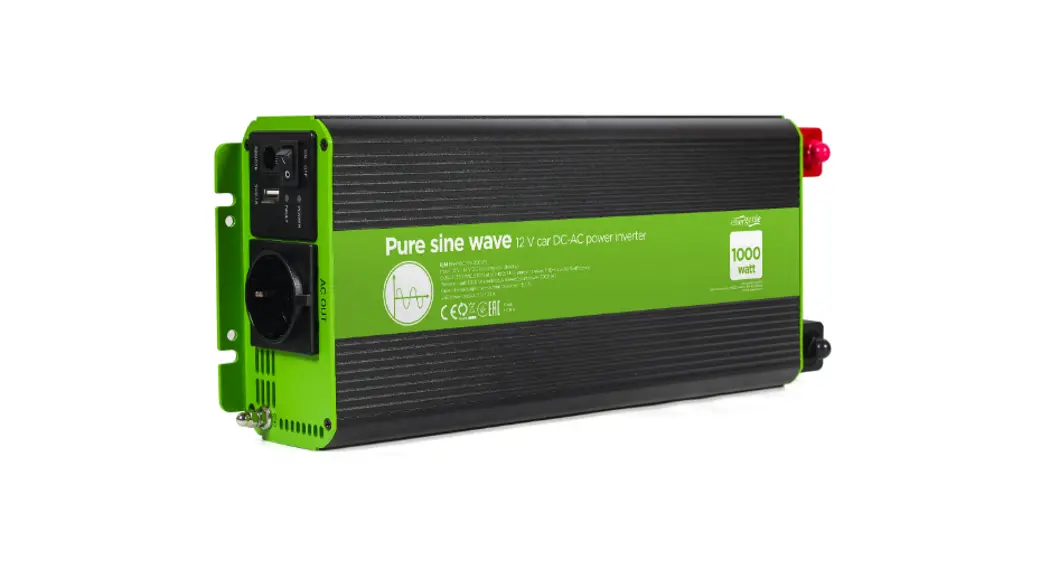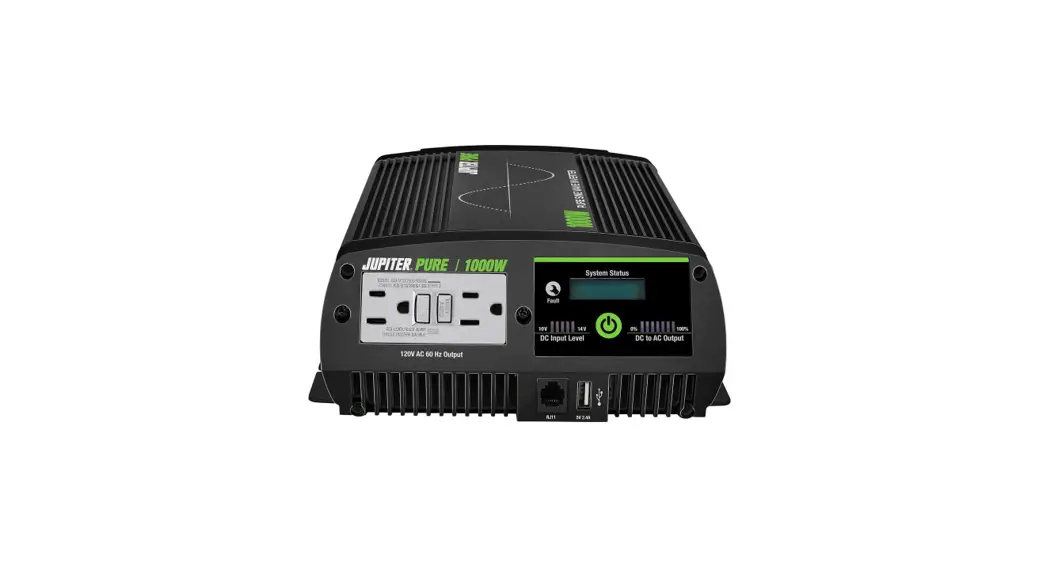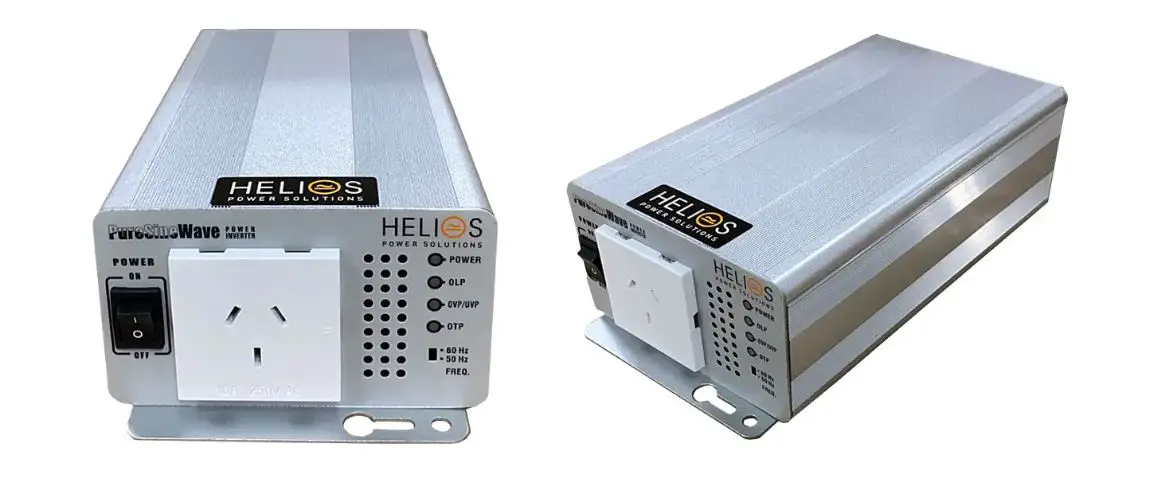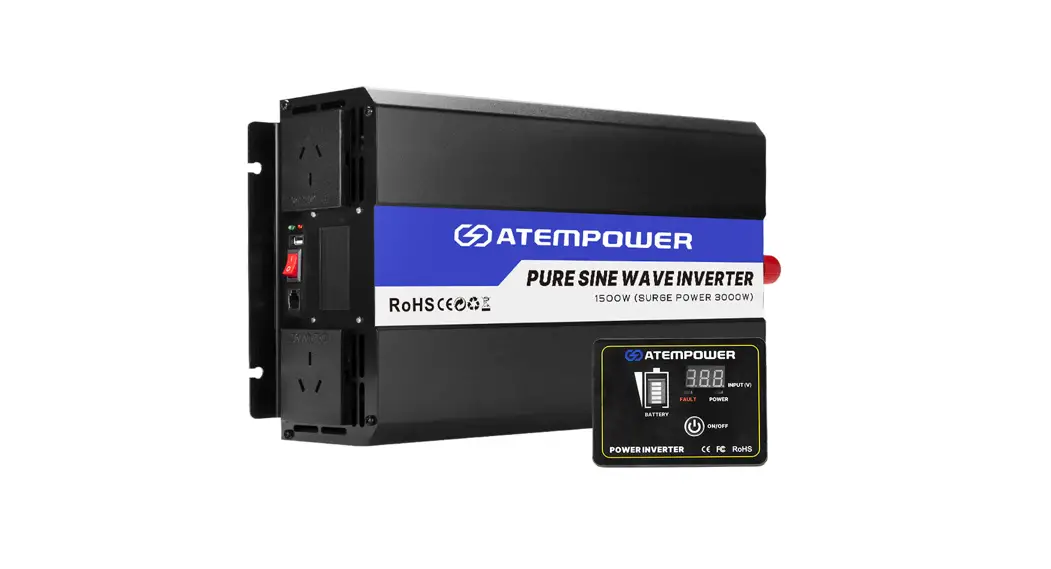
 INVERTER TRUE SINE WAVE
12v-1000W / 12v-2000W INVERTER
User Manual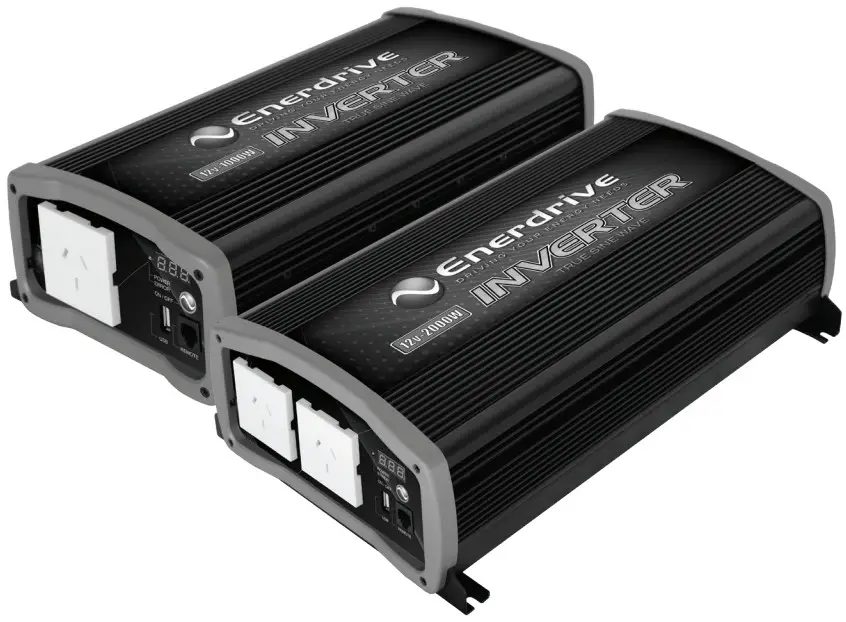 Rev. 1.2
12v-1000W True Sine Wave Inverter
Please Keep This Manual For Future Reference
For safe and optimum performance, the Enerdrive Inverter must be used properly. Carefully read and follow all instructions and guidelines in this manual and give special attention to the CAUTION and WARNING statements.
Disclaimer
While every precaution has been taken to ensure the accuracy of the contents of this guide, Enerdrive assumes no responsibility for errors or omissions. Note as well that specifications and product functionality may change without notice.
Important
Please be sure to read and save the entire manual before using your Enerdrive Inverter. Misuse may result in damage to the unit and/or cause harm or serious injury. Read manual in its entirety before using the unit and save manual for future reference.
Product Numbers – Inverter Series
| EN1110S | Inverter 1000W 12V |
| EN1120S | Inverter 2000W 12V |
Inverter Owners Manual Rev. 1.2
Service Contact Information
Dometic Power & Control (Enerdrive) Pty Ltd
P.O. Box 9159, Wynnum Plaza, Queensland, Australia 4178
Ph: 1300 851 535 / Fax: 07 3390 6911
Email: [email protected] | Web: www.enerdrive.com.au
Notice of Copyright
Enerdrive Inverter owner’s manual © 2023 Enerdrive. All rights reserved. No part of this document may be reproduced in any form or disclosed to third parties without the express written permission of Dometic Power & Control (Enerdrive) Pty Ltd, P.O. Box 9159, Wynnum Plaza, Queensland, Australia 4178. Enerdrive reserves the right to revise this document and to periodically make changes to the content hereof without obligation or organization of such revisions or changes, unless required to do so by prior arrangement.
Exclusions For Documentation And Product Usage
Unless specifically agreed to in writing, Dometic Power & Control (Enerdrive) Pty Ltd: makes no warranty as to the accuracy, suficiency or suitability of anytechnical or other information provided in its manuals or other documentation.
Assumes no responsibility or liability for losses, damages, costs or expenses, whether special, direct, indirect, consequential or incidental, which might arise out of the use of such information. The use of any such information will be entirely at the user’s risk
Reminds you that if this manual is in any language other than English although steps have been taken to maintain the accuracy of the translation, the accuracy cannot be guaranteed
Makes no warranty, either expressed or implied, including but not limited to any implied warranties of merchantability or titness for a particular purpose, regarding these Enerdrive products and makes such Enerdrive products available solely on an “as is” basis
Shall in no event be liable to anyone for special, collateral, incidental, or consequential damages in connection with or arising out of purchase or use of these Enerdrive products. The sole and exclusive liability to Enerdrive, regardless of the form of action, shall not exceed the purchase price of the Enerdrive products described here in.
Introduction
Thank you for purchasing the Enerdrive Inverter. With our state of the art, easy to use design, this product will offer you reliable service for providing AC power and 5V USB power for your home, boat, caravan, 4WD or commercial vehicle. The Enerdrive Inverter can run many AC powered appliances when you need AC power anywhere. The 5V USB power can charge many USB powered devices. This manual will explain how to use this unit safely and effectively. please read and follow these instructions and precautions carefully.
IMPORTANT SAFETY INFORMATION:
This section contains important safety information for the Enerdrive Inverter. Each time, before using the Enerdrive Inverter, READ ALL instructions and cautionary markings on or provided with the inverter and all appropriate sections of this guide. The Enerdrive Inverter contains no user serviceable parts. See Warranty section for how to handle product issues.
 WARNING
FIRE AND/OR CHEMICAL BURN HAZARD
- Do not cover or obstruct any cooling finds and/or install in a zero-clearance compartment.
WARNING
SHOCK HAZARD. KEEP AWAY FROM CHILDREN!
- Avoid moisture ingress. Never expose the unit to snow, water, etc
- Unit provides 230 VAC, treat the AC output socket the same as regular wall AC sockets at home..
WARNING: EXPLOSION HAZARD!
- DO NOT use the Enerdrive Inverter in the vicinity of fiammable fumes or gases (such as gas bottles or large engines).
- AVOID covering the ventilation openings. Always operate unit in an open area.
- Prolonged contact to high heat or freezing temperatures will decrease the working life of the unit.
WARNING
FAILURE TO FOLLOW THESE INSTRUCTIONS CAN RESULT IN DEATH OR SERIOUS INJURY
- When working with electrical equipment or lead acid batteries, have someone nearby in case of an emergency.
- Study and follow all the battery manufacturer’s specific precautions when installing, using and servicing the battery connected to the inverter.
- Wear eye protection and gloves.
- Avoid touching your eyes while using this unit.
- Keep fresh water and soap on hand in the event battery acid comes in contact with eyes. If this occurs, cleanse right away with soap and water for a minimum of 15 minutes and seek medical attention.
- Keep unit away from moist or damp areas.
- Avoid dropping any metal tool or object on the battery. Doing so could create a spark or short circuit which goes through the battery or another electrical tool that may create an explosion.
- Batteries produce explosive gases. DO NOT smoke or have an open spark or fire near the system.
 LIMITATIONS OF USE
- Do not use in connection with life support systems or other medical equipment or devices.
- Inverter is not to be used by persons with reduced physical or mental capabilities or lack of knowledge and experience. Not to be operated or used by children.
Product Description
The Enerdrive Inverter package includes the items listed below.
- Inverter base unit
- Owner’s manual
Features
WARNING
- Enerdrive recommends that all wiring be done by a certified technician or electrician to ensure adherence to the applicable electrical safety wiring regulations and installation codes. Failure to follow these instructions can damage the unit and could also result in personal injury or loss of life.
CAUTION
- Before Beginning Your Unit Installation, Please Consider The Following:
- The unit should be used or stored in an indoor area away from direct sunlight, heat, moisture or conductive contaminants. Do not install the Inverter in corrosive environments.
- When placing the unit, allow a minimum of 75mm of space around the unit for optimal ventilation.
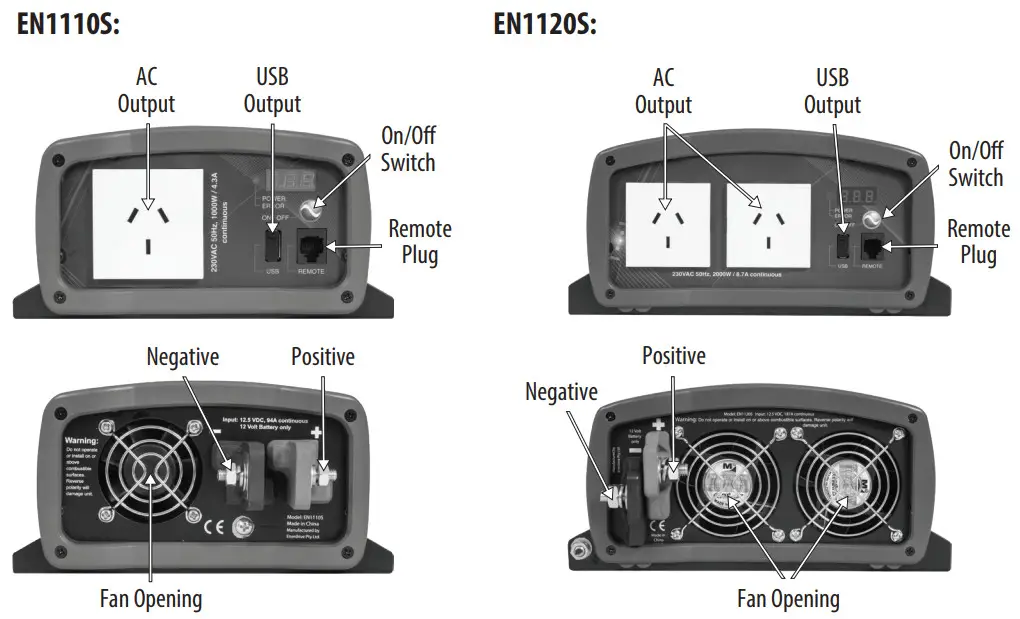
Understanding the unit features:
Image below shows unit features:
Installing the Inverter System
WARNING: ELECTRICAL SHOCK HAZARD
- The unit ‘On/Off’ switch does not disconnect the DC power from the battery. To turn off the DC power to the inverter either remove the main DC fuse or switch off the circuit breaker to disconnect the DC power from the inverter before working on any circuits connected to the unit. Failure to follow these instructions can result in death or serious injury.
CAUTION
- Reversing the DC Input terminal will damage the unit and cannot be repaired. Damage caused by reverse polarity connection is not covered by the warranty.
Material Preparation for Installation:
Typical Wiring block diagram of the Enerdrive Inverter:
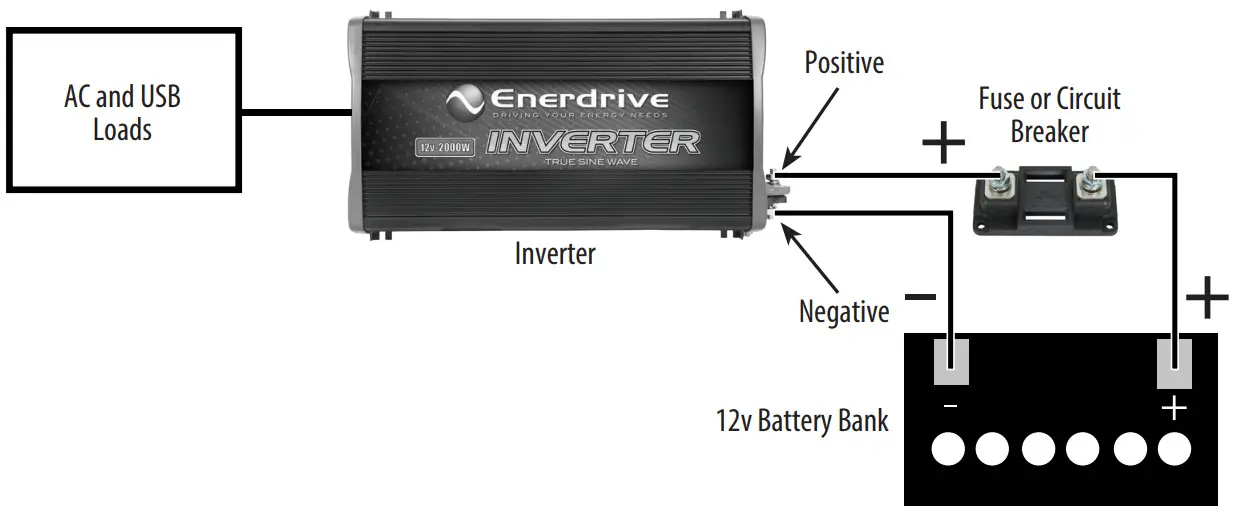
12v Battery Bank:
- The use of deep cycle battery is highly recommended for power inverter appication
- For battery size, you need to identify how much you will be using them between chargers. Enerdrive recommends you purchase as much battery capacity as possible. See more on Battery Run Time and load in Section 4.
Fuse or Circuit Breaker
- DC rated fuse or DC rated circuit breaker connected along the DC positive line is required
- For EN1110S, select a fuse or circuit breaker with a minimum of 150 Adc
- For EN1120S, select a fuse or circuit breaker with a minimum of 250 Adc
- Based on the size of the battery bank chosen on the 12V Battery Bank above, determine the overall short circuit current rating of the battery bank from the battery manufacturer. The fuse or circuit breaker chosen has to be able to withstand the short circuit current that may be generated by the battery bank
Disconnect Switch:
- Select a Disconnect Switch with the same or higher the rating of the selected fuse or circuit breaker from the above
- The Disconnect Switch is used to disconnect the DC power between the inverter and the battery bank during service, maintenance or trouble shooting
DC Input and Grounding Cable:
- Use of low resistance wire is required for all the DC connections between the inverter and the battery bank
- For EN1110S, uses minimum 35mm² wire with maximum cable length of 1.5 meters
- For EN1120S, uses minimum 70mm² wire with maximum cable length of 1.5 meters
- Important: The unit is grounded through the ground stud of the unit located near the DC Input terminal For the grounding cable connected between the Inverter chassis to the earth ground, use a matching cable size as used on the DC Input Cable section
Installing the Enerdrive Inverter System
WARNING: Electrical Shock Hazard
- The unit ‘On/Off’ switch does not disconnect the DC power from the battery. Use the DC Disconnect Switch or disconnect the DC input cables connection to disconnect the DC power from the battery before working on any circuits connected to the unit. Failure to follow these instructions can result in death or serious injury
Inverter Installation:
- Choose an appropriate mounting location
- For indoor use, the orientation of the unit can be mounted in any direction except with the DC Input panel facing downwards
- For RV installation, the unit has to be mounted horizontally
- Use mounting template below to mark the positions of the mounting screws
- Drill the 4 mounting holes and place the inverter in position and fasten the inverter to the mounting surface
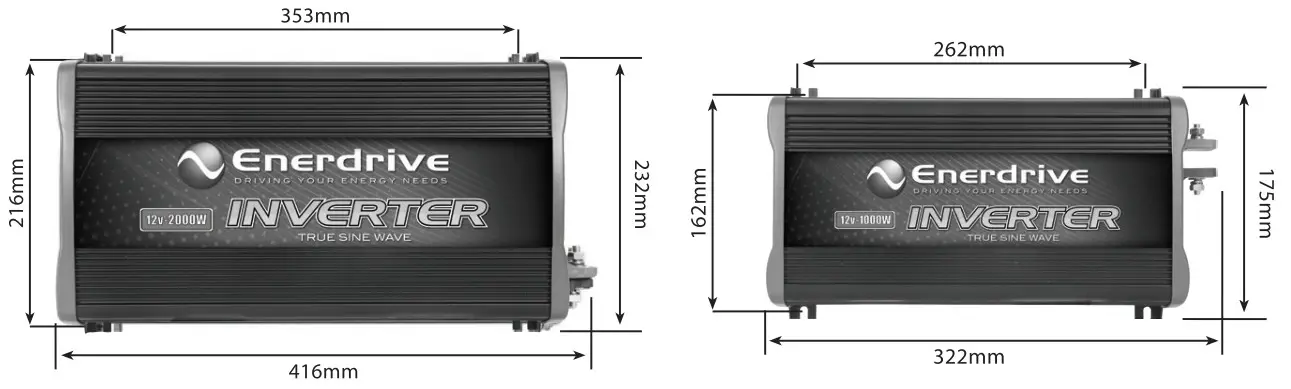
Inverter Chassis Grounding Connection:
DANGER: The Inverter chassis is to be grounded properly. Never operate the Inverter without proper grounding. Failure to do so will result in death or serious injury.
- Connect the grounding cable’s ring terminal to the unit ground screw
- Connect the other side of the cable to the common grounding point
Inverter DC Input Connection:
CAUTION: Reversing the DC Input terminal will damage the unit and cannot be repaired. Damage caused by reverse polarity connection is not covered by warranty.
- Connect one end of the negative DC input cable to the Inverter DC negative terminal
- Connect the other end of the negative DC input cable to the battery negative terminal
- Make sure the Disconnect Switch is in the OFF position
- Connect one end of the positive DC Input cable to the Inverter DC positive terminal
- Connect the other end of the positive DC input cable to one of the terminals of the Disconnect Switch
- Connect a DC Input cable between the other terminal of the Disconnect Switch and one side of the terminal of the fuse holder
- Connect a DC input cable between the other terminal of the fuse holder and the battery positive terminal
- Install the selected fuse to the fuse holder
- Turn Disconnect Switch to ON position
Remote Switch (optional) Connection:
- Insert the Remote Switch to the RJ11 Remote Port located at the Front AC panel of the Inverter. Please note polarity
Test the Inverter connection:
- Turn unit on by pressing and holding the On/Off button on the main unit for about a second until 2 beep sounds occur
- The ‘Status’ light turns on indicating the Enerdrive Inverter is ON
- Check the digital display shows measured battery voltage and output power alternatively. AC output and 5V USB is now available. If the display shows USB, only the 5V USB is on. Read operation section to learn how to turn unit ON in detail
- Plug in a small AC load like a 40W table lamp or small appliance to the AC socket to verify AC is available
- The unit is successfully installed and functioning properly
UNIT OPERATION
Turn ON & OFF the USB only (if USB power is not required)
- Press and hold the “Power/Select” button for 1 second until a single beep is sound. Display will show USB. Status LED will turn green. 5V is available at the USB port and AC is not available at the AC socket. This mode is used to save battery power if AC power is not required
- Press “Power/Select” button to turn unit off
Turn ON & OFF the 230 VAC and USB
- Press and hold the “Power/Select” button for 2 seconds until the 2 beeps are sounded. Display will show the measured battery voltage and output power alternatively. Status LED will turn green
- 5V USB and 230 VAC is available at the AC socket
- Press “Power/Select” button to turn unit off
Remote ON/OFF (Optional)
- If optional remote is used, the Remote ON/OFF momentary switch connected in parallel with the “Power/Select” button on the unit. Same procedure applies to ON and OFF the unit
Understanding the Display & Status LED
Display:
| USB | Indicate only the USB is ON and 230 VAC is not available at the AC Socket |
| 12.5 | Display shows measured battery voltage |
| 0.80 | Display shows total output AC power in kW (800W as shown) |
| E01 | Display shows error or warning code. See trouble shooting section in details |
Status LED:
| Green | Unit operation is normal |
| Amber | Warning is detected. unit will shutdown at any time. Please check error code to troubleshoot the unit |
| Red | Error is detected and unit has shutdown. Please check error code to troubleshoot the unit |
Understanding the Error Code
| Code | Condition | Corrective Action |
| 0.00E+00 | Unit has sensed input under voltage and has shutdown | Recharge battery immediately and restart unit |
| 0.00E+00 | Unit has sensed input over voltage and has shutdown | Check battery voltage or if any external charger is connected to the battery bank |
| 0.00E+00 | Unit output has sensed overload or short circuit and has shutdown | Check load connected to the output. Reduce load and restart the unit |
| 0.00E+00 | Unit has sensed internal temperature was high and has shutdown | Turn unit off and wait for 15 minutes before restarting. Check if any object has blocked the air flow of the unit |
| 0.00E+00 | Unit has sensed input voltage is low and warning occurs | Recharge battery as unit will shutdown shortly |
| 0.00E+00 | Unit has sensed load connected is close to overload shutdown limit | Reduce load |
| 0.00E+00 | Unit has sensed internal temperature is high and is close to thermal shutdown limit | Reduce load and check if any ventilation of the unit is blocked |
AC Load on the Inverter
Although the Inverter can provide high surge power up to two times the rated output power, some appliances may still trigger on the inverter protection system. A higher power inverter is required for those appliances.
Estimate Run Time on Load
Following run time is an estimate based on using a 12V-240AH battery bank for reference (Depth of discharge to 50%).
Actual run time may vary.
| Load | Consumption | Estimate Run time |
| Cordless Phone | 5W | 80 hrs |
| Clock/Radio | 8W | 65 hrs |
| Table Lamp | 40W/60W | 22 hrs/ 15 hrs |
| Freezer (8.8 cu. ft.) | 80W | 12 hrs |
| 20″ LCD TV | 100W | 10.5 hrs |
| Refrigerator (18 cu. ft.) | 120W | 8.3 hrs |
| Microwave (mid-size) | 1000W | 44 min |
| Coffee Maker | 1200W | 35 min |
| Vacuum Cleaner | 1400W | 28 min |
Troubleshooting
To troubleshoot unit, please note the error code display on the main unit and review the “Understanding the Error Codes” in Section 4.
| Problem | Symptom | Solution |
| No output voltage. And Status LED is off. | The unit is off | Turn unit ON by following the instruction in Section 4 to turn unit ON |
| No power to inverter | Check fuse or the Disconnect switch (if installed) is either blown or turn OFF | |
| No AC output. Status LED is Green | Display shows USB | Only the USB output is turned ON. Follow instruction in Section 4 to turn AC power ON |
| No Output. Status LED is in Amber | Check error code on display | Verify the error condition and make correction |
Specifications
Note: Specifications are subject to change without notice.
Specifications: True Sine Wave Series
| Specifications: True Sine Wave Series | 1000 | 2000 |
| Inverter AC Output Power | 1000W | 2000W |
| AC Output Current | 4.3A | 8.7A |
| AC Surge Power (Peak) | 2000W | 4000W |
| AC Output Voltage | 230 VAC / 50 Hz | 230 VAC / 50 Hz |
| AC Output Waveform | True Sine Wave | True Sine Wave |
| AC Output Socket | 1 outlet | 2 outlets |
| Nominal DC Input Voltage | 12.5 VDC | 12.5 VDC |
| No Load battery draw | < 1.2 ADC | < 1.2 ADC |
| DC Input Voltage operating range | 10.5 — 15.5 VDC | 10.5 — 15.5 VDC |
| Under Voltage Alarm | 11.2 VDC | 11.2 VDC |
| Under Voltage Shutdown | 10.5 VDC | 10.5 VDC |
| Under Voltage Recovery | 11.8 VDC | 11.8 VDC |
| Over Voltage Shutdown | 15.5 VDC | 15.5 VDC |
| USB | 5V, 750 mA | 5V, 750 mA |
| Safety and Environmental | ||
| Conformance | All required Australian Standards | |
| Agency Markings | RCM | |
| Operating Temperature | 0°C to 40°C | |
| Storage Temperature | -20°C to 60°C | |
| Relative Humidity | 5-90% non-condensing | |
| Operating Altitude | Up to 3000 meters above sea level | |
| Weights and Dimensions | ||
| Weight | 2.9kg | 5.5kg |
| Dimensions (W x L x H) | 185 x 319 x 90mm | 240 x 420 x 115mm |
Warranty
5 Year Warranty In the unlikely event that a technical issue arises with an Dometic Power & Control (Enerdrive) Pty Ltd product, customers are encouraged to initially contact the Enerdrive Support Team on 1300 851 535 or [email protected] for immediate and efficient expertise and first class product support.
Important Note: Consumer Protections
If you have purchased your product in Australia, you should be aware that:
This warranty is provided in addition to other rights and remedies held by a consumer at law. Our goods come with guarantees that cannot be excluded under the Australian Consumer Law. You are entitled to a replacement or refund for a major failure and for compensation for any other reasonably foreseeable loss or damage. You are also entitled to have the goods repaired or replaced if the goods fail to be of acceptable quality and the failure does not amount to a major failure.
Dometic Power & Control (Enerdrive) Pty Ltd warrants that its Products will be free from defects in materials and workmanship (subject to limits, and in normal conditions, as described in the complete Enerdrive Warranty Policy) for up to 5 years from the date of purchase.
For full terms, conditions and claim process, refer to the Enerdrive website.
https://enerdrive.com.au/warranty/
 Dometic Power & Control (Enerdrive) Pty Ltd
P.O. Box 9159, Wynnum Plaza, Queensland, Australia 4178
Ph: 1300 851 535 / Fax: 07 3390 6911
Email: [email protected]
Web: www.enerdrive.com.au
 Enerdrive Independent Power Solutions - Enerdrive Independent Power Solutions
 Warranty Policy - Enerdrive Independent Power Solutions