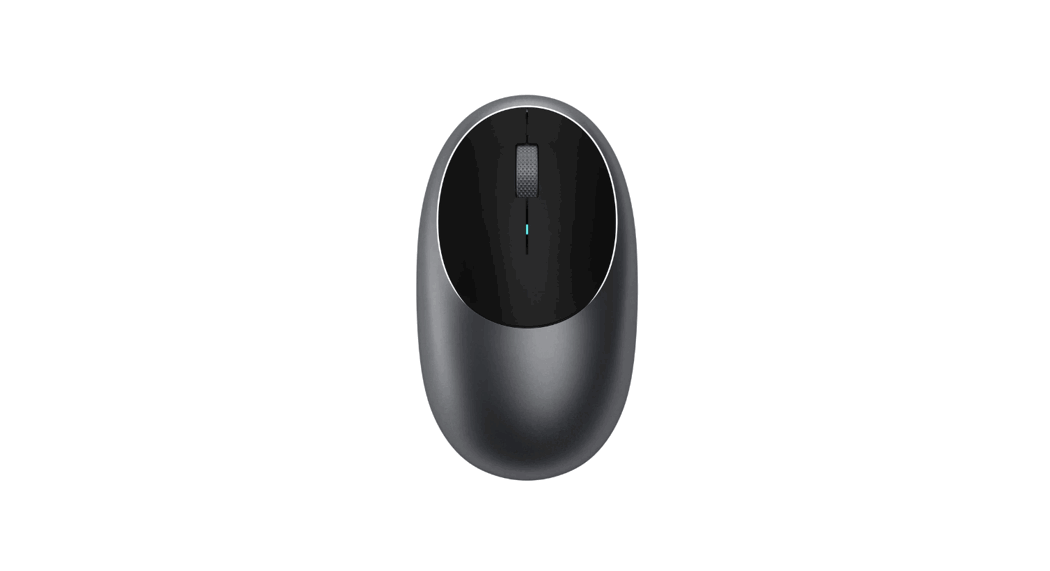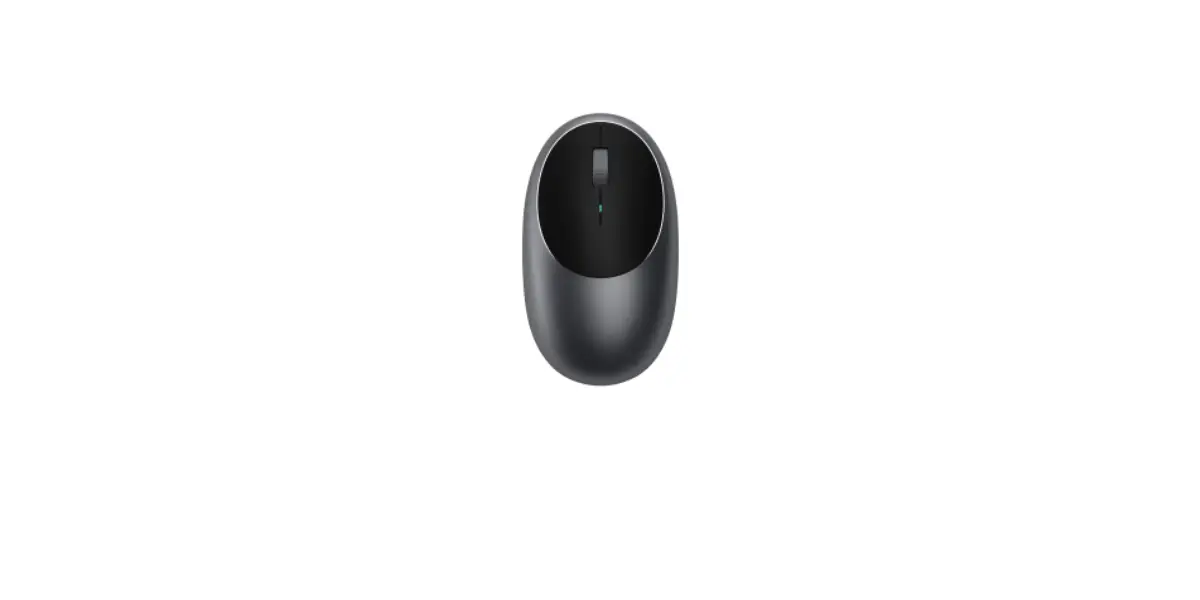
SATECHI M1 Wireless Mouse for Mac Instructions
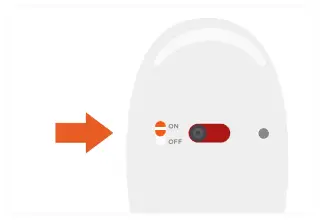
- Turn on the M1 mouse using its backside power switch.

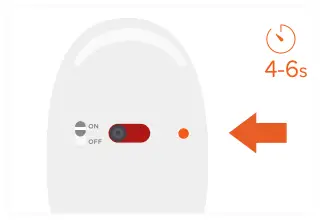
- Put the mouse into pairing mode. Press and hold the Bluetooth button for 4-6 seconds.
The button will flash blue - Turn on Bluetooth on your device and select “Satechi M1 Mouse” from the list.
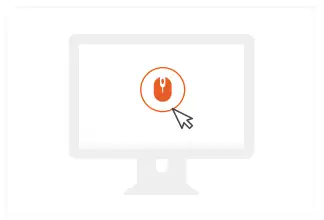
- Click “Connect” to finish the connection process.
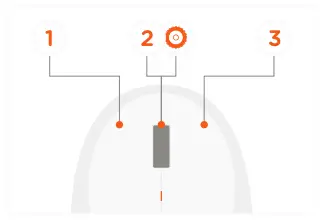
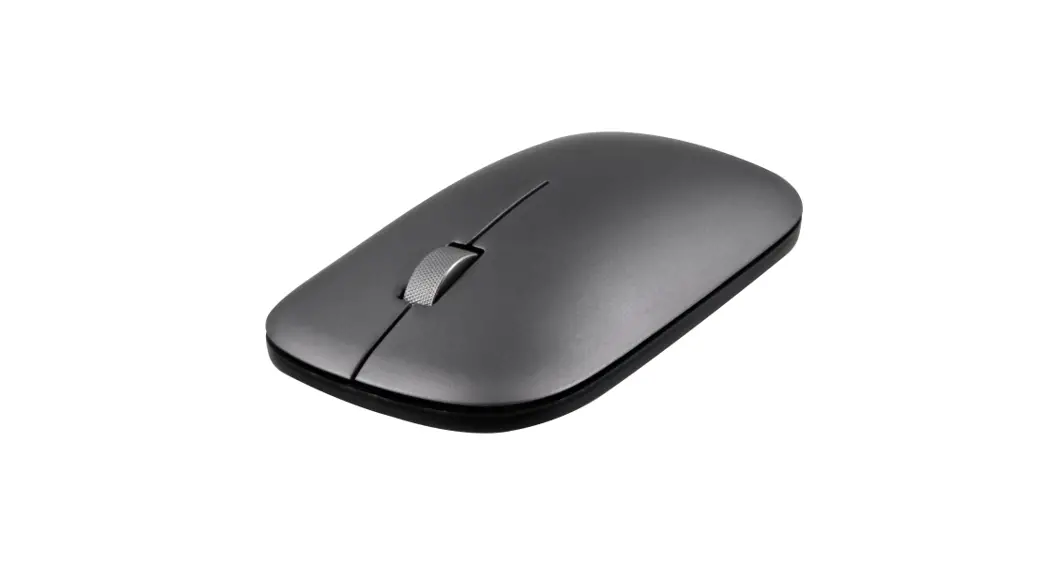
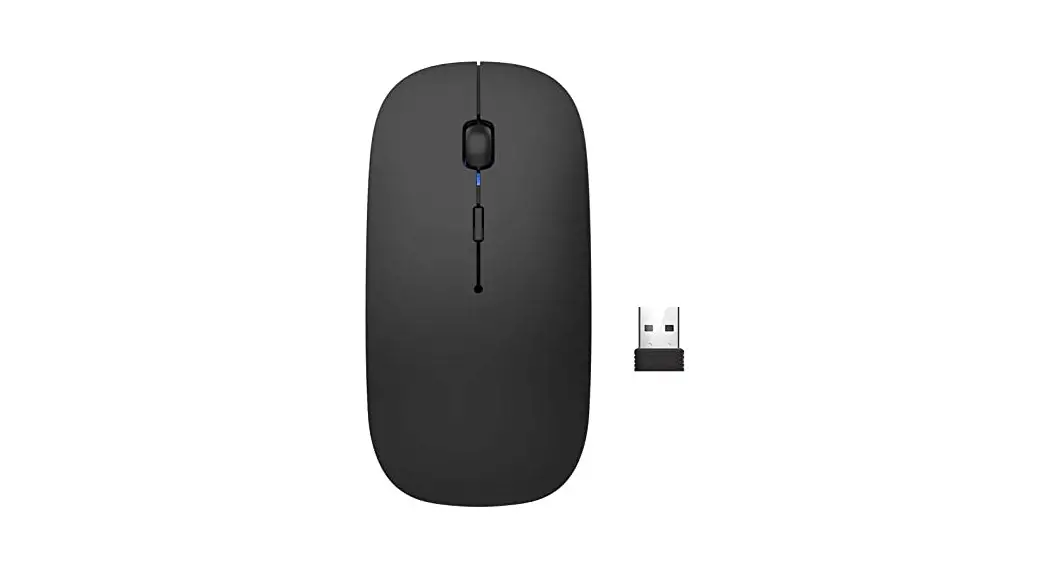
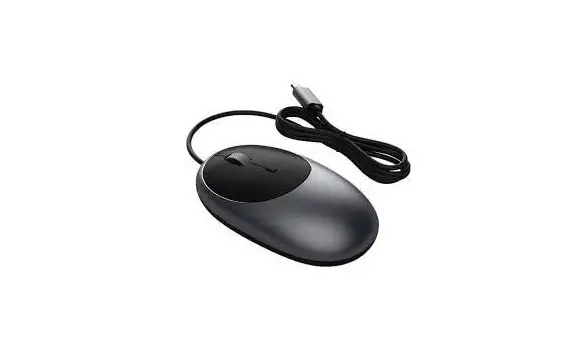
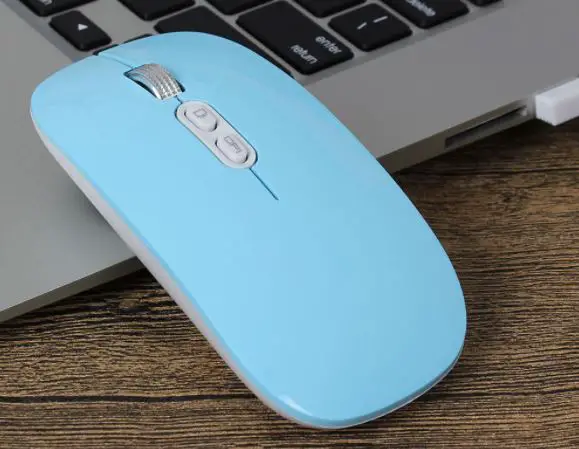
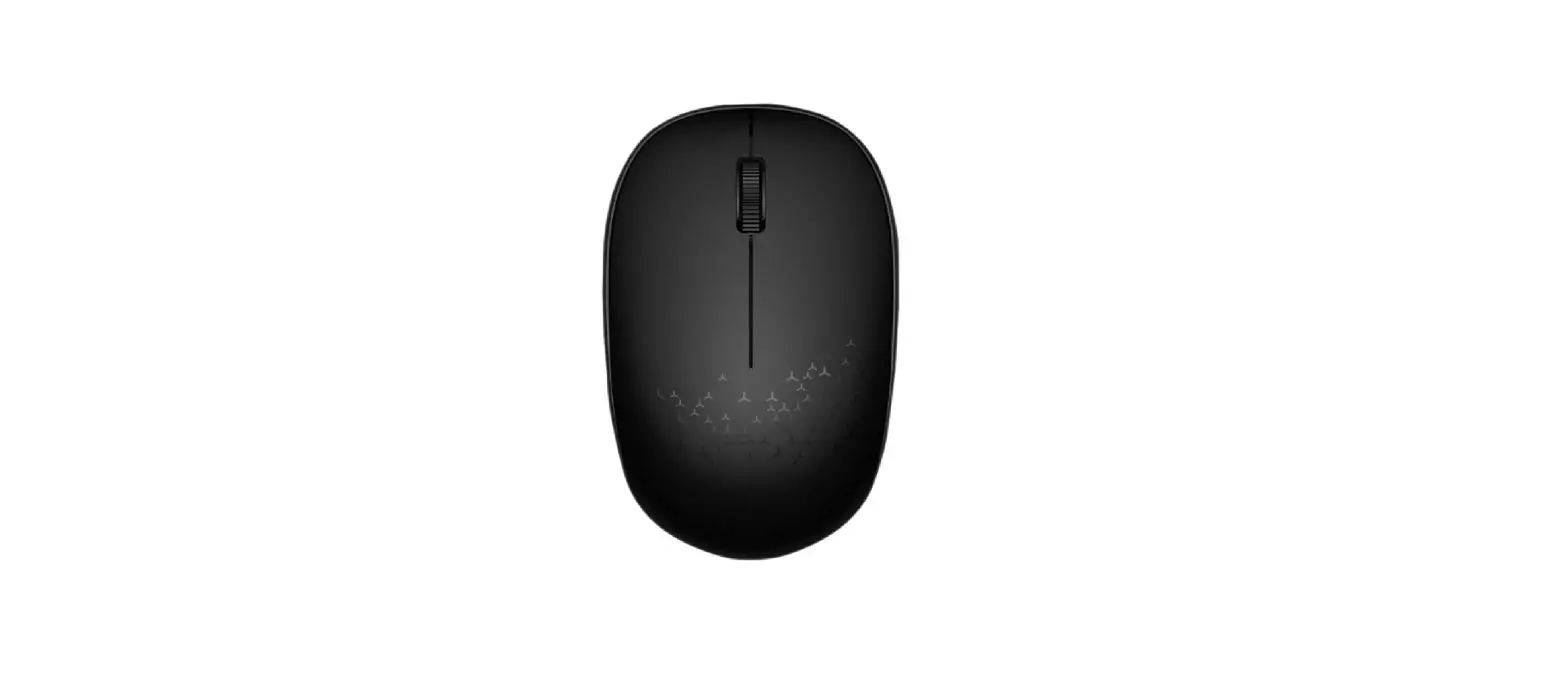
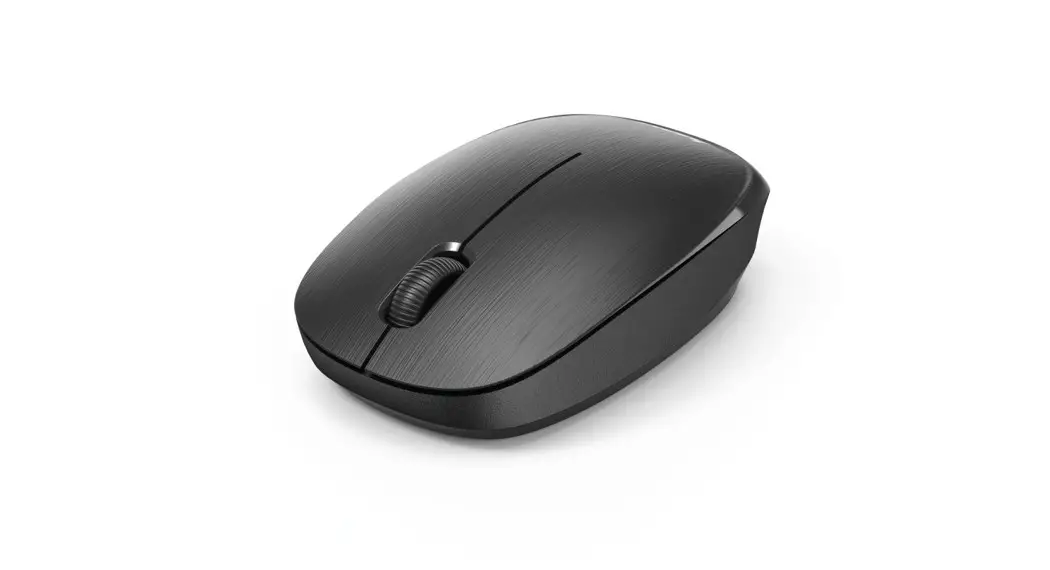
- The mouse is equipped with 3 buttons and a scroll wheel.
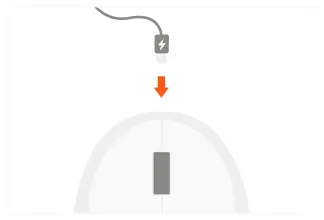
- Recharge the mouse using the provided Type-C cable.
Up to 45 days of use between charges