INSTRUCTIONAL GUIDE
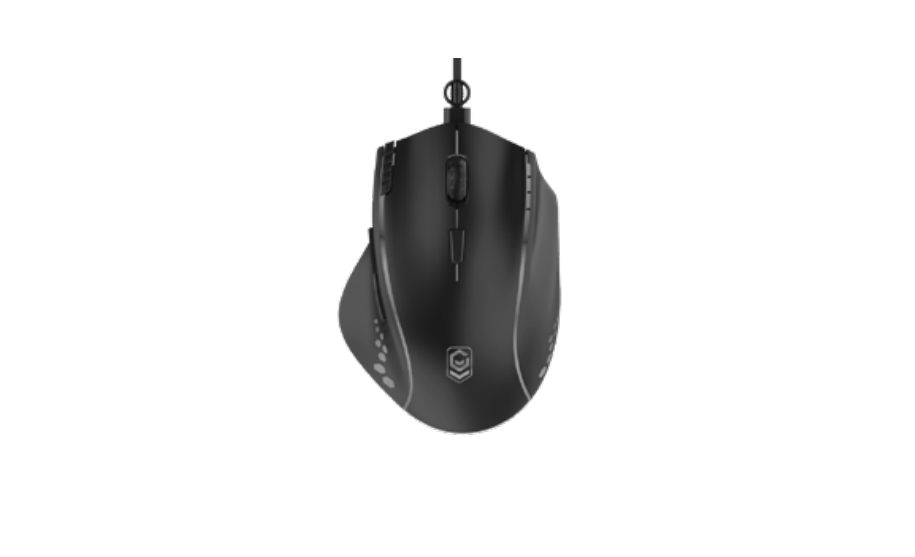
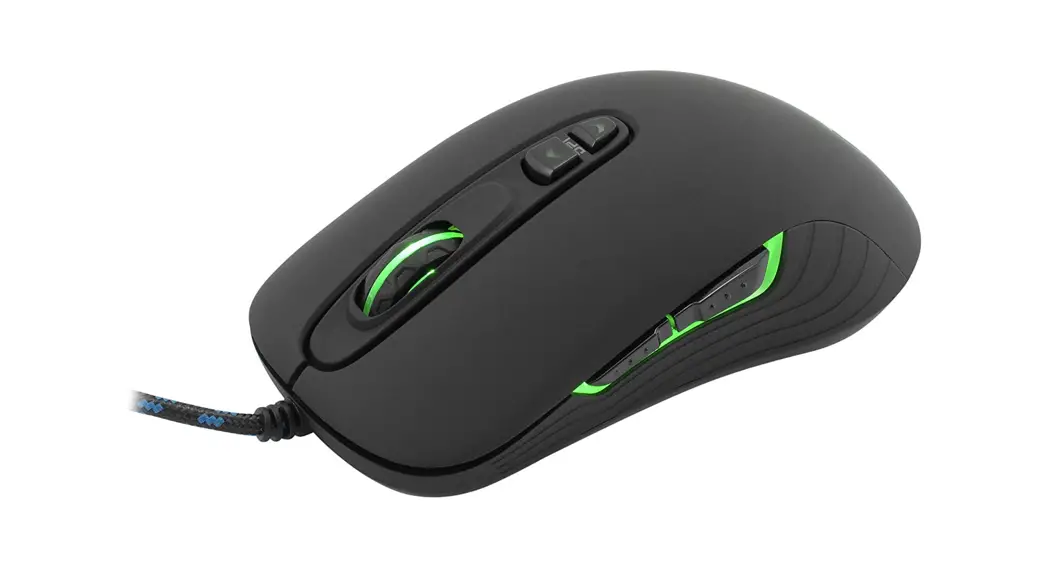
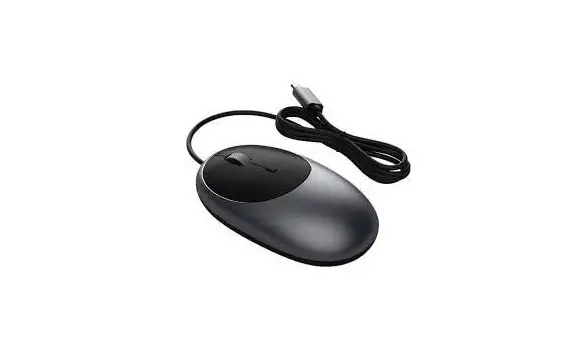
C1 WIRED MOUSE
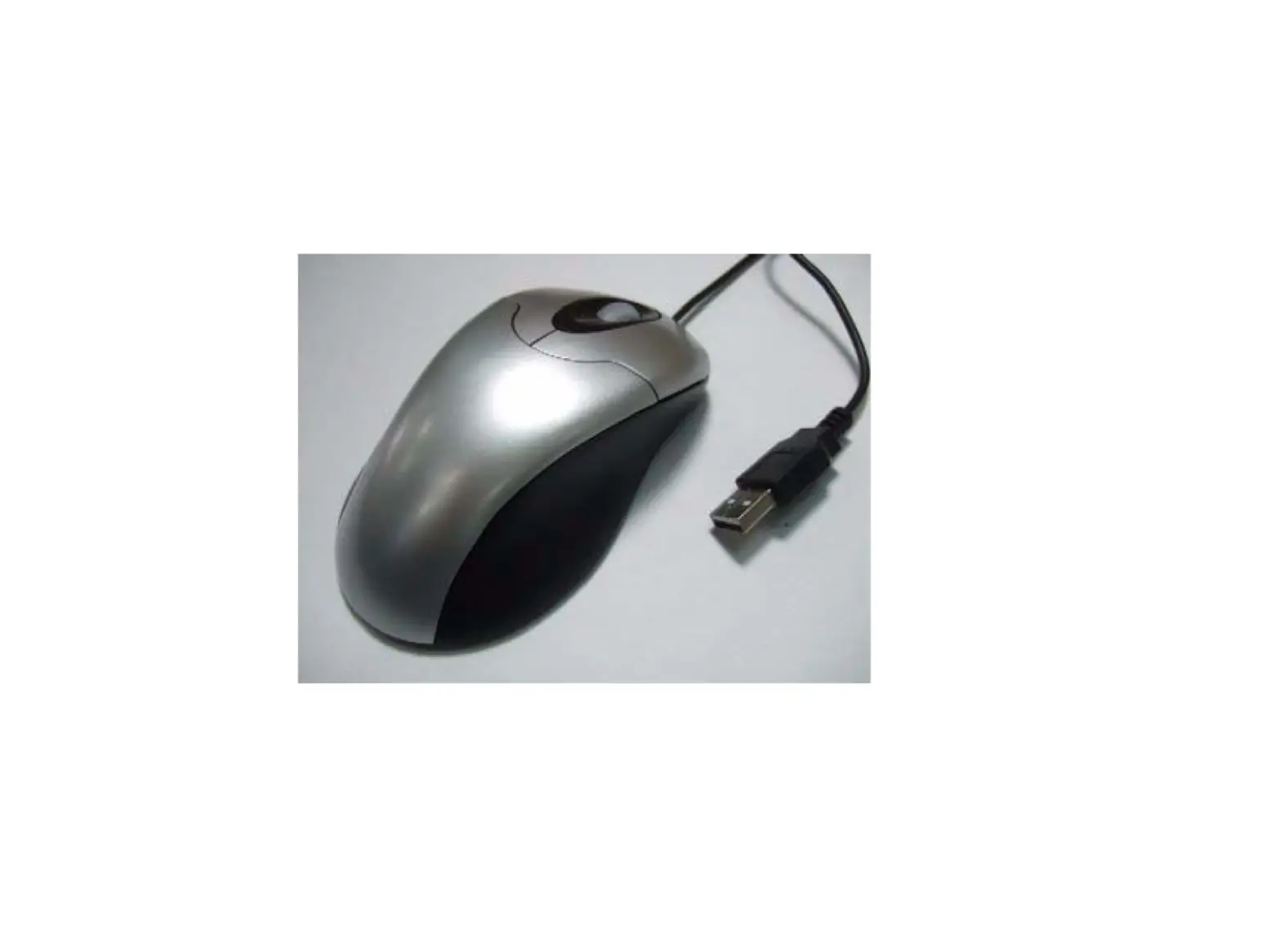
1 Plug the C1 Wired Mouse into a USB-C port on your device.
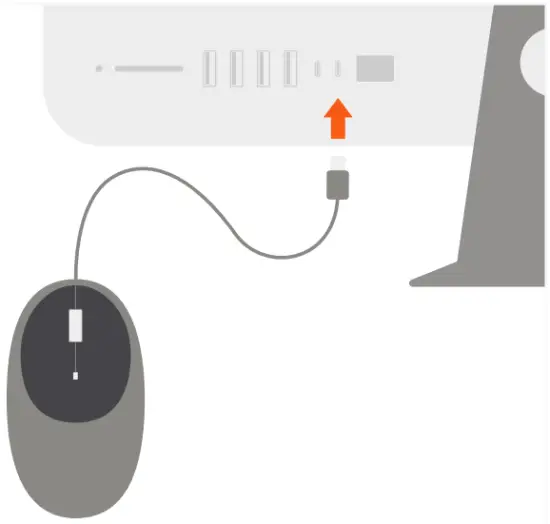
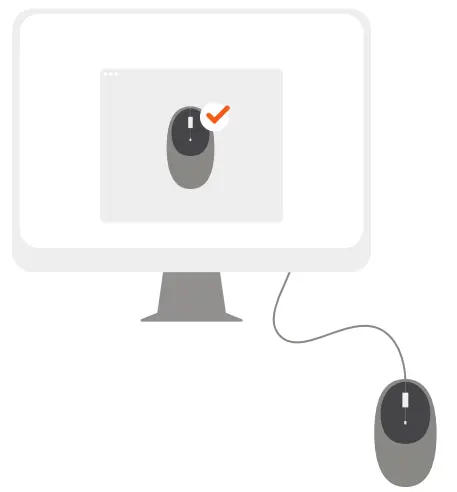
2 Once plugged in, the mouse will be detected by your device - no extra installation needed.
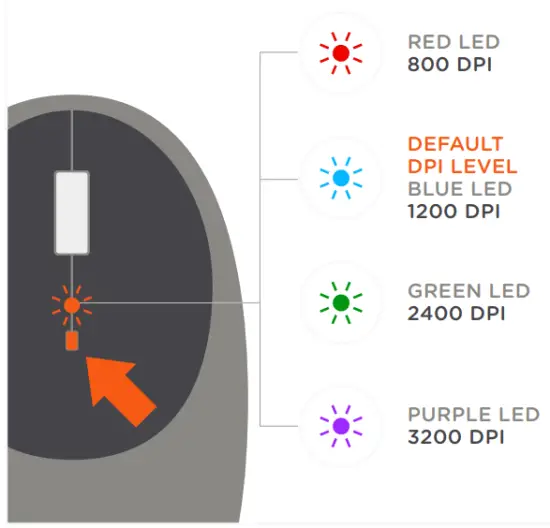
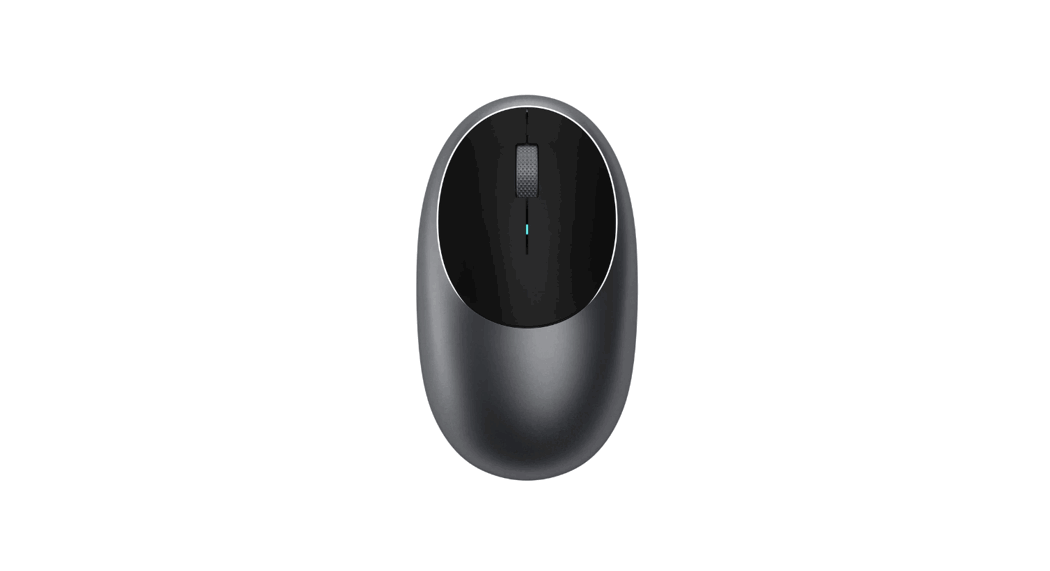
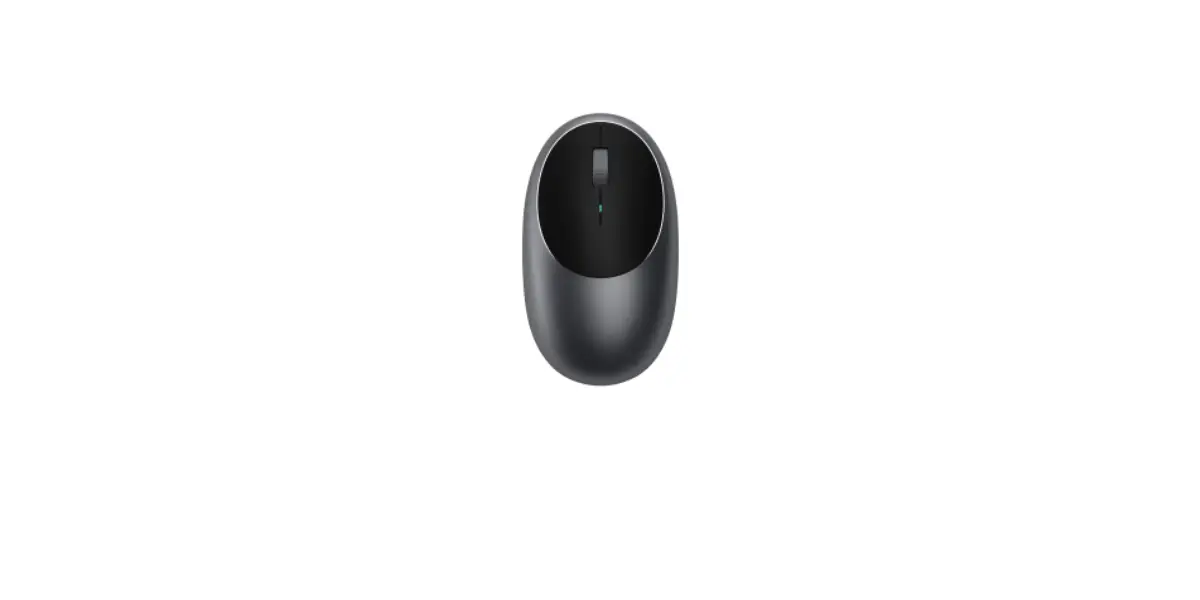
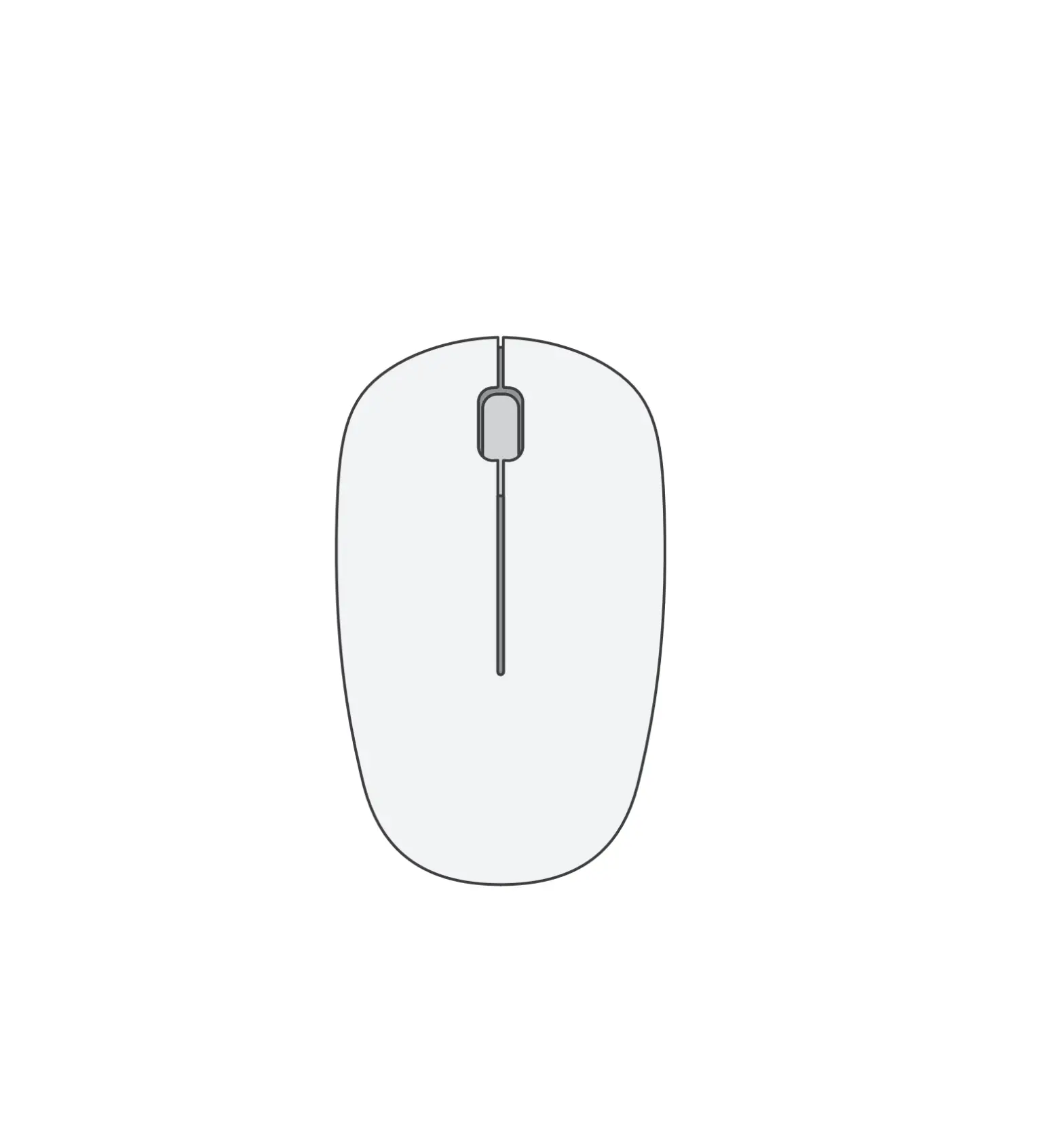
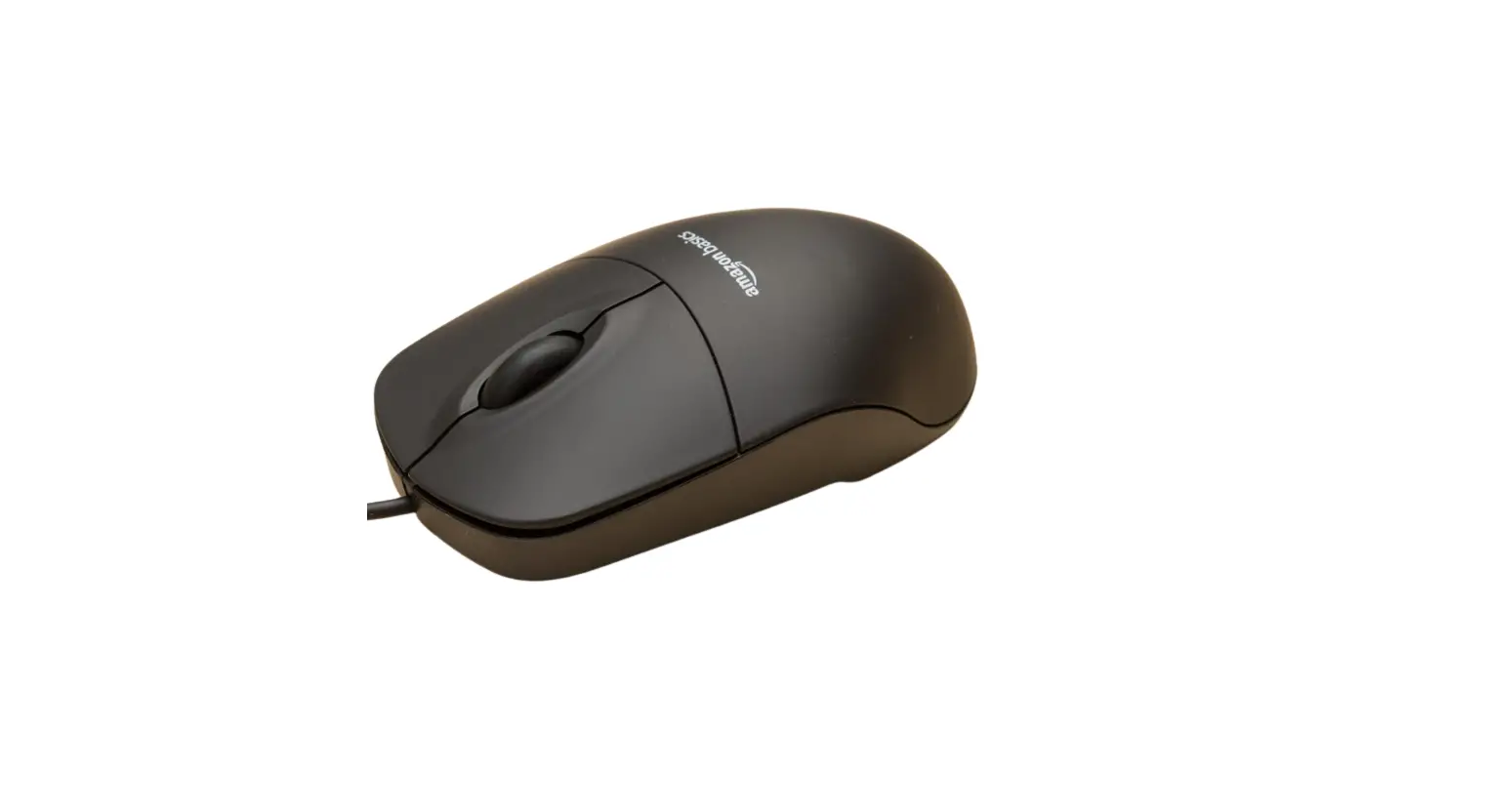
3 The mouse is equipped with left/right buttons, scroll wheel, and an adjustable DPI button.
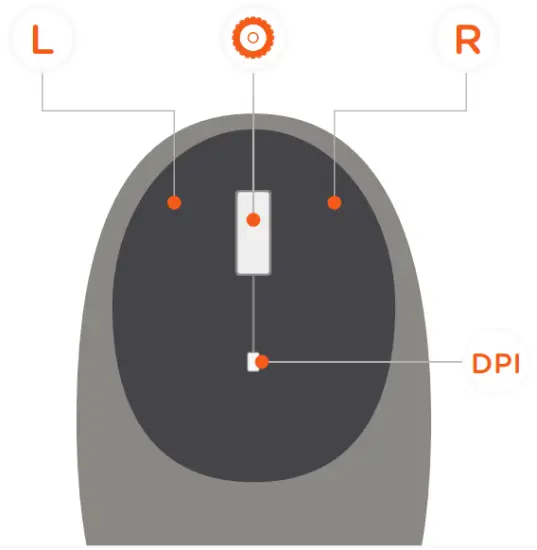
4 Click on the adjustable DPI button to scroll through its four levels – 800/1200/2400/3200.
Default level is 1200 DPI