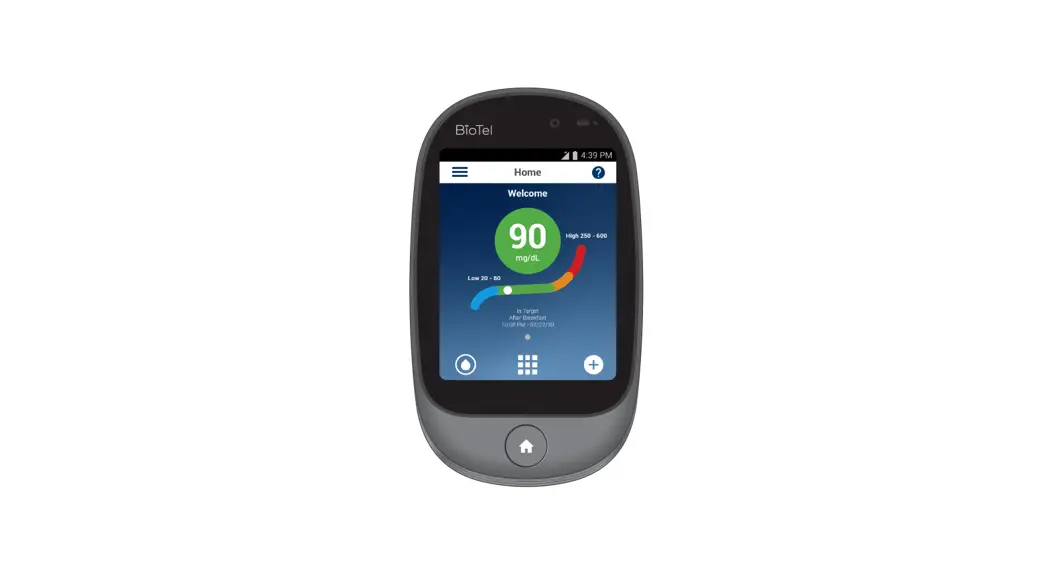

CARE
Blood Glucose
Monitoring System
Quick Start Guide
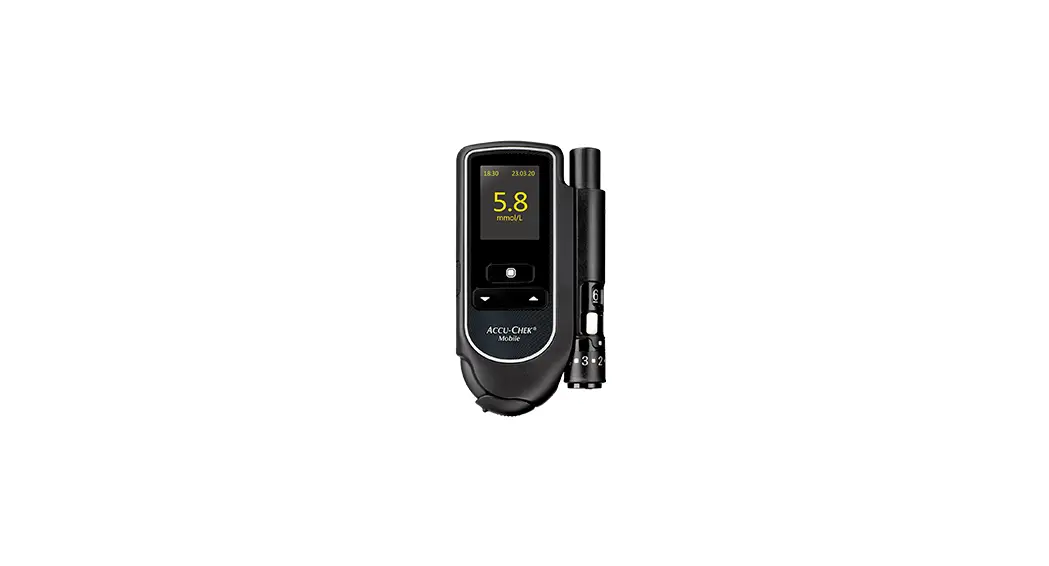
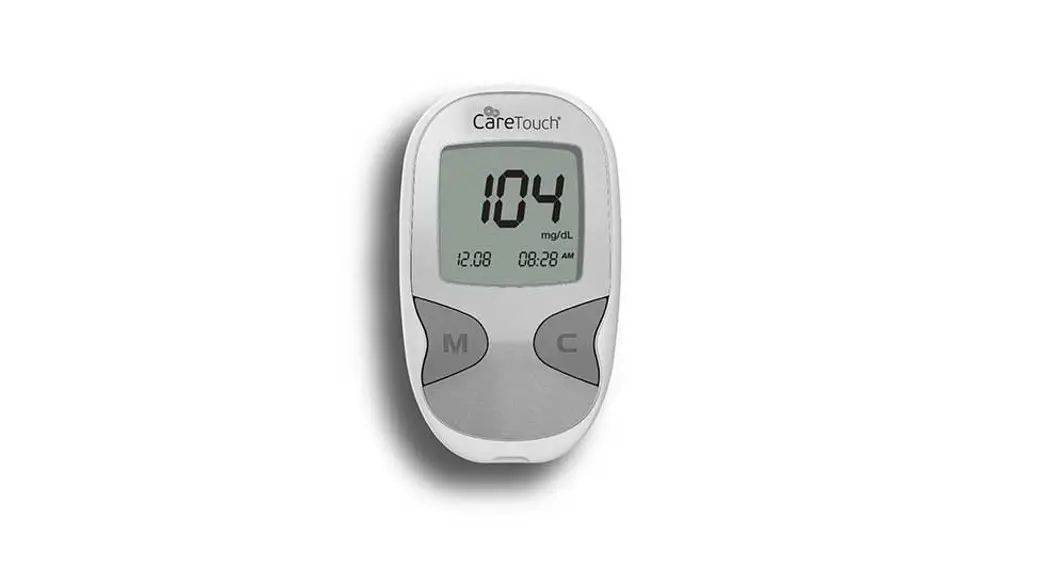
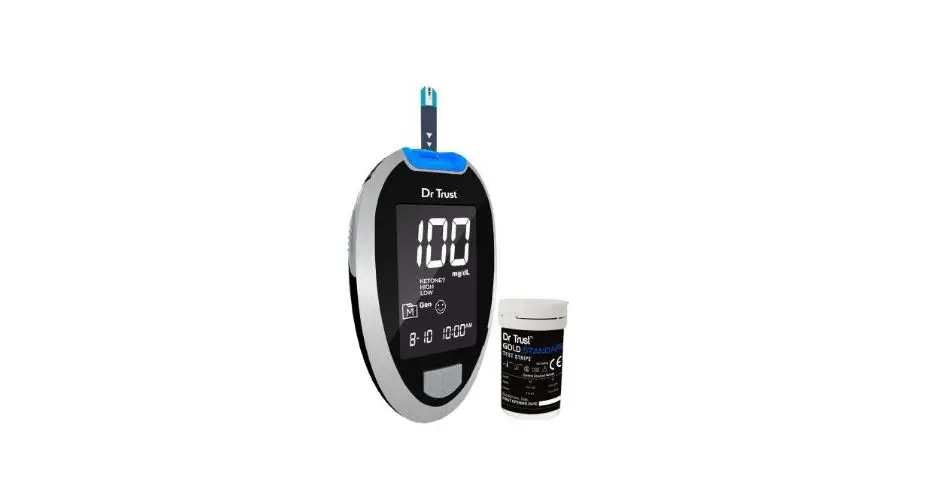
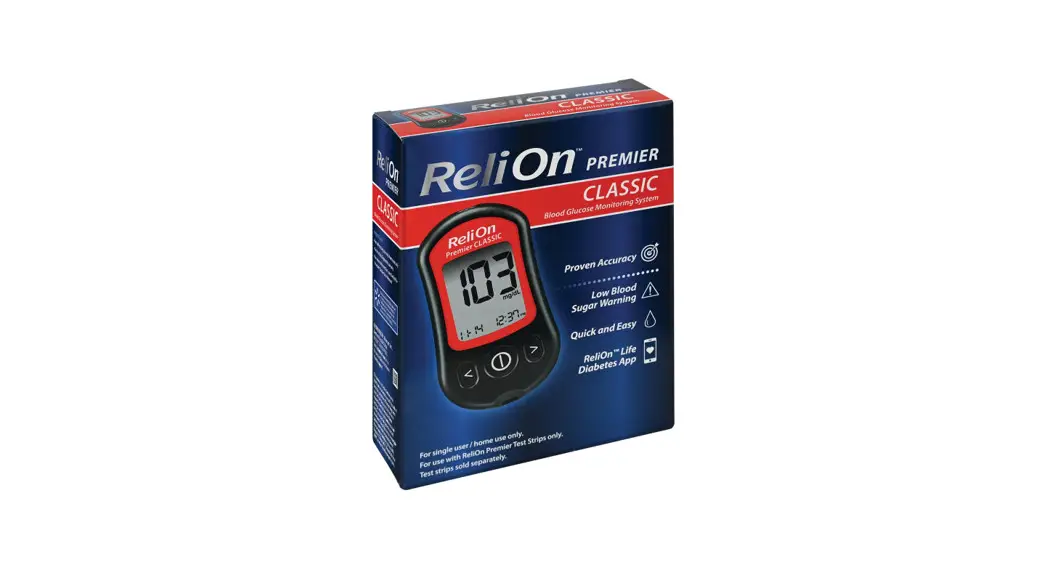
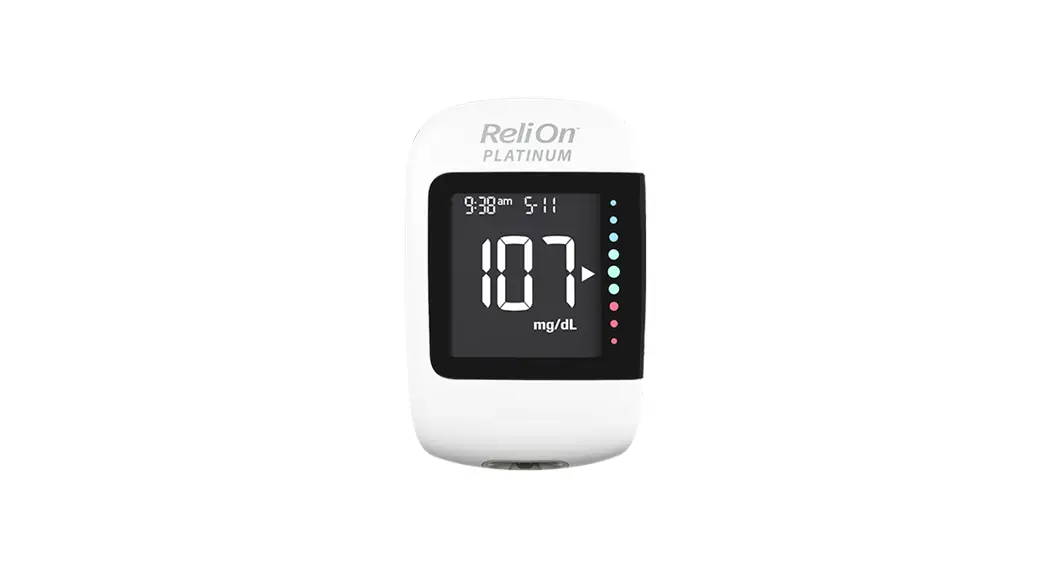
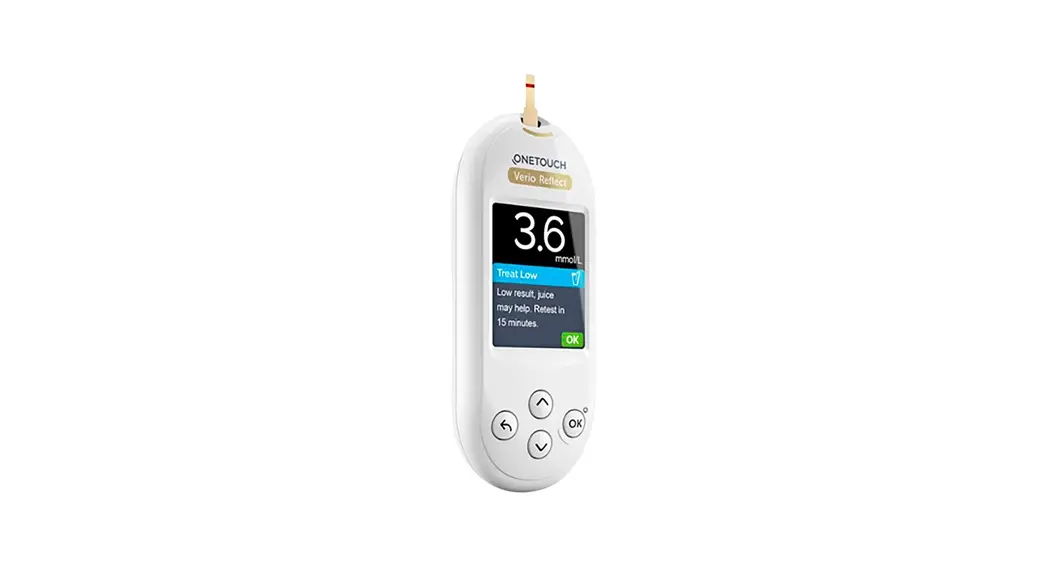
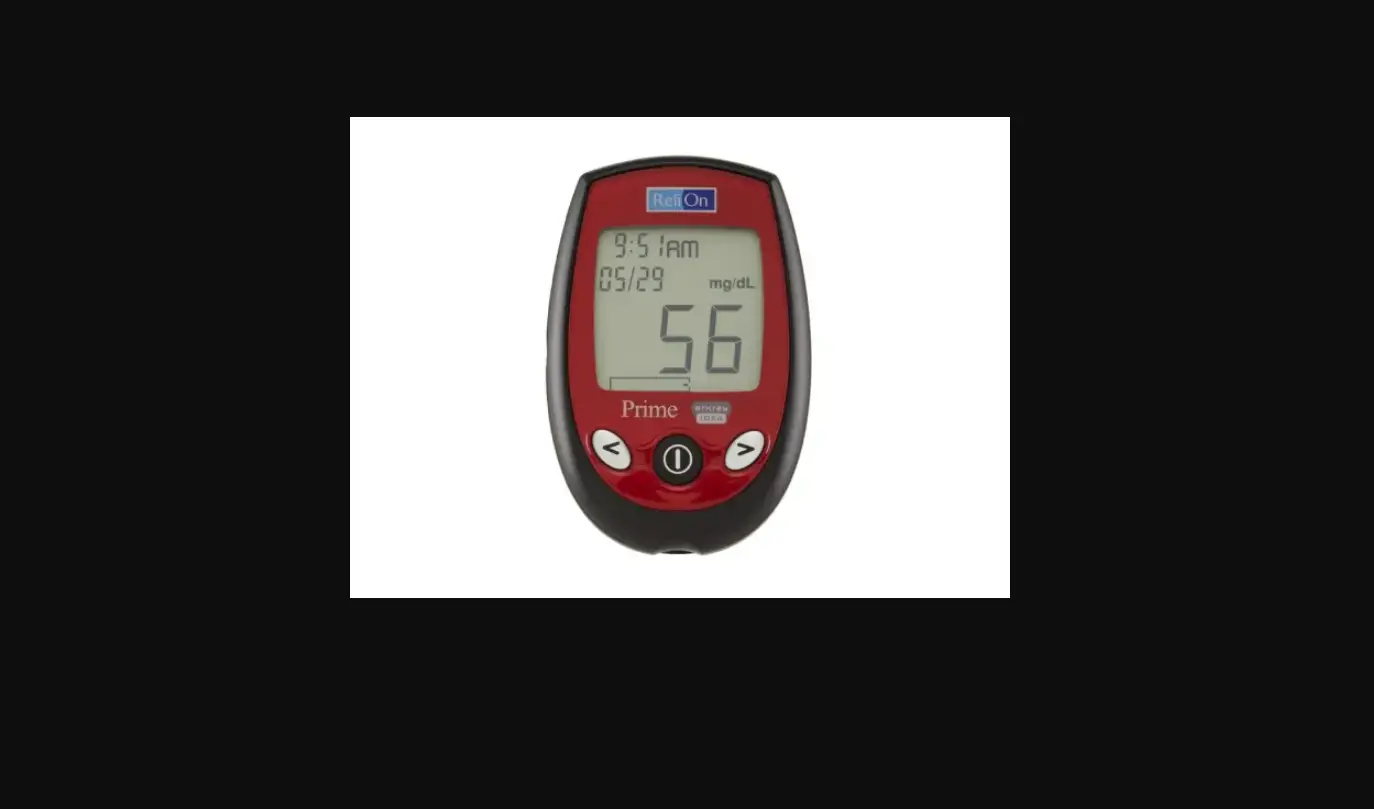
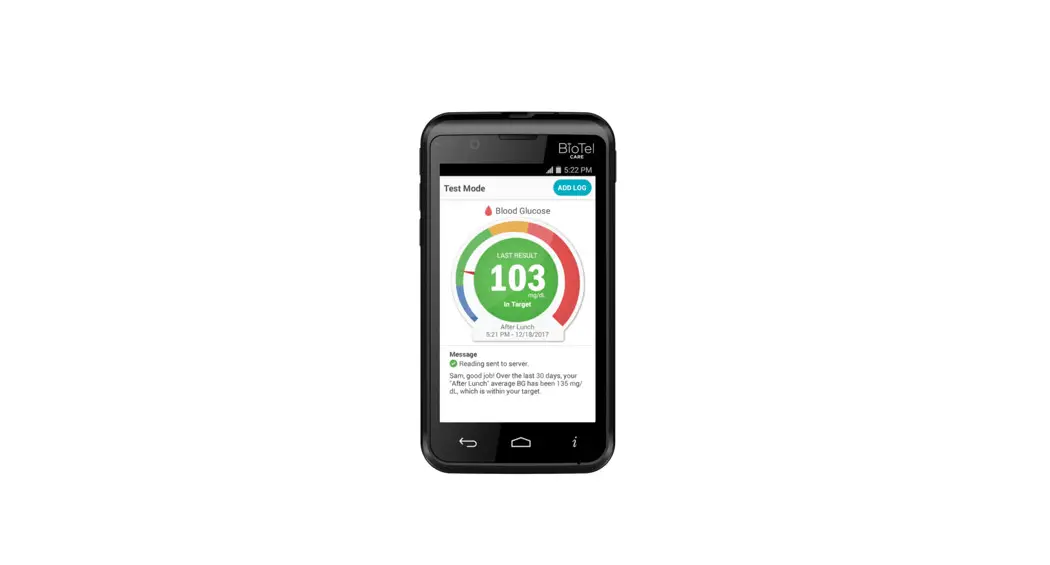
All images are for reference only
ART-162 Rev. 3
BEFORE YOU START
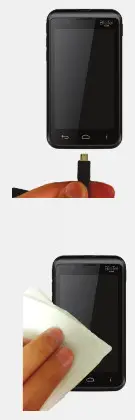
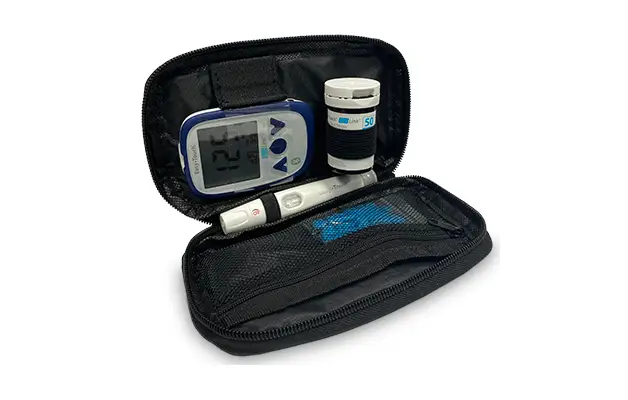
Before first use, charge the glucose meter for at least 6 hours with the AC charger included in your kit.
Conduct a Control Solution Test per instructions inSection D.2 of the BioTel Care BGM™ User Manual.
Wash your hands and testing site with warm water and soap. Dry your hands well. Clean and disinfect your lancing device after every use. Clean and disinfect your meter at least once a week. Please refer to details in the manual.
TAKE A BLOOD GLUCOSE TEST
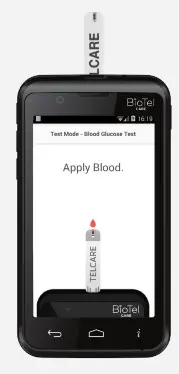
- Power on and insert a new test strip until it is fully seated and Apply Blood appears.
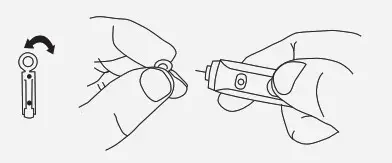
- Insert a new lancet into the lancing device and twist off its plastic cap.
 IMPORTANT: The lancing device is intended for single patient use.
- Adjust the cap to your desired puncture depth level.
- Using your thumb, push the sliding button back. You will hear a click, indicating that the lancet carrier is locked into position.
 IMPORTANT: The lancing device is intended for single patient use.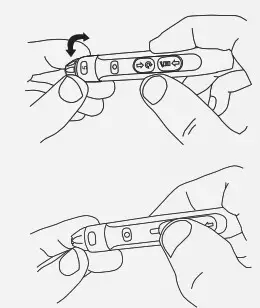
BLOOD GLUCOSE TEST CONTINUED
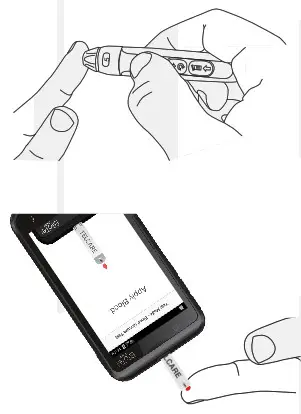
5. Position the end of the device against the side of the fingertip. Press the trigger button to actuate the lancet.
6. Make sure the APPLY BLOOD screen is displayed. Touch the blood drop until the end is filled.
After the test strip is filled, the device will display a countdown while calculating the reading.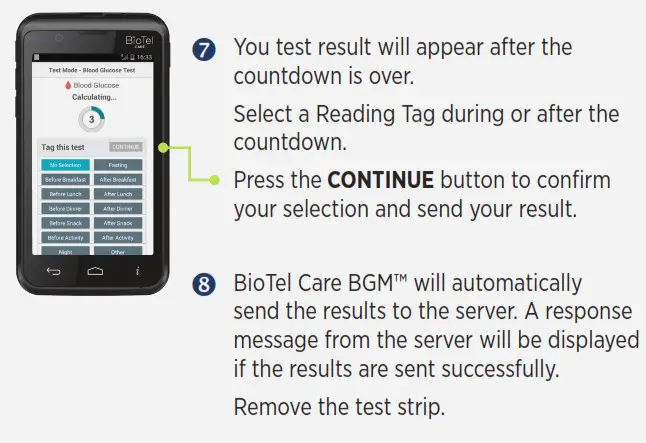
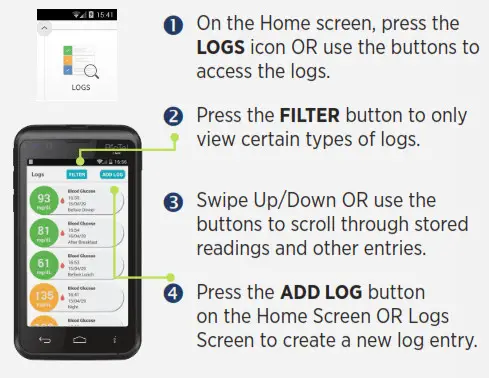
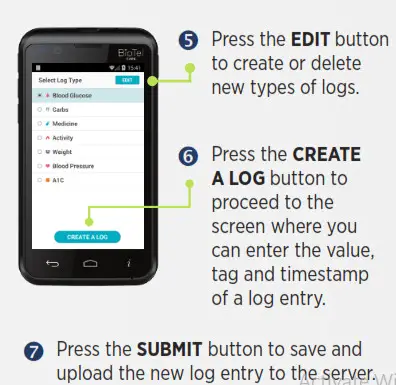
VIEW AND ADD LOGS
TELCARE, LLC
150 Baker Avenue Extension, Suite 300
Concord, MA 01742, USA
Phone: (888) 666-4530 (US) or (1) (978) 610-4688 (International)