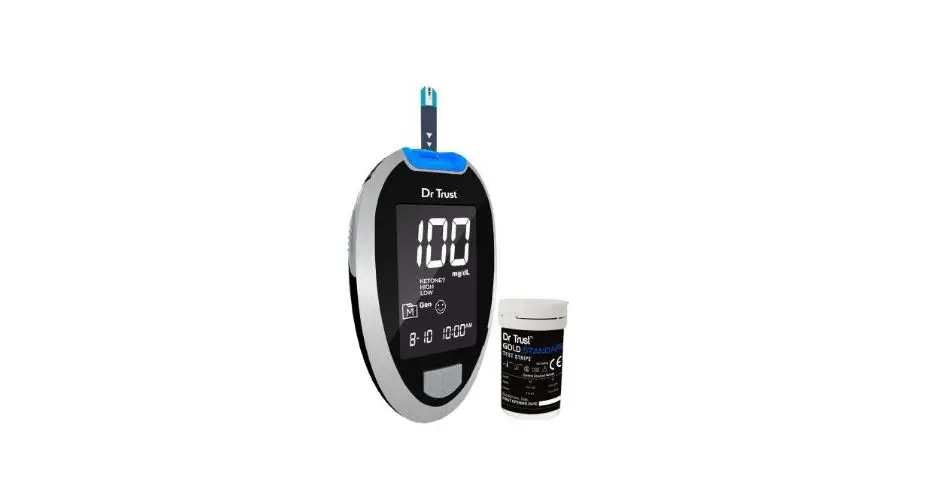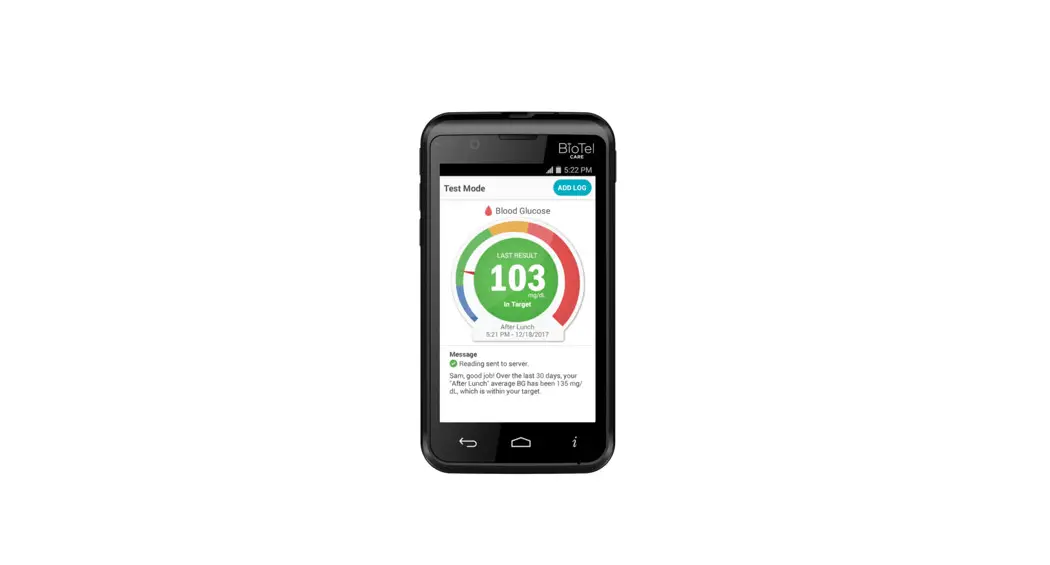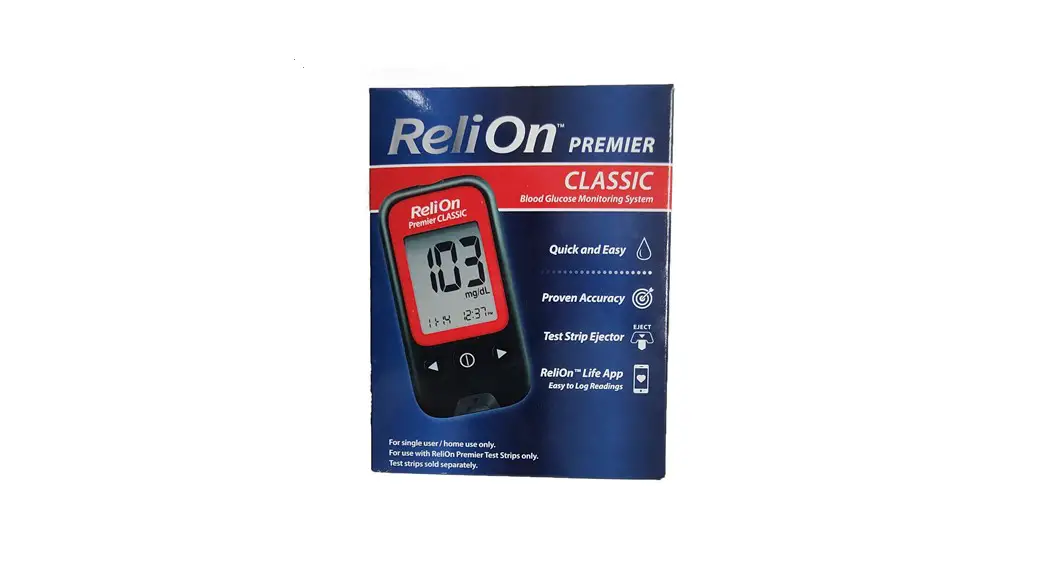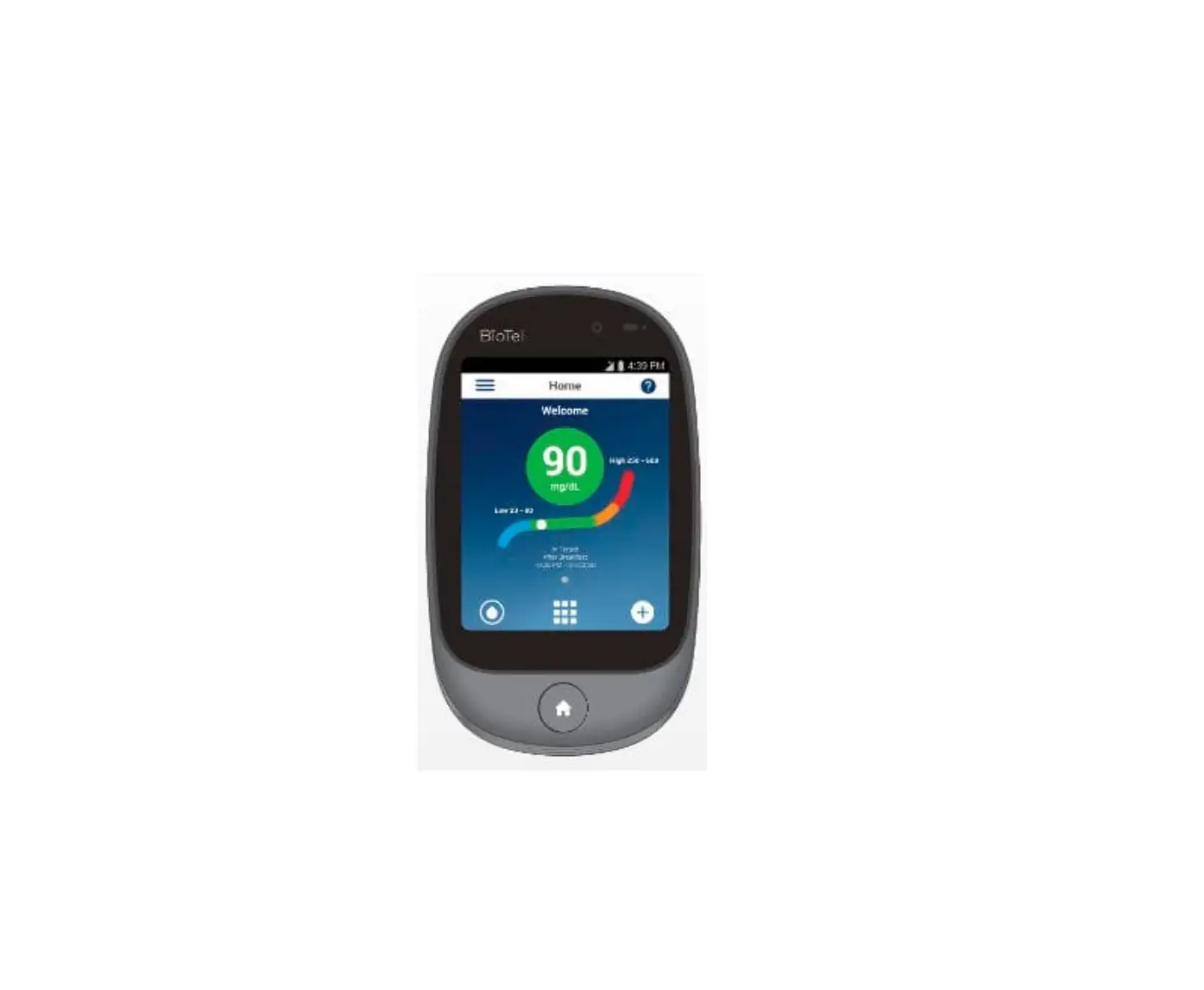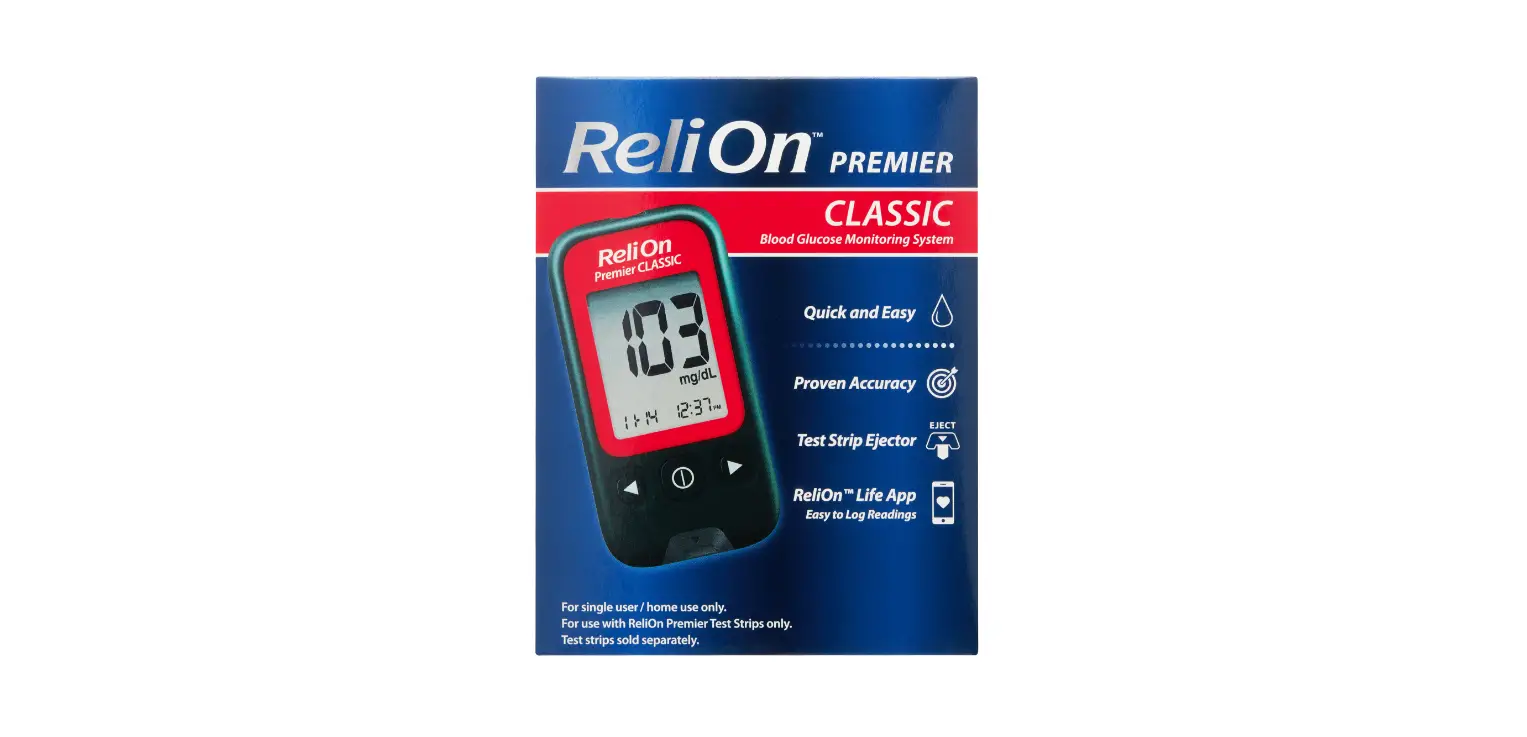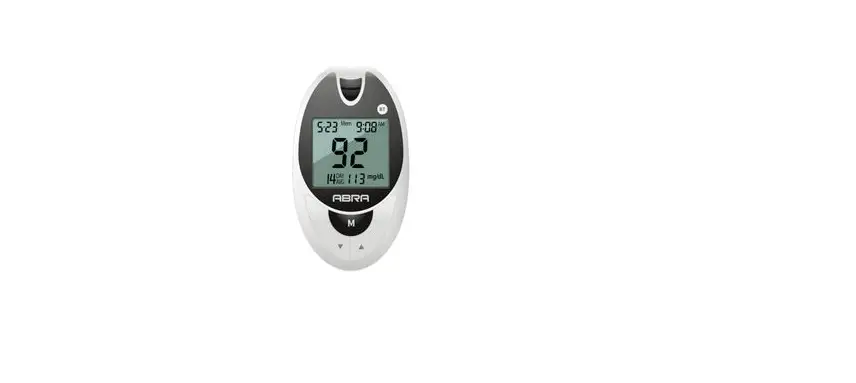

ISTEL Care BT-2021.01 Blood Glucose Monitoring System
QUICK REFERENCE GUIDE
This quick instruction for use will help you to set up and prepare your glucose meter for performing a test. For detailed information, see the Instructions for use included to the set ABRA SMART BT.
GLUCOSE METER DESCRIPTION
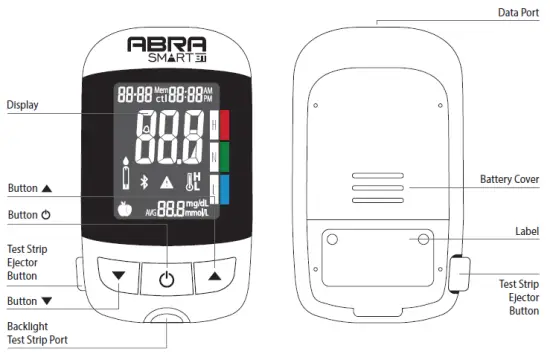
STARTING THE DEVICE
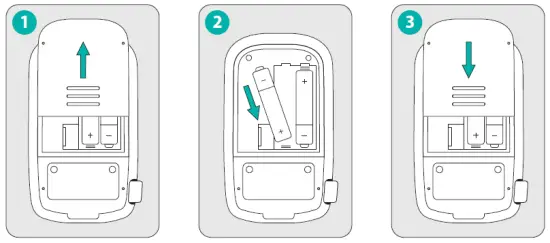
- Slide forward battery cover.
- Place the batteries, remember about the correct polarity + -.
- Slide battery cover back.
SETTING THE DATE AND TIME
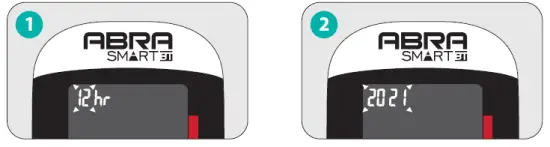
- When the unit is turned off hold for 4 sec. Press or, to select the time format. Press Power Off to confirm the settings.
- Use and, buttons to set the year. Press Power Off to confirm the settings.

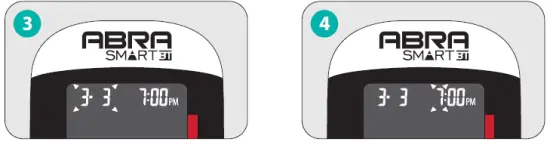
- Use buttons to set the date and month. Press to confirm the settings.
- Use and set the hour and minutes. Press to confirm the settings.
PREPARING THE LANCING DEVICE
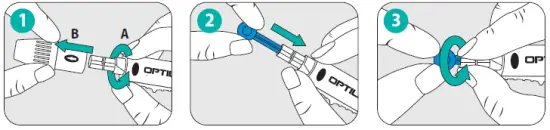
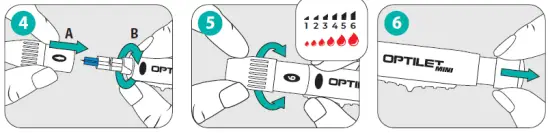
- Twist and remove the cap from the lancing device.
- Insert the lancet into the lancet holder.
- Twist and remove the lancet cap.

- Put and tighten the cap back onto the lancing device.
- Set the puncture depth by turning the end of the cap.
- Pull back the movable part until you hear a click.
PERFORMING A TEST

- Before performing the test, wash your hands thoroughly and dry them.
- Put down the date when the vial has been firstly opened. Remove the strip from the vial and tightly seal the cap. Put down the date of the first vial opening.
- Insert a test strip. You will hear the beep sound and moving lines will appear on the screen.
- A flashing means that the device is ready to take a blood sample. Use and, mark a test as pre-meal or post-meal.

- Massage vigorously the place of blood sampling.
- Firmly press the lancing device to the fingertip and press the release button. Click sound means that the puncture has been performed.
- Apply the glucose meter with a strip to a drop of blood. Blood will be automatically sucked into the test strip.
- Make sure that the confirmation window is completely filled with blood.

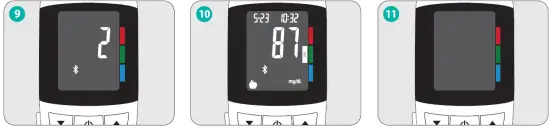
- As soon as the confirmation window will be filled with blood, the glucose meter will start counting down from 5 to 1.
- A glucose meter will display your result and save it automatically in the memory.
- The glucose meter will automatically turn off after removing the test strip.