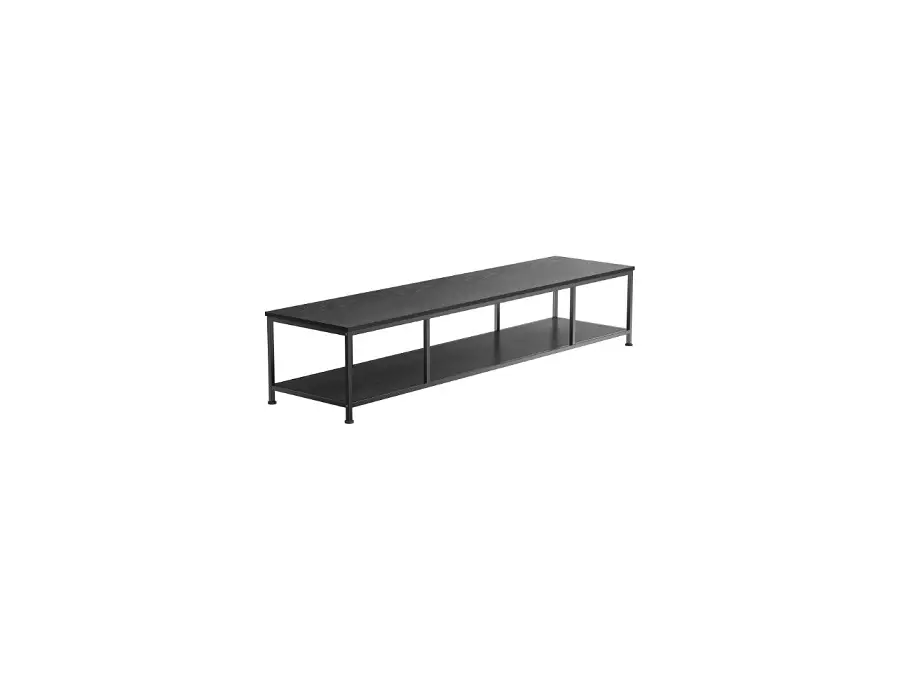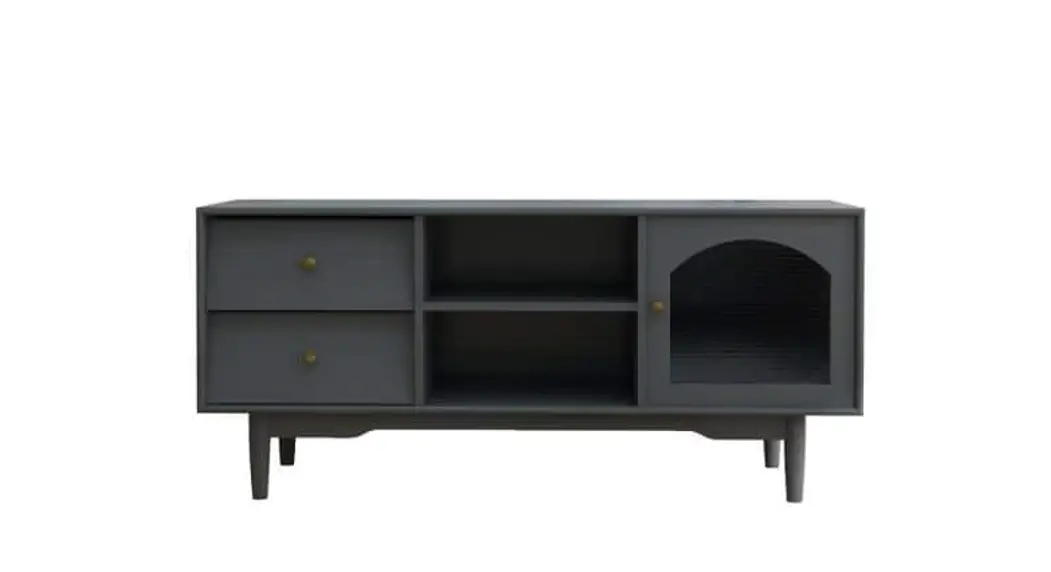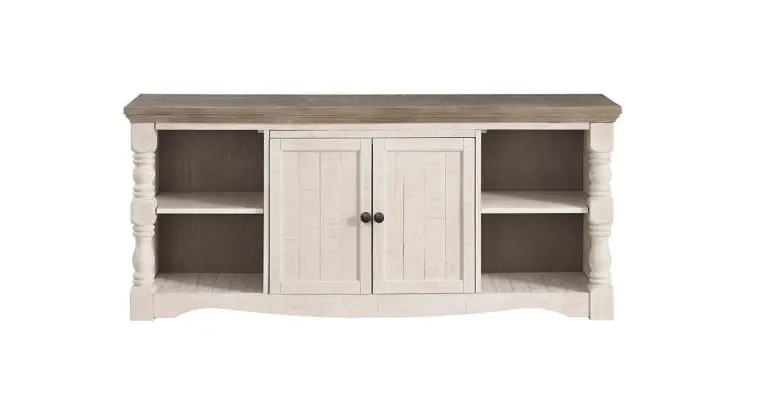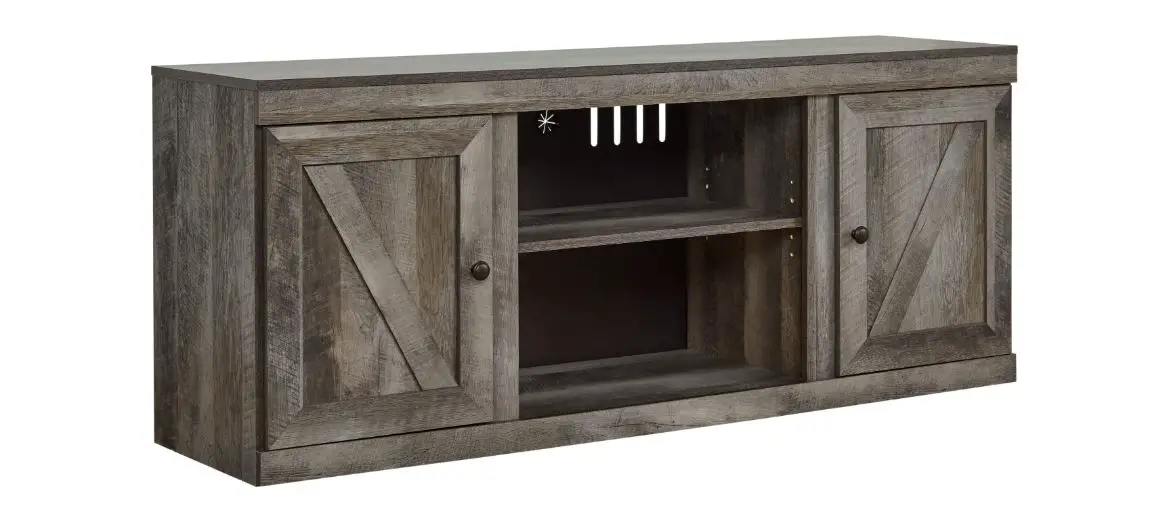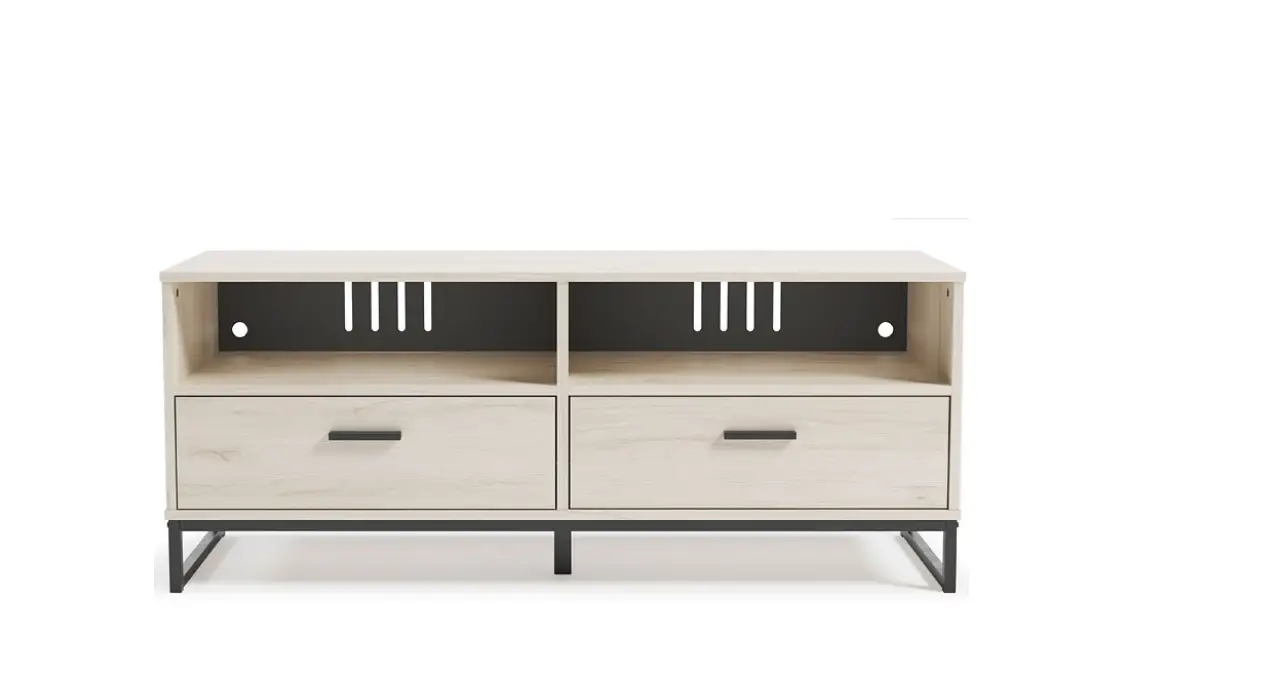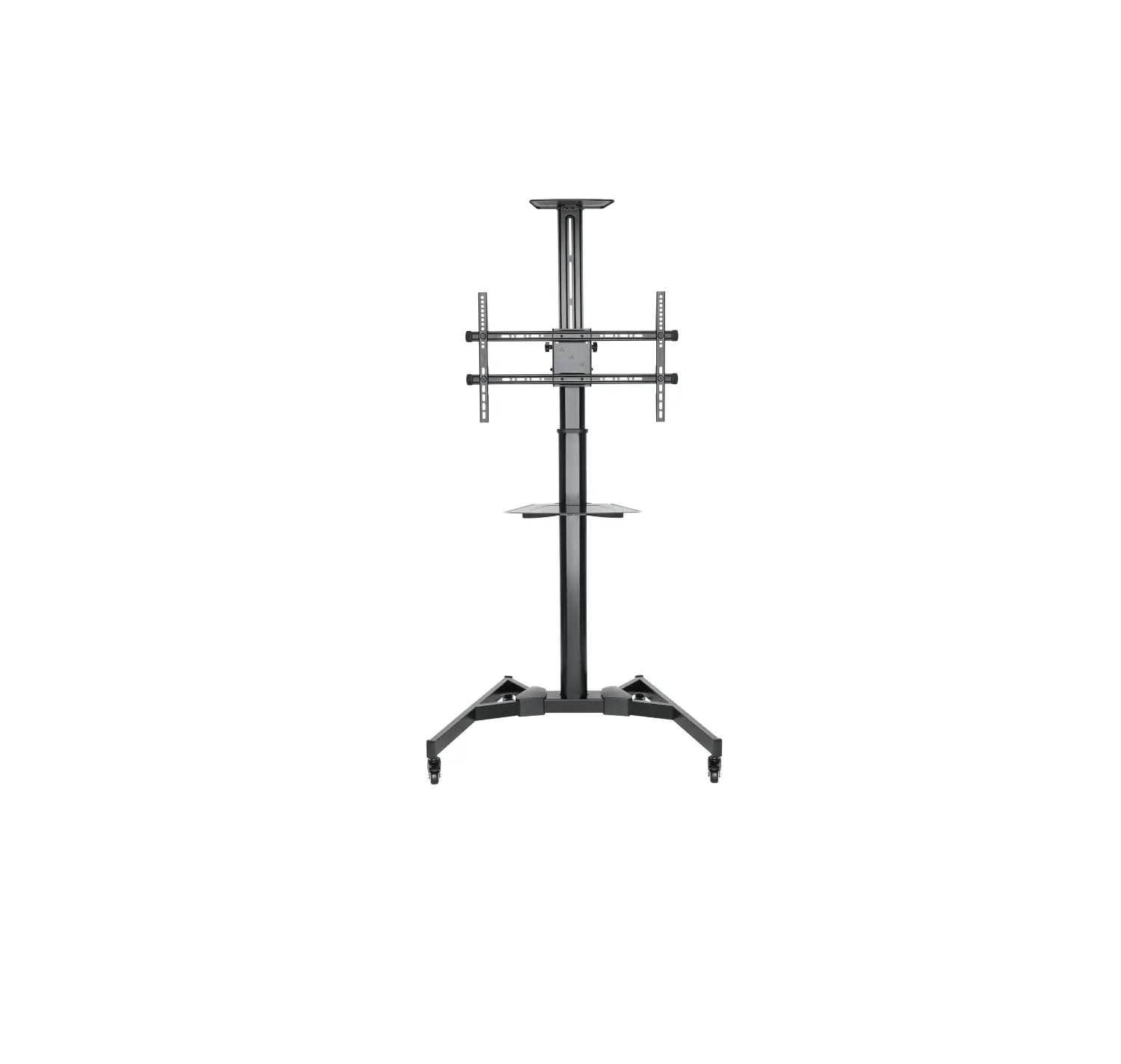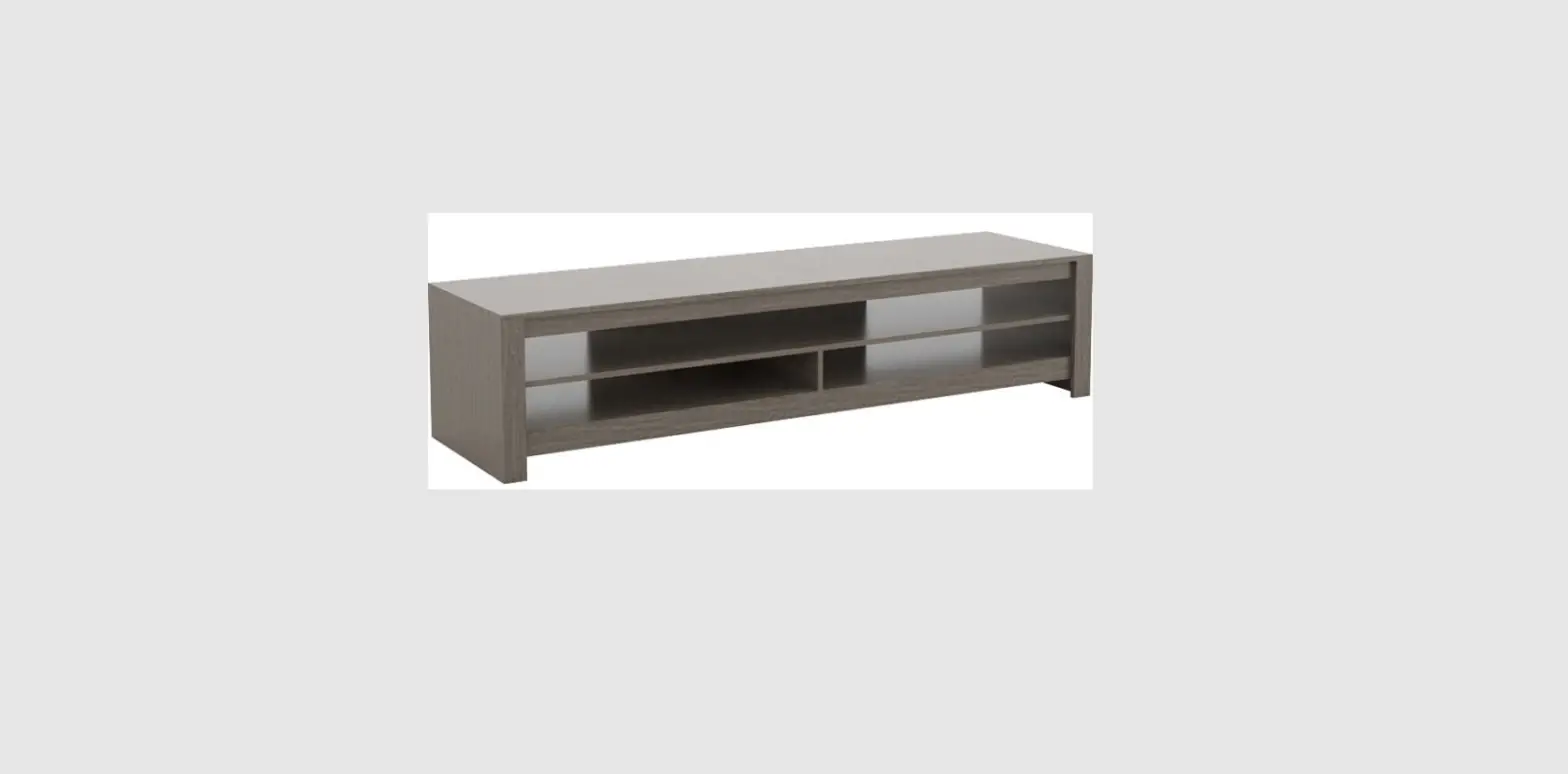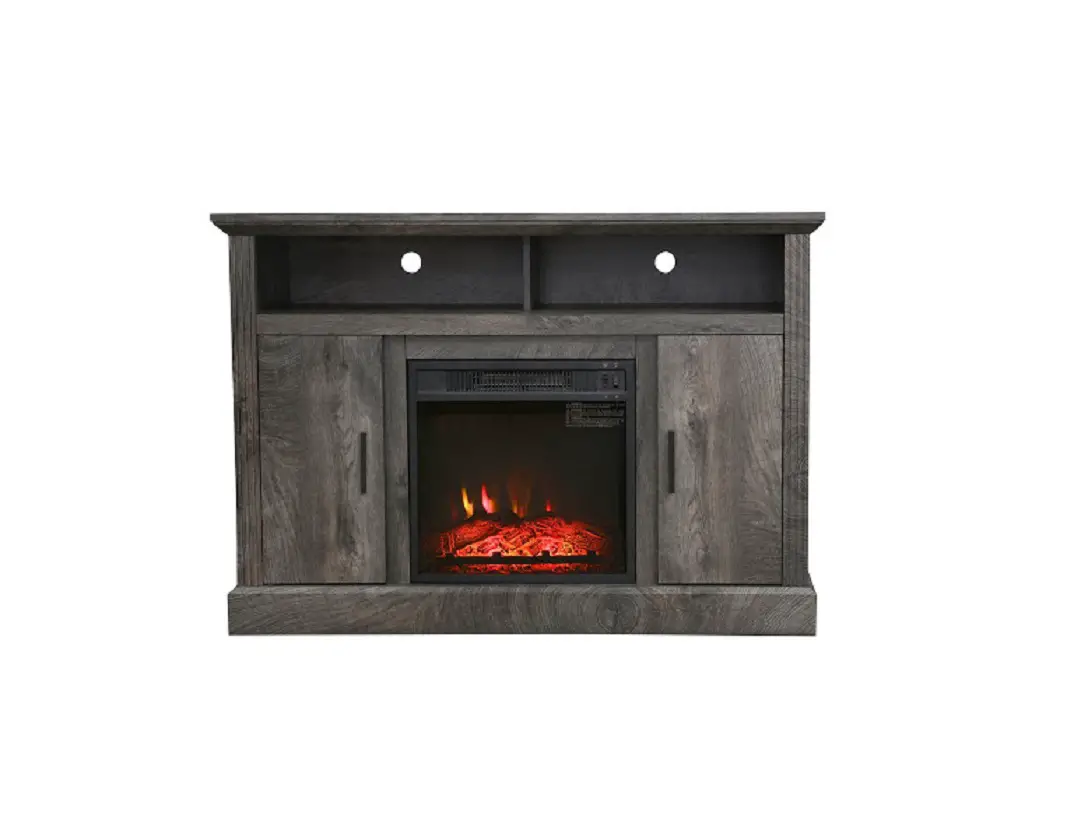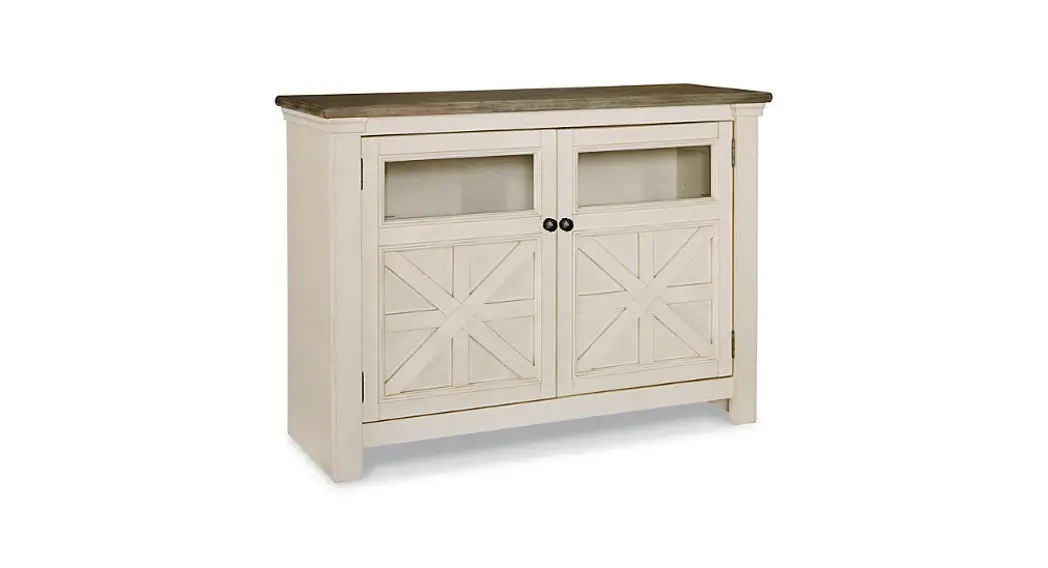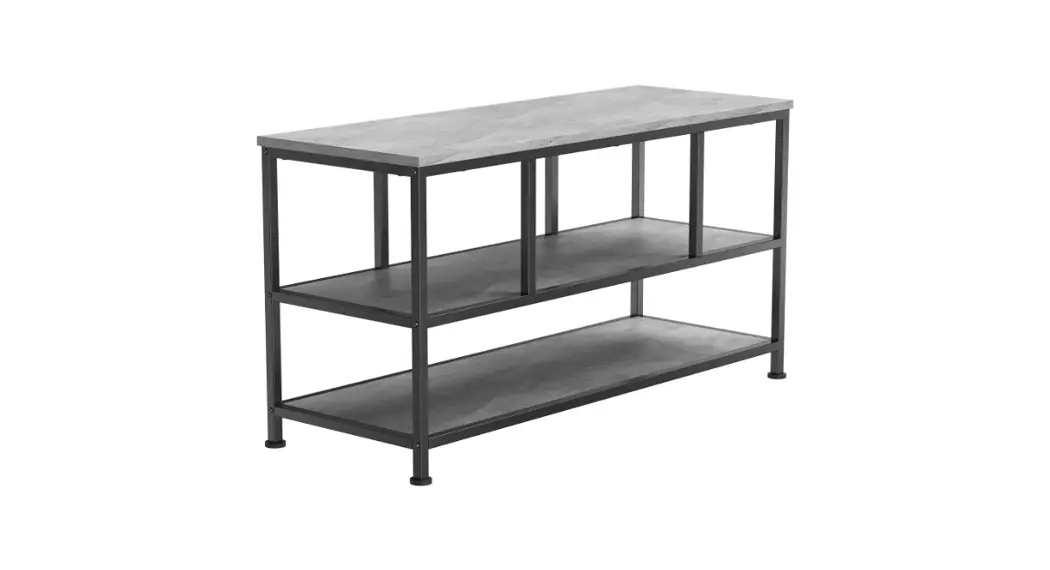
 ERTFS5-01 BC TV Stand
Instruction Manual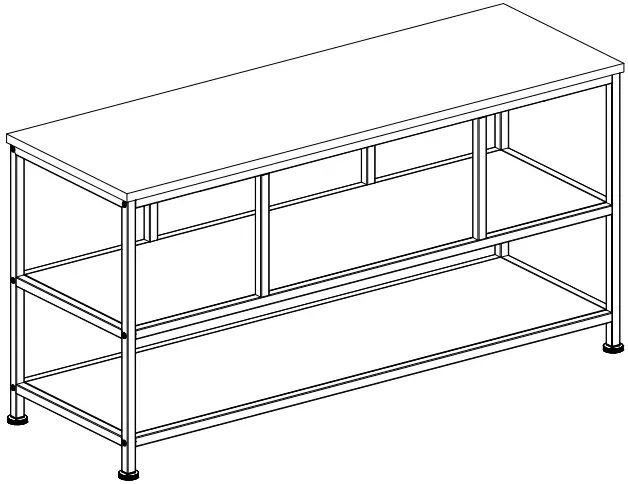
ERTFS5-01 BC TV Stand
Model: ERTFS5-01 BB / ERTFS5-01 BC
Thank You for Choosing this ErgoAV Product!
At ErgoAV, we want to add value to your AV experience by providing the highest quality products and services in the industry. If you have any concerns or comments, please contact us.
IMPORTANT SAFETY INFORMATION
- Please carefully read all instructions before attempting installation. If you do not understand the instructions or have any concerns or questions, please contact our Tech nical Support at (877) 419-7832 or Customer Service at [email protected].
 CAUTION: Avoid potential personal injuries and property damage!
 - Do not use this product for any purpose that is not explicitly specified in this manual.
Do not exceed weight capacity. We are not liable for damage or injury caused by improper mounting, incorrect assembly or inappropriate use. - The information contained in this manual does not cover all possible conditions or variables in relation to the install of this product. The information provided in this document is subject to change without notice.
Weight Restrictions
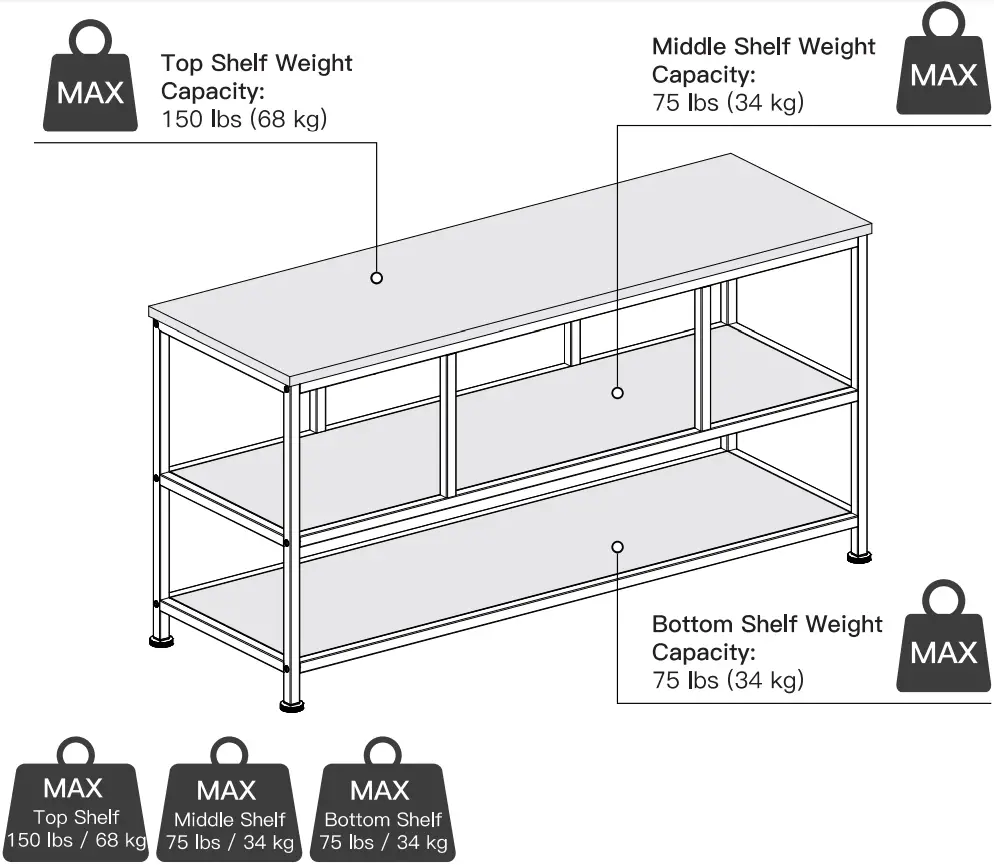 If your TV weighs more than the range above, this TV Stand is NOT compatible. Any items on the TV Stand should not exceed maximum listed weight.
 WARNING
DO NOT exceed the maximum weight indicated. This TV Stand is intended for use only within the weight range listed. Use with products heavier than the maximum weight limit may result in failure of the TV Stand, causing potential damage and or injury. Do Not exceed the weight limit listed.
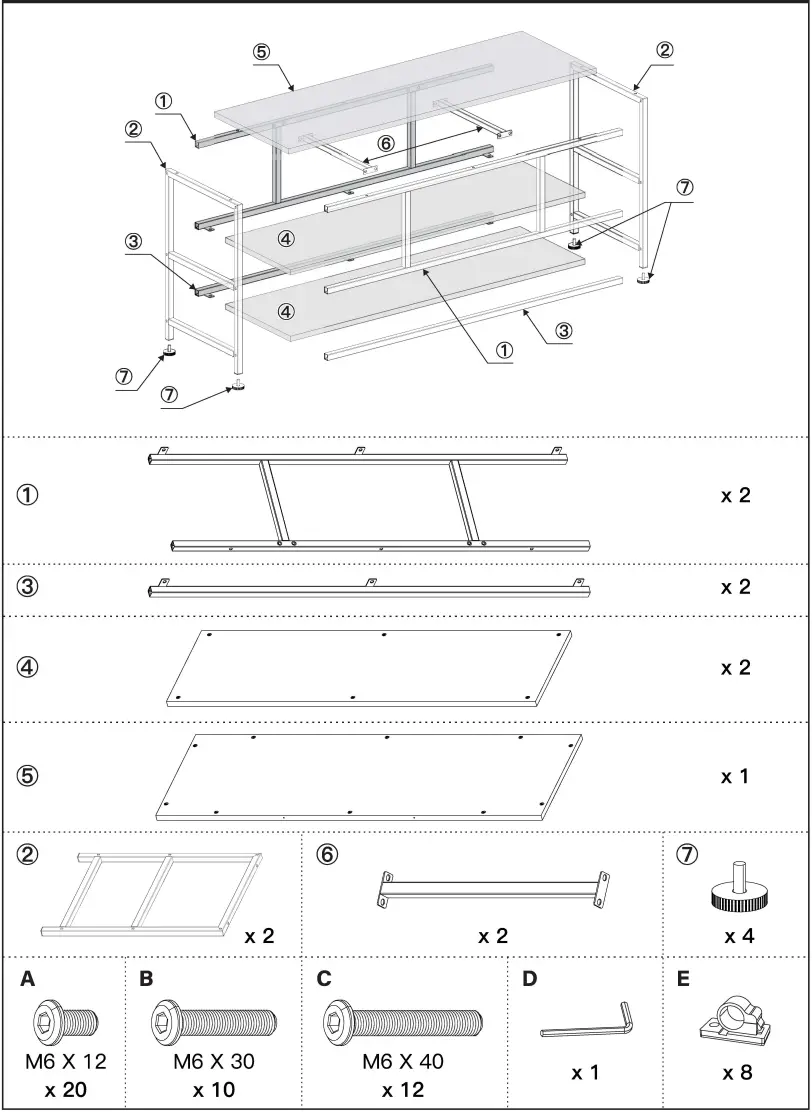
Supplied Parts and Hardware
 Step 1
NOTE: Do not tighten Bolts (C) all the way.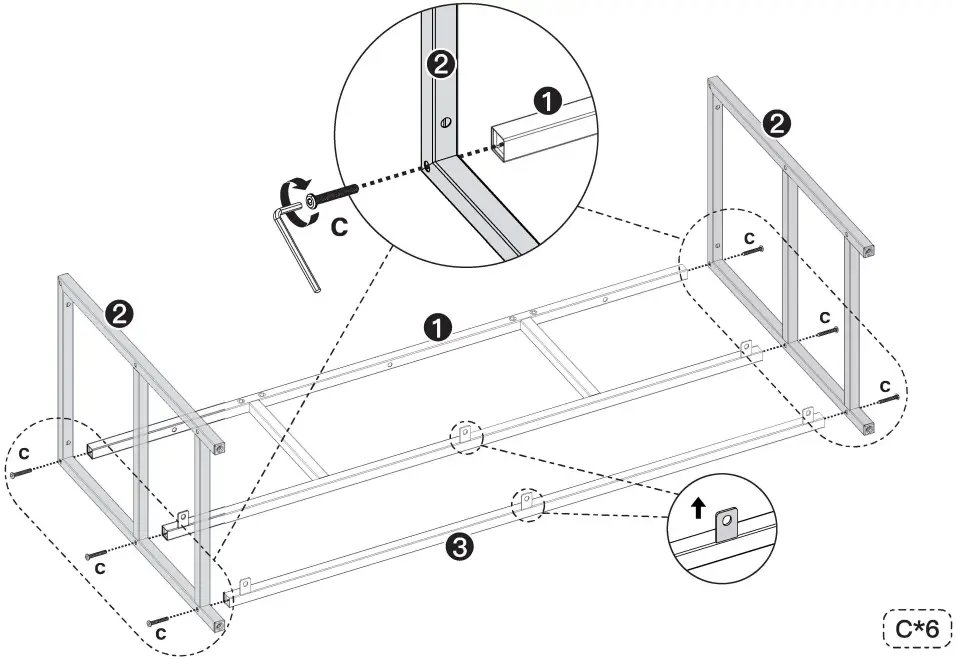 Step 2
NOTE: Do not tighten Bolts (A) all the way.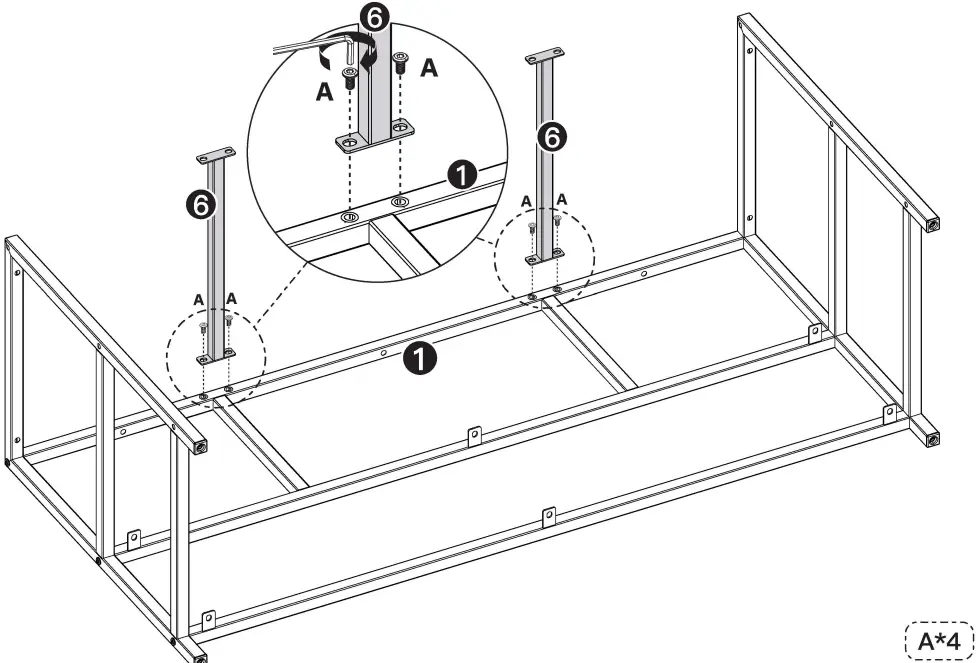 Step 3
Slide Middel Shelf [4] into assembly as shown below. Secure to assembly with Bolts [A].
NOTE: Do not tighten Bolts (A) all the way.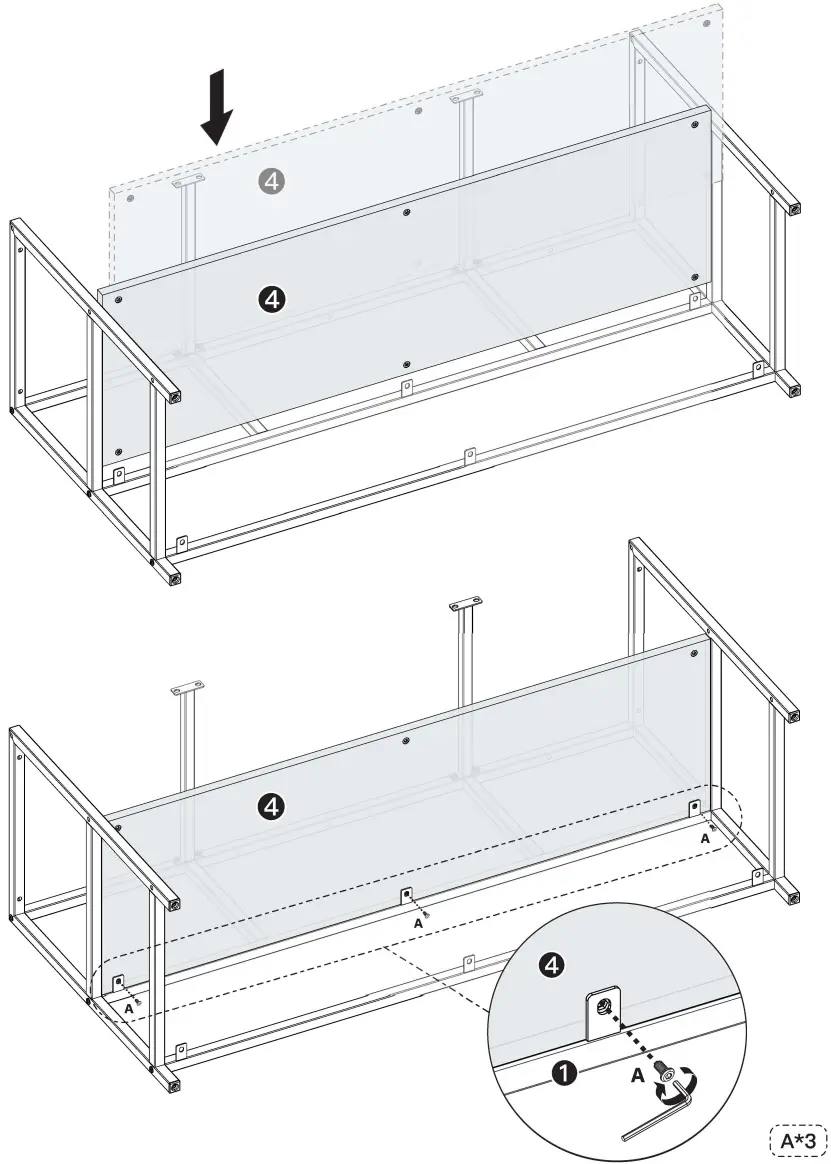 Step 4
Set Front Frame (1) into assembly as shown below.
Secure to assembly with Bolts (A) and (C).
NOTE: Do not tighten Bolts (C) all the way.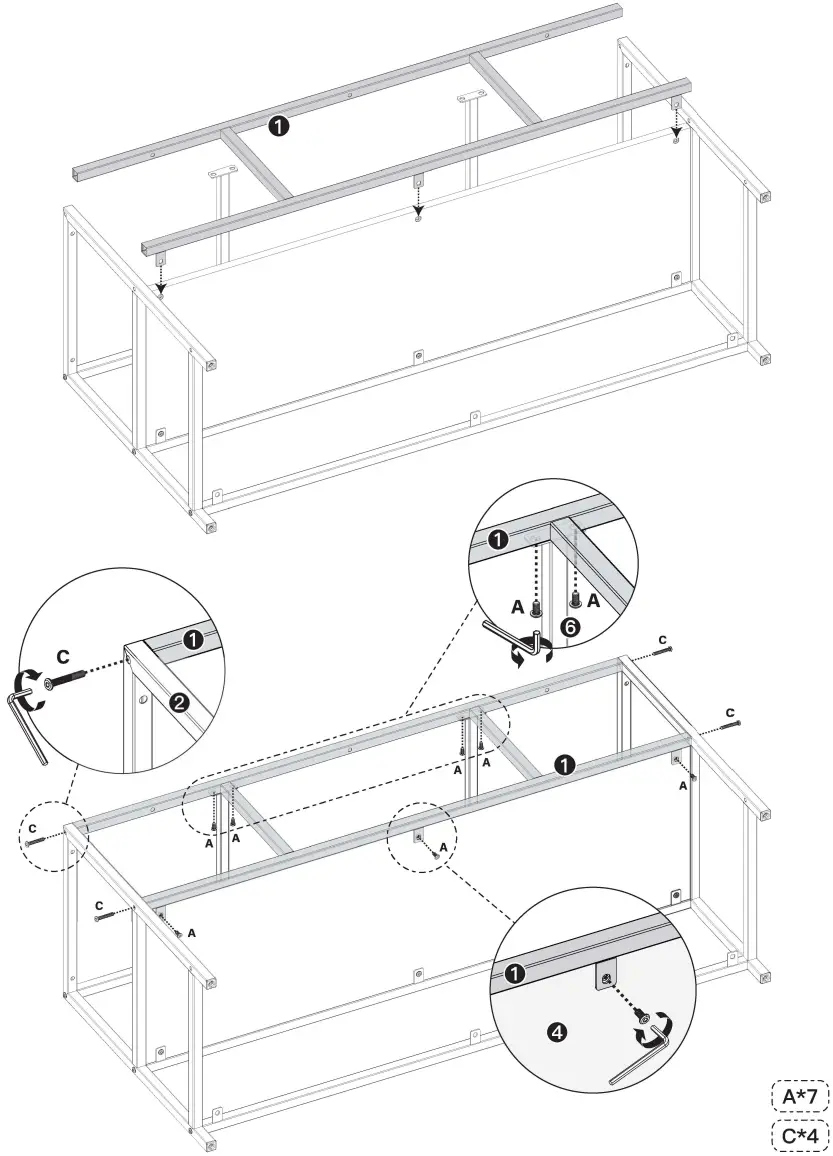 Step 5
Slide Bottom Shelf [4] into assembly as shown below.
Secure to assembly with Bolts [A].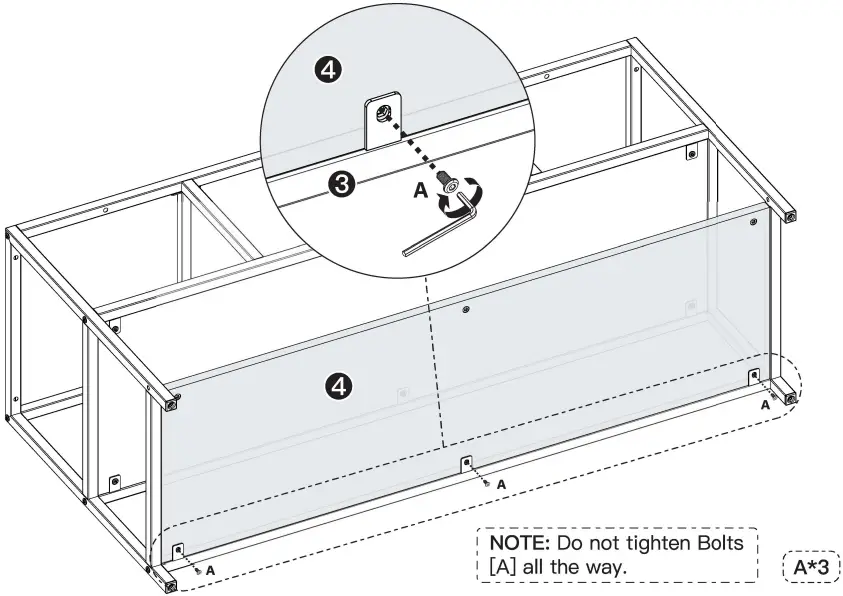 Step 6
Insert Bracket [3] into assembly as shown.
Secure to assembly with Bolts [C] and [A].
NOTE: Do not tighten Bolts (A) and Bolts (C) all the way.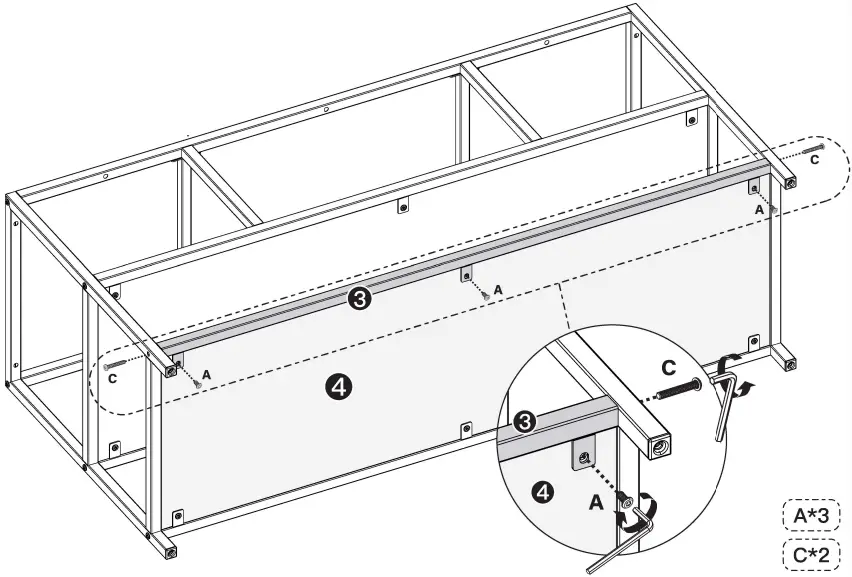 Step 7
Set Assembly onto the Top [5] and align holes on assembly with corresponding holes on Top [5] as shown in Figure 1. Secure to assembly with Bolts [B].
NOTE: Set Top [5] on a soft surface to avoid damaging top.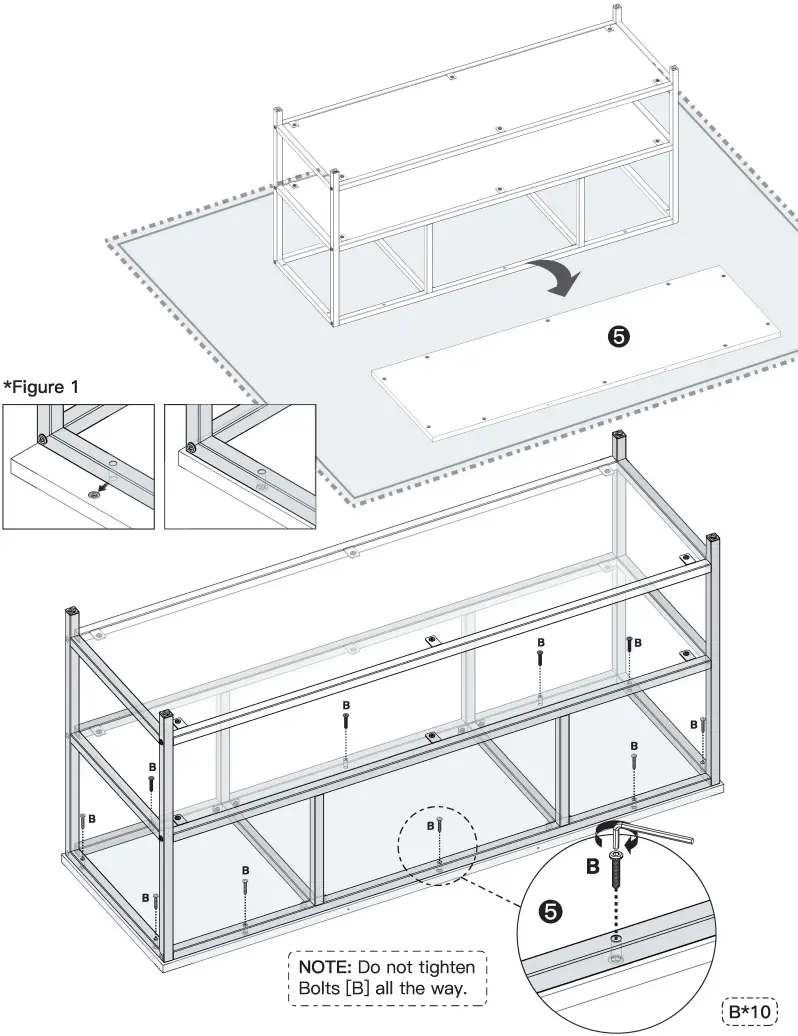 Step 8
Thread Adjustable Feet [7] into each leg as shown.
NOTE: Tighten all Bolts until they are secured to the assembly.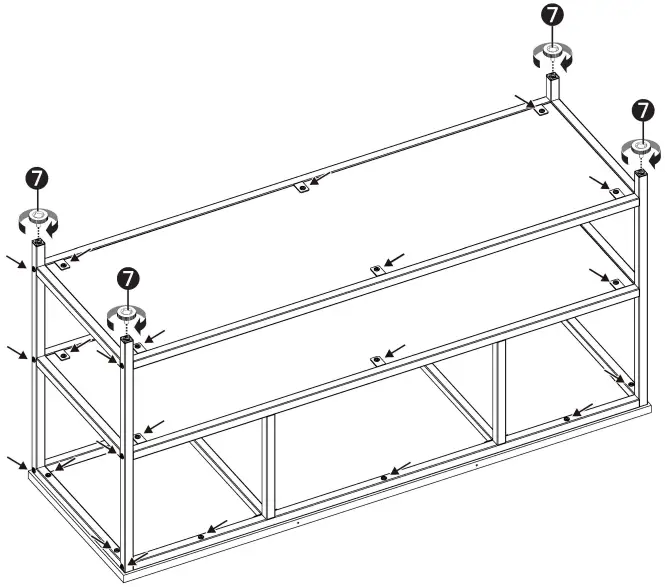 Step 9
If the TV Stand is not level on a flat floor, adjust the feet for leveling.
NOTE: If needed, route cables through Cable 1 Clips [E] for cable management.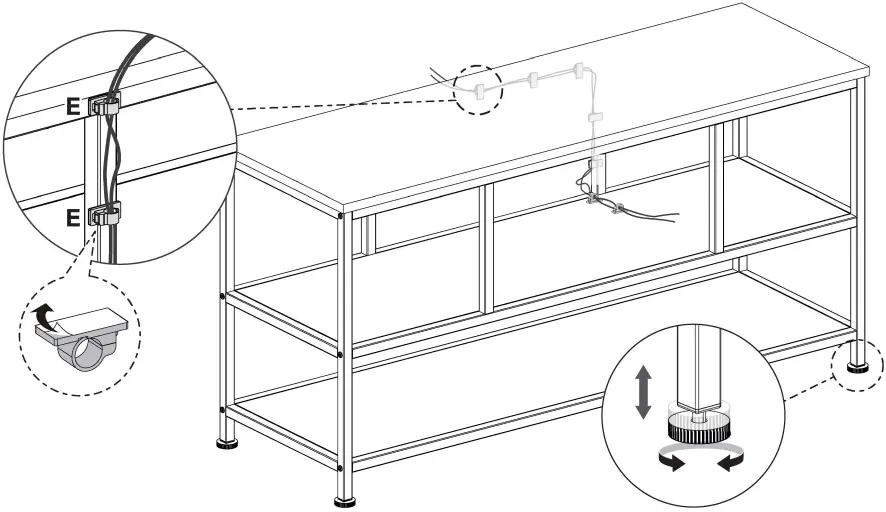 Step 10
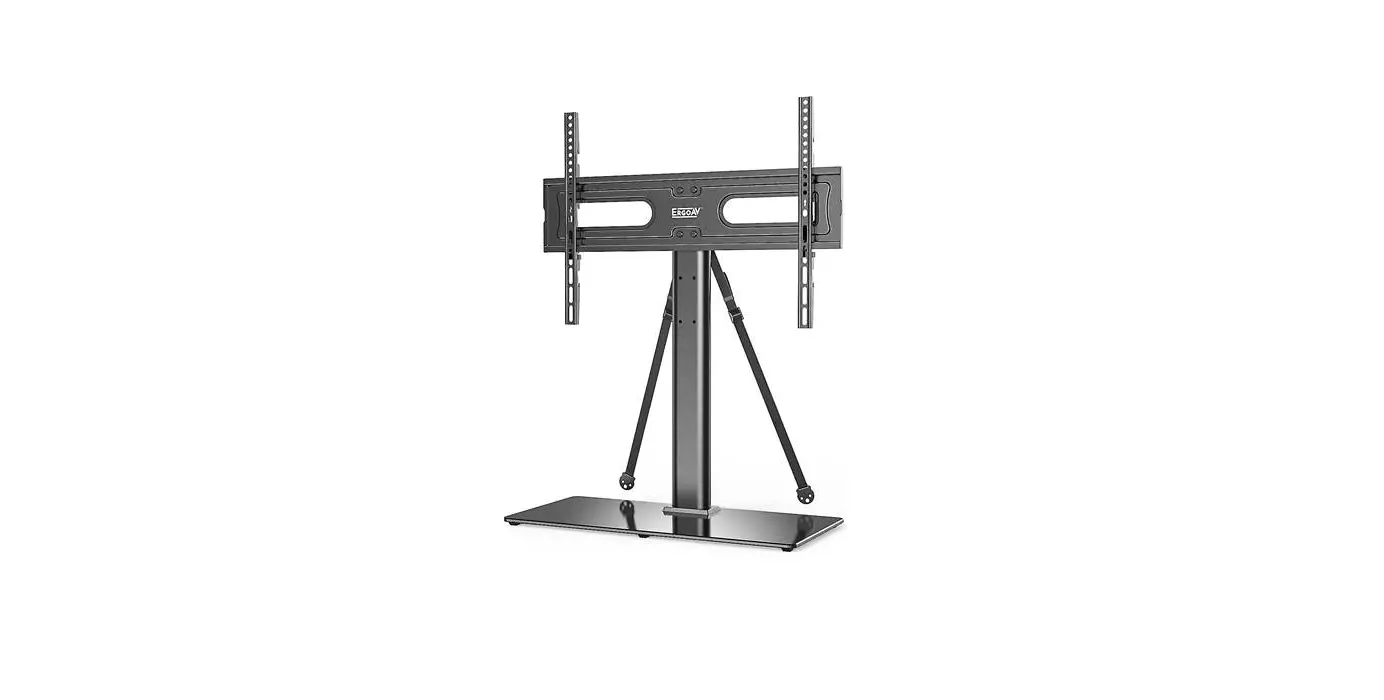
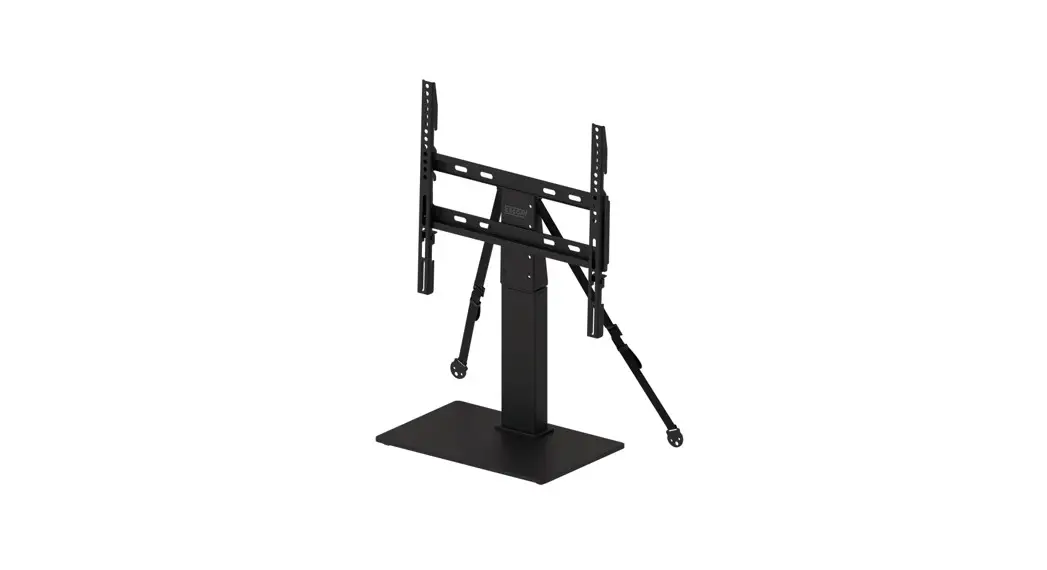
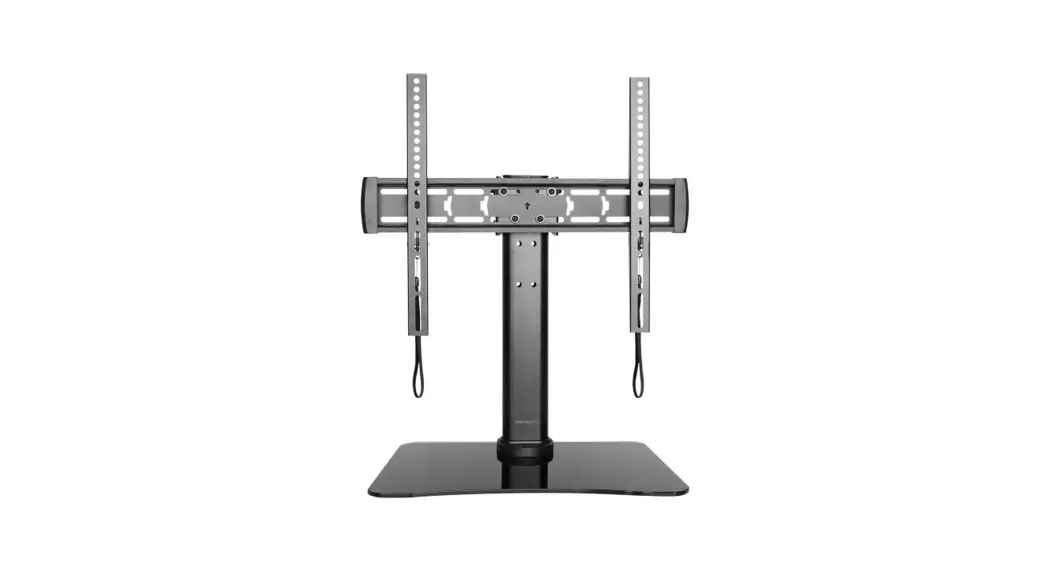
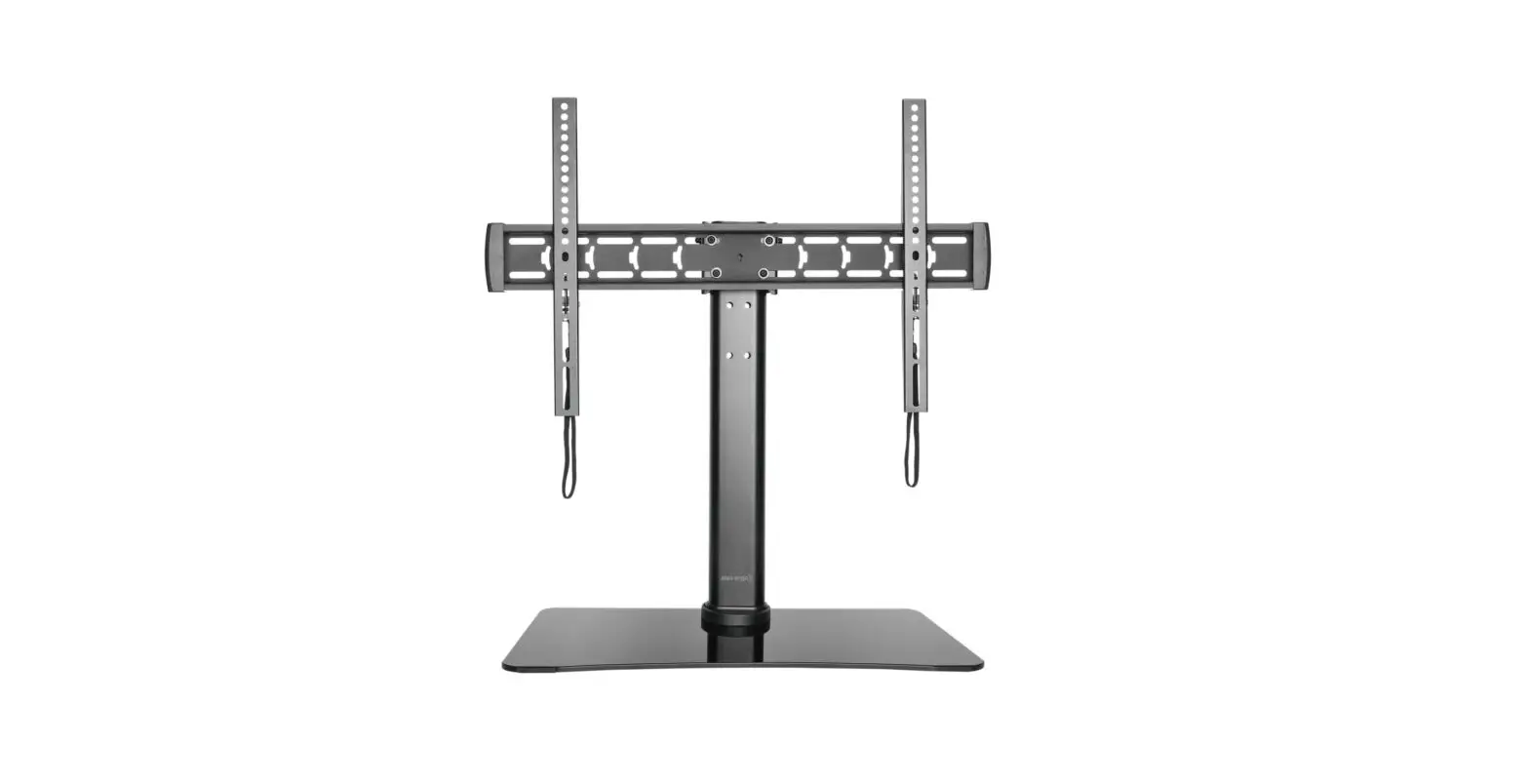
The holes are the connection points for the safety straps of the ErgoAV™ Tabletop TV Stands.
NOTE: Use the hardware from Tabletop TV Stand to secure to TV Stand.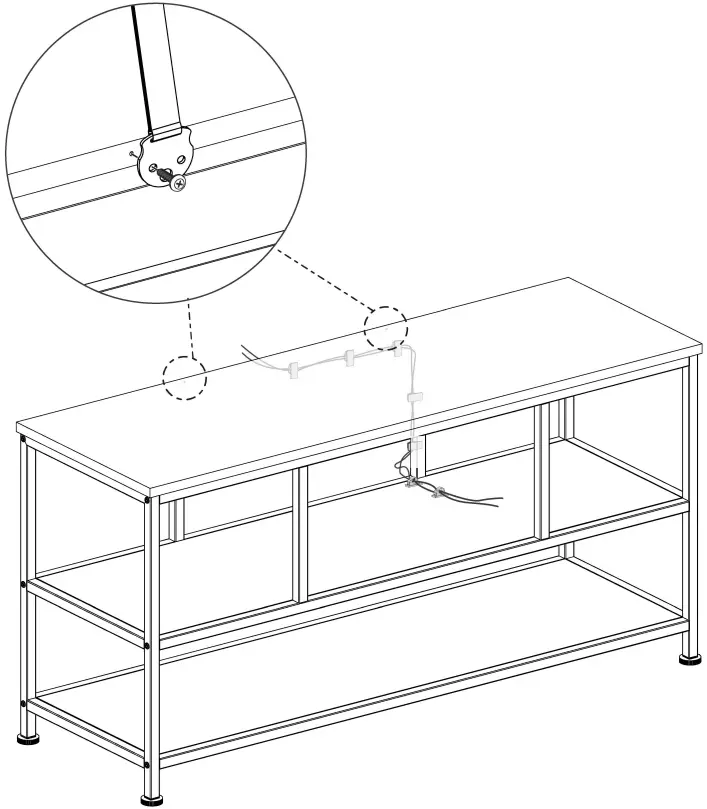
At ErgoAV, we strive to provide the highest value products.
We want to support your purchase.
If you have questions, concerns, or feedback please let us know!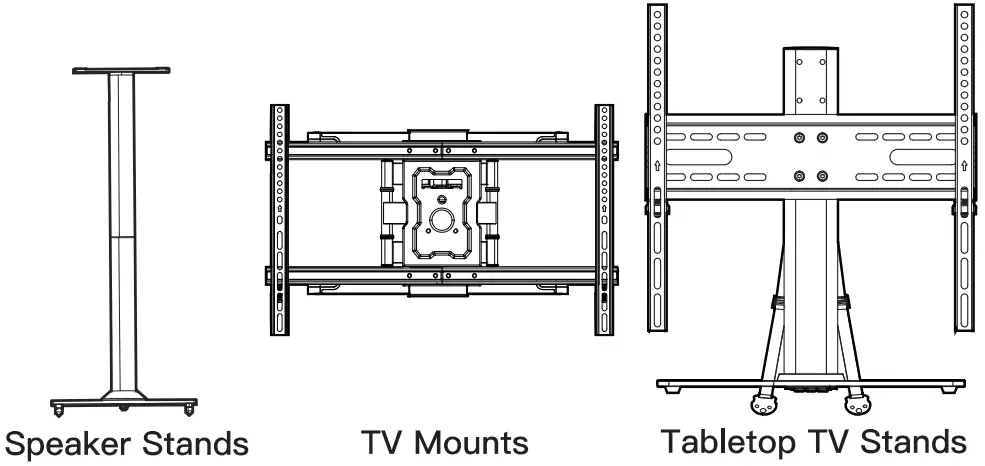
ErgoAV Customer Care
phone(877)419-7832
email: [email protected]
website: www.ergoav.com
address: 9501 Louisiana Ave N, #200, Brooklyn Park, MN 55445
 ErgoAV