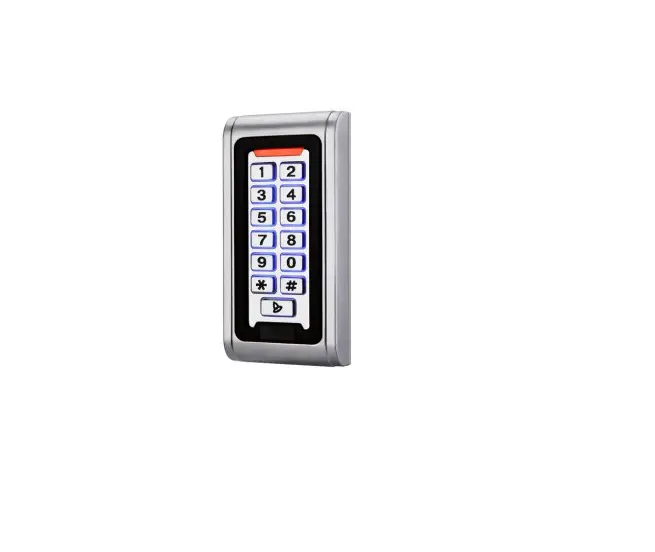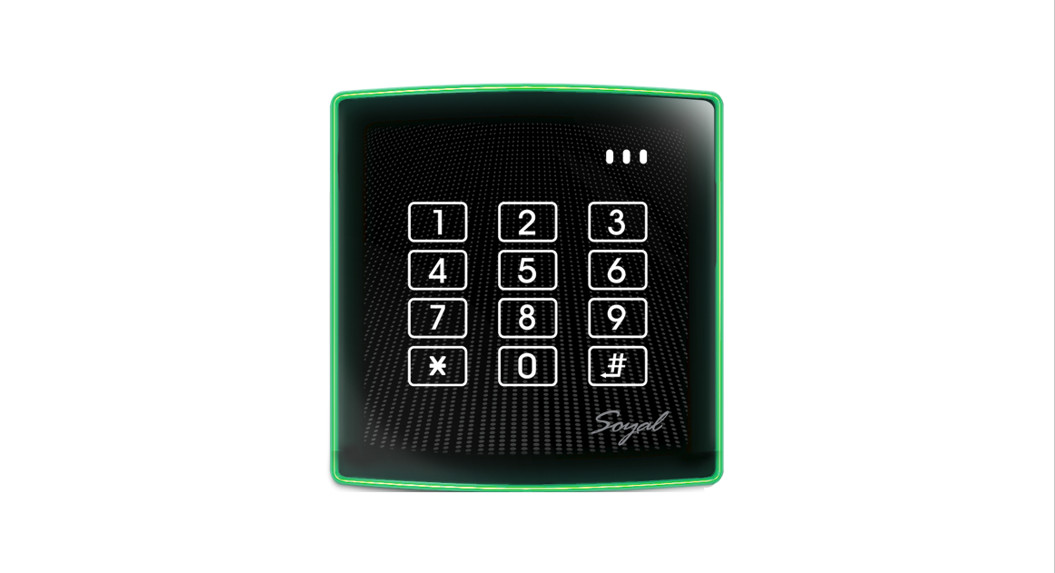
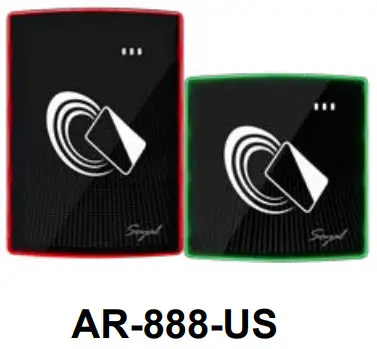
 AR-888-US
V220725
User Guide
Content
- Product

- Terminal Cables

- Black ABS

Bottom Cover Flat Head Hex Socket Screw: M3x8 Allen key 2MM 48*15MM - Optional
Easy Install Kit (By Order)

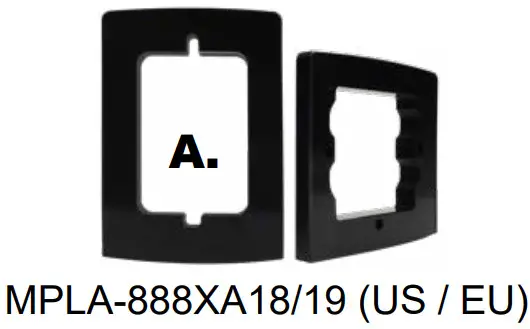
Feature
- Varieties in Color and Size
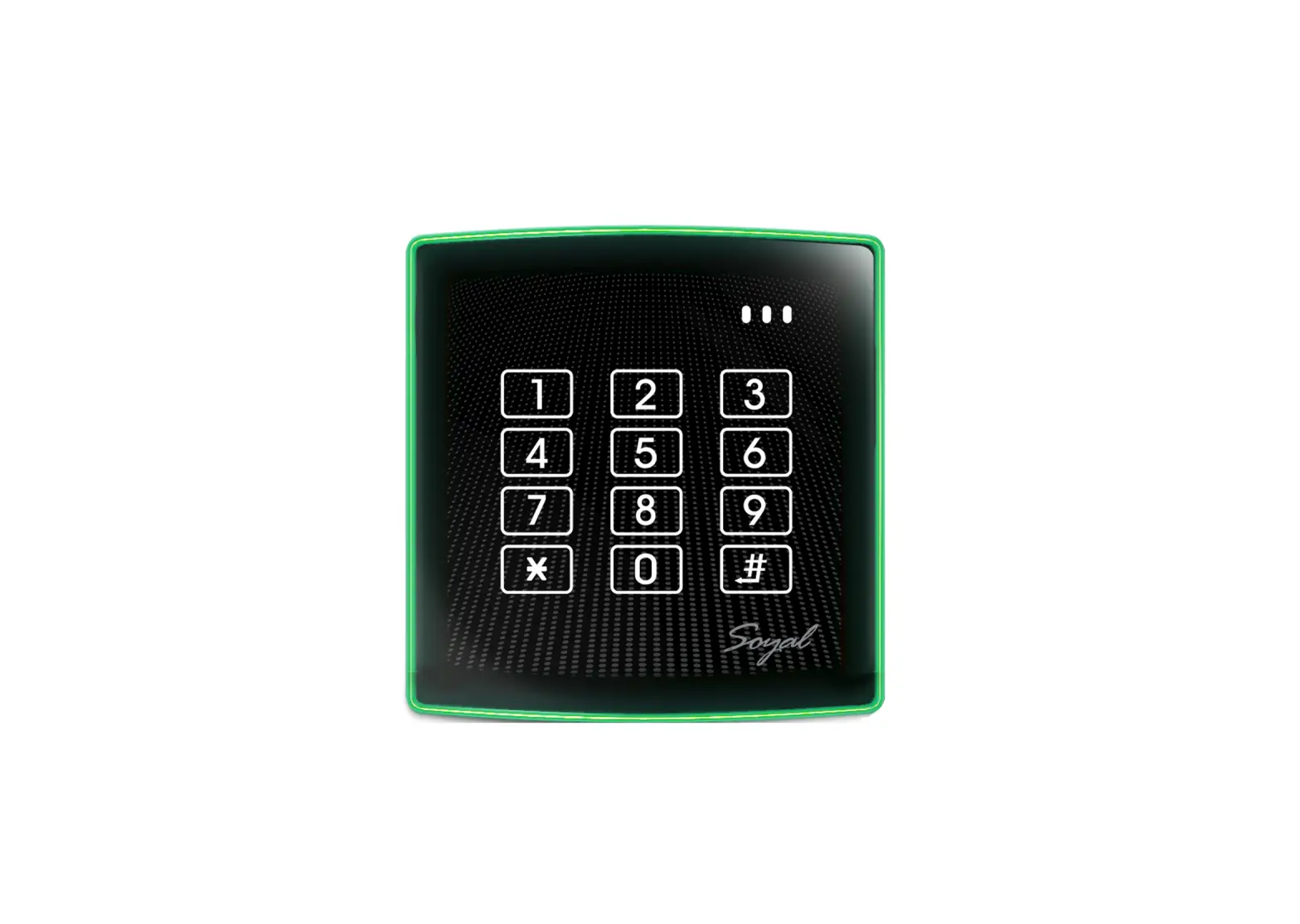
- Bi-Color LED Frame Indicator in Flush Mount Design
- Protection Against Solid and Liquid Particle
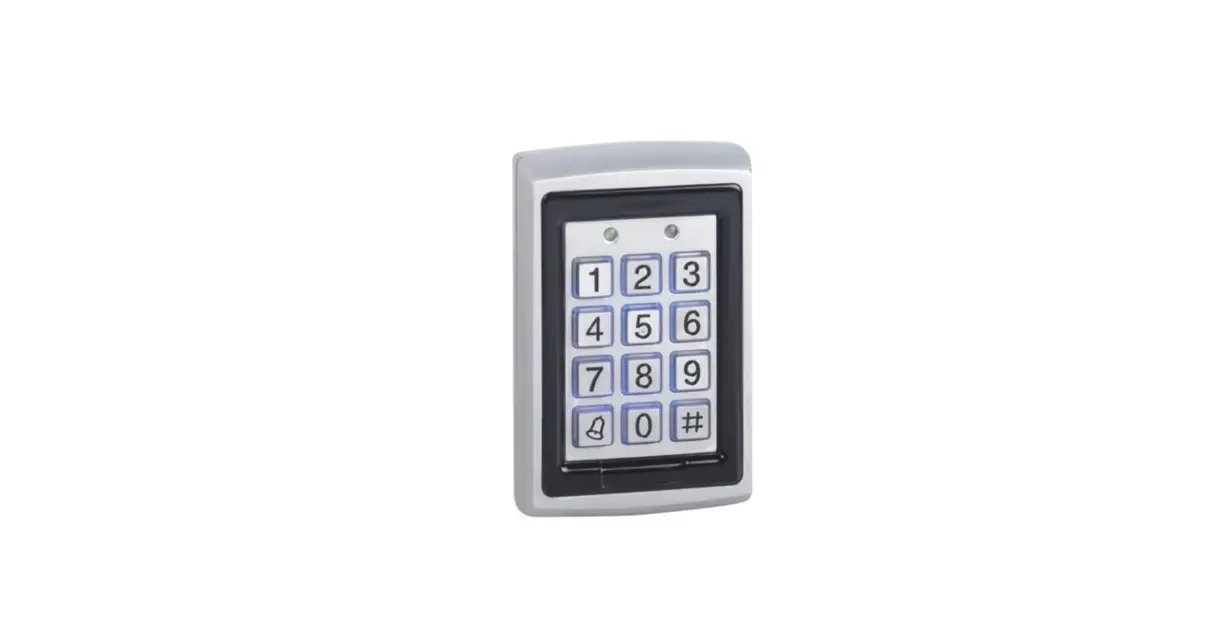
- Elegant design with LED frame and illuminated panel
Specification
Power Voltage: 9-24VDC
Power Consumption: 1W
Frequency : 125kHz + 13.56MHz
RF Reading Range: 5-15 cm
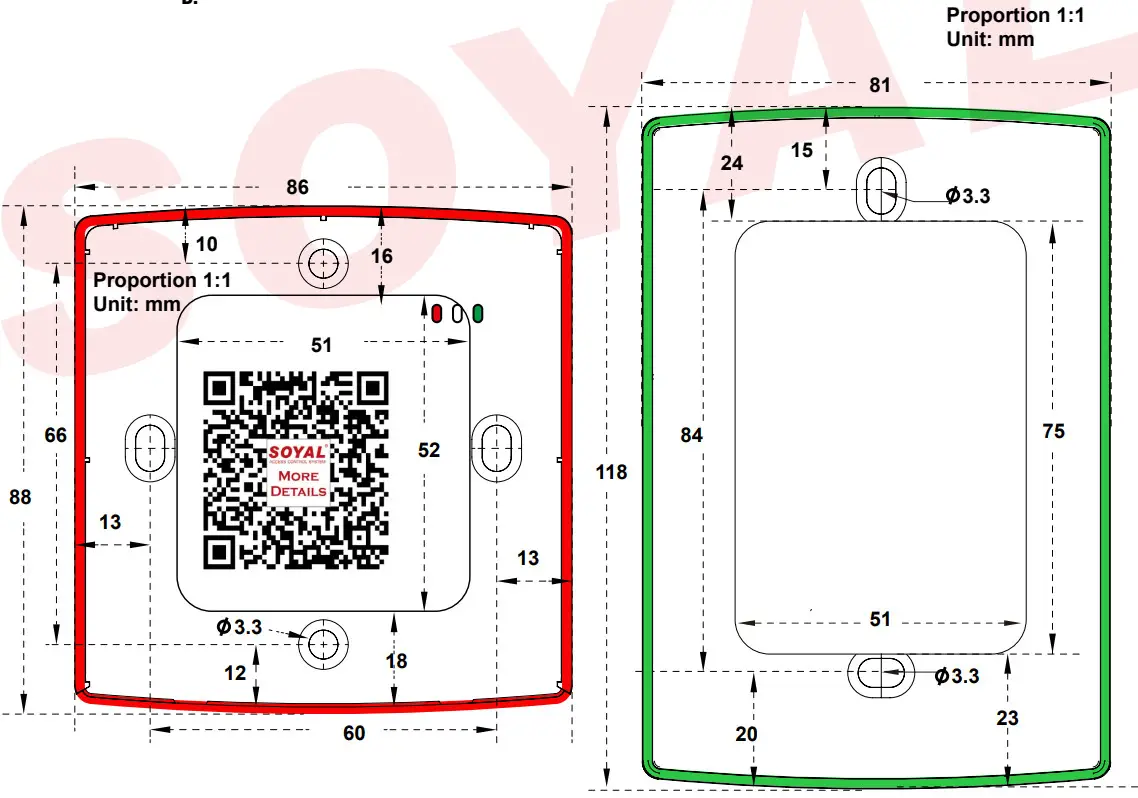
Dimension (mm) : EU : 88(H)X86(W)X34(D)
US:110(H)X81(W)X34(D)
Connector Table
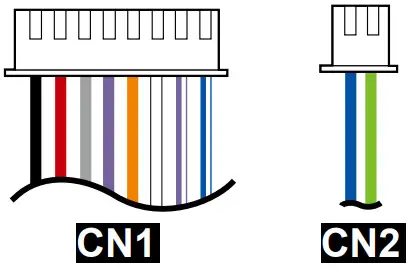
CN1 8PIN Cable
| Function | Dip-switch | Wire | Color | Description | |
| SW1 | SW2 | ||||
| ABA13 | ON | ON | |||
| WG34/64 | ON | OFF | |||
| ABA10 | OFF | ON | |||
| WG26/64 | OFF | OFF | |||
| CN1 Main | WG Output | 1 | Blue White | WG DATA 1 Output | |
| 2 | Green White | WG DATA 0 Output | |||
| Card Present | 3 | White | Card Present ( Low output) | ||
| LED | 4 | Orange | LED Red Input (Input Low) | ||
| 5 | Purple | LED Green Input (Input Low) | |||
| Buzzer | 6 | Gray | Transistor Output Max. 12V/100mA (Open Collector Active Low) | ||
| Power | 7 | Thick Red | DC 12V | ||
| 8 | Thick Black | DC 0V | |||
CN2 2PIN Cable
| Function | Wire | Color | Description |
| RS-485 Port | 1 | Thick Green | RS-485(B-) |
| 2 | Thick Blue | RS-485(A+) |
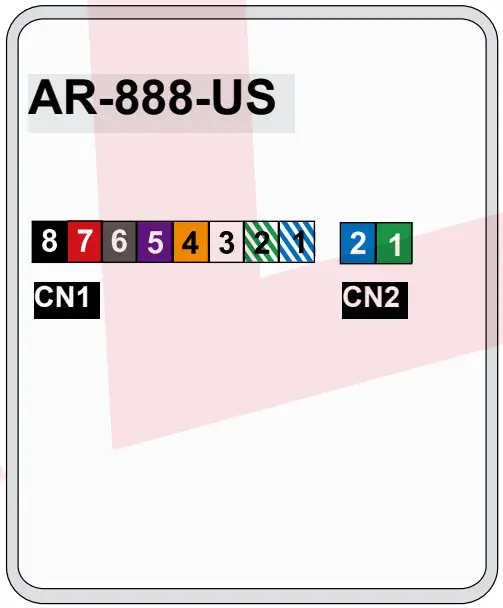
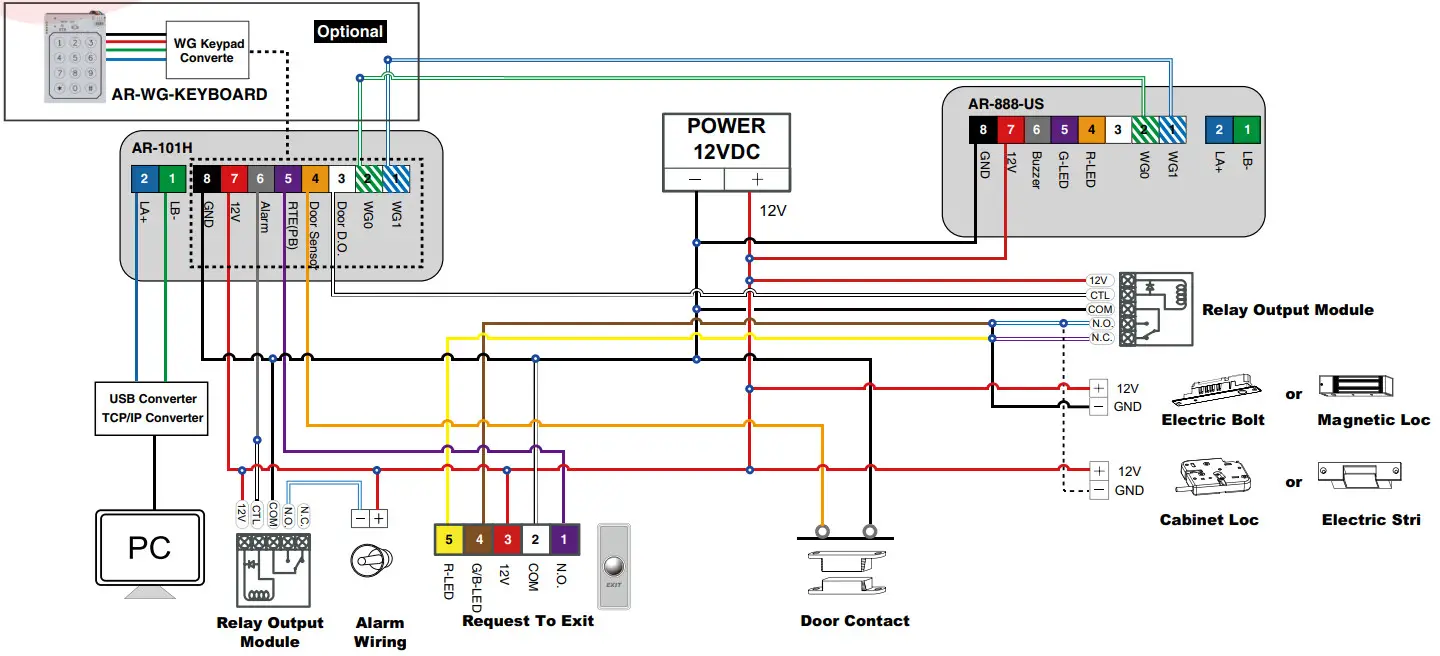
Diagram
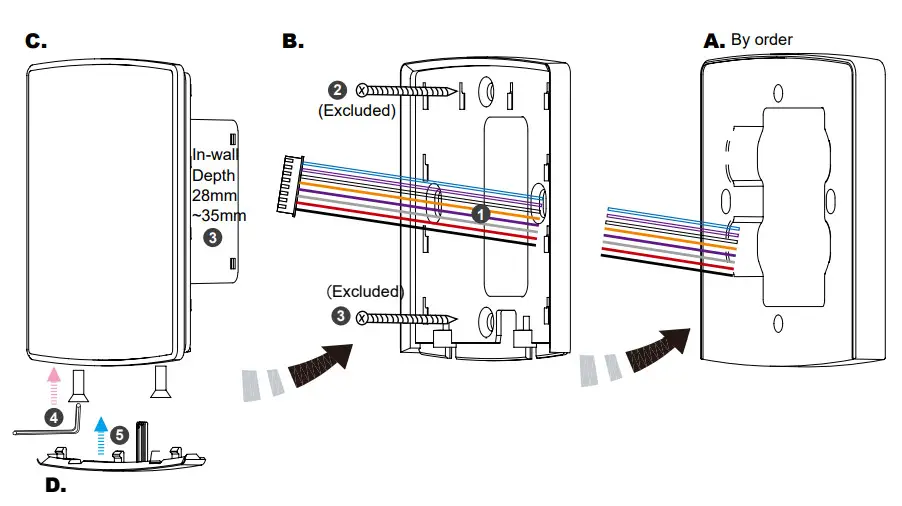
Installation
- Pull the cables from the square holes of the EVA foam gasket and mounting plate.
- Use a screwdriver to screw the mounting plate B onto the wall with Flat Head Cap Philips Tapping Screws (Excluded, the Installer should prepare before installation.
- Connect the cables to the backside of body C and attach C to B at the lower position of B. Push C up to make the cogging hooked completely.
- Use the Allen key and screws to assemble the body C onto the mounting plate B. Attach the Back Cover D to C.
- Hands-off and clear any objects around the 888 Series. Turn on the power and LED will light up and a beep will sound. Wait for the Touch IC to start for 10 sec. to operate.
Cable selection:
Use AWG 22-24 Shielded Twist the Pair to avoid star wiring. Use CAT5 for TCP/IP connection.
Flush Mount Illuminated dual-band Access Reader