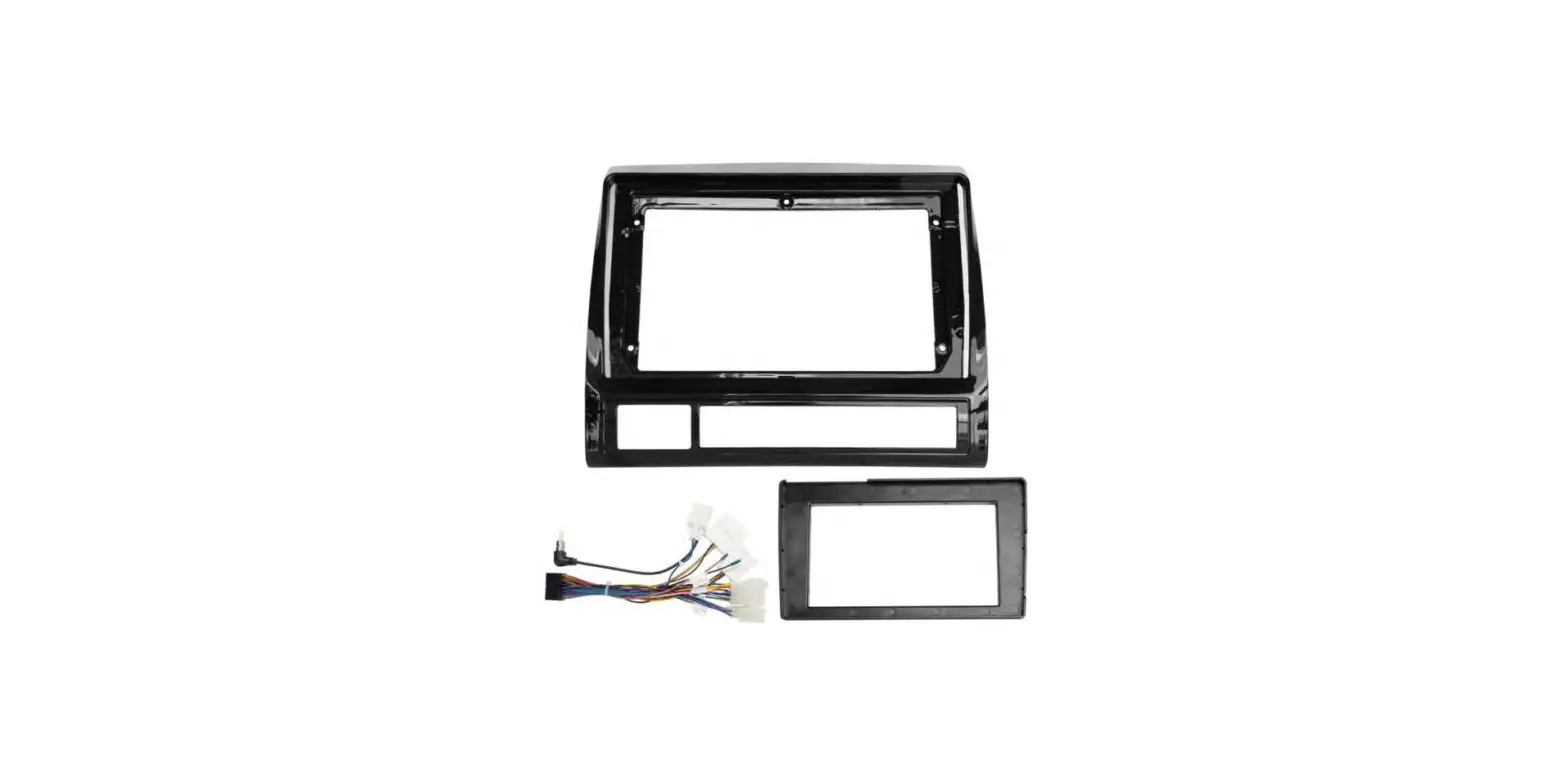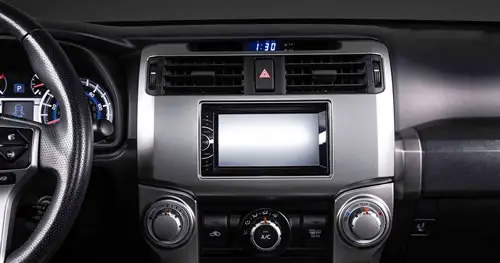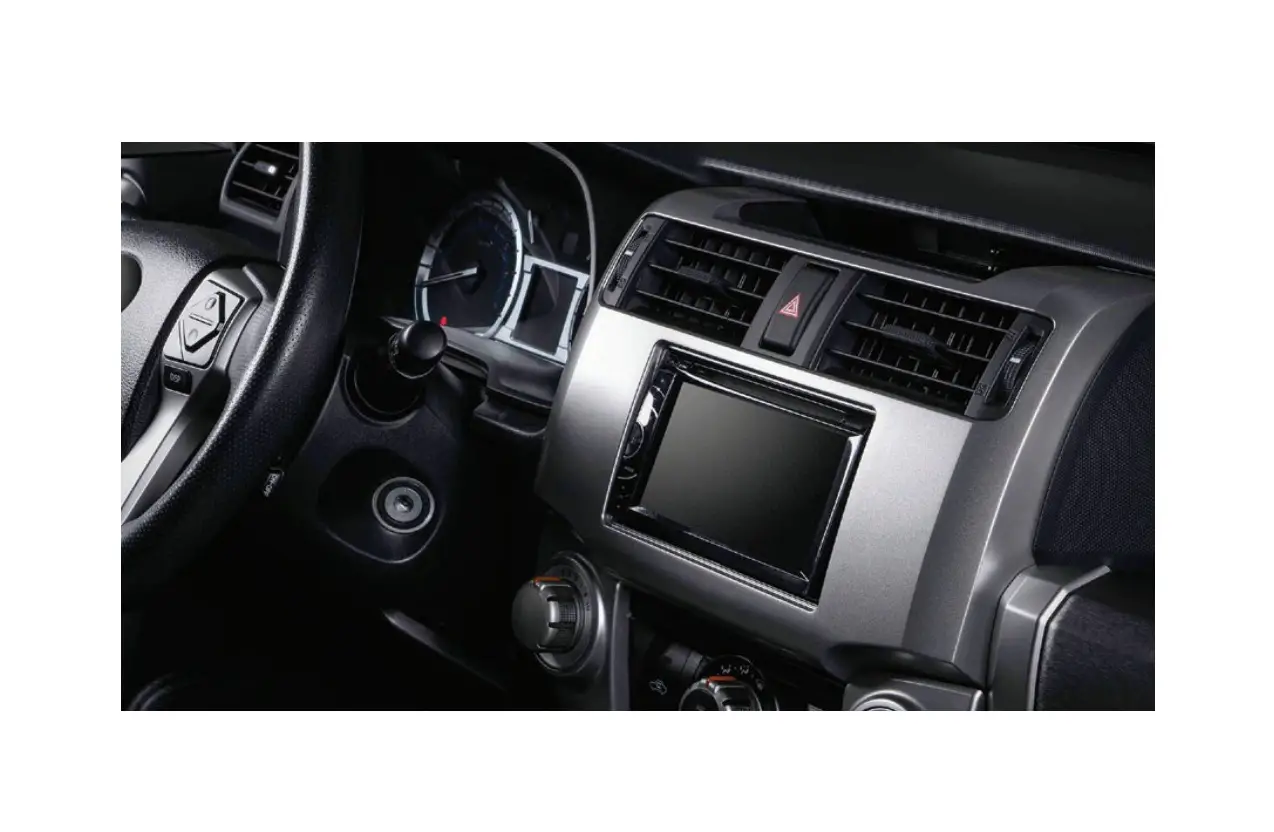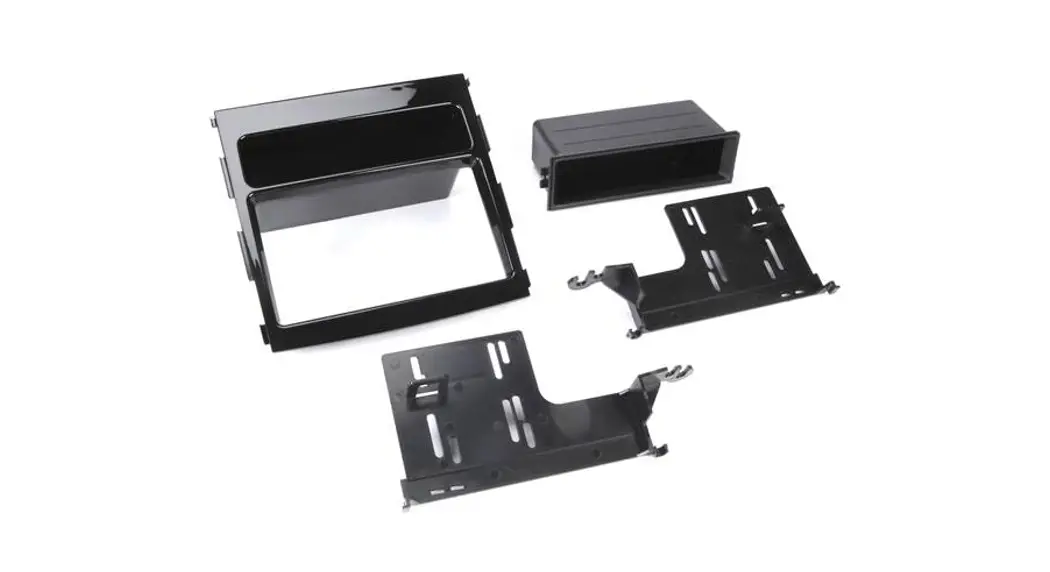

SBK931GB
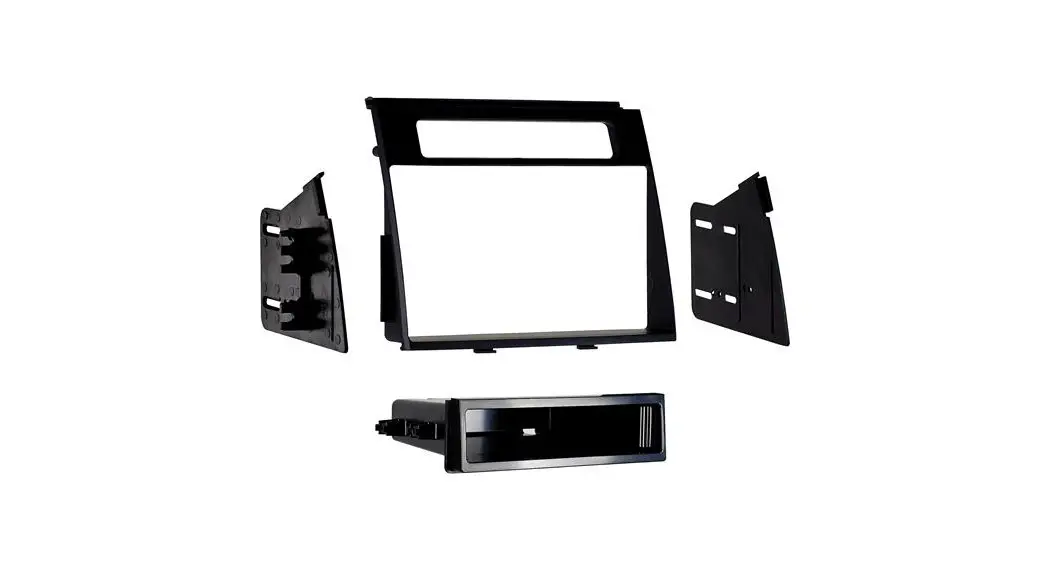
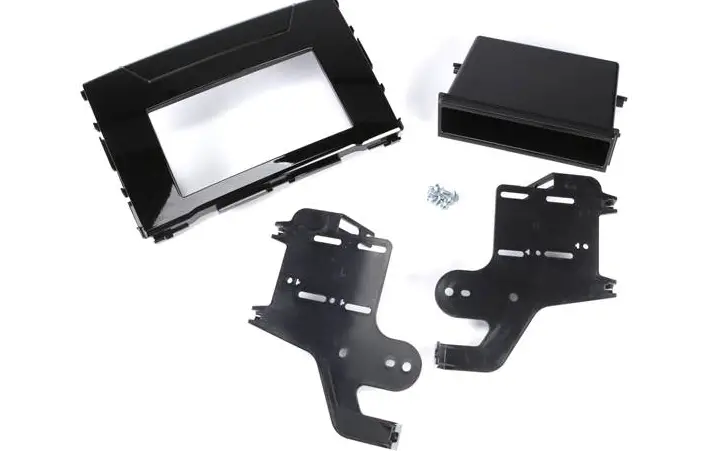
Mounting Kit
VEHICLE APPLICATION
Subaru
| 2018 | Crosstrek |
| 2017-18 | Impreza |
DASH DISASSEMBLY INSTRUCTIONS
- Using a soft tool carefully unsnap and remove the air vents on both sides of the radio.
- Unsnap and remove the trim bezel above the factory radio.
- From the radio mounting brackets Remove (4) Phillips screws securing the radio, remove.
- Remove (4) panel clips from the OEM radio panel. Save for kit assembly.
KIT ASSEMBLY INSTRUCTIONS
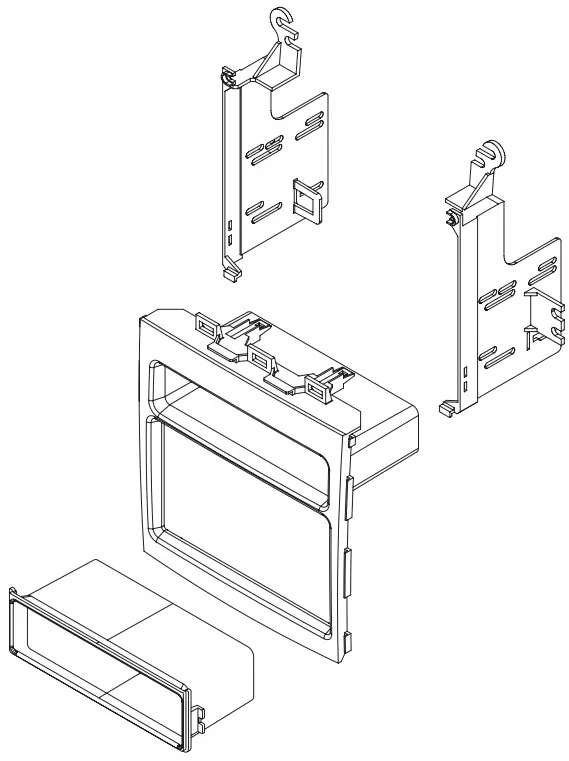
Single ISO Mount Application
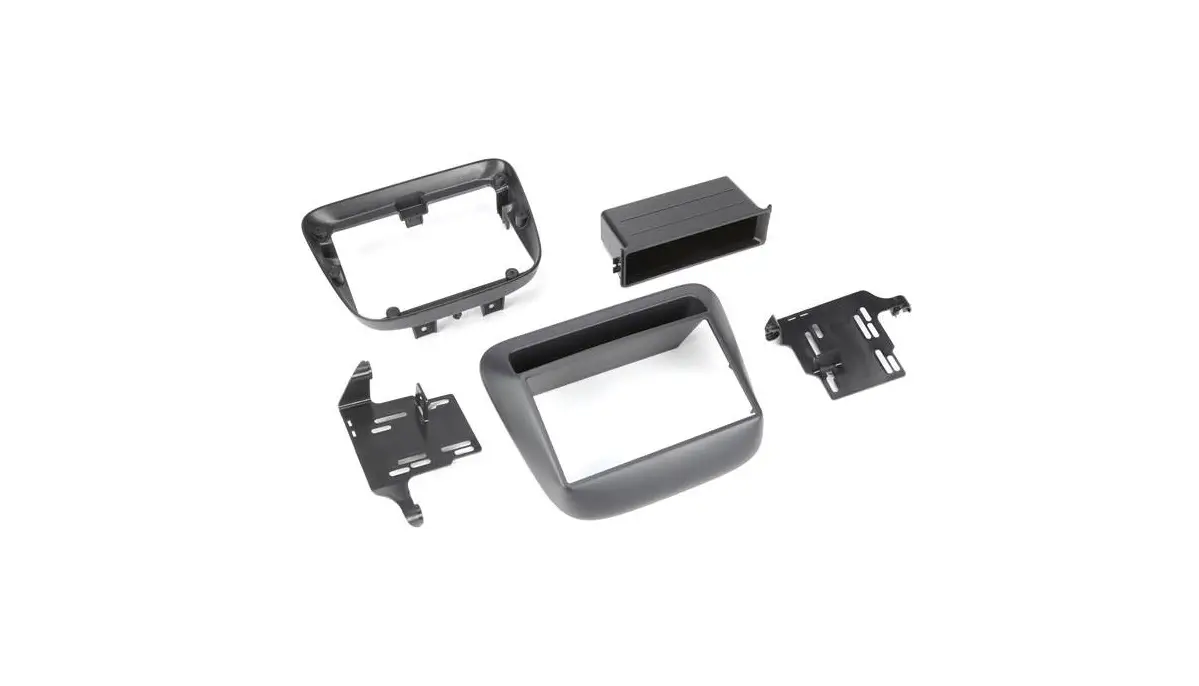
- Reinstall the (4) panel clips left over for disassembly to the rear of the SBK931GB main panel.
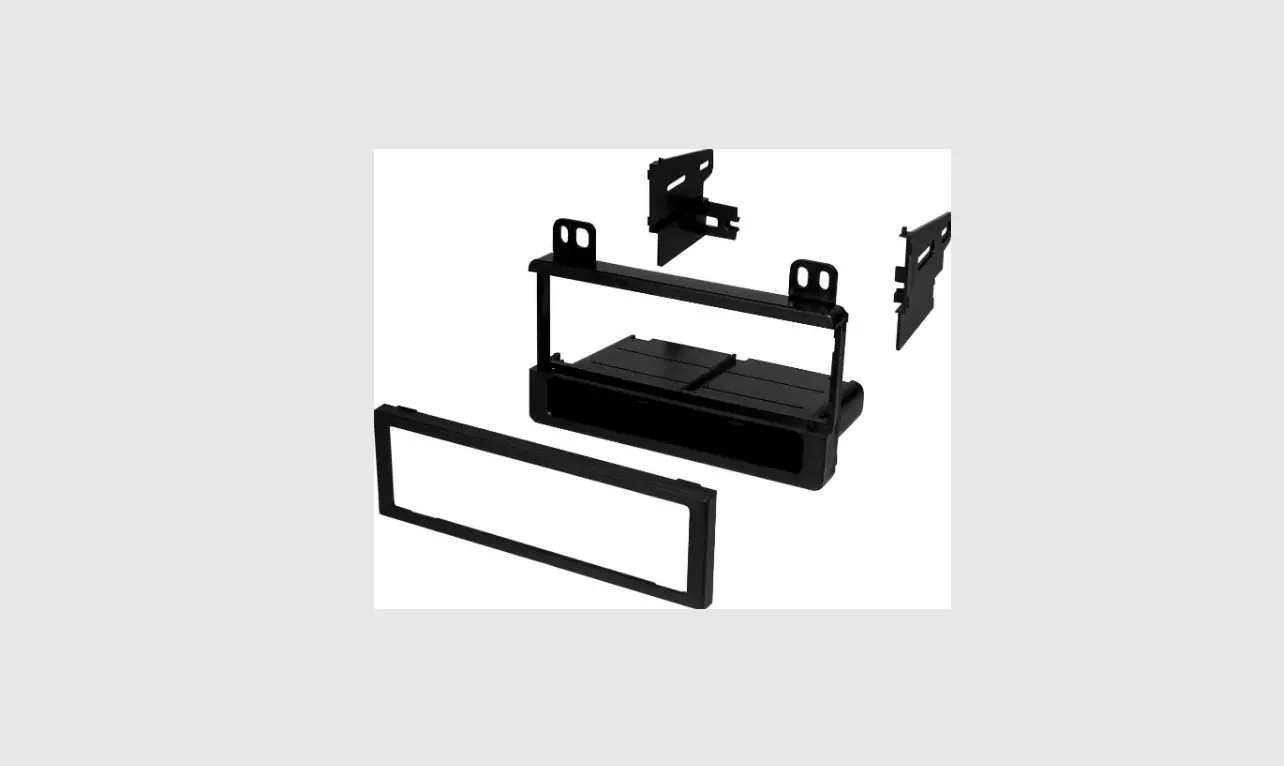
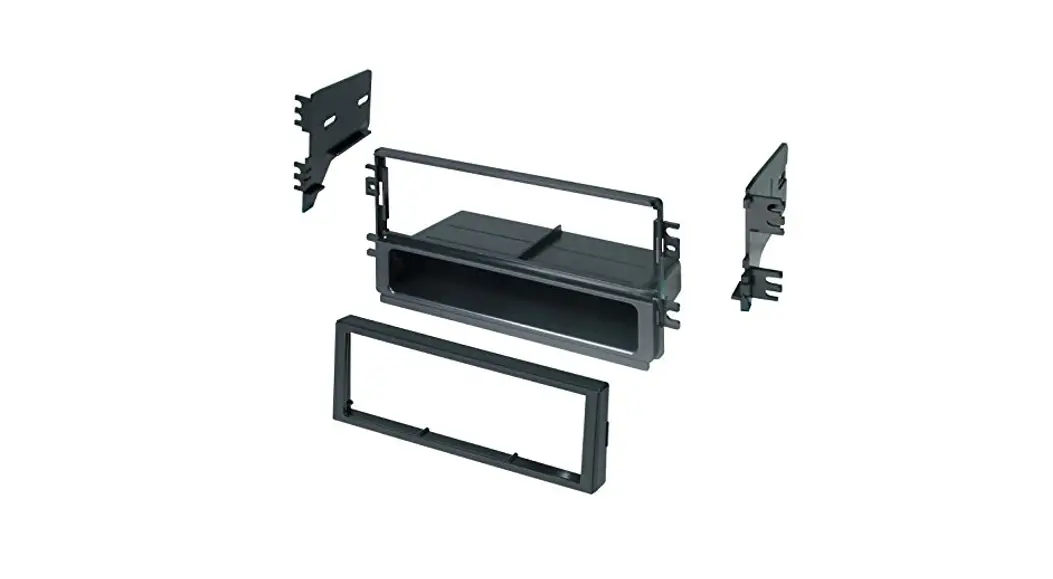
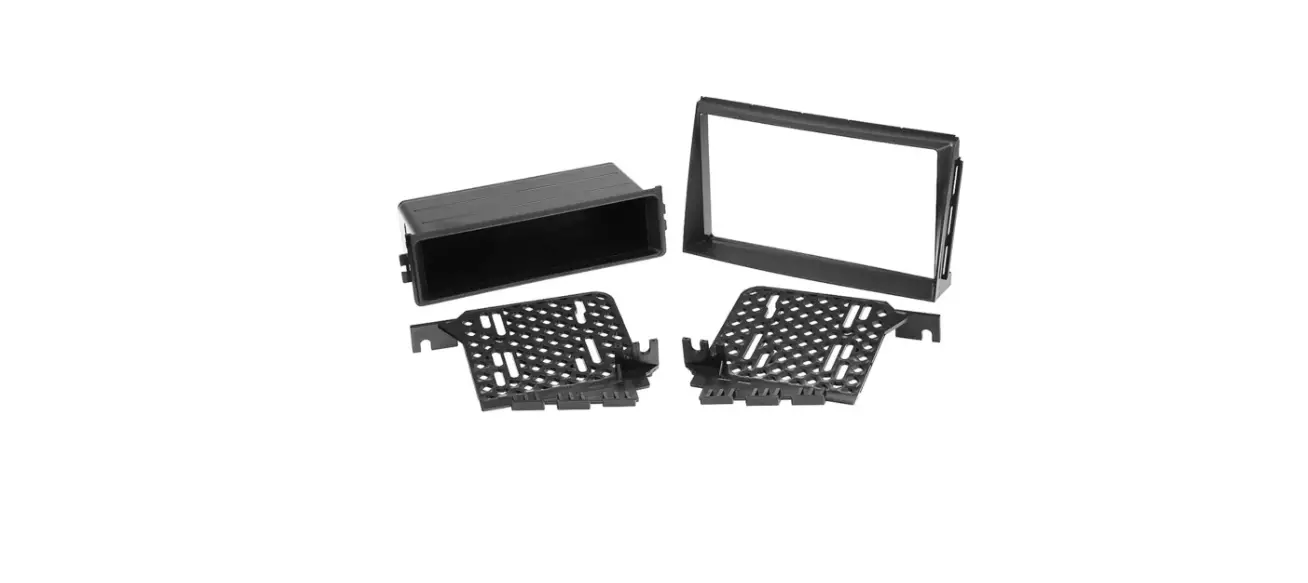
- Insert pocket into the lower section of the brackets.
- Install brackets to the rear of the main frame using the (2) screws provided, hooking the bottom of brackets to the main panel first
- Insert ISO mountable radio between ISO mount brackets and loosely attach to sides of radio using screws provided with radio when possible, or screws supplied with the kit.
- Using the mainframe as a guide, slide the radio forward or backward for the desired look, and then tighten the screws to the radio.
DOUBLE DIN INSTALLATION INSTRUCTIONS
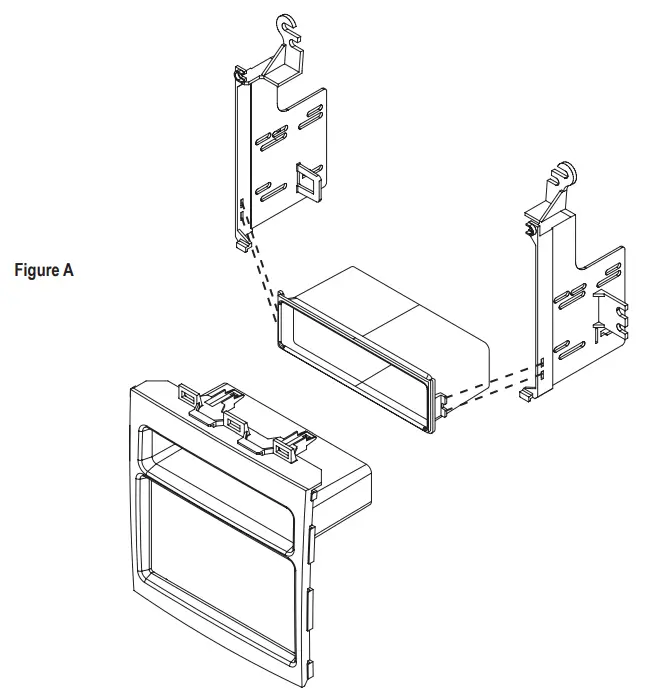
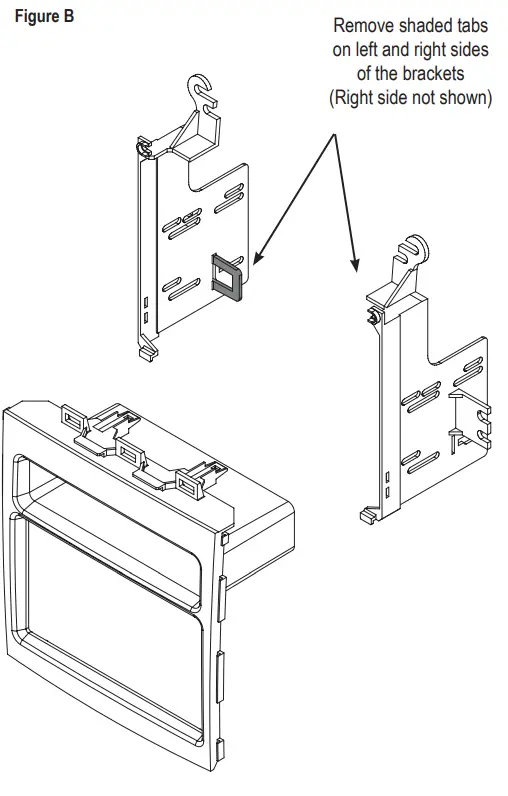
Double DIN ISO Mount Application See Fig B for bracket tab removal.
- Reinstall the (4) panel clips left over for disassembly to the rear of the SBK931GB main panel.
- Remove pocket support tabs from both brackets.
- Install brackets to the rear of the main frame using the (2) screws provided, hooking the bottom of brackets to the main panel first
- Insert ISO mountable radio between ISO mount brackets and loosely attach to sides of radio using screws provided with radio when possible, or screws supplied with the kit.
- Using the main frame of as a guide, slide the radio forward or backward for the desired look, and then tighten the screws to the radio.

www.aampglobal.com www.aius.net
2500 East Francis Street Ontario, CA 91761, U.S.A.
Sales: (800) 477-2267
Intl: (727) 572-9255
Support: 888-228-5560
 AAMP Global | AAMP Global
 PAC – Connecting cars and technology. Your total installation solution.