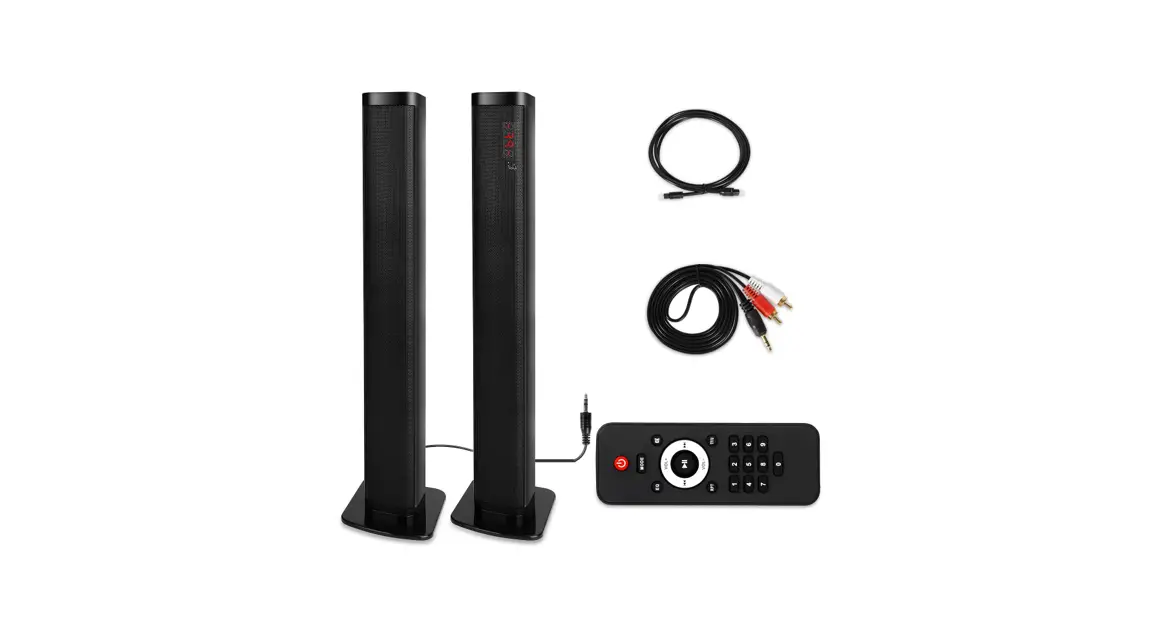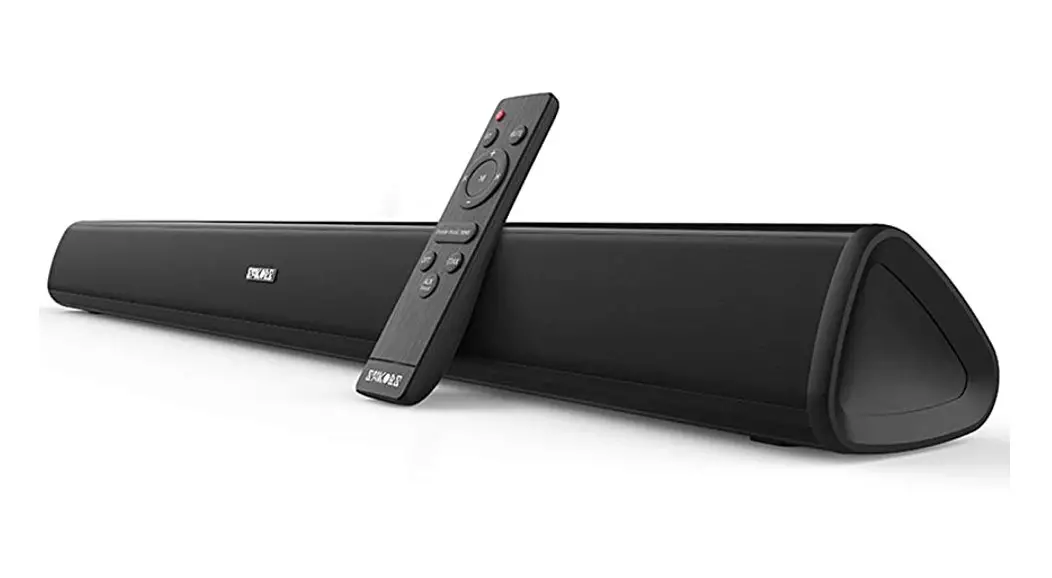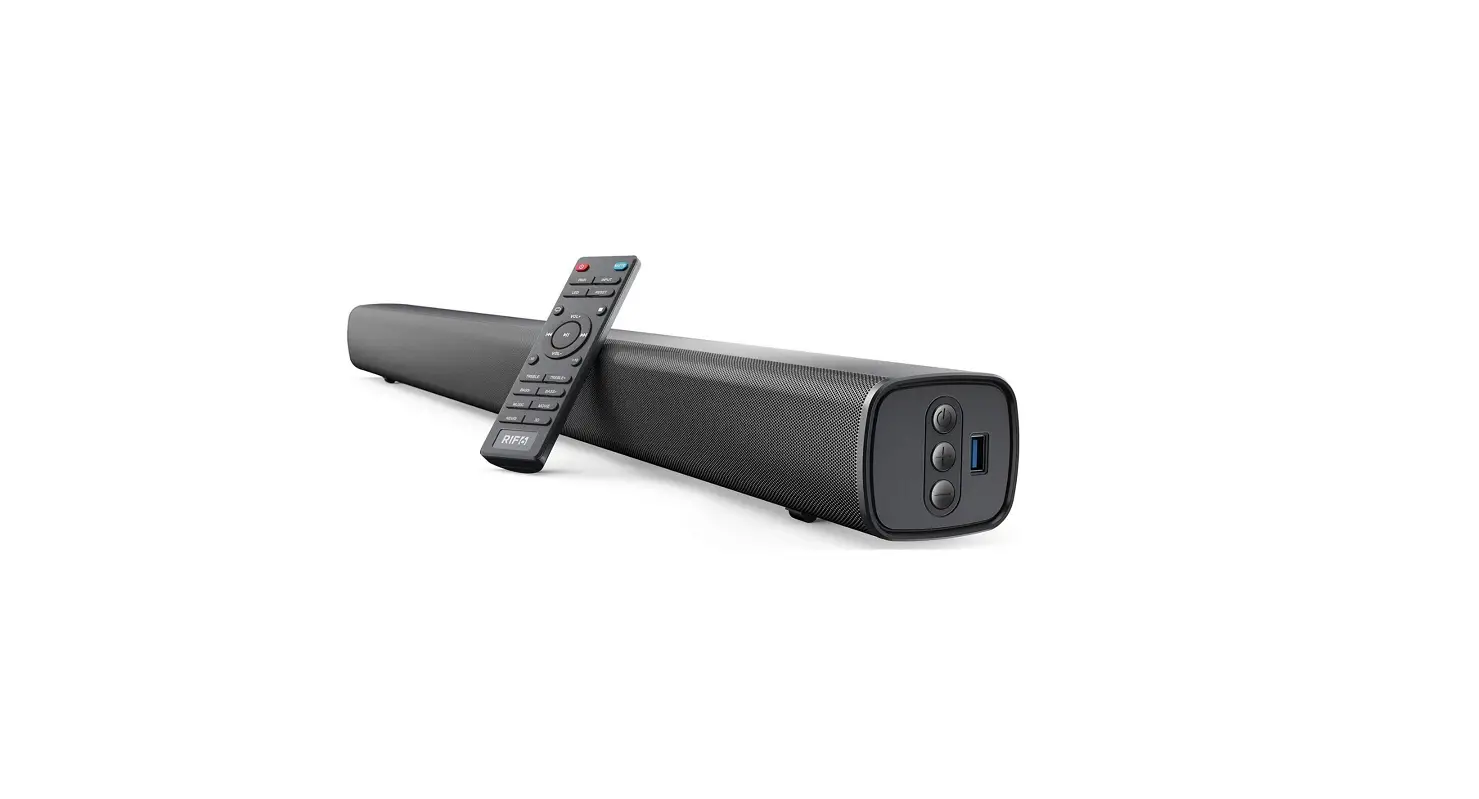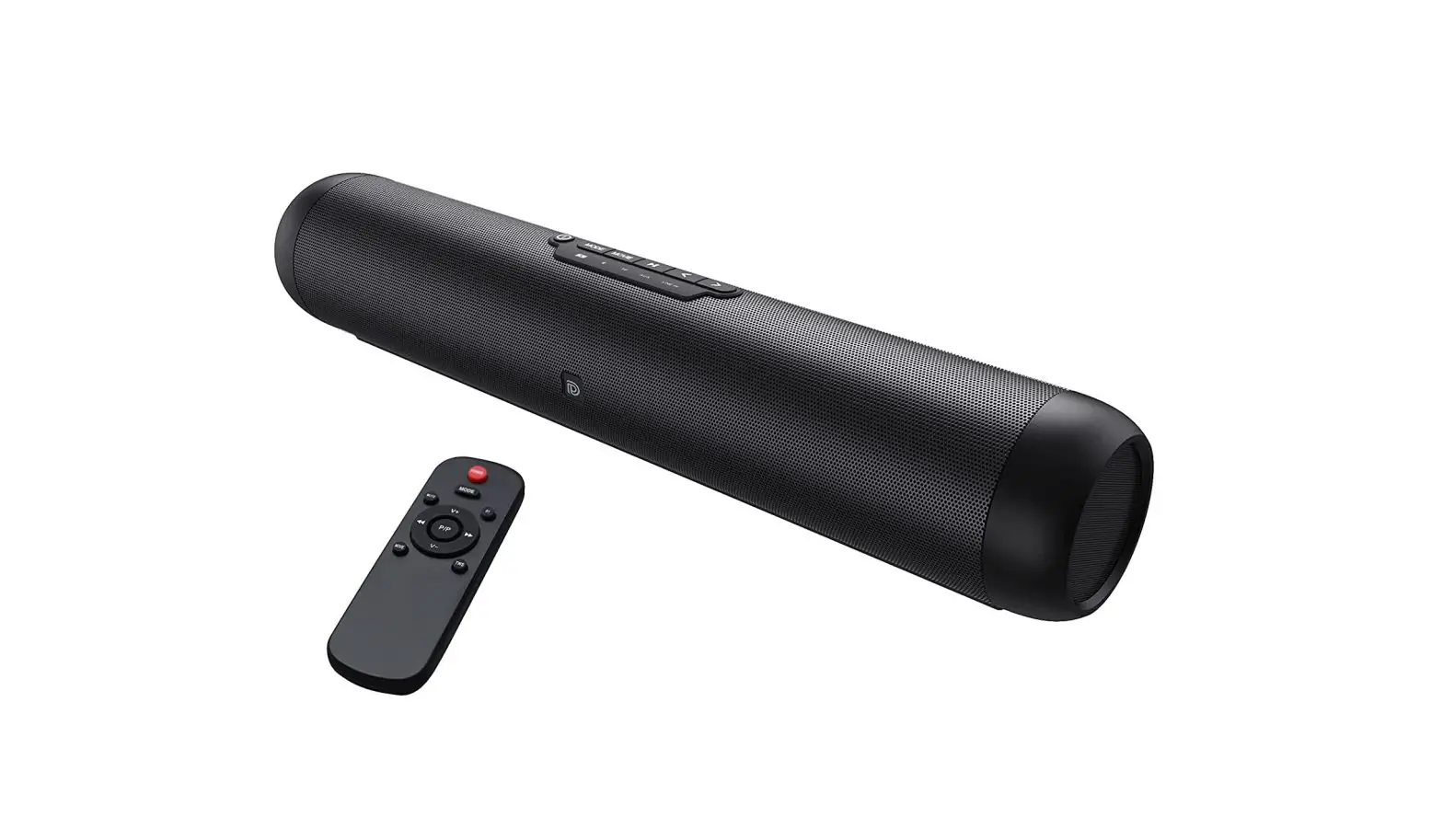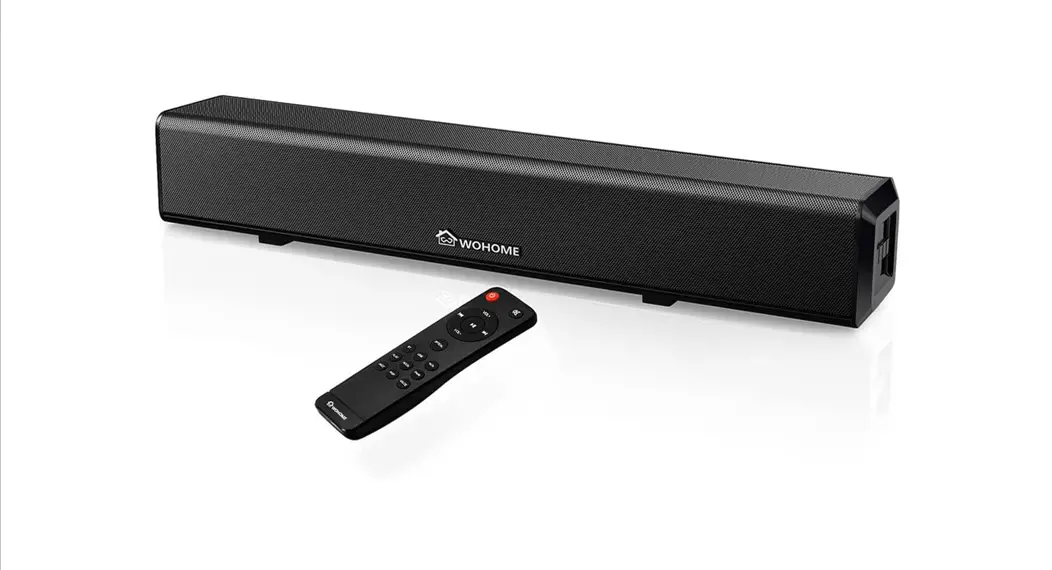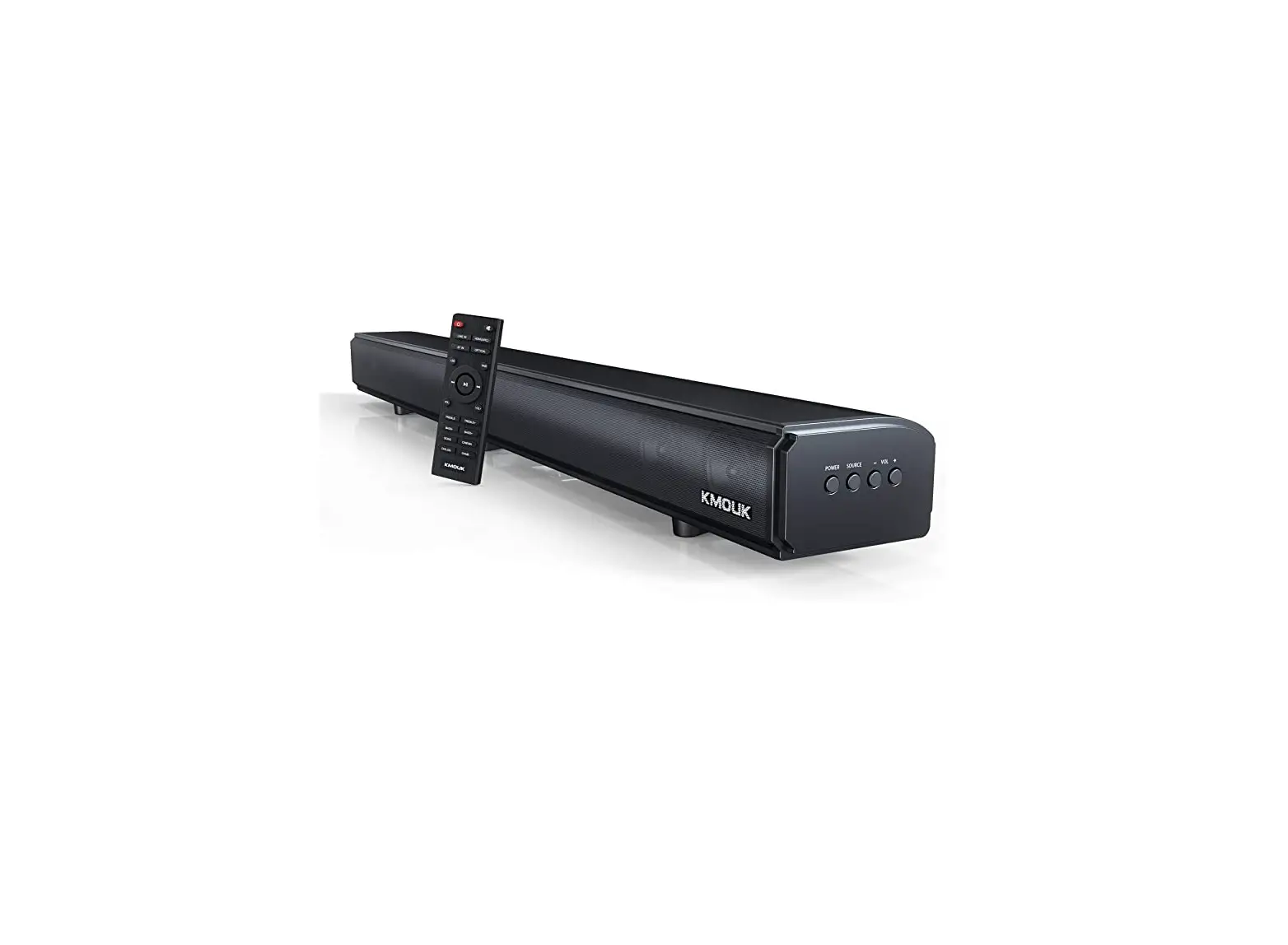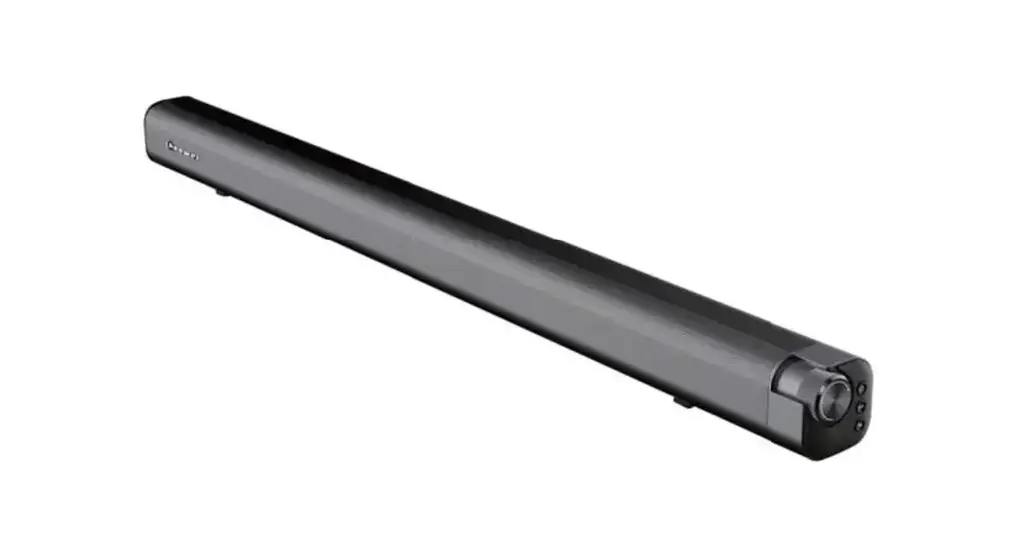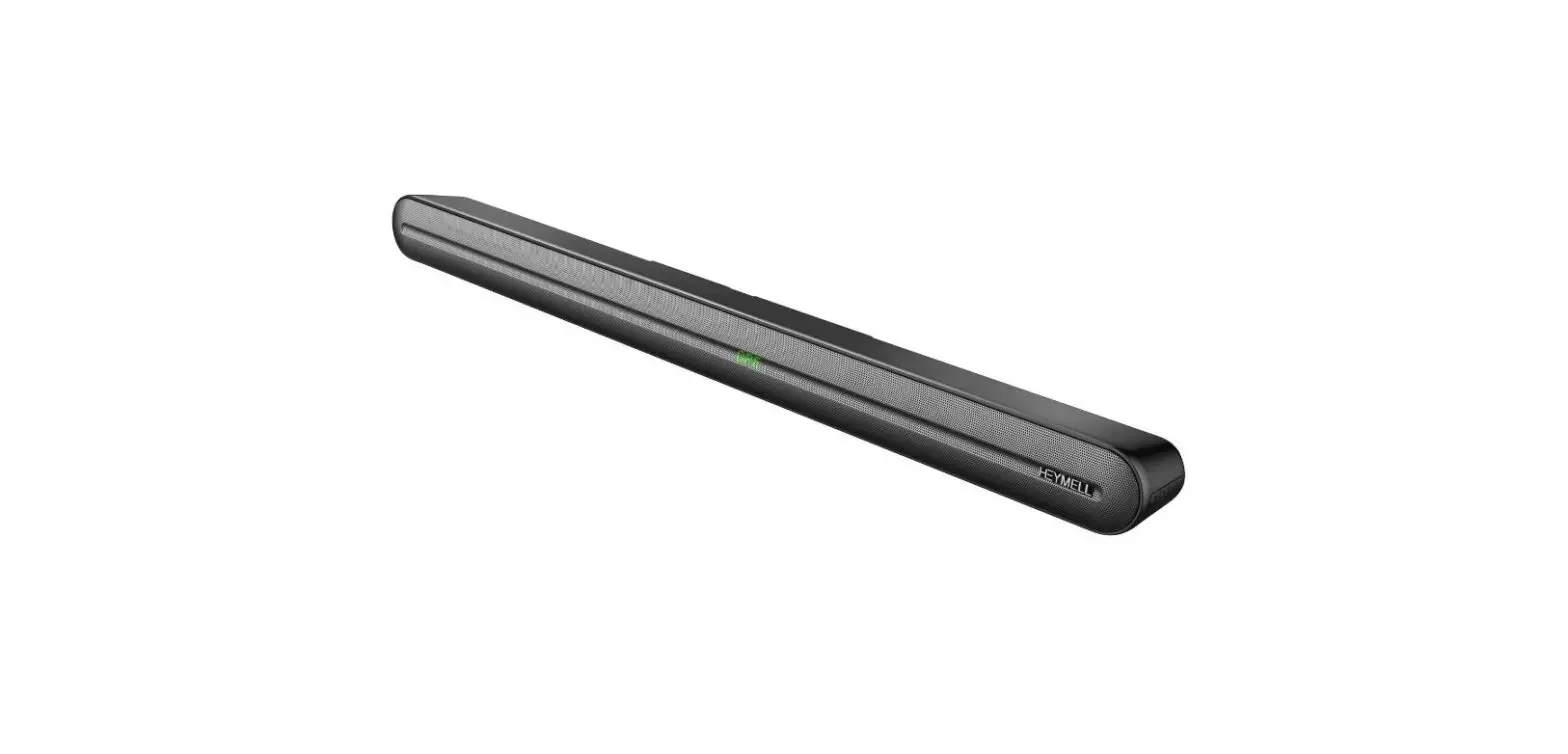

Sunyuey BKS-60 Sound Bars for TV product
INTRODUCTION
- Thank you very much for purchasing our company’s products this time.
- Be sure to read the instruction manual and use it correctly before using it.
- After reading, be sure to keep it where the user can see it everywhere.
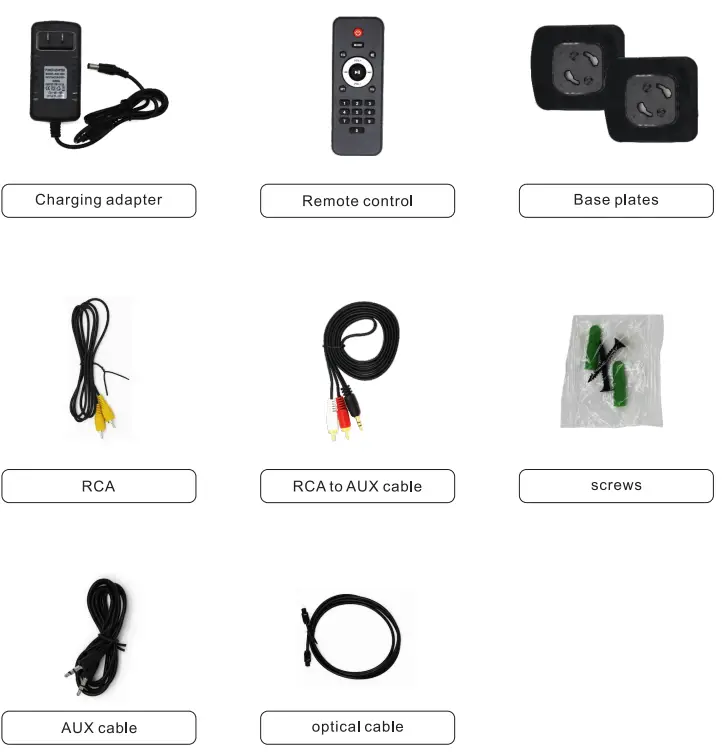
PRODUCT LIST
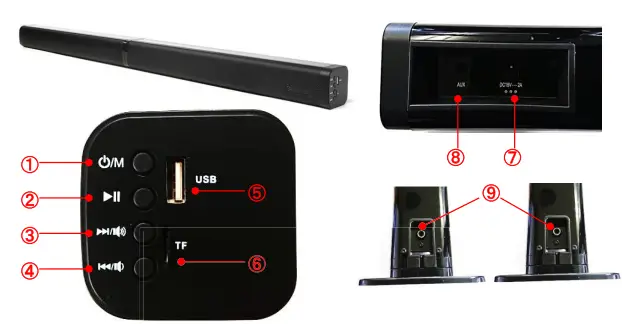
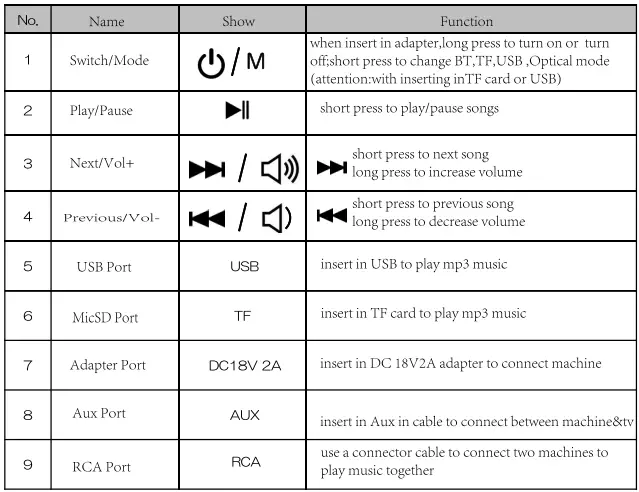
FUNCTION DESCRIPTION
REMOTE CONTROL FUNCTION
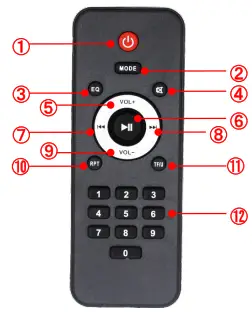
Attention: need to buy two 7th batteries
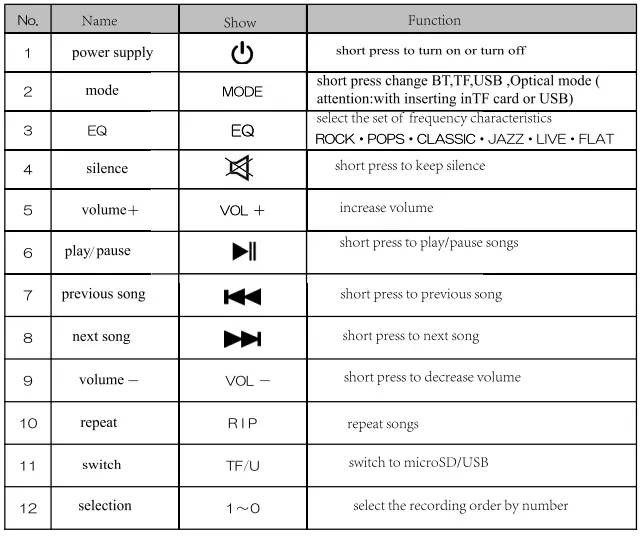
FUNCTION SHOW
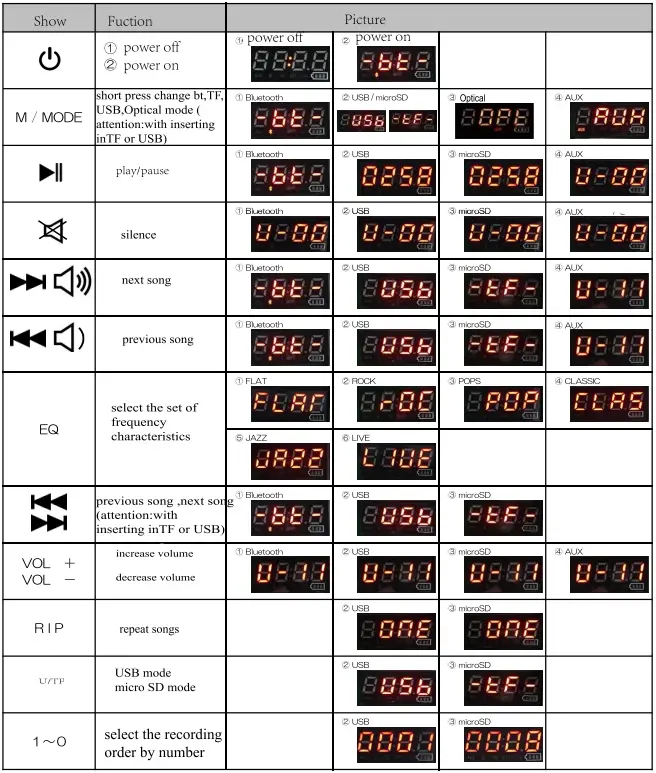
The digital display screen may exist in the net cover, so it may be different from the actual one.
CONNECTING TV OPERATIONAL GUIDANCE 4 STEPS
STEP ONE: When turning on TV Soundbar ,the America adapter one side need be inserted in home input voltage AC100V-AC240V 50Hz ,other side be inserted in DC 18V 2A machine hole.
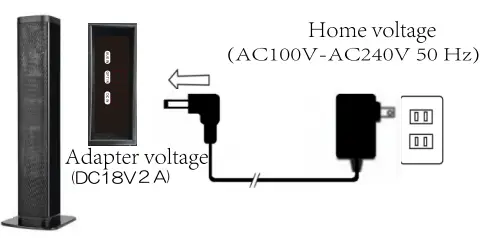
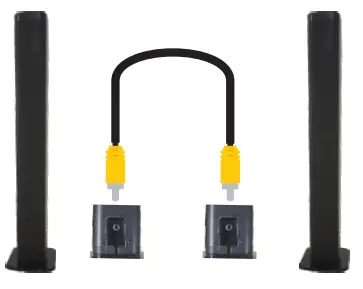
STEP TWO: use connector cable to connect two single machine like right picture.
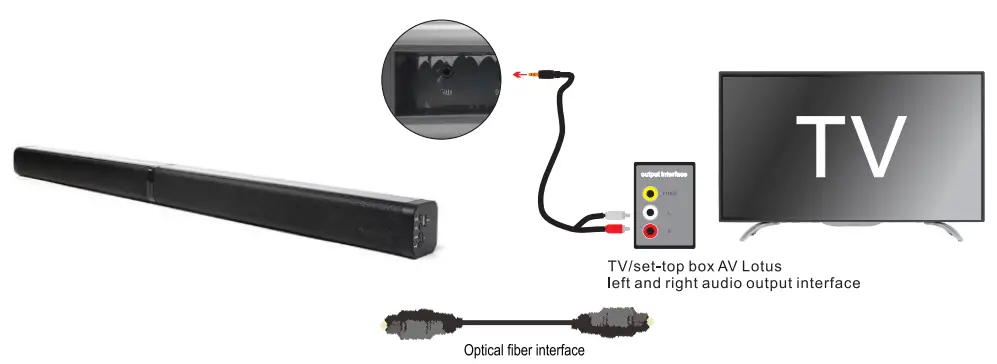
STEP THREE: 3.5 audio input into the soundbar 3.5 audio input interface AV lotus terminal is inserted into the TV/ set-top box AV Lotus left and right audio output interface.
STEP FOUR: Soundbar switching mode to AUX mode, TV/set top box should be set to connect external audio equipment.
Special Note: Only the TV has an output or the set-top box has an output to match Our Soundbar.
BLUETOOTH CONNECTION
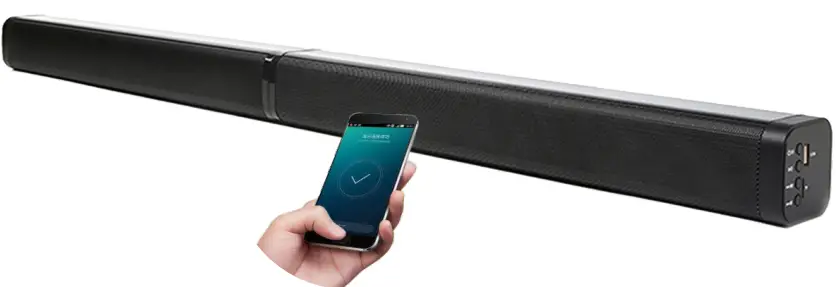
Turn on the Sound bar when the power is plugged in and enter Bluetooth mode by default. Turn on Bluetooth on the phone, just search”BKS-60″ connection. When we connect successfully, we can play music.
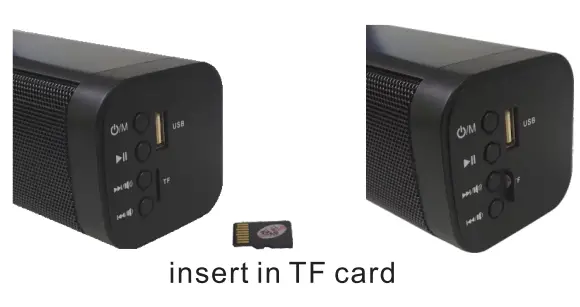
TF CARD MODE
When insert in TF card and soundbar changed as TF mode, we can play music.
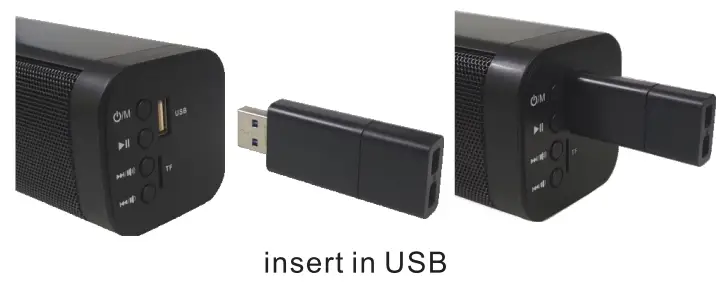
USB MODE
When insert in USB and sound bar changed as USB mode, we can play music.
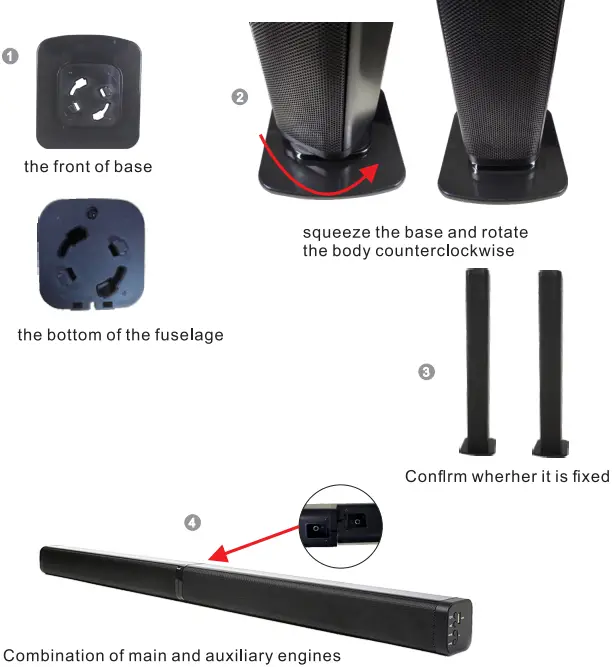
STANDING ASSEMBLY
- Combine the base and the bottom of the fuselage
- Squeeze the base and rotate body counter clock wise
- Confirm whether it is fixed
- Combination of main and auxiliary machine
STEPS TO INSTALL SOUND BAR ON THE WALL
First measure the distance fixed by the Sound bar screw Then fix the screws on the wall (make sure it is secure) Finally, you can hang up machine.

Mounting screw/hook on the back of the fuselage

SPECIFICATION
- FEATURE: Dual Stereo, Bluetooth, U disk(MP3,WMA), TF card Channel 2.0, Aux line in, 4 driver speakers, TV
- OPTICAL OUTPUT: 40W
- SPEAKER: Full frequency speaker:2″1 0W*4, BASS membrane*2 SNR>80dB
- VOLTAGE:2A
- BLUETOOTH:0+EDR
- BLUETOOTH DISTANCE: 1 Om
- SHELL MATERIAL: PVC + metal grill
- COLOR: Polished black
ATTENTION
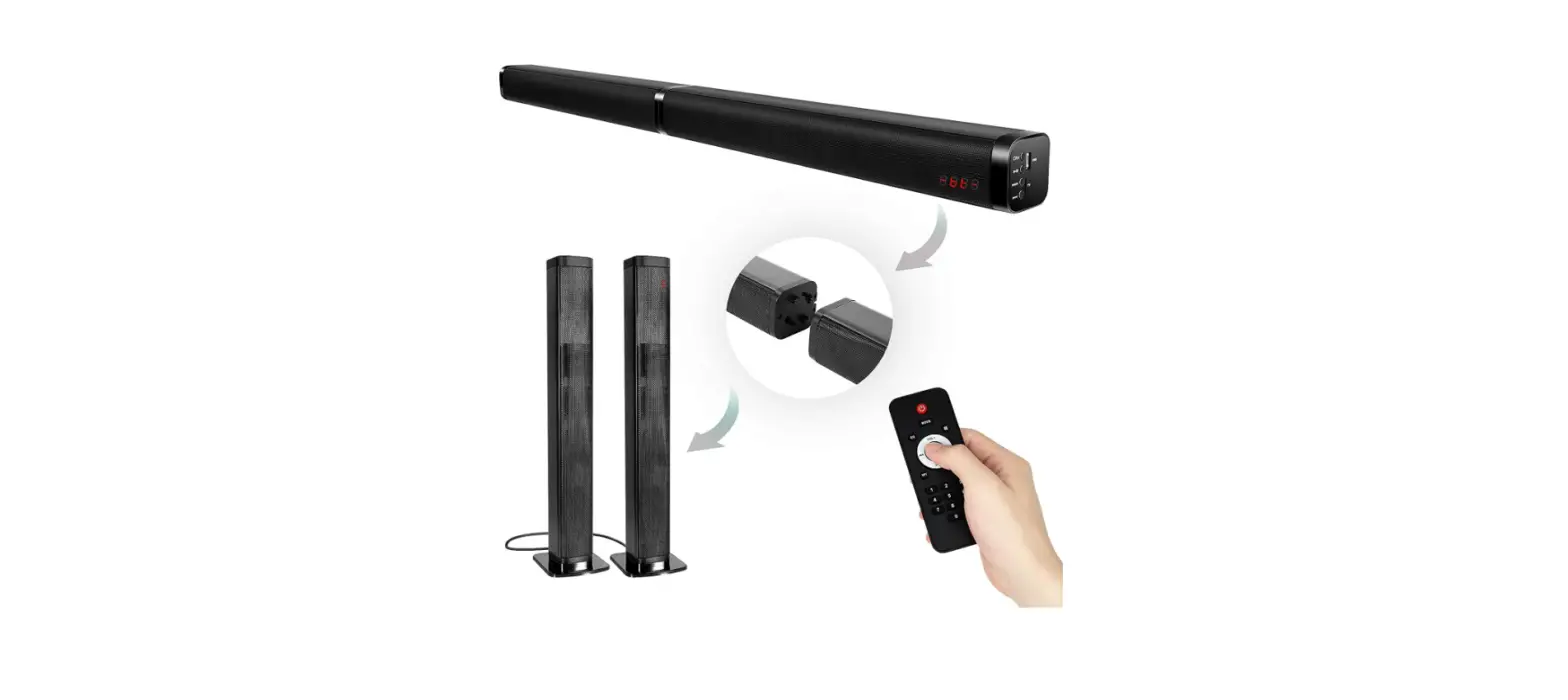
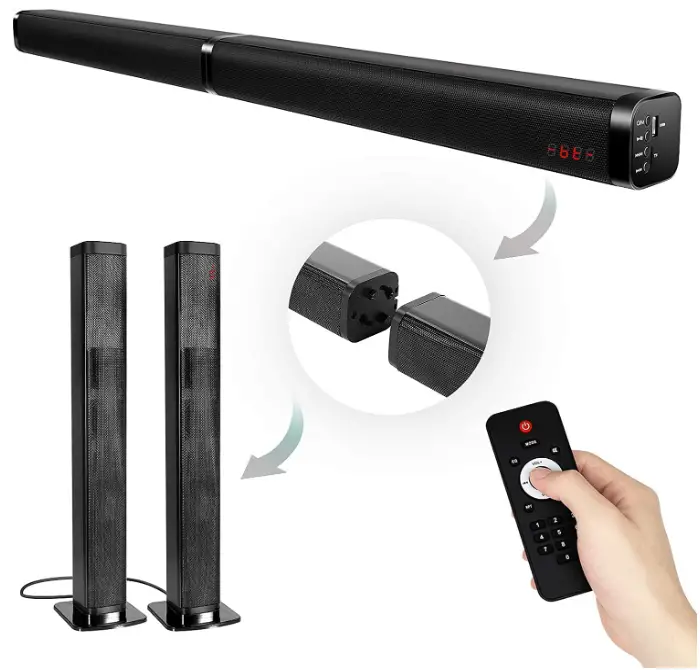
- BKS-60 is divided into main speaker and sub speaker. They can be combined by rotating the middle port.
- Use the power cord to provide working power, plug and play.
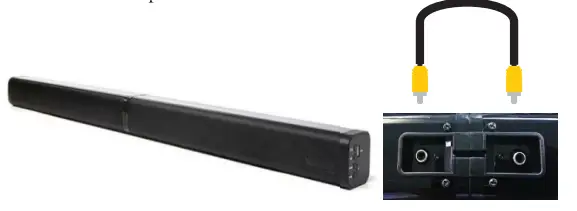
- Regardless of merging or splitting to use bar speakers, please use yellow RCA cable to connect the two RCA interfaces on the back of the speakers so that they can emit sound at the same time, otherwise only one speaker will work.
- Before connecting the TV, please make sure that your TV has 3.5mm RCA, AUX, Optical connection jacks and is connected correctly.
- The remote control does not contain batteries, you need to purchase two 7th batteries.
- Bluetooth, Aux, TF, USB mode conversion, each time you need to press the M key.
- According to the data, 20% of the buyers will not be able to use the audio normally due to incorrect connection, resulting in audio noise and no sound. Please follow the instructions again. If you have any questions, please contact our after sales team email: [email protected]. We will be the fastest, the best service for you to solve.
FAQs
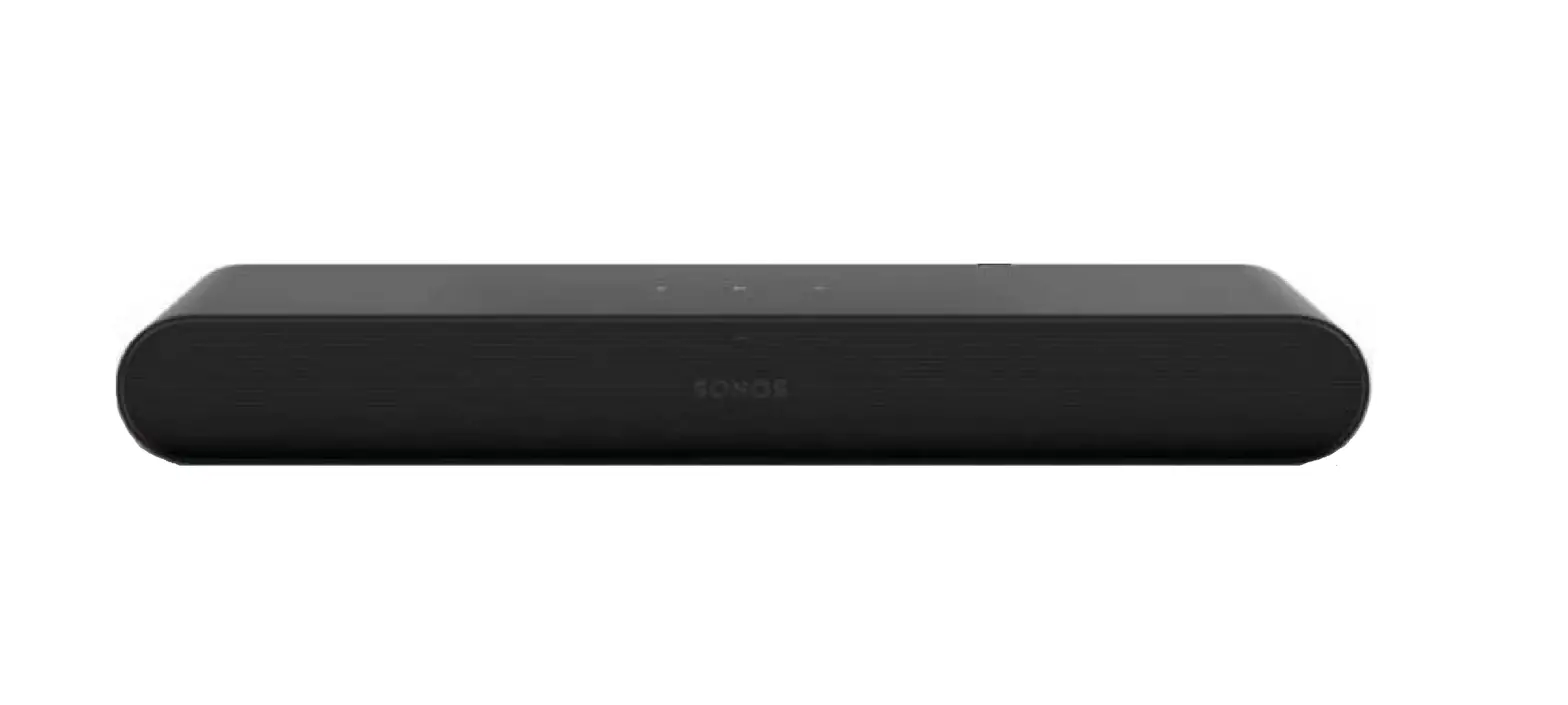
A more recent amplified soundbar, like the Sonos Arc, shouldn’t go out of style anytime soon, but you should anticipate the hardware to last up to 7 years before it requires maintenance or replacement.
Every television is compatible with every soundbar. Since technology is more advanced than ever, soundbars could be made to work with both new and old TVs. However, you must be aware of the ports that your television and the soundbar you’ve chosen have.
One end of the HDMI cable (available separately) should be connected to the TV’s HDMI IN port. The sound bar’s TV OUT (ARC) port should be connected to the other end. Next, join an optical audio cable from your TV’s optical digital audio out to your sound bar’s optical in (this is necessary to hear the TV audio).
A sound bar is an integrated speaker system that produces high-quality TV sound without taking up as much room as a home theatre receiver and surround sound speaker setup, and it is also less expensive. Two or more speakers are housed in the long, narrow cabinet of a sound bar, which can produce stereo or surround sound.
If you leave your soundbar on often, it could get damaged just like any other speaker. It may overheat, present a fire risk, and consume energy needlessly. Even though it might seem easy and safe to leave your soundbar on all the time, doing so can, among other things, reduce the lifespan of your investment.
In order to save energy, the soundbar will automatically turn off or enter standby mode after around 15 minutes if Auto Standby is enabled. Some models offer the option to disable this feature.
No, it won’t function unless your TV is linked to a stereo with optical input, as the sound bar only has optical input.
A soundbar for a smart TV is a crucial addition if you have a smart LCD or LED TV. If you have a fantastic smart TV.
Pairing the devices with your TV and then connecting the Soundbar to the TV with an HDMI ARC connection are two of the simplest ways to connect a Soundbar to numerous devices. Then, be sure to change the TV’s settings so that the Soundbar is selected as the default speaker choice rather than the TV speakers.
When connected through an HDMI cable and with the Control for HDMI feature turned on, the Sound Bar can be controlled by a TV remote. Control the TV with the remote: Power On/Off – When you switch on or off the TV, the Sound Bar will also do the same.
Improved audio quality. The speakers that come with your TV don’t have fantastic sound quality, but they get the job done. Streaming audio. If your soundbar has Bluetooth, you may stream directly from your smartphone to host a small party in your living room. Embrace the environment.
So that the sound reflects and spreads evenly and symmetrically, allow at least 1 metre of space on either side of the soundbar. Place the soundbar 3 to 8 metres away from the listening area for the best surround sound experience.
Many repair professionals and recycling businesses will pay a nominal fee to disassemble your soundbar in order to salvage any usable components and raw materials. Even while it might not be much, it can go toward purchasing a useful item.
A number of factors can cause your soundbar to lose audio. It might be Bluetooth interference, outdated software, worn-out hardware, incorrect wire gauges, or even improperly connected cables.
A passive soundbar lacks an external power supply, just as passive speakers. In order to drive the speakers, it needs a powered signal. Consequently, an amplifier or receiver is required to power a passive soundbar if you do have one.
When compared to your TV speakers, soundbars can be an improvement, especially if you have difficulties recognising dialogue in television programmes and movies. It’s also a terrific way to improve the quality of your audiobook or podcast listening, especially if you wish to transmit the content wirelessly.