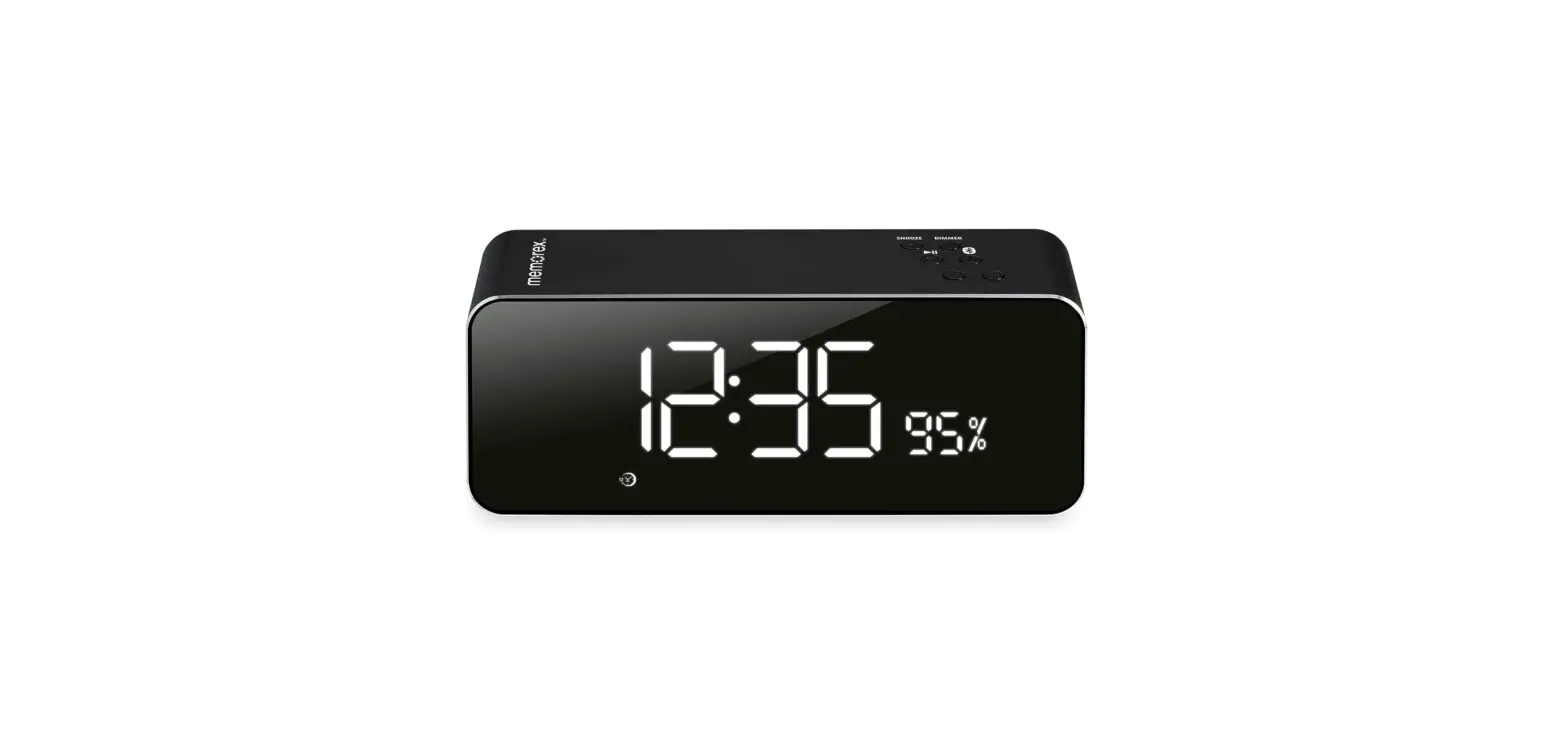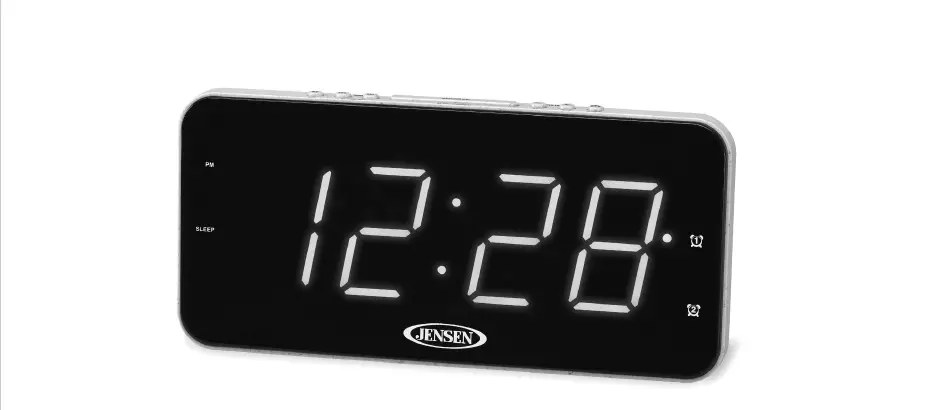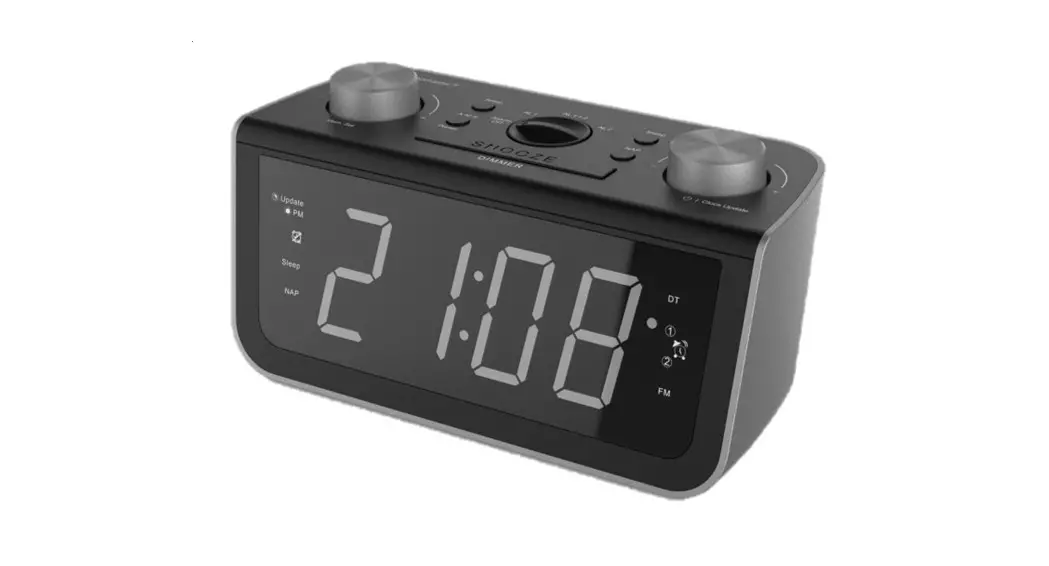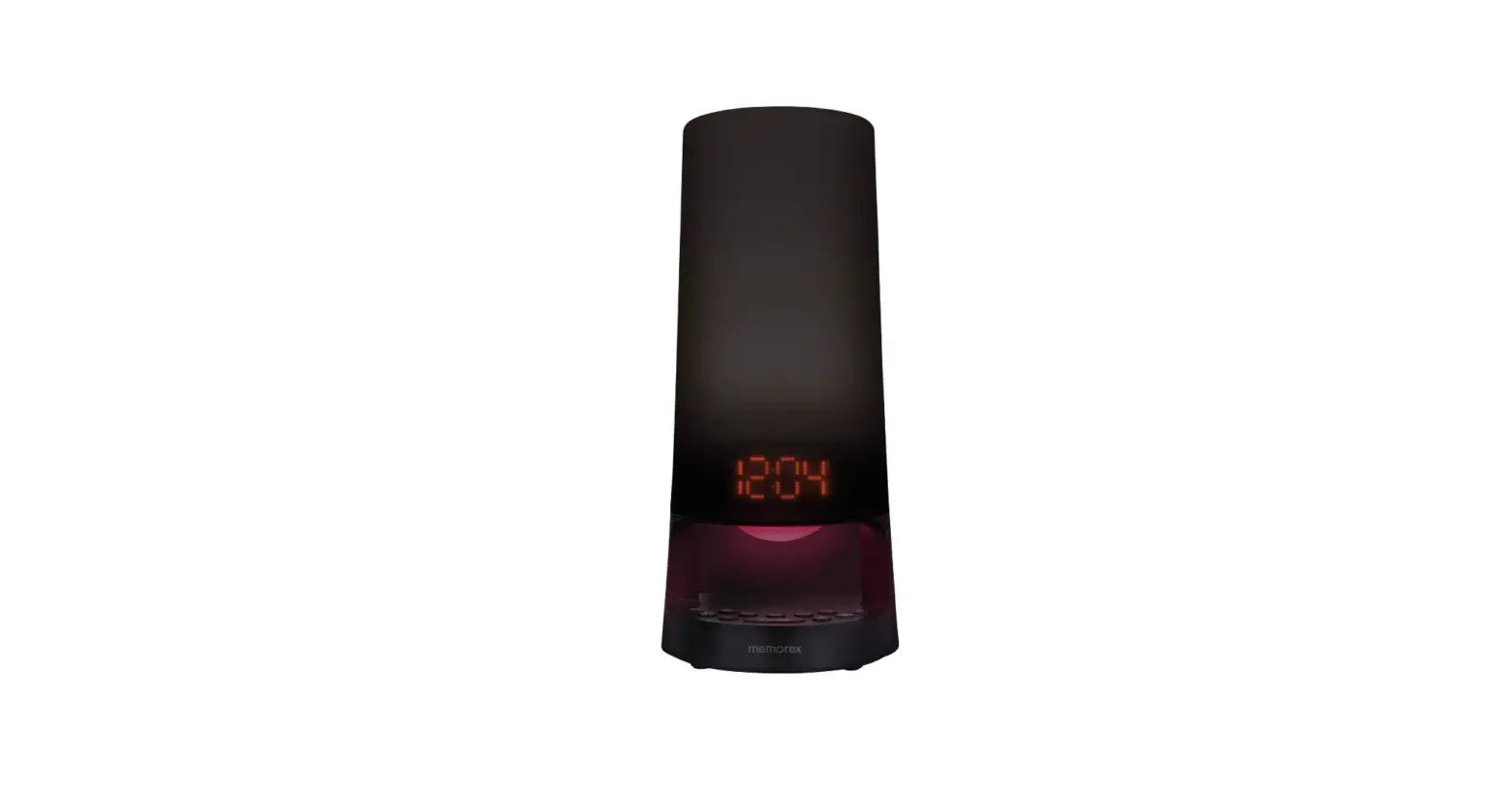
 Memorex MC5261BK Alarm Clock Radio
 Memorex MC5261BK Alarm Clock Radio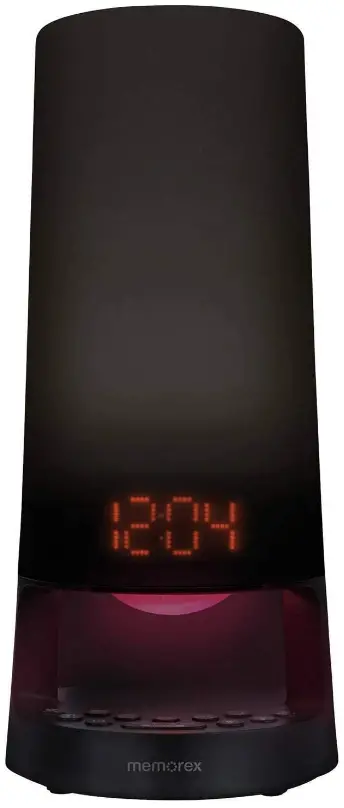
Specifications
- Color: White
- Display Type: Digital
- Style: Traditional
- Power Source: Corded Electric, Battery Powered
- Shape: Rectangular
- Are Batteries Included: No
- Item Weight:6 Pounds
- Alarm Clock: Yes
- Operation Mode: Electrical
- Product Dimensions:5 x 6 x 6 inches
What’s in the box?
- Owner’s Manual
- Power Adapter
Product Descriptions
The Memorex glow time Dual alarm clock radio can let you wake up to the natural light of the rising sun. Light begins to gradually fill the room 30 minutes before the alarm sounds, softly rousing you from sleep. Activate the multi-color mood lights that come on with the alarm to improve mornings. A bedside necessity, the glow time clock radio has a tonne of extra brilliant features. Choose between a buzzer and a digital FM radio wake-up with dual alarms. Setting daily, workday, and weekend alarms makes it simpler to adhere to a schedule. The snooze button enables you to sleep in a little longer before your day starts. You can use a sleep timer to listen to music or the radio for up to 90 minutes. The nap timer enables you to sneak in a rejuvenating nap. Leeds with a dimmer shows the time, date, and the temperature inside. Back-up batteries (3V Lithium CR2032 not included)
Features
The natural sunrise light will turn on 30 minutes before the scheduled alarm time; you can simply change the natural sunrise brightness from L01 to L10 by pressing the Bright light or dim light buttons. Electrical cable a table lamp with a multi-color mood light that automatically changes color as the alarm goes off; Simply tap the mode light to switch it on or off; add color and interest to your space. You can select the days of the alarm to weekday, weekend, daily, or a certain day each week; hit the snooze button to gain an additional 10 minutes of sleep; or you can opt to wake up to the classic buzzer or radio (volume 00- 15).
FAQs
Use the alarm 1 and alarm 2 buttons on the top left side to establish alarm times. In addition to your arrows for hours and minutes, press the top alarm button for alarm #2 or the bottom alarm button for alarm #1.
It resembles a typical electronic clock or watch but contains two additional parts: a circuit for decoding radio signals and an antenna for picking up radio signals. The circuit determines the correct time using the radio signals and modifies the time that is displayed on the clock or watch accordingly.
Use the volume up/down keys to adjust the volume after pressing and holding the alarm button until you hear a beep to set the alarm. One your alarm time has been selected, press and hold the alarm button once more until you hear a beep, then press and let go of the power button to confirm your selections.
A button or handle on the clock is depressed to turn off the sound or light; most clocks turn off the alarm when unattended for a certain amount of time.
Attempt to turn the clock. The inbuilt antenna of the majority of radio-controlled clocks is designed to pick up the signal best whether it is pointed directly at or away from Anthorn. The signal strength indicator on some clocks aids in locating the greatest reception. Move your clock to a new place if you can.
The clock will automatically set itself to 12 o’clock after the battery is properly fitted and begin receiving signals. The clock automatically displays the proper time once it has received the DCF signal and processed it appropriately (which takes 3 to maximum 12 minutes).
A quartz clock or watch that is automatically synchronised to a time code transmitted by a radio transmitter attached to a time standard like an atomic clock is known as a radio clock, radio-controlled clock (RCC), or (incorrectly) an atomic clock.
The default alarm time on an Android device is ten minutes.
A broadcast clock, also known as a format clock, is a template that shows the hourly format of radio or television in a graphical depiction of a clock. Radio broadcast programming, in particular, frequently follows an hourly schedule where certain elements, including news and advertising, are replayed at set times every hour.
Attempt to turn the clock. The inbuilt antenna of the majority of radio-controlled clocks is designed to pick up the signal best whether it is pointed directly at or away from Anthorn. The signal strength indicator on some clocks aids in locating the greatest reception. Move your clock to a new place if you can.
![Emerson Alarm Clock [cks1507 W/ Radio] User Manual](https://static-data1.manualsee.com/1/img/275/8730/2020/10/Emerson-Alarm-Clock-CKS1507.png "Emerson Alarm Clock [cks1507 W/ Radio] User Manual")