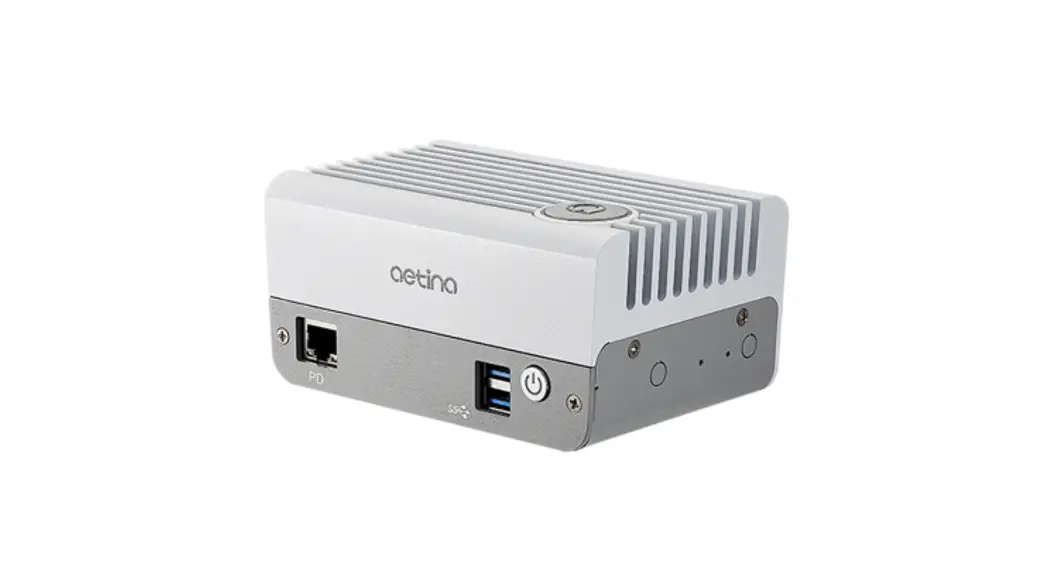
 AIE-CO11 DeviceEdge Mini Series Computing Mini PC
User Manual
AIE-CO11 DeviceEdge Mini Series Computing Mini PC
Document Change History
| Version | Date | Description | Authors |
| V1 | 2022/2/14 | Initial Release. | Rick Chiu |
Packing List
Before setting up the system, please confirm that the following items are included with the product:
- 1 x DB9 female to 15 pin-connector cable
- 1 x HDMI Type-D male to Type-A female cable
- 1 x 60W(12V @ 5A) power adapter
- 1 x Power cord
- 1 x Mounting bracket(VESA)
- 4 x Countersunk screw flat head + 4 x truss head screw
- 1 x Quick reference guide
If any item is missing or damaged, please contact your dealer immediately.
Introduction
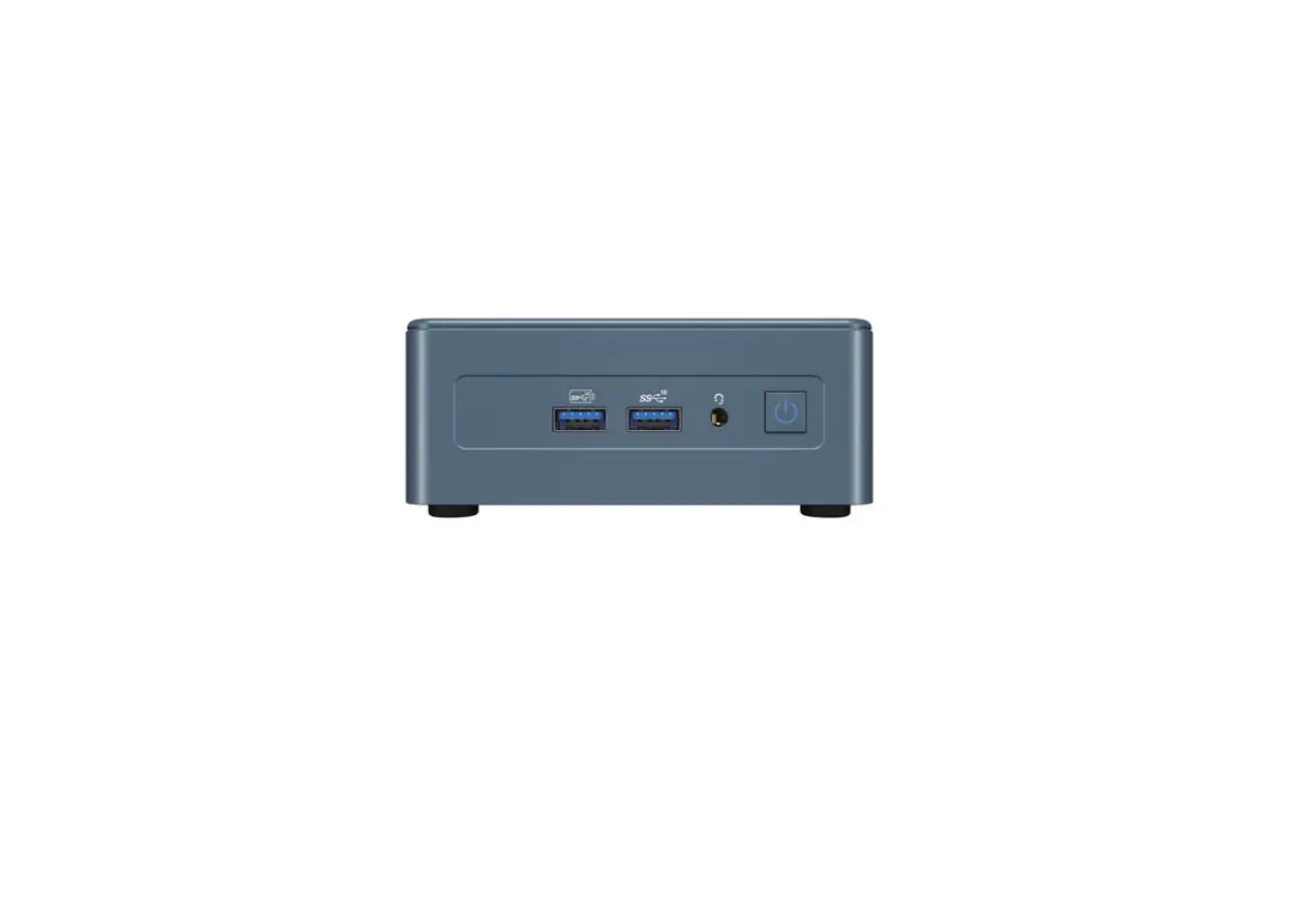
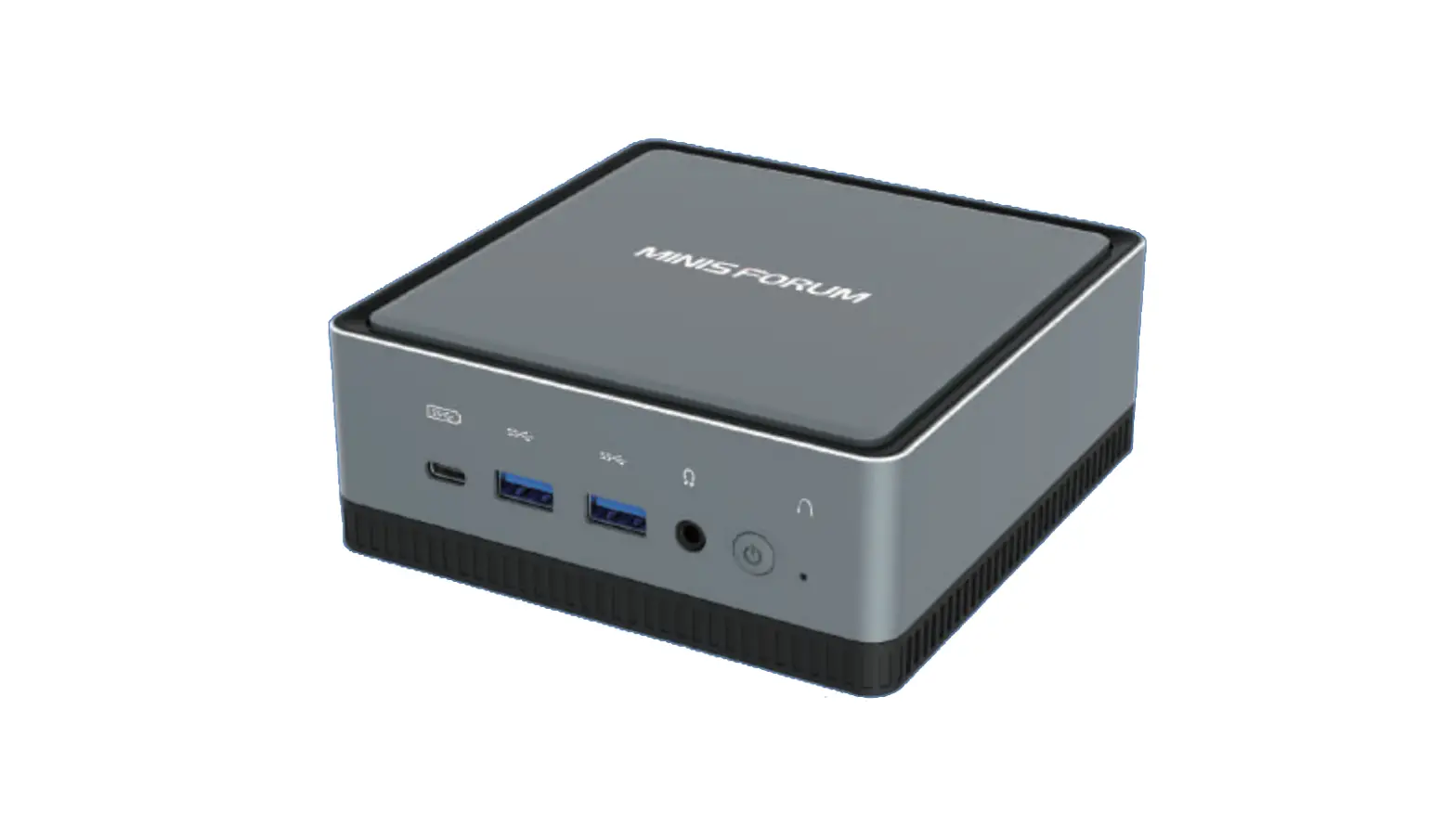
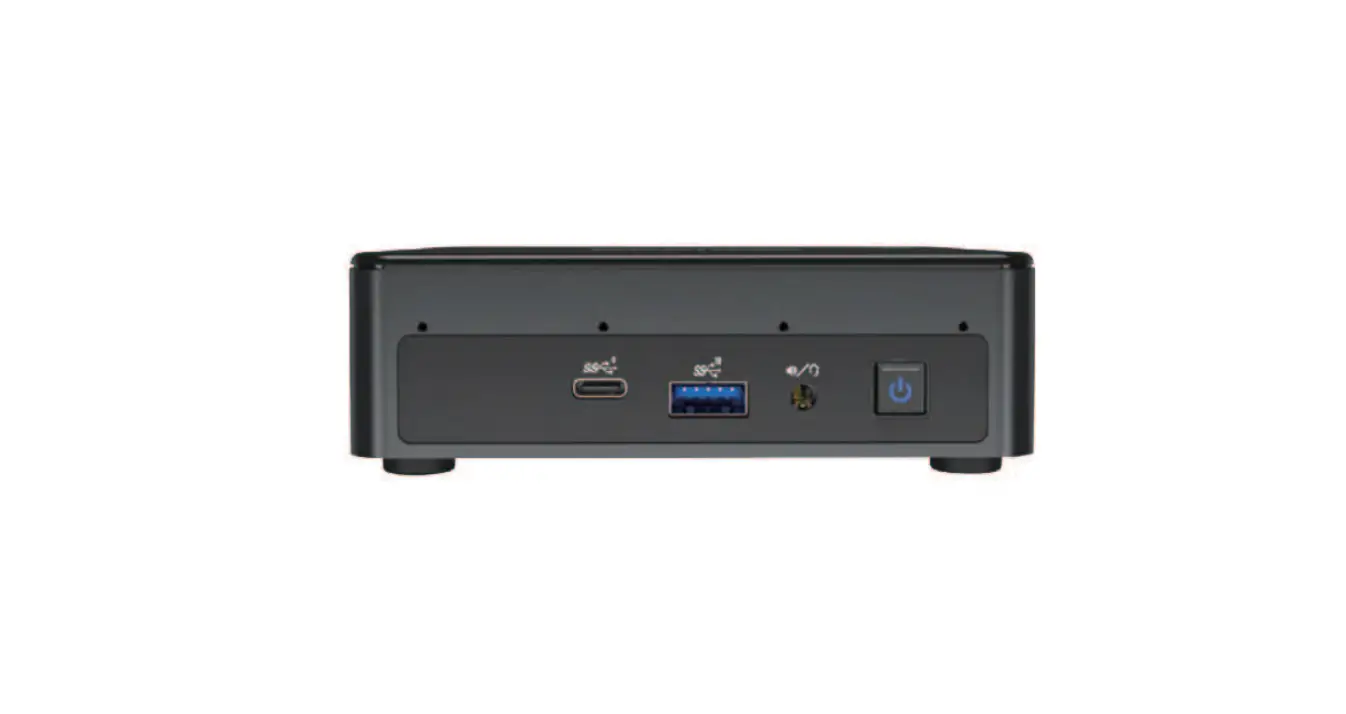
Mini series – M1 is a standard system, supporting for NVIDIA® Jetson Nano™, NVIDIA® Jetson Xavier™ NX, and NVIDIA® Jetson™ TX2 NX. It features build-in PoE Powered Devices function which simplifies design and installation, reducing cost of materials and labor. Its palm-size appearance specifically designed for high performance and low power consumption to fit in limited space. With smart button for one-key recovery function to address critical system failure and real-time monitoring for status of device through the AIM (Aetina Intelligent Management), M1 is suitable for diverse applications such as smart city, AGV in intelligent warehousing and so on.
Product Features and Specifications
| Specifications | |||
| Product Name | AIE-CO11-A0 | AIE-CN11-A0 | AIE-CT41-A0 |
| Module Compatibility | Nvidia Jetson Nano | Nvidia Jetson Xavier NX | Nvidia Jetson TX2 NX |
| CPU | Quad-core ARM Cortex-A57 MPCore processor | 6-core NVIDIA Carmel ARM®v8.2 64-bit CPU 6MB L2 + 4MB L3 | Dual-core NVIDIA Denver 2 64-bit CPU and quad-core Arm® Cortex®-A57 MPCore processor complex |
| GPU | NVIDIA Maxwell™ with 128 NVIDIA CUDA® cores | NVIDIA Volta™ with 384 CUDA® cores and 48 Tensor Cores | Nvidia PascalTM with 256 CUDA® cores |
| AI Performance | 0.5 TFLOPS (FP16) at 5-10W | 14 TOPS (INT8) at 10W , 21 TOPS (INT8) at 15W | 1.33 TFLOPS at 7.5-15W |
| System Memory | 4 GB 64-bit LPDDR4 | 8 GB 128-bit LPDDR4 | 4 GB 128-bit LPDDR4 |
| Storage | – 16GB eMMC 5.1 Flash | ||
| Display | – 1x HDMI 1.4 with microHDMI D Type connector | ||
| Audio | – HDMI Integrated | ||
| LAN | – 2x RJ-45 for GbE (1 for PoE PD 802.3 at) | ||
| Expansion | – 1x M.2 M-key 2242 : NVMe 128G SSD (build-in) – x M.2 E-key 2230 : WiFi/BT function | ||
| USB | – 2x USB 3.2 Gen1 Type A – 1x USB Type-C (OTG only) | ||
| MISC. External Interfaces | – 1x AI button (iTons) – 1x Power button | ||
| – 1x Recovery button – 1x Reset button – 1x DB15 female connector (5x GPIO, 1x UART, 1x I2C, 1x CAN bus) – 2x Antenna (optional) | |
| Power Input | – DC-in 12V~24V (DC Jack 4pin) |
| Dimension | 132.6 x 88.7 x 63.55mm (WxDxH) |
| Mounting | – Deskmount |
| Net Weight | 970g |
| Operating Temperature | -20°C ~ +50°C |
| Operating Humidity | 10% ~ 90% |
| Storage Temperature | -40°C ~ +85°C |
| Certification | – CE/FCC |
Product Overview
3.1 Front view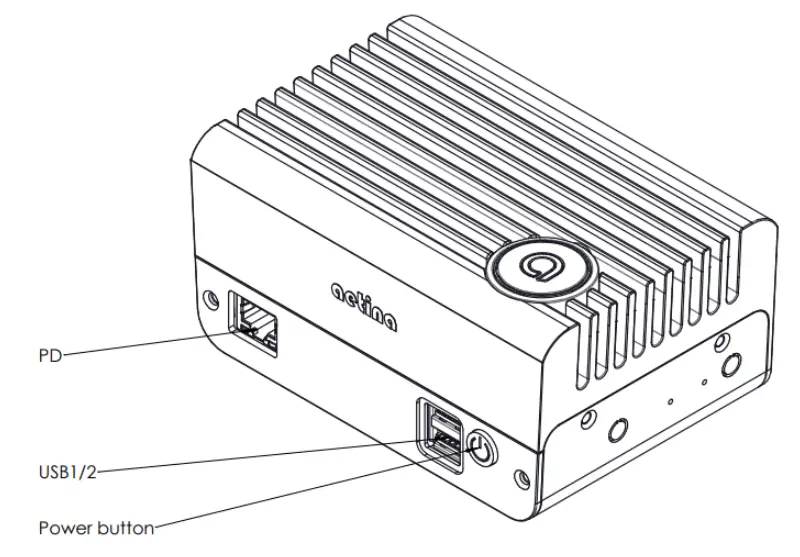
3.2 Rear view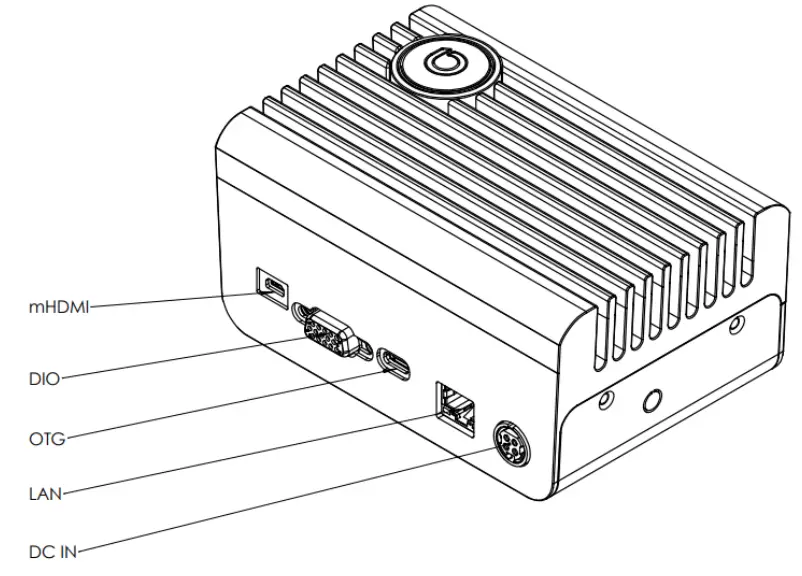
3.3 External Connector Summary
| Location | External Connector | Description |
| Front | LAN | – RJ-45 Gigabit Ethernet connector (PoE PD function) |
| USB ports | – Dual USB3.2 Gen1 Type-A connector | |
| Power on | – Power pushbutton | |
| Back | OTG | – USB Type-C OTG connector |
| Expansion I/O | – DB15 female connector | |
| HDMI | – HDMI 1.4 with microHDMI Type-D connector | |
| LAN | – RJ-45 Gigabit Ethernet connector | |
| Power input | – 12V to 24V 4-pin DC Jack power input | |
| Top | AI button | – One-key recovery pushbutton |
| Side | Recovery | – Recovery pushbutton |
| Reset | – Reset pushbutton | |
| Antenna performed socket | – Dual socket for antennas |
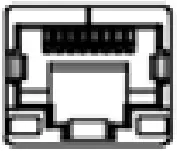
3.3.1 External I/O Introduction
• 10/100/1000 Ethernet connector (PoE PD function)
| Location | Front |
| Type | RJ-45 Connector |
| Pin | Refer to Ethernet Standard |
| Description | Support for IEEE 802.3 at |
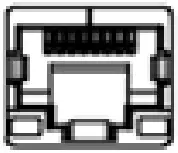
• 10/100/1000 Ethernet connector
| Location | Rear |
| Type | RJ-45 Connector |
| Pin | Refer to Ethernet Standard |

Dual 2 Gen1 Type-A connector
| Location | Front |
| Type | Type-A USB connector |
| Pin | Refer to USB Standard |

Power pushbutton
| Location | Front |
| Type | Pushbutton |
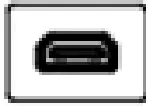
HDMI 4 with microHDMI Type-D connector
| Location | Rear |
| Type | HDMI horizontal connector |
| Pin | Refer to microHDMI Type-D Standard |
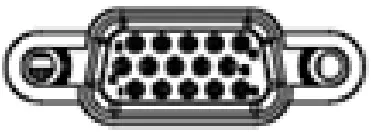
GPIO connector : DB15 female connector
| Location | Rear | ||
| Type | GPIO | ||
| Pin No. | Description | SOM Pin assignment | |
| 1 | GPIO 3 | GPIO07 | |
| 2 | GND | GND | |
| 3 | GND | GND | |
| 4 | UART 1 TxD | UART1 TxD | |
| 5 | CAN0L | CAN0 (not for Nano) | |
| 6 | GPIO 1 | GPIO01 | |
| 7 | GPIO 4 | GPIO12 | |
| 8 | SCL | I2C0_SCL | |
| 9 | 5V (2A) | N/A | |
| 10 | UART 1 RxD | UART1 RxD | |
| 11 | GPIO 2 | GPIO06 | |
| 12 | GPIO 5 | GPIO13 | |
| 13 | SDA | I2C0_SDA | |
| 14 | 3V3 (2A) | N/A | |
| 15 | CAN0H | CAN0 (not for Nano) | |
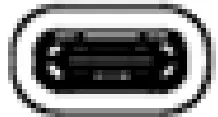
USB Type-C (OTG only)
| Location | Rear |
| Type | Type-C USB connector |
| Pin | D- / D+ / VBUS / CC1 / GND (Refer to USB Type-C standard, but only use these five pin) |

Power input connector
| Location | Rear |
| Type | 12V to 24V 4-pin DC Jack |

AI button (One-key recovery pushbutton)
| Location | Top |
| Type | Pushbutton |
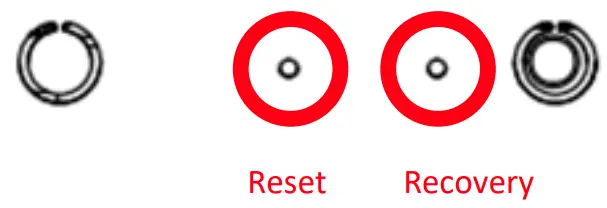
Reset & Recovery button
| Location | Side |
| Type | Pushbutton |

Antenna performed socket
| Location | Side |
| Type | Performed socket |
3.4 Instruction
3.4.1 Boot up
a) Press the power button to power on the device and boot up when plugging in the power cable.
3.4.2 Recovery mode
a) Press the iTons (AI button) first and hold it before the device is on.
b) Press the power button to power on the device and boot up when plugging in the power cable.
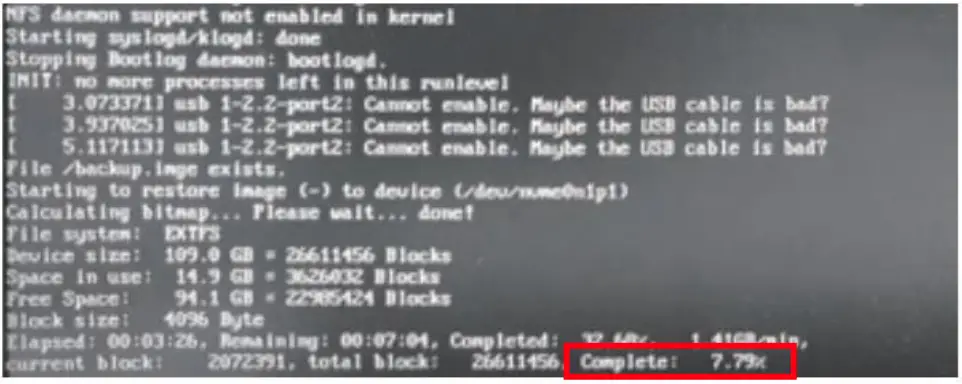
c) Hold the iTons (AI button) continually and wait for seconds to see the scene as shown below.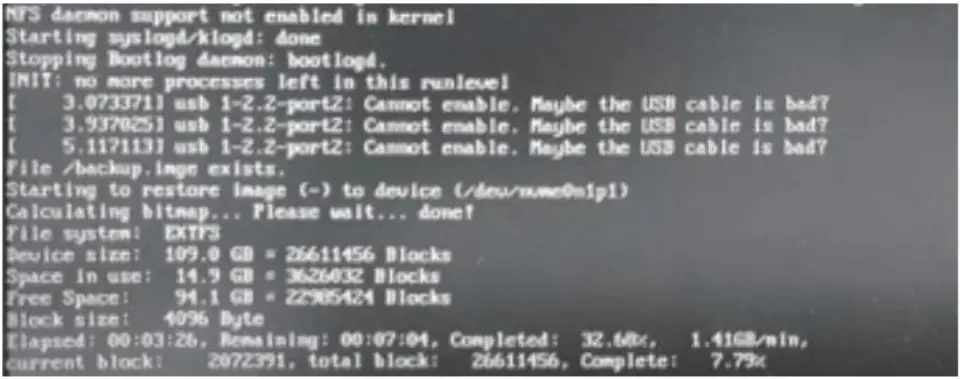
d) Wait for completion and the system will reboot.
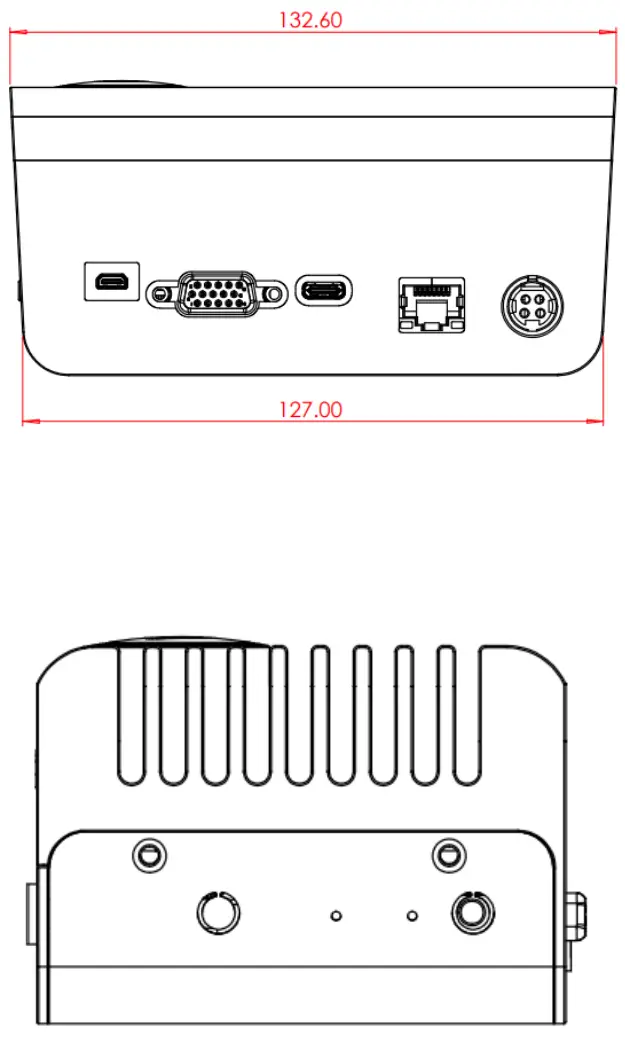
3.5 Mechanical dimensions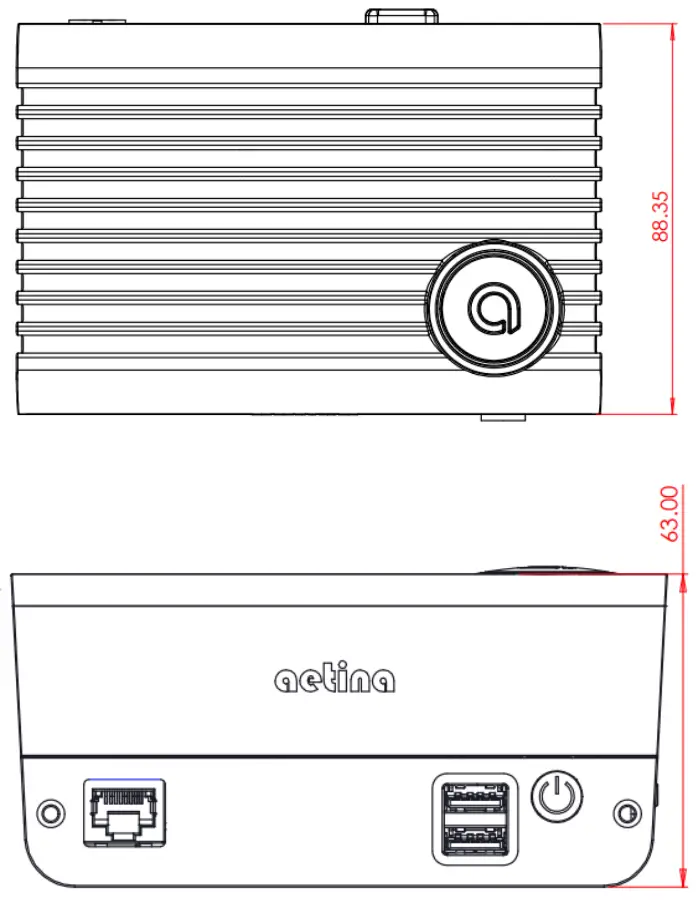
Disclaimer
The information presented in this document is for informational purposes only and may contain technical inaccuracies, omissions and typographical errors.
The information contained herein is subject to change and may be rendered inaccurate for many reasons, including but not limited to product and roadmap changes, component and motherboard version changes, new model and/or product releases, product differences between differing manufacturers, software changes, BIOS flashes, firmware upgrades, or the like. Aetina assumes no obligation to update or otherwise correct or revise this information. However, Aetina reserves the right to revise this information and to make changes from time to time to the content hereof without obligation of Aetina to notify any person of such revisions or changes.
Aetina MAKES NO REPRESENTATIONS OR WARRANTIES WITH RESPECT TO THE CONTENTS HEREOF AND ASSUMES NO RESPONSIBILITY FOR ANY INACCURACIES, ERRORS OR OMISSIONS THAT MAY APPEAR IN THIS INFORMATION.
Aetina SPECIFICALLY DISCLAIMS ANY IMPLIED WARRANTIES OF MERCHANTABILITY OR FITNESS FOR ANY PARTICULAR PURPOSE. IN NO VENT WILL Aetina BE LIABLE TO ANY PERSON FOR ANY DIRECT, INDIRECT, SPECIAL OR OTHER CONSEQUENTIAL DAMAGES ARISING FROM HE USE OF ANY INFORMATION CONTAINED HEREIN, EVEN IF NVIDIA IS EXPRESSLY ADVISED OF THE POSSIBILITY OF SUCH DAMAGES.
www.aetina.com.tw
Aetina Corporation
Tel +886-2-7709-2568
Fax +886-2-7746-1102
WWW.aetina.com.tw
Email [email protected]