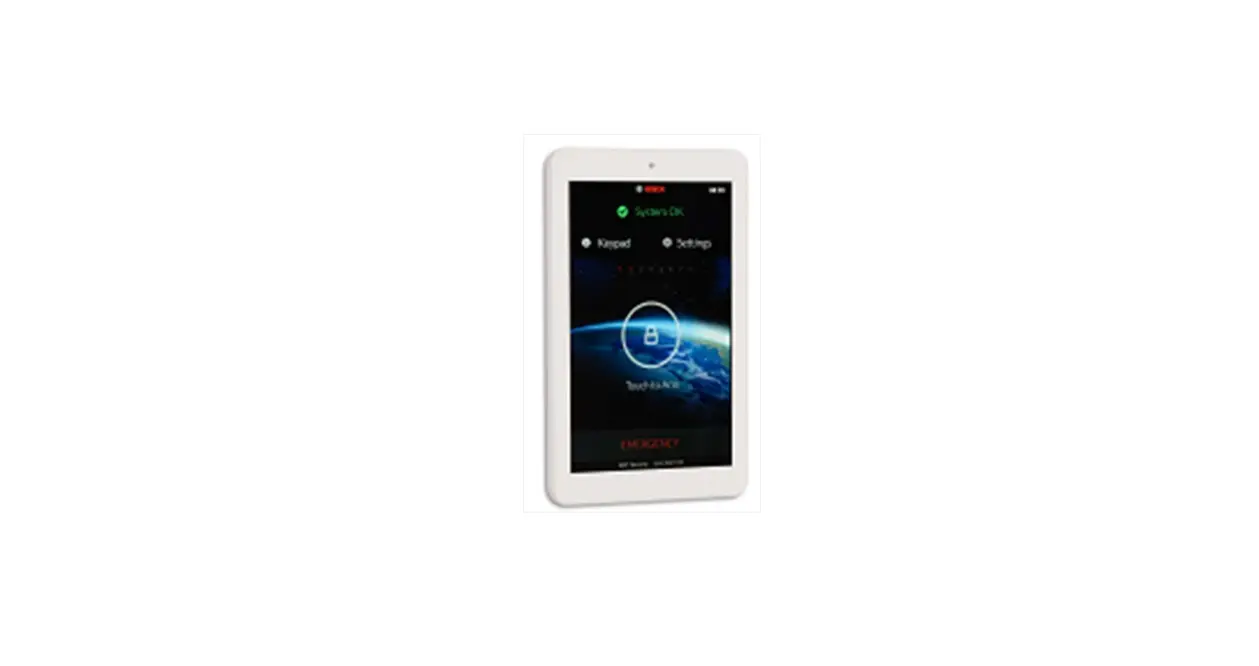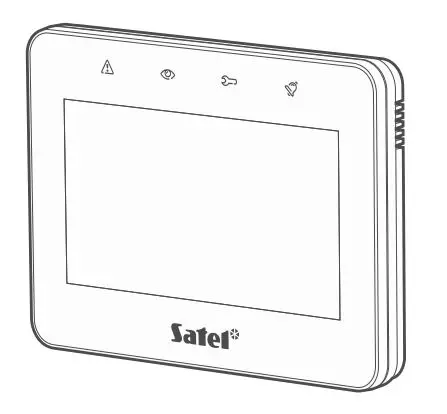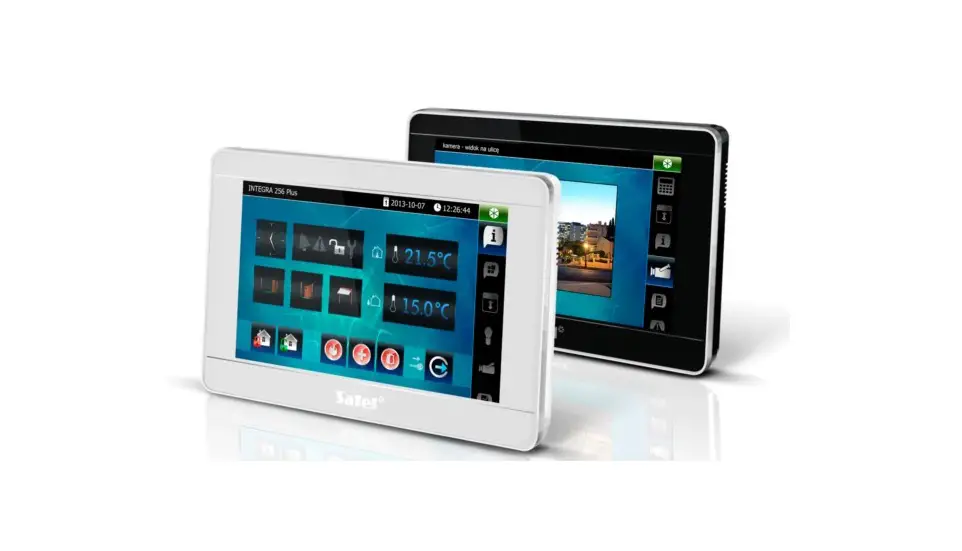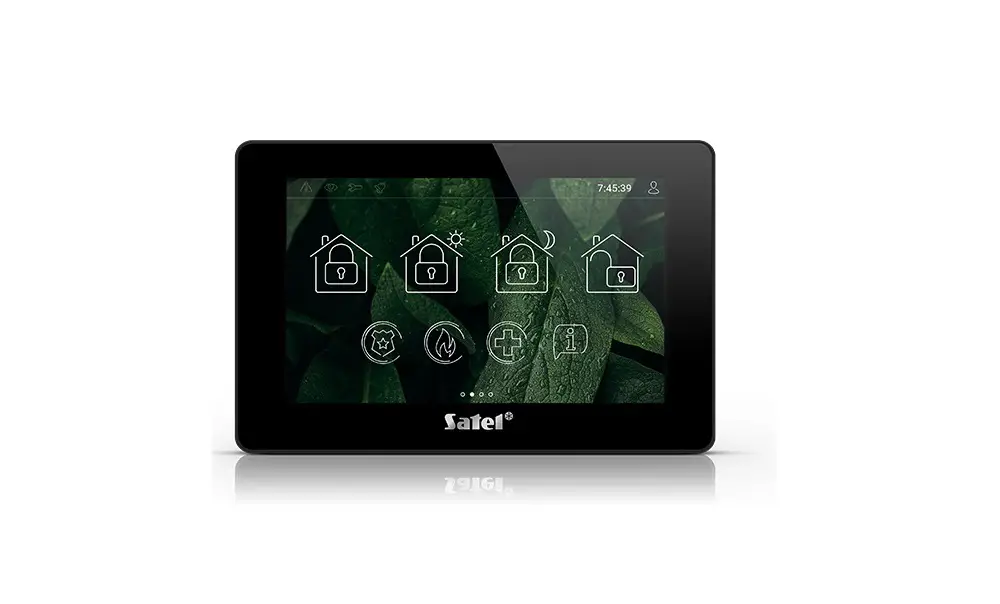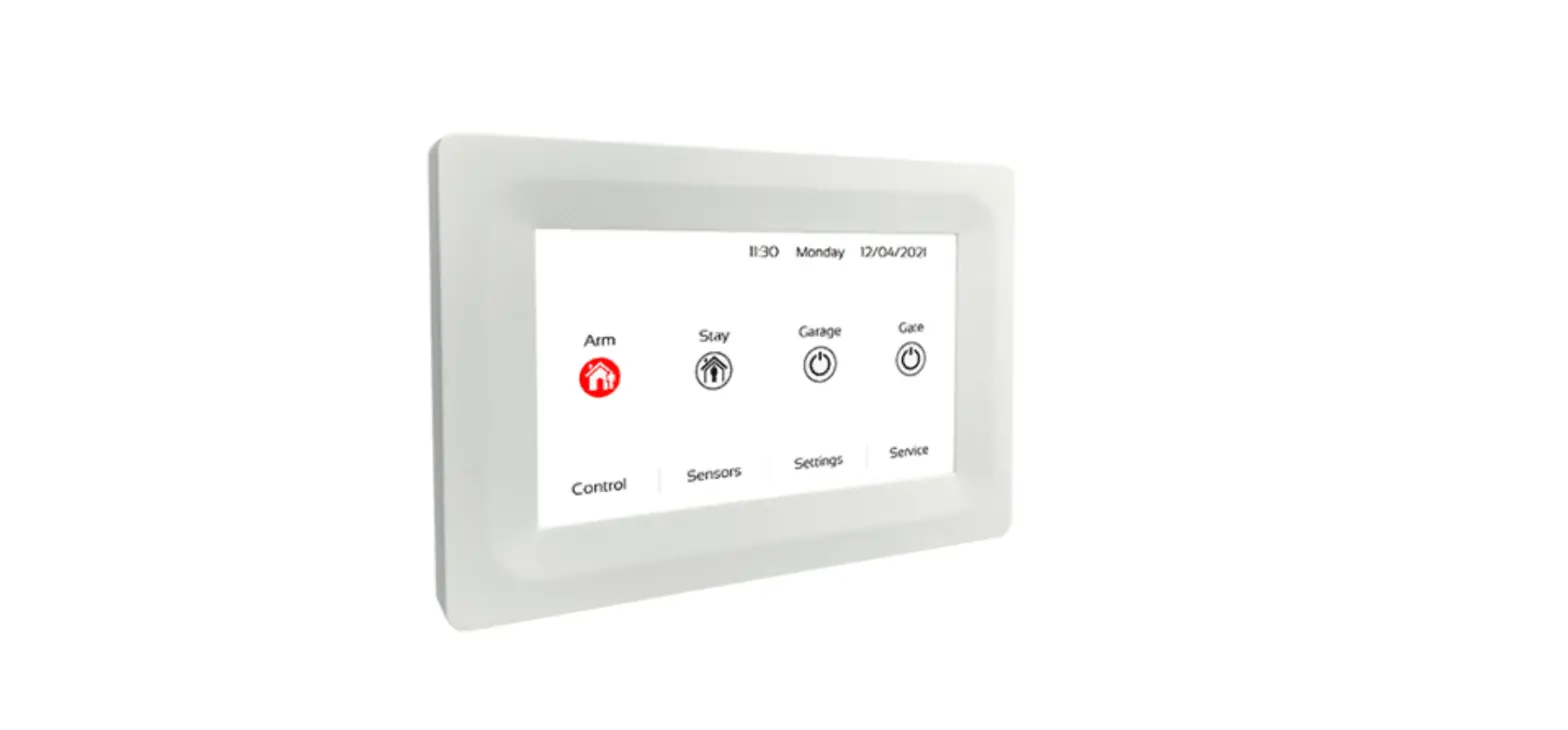

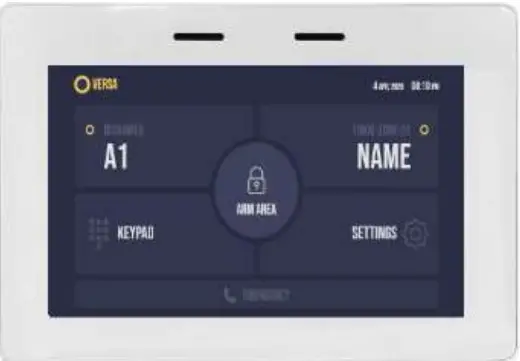
ADVANCED LIVING SOLUTIONS IUI-SOL-TS5 2000/3000 5 Inches Hi-Res Colour Touch Screen Keypad
Power Up Procedure & Connecting the Battery
- Open the metal box that contains the alarm circuit board. This will require a Philips head screwdriver (This is usually in a walk-in robe or linen cupboard)
- The alarm will go off when you open the box and this is normal (Enter 2580# or your master pin at the keypad when this happens)
- Attach the battery leads to the battery. Black to Black and Red to Red (It is important to get the polarity around the right way or damage may result)
- Close the metal box door (The alarm might go off again when doing this, put your master code in again)
- Plug in the alarm system power lead to the socket if not already and turn on the power point
Setting the Date & Time
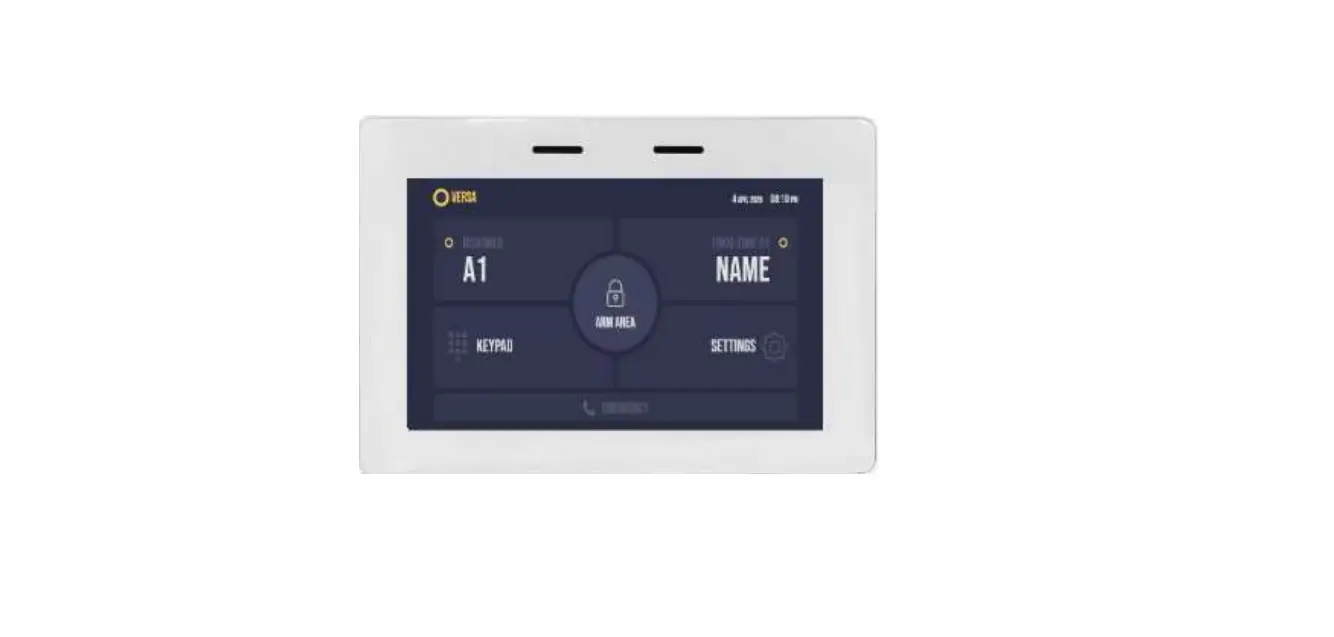
- Press “Settings” followed by “Time & Date” and enter your master code
- From this menu, you will need to set the current Time & Date followed by enter
- Once complete, press the back button two times to return to the home screen.
Changing the Master Code
- Press “Settings” followed by “Users” and enter your master code
- Select “Pin” of the user you would like to alter then press #, enter new user code followed by (Enter >) to save.
- Once complete, press the back button two times to return to the home screen. Your new code is now set
Fault Analysis
If a fault arises within the system your keypad will beep and you will see it displayed in the top right hand side box on the home screen.
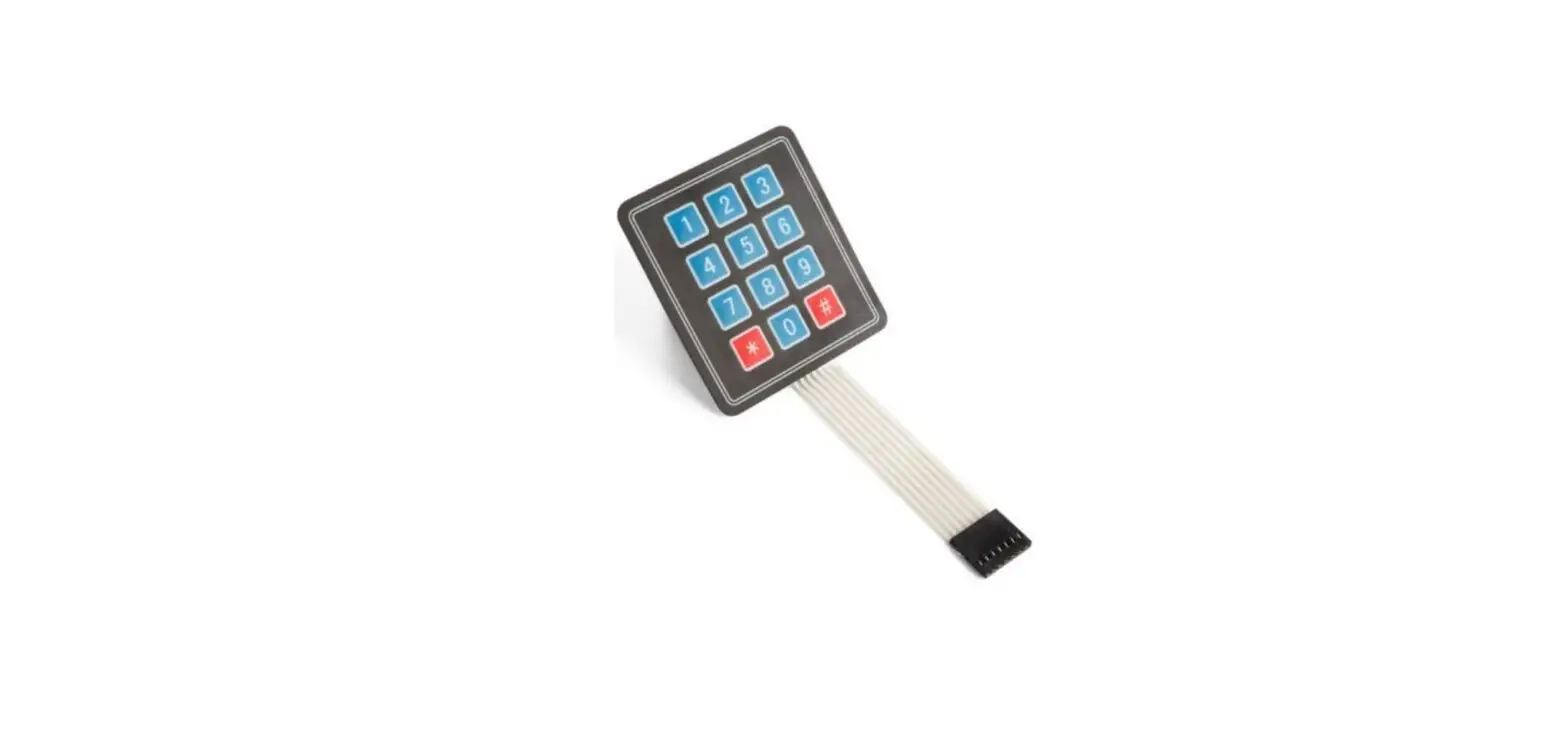
Press “Keypad” followed by a 2-second hold of the number 5 to see the full fault description
Battery Fail & Date and Time can usually be fixed without a site visit. Any other faults will require a technician to attend site. Please call our office if this happens
AL Solutions Pty Ltd trading as Advanced Living Solutions ABN 35 108 522 583 ACN 115 235 615
2/3 Nicole Close, Bayswater North Vic 3153
Phone: (03) 9212 7999
Email: [email protected]
www.advancedlivingsolutions.com.au
 Advanced Living Solutions: Electrical and Technology Solutions Melbourne