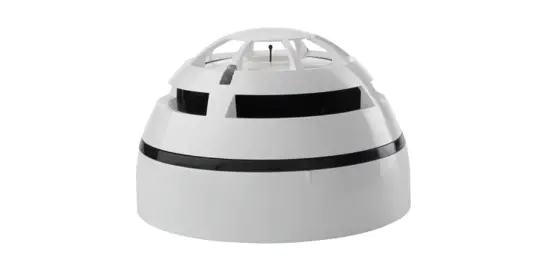
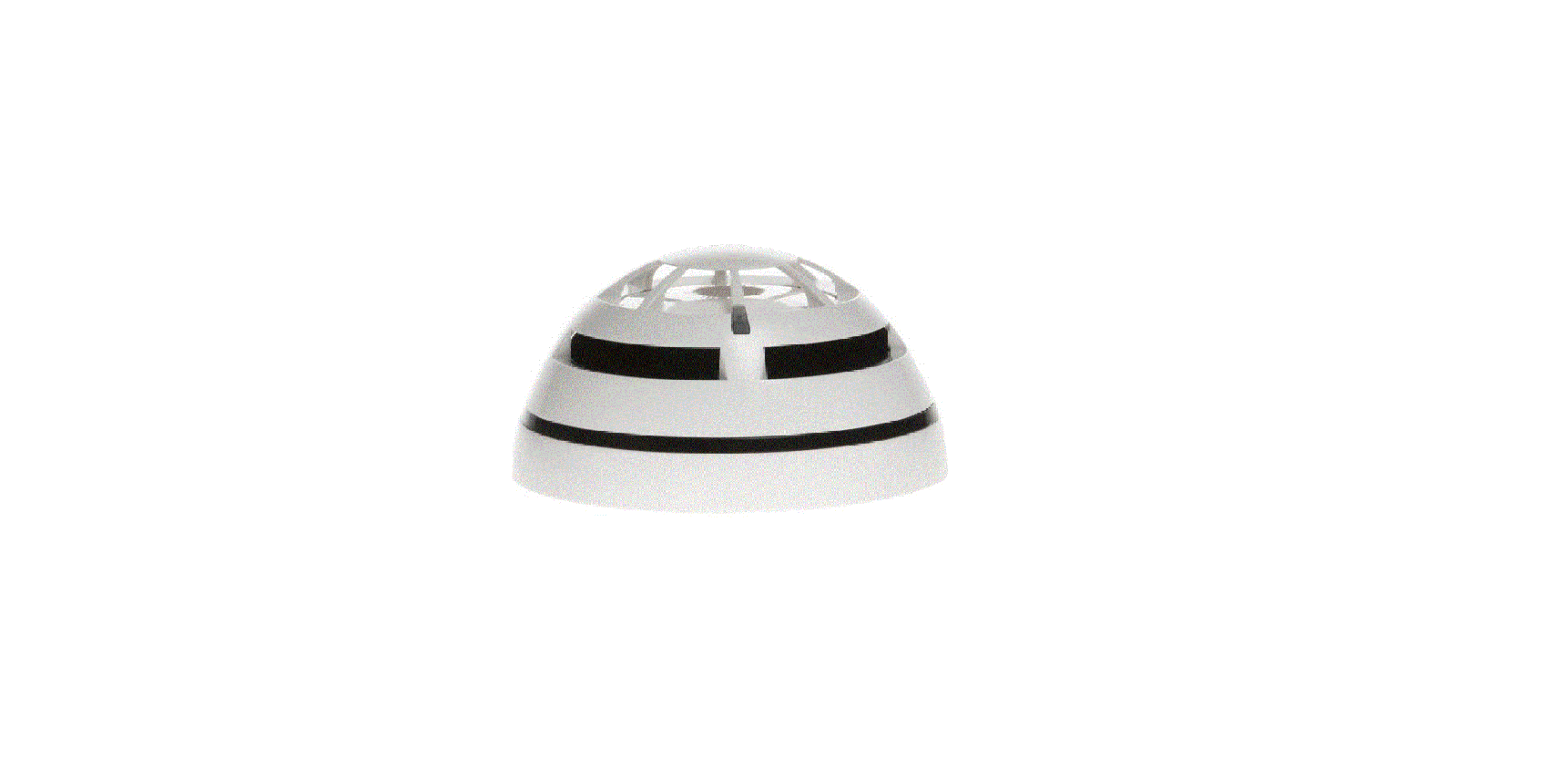
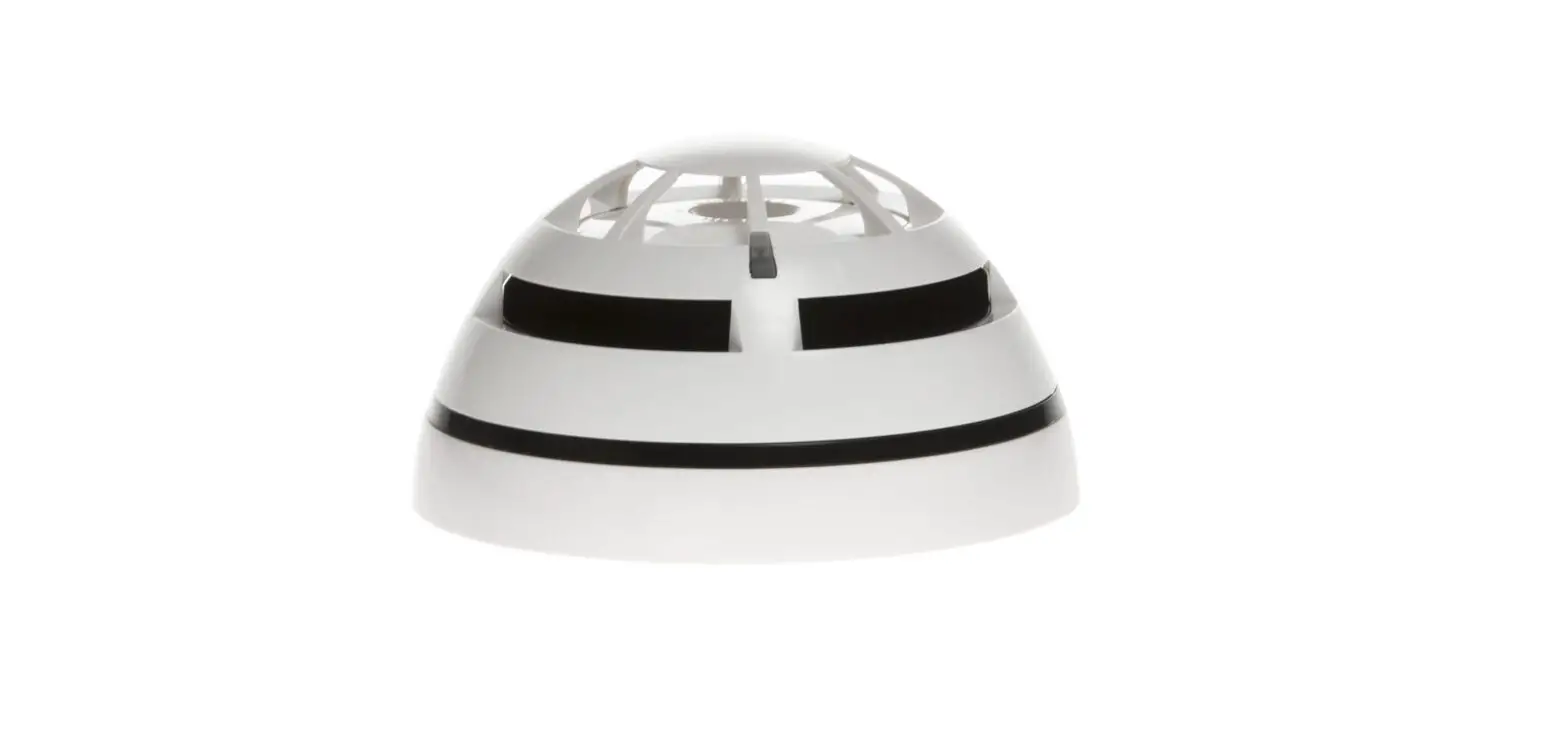
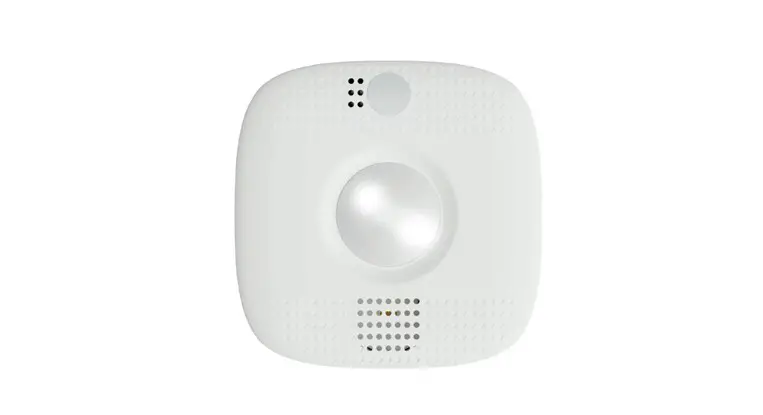
TAU-TH-01 Taurus Heat Detector
Product Information: TAU-TH-01 HYFIRE TAURUS HEAT DETECTOR
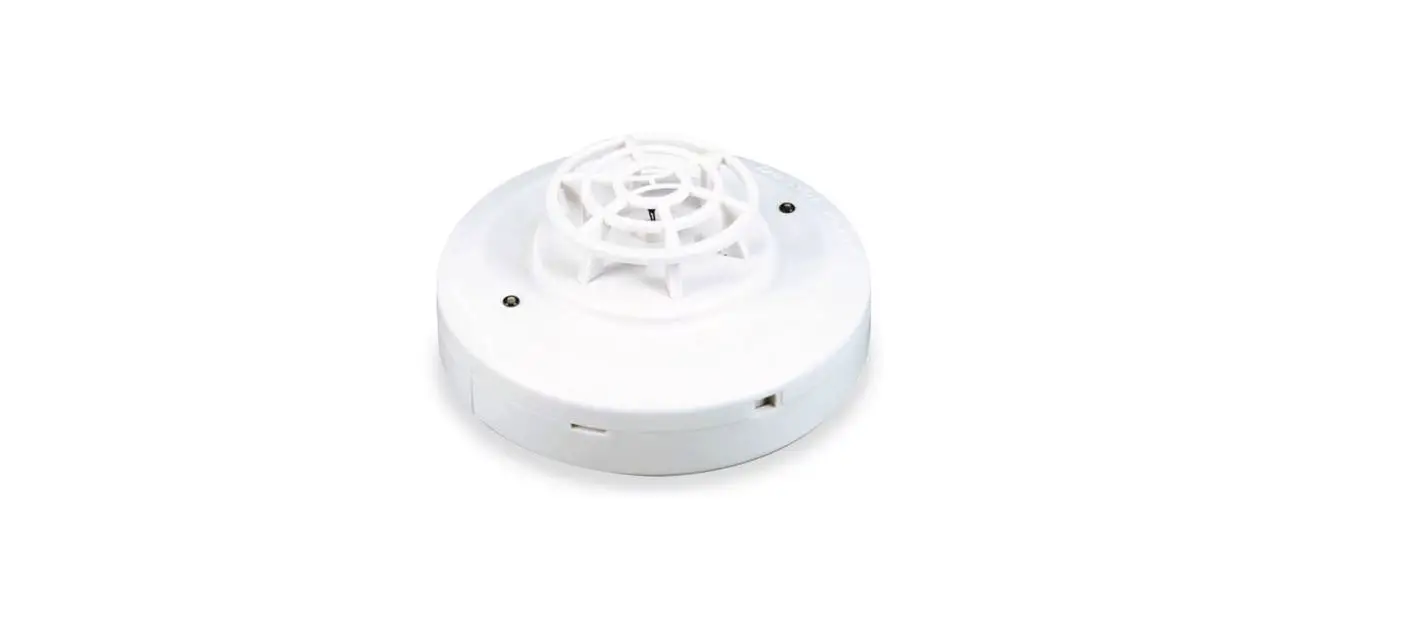
The TAU-TH-01 Hyfire Taurus Heat Detector is a wireless device
designed to detect heat and provide early warning of a fire. The
device comes with a base and a removable tag.
The package includes:
- TAU-TH-01 Hyfire Taurus Heat Detector
- Taurus QR code
- Manual QR code
- Product code
- Product name
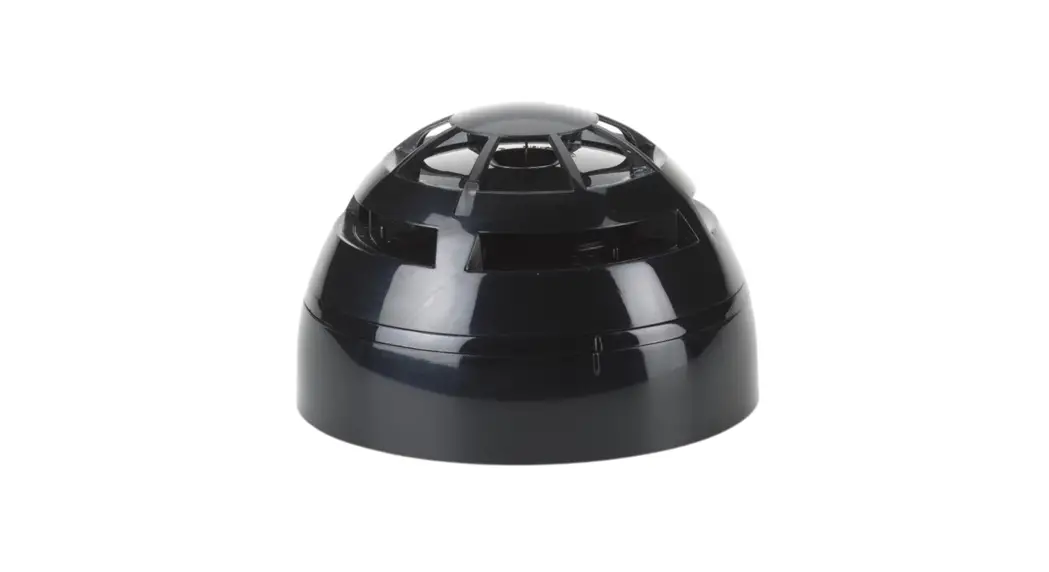
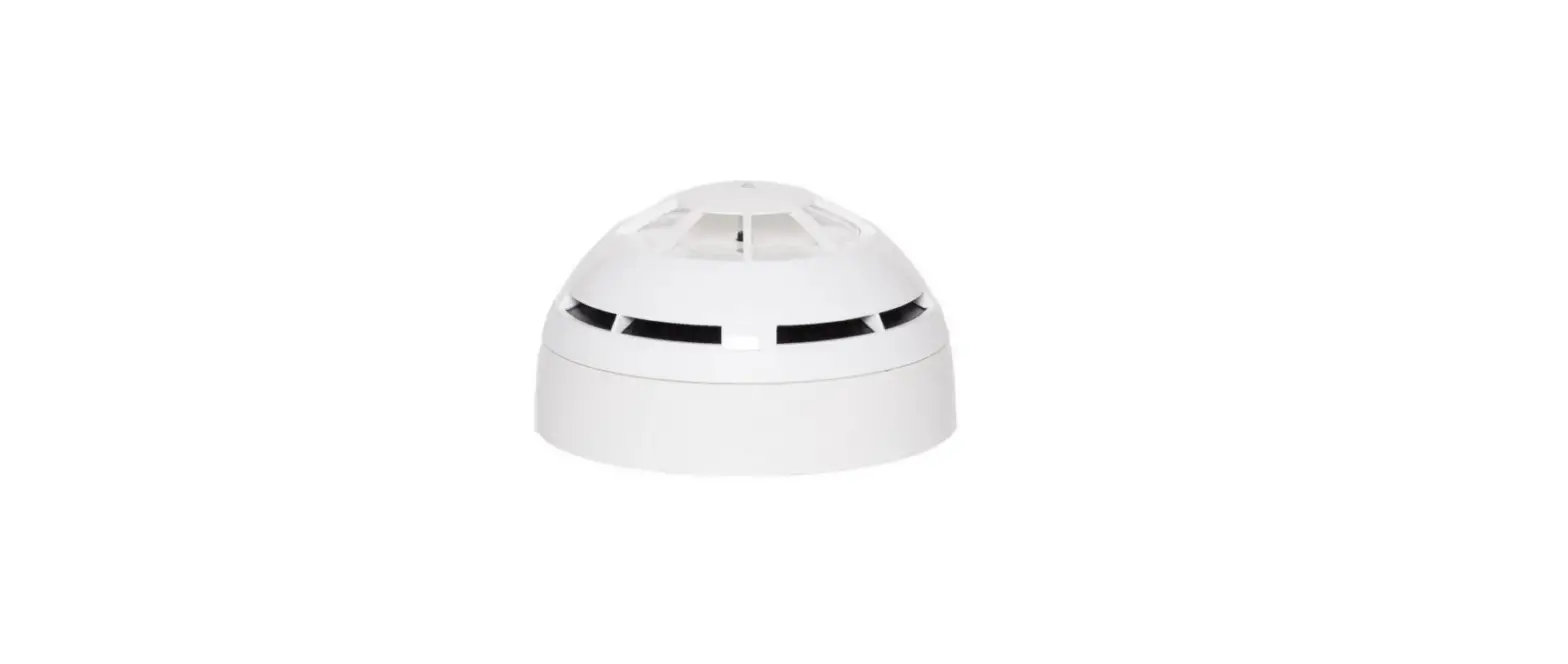
The device is also available in black plastic, identified by the
product code TAU-TH-01-BL.
It is important to keep a minimum spacing of 2 meters between
other wireless equipment in the area to avoid signal
interference.
Product Usage Instructions:
- Unlock the removable tag from the base of the detector.
- Remove the battery compartment cover on the base of the
detector. - Switch on the programming switch in the base of the detector to
the ON position. - Remove the insulating tab from the batteries and ensure they
are kept in their lodgement. - The detector’s LED will signal 4 times red.
- Mount the detector by screwing it into the base and twisting
clockwise to lock it in place.
Please refer to the complete product manual for more
information.
Contact information:
- Address: Unit B12a, Holly Farm Business Park, Honiley,
Warwickshire, CV8 1NP - Phone: +44 (0)1926 485282
- Email: [email protected]
- Website: www.hyfirewireless.com
TAU-TH-01 HYFIRE TAURUS HEAT DETECTOR
QUICK START GUIDE
TAU-TH-01
Hyfire Taurus Heat Detector
THE BOX
Taurus QR code Manual QR code Product code Product name
INSIDE THE BOX
· 1 x Heat Detector with mounting base
· 2 x CR123A batteries · 1 x Quick start guide · 1 x QR code
Available also in black plastic: TAU-TH-01-BL
IMPORTANT TO CONSIDER
When mounting a wireless device a comprehensive radio survey should have been carried out to establish the location that provides the best coverage and optimum reach. Taking into consideration the building structure and materials, the survey identifies the wireless infrastructure required and product locations for optimum performance, identifying any factor that could prevent radio integrity. Avoid fixing or mounting the unit close to the following: · Equipment that utilises large electrical currents · Large metal objects or structures · Fluorescent lighting fittings · Metal ceiling structures · IT cabling.
Keep 2 meters minimum spacing between other wireless equipment in the area to avoid signal interference.
EN54 approved environmental temperature range is -10°C to +55°C
MOUNTING STEPS Proceed as follows to complete the device installation.
1
2
UNLOCK
· Remove the detector’s dust cover, intended to protect the unit during shipping.
· Remove the detector from the base twisting anticlockwise.
REMOVABLE TAG
3
MOUNTING HOLES
· Locate the mounting holes and mark them using a pencil on the desired surface you are drilling.
· Using a suitable-sized drill bit (6 mm) drill the marked screw points on your chosen surface.
· Ensure you use the correct fixings for the type of surface you are mounting to.
4
· A plastic pop out tag is removable from the base to enable you to label the address of the detector, prior to fixing to the ceiling: pop out the device label tag from the base and insert it into the side.
· Screw the base to the ceiling using all fixing holes and appropriate-sized screws.
5
Remove the battery compartment cover on the base on the detector.
6
UNBOXING
· When unboxing the detector you will find the unit and its mounting base. · This comes with pre-formed mounting holes to mount the detector base and a securing screw
on the base to ensure there is no unwanted removal.
For more information, please refer to the complete product manual.
Unit B12a, Holly Farm Business Park, Honiley, Warwickshire, CV8 1NP T: +44 (0)1926 485282, E: [email protected], W: www.hyfirewireless.com
SWITCH ON
REMOVE INSULATING
TAG
Ensure the programming switch in the base of the detector is in position ON.
Remove the batteries’ insulating tab ensuring the batteries are kept in their lodgement.
L50-DT-1400 (Rev_P.4)
TAU-TH-01 HYFIRE TAURUS HEAT DETECTOR
QUICK START GUIDE
LED
7
SWITCH 1
8
The detector’s LED will signal 4 times red. LOCK
· Move the switch in the base of the detector to position 1.
· The detector’s LED will blink few seconds green and then signal alternatively green / red 4 times.
9
SCREW
10
· Ensure you replace the battery cover as this forms part of the detectors anti tamper protection and refit
the detector locating it into the base twisting clockwise.
· Secure the screw on the base to ensure there is no unwanted removal using a M3 allen key.
· Put the QR code available in the box either on the system map or on the dedicated pages at the end of translator or expander manual.
Unit B12a, Holly Farm Business Park, Honiley, Warwickshire, CV8 1NP T: +44 (0)1926 485282, E: [email protected], W: www.hyfirewireless.com
L50-DT-1400 (Rev_P.4)