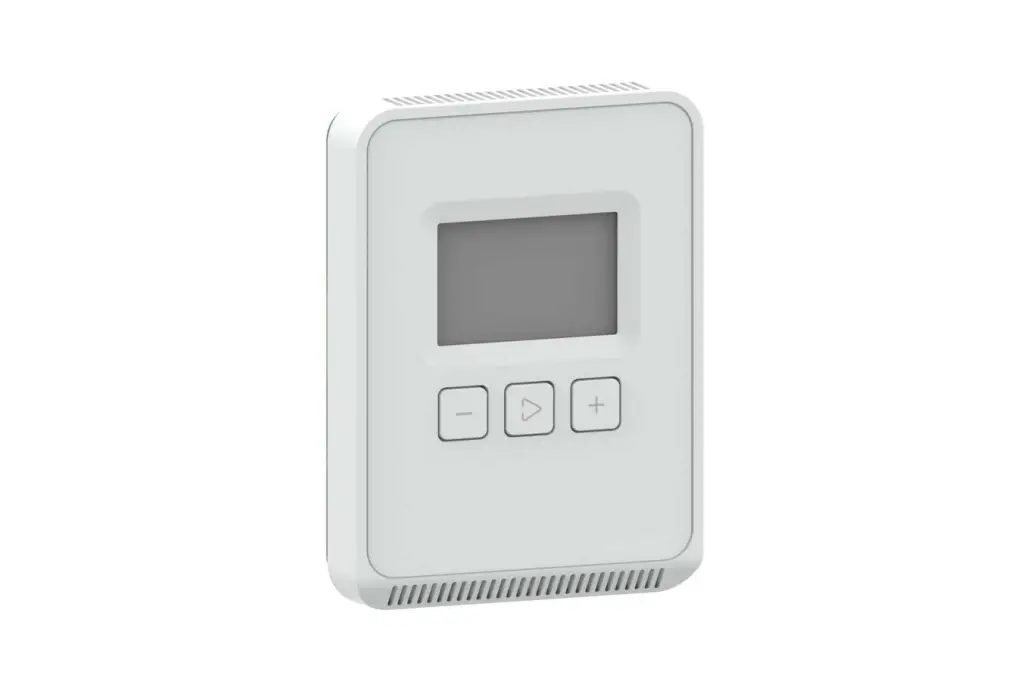
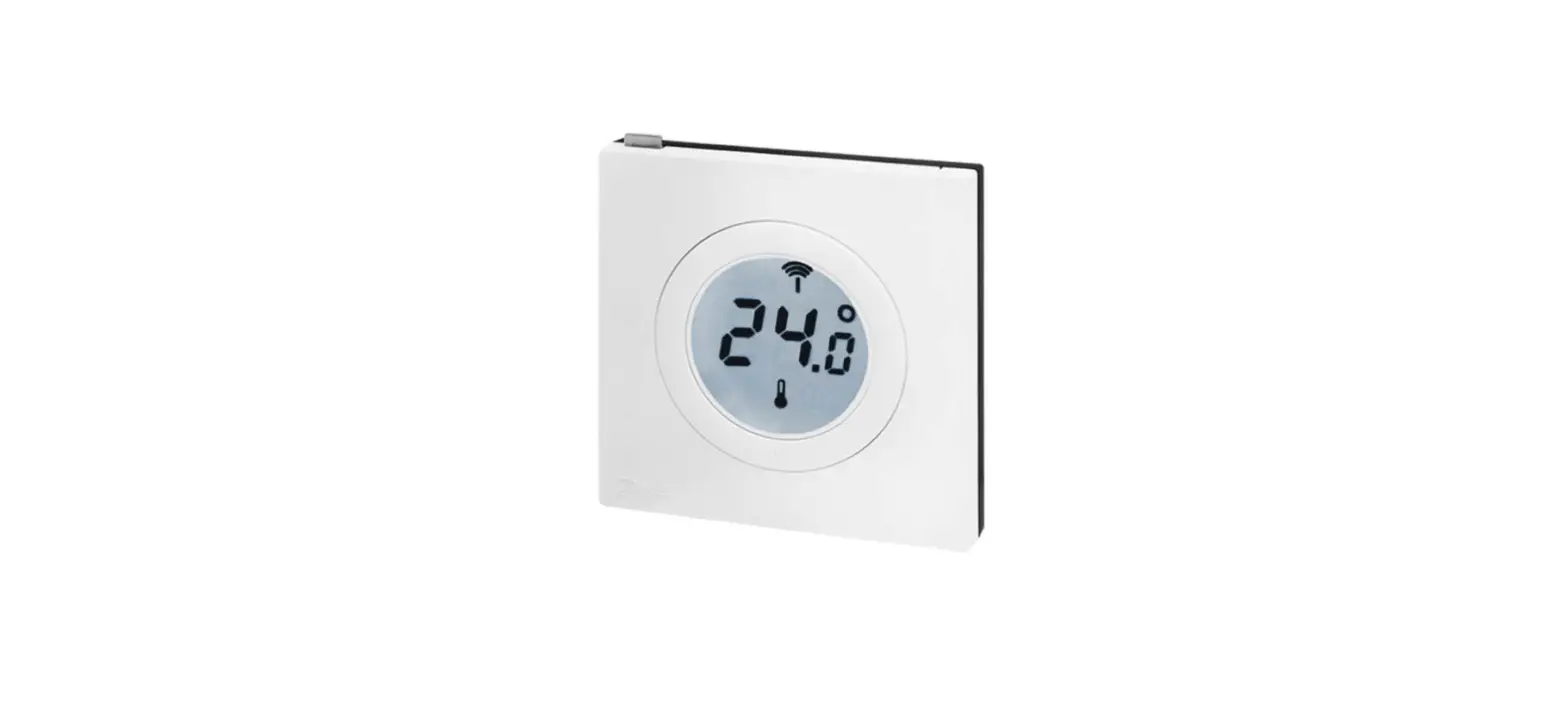
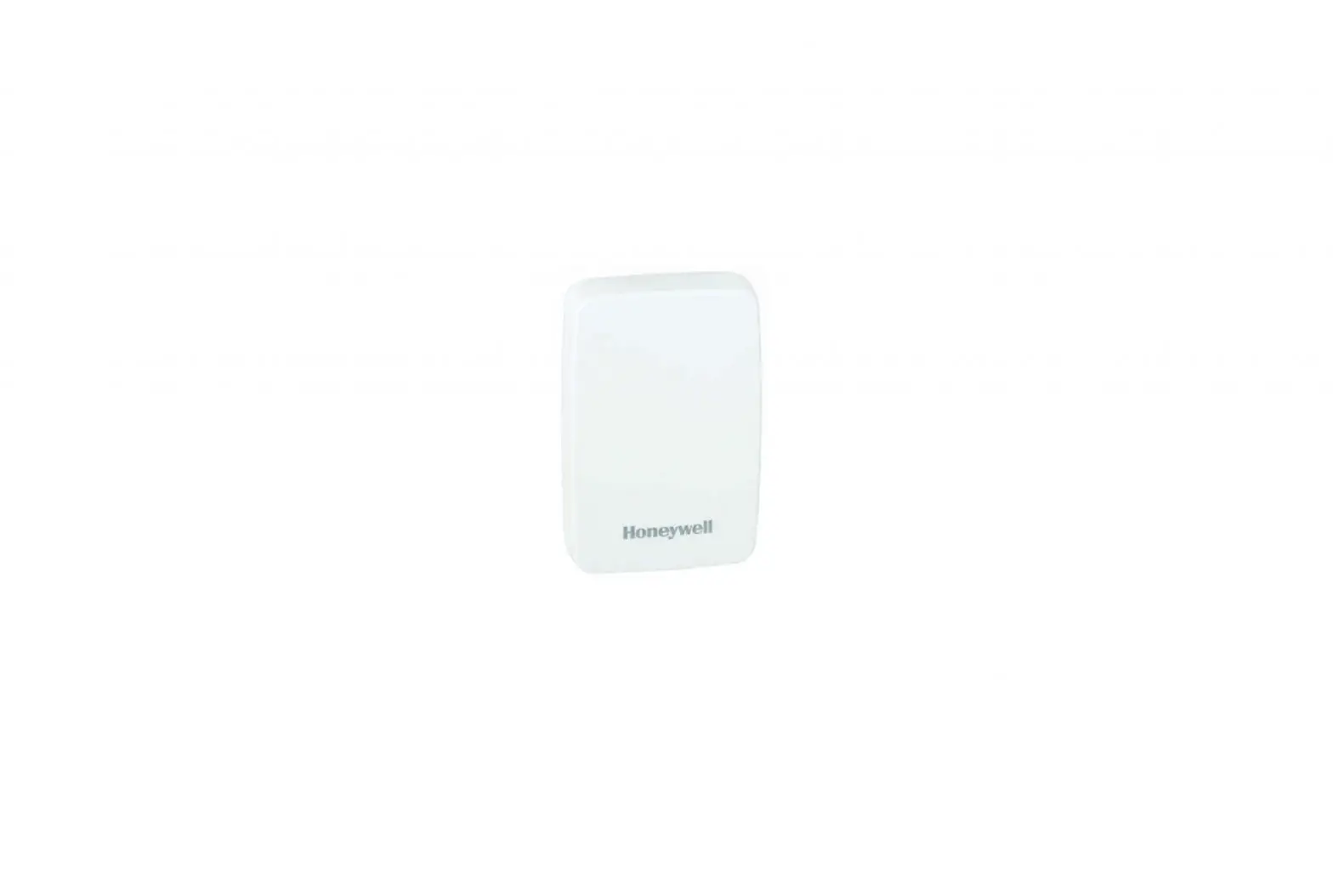
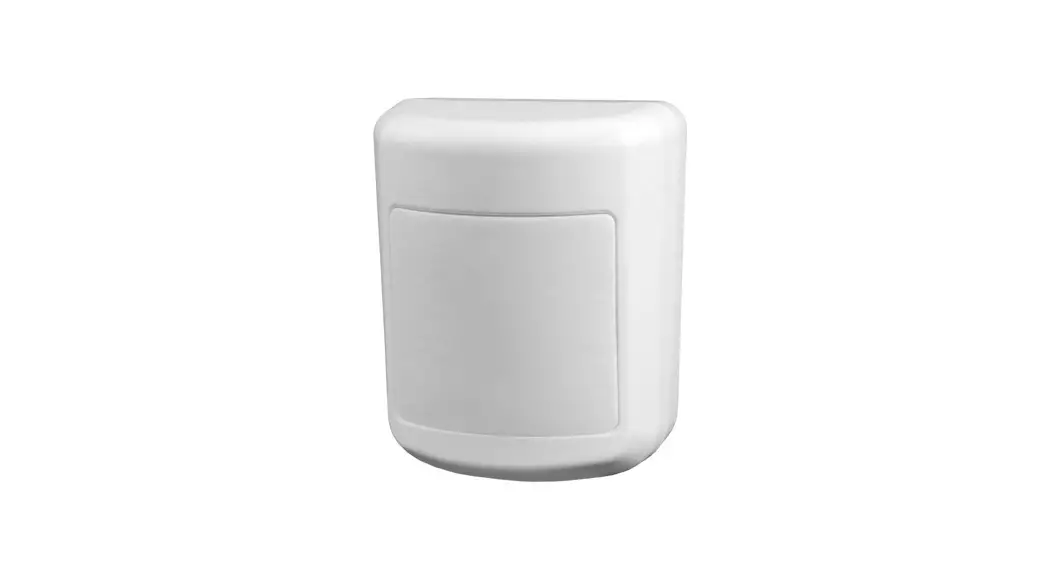
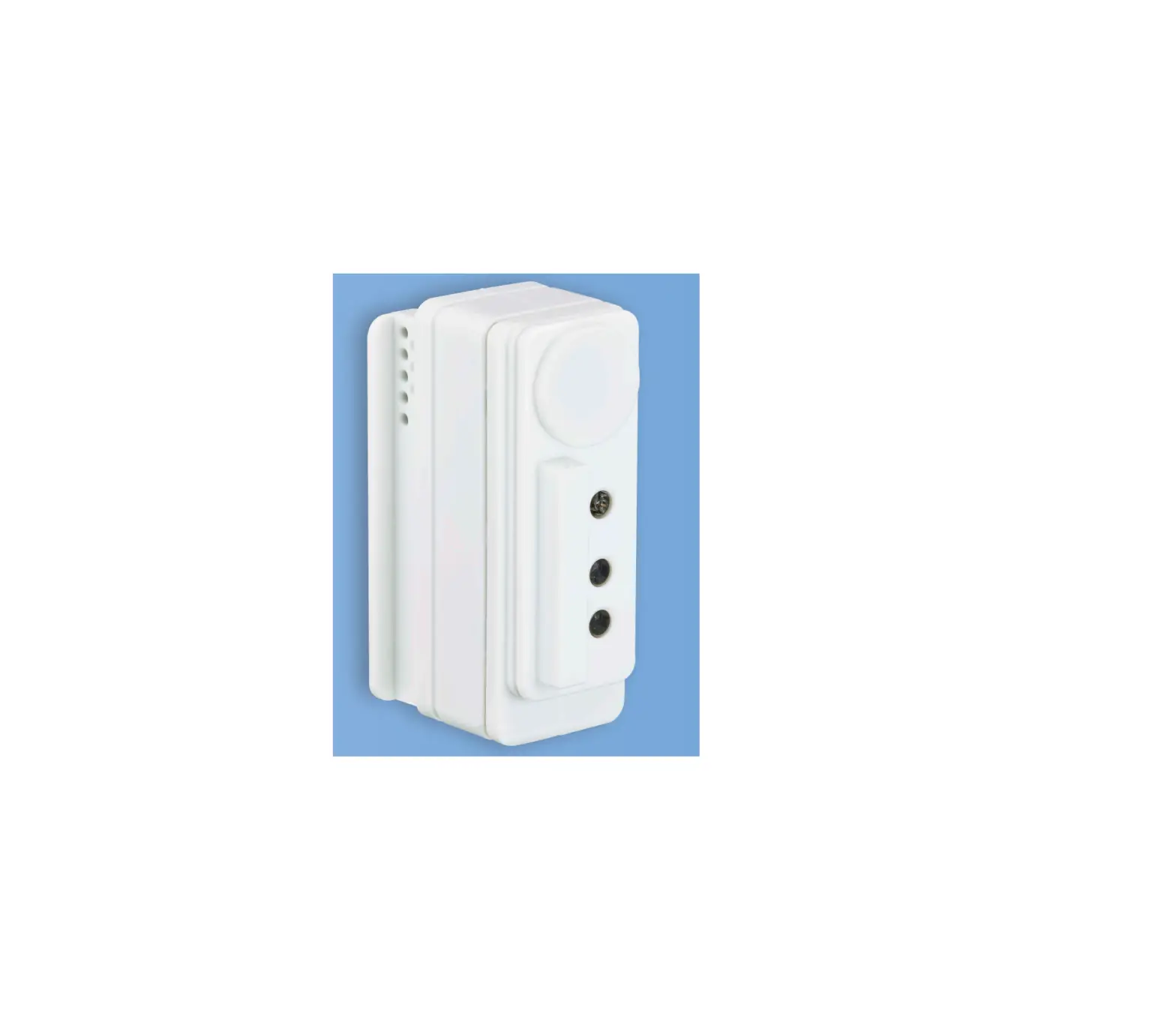
203-5751 Wall-Mounted RH Sensor
Product Information: Wall-mounted RH Sensor and RH/Temperature
Sensor
The Emerson wall-mounted RH sensor and RH/Temperature sensor are
designed for use in building control and anti-sweat control
applications. The RH/Temperature sensor (P/N 203-5752 and 203-5756)
measures humidity levels and temperature, while the RH sensor (P/N
203-5751) measures humidity only. The sensors provide a 0 to 5 V or
0 to 10 V output (jumper selectable), have an annual drift of 1%,
and are made of ABS plastic with UL V-0 5VB Flame Class. They can
operate in an environment with an operating temperature range of
-40°C to 60°C and operating humidity range of 0 to 100% RH.
Specifications:
- Humidity (RH) and Temperature Sensor
- Output: 0 to 5 V or 0 to 10 V (jumper selectable)
- Impedance: 5 kΩ
- Current: 0.2 mA
- Annual Drift: 1%
- Temperature Option: Thermistor, 10k Ohm
- Housing Material: ABS plastic with UL V-0 5VB Flame Class
- Operating Environment:
- Operating Temperature: -40°C to 60°C
- Operating Humidity: 0 to 100% RH
- Mounting Holes: US and European junction box
- Agency Approval: CE, RoHS2 compliant, EMC Conformance: Low
Voltage Directive 2014/35/EU and EMC Directive 2014/30/EU
Product Usage Instructions:
- Mounting:
- Mount the backplate on the wall in an appropriate location.
Ensure that the “Install This End Up” label is positioned in the
upper right corner. - Wire the unit as shown in the Wiring section below.
- Attach the front plate.
- Use Belden #8771 shielded three-conductor cable or
equivalent. - Connect the RED, BLACK, and WHITE wires to the screw terminals
of the sensor’s connector as shown in the image below. - Clip the SHIELD wire.
- Connect the SHIELD and BLACK wires to the 0V terminal of the
input board. - Connect the WHITE wire to the SIG terminal of the input
board. - Connect the RED wire to the +12V power terminal on the input
board. - Locate the input dip switch for the sensor point and set to the
OFF position (LEFT for MultiFlex, DOWN for 16AI). Refer to the
input board’s user manual for locations of the input dip
switches.
The Emerson wall-mounted humidity sensors measure the levels of
RH and temperature (if equipped) in the air inside a room. To
maintain accurate functionality, keep all pickup vents clear and
free of dust, debris, etc.
Refer to the product manual for dimensions.
- Remove the cover by pressing the tab on the bottom of the
sensor while pulling outward on the bottom edge of the cover. - Position the sensor vertically on the wall, 4.5 feet (1.5 m)
above the floor. Place so that the “Install This End Up” statement
on the board is in the upper right corner. - Mount the backplate onto the wall using the screws
provided. - Wire the backplate.
- Install the cover and snap into place.
Wall-mounted RH Sensor and RH/Temperature Sensor
Installation Guide
Emerson specs a wall-mounted relative humidity (RH) sensor (P/N 203-5751) and combined RH and temperature sensor (P/N 203-5752 and 203-5756) for use in building control and anti-sweat control applications using Emerson input boards.
Specifications
INPUT POWER Voltage AC Voltage Tolerance AC Frequency OUTPUT Voltage Output Voltage Min. Load Resistance Voltage Min. Sinking Current HUMIDITY RH Element Accuracy P/N 203-5752 Accuracy P/N 203-5756 Temperature Effect (Outside 20° to 30°C) Response Time (to 90% change at 20°C)
Humidity (RH) and Temperature Sensor
Class 2; 12 to 24 Vdc or 24 Vac ±10% 50/60 Hz
0 to 5 V or 0 to 10 V (jumper selectable) 5 k 0.2 mA
Digitally profiled thin-film capacitive, non-removable 3% (10 to 90% RH, 20 to 30°C) 2% (10 to 90% RH, 20 to 30°C) 0.1% RH per °C 110 sec
Document Part # 026-4855 Rev 1
Page 1 of 6
©2023 Emerson Digital Cold Chain, Inc. This document may be photocopied for personal use.
Visit our website at www.climate.emerson.com for the latest technical documentation and updates.
Annual Drift Output Scaling TEMPERATURE OPTION Sensor Type OPERATING ENVIRONMENT Operating Temperature
Operating Humidity
HOUSING Material Mounting Holes AGENCY APPROVAL
1% 0 to 100% RH
Thermistor, 10k Ohm
0 to 50 °C (32 to 122 °F) 0 to 100% RH non-condensing (Unit will recover from saturation)
ABS plastic with UL V-0 5VB Flame Class US and European junction box
*The CE mark indicates RoHS2 compliance. Please refer to the CE Declaration of Conformity for additional details. EMC Conformance: Low Voltage Directive 2014/35/EU and EMC Directive 2014/30/EU.
Mounting
1. Mount the backplate on the wall in an appropriate location with the “Install This End Up” label positioned in the upper right corner.
2. Wire the unit as shown (see Wiring section). 3. Attach the front plate.
Wiring
1. Use Belden #8771 shielded three-conductor cable or equivalent. 2. Connect the RED, BLACK, and WHITE wires to the screw terminals the sensor’s connector as shown in the image below.
Clip the SHIELD wire. 3. Connect the SHIELD and BLACK wires to the 0V terminal of the input board. Connect the WHITE wire to the SIG terminal
of the input board. 4. Connect the RED wire to the +12V power terminal on the input board.
Document Part # 026-4855 Rev 1 ©2023 Emerson Digital Cold Chain, Inc. This document may be photocopied for personal use. Visit our website at www.climate.emerson.com for the latest technical documentation and updates.
Page 2 of 6
5. Locate the input dip switch for the sensor point, and set to the OFF position (LEFT for MultiFlex, DOWN for 16AI). Refer to the input board’s user manual for locations of the input dip switches.
RTD T/RTD
RH GND PWR
LEGEND RTD* RTD/Temperature* Humidity GRND (DC- or AC1 and Output Common) POWER (DC+ or AC2)
*Temperature models only
Operations
Emerson wall-mounted humidity sensors measure the levels of RH and temperature (if equipped) in the air inside a room. To maintain accurate functionality, keep all pickup vents clear and free of dust, debris, etc.
Document Part # 026-4855 Rev 1 ©2023 Emerson Digital Cold Chain, Inc. This document may be photocopied for personal use. Visit our website at www.climate.emerson.com for the latest technical documentation and updates.
Page 3 of 6
Dimensions
Installation
1. Remove the cover by pressing the tab on the bottom of the sensor while pulling outward on the bottom edge of the cover.
Document Part # 026-4855 Rev 1 ©2023 Emerson Digital Cold Chain, Inc. This document may be photocopied for personal use. Visit our website at www.climate.emerson.com for the latest technical documentation and updates.
Page 4 of 6
2. Position the sensor vertically on the wall, 4 . feet (1.5 m) above the floor. Place so that the “Install This End Up” statement on the board is in the upper right corner.
3. Mount the backplate onto the wall using the screws provided.
Document Part # 026-4855 Rev 1 ©2023 Emerson Digital Cold Chain, Inc. This document may be photocopied for personal use. Visit our website at www.climate.emerson.com for the latest technical documentation and updates.
Page 5 of 6
4. Wire the backplate. 5. Install the cover and snap into place.
Document Part # 026-4855 Rev 1
Page 6 of 6
This document may be photocopied for personal use. Visit our website at www.climate.emerson.com for the latest technical documentation and updates.
For Technical Support call 833-409-7505 or email [email protected]
The contents of this publication are presented for informational purposes only and they are not to be construed as warranties or guarantees, express or implied, regarding the products or services described herein or their use or applicability. Emerson reserves the right to modify the designs or specifications of such products at any time without notice. Responsibility for proper selection, use and maintenance of any product remains solely with the purchaser and end-user. ©2023 Emerson is a trademark of Emerson Electric Co.
 Copeland Worldwide | Copeland US
 Copeland is Engineered for Sustainability | Copeland US