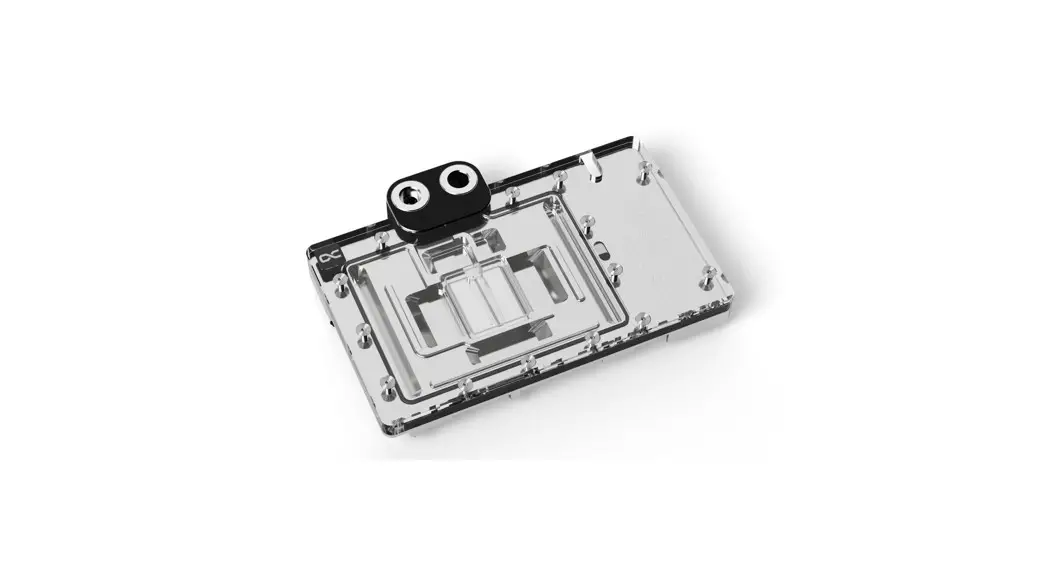
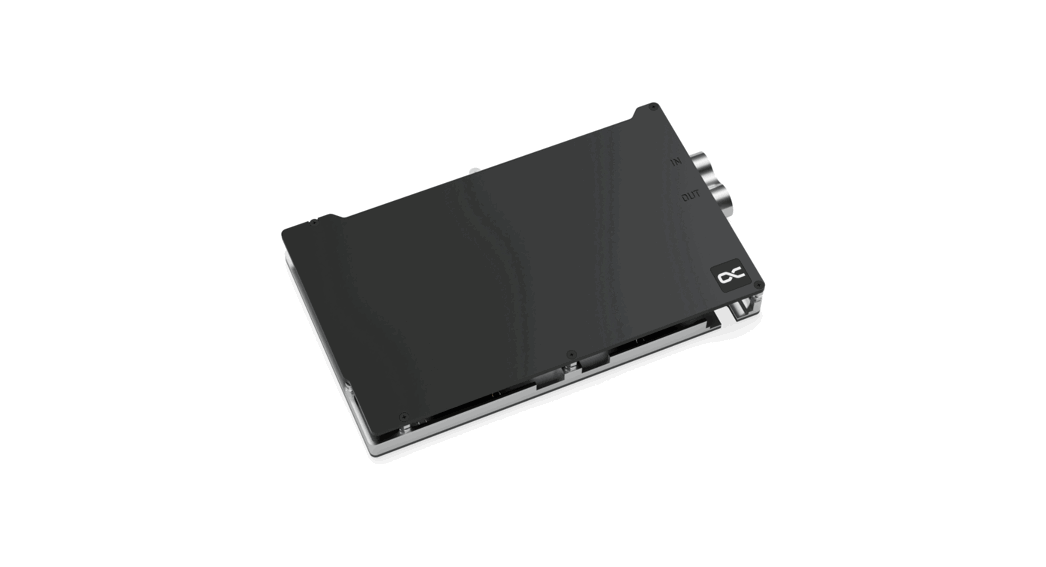
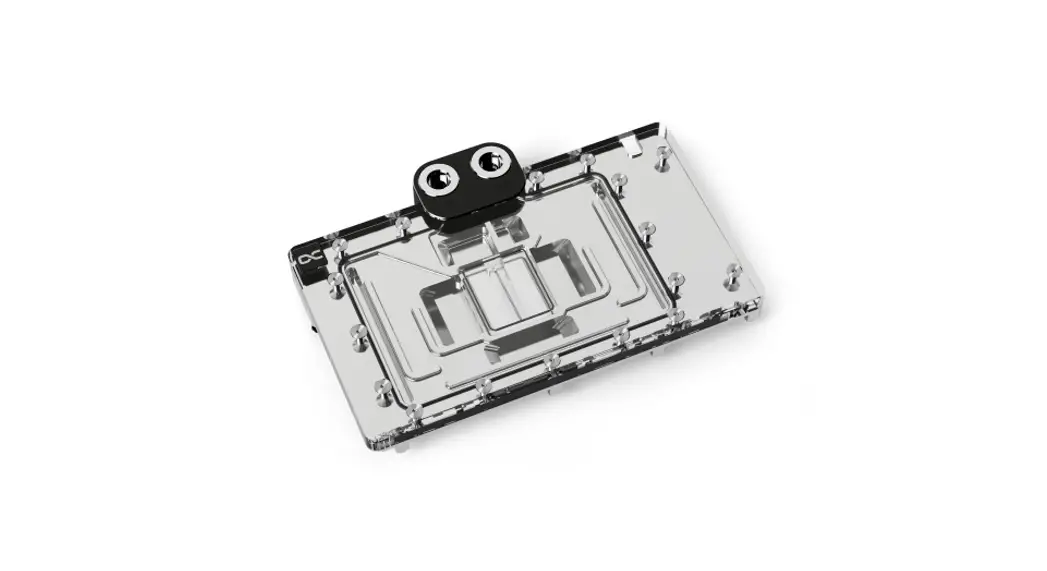
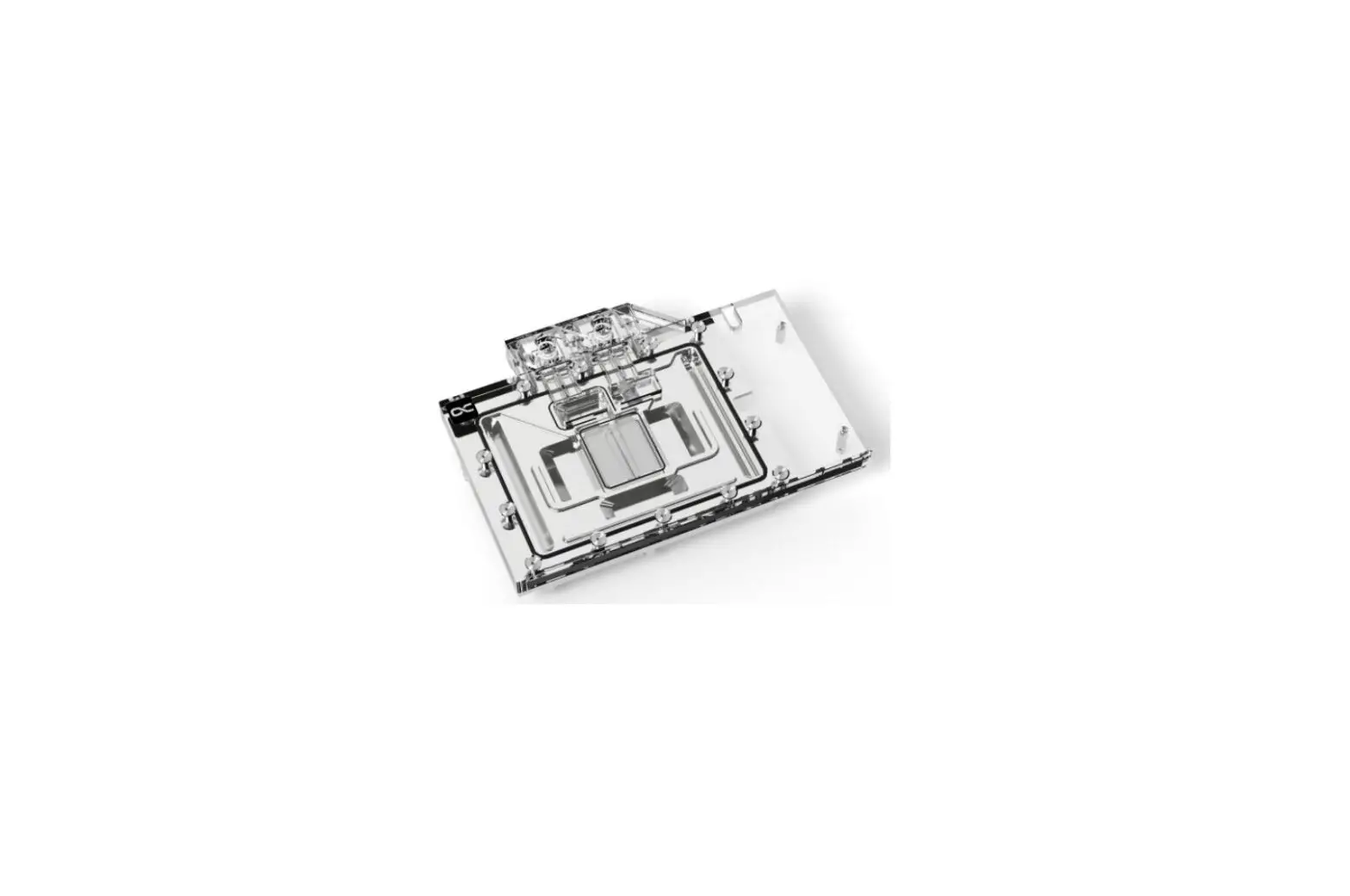
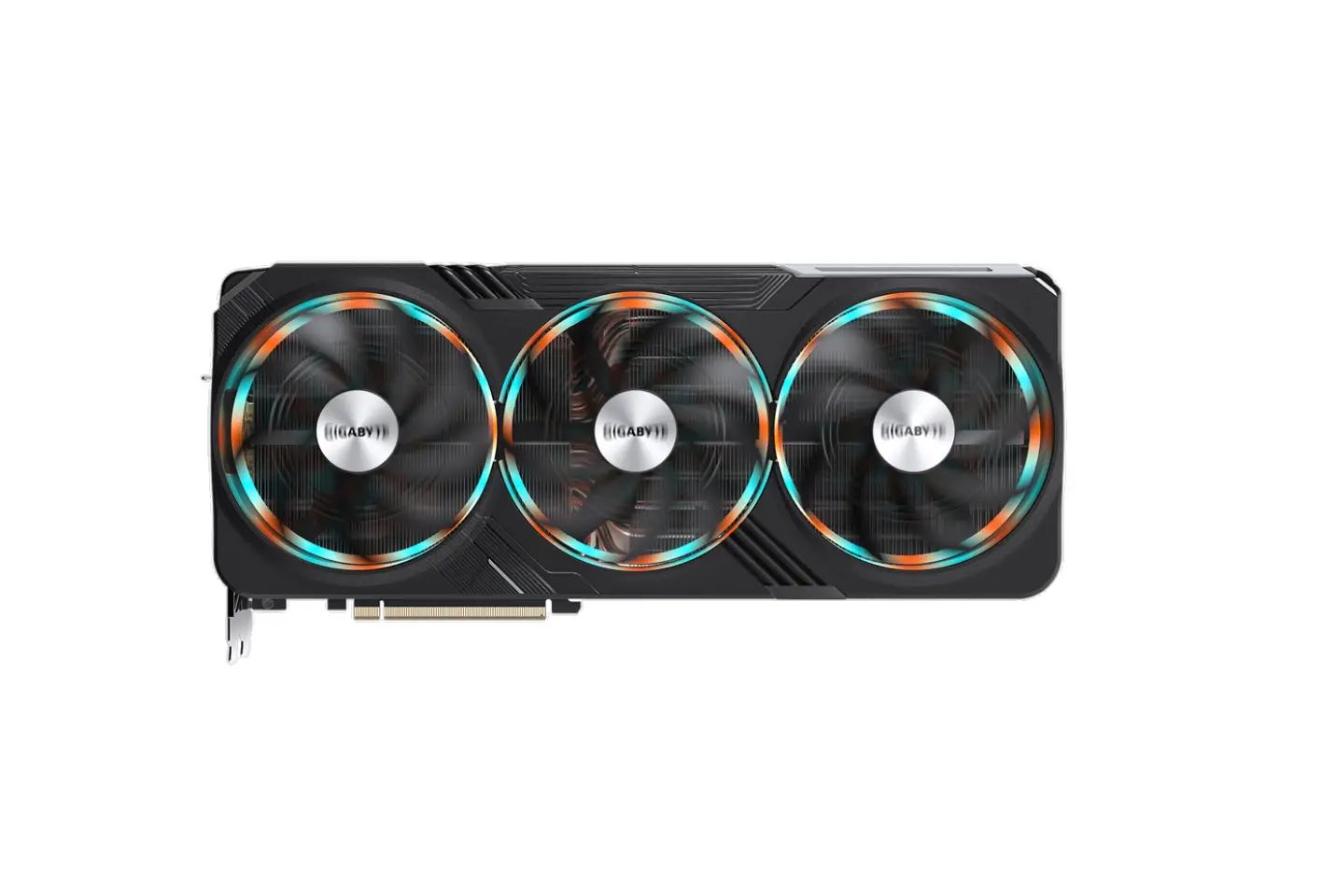
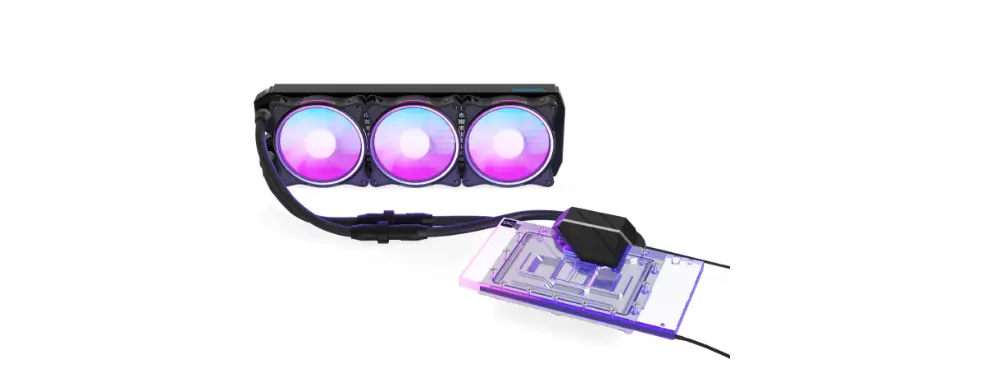
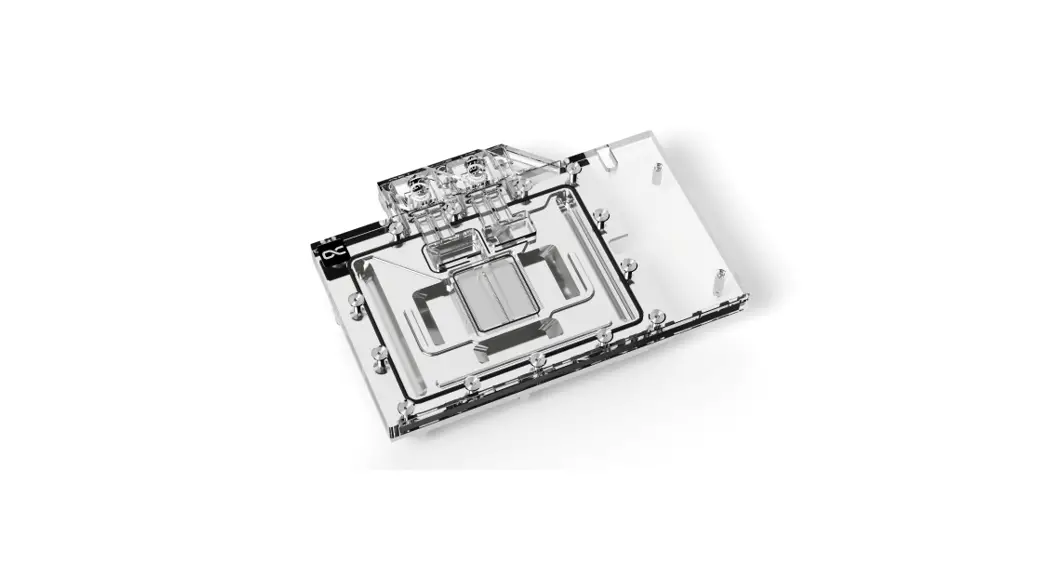
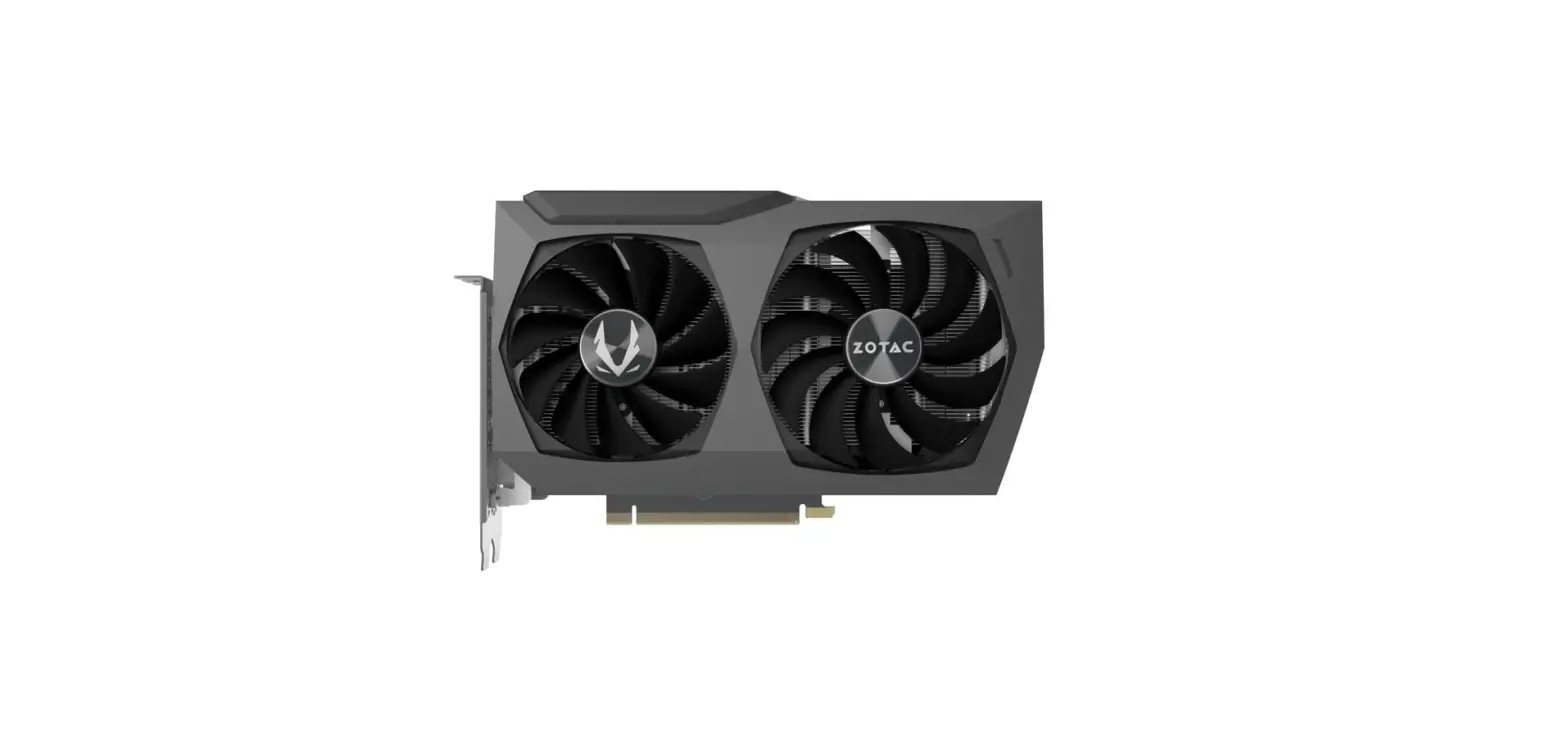
Core Geforce RTX 4090 Master
Product Information: Product Name: Alphacool Core Geforce RTX 4090
Master with Backplate Manufacturer: Alphacool International GmbH
Address: Marienberger Str. 1, D-38122 Braunschweig, Germany
Support: +49 (0) 531 28874 – 0 Fax: +49 (0) 531 28874 – 22 Email:
[email protected] Website: https://www.alphacool.com Accessories:
– 1x 40x15x1mm Pad – 4x 8x8x1mm Pad – 2x 51x15x1mm Pad – 2x
105x8x1mm Pad – 1x 15x15x1mm Pad – 3x 100x8x1mm Pad – 1x 33x8x1mm
Pad – 1x Screwdriver – 1x Thermal Grease – 1x Putty tool – 6x
M2x5mm Screw – 6x EVA Washer – 2x 100x8x3mm Pad – 1x 40x15x3mm Pad
– 1x 45x45x3mm GPU-Pad – 2x 40x8x3mm Pad – 6x M2x10mm Screw – 1x
ARGB Adapter – 1x Plug tool – 2x G1/4 Plug Product Usage
Instructions: 1. Check compatibility: Ensure that the Alphacool
Core Geforce RTX 4090 Master with Backplate is compatible with your
graphics card before proceeding. 2. Prepare graphics card: a. Place
the graphics card on an antistatic mat. b. Dismantle the original
cooler by removing the screws at the back of the card and carefully
unhooking the fan connector. c. If the original cooler uses thermal
glue, be cautious to avoid damaging any parts. d. Clean the
hardware of thermal paste or pad residues using a solvent such as
isopropanol alcohol. 3. Remove spacers: a. Remove any spacers
present on the graphics card. 4. Place thermal pads on cooling
block: a. Attach the thermal pads provided onto the cooling block
of the Alphacool Core Geforce RTX 4090 Master. 5. Mount PCI
bracket: a. Utilize the original bracket and screws of the graphics
card to mount the PCI bracket. 6. Apply Thermal Grease: a. Apply
thermal grease onto the designated area of the graphics card. 7.
Install PCB: a. Install the PCB onto the graphics card. 8. Place
thermal pads on PCB backside: a. Attach the thermal pads provided
onto the backside of the PCB. 9. Mount backplate: a. Mount the
backplate onto the graphics card. 10. Connect ARGB lighting: a.
Connect the ARGB lighting according to the provided instructions.
11. Screw in screw plugs with the tool: a. Use the provided tool to
screw in the screw plugs securely. For further assistance or
inquiries, please contact Alphacool International GmbH support
using the provided contact details.
Need help?
Alphacool International GmbH Marienberger Str. 1 D-38122 Braunschweig Germany Support: +49 (0) 531 28874 – 0 Fax: +49 (0) 531 28874 – 22 E-mail: [email protected] https://www.alphacool.com
We care!
Alphacool Core Geforce RTX 4090 Master
with Backplate
Safety instructions Sicherheitshinweise Avis de sécurité
EN
DE
Accessories
Zubehör
Digital guide Digitale Anleitung Guide digital
FR
Accessoires
A
B
C
D
E
F
G
H
I
1x 40x15x1mm
Pad
4x 8x8x1mm
Pad
2x 51x15x1mm
Pad
2x 105x8x1mm
Pad
1x 15x15x1mm
Pad
3x 100x8x1mm
Pad
1x 33x8x1mm
Pad
1x
1x
Screwdriver Thermal Grease
J
K
L
M
N
O
P
Q
R
1x Putty tool
6x M2x5mm
Screw
6x EVA Washer
2x 100x8x3mm
Pad
1x 40x15x3mm
Pad
1x 45x45x3mm
GPU-Pad
2x 40x8x3mm
Pad
6x M2x10mm
Screw
1x ARGB Adapter
S
T
1x Plug tool
2x G1/4 Plug
EN Check compatibility and prepare graphics DE Kompatibilität prüfen und Grafikkarte FR Vérification de compatibilité et préparer la
card
vorbereiten
carte graphique
Check compatibility
Before starting the cooler assembly, compare your card with the pictures in our configurator. To do so, visit https://www.hwconfig.com and search for your graphics card or cooler model. For a definitiv identification, you can also compare the PCB number. The cooler was designed for a special PCB layout. Occasionally, graphics card manufacturers may revise the design of their card slightly, causing the cooler not to fit on later models. During assembly, please make sure taller parts have enough space around them and that the cooler does not damage your graphics card.
Kompatibilität prüfen
Bevor Sie mit der Montage des Kühlers beginnen, vergleichen Sie Ihre Platine mit den Fotos in unserem Konfigurator. Besuchen Sie dafür https://www.hwconfig.com und suchen Sie nach Ihrem Grafikkarten- oder Kühlermodell. Zur eindeutigen Zuordnung kann dort auch die PCB Nummer verglichen werden. Der Kühler wurde für ein spezielles PCB Layout konstruiert. Es kommt vor, dass Grafikkartenhersteller über Revisionen den Aufbau leicht abändern und der Kühler auf spätere Modelle nicht mehr passt. Achten Sie auch bei der Montage darauf, dass hohe Bauteile frei liegen und der Kühler die Grafikkarte nicht beschädigt.
Vérification de compatibilité
Avant de commencer l’assemblage du refroidisseur comparez votre carte avec les images de notre configurateur. Pour ce faire, visitez https://www.hwconfig.com et cherchez votre carte graphique ou votre modèle de refroidisseur. Pour une identification précise, vous pouvez également comparer le numéro de la PCB. La refroidisseur a été conçu pour une disposition spéciale du PCB. Il est possible que le fabricant change des détails dans la disposition de ses composants lors d’une révision et que le bloc de refroidissement ne soit plus compatible. Veillez lors de l’installation au fait que les composants hauts ne touchent pas le bloc de refroidissement et que le bloc n’endommage pas la carte graphique.
Alphacool International GmbH is not liable for Alphacool International GmbH haftet nicht bei Alphacool International GmbH n’est pas
assembly errors occurring due to negligence, fahrlässigen Montagefehlern, wie die Wahl eines responsable ni des erreurs d’installation ni du
such as selecting an incompatible cooler.
inkompatiblen Kühlers.
choix d’un refroidisseur incompatible.
Prepare graphics card
Put the hardware on an antistatic mat. Begin dismantling the original cooler. Depending on the structure of the cooler, remove the screws at the back of the card and carefully unhook the fan connector first. If the original cooler uses thermal glue, extreme care should be taken as you can easily damage parts. Pick up all the items carefully. Next, clean the hardware of thermal paste or pad residues with a solvent (e.g. isopropanol alcohol).
Grafikkarte vorbereiten
Legen Sie die Hardware auf eine antistatische Unterlage. Beginnen Sie mit der Demontage des Original-Kühlers. Je nach Aufbau des Kühlers sind zuerst die Schrauben des Lüfters zu entfernen und die Blenden zu lösen. Bei aufgeklebten Kühlern ist äußerste Sorgfalt geboten. Es können leicht Bauteile abgerissen werden. Heben Sie alle Einzelteile sorgfältig auf. Reinigen Sie anschließend die Hardware von Resten der Wärmeleitpaste oder Pads mit einem Lösemittel (z.B. Isopropanol-Alkohol).
Préparer la carte graphique
Posez le matériel sur un tapis antistatique. Commencez par le démontage du refroidisseur d’origine. Selon la configuration du radiateur les vis du ventilateur et les caches doivent être enlevés d’abord. S’il s’agit d’un refroidisseur collé il faut travailler très doucement. Sinon des composants peuvent s’arracher. Conservez tous les pièces soigneusement. Ensuite, nettoyer le matériel de résidus de la pâte thermique ou de pads avec un solvant (alcool isopropanol par ex.).
EN
DE
FR
Remove spacers
Abstandshalter entfernen
Enlever les entretoises
EN
DE
Place thermal pads on cooling block
Wärmeleitpads auf dem Kühlblock platzieren
FR
Placer les pads thermique sur le bloc
EN
DE
FR
Mount PCI bracket
PCI Slotblende montieren
Monter le couvercle PCI
Use the original bracket and screws of Die Originalschrauben und Slotblende Utiliser les vis d’origine et couvercle
the graphics card.
der Grafikkarte nutzen.
PCI de la carte graphique.
EN
DE
FR
Apply Thermal Grease
Wärmeleitpaste auftragen
Appliquer la pâte thermique
EN
DE
FR
Install PCB
Installiere PCB
Installer PCB
EN
DE
FR
Install PCB
Installiere PCB
Installer PCB
EN
Place thermal pads on PCB backside
DE
Wärmeleitpads auf die PCB Rückseite platzieren
FR
Placer les pads thermique sur le PCB au dos
EN
DE
FR
Mount backplate
Backplate montieren
Monter la plaque arrière
EN
DE
FR
Connect ARGB lighting
ARGB Beleuchtung anschließen
Connecter l’éclairage ARGB
EN
DE
Screw in screw plugs with the tool
Verschlussschrauben eindrehen
FR
Visser les vis de fermeture avec l’outil