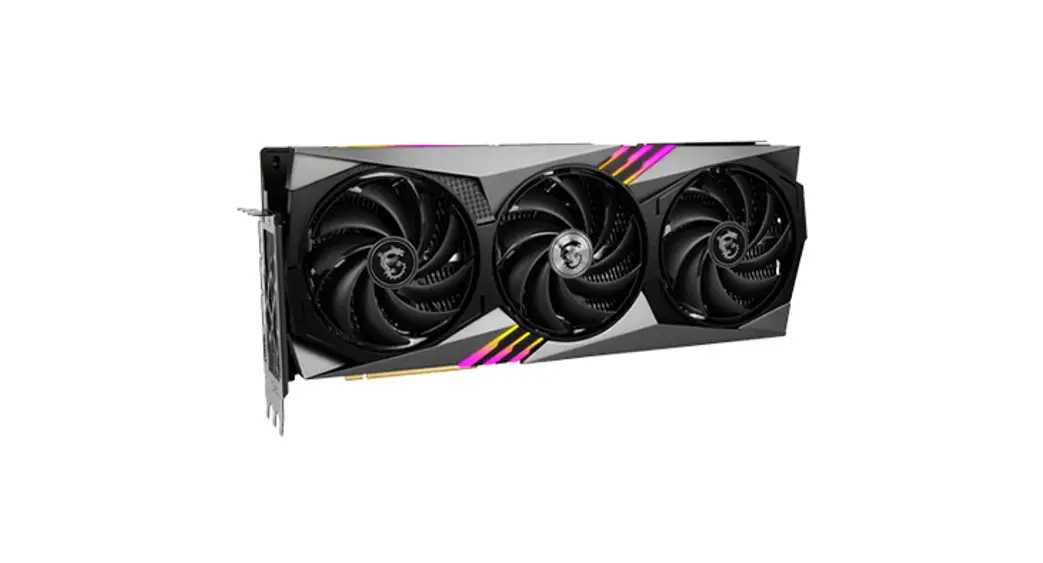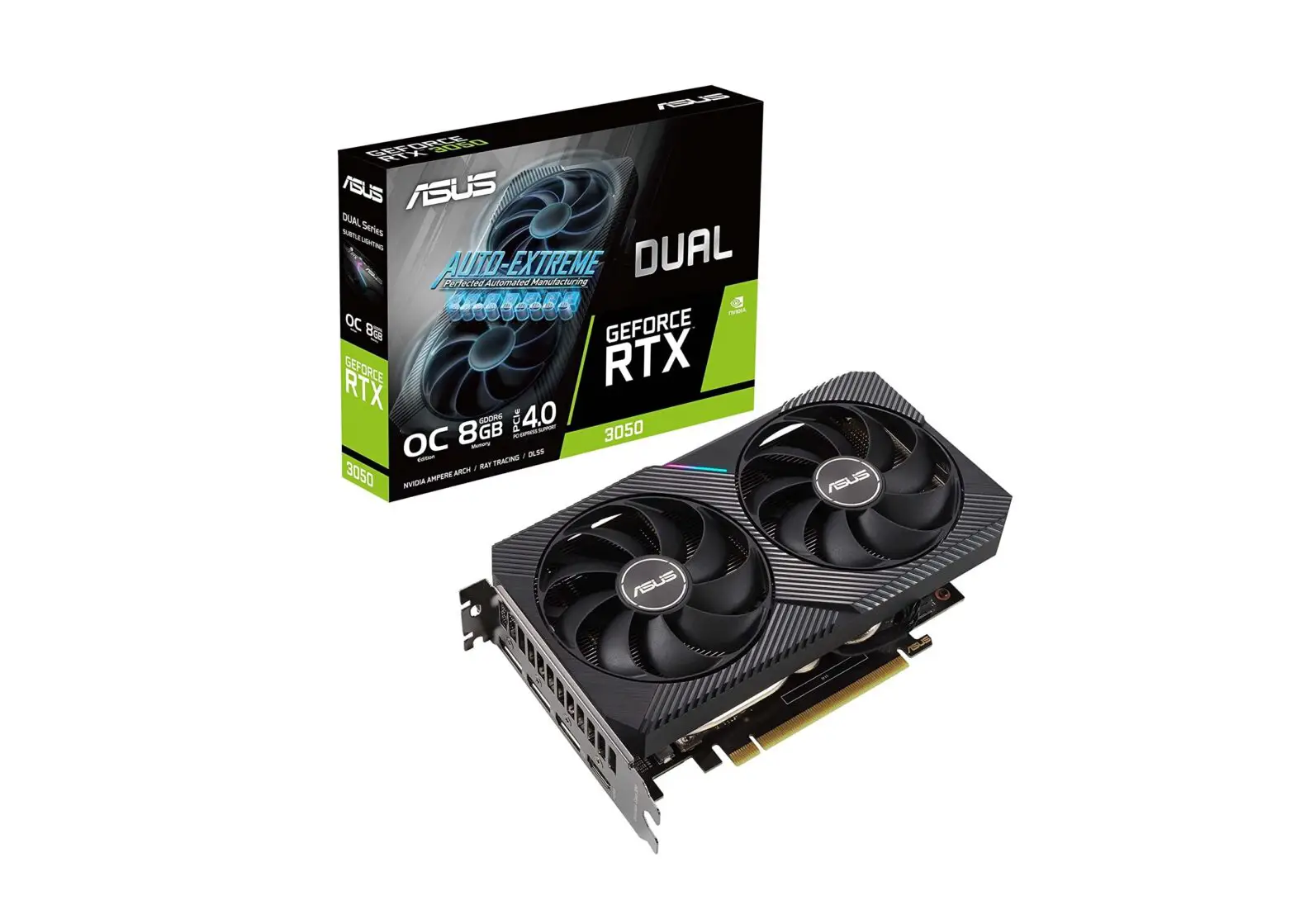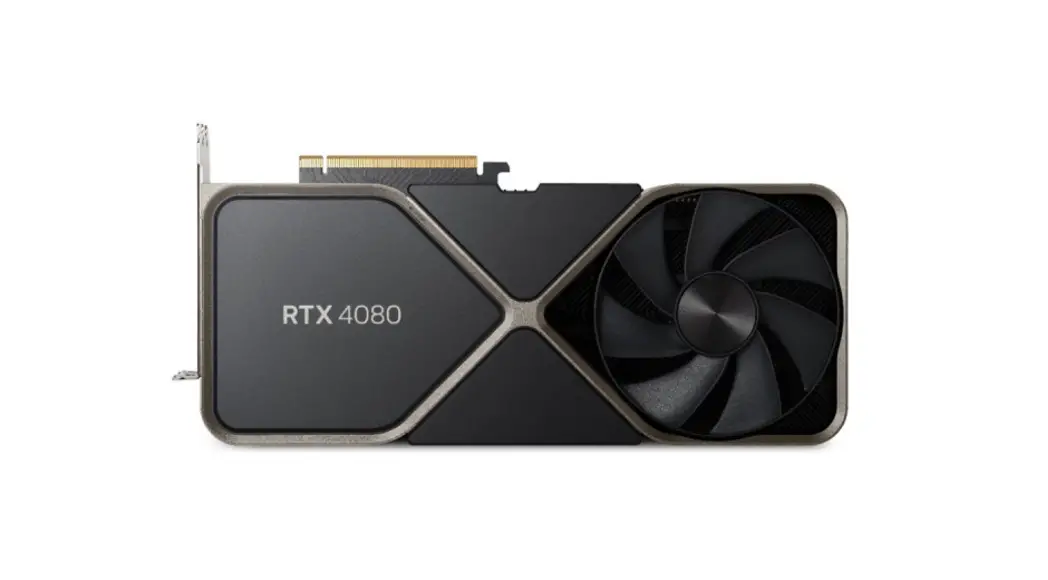
 Prepare Your System for the GeForce
RTX 4080 16GB Founders Edition
Instructions
Prepare Your System for the GeForce RTX 4080 16GB Founders Edition
Graphics card specifications vary by add-in-card manufacturer. Please refer to manufacturer specifications for add-in-card models.
The following steps require some knowledge of PC component specifications, in addition to physical installation.
Check Your Power Supply
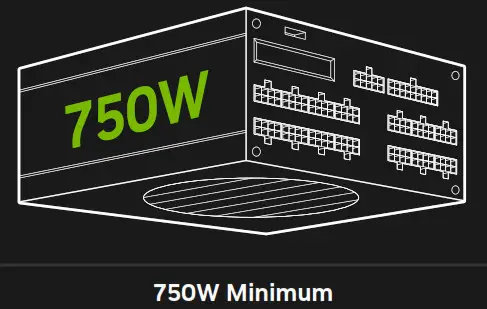
A higher power rating may be required depending on your system configuration.
Please check with your PSU vendor.
Power Compatibility Option 1.
3x PCIe 8-pin cables from power supply to included RTX 4080 (16GB) Power Connector Adapter.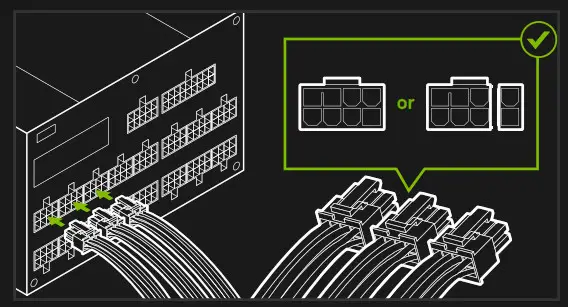 Power Compatibility Option 2.
1x 450W or greater PCIe Gen 5 power cable from power supply.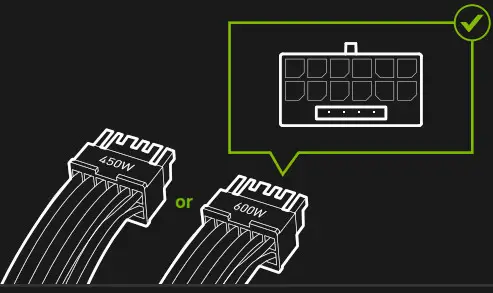
Check Your Case
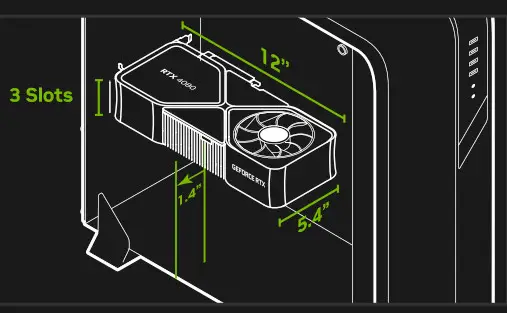
Three unused expansion slots.
Reserving clearance around the graphics cardequivalent to an unused expansion slot will typically improve airflow.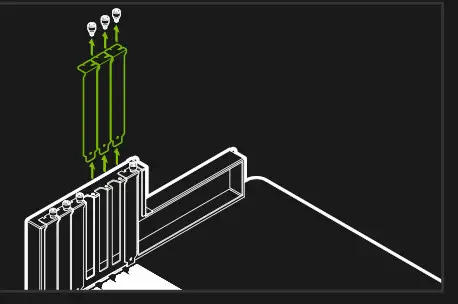
Clearance: Must have space for 12″ (304mm) x 5.4″ (138mm) x 3-slot card (61mm). Plan 1.4” (36mm) additional space for power cables.