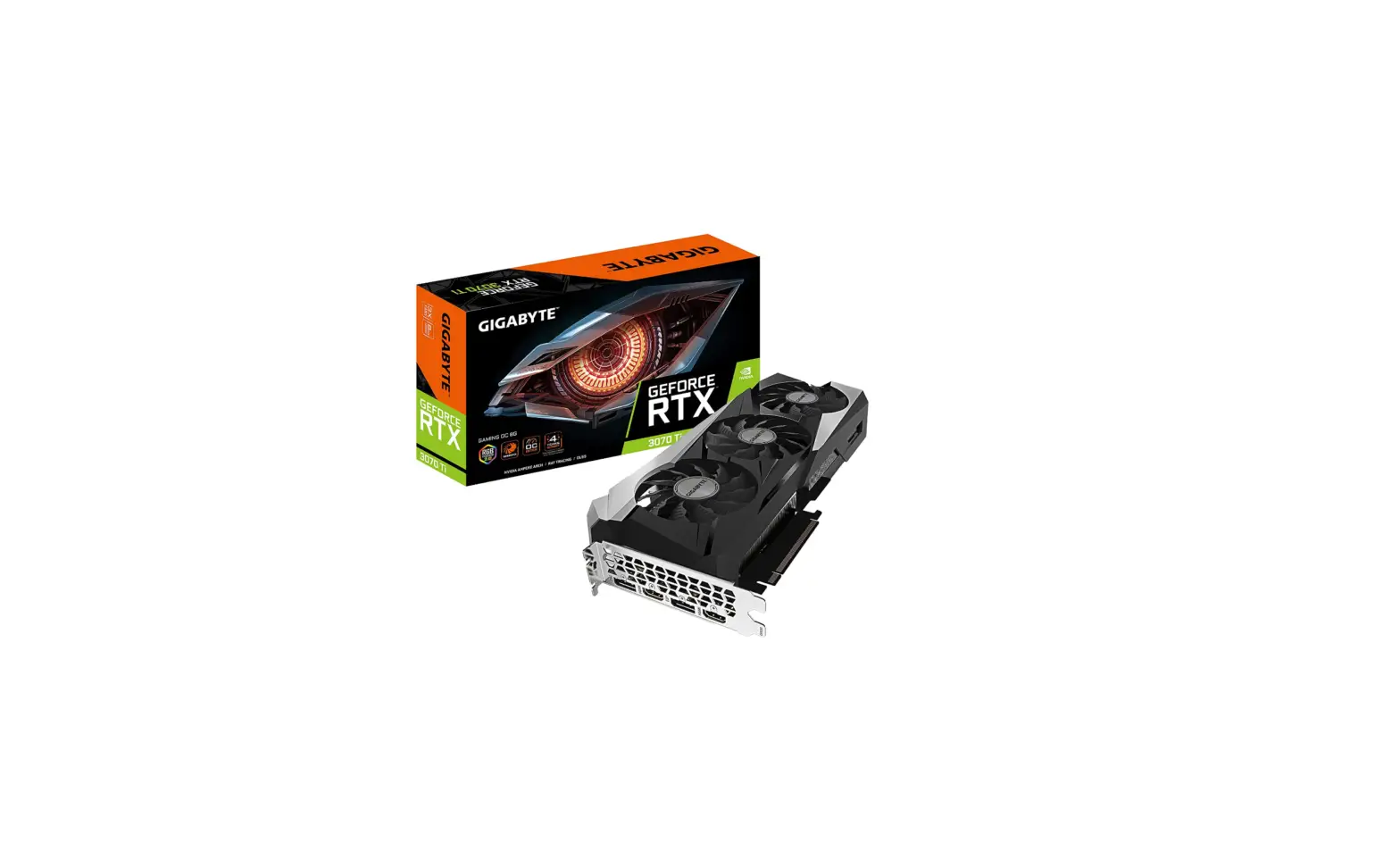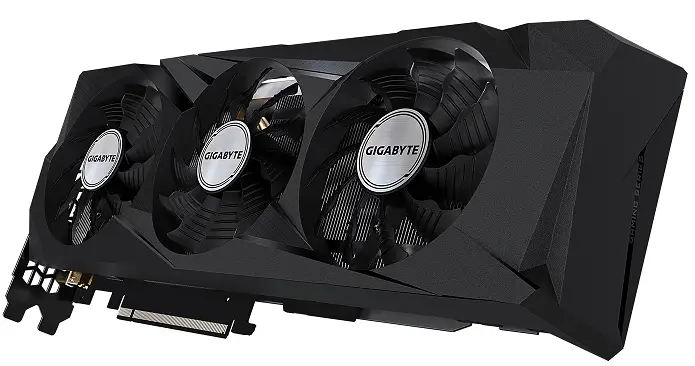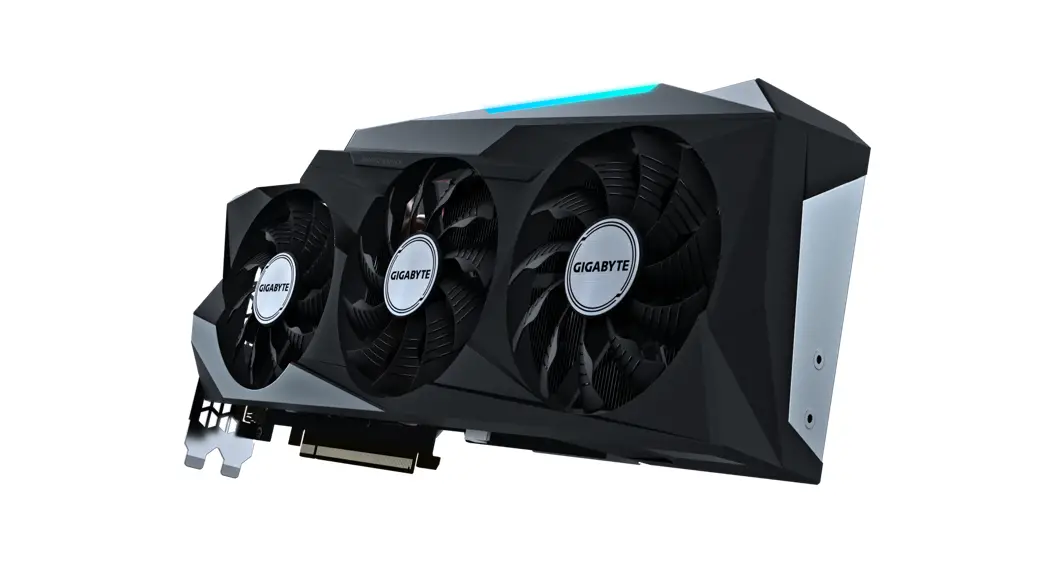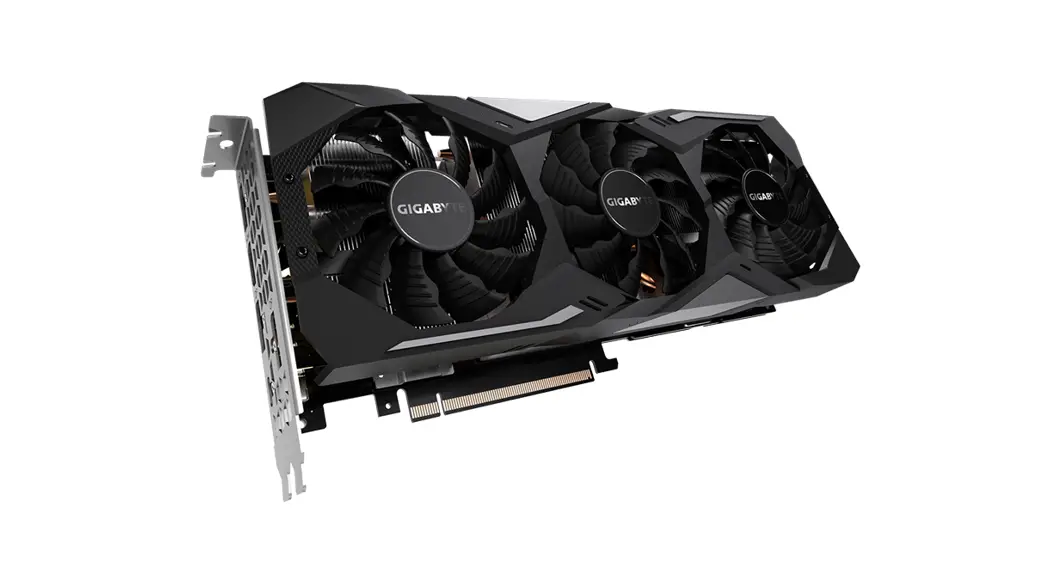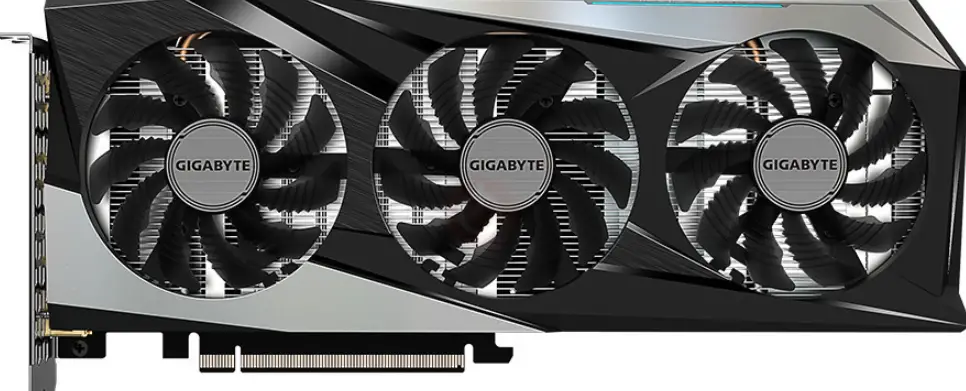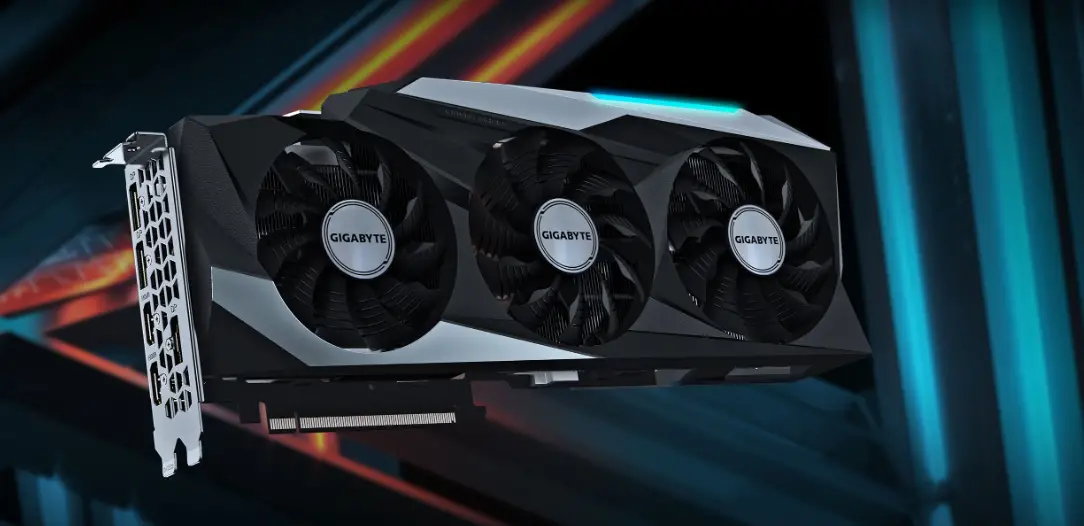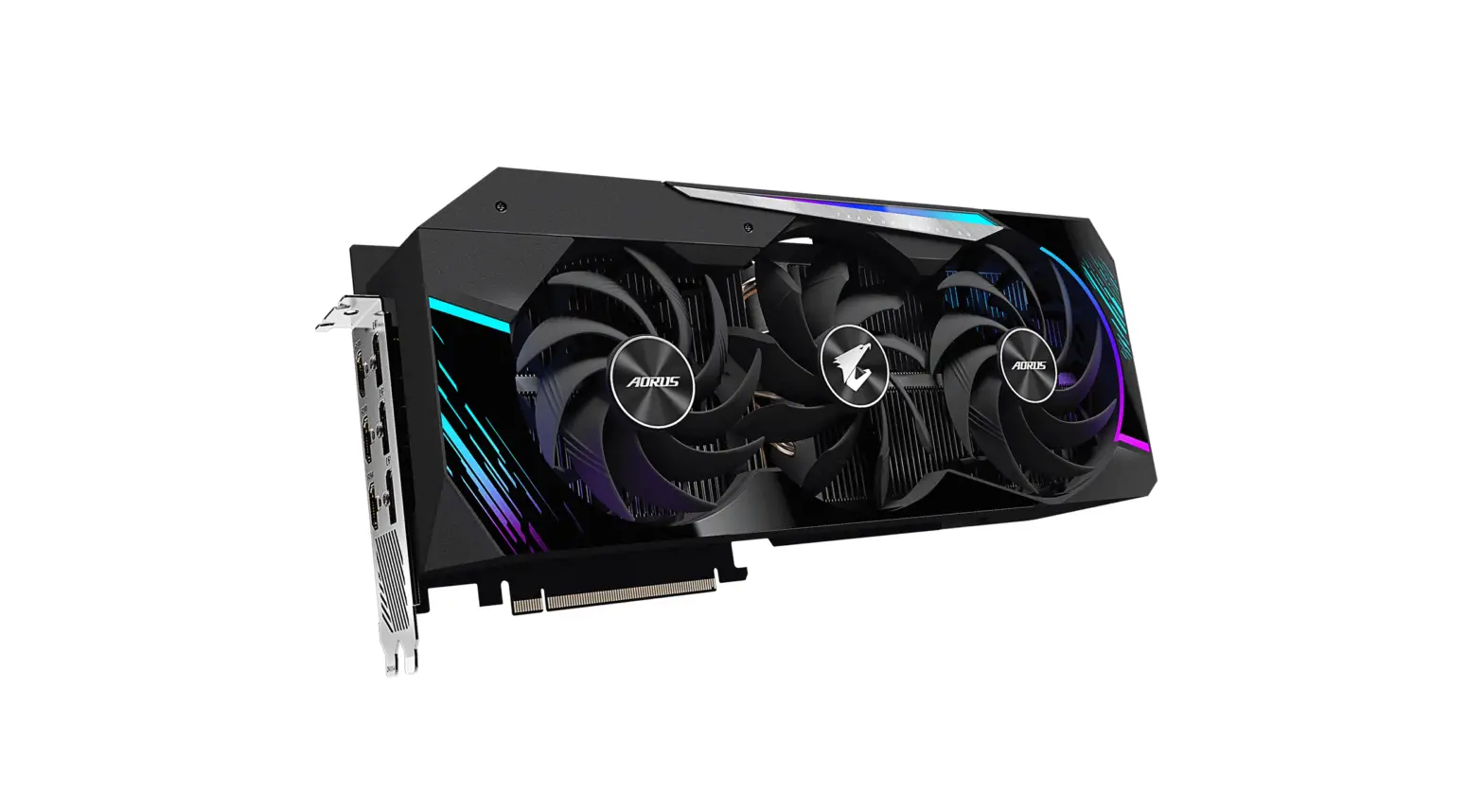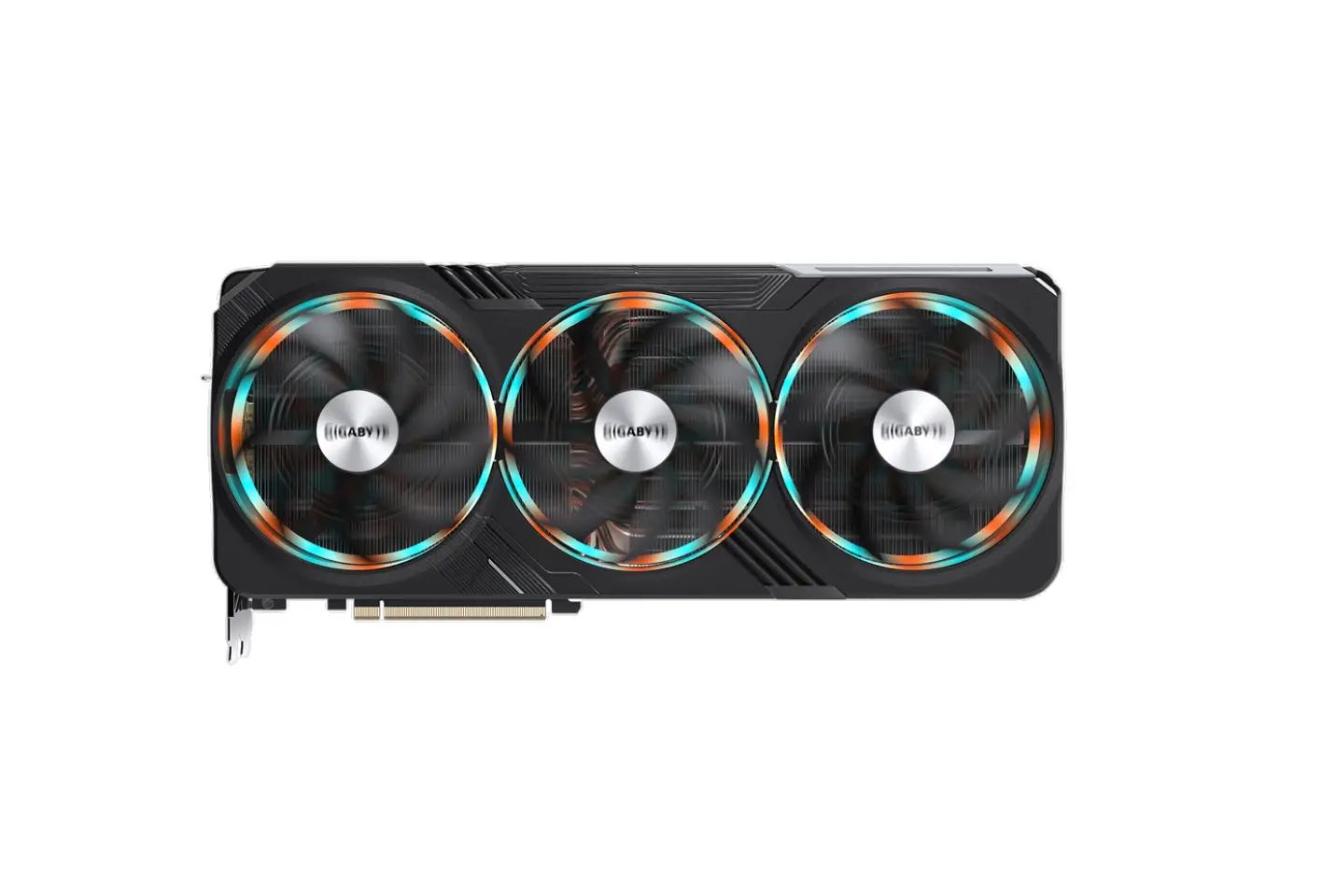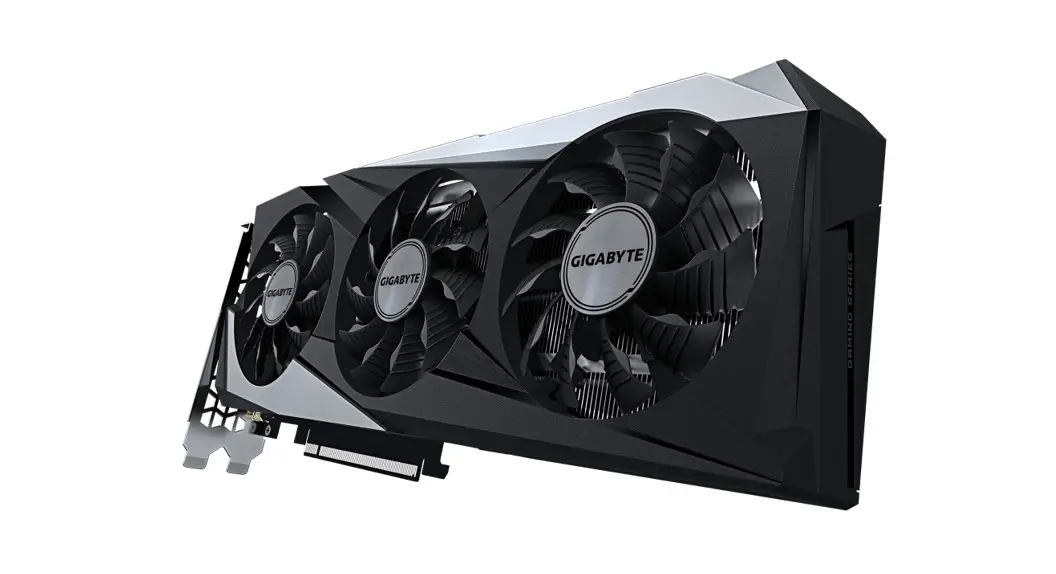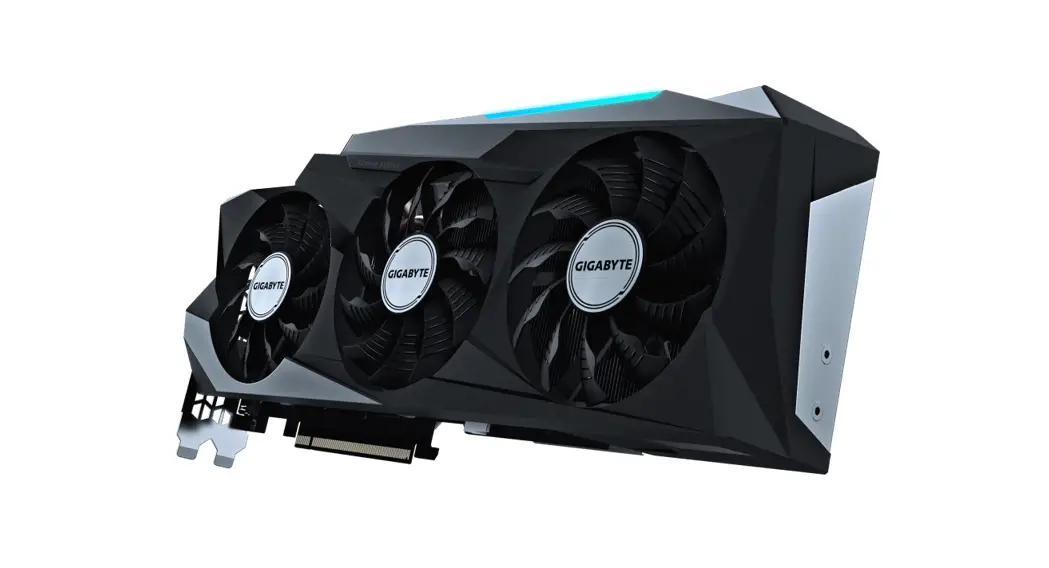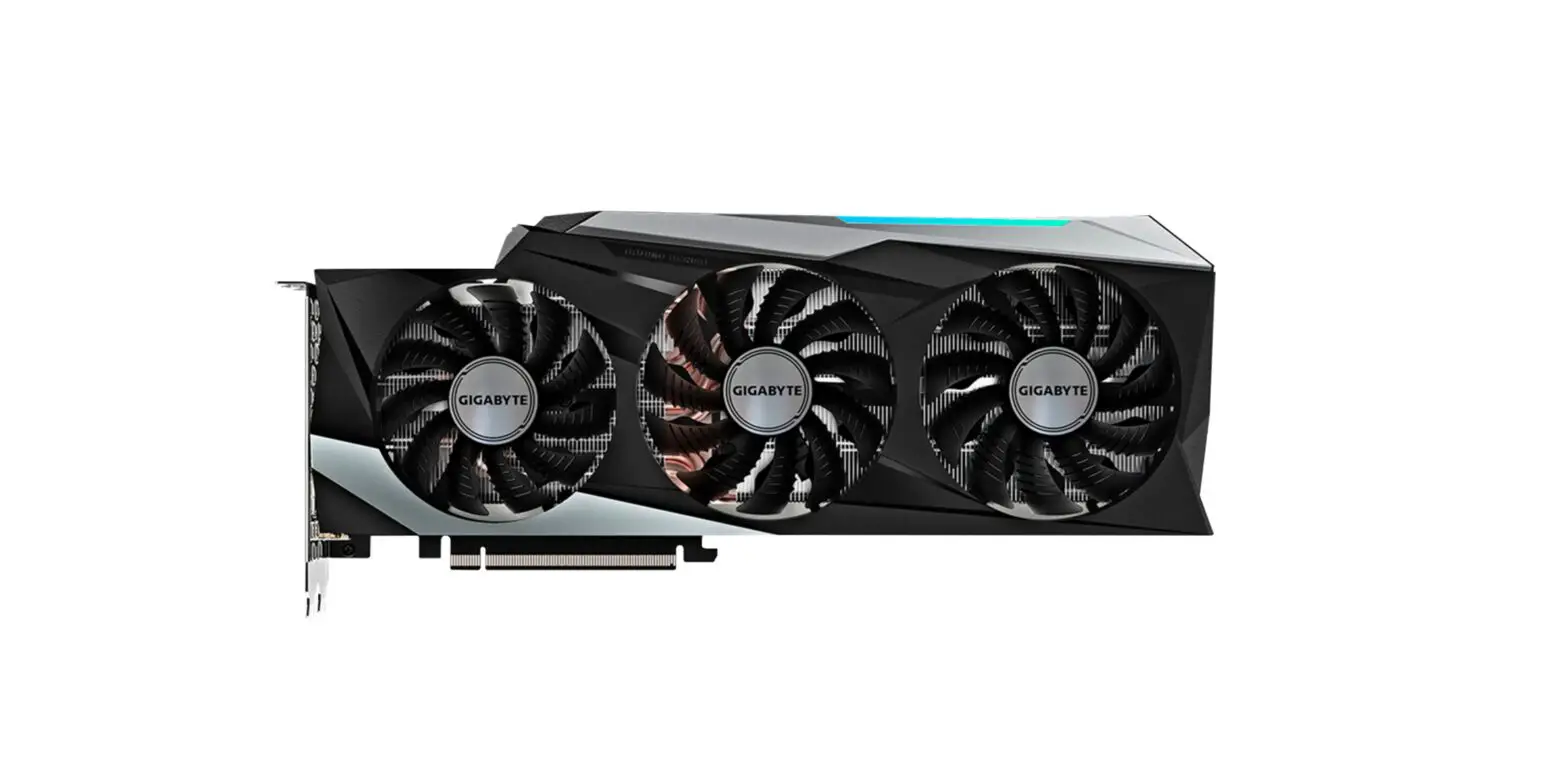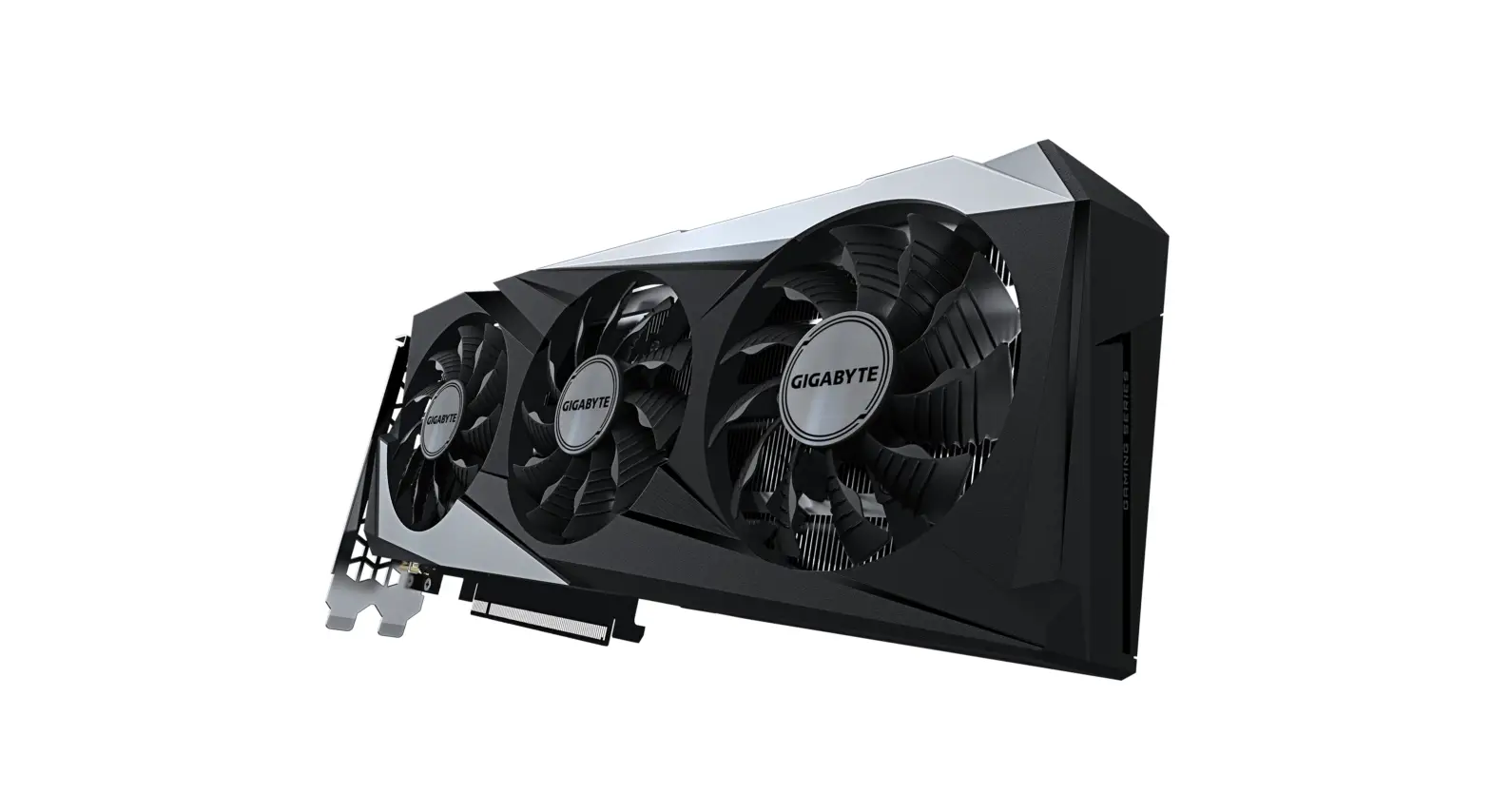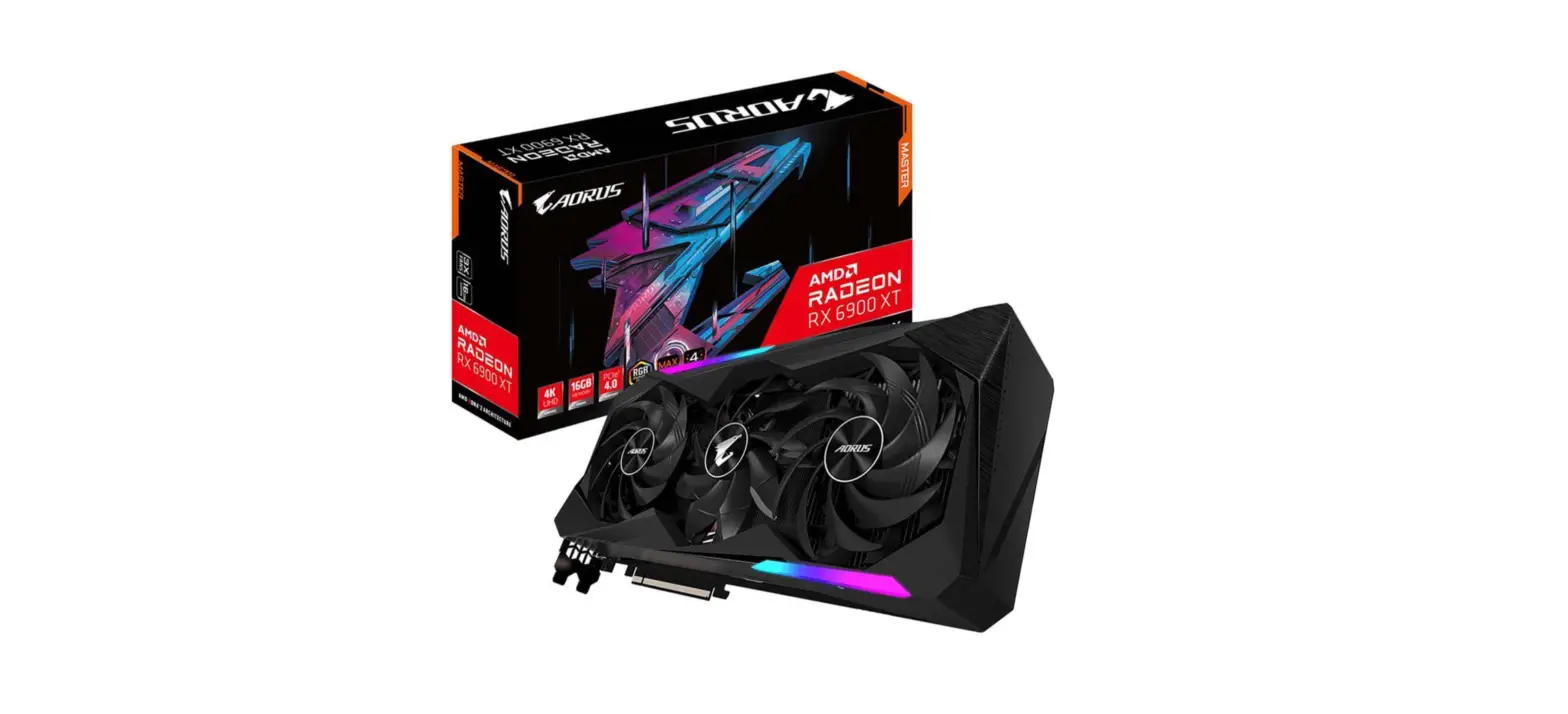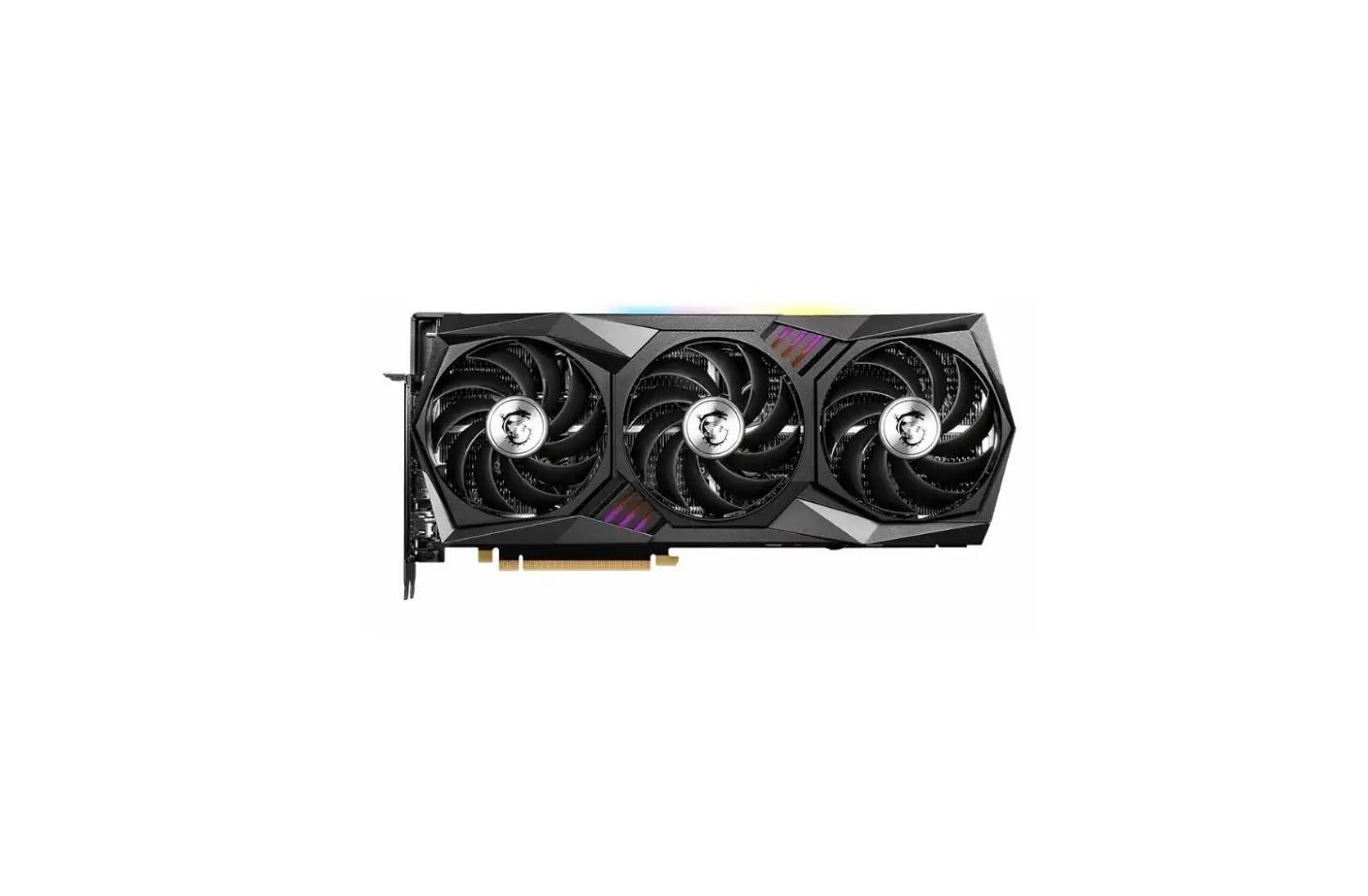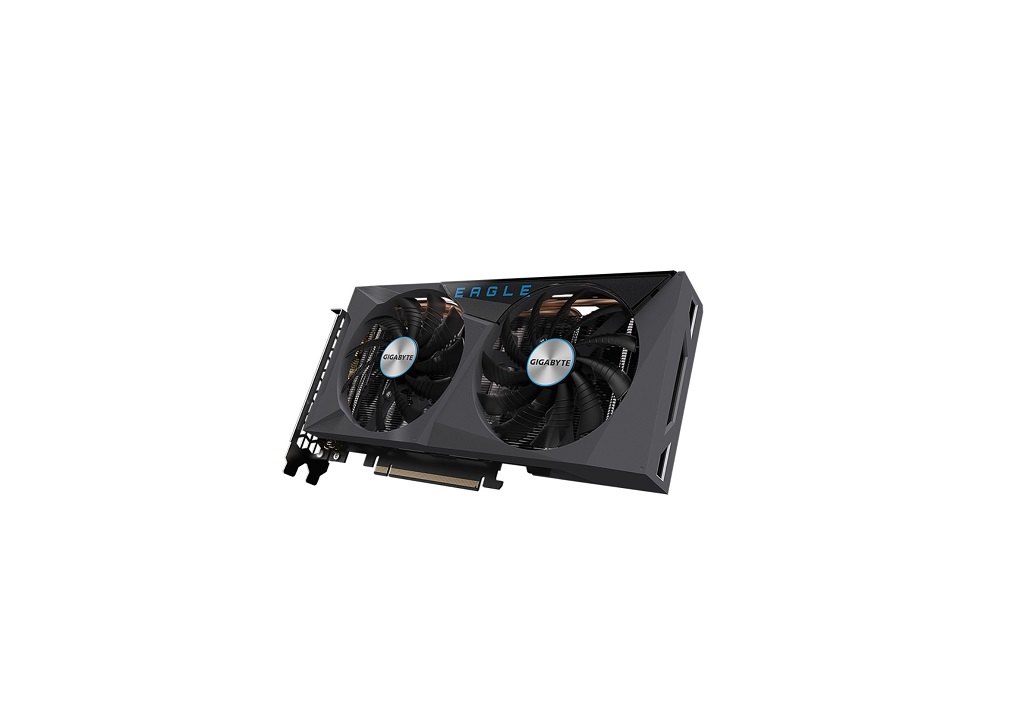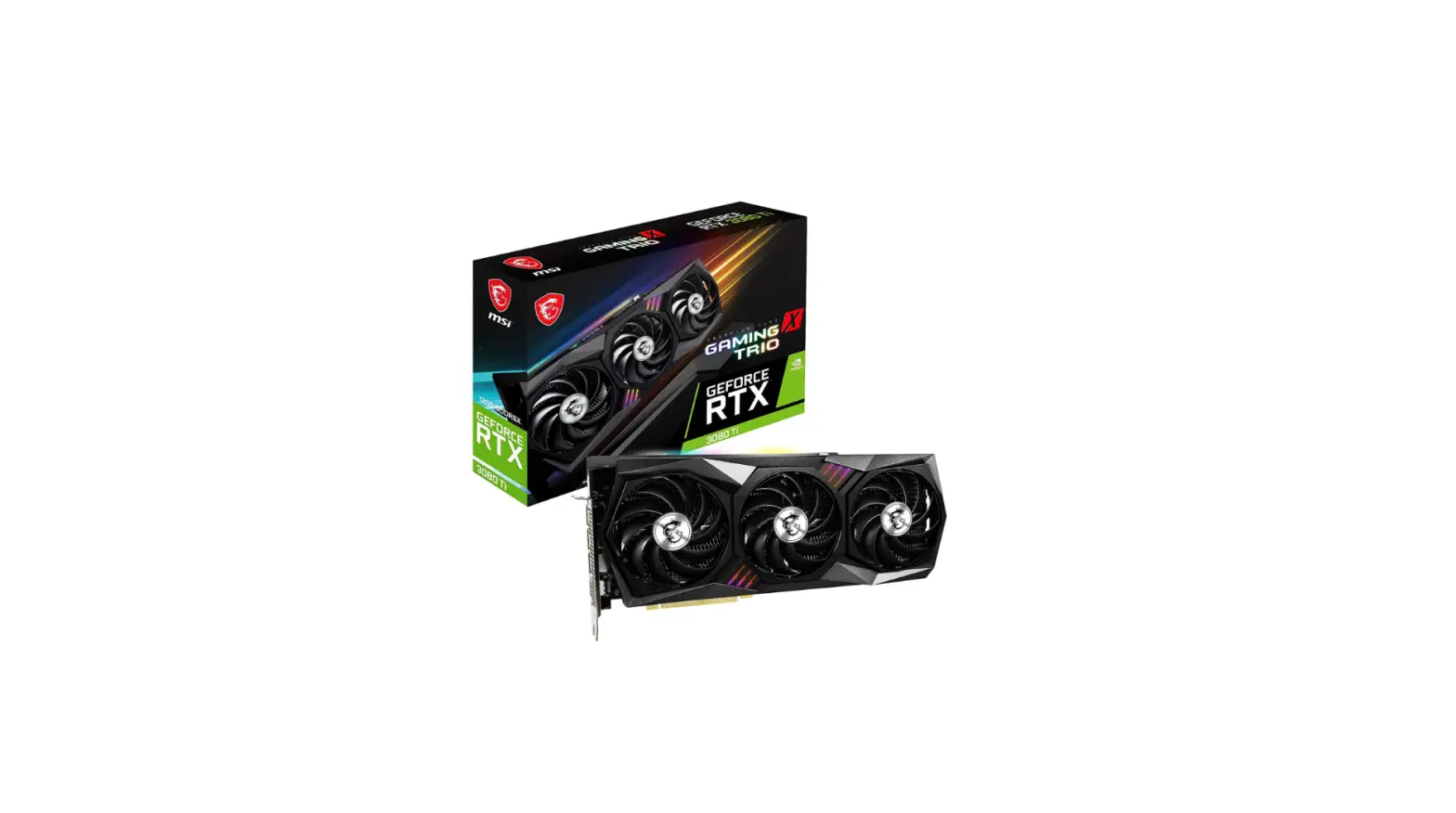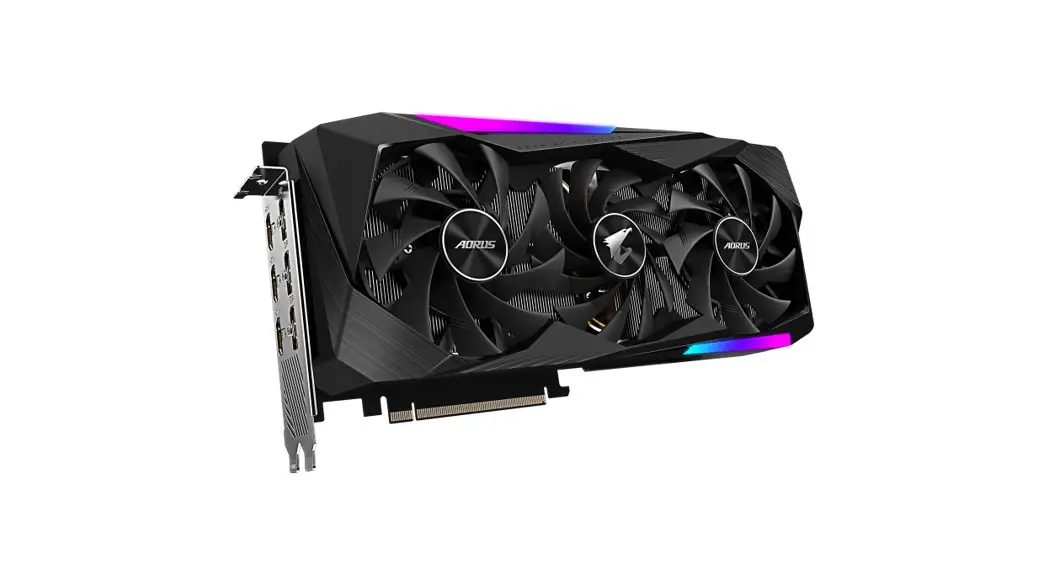
 AORUS GeForce RTX 3070 MASTER 8G Graphics Card
User Guide
Hardware Installation
- Make sure the computer is off and power cable unplugged
- Remove the chassis cover and locate the PCI Express x16 or AGP slot, if necessary,remove the bracket(s) from the back of the chassis
- Insert the card into the slot until it is firmly in place, if necessary, plug in the external power cord
- Screw in the bracket of the card to the chassis and close the chassis cover
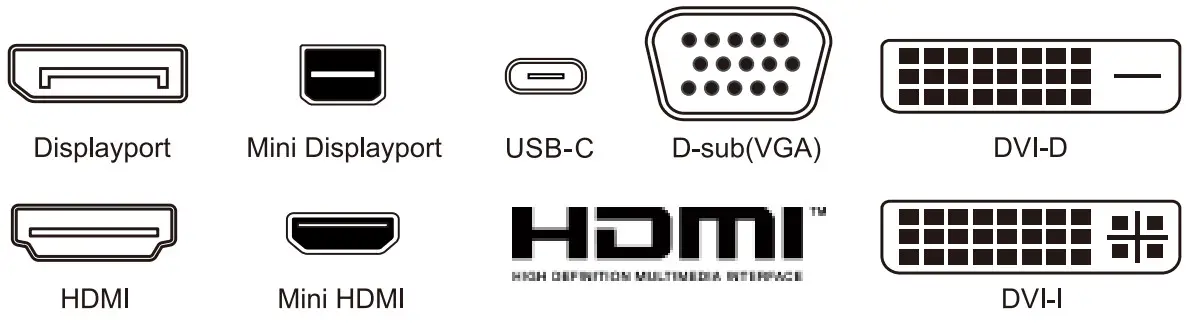
- Connect the appropriate cable(HDMI , DVI , D-sub , Display Port) to the card and the display
- Reconnect the power cable
Software Installation
Please download the driver and utilities at http://download.gigabyte.us/FileList/Utility/VGA.zip
* For more information about GIGABYTE products, please visit GIGABYTE website: https://www.gigabyte.com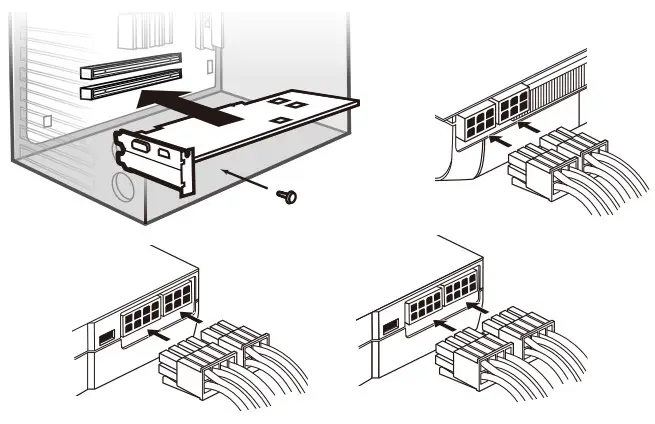
Equipment Name: —————
Type Designation: —————
Model Name: ———————–
| Unit | Restricted substances and its chemical symbols | |||||
| Lead (Pb) | Mercury (Hg) | Cadmium (Cd) | Hexavalent chromium (Cr+6) | Polybrominated biphenyls (PBB) | Polybrominated diphenyl ethers (PBDE) | |
 | | | | | | |
| — | | | | | | |
| — | | | | | | |
| | | | | | |
| Note 1: “Exceeding 0.1 wt %” and “exceeding 0.01 wt %” indicate that the percentage content of the restricted substance exceeds the reference percentage value of presence condition. Note 2: “ ” indicates that the percentage content of the restricted substance does not exceed the percentage of reference value of presence.Note 3: The “—” indicates that the restricted substance corresponds to the exemption. | ||||||
Notice
Please do not remove any labels on this graphics card. Doing so may void the warranty of this card.
Due to rapid change in technology, some of the specifications might be out of date before publication of this this manual.The author assumes no responsibility for any errors or omissions that may appear in this document nor does the author make a commitment to update the information contained herein
Rovi Product Notice:
This product incorporates copyright protection technology that is protected by U.S. patents and other intellectual property rights.Use of this copyright protection technology must be authorized by Ravi Corporation. and is intended for home and other limited viewing uses only unless otherwise authorized by Rovi Corporation. Reverse engineering or disassembly is prohibited.
Trademarks
Third-party brands and names are the properties of their respective owners.
Copyright
© 2013 GIGABYTE TECHNOLOGY CO., LTD
Copyright by GIGA-BYTE TECHNOLOGY CO., LTD. [GBT”). No part of this manual may be reproduced or transmitted in any form without the expressed, written permission of GBT. To reduce the impacts on environment, the product package does not include a driver disc. GIGABYTE works with you to protect the environment
www.gigabyte.com
12QM-VGAGUIDE-108*R