
Alphacool
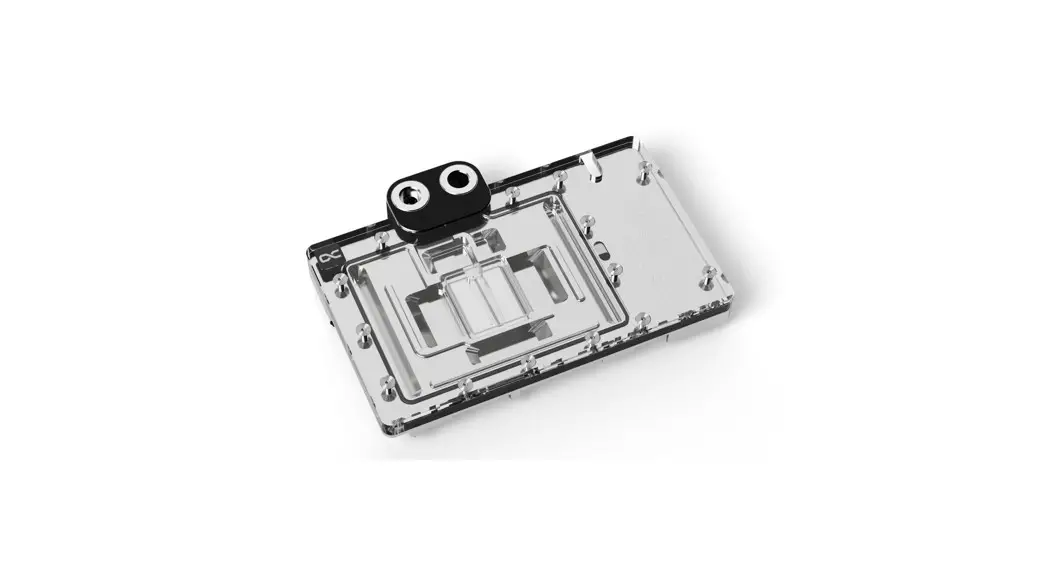
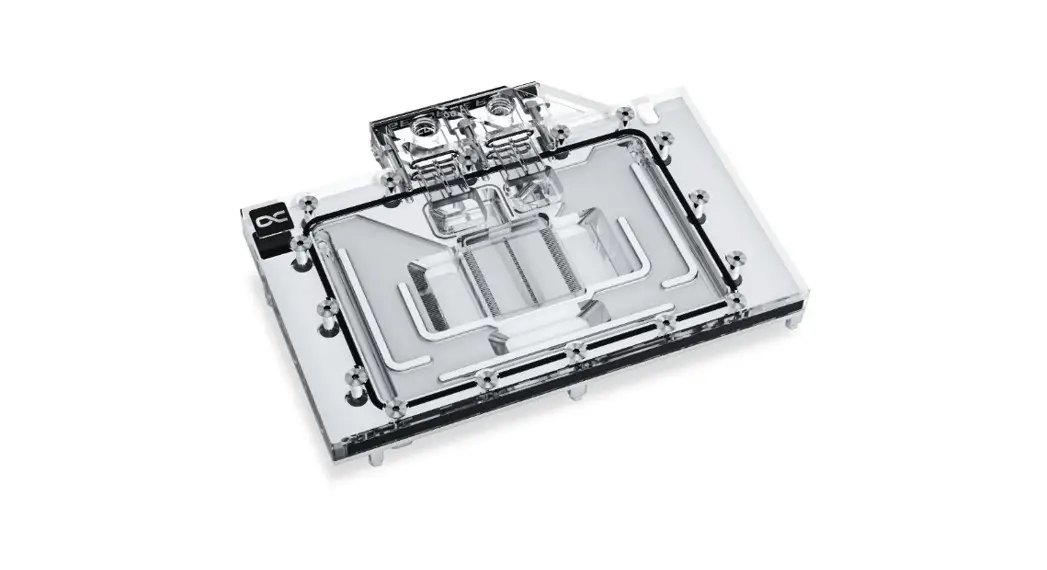
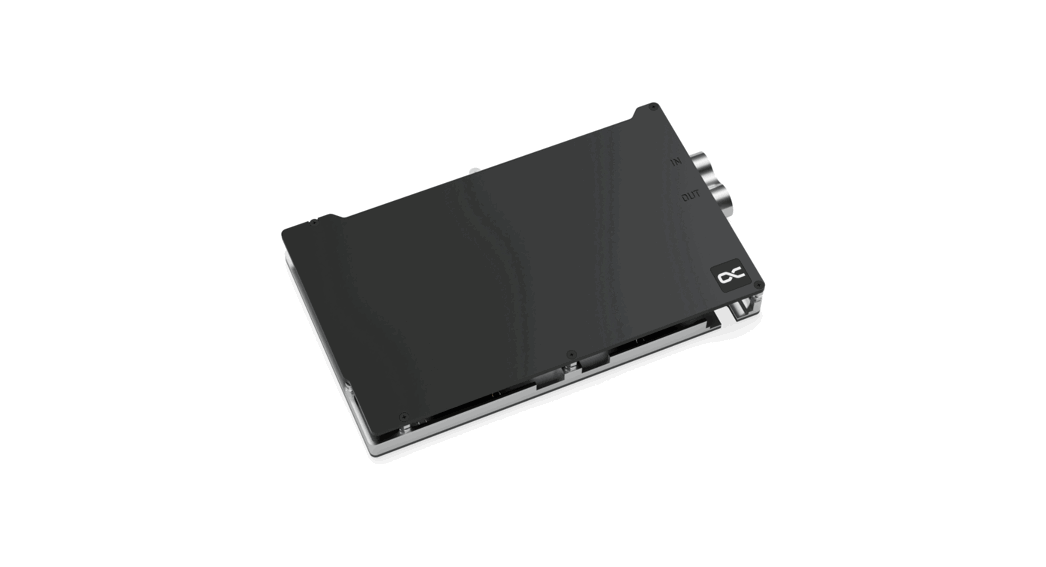
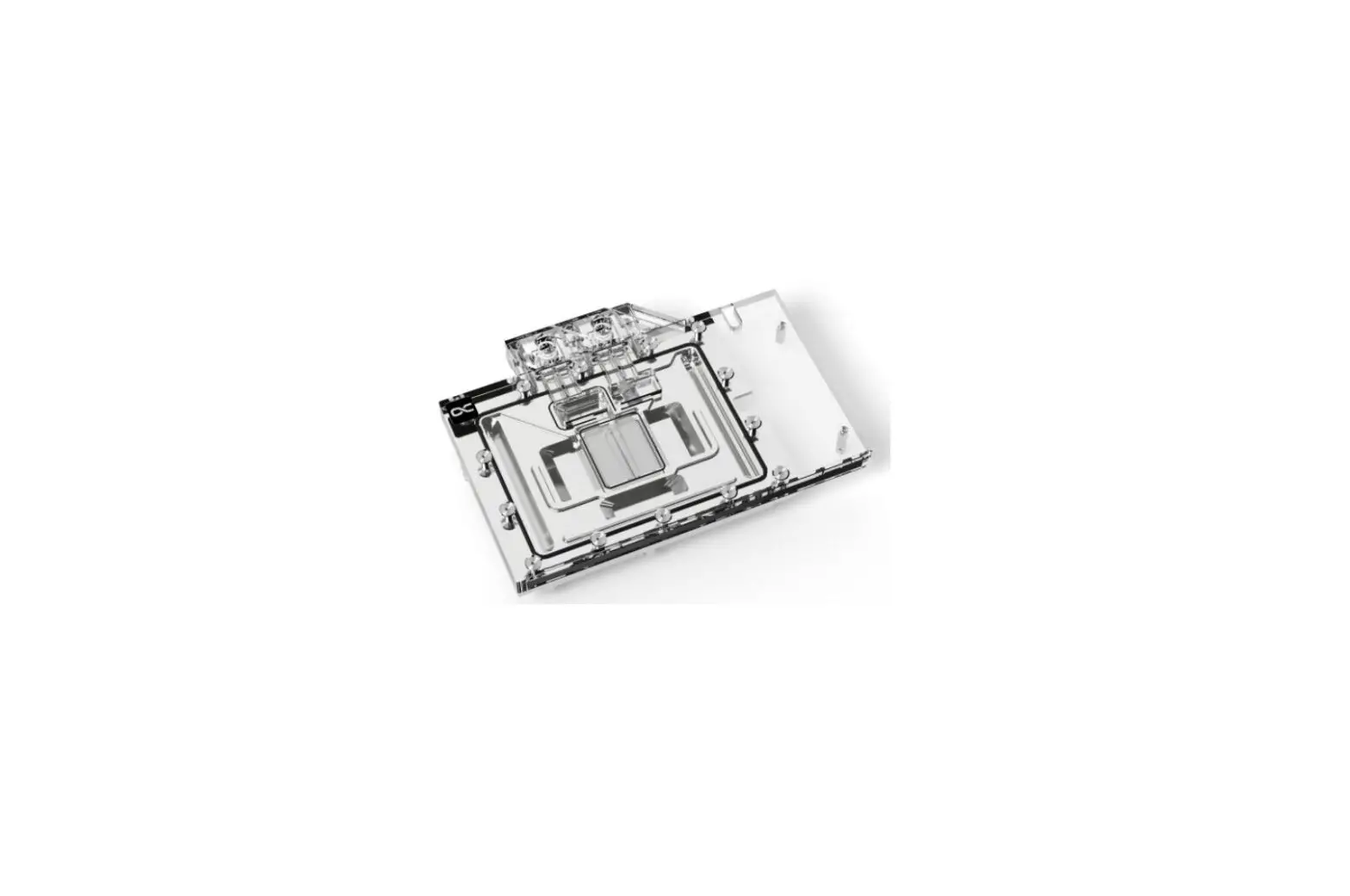
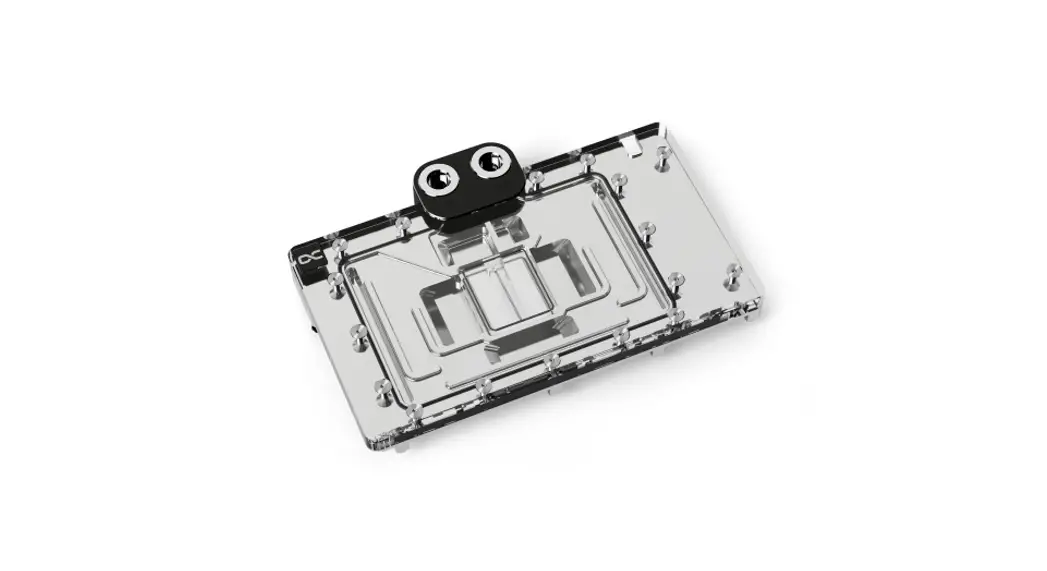
Core Geforce RTX 4090 GameRock + Phantom
with Backplate
 Safety instructions
 https://www.alphacool.com#mmm_safety.pdf
 Digital guide

https://www.alphacool.com#mmm_?acg=1026
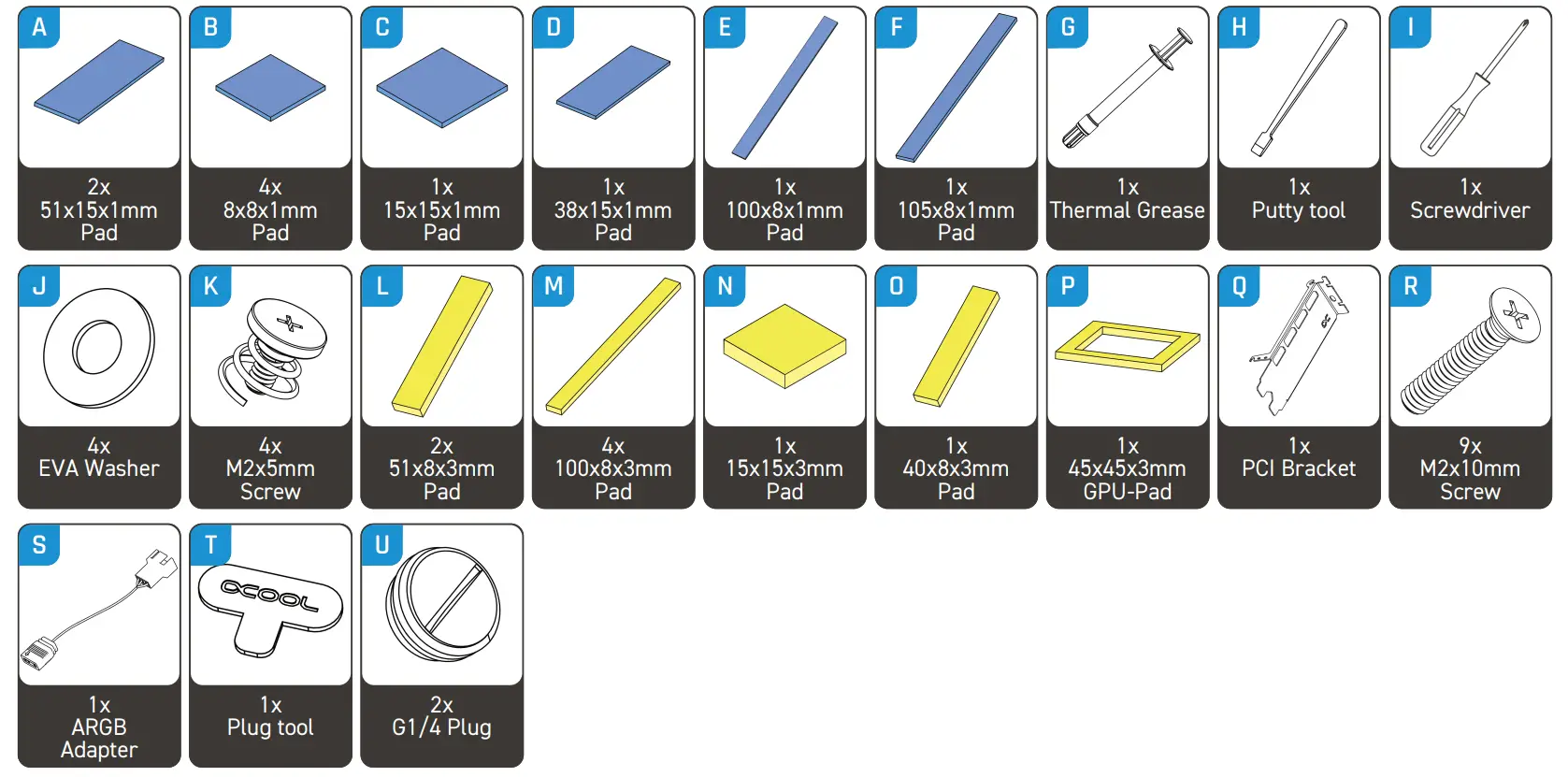
Accessories
Check compatibility and prepare graphics card
Check compatibility
Before starting the cooler assembly, compare your card with the pictures in our configurator. To do so, visit https://www.hwconfig.com and search for your graphics card or cooler model.
For a definitiv identification, you can also compare the PCB number. The cooler was designed for a special PCB layout. Occasionally, graphics card manufacturers may revise the design of their card slightly, causing the cooler not to fit on later models. During assembly, please make sure taller parts have enough space around them and that the cooler does not damage your graphics card.
Alphacool International GmbH is not liable for assembly errors occurring due to negligence, such as selecting an incompatible cooler.
Prepare graphics card
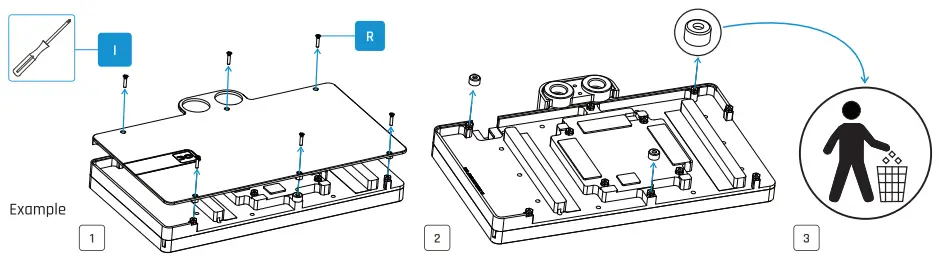
Put the hardware on an antistatic mat. Begin dismantling the original cooler. Depending on the structure of the cooler, remove the screws at the back of the card and carefully unhook the fan connector first. If the original cooler uses thermal glue, extreme care should be taken as you can easily damage parts. Pick up all the items carefully. Next, clean the hardware of thermal paste or pad residues with a solvent (e.g. isopropanol alcohol).
Remove spacers
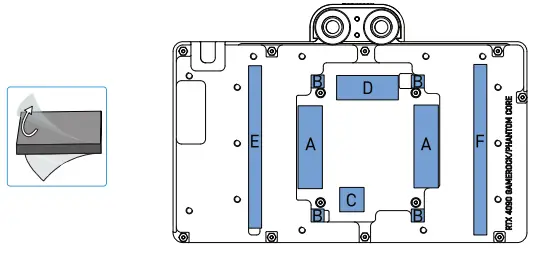
Place thermal pads on cooling block
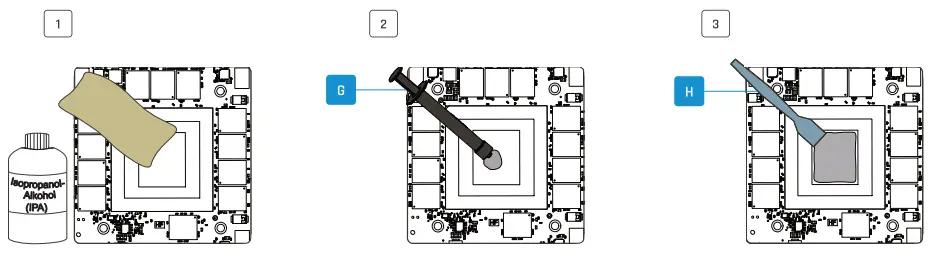
Apply Thermal Grease
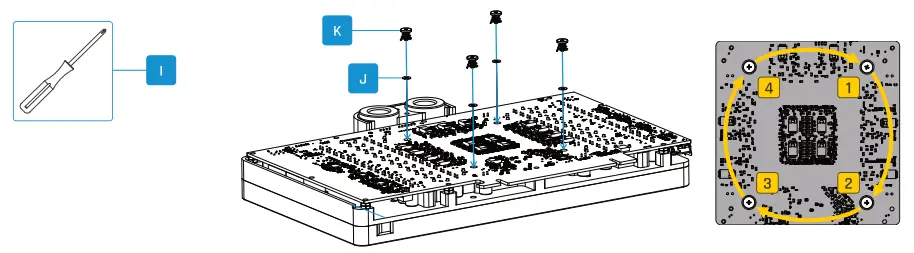
Install PCB
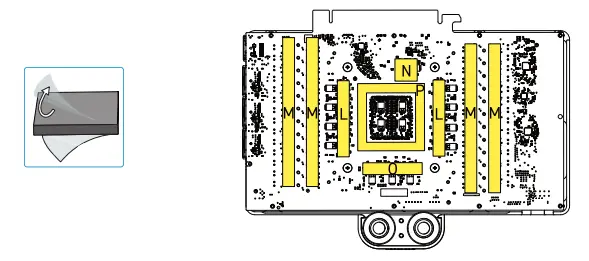
Place thermal pads on PCB backside
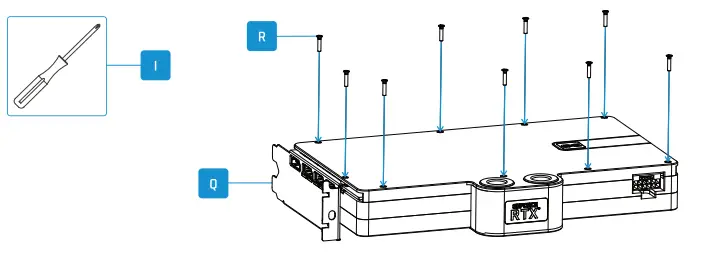
Mount PCI bracket and backplate
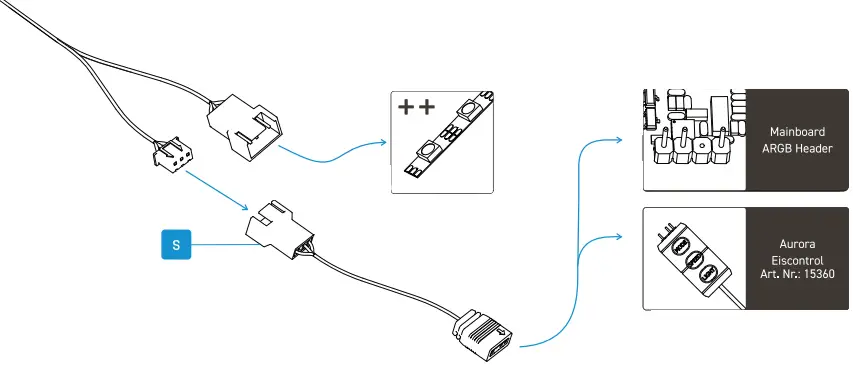
Connect ARGB lighting
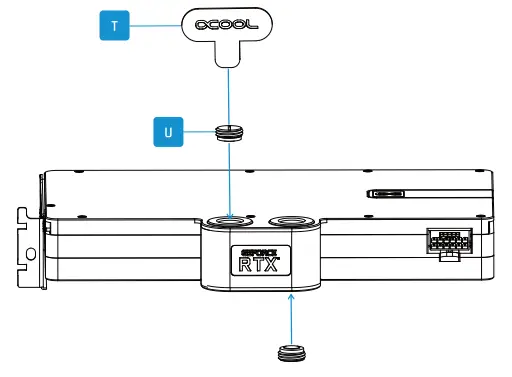
Screw in screw plugs with the tool
Need help? Alphacool International GmbH
Marienberger Str. 1
D-38122 Braunschweig
Germany
Support: +49 (0) 531 28874-0
Fax: +49 (0) 531 28874 – 22
E-Mail: [email protected]
https://www.alphacool.com
We care!