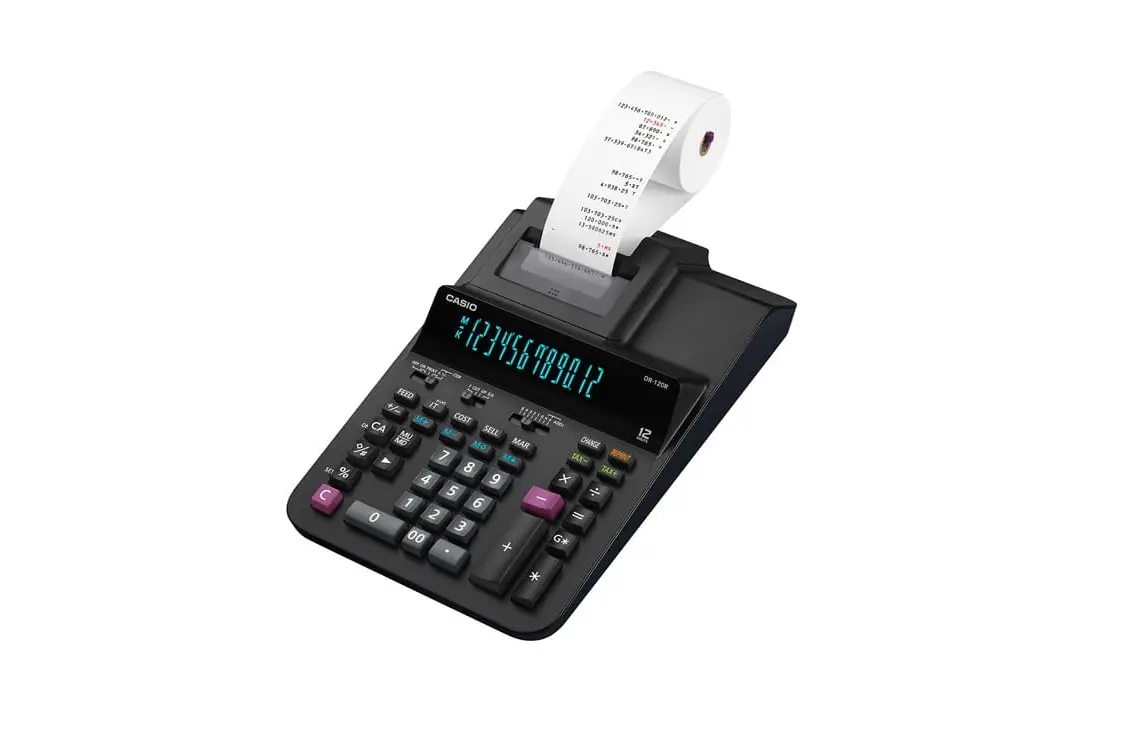
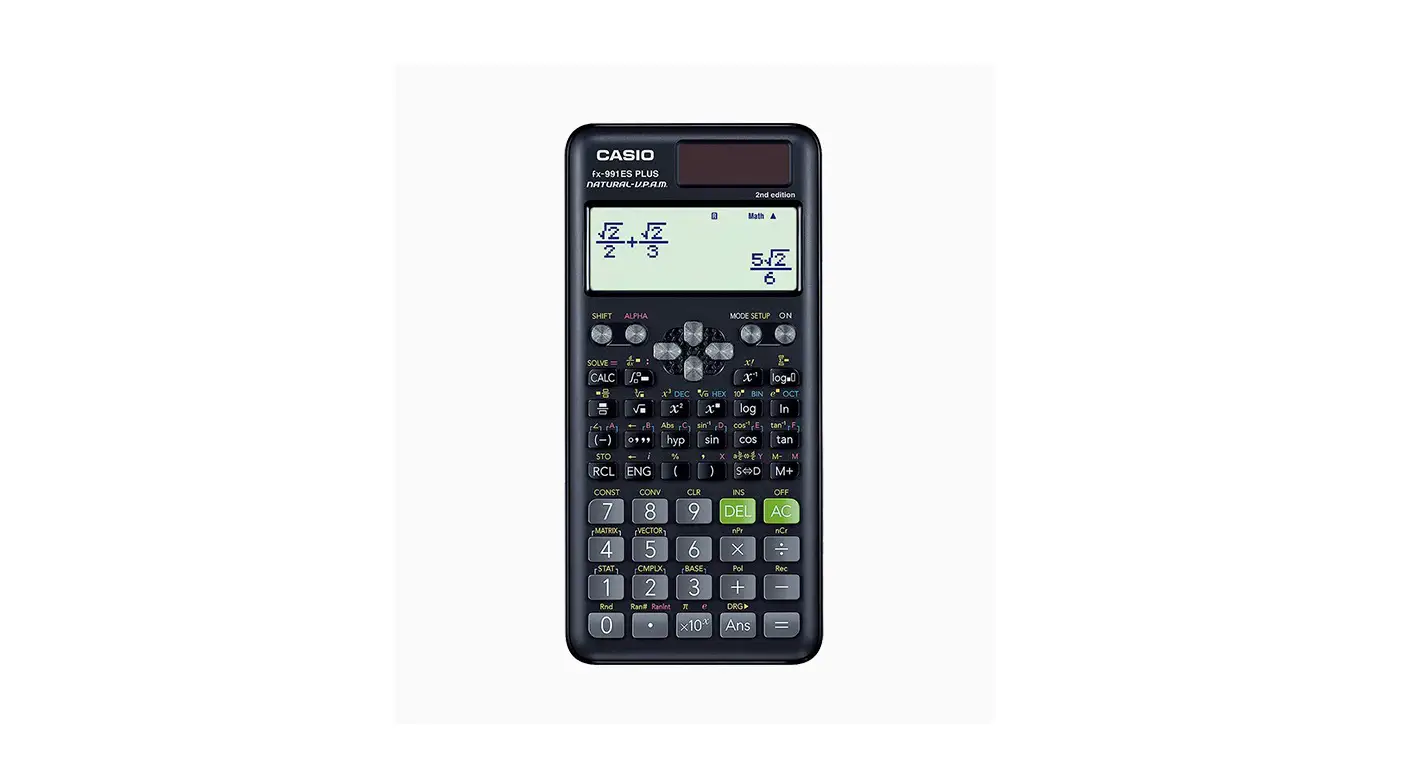
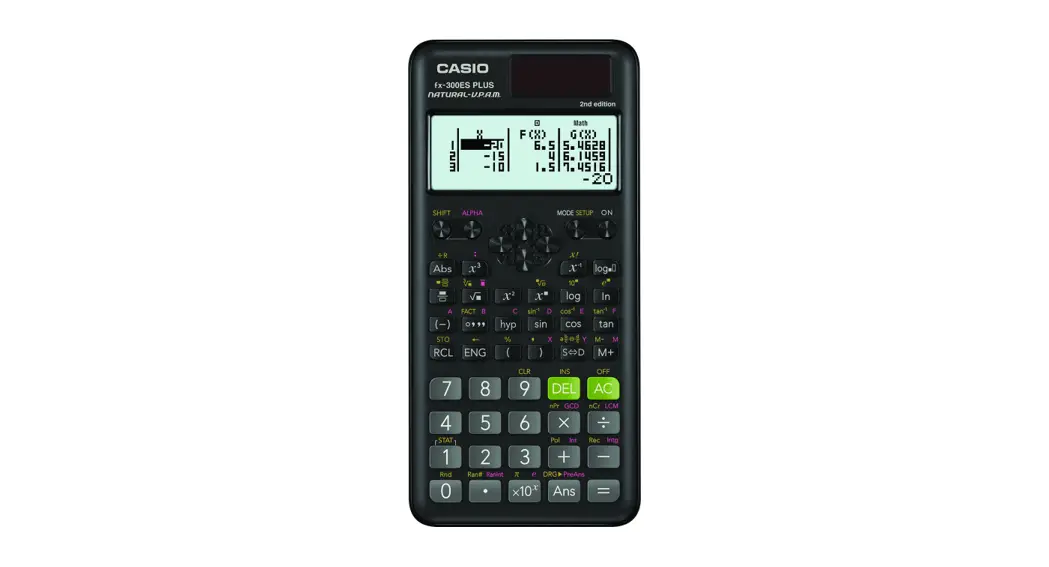
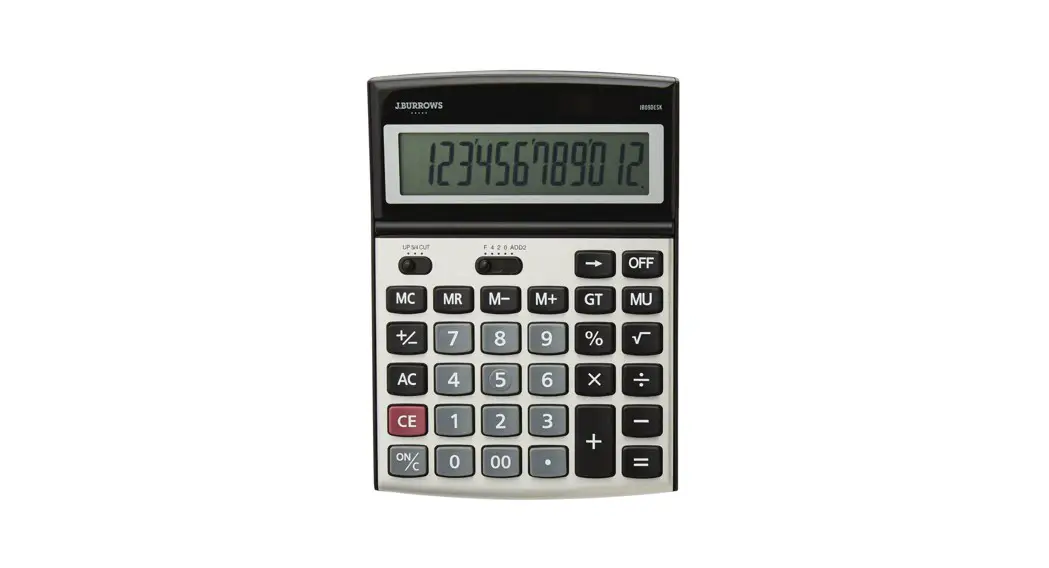
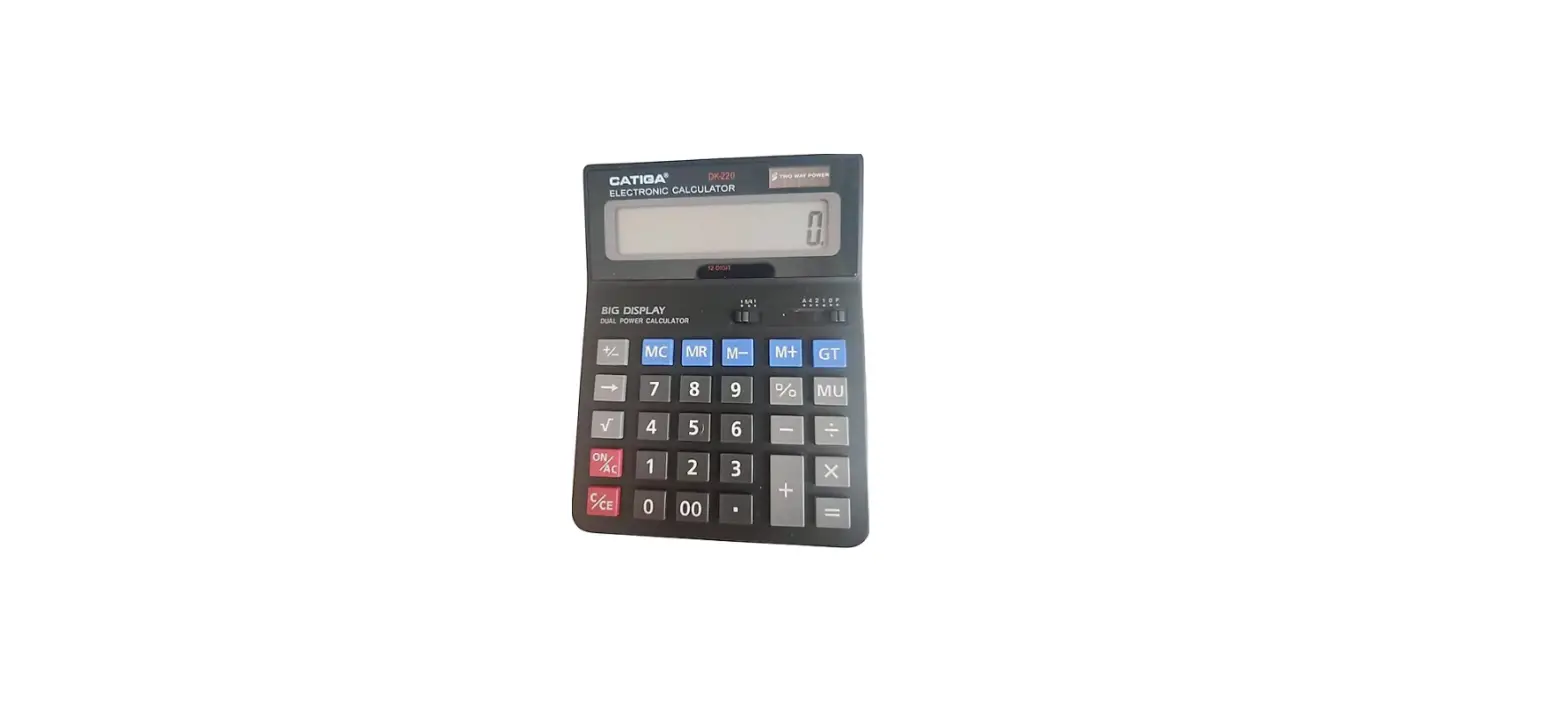
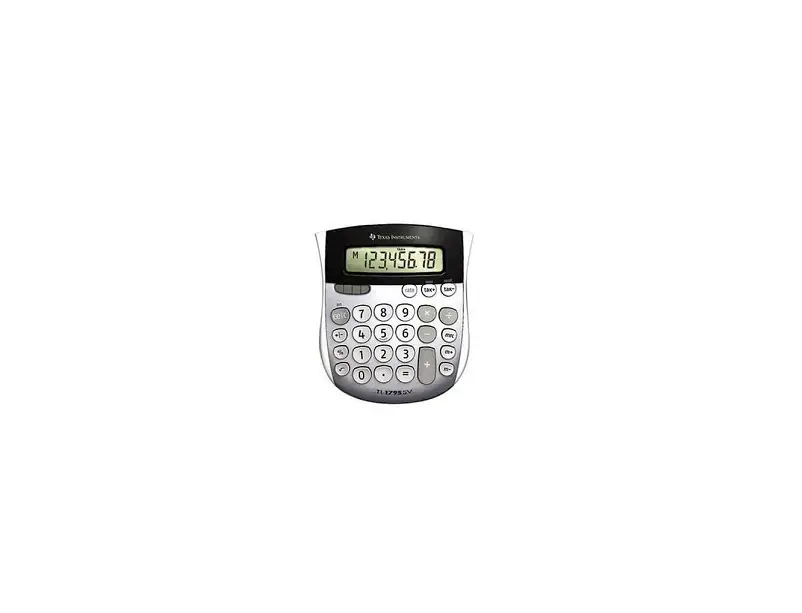
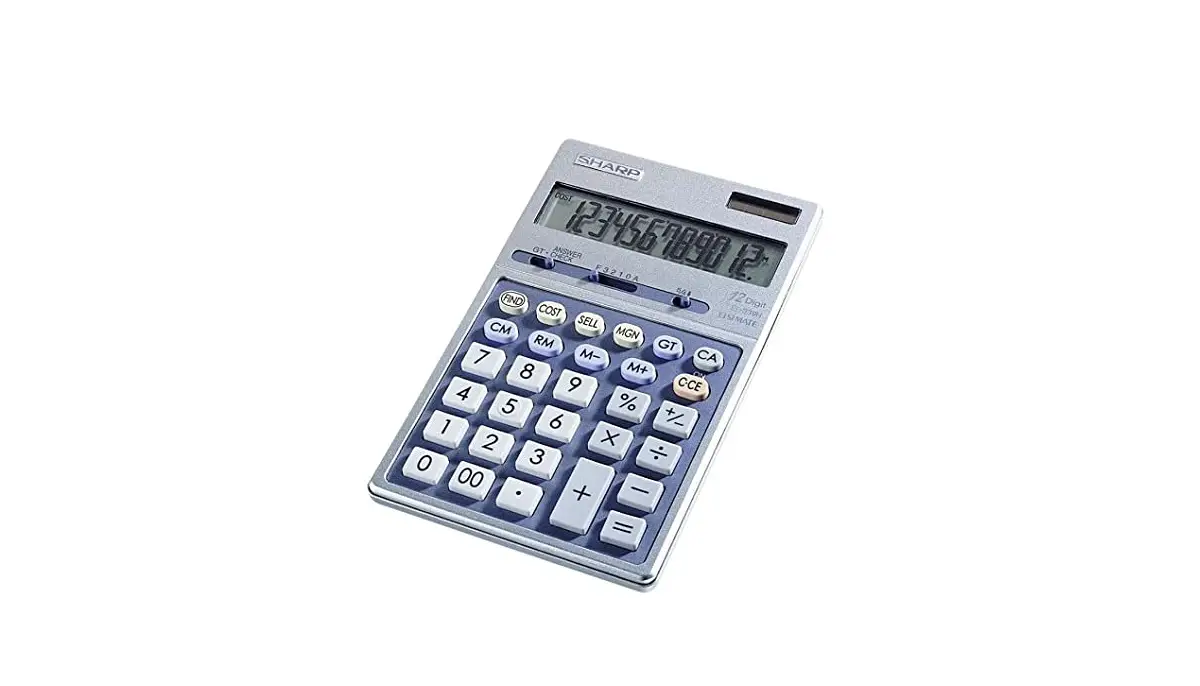
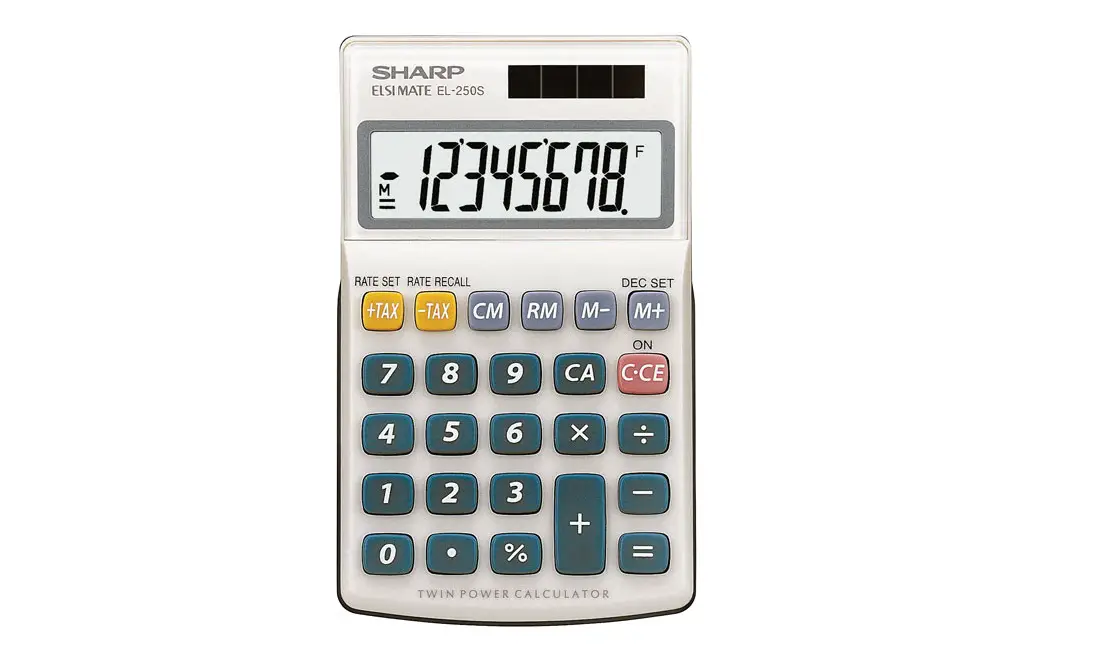
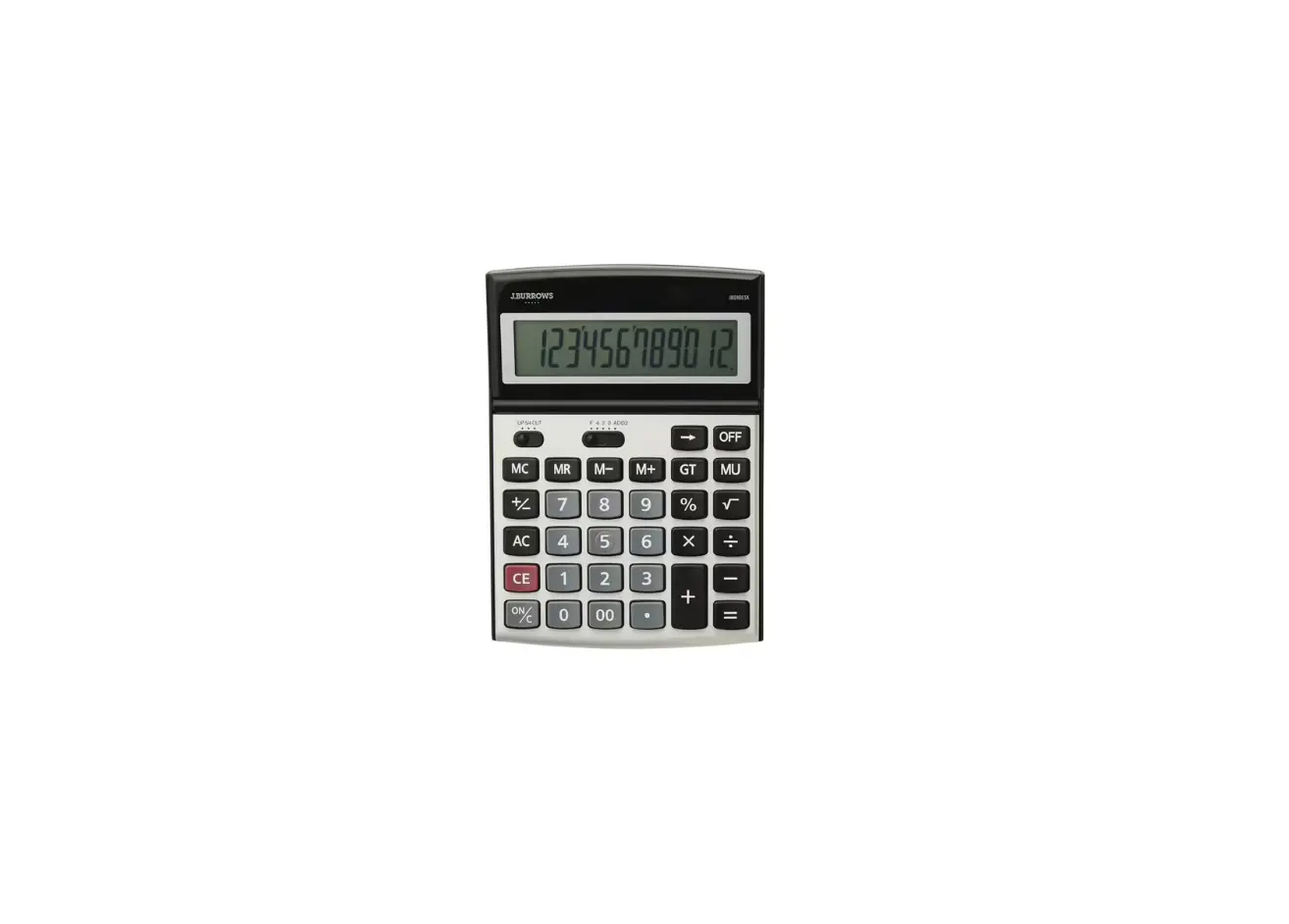
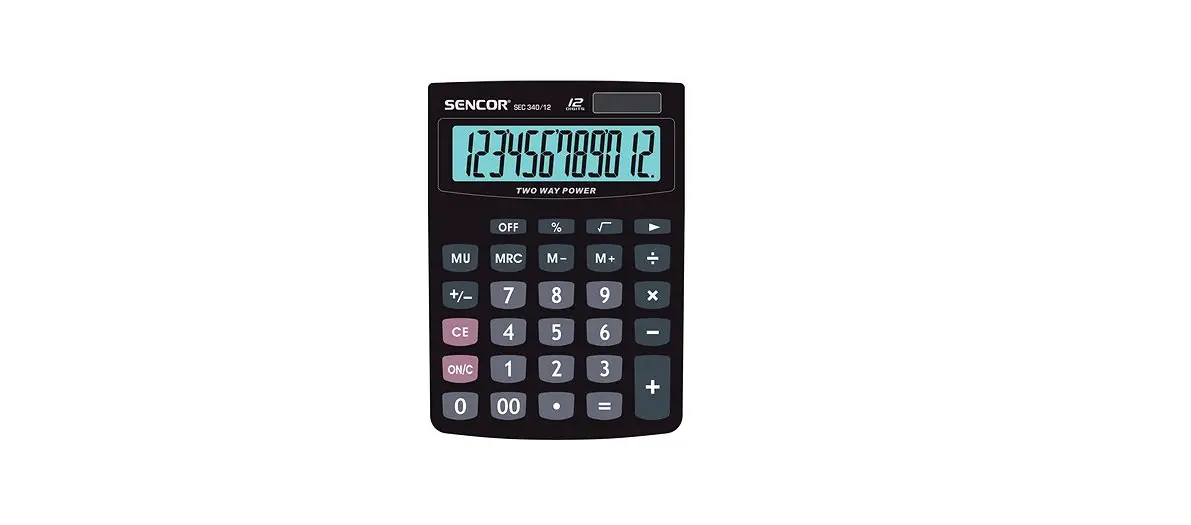
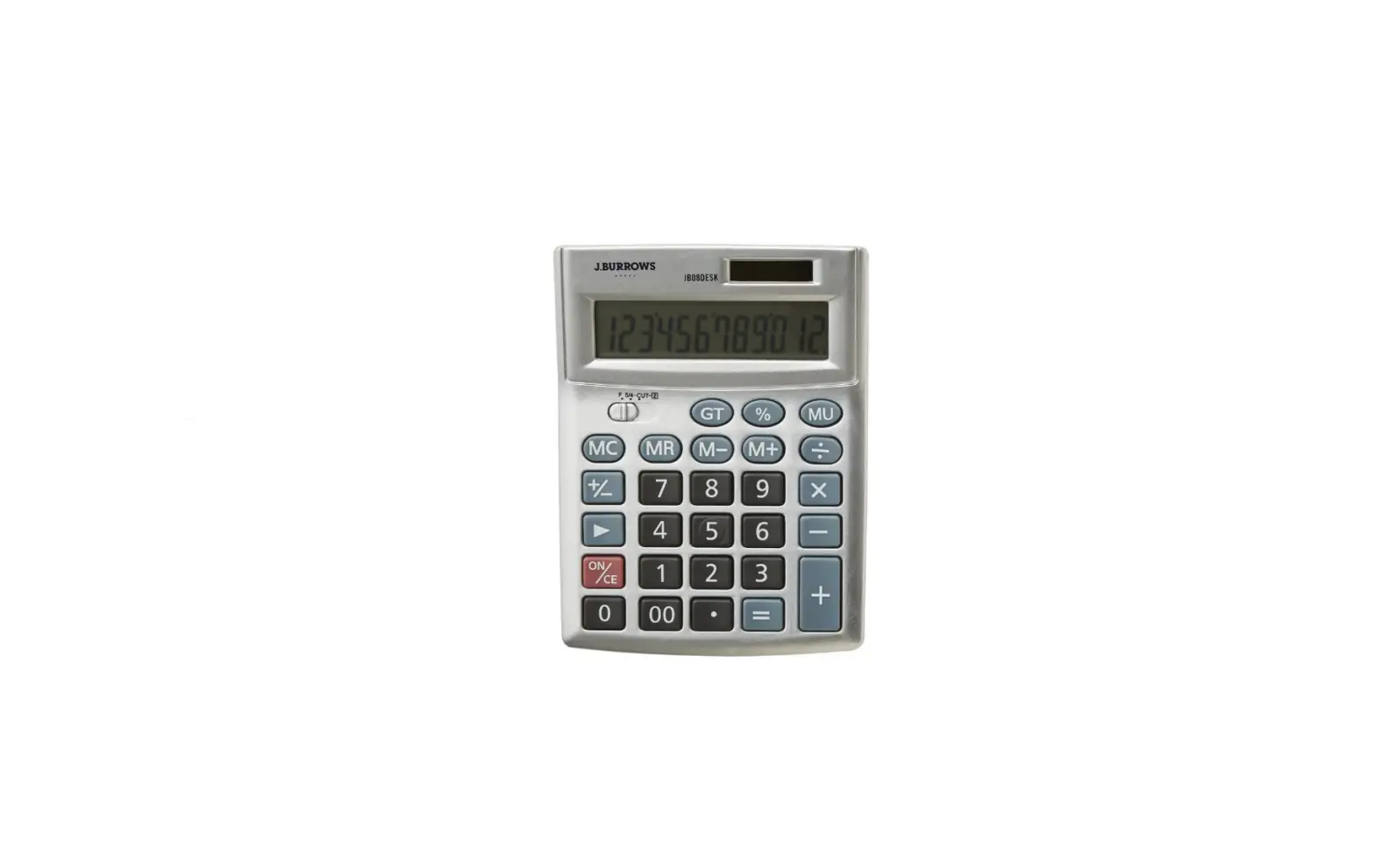
DE-12E Digit Big Ergonomic Desk Calculator
Product Information
The product is a calculator with two models available: DE-12E
and JE-12E.
The user’s guide provides important safety precautions and
instructions for using the calculator.
Some key features and specifications of the calculator
include:
- Display Screen: The LCD screen should not be pressed or
subjected to strong impact to prevent cracking and personal
injury. - Battery Precautions: Any fluid leaking from the battery should
be immediately rinsed off with clean water to avoid skin or eye
irritation. - Power Supply: The calculator has an auto power off function to
save power. - Basic Calculations: The calculator can perform various
arithmetic operations, including addition, subtraction,
multiplication, and division. - Currency Conversion: The calculator can convert between
different currencies using exchange rates. - Tax Calculations: The calculator can calculate taxes based on a
given percentage.
Product Usage Instructions
- Read the safety precautions in the user’s guide before using
the calculator. - Keep all user documentation handy for future reference.
- Avoid pressing or subjecting the LCD screen to strong impact to
prevent cracking and personal injury. - If the LCD becomes cracked, do not touch the liquid inside. If
liquid gets on your skin, rinse it off immediately. If liquid gets
in your eyes or mouth, rinse with clean water and contact a
physician. - In case of battery leakage, rinse off any fluid on your skin or
clothing with clean water. If fluid gets into your eyes, rinse the
eyes and immediately contact a physician. - Ensure a power supply is available for the calculator. The
calculator has an auto power off function to save power. - Use the calculator’s buttons to perform basic calculations,
such as addition, subtraction, multiplication, and division. - For currency conversion, set the exchange rates for different
currencies using the appropriate buttons on the calculator. - To calculate taxes, use the tax calculation function and input
the tax percentage. - Refer to the user’s guide for more detailed instructions on
specific functions and operations of the calculator.
&/
DE-12E JE-12E
User’s Guide
1
· Be sure to keep all user documentation handy for future reference. · In this User’s Guide, some key notations are shown in simplified
form.
C1
l l or B
2
Safety Precautions
Thank you for purchasing this CASIO product. Be sure to read the “Safety Precautions” before using this product to ensure that you use it correctly. Be sure to keep all user documentation handy for future reference.
Danger Indicates something that creates the major risk of death or serious personal injury. k Button Type and Coin Type Battery Precautions Take care to ensure that a battery will not be swallowed accidentally. Particular care is required to keep batteries away from children. Should a battery be swallowed accidentally or if there is a possibility that a battery has been swallowed, immediately contact a physician. Swallowing a battery can result in chemical burns, mucosal tissue penetration, and other serious problems that create the risk of death.
3
Warning Indicates something that creates the risk of death or serious personal injury. k Display Screen Do not press the LCD or subject it to strong impact.
Doing so can cause the LCD glass to crack, creating the risk of personal injury.
Should the LCD become cracked, never touch any of the liquid inside. LCD liquid getting on the skin creates the risk of skin irritation. Should LCD liquid get into your mouth, immediately rinse your mouth out and contact your physician. Should LCD liquid get in your eyes or on your skin, rinse with clean water and then contact your physician.
k Battery Precautions
Should fluid leaking from a battery get on your skin or clothing, immediately rinse it off with clean water. Battery fluid getting into the eyes creates the risk of eyesight loss, etc. Rinse the eyes and then immediately contact a physician.
4
Caution Indicates something that creates the risk of minor personal injury or physical damage. Observe the precautions below. Failure to do so can cause a battery to rupture, creating the risk of fire, personal injury, and soiling of nearby objects by leaking fluid. · Do not try to take a battery apart and never allow a
battery to become shorted. · Do not charge a non-rechargeable battery. · Do not expose a battery to heat or throw it into fire. · Use only the specified type of battery. · Load a battery with its poles (plus (+) and minus ())
facing correctly. · Replace the battery as soon as possible after it goes
dead.
Battery Precautions
Observe the precautions below. Failure to do so can cause the battery to explode or leak flammable liquid or gas. · Use only the type of battery that is specified for this product. · Do not burn a battery or dispose of it in an incinerator, or by mechanical crushing or cutting. · Do not subject a battery to excessively high or low temperatures during use, storage, or transport. · Do not subject a battery to excessively low barometric pressure during use, storage, or transport.
5
Important Precautions
· If you suspect that the calculator is operating abnormally due to static electrical charge or some other problem, press A to restore normal operation.
· Avoid dropping the calculator and otherwise subjecting it to severe impact.
· Never try to take the calculator apart. · Never bend or twist the case. · Wipe the unit with a soft, dry cloth to clean it. · Replacing the battery or blocking the calculator from sunlight while
battery power is low may cause your tax rate setting, currency conversion rate setting, or memory contents to be changed or lost. Replace the battery as soon as possible when it becomes weak and correct the rate setting, if necessary. · The contents of these instructions are subject to change without notice. · CASIO COMPUTER CO., LTD. assumes no responsibility for any loss or claims by third parties which may arise from the use of this product.
6
Contents
Safety Precautions ······························································· 3 Important Precautions ·························································· 6 Power Supply ······································································· 8 Basic Calculations ································································ 9 Tax Calculations ································································· 12 Currency Conversion ·························································· 13 Specifications ····································································· 15 Battery Replacement ························································· 15
7
Power Supply
Two-Way Power System provides power even in complete darkness. · Even if you do not use the calculator, you should replace the battery
at least once every seven years. · The replace battery icon ( ) will appear in the lower right corner
of the display when battery power is low. · If the display becomes dim and difficult to read, or if nothing
appears on the display when you press A (especially when lighting is dim), you probably need to have the battery replaced. · The battery that comes with this unit discharges slightly during shipment and storage. Because of this, it may require replacement sooner than the normal expected battery life.
k Auto Power Off Function
Auto power off: Approximately 6 minutes after last key operation · If the Auto Power Off function turns off power, press A to restore
power.
8
Basic Calculations
(DE-12E)
F CUT UP 5/4
5 4 3 2 1 0 ADD2
(JE-12E)
F CUT 5/4
4 3 2 1 0 ADD2
6 ÷ 3 × 5 + 2.4 1 = 11.4 2 × ( 3) = 6
“F”
A
6/3*5+2.4-1=
2*3>=
5 ÷ 3 = 1.66666666…
“F” “CUT, 2” “UP, 2” (DE-12E) “5/4, 2”
5/3= 5/3= 5/3= 5/3=
$ 1.23 3.21
1.11 2.00
$ 5.33
“CUT, ADD2”
123+ 321111+ 2.=
12 + 23 = 35 45 + 23 = 68
7 5 = 2 2 5 = 3
2 × 12 = 24 4 × 12 = 48
45 ÷ 9 = 5 72 ÷ 9 = 8
“F”
23++12=
45=
5–7= 2=
12**2= 4=
9//45=
72=
9
0. 11.4 6.
1.66666666… 1.66 1.67 1.67
1.23 4.44 3.33 5.33
K
35.
K
68.
K
2.
K
3.
K
24.
K
48.
K
5.
K
8.
‘4 × 5 = 10
“F”
49*5=
10.
200 × 5% = 10
“F”
100 + (100 × 5%) = 105 “F”
500 (500 × 20%) = 400 “F”
30 = 60 × ?%
? = 50 “F”
12 = 10 + (10 × ?%) ? = 20 “F”
$120
100% ? ($160)
? ($40) 25%
“F”
200*5& 100*5&+ 500*20&-
30/60& 12-10&
120+25& –
10. 105. 400.
50. 20. 160. 40.
8 × 9 = 72 ) 5 × 6 = 30
2×3= 6 48
“F” (m)*1
o8*9l
M
72.
5*6m
M
30.
2*3l
M
6.
n
M
48.
5 × 6 = 30 2 × 8 = 16
46
12 ÷ 2 = 6 12 ÷ 5 = 2.4 12 ÷ 8 = 1.5
9.9
7.8 × 89 = 694.2
4.56 × 23 = 104.88
12.36
799.08
“F”
A5*6= GT
2*8= GT &*2 GT
“F” (m)*1 Ao12l/2= GT M
n/5= GT M
n/8= GT M
& GT M
“F” (m)*1 Ao7.8l*89= GT M
4.56l*23= GT M
n GT M
& GT M
30. 16. 46.
6. 2.4 1.5 9.9
694.2 104.88
12.36 799.08
*1 If the “EXCH” indicator is displayed, press m and confirm that “EXCH” is not displayed.
*2 & recalls the value stored (accumulated) in grand total memory.
10
2 + 3/ = 6
“F”
2+3C4=
6.
4
2 +/ 7 = 5
2+-7=
5.
5 + 77/ = 12
5+77’=
12.
· “E” (Error) will appear if the calculation result exceeds the upper calculation limit of the calculator. If this happens, press A.
· The value displayed when a calculation error occurs is a rough approximate value. Example: If 1.23 is displayed along with “E”, it indicates a value of approximately 1.23 × 10¹².
k Clearing Calculations
· To clear the calculator except for independent memory and rate settings, press A.
· To clear independent memory only, press o.
11
Tax Calculations
· To set a tax rate Example: Tax rate = 5%
Ah(Hold down until SET appears.) m 5 h
TAX
%
5.
· You can check the currently set tax rate by pressing A and then m.
· Tax rate = 5% $150*3 ???*4 *5
“F”
A 150
TAX+
V
$105*4 ???*3 *5
“F”
A 105
TAX-
W
*3 Price-less-tax *4 Price-plus-tax *5 Tax
*4
157.5 V
*3
100. W
TAX
*5
7.5
TAX
*5
5.
12
Currency Conversion
· To toggle between the Memory Mode (A) and the Conversion Mode (B)
(A)
(B)
EXCH
000000000000. m
EXCH
0.
· To set conversion rates
Currency 1 (C1) is your home country currency, and so it is always
set to 1. Currency 2 (C2), Currency 3 (C3) and Currency 4 (C4)
are for three other currencies, and you can change these rates as
required.
Example: Conversion rate $1 (C1 home currency) = 0.9 euro for
Currency 2 (C2)
Ah(Hold down until SET appears.) C 0.9*6 h
C2 EXCH RATE
0.9
· You can check a currently set conversion rate by pressing A and then, C, D, or b.
*6 For rates of 1 or greater, you can input up to six digits. For rates less than 1 you can input up to your calculator’s maximum number of digits, including 0 for the integer digit and leading zeros (though only six significant digits, counted from the left and starting with the first non-zero digit, can be specified). Examples: 0.123456, 0.0123456
13
Conversion Rate Setting C1 ($) = 1, C2 (EUR) = 0.9, C3 (GBP) = 0.75 108 EUR $ ? (120)
“F” (m)*7 A 108 CB
C1
EXCH
120.
C $110 GBP ? (82.5)
“F” (m)*7 A 110 BD
C2 EXCH
108.
C3 EXCH
82.5
B 108 EUR GBP ? (90)
“F” (m)*7 A 108 CD
C1
EXCH
110.
C3 EXCH
90.
C2 EXCH
C
108.
*7 If there is no “EXCH” indicator displayed, press m to display it.
Conversion Calculation Formulas
C2 C1 … A/X C1 C2 … A`X C2 C3 … (A/X)`Y C3 C4 … (A/Y)`Z C3 C1 … A/Y C1 C3 … A`Y C2 C4 … (A/X)`Z C4 C2 … (A/Z)`X C4 C1 … A/Z C1 C4 … A`Z C3 C2 … (A/Y)`X C4 C3 … (A/Z)`Y
· A = Input or displayed value, X = C2 rate, Y = C3 rate, Z = C4 rate
14
Specifications
Power Supply: Two-Way Power System, with solar cell and one button type battery (CR2025)
Battery Life: Approximately 7 years (1 hour operation per day) Operating Temperature: 0°C to 40°C (32°F to 104°F) Dimensions (H) × (W) × (D) / Approximate weight (including battery): DE-12E: 35×140×188 mm (13/8″× 51/2″×77/16″) / 295 g (10.4 oz) JE-12E: 24.4×111×177.5 mm (15/16″×43/8″×7″) / 210 g (7.4 oz)
Battery Replacement
15
CASIO COMPUTER CO., LTD. 6-2, Hon-machi 1-chome
Shibuya-ku, Tokyo 151-8543, Japan
SA2210-A © 2022 CASIO COMPUTER CO., LTD.
16