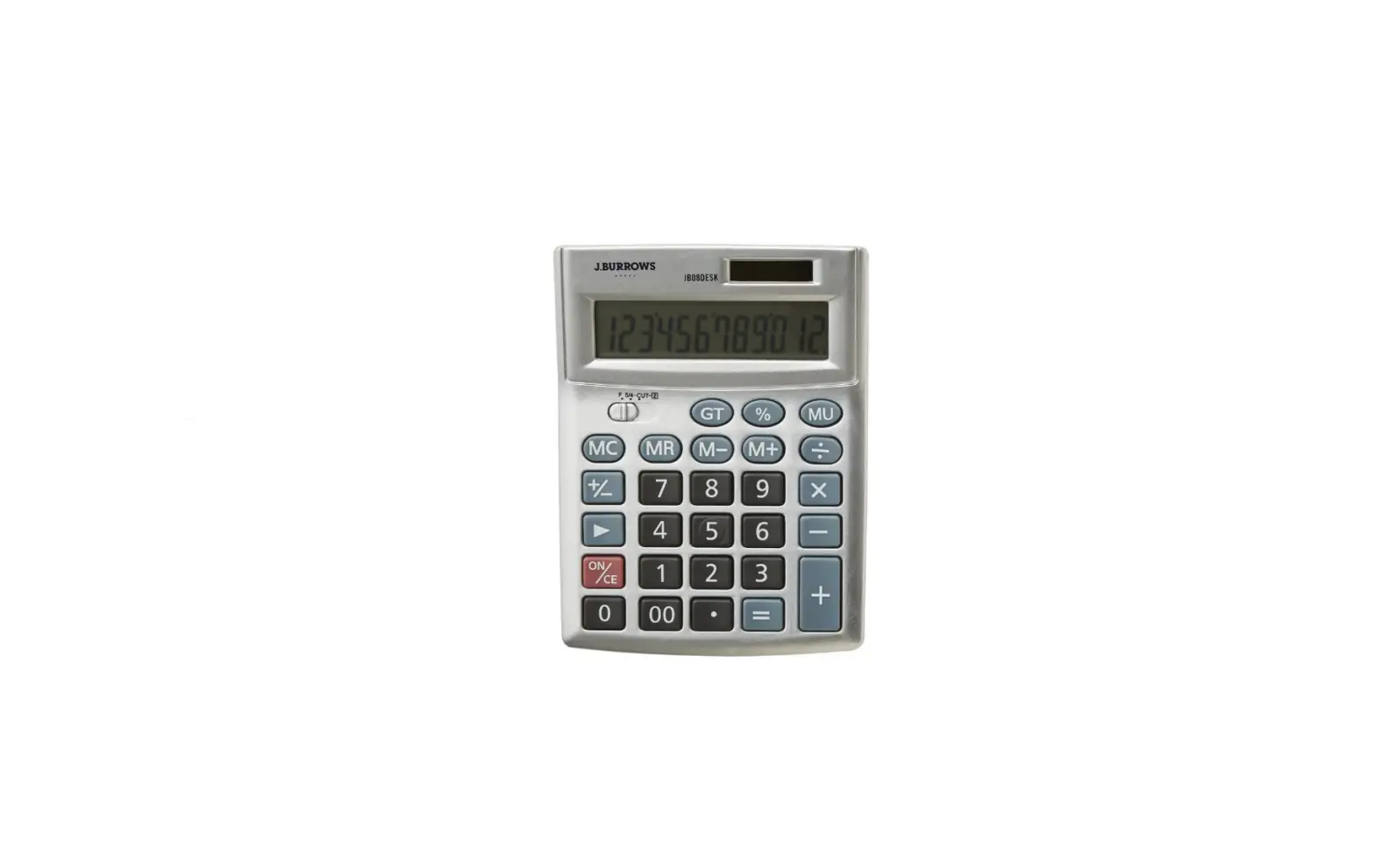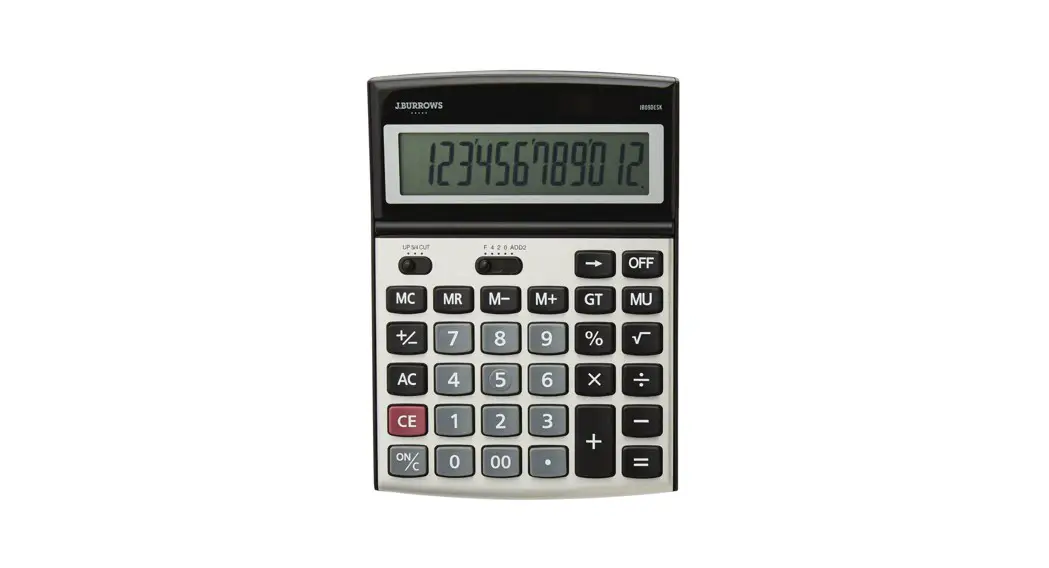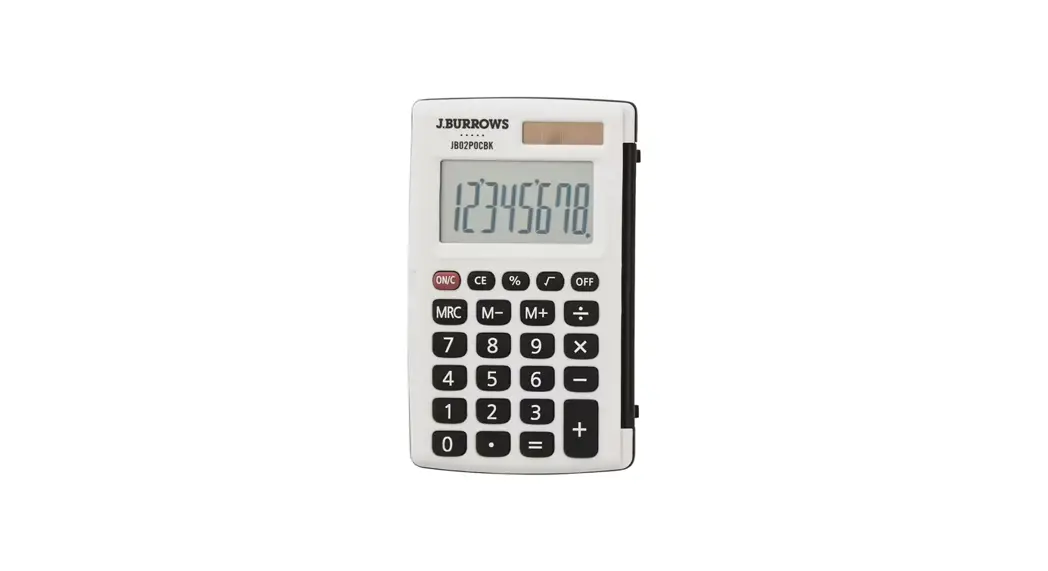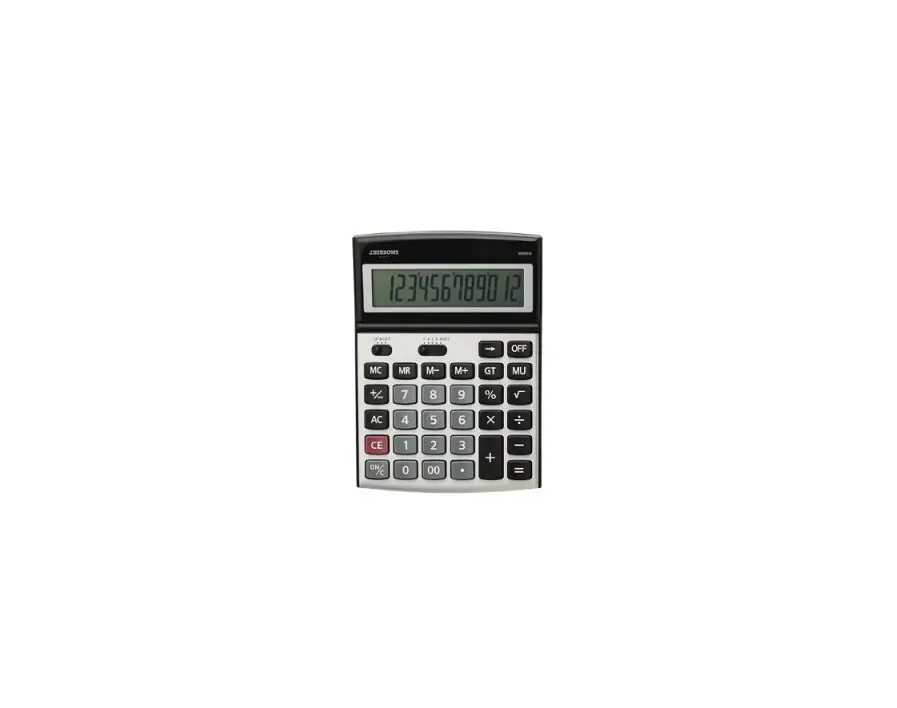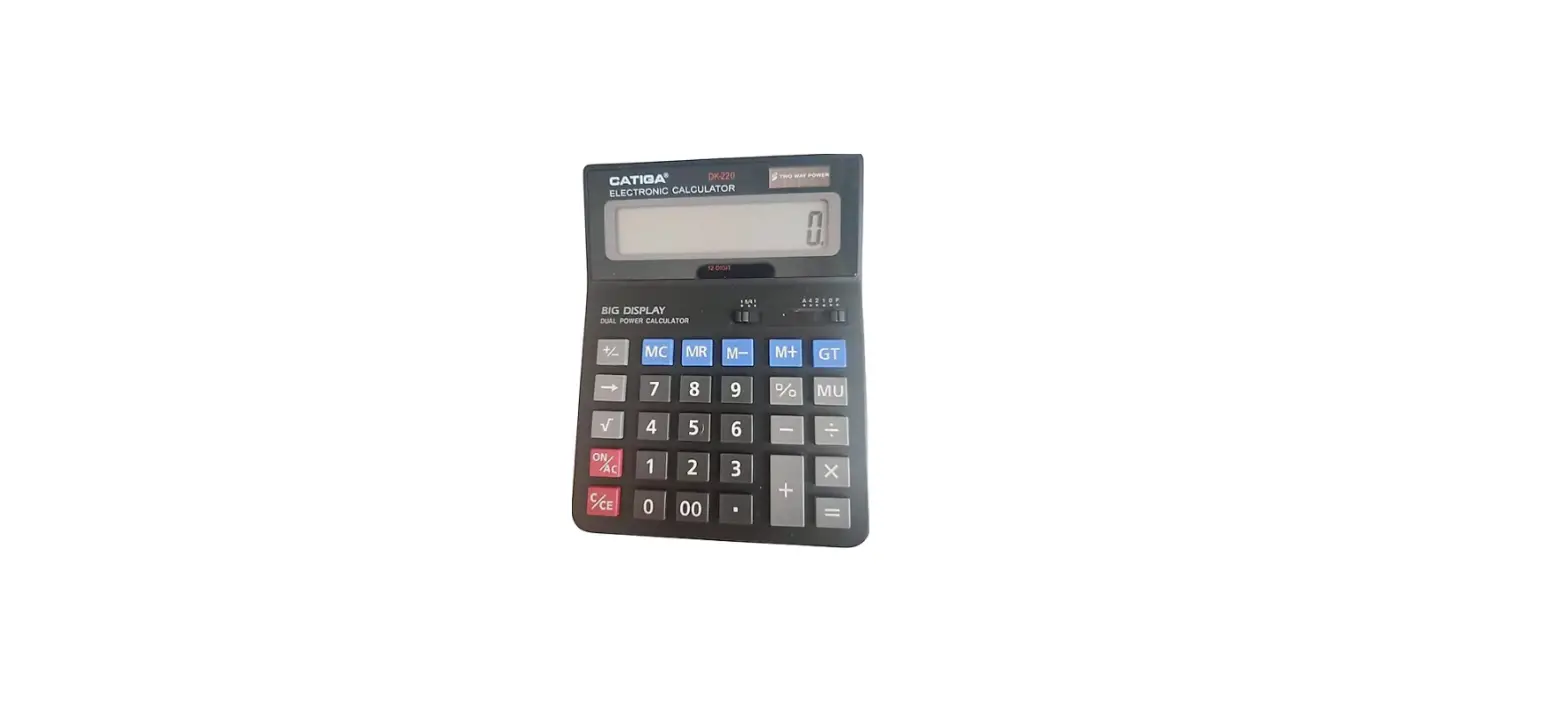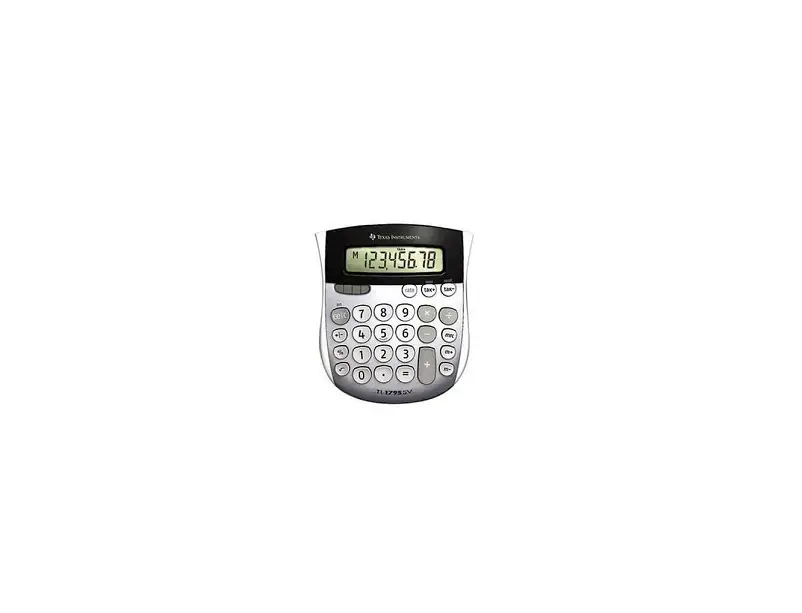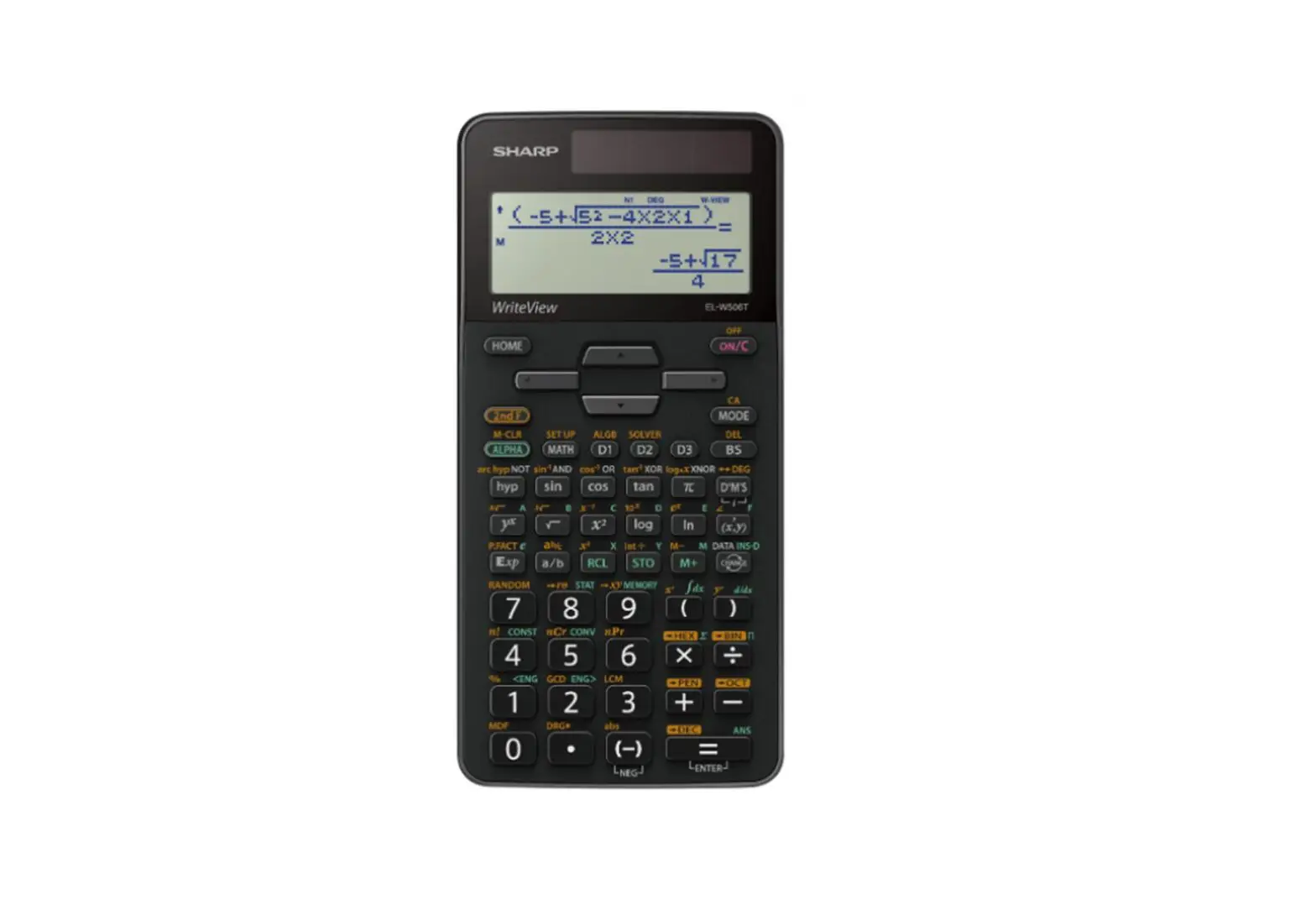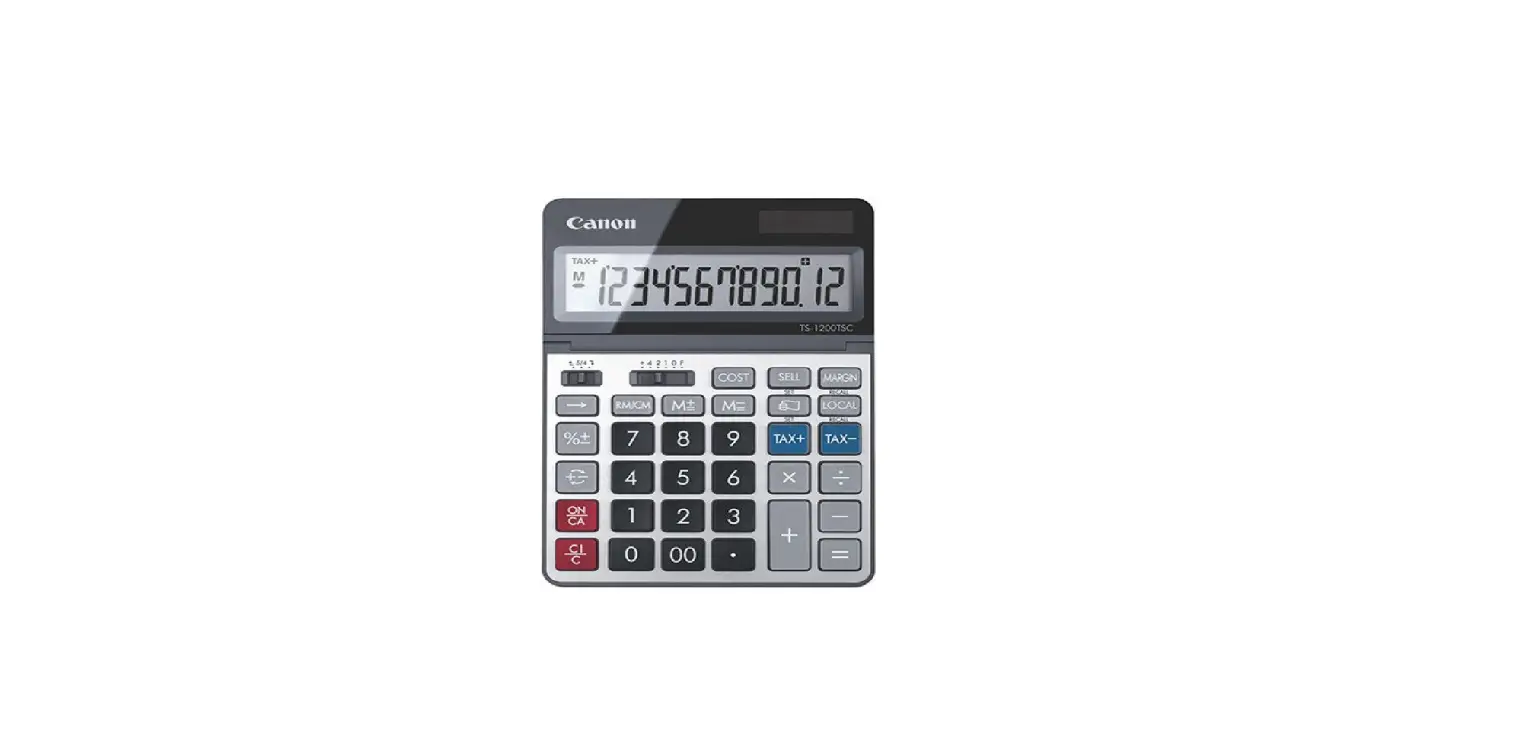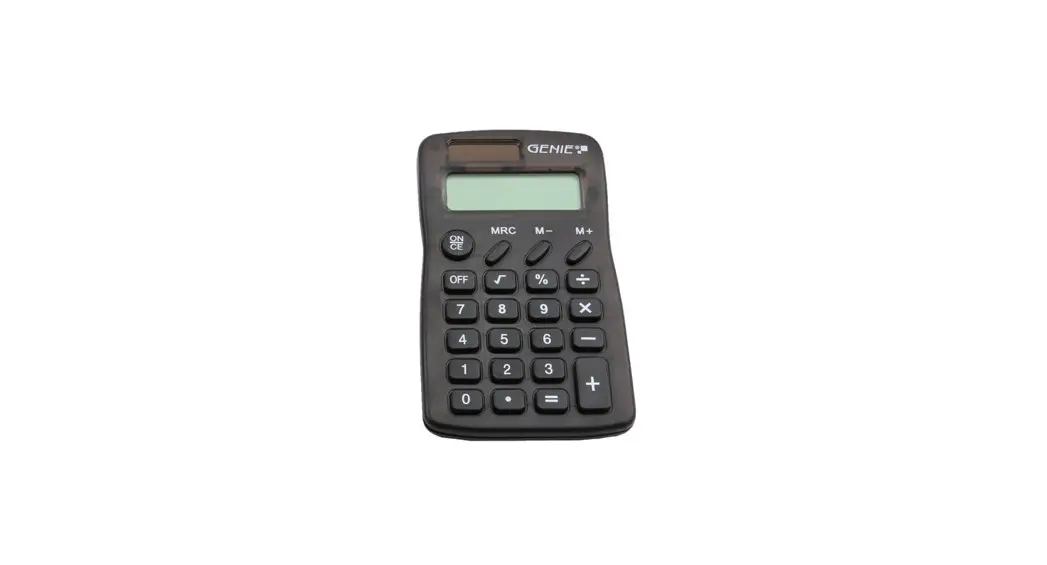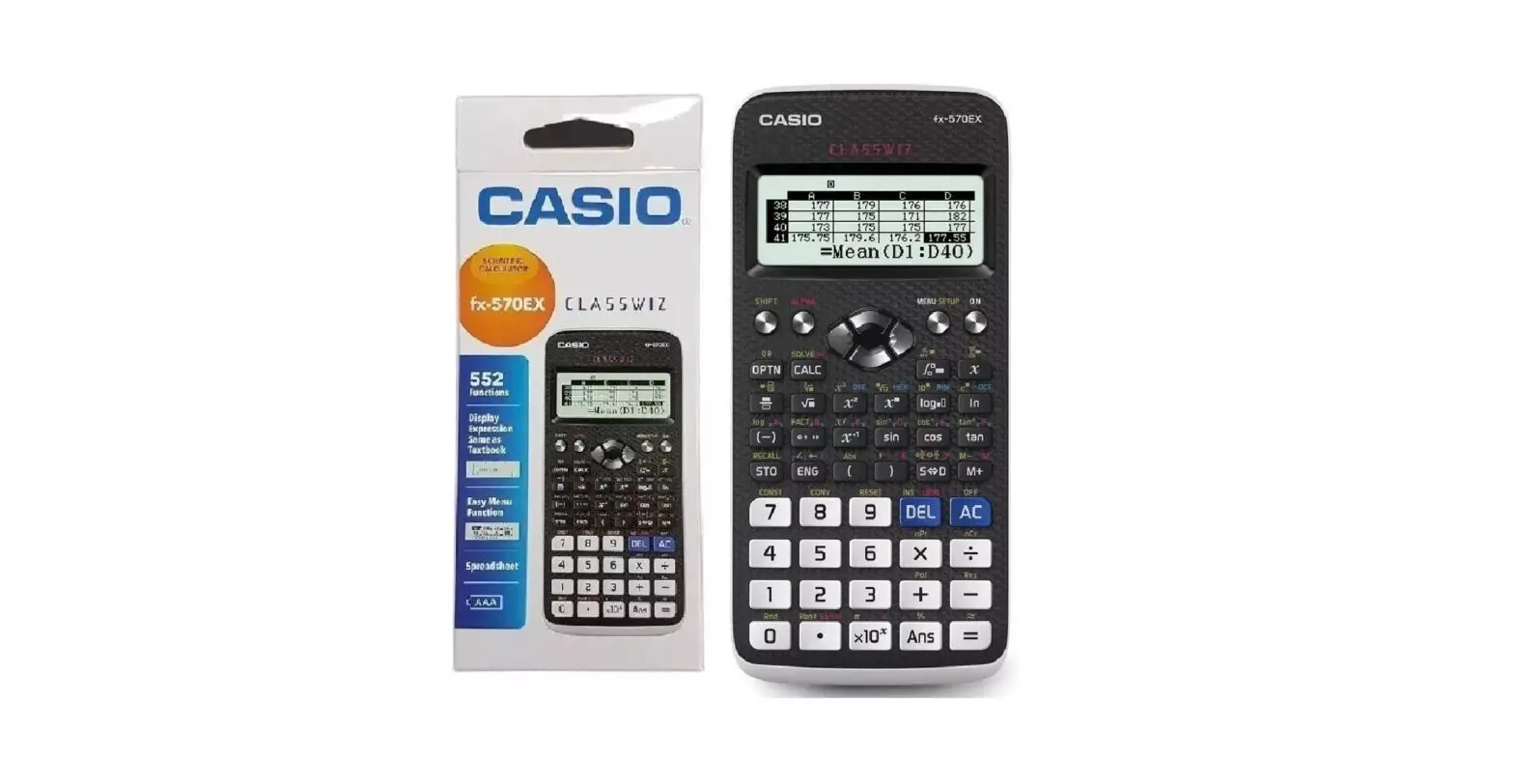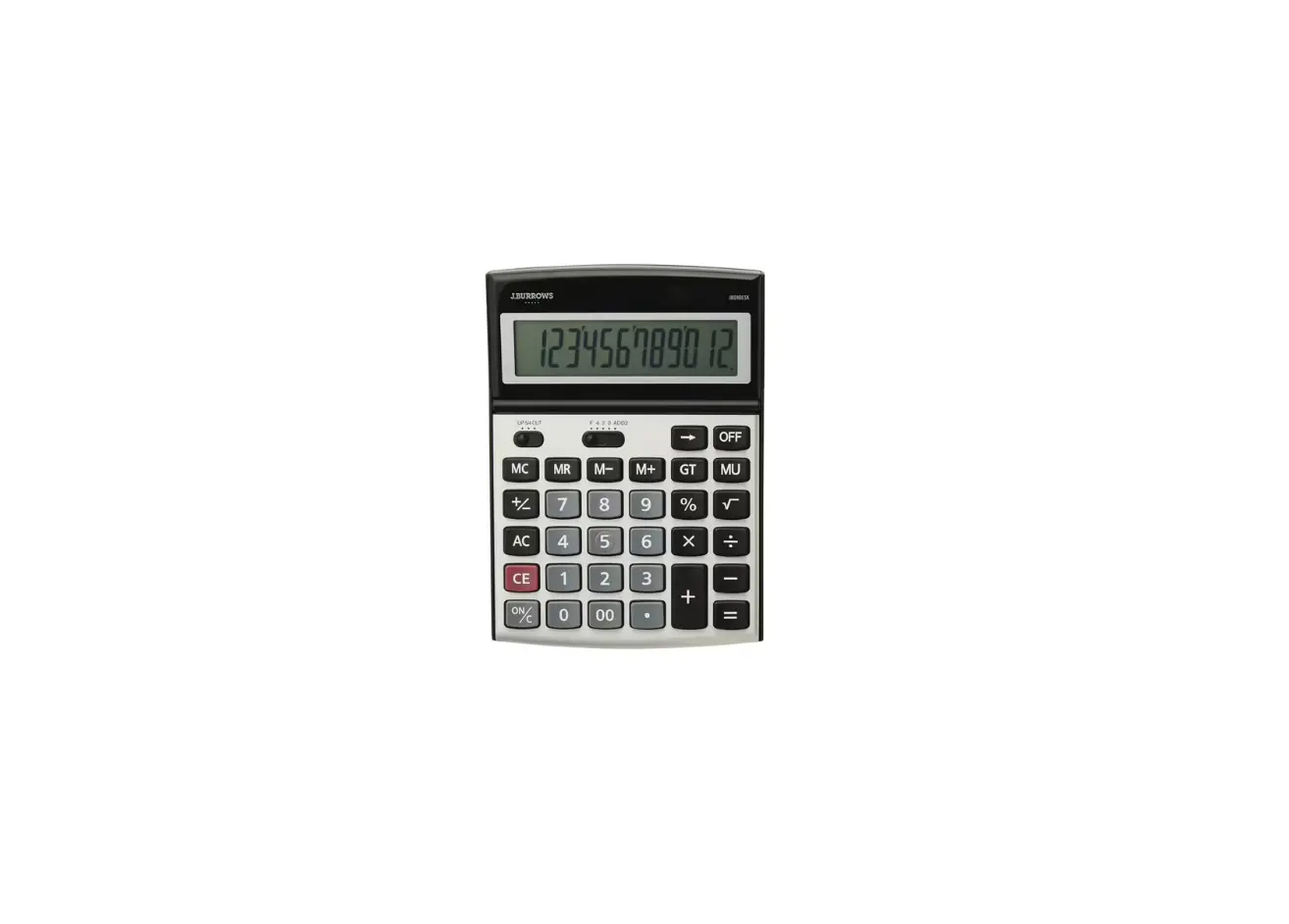

J BURROWS JB12DESK Desktop Calculator

KEY OPERATIONS
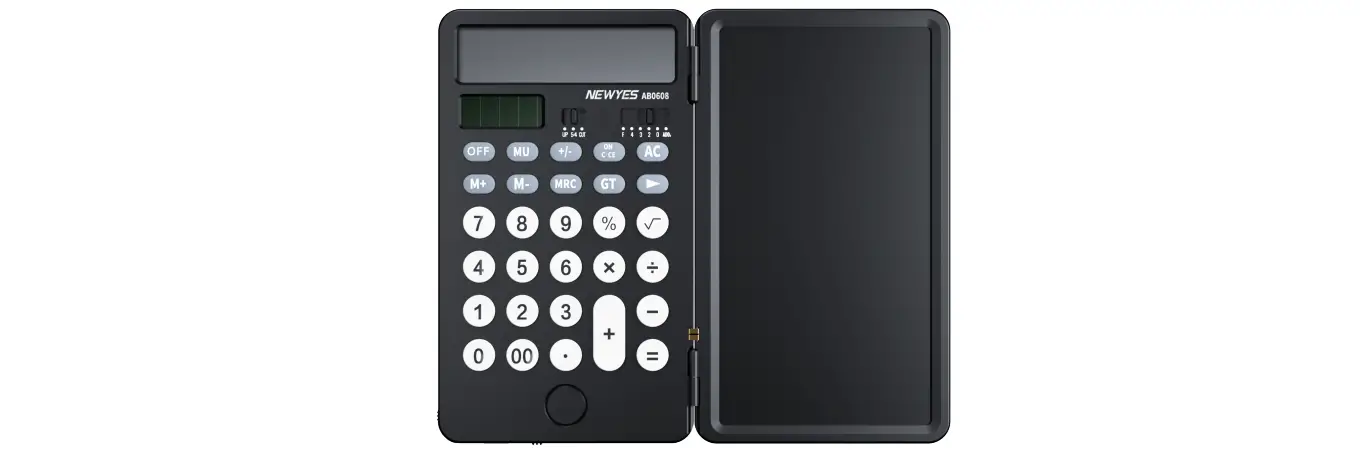
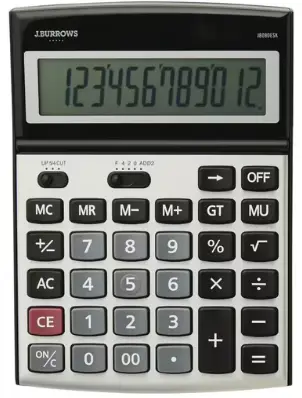
- OFF : Power off
- ON/AC : Power on I All clear
- CE: Right shift key (Shifts the displayed value to the right, deleting the rightmost digit}.
 : Numeral key
 : Function key
- M+ : Memory plus (Adds the displayed value to the independent memory).
- M – : Memory minus (Subtracts the displayed value from the independent memory}.
- MRC : Recall memory I Memory clear.
- GT : Grand total, results are accumulated in the grand total by depressing the = or % key. Pressed once, it recalls the grand total. If pressed twice, it clears the grand total.
- 00: Fast addition of “0” (Displays two “0” when pressed once}.
- MU : Mark-up I Mark-down key.
 : Numeral key
 : Function key
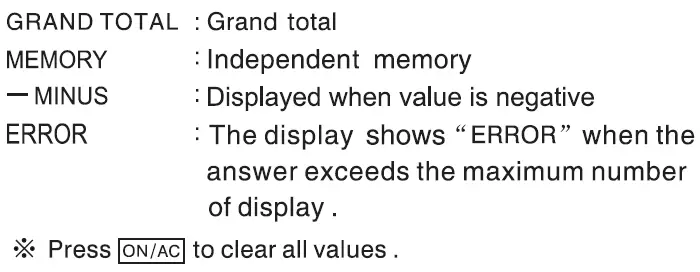
LCD DISPLAY
HOW TO CHANGE THE BATTERY
- This product utilizes two power sources:
SOLAR Energy
LR54 alkaline button battery (1.5V)
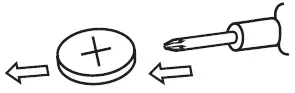
- Opening the battery compartment by using cross screwdriver.
- When the display becomes blurry, this indicates the calculator is low on battery. Recharge by leaving it in a bright location but out of direct sunlight, or replace the battery.
CALCULATION EXAMPLES
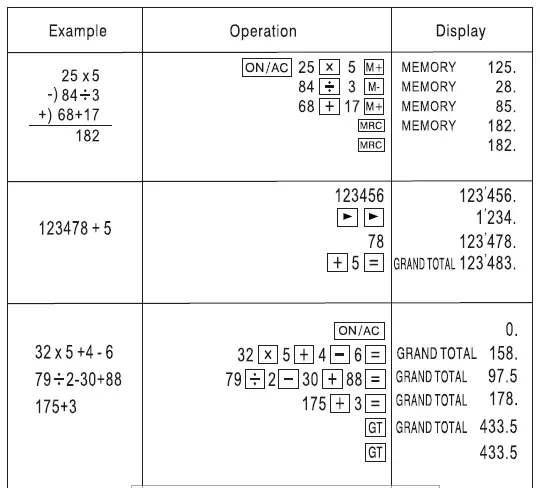
| Example | Operation | Display | |
|
100+50·30 | ON/AC 100 [±] 50G 308 | 0. GRN&l TOTAL 120. | |
| 1234567890 x | 1234567890 [Kl | 1234567890 | |
| 66666= | 666668 | ERROR 82.3037029547 | |
| !ON/AC! | 0. | ||
| • 10′!1.Df 1500 | 15[QQJ 01000 | GRAND TOTAL 150. | |
| 5% add-on of 1500 | 15[QQ]IIJ 5 00 | GRAND TOTAL 1575. | |
| (1500+5%=) (1500-5%=) | 15[QQJG s 00 | QRAND TOTAL 1425. | |
| • percentage of 20 AGAINST 500 | 20 ÷5 *00 | GRAND TOTAL 4. | |
| 368+97+97= | 368(±)9788 | GRAND TOTAL 562. | |
| 939-47-47-47= | 839G 47888 | QRAND TOTAL 698. | |
| 5“‘ = | 5 ÷ 8�8� | GRAND TOTAL 0.0016 | |
| 22.5’= | 22.51:KJ88 | GRAND TOTAL 11’390.625 | |

WARNING!
- KEEP BATTERIES OUT OF REACH OF CHILDREN.
- Never allow children to replace button batteries on any device.
- Swallowing or placing inside any part of the body may lead to severe or fatal injuries in as little as 2 hours or less due to chemical burns and potential
- perforation of the oesophagus.
- If you suspect your child has swallowed a button battery or placed it inside any part of the body immediately call the 24-hour POISONS INFORMATION CENTRE on 13 11 26 for prompt advice. If your child is having any difficulty breathing, contact 000.
- Examine devices and make sure the battery compartment is correctly secured, e.g. that the screw or other mechanical fastener is tightened.
- Do not use if the compartment is not secure.
- Dispose of used button/coin batteries immediately and safely. A battery can still be dangerous even when it can no longer operate the device.
- Place sticky tape around both sides of the battery and dispose of it immediately out of reach of children in an outside bin or recycle safely.
- Tell others about the risk associated with button batteries and how to keep their children safe.