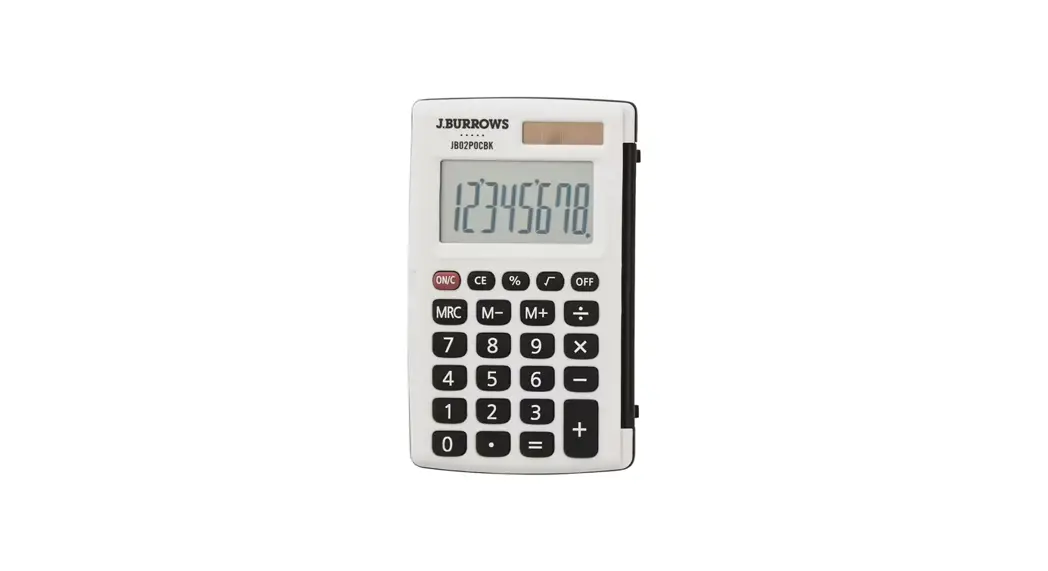
 JB02POC
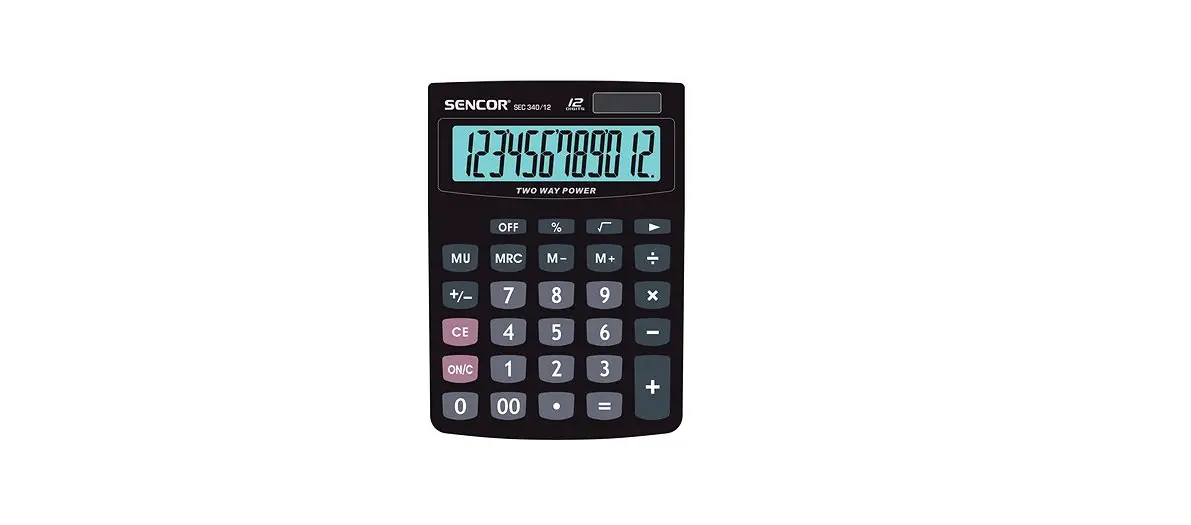
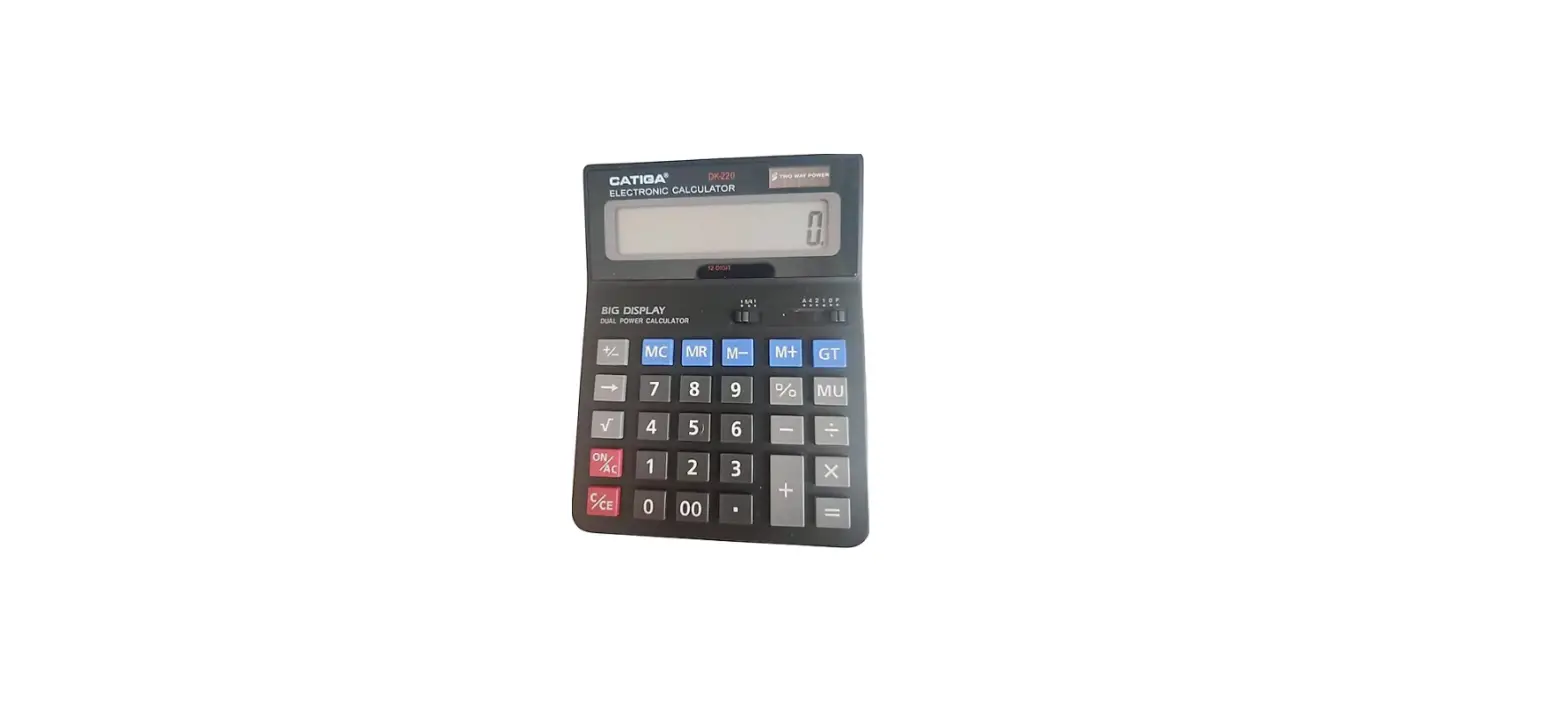
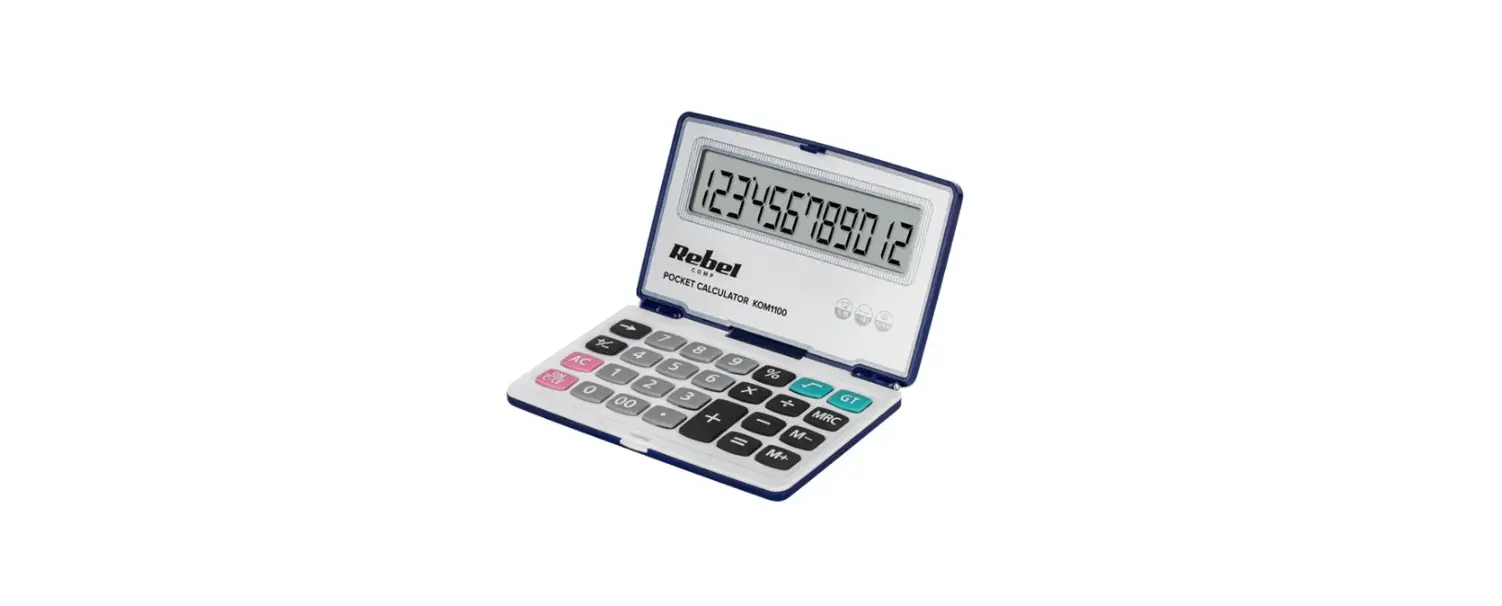
Pocket Calculator
User Manual
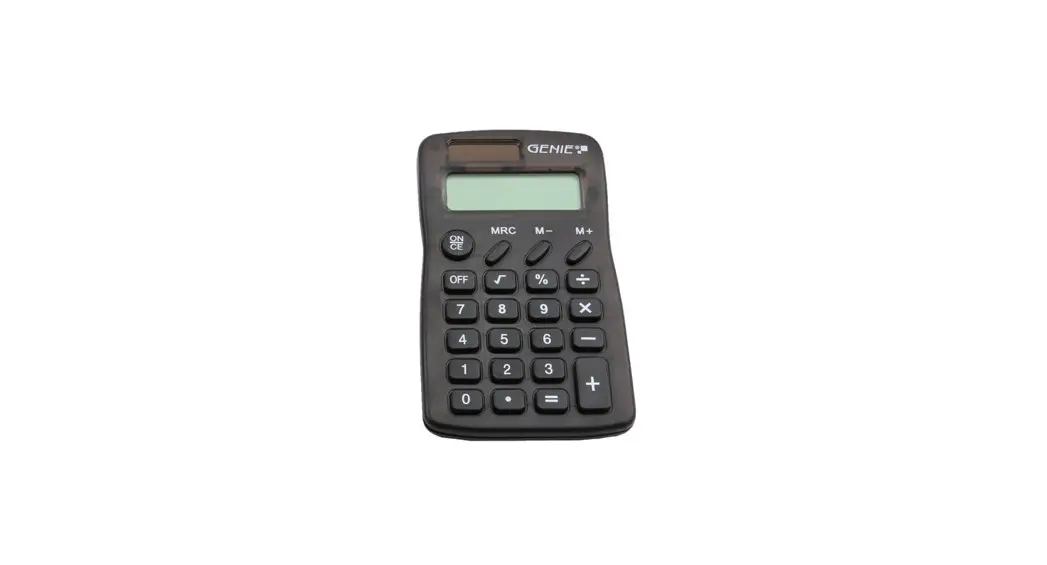
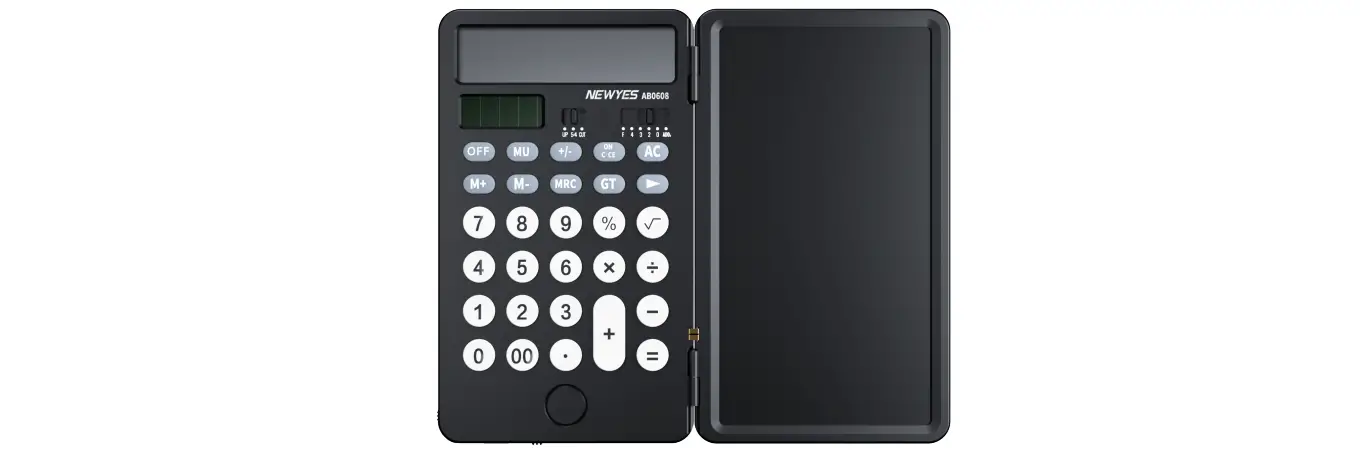
KEY OPERATIONS:
 | Power on / Clear key |
 | Power off |
 | Clear error |
 | Numeral key |
 | Function key |
 | Memory plus (Adds the displayed value to the independent memory). |
 | Memory minus (Subtracts the displayed value from the independent memory). |
 | Memory recall/Memory clear. |
LCD DISPLAY :
MEMORY : Independent memory.
– MINUS : Displayed when value is negative.
ERROR : The display shows ” ERROR” when the answer exceeds the maximum number of display .
Press to clear all values .
Press the key to clear the “ERROR” whilst keeping the value on display. are stored.
HOW TO CHANGE THE BATTERY:
This product utilises two power sources:
1. Solar energy
2. LR54 alkaline button battery (1.5V) 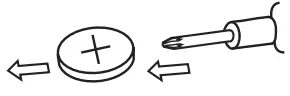
Opening the battery compartment by using cross screwdriver.
Auto Power-off : After approximately 5-12 minutes .
When the display becomes blurry, this indicates the calculator is low on battery. Recharge by leaving it in a bright location but out of direct sunlight, or replace the battery.
CALCULATION EXAMPLES:
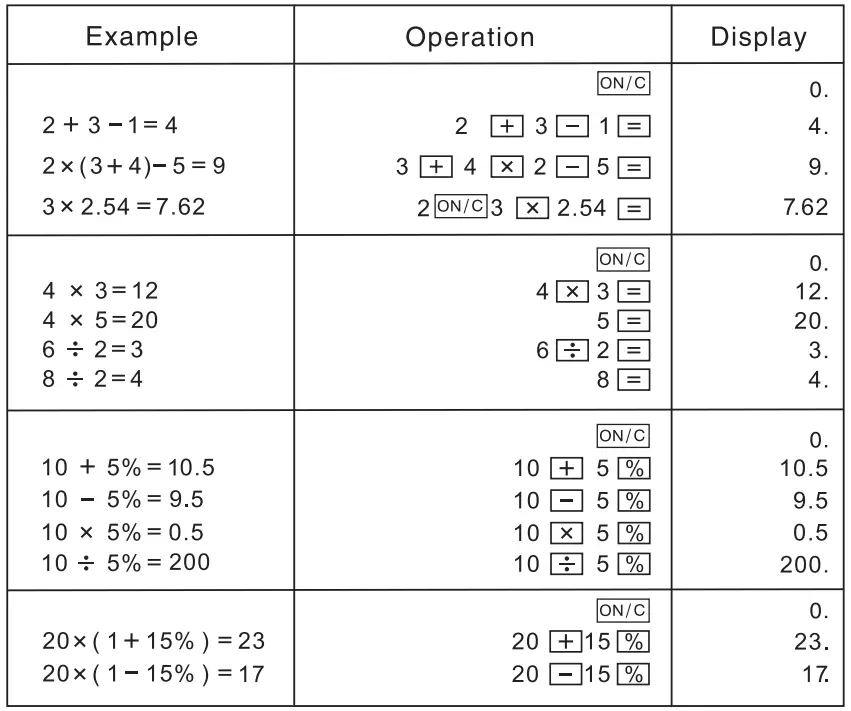
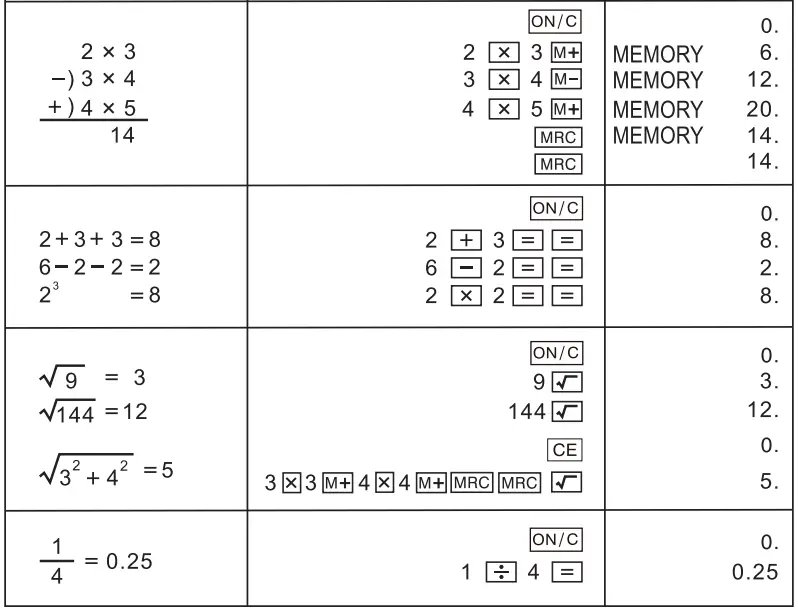
Power Supply
This calculator is powered by one LR54 1.5V alkaline button battery.
 WARNING!
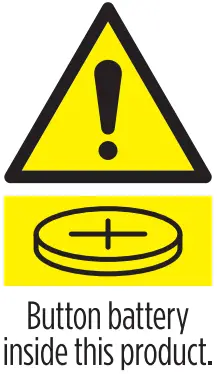
- WARNING! KEEP BATTERIES OUT OF REACH OF CHILDREN.
- Never allow children to replace button batteries on any device.
- Swallowing or placing inside any part of the body may lead to severe or fatal injuries in as little as 2 hours or less due to chemical burns and potential perforation of the oesophagus.
- If you suspect your child has swallowed a button battery or placed inside any part of the body immediately call the 24-hour POISONS INFORMATION CENTRE on 13 11 26 for prompt advice. If your child is having any difficulty breathing, contact 000.
- Examine devices and make sure the battery compartment is correctly secured, e.g. that the screw or other mechanical fastener is tightened. Do not use if compartment is not secure.
- Dispose of used button/coin batteries immediately and safely. A battery can still be dangerous even when it can no longer operate the device. Place sticky tape around both sides of the battery and dispose of it immediately out of reach of children in an outside bin or recycle safely.
- Tell others about the risk associated with button batteries and how to keep their children safe.
 Manufacturer:
OFFICEWORKS LTD 2
36-262 East Boundary Road, Bentleigh East VIC 3165, Australia