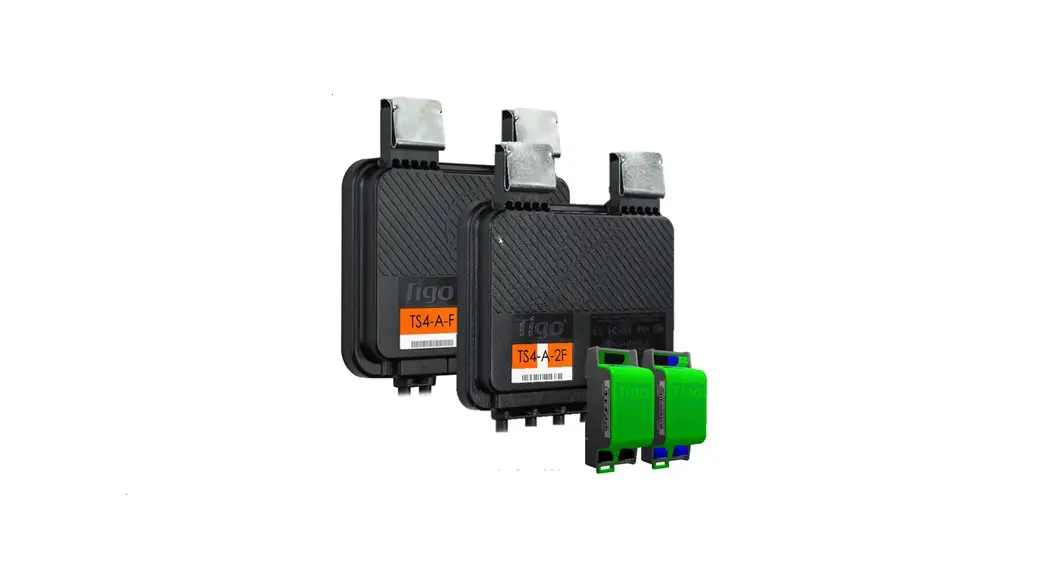

TS4-A-S Installation Quick Start Guide
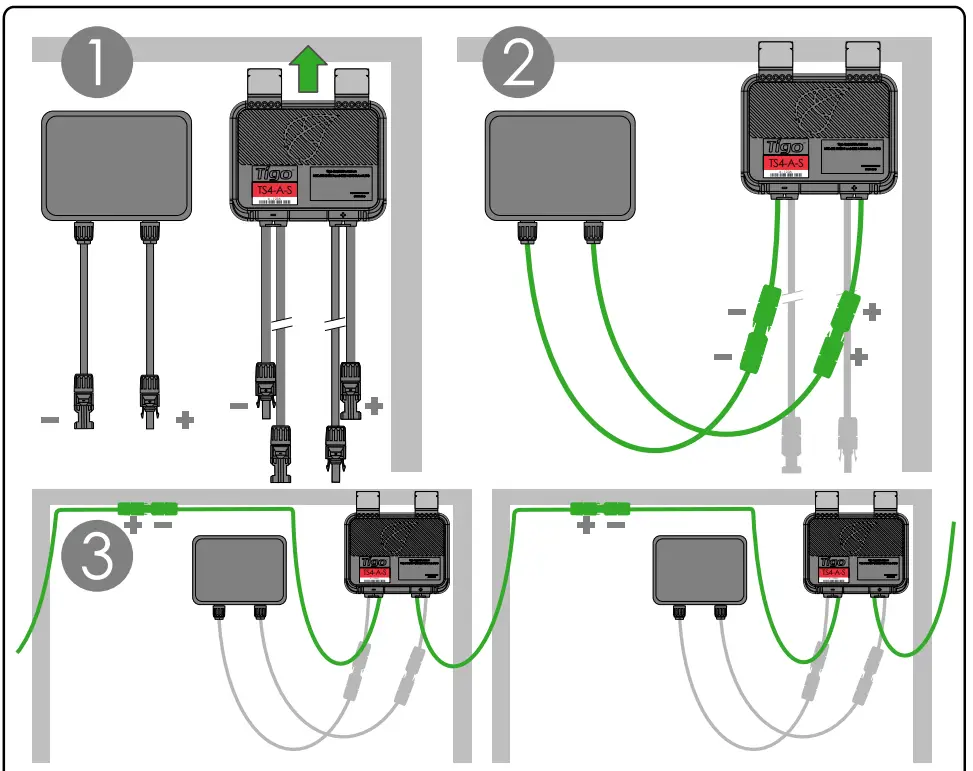
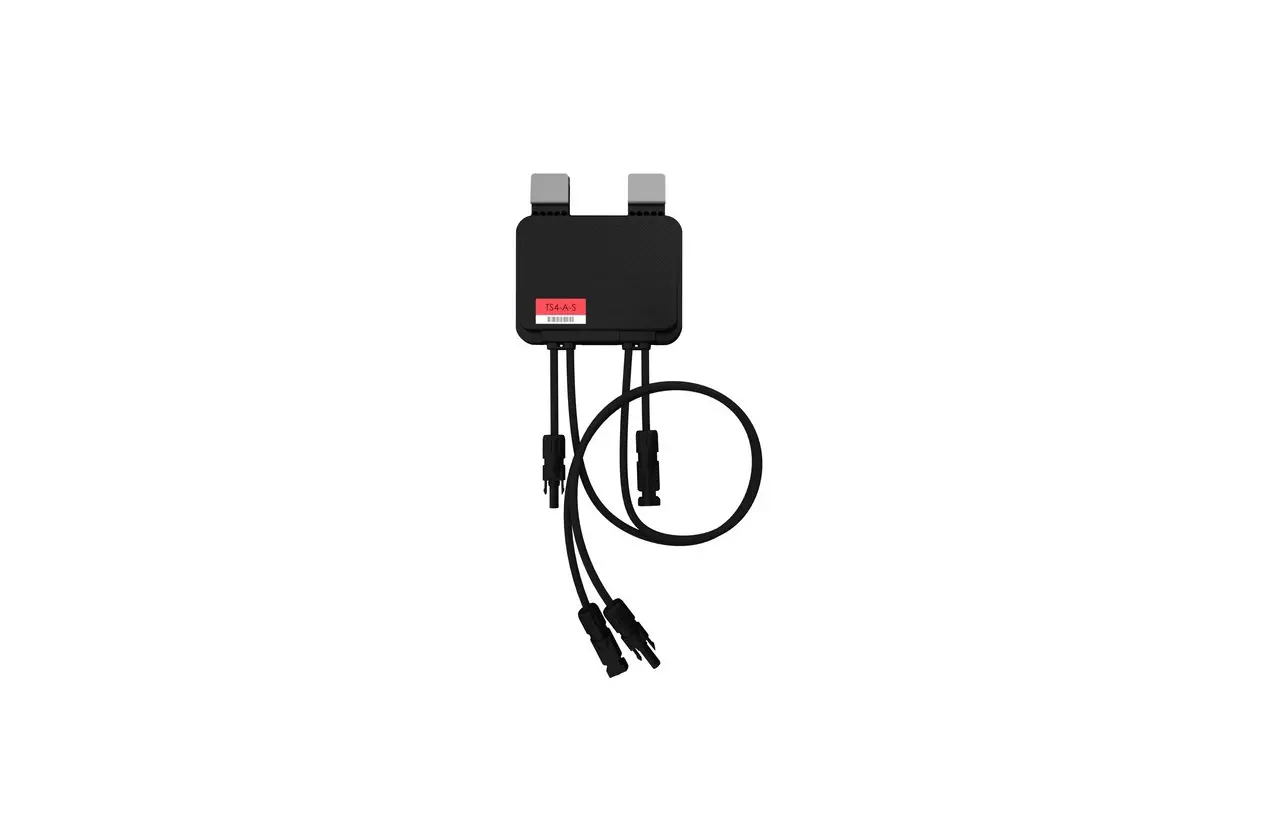
Note: When installing TS4-A, connect the input cables to the PV module before connecting the TS4-A output cables in series.
If disconnecting TS4-A, disconnect the TS4-A output cables from the string before disconnecting the input cables from the PV module.
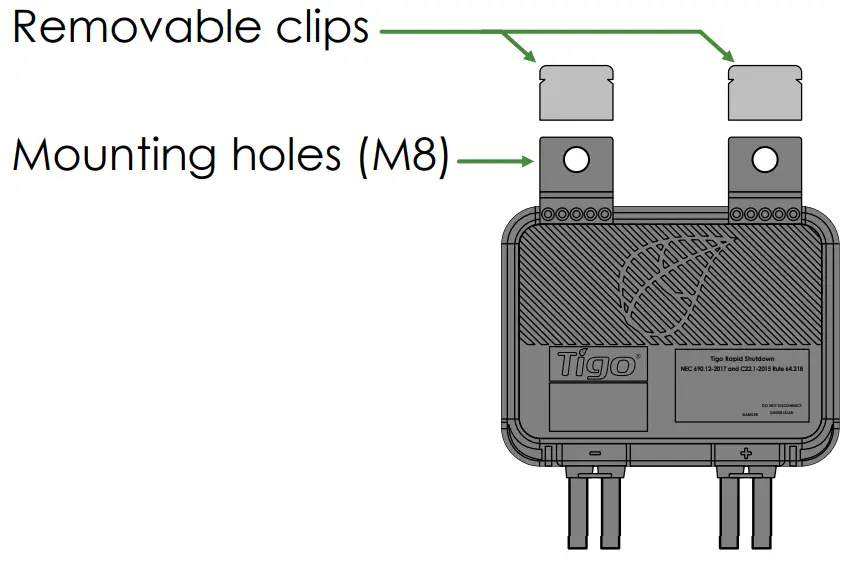
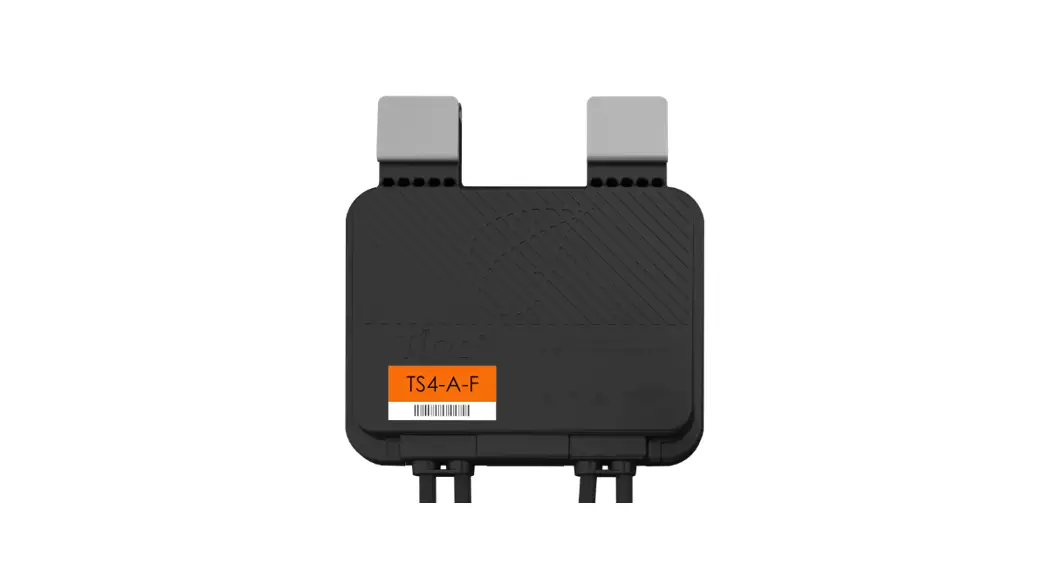
For installation with frameless modules, remove metal clips and bolt TS4-A to rail.
 support.tigoenergy.com
 [email protected]
 International: 00800.2255.8446
Americas: +1.408.402.0802
https://go.tigoenergy.com/tigo-installation-manuals
TS4-A-S: Safety
The TS4-A-S is the advanced add-on solution that brings smart module functionality to standard PV modules, including rapid shutdown and module-level monitoring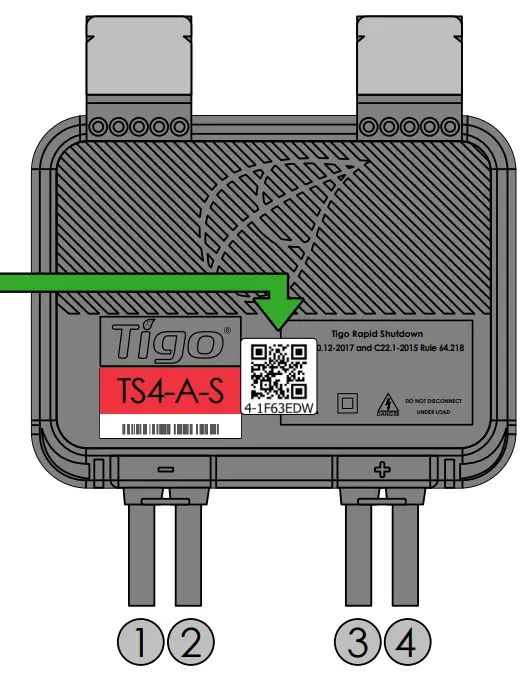
- PV Module
- String-
- String +
- PV Module +
*Collect TS4 QR code for system mapping to enable monitoring and safety features
Maximum power: 700W
Maximum voltage: 90VDC
Maximum current: 15ADC
Maximum string voltage 1000V/1500V depending on connectors.
Use ANSI/NFPA 70 wiring methods.
Modules must not be installed in readily accessible locations. (Canada only)
Connectors from different manufacturers cannot be mated with each other.
Photovoltaic Rapid Shutdown Equipment NEC 690.12 and C22.1-2015 Rule 64-218
The Tigo Access Point (TAP) is a PVRSE device that provides a keep-alive signal to the TS4 (attenuator) device via wireless communications.
The Tigo Access Point (TAP) shall be powered from the same power as the RSI (Rapid Shutdown Initiator) circuit and tied to the shutdown of the inverter.
Class II double insulation Danger High Voltage
 Photovoltaic Rapid Shutdown System Equipment, QIJW
IMPORTANT NOTICE
Electricity will be supplied to the Tigo TS4-A output cables immediately when connected to a PV module exposed to sunlight. Use care when handling.