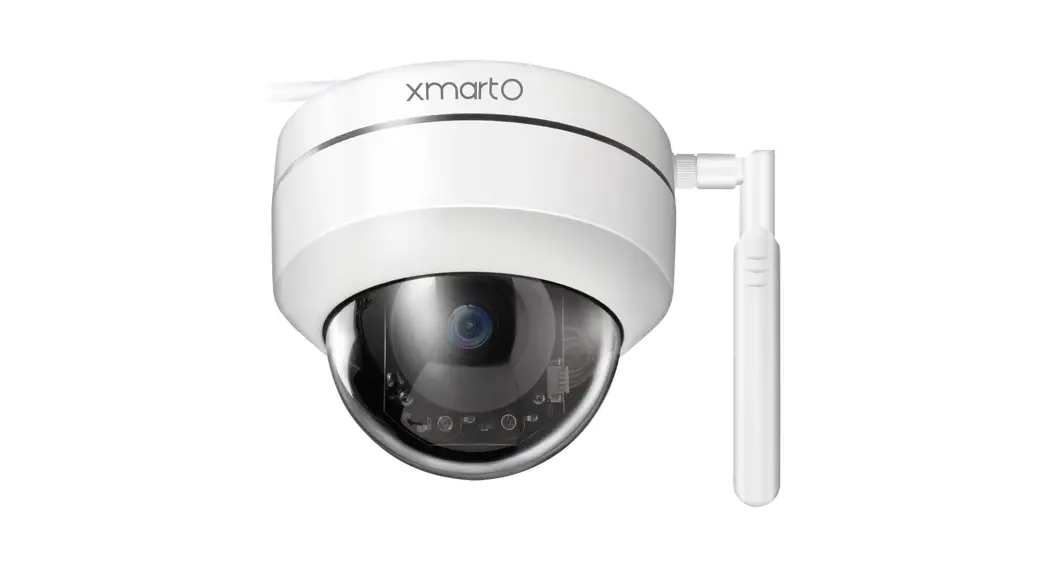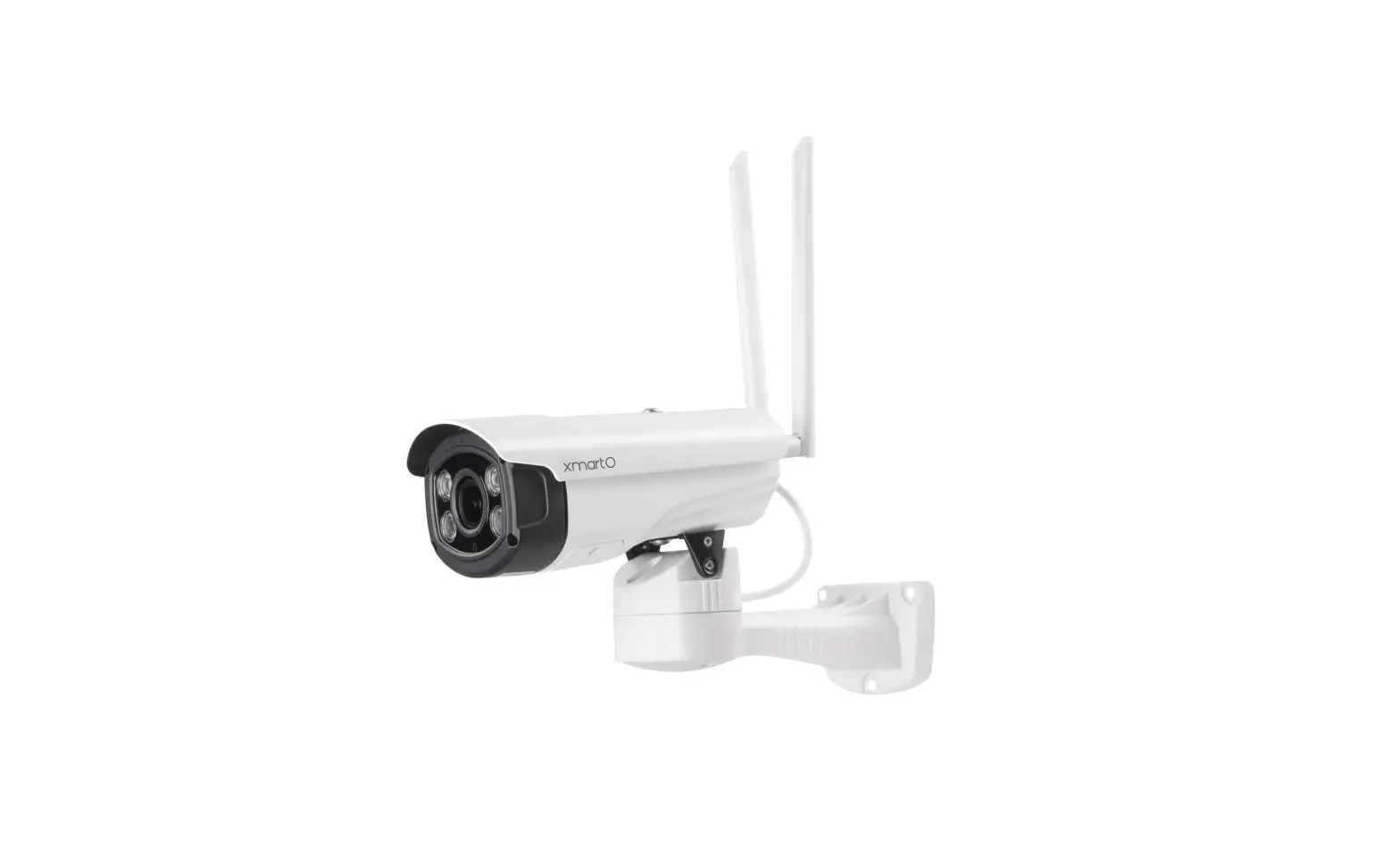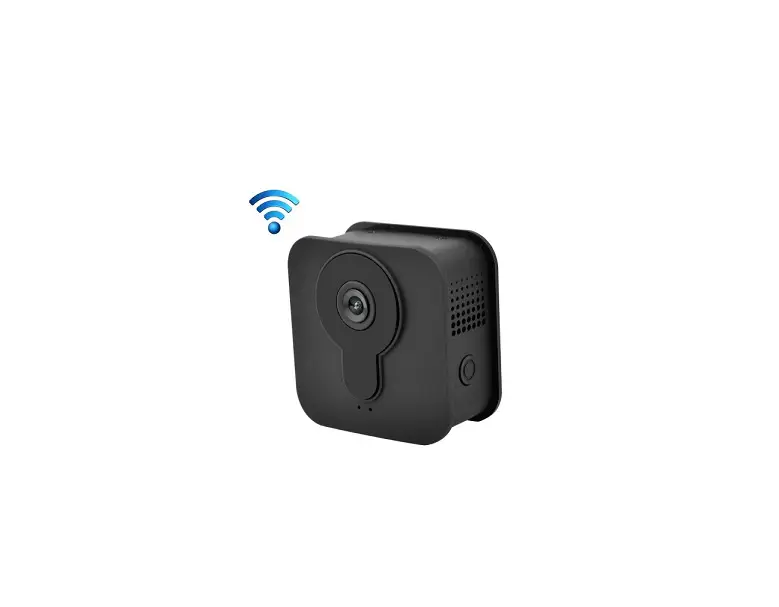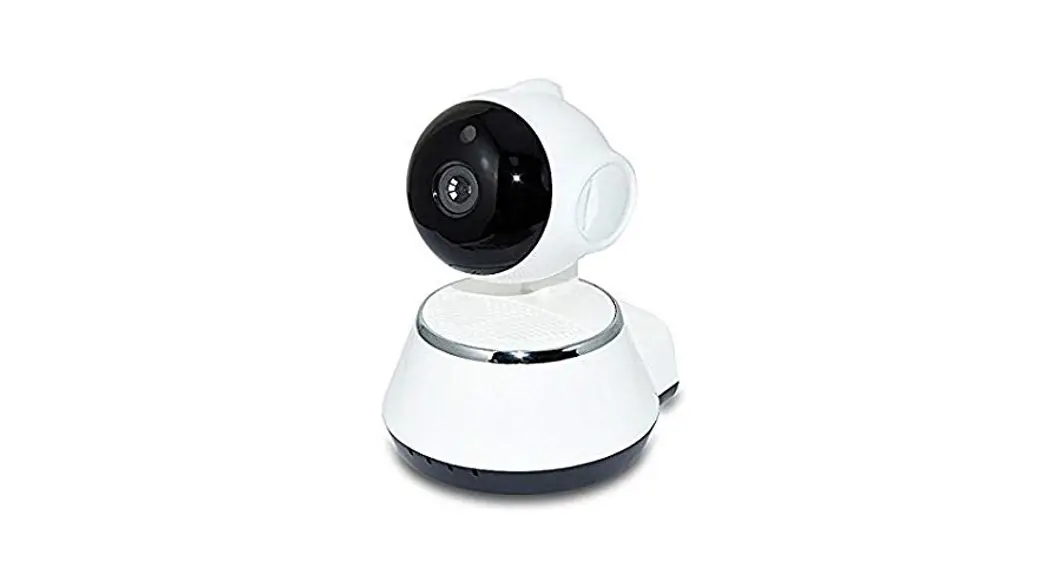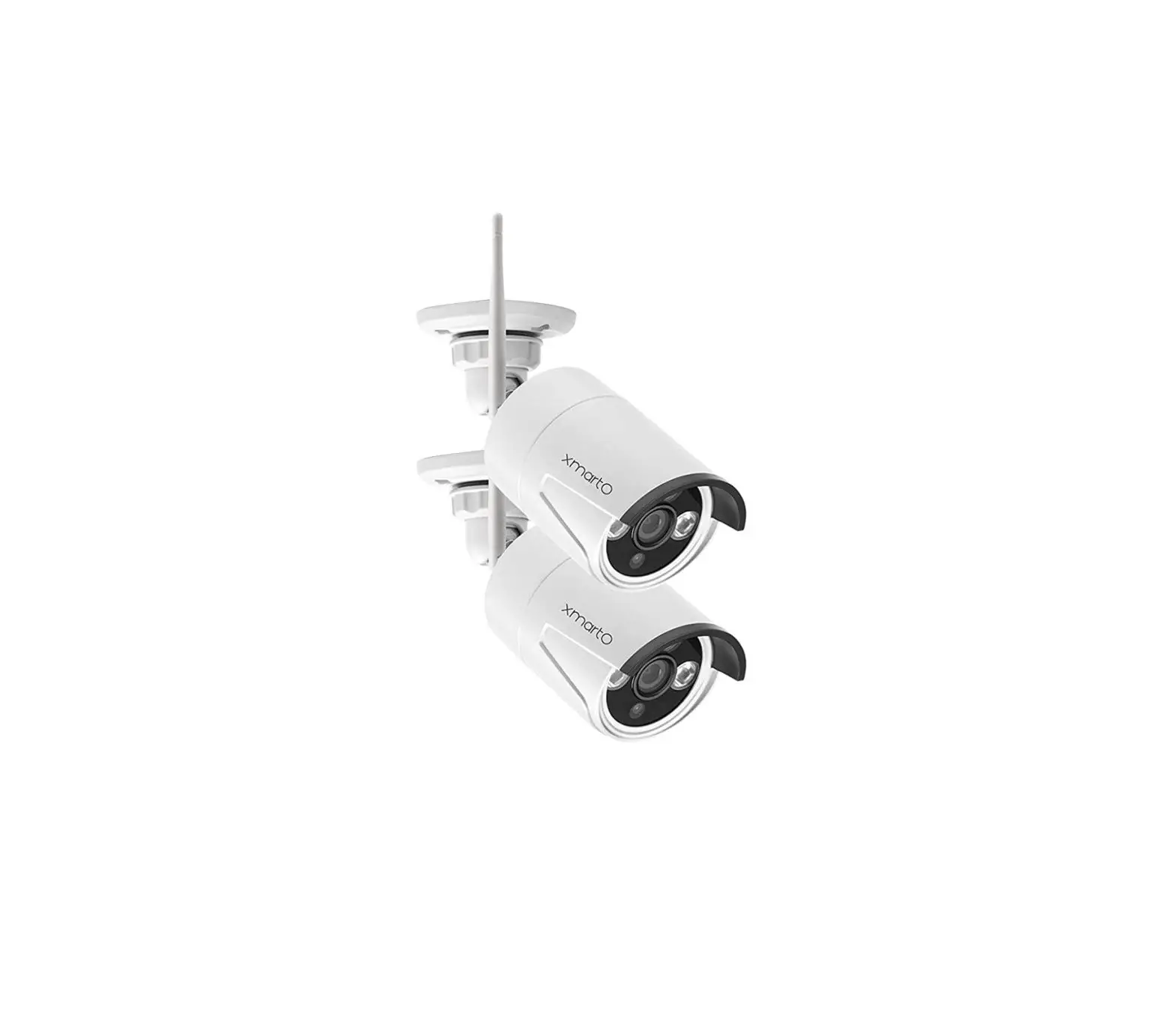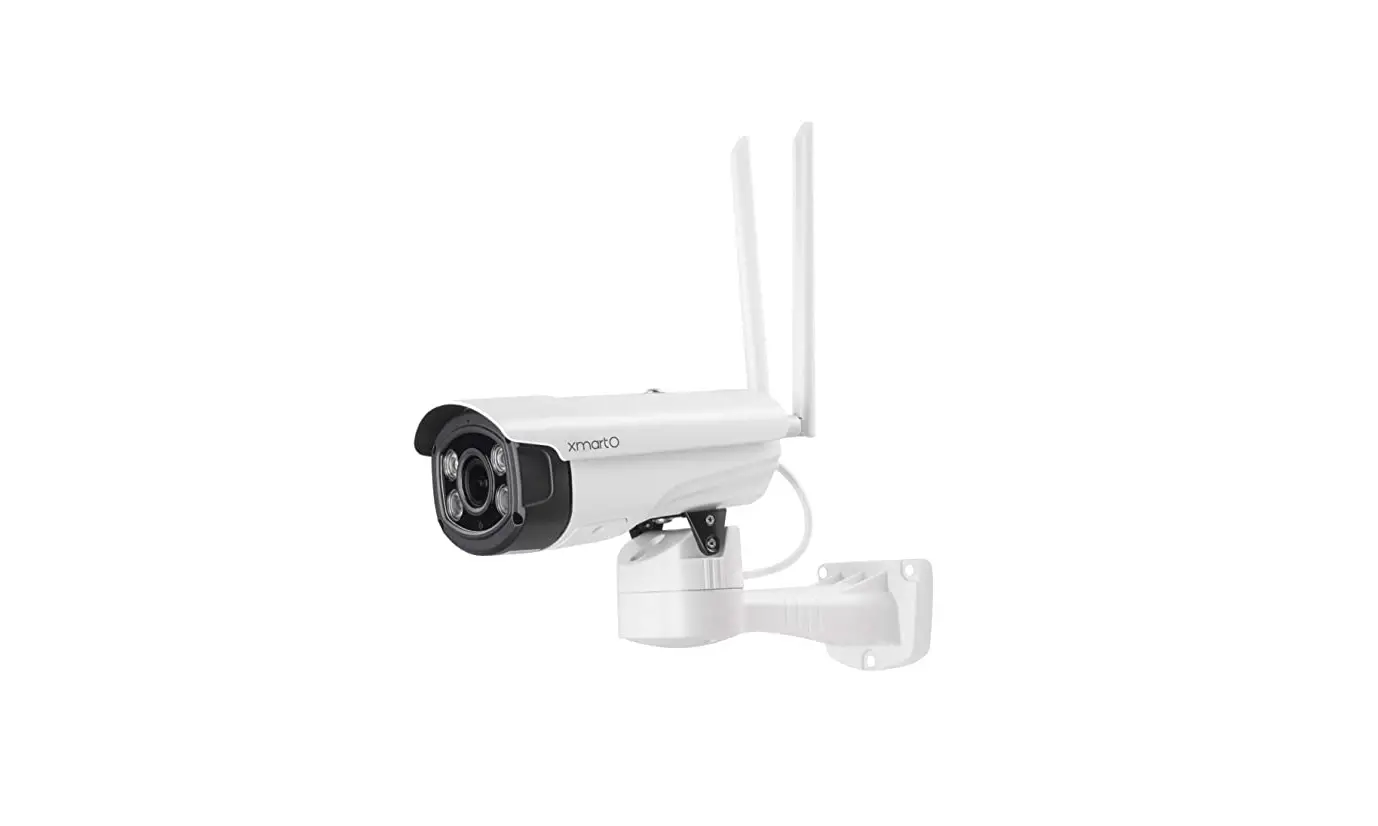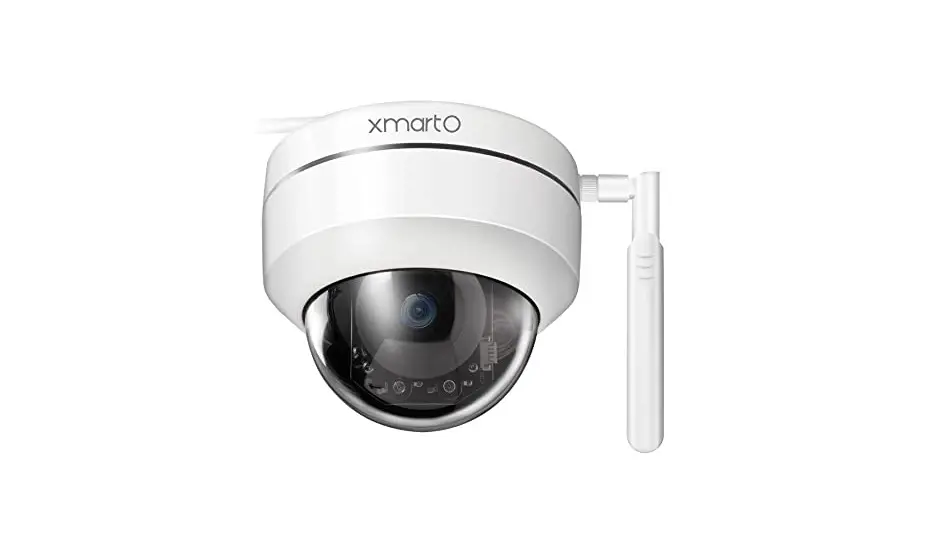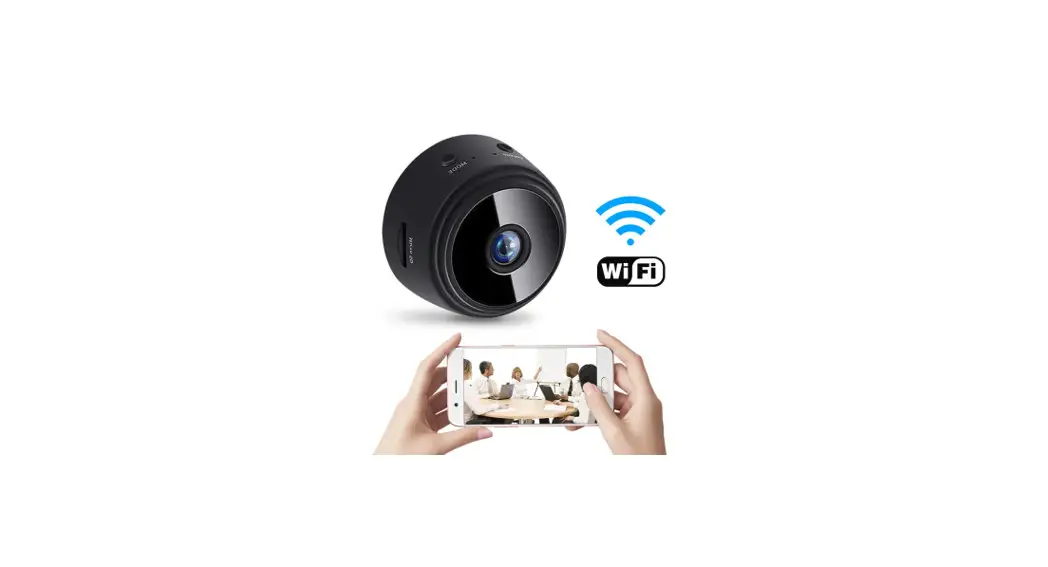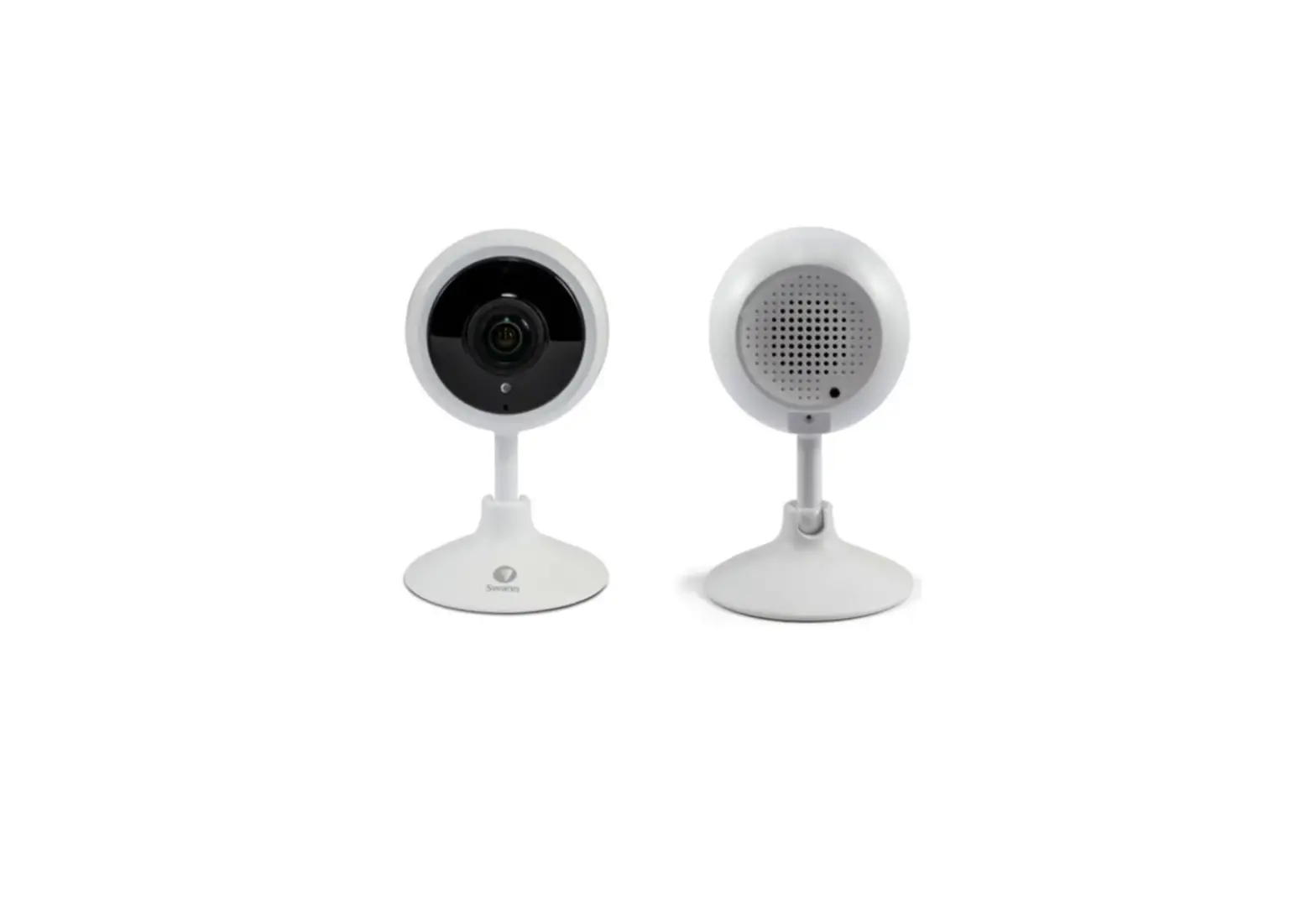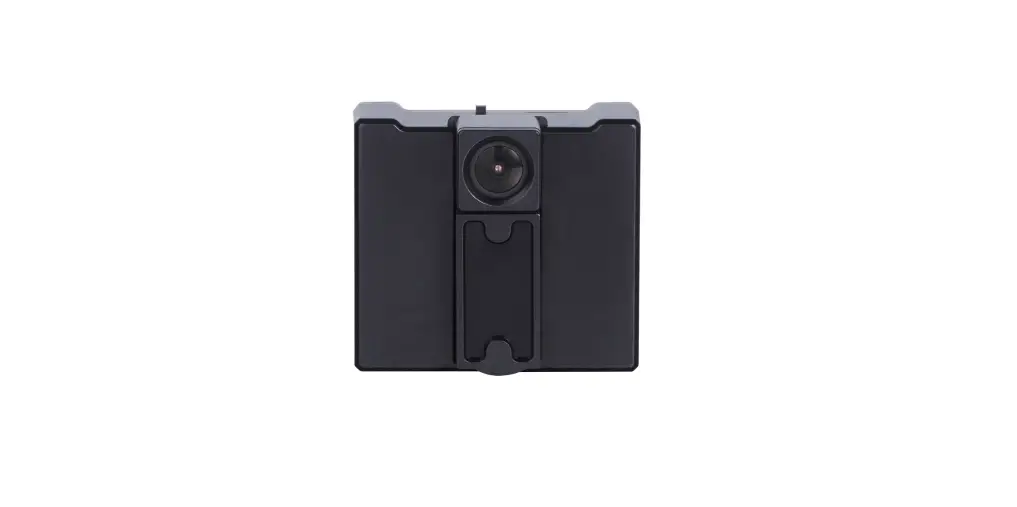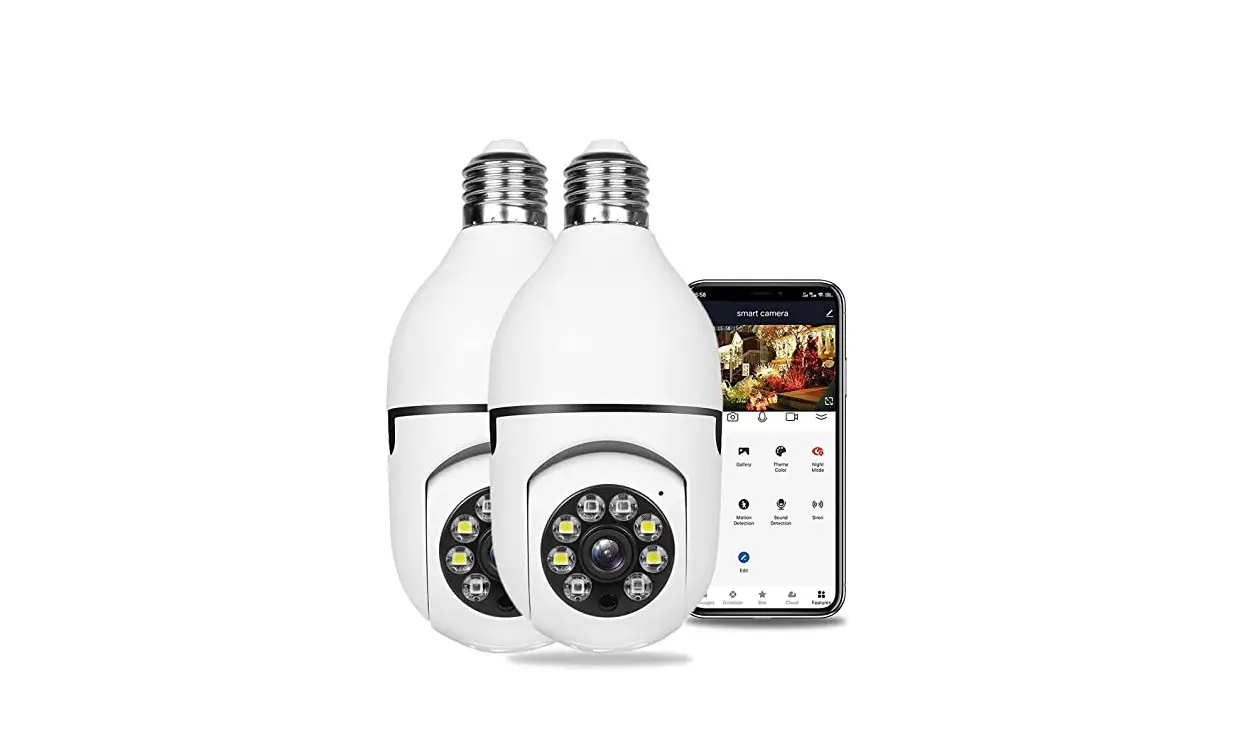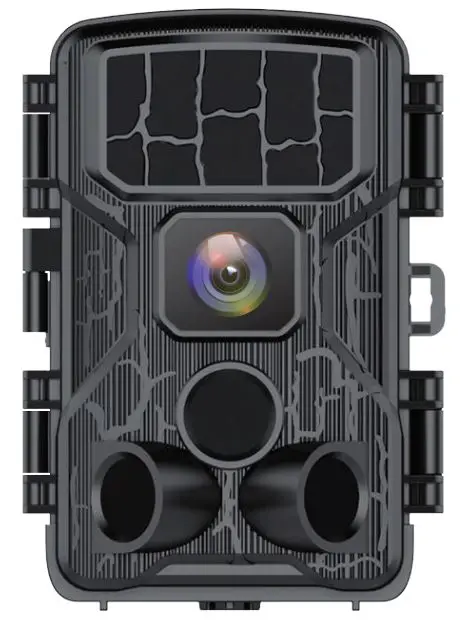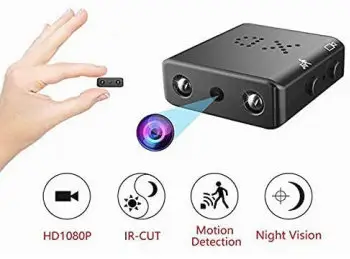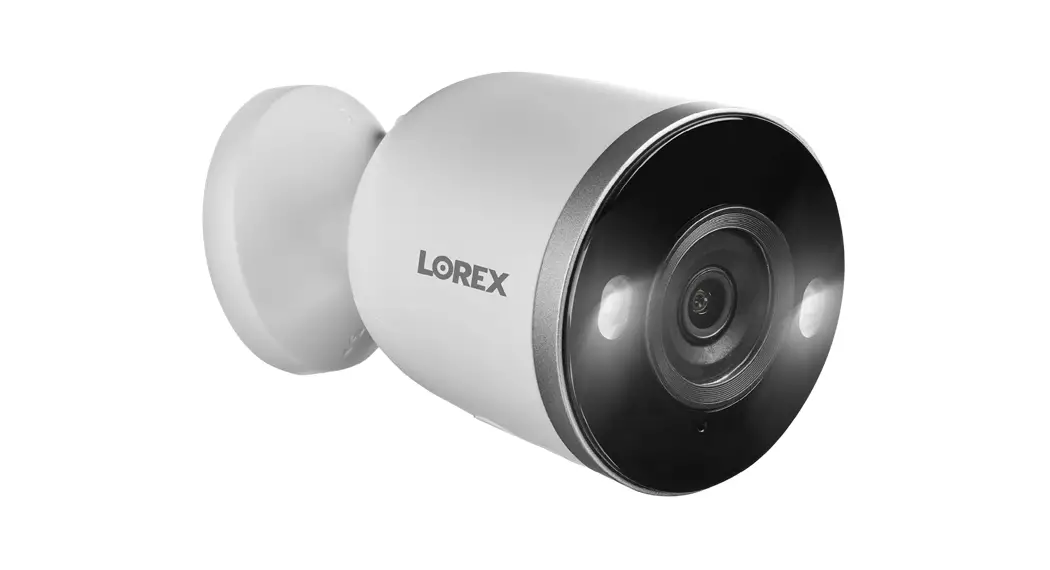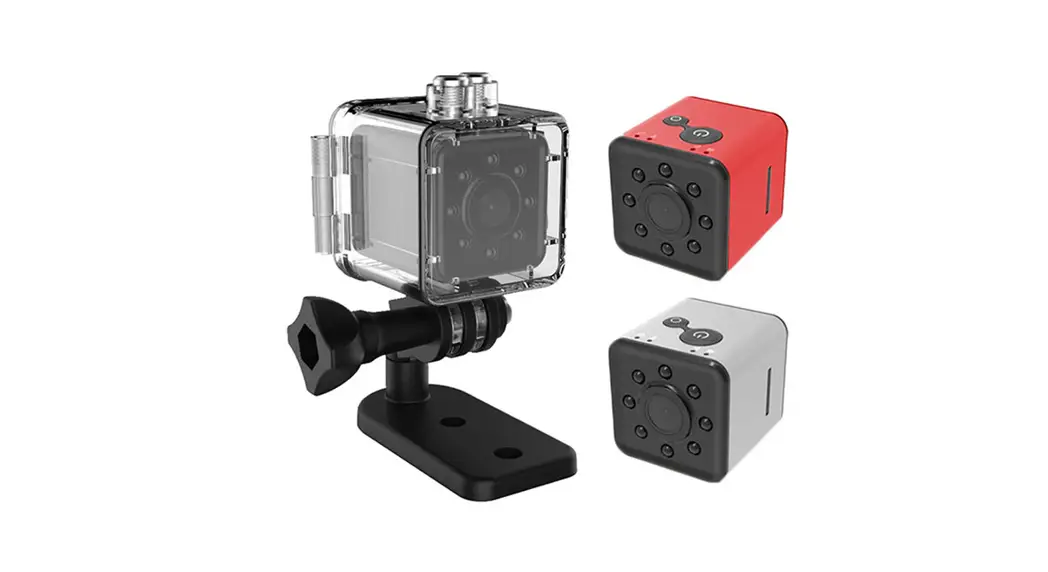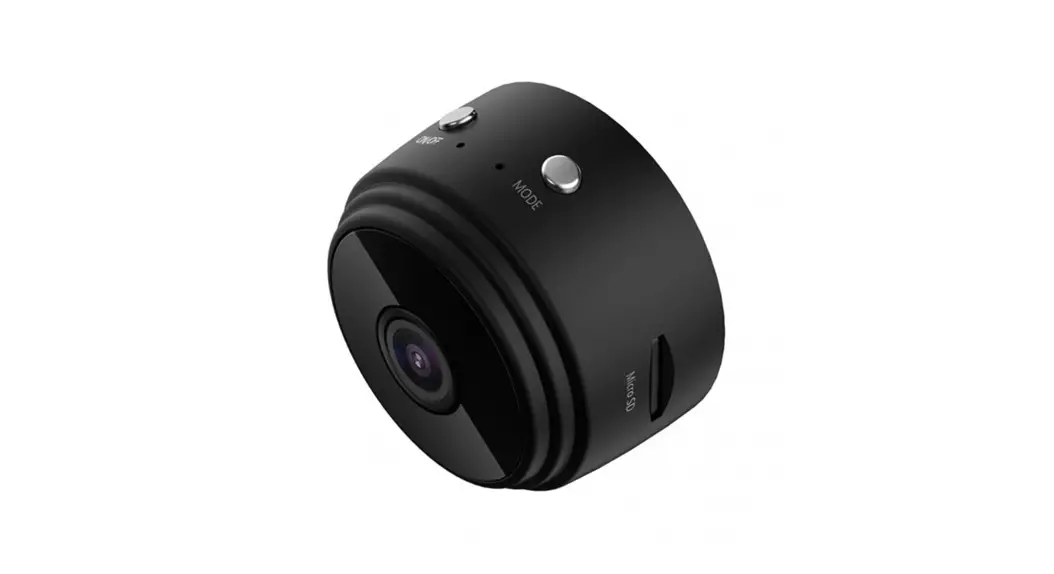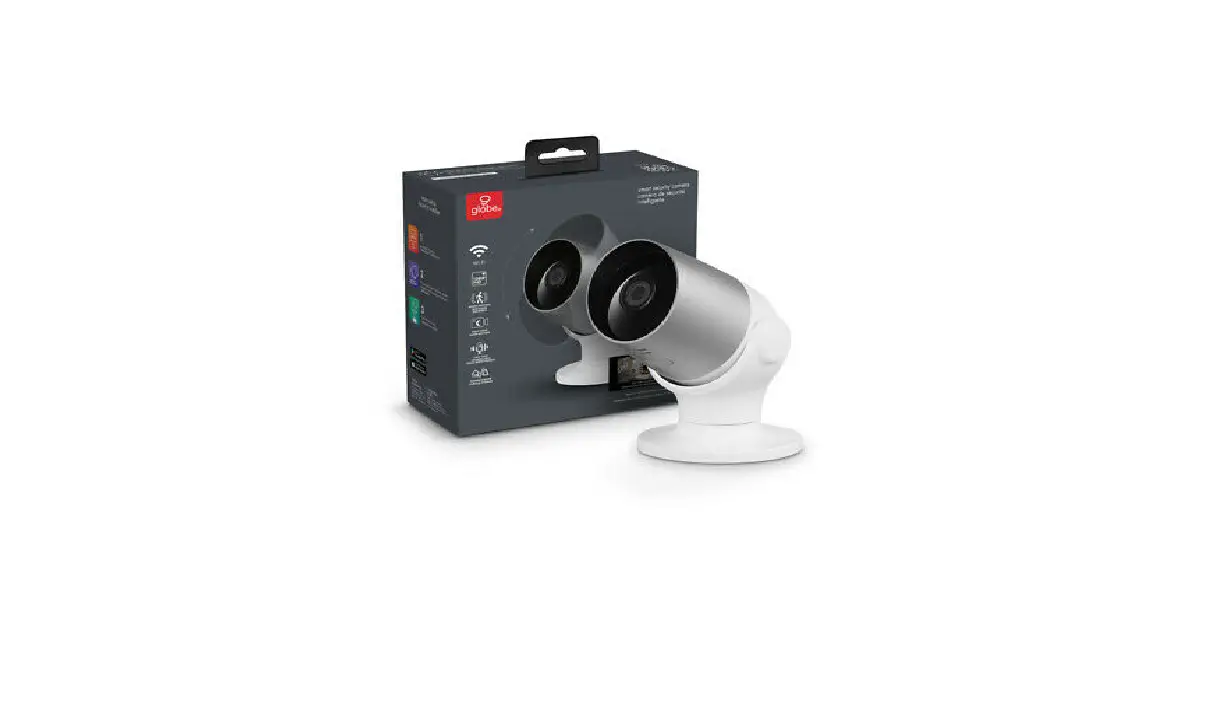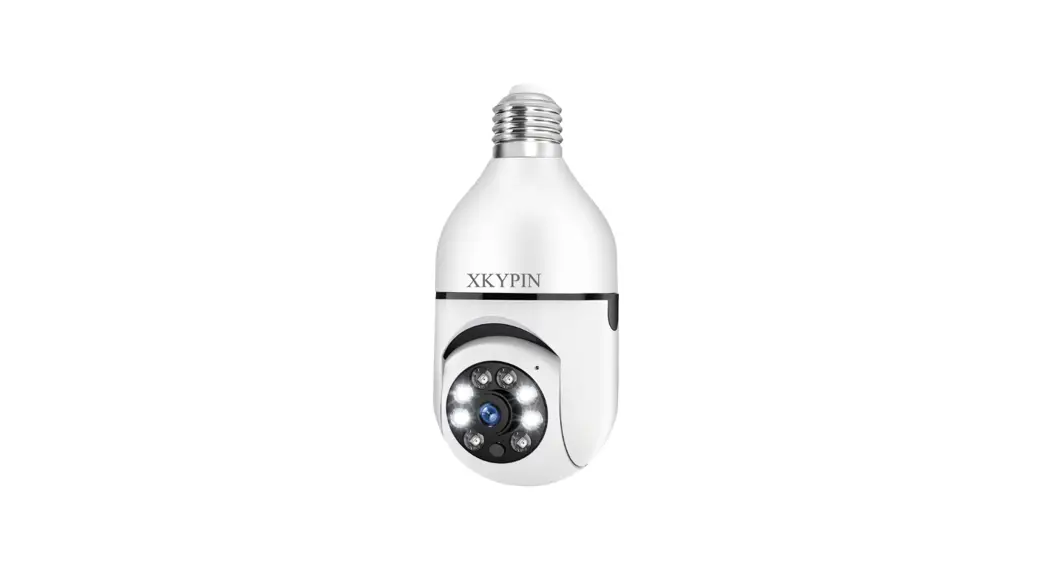
 D2 Security Camera Wireless WiFi 1080P
Smart camera Instruction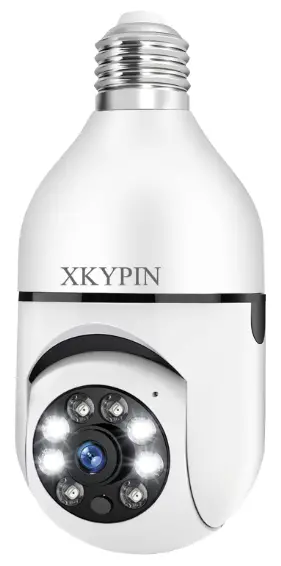
D2 Security Camera Wireless WiFi 1080P
 Support: [email protected]
Download Yi lost app
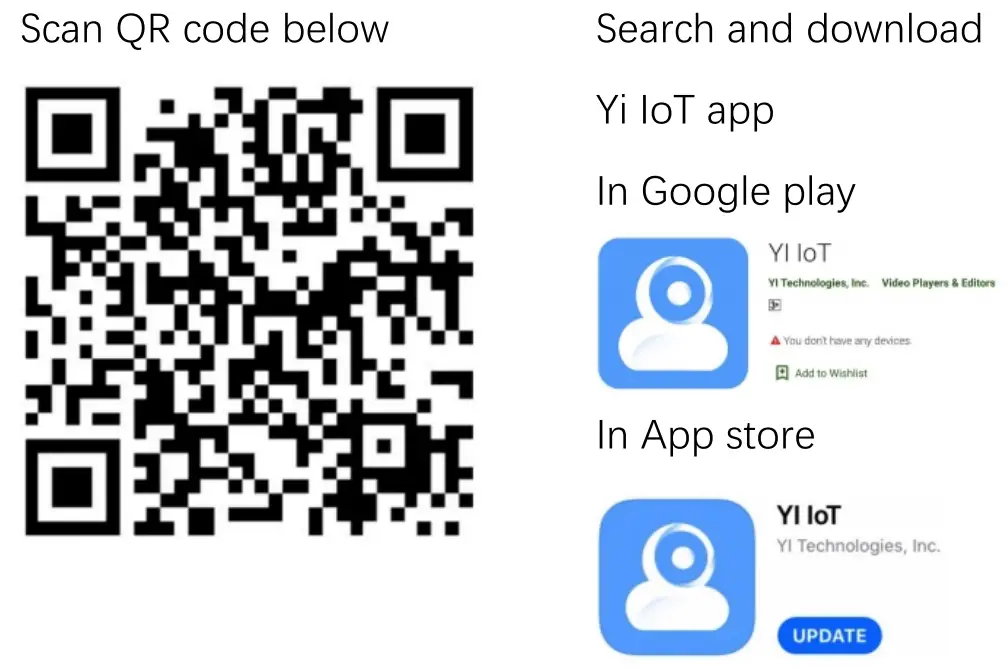
http://www.yunyiiot.com/yunyiapp/index.html
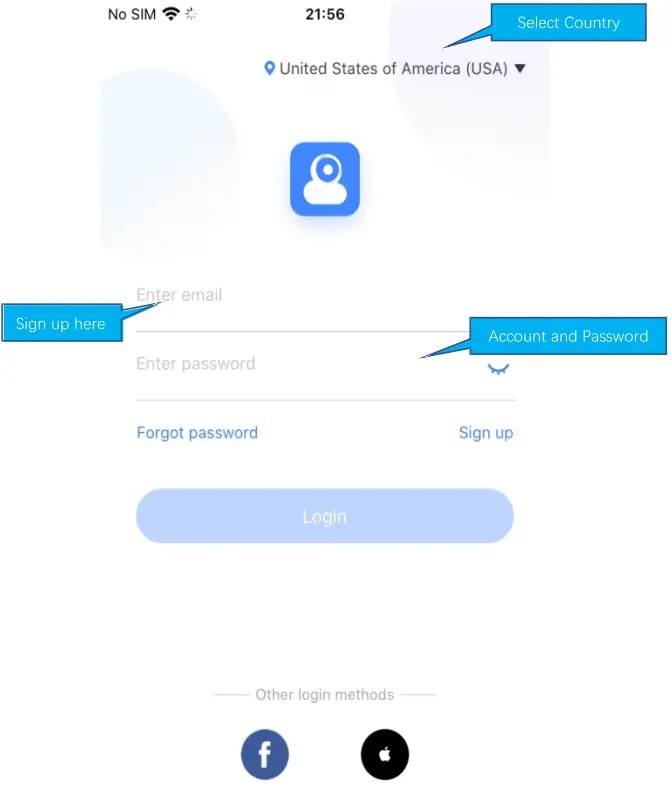
Sign up and log in
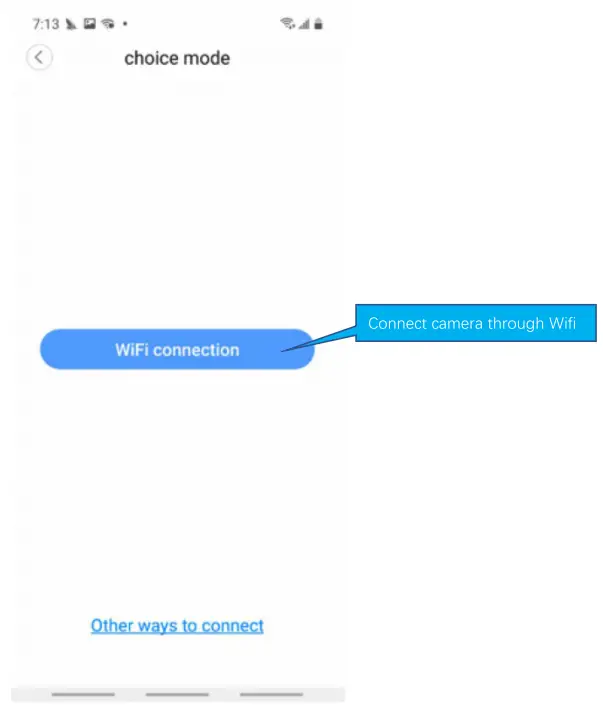
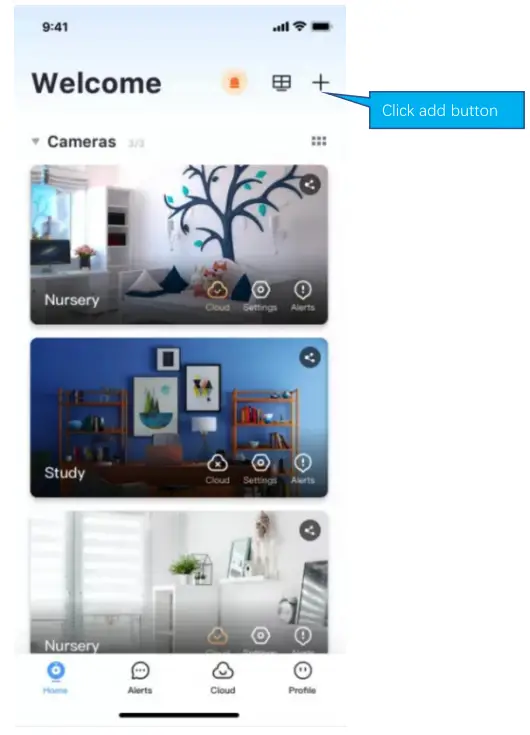
How to add camera
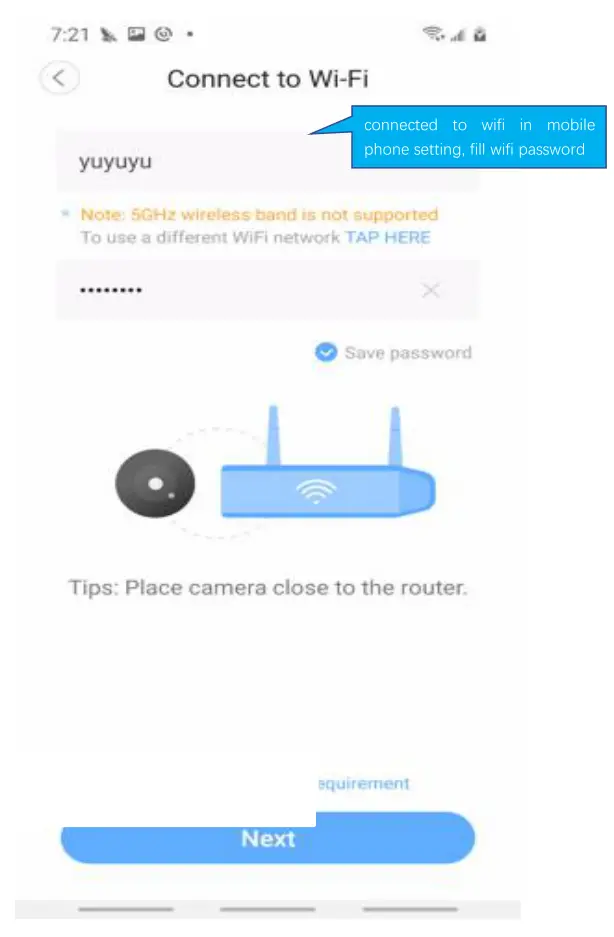
How to connected with Wi-fi
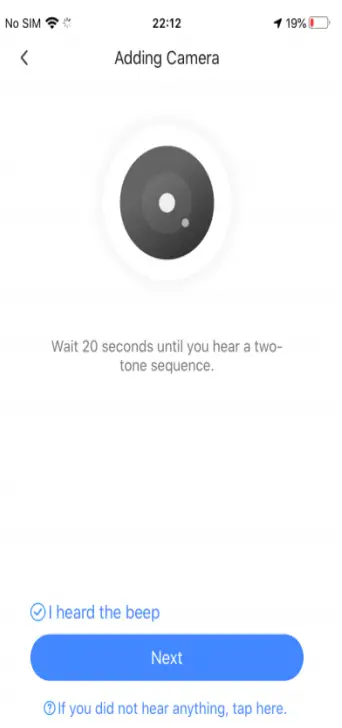
If you don’t hear the sequence, please press the “RESET” on the device. Continue for more than 5 seconds, until you heard the sequence, that means the reset is successful.
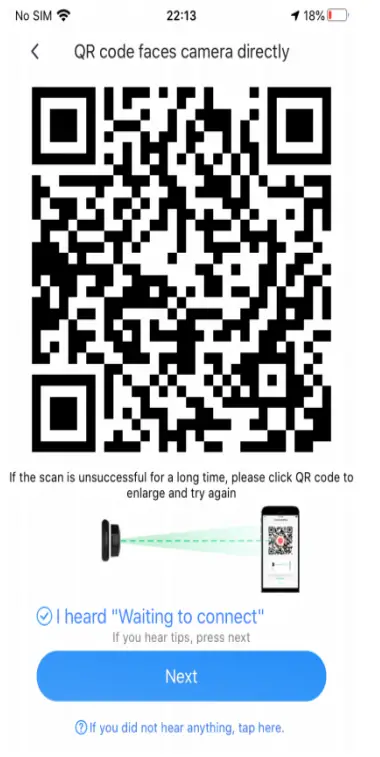 b=USiN1Lwg9sy7Qytp&s=TE9XIEI=&p=VFowPj8JFgl8YlBdV0YDDg==
The QR code that appears on the mobile phone is scanned against the camera lens , and the device emits a prompt sound “QR code scan successful” and “WiFi connected”, click Next , and wait for the network configuration t o be completed. 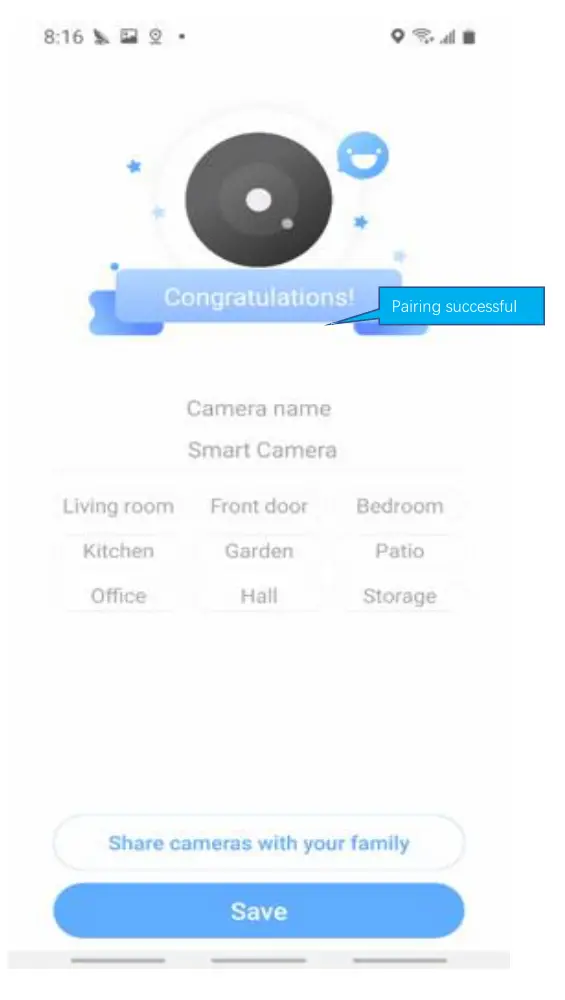
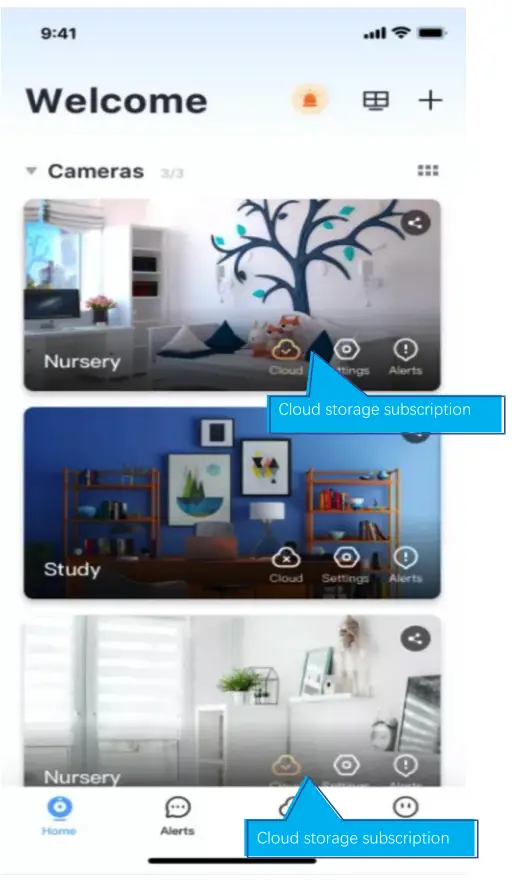
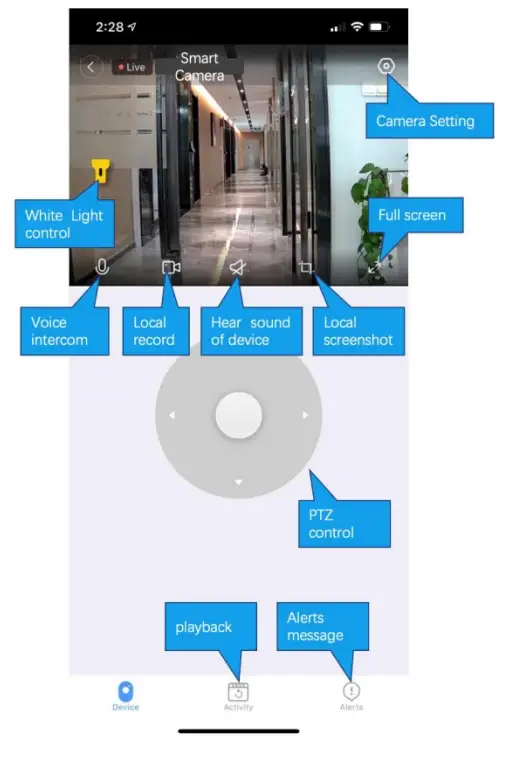
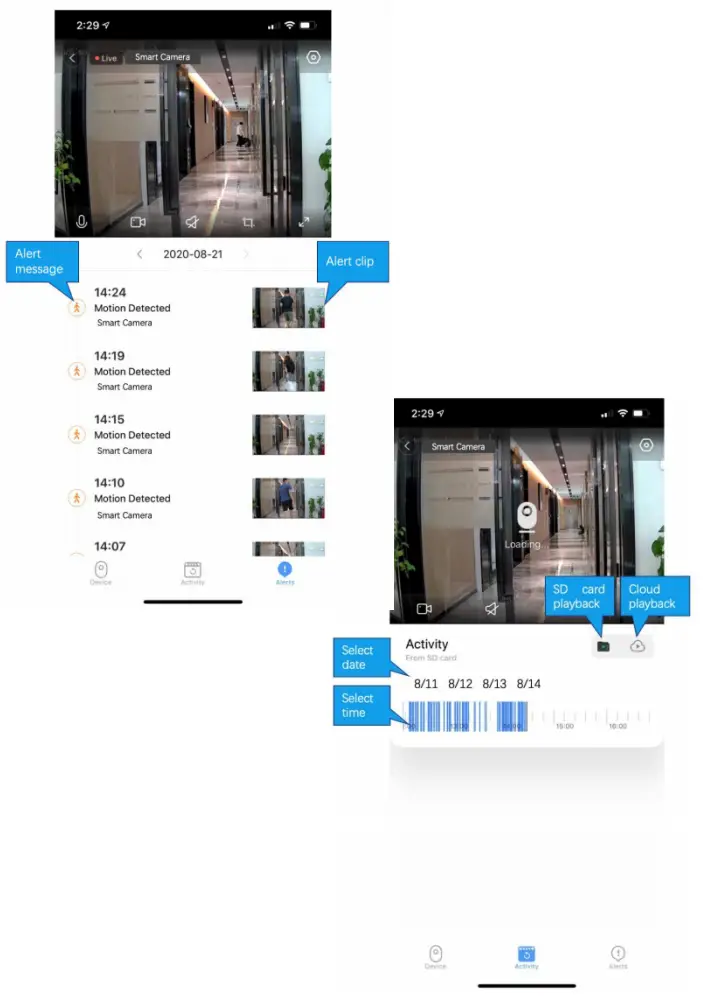
How to use app
Cloud storage
Common problem
Q: The camera is offline
- Check if the power supply is working properly
- Power off and restart the device to reconnect to the network
- The signal coverage is weak
- Signal interference shielding in special places
Q: How does the camera store video
- The camera supports the F32 format with a maximum capacity of 64G. After the card is recognized, it automatically records, and when the storage is full, it automatically overwrites the original recording and loops recording;
- Support opening cloud storage service to store video;
Special statement
The product is subject to the actual product, the instruction manual is for reference only Mobile phone app and device firmware version support update, users can upgrade through the app.
The manual may contain technical descriptions or inconsistencies with product functions or typographical errors. Please understand, please refer to the final interpretation of our company.
Do not install the product in a place where it is damp, dusty, high temperature, flammable or explosive and out of reach of children.