 RT310SPE
Installation Guide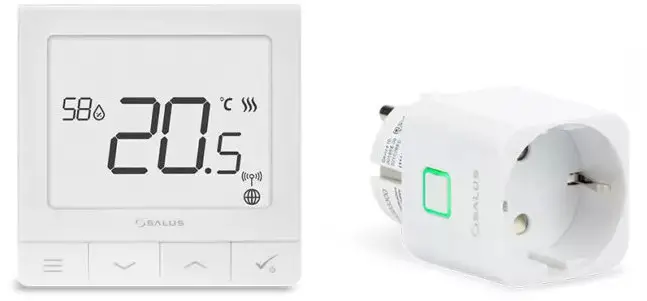
Introduction
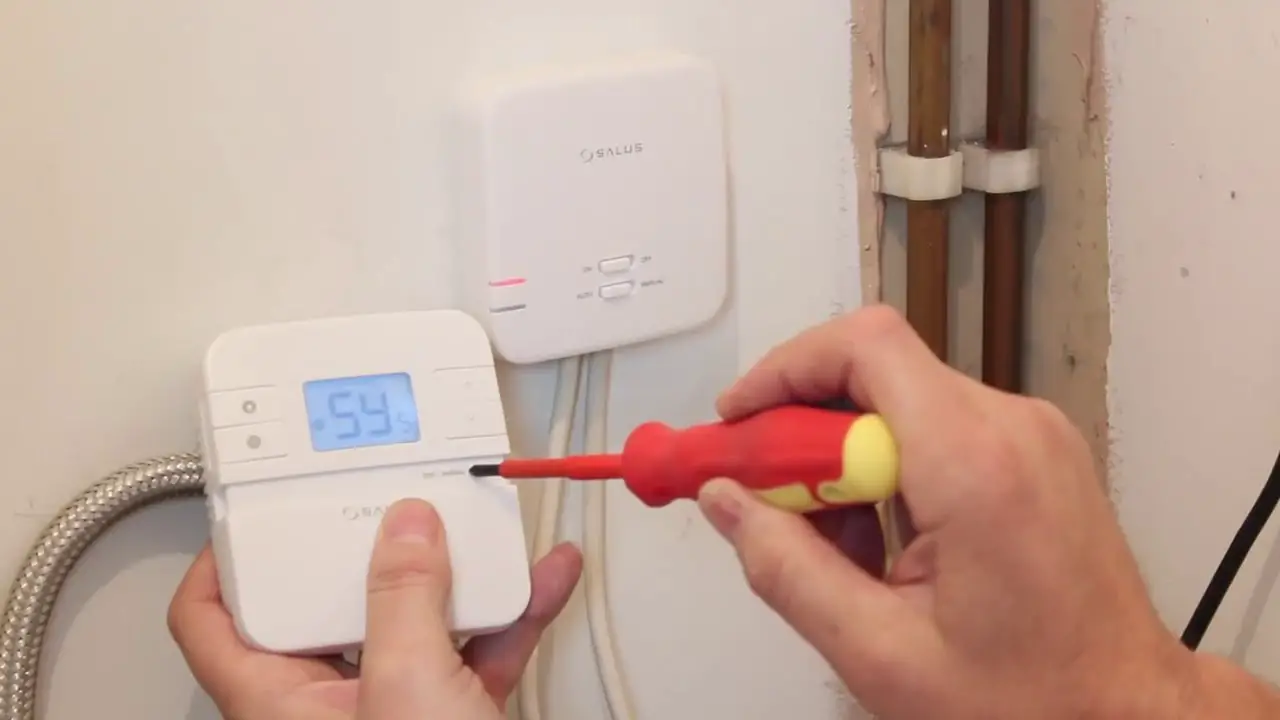
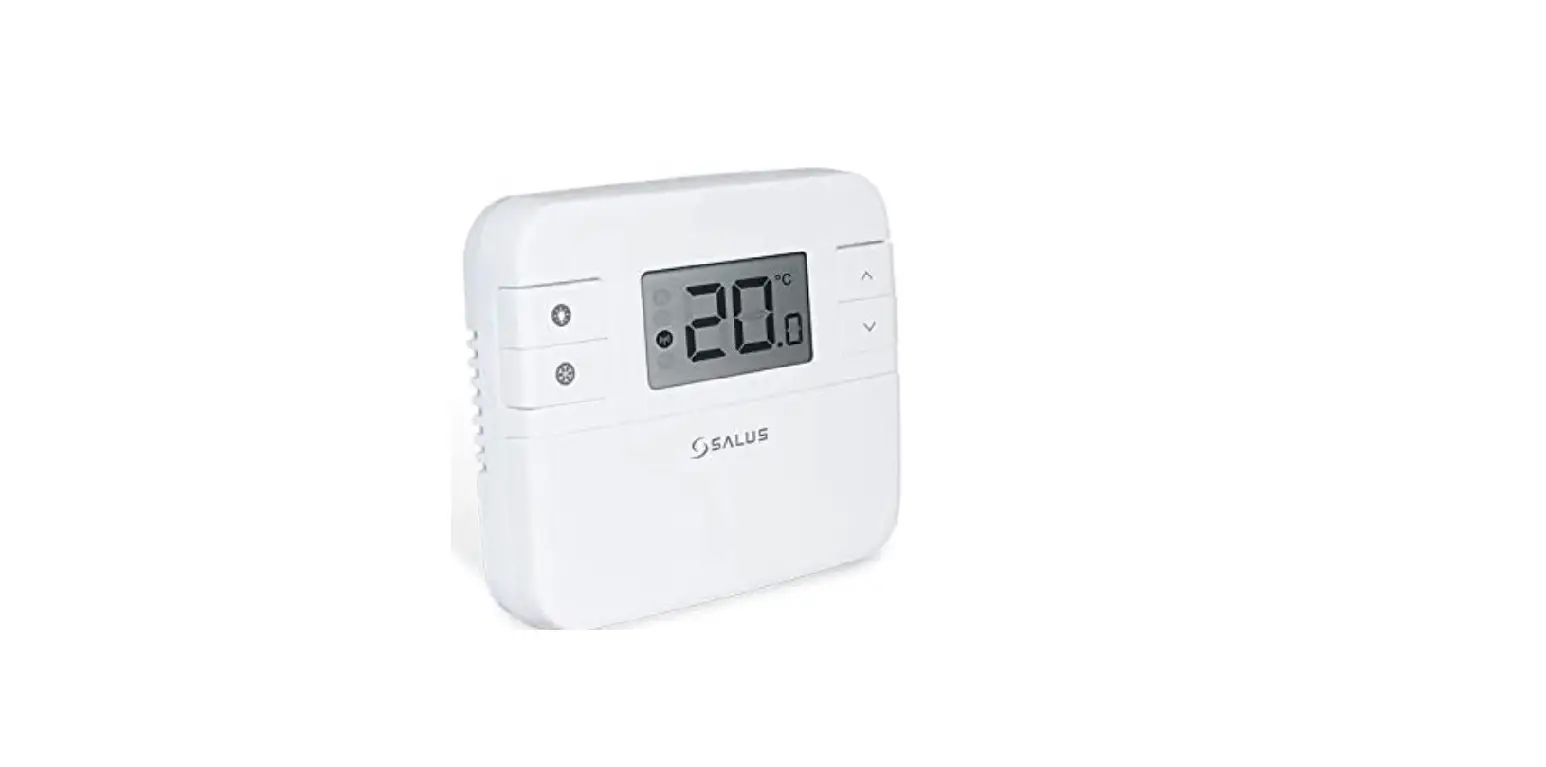
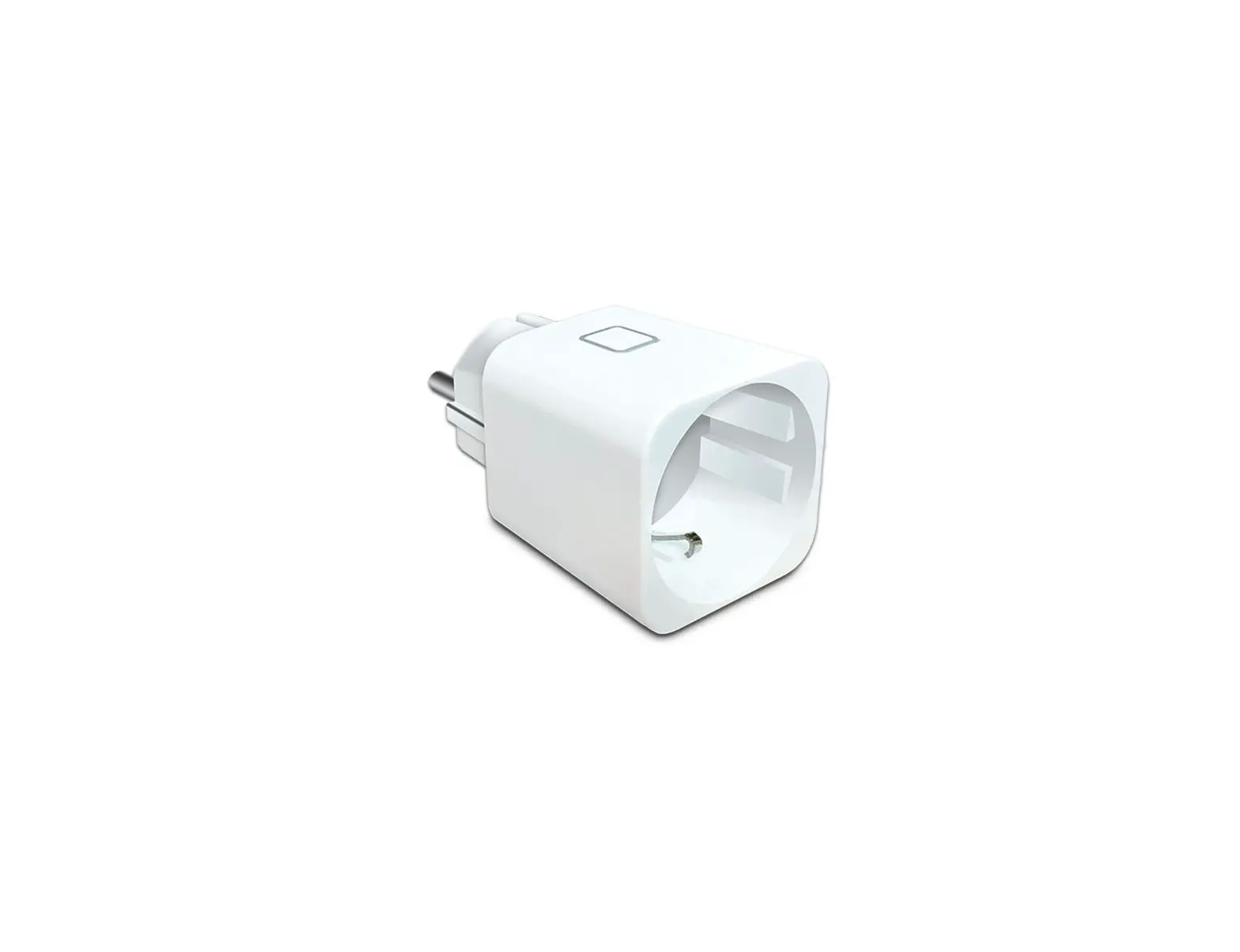
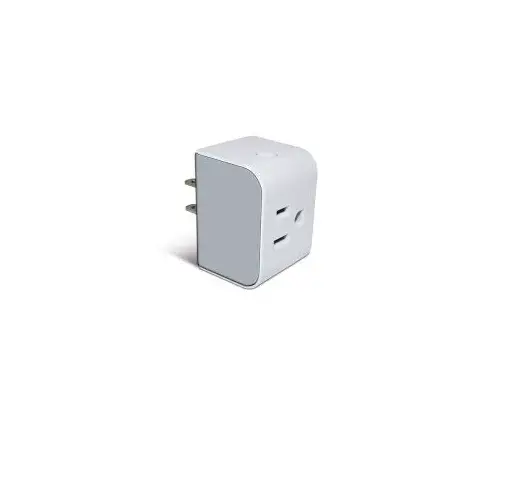
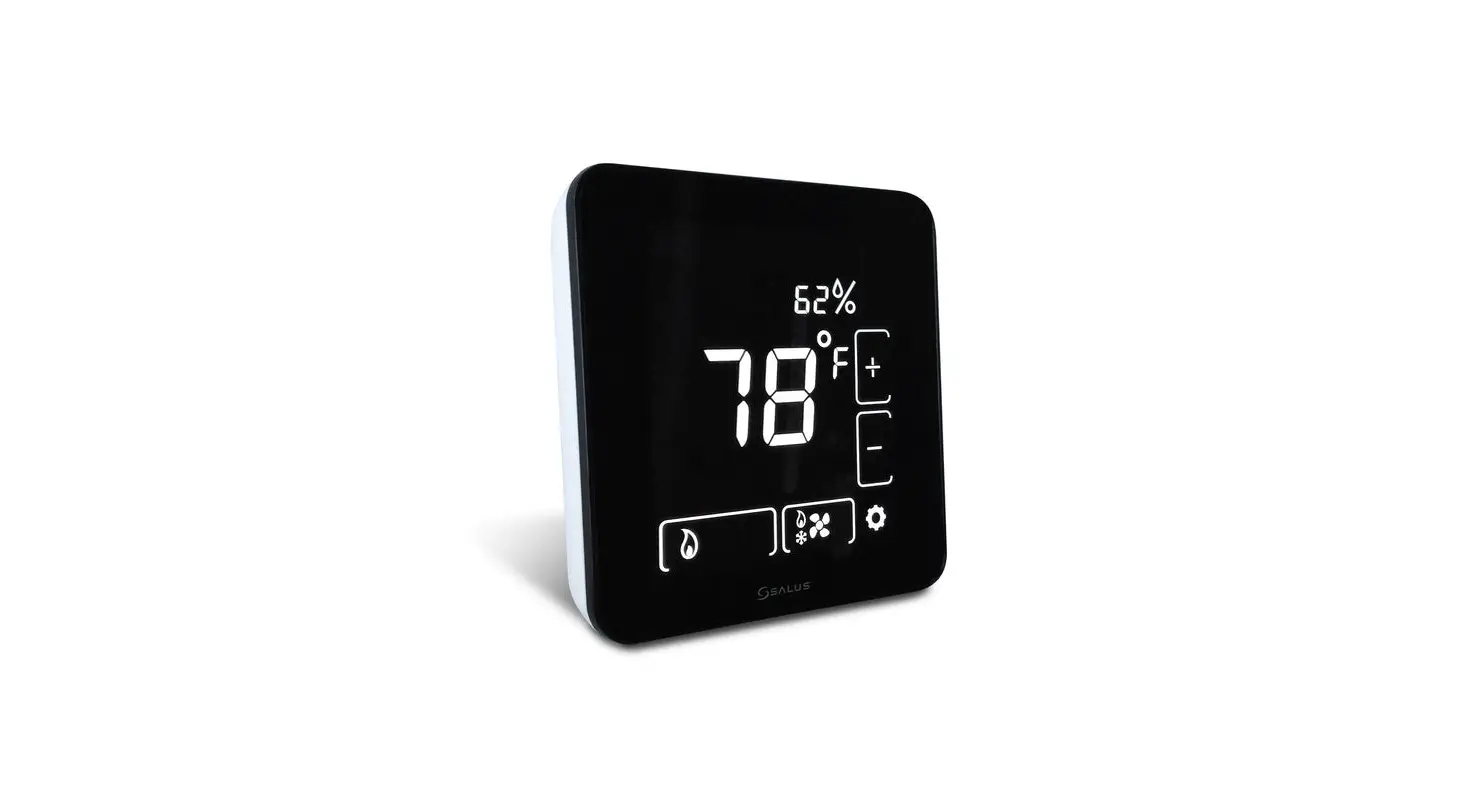
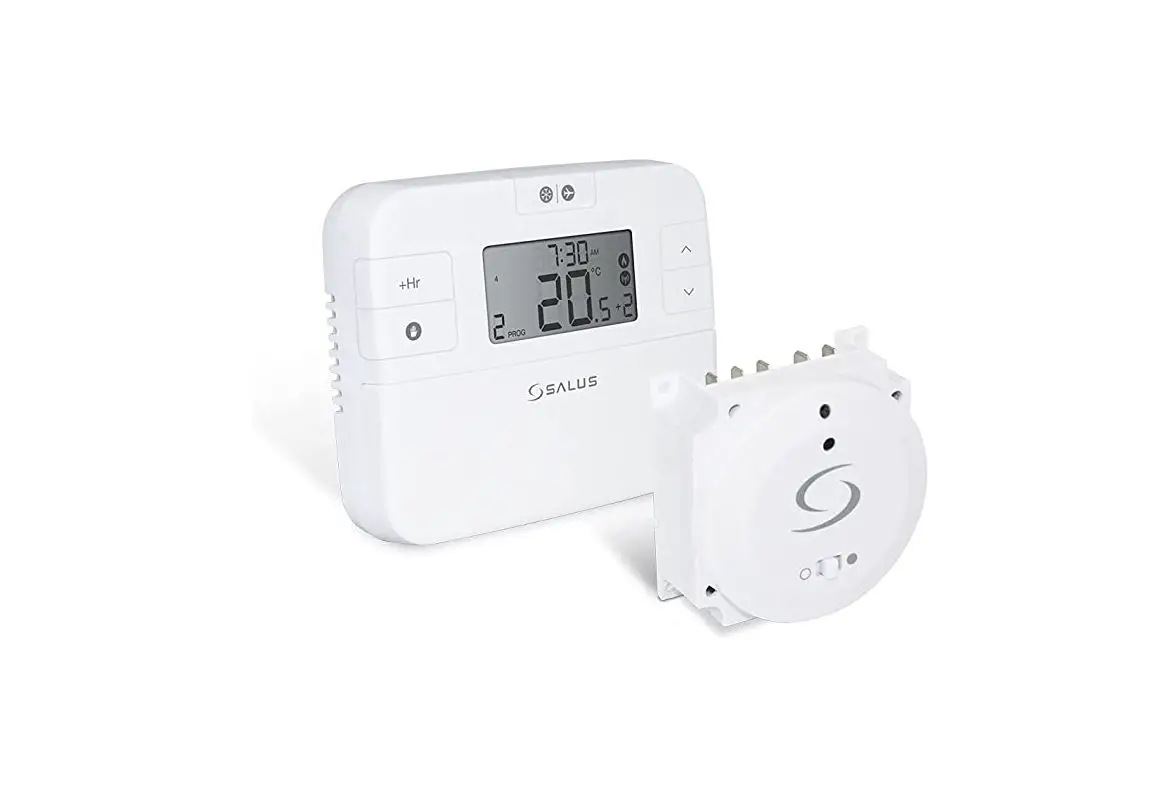
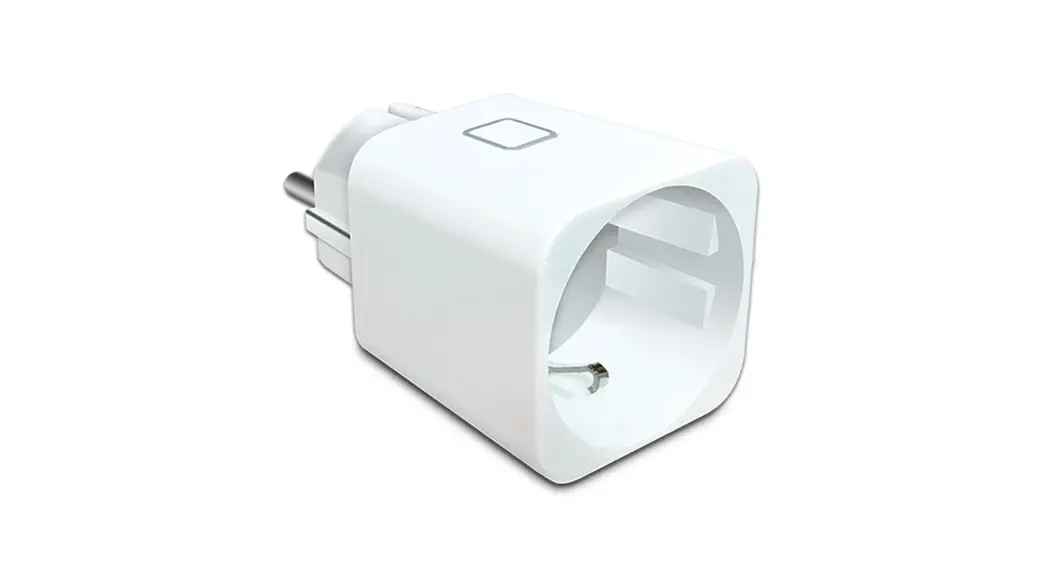
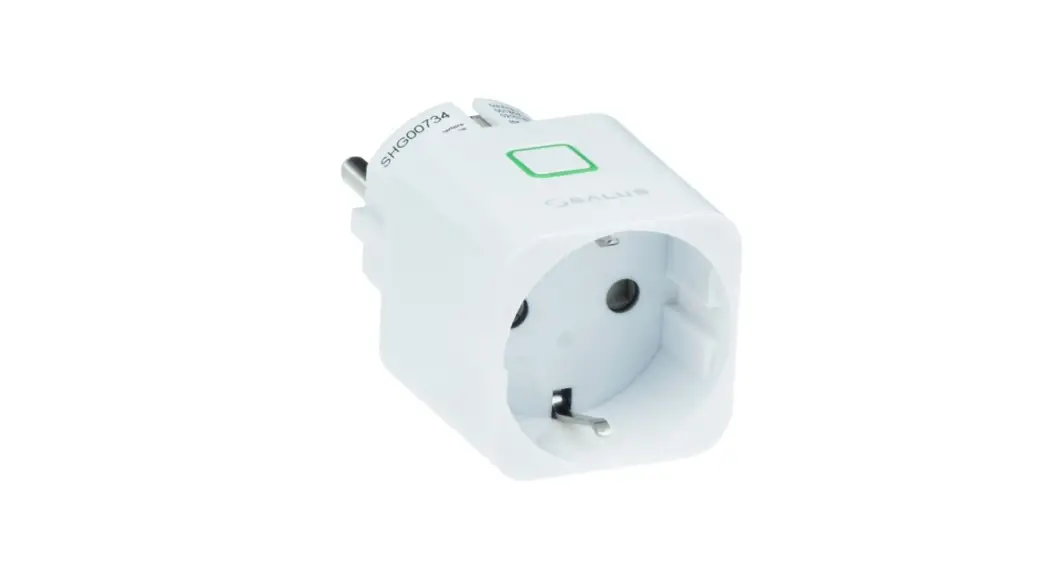
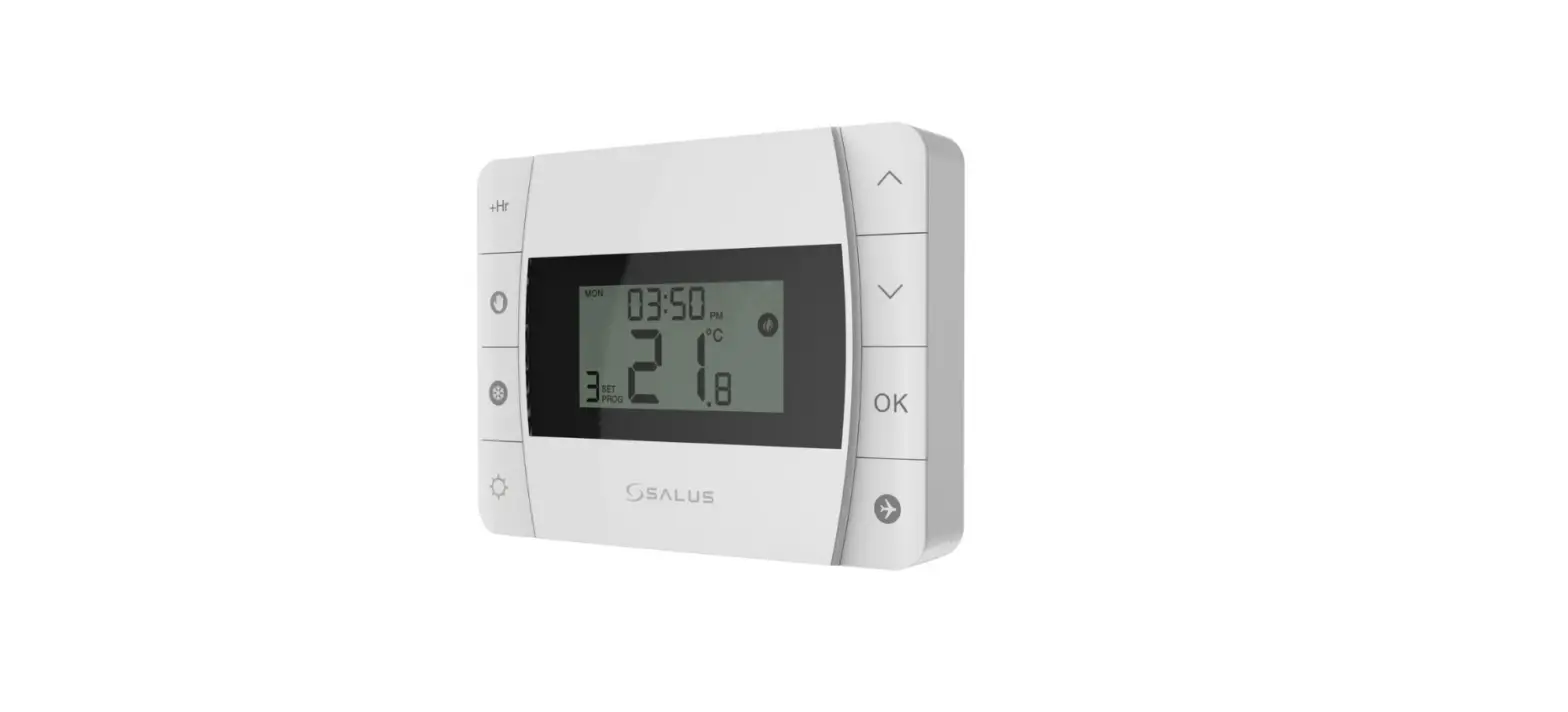
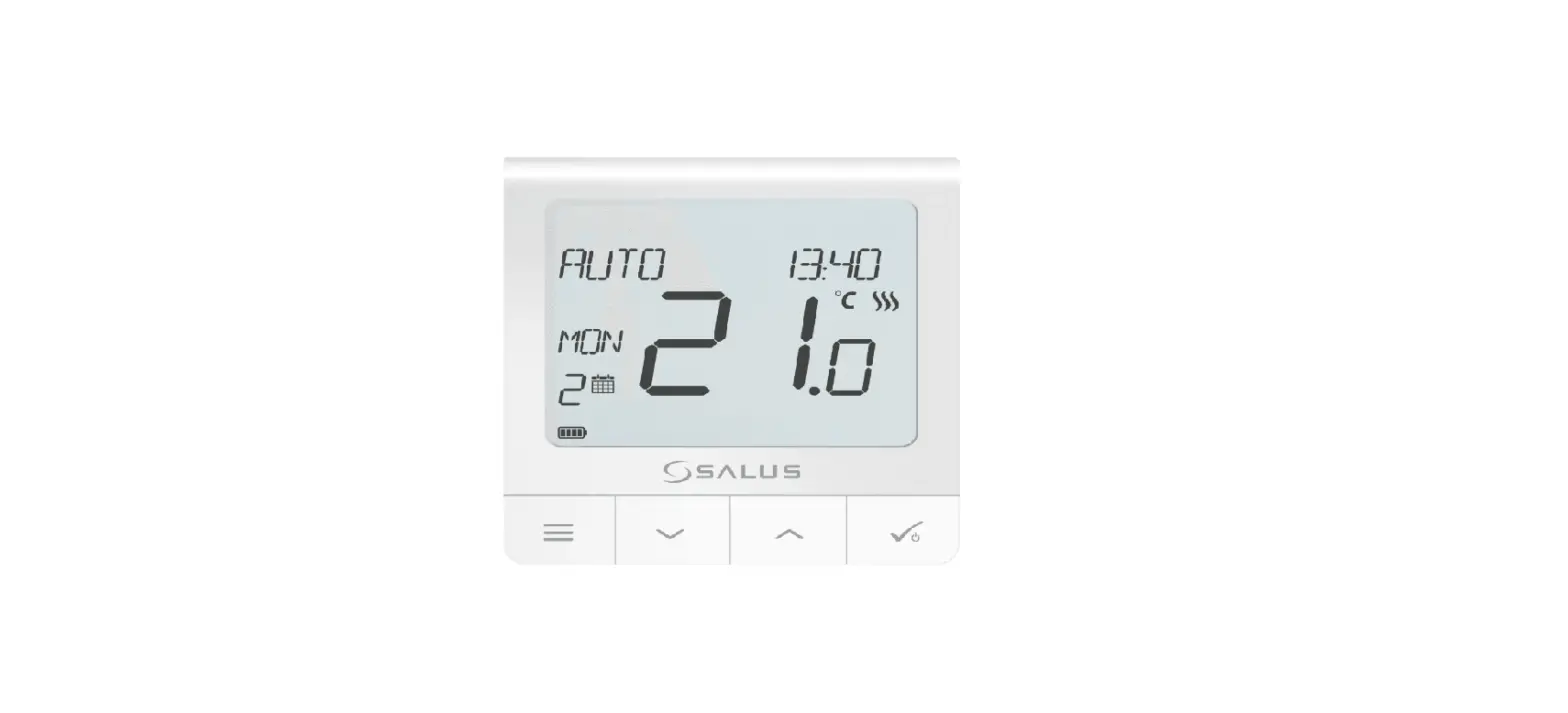
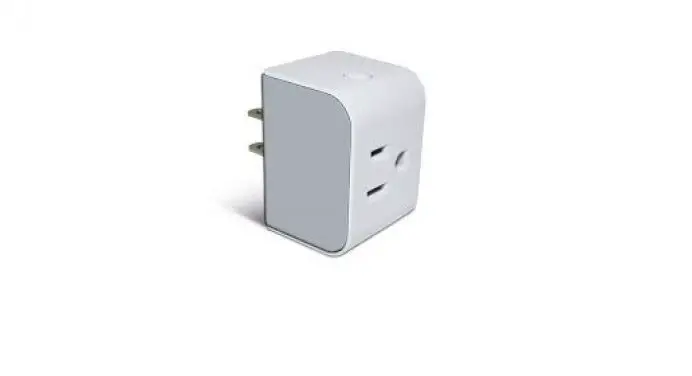
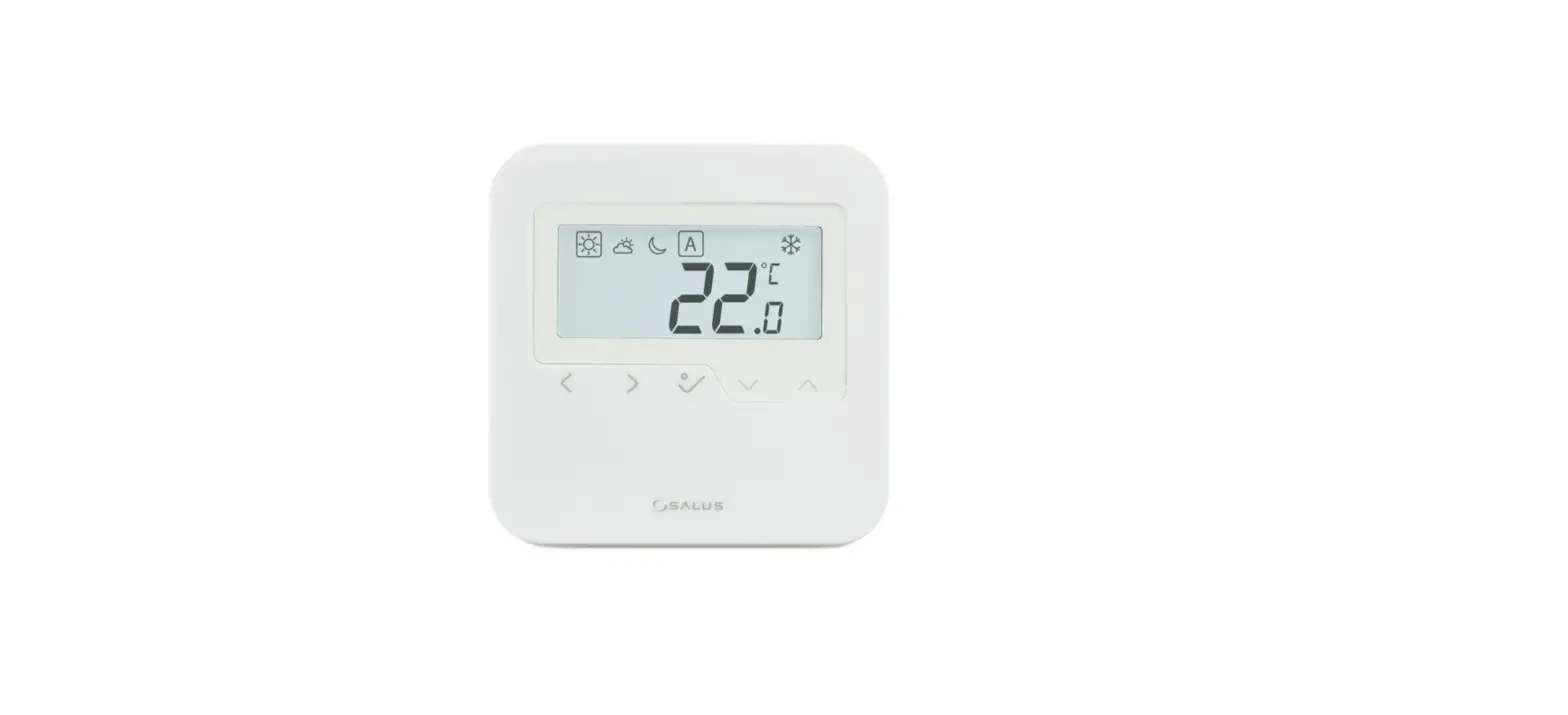
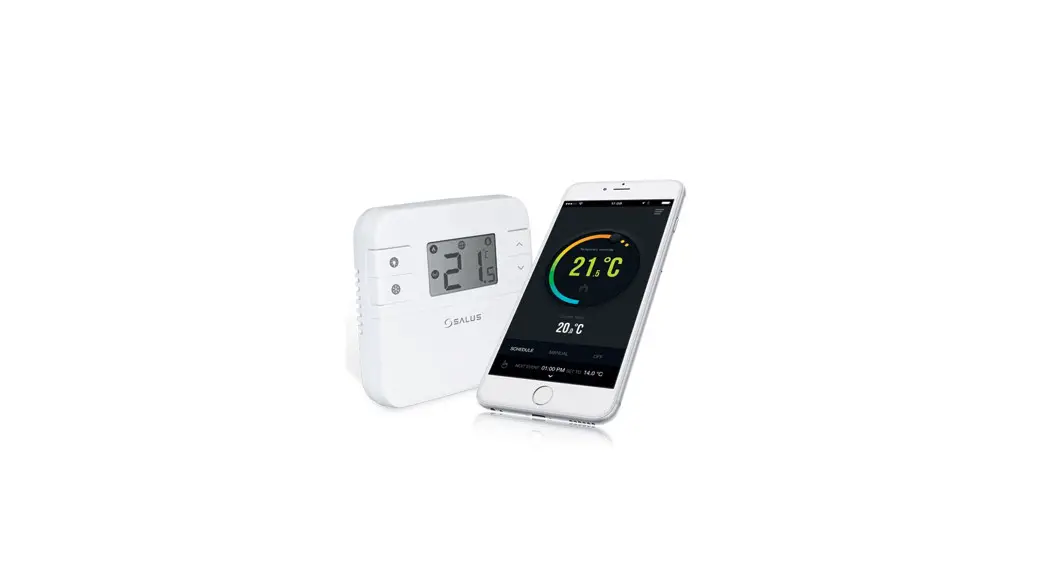
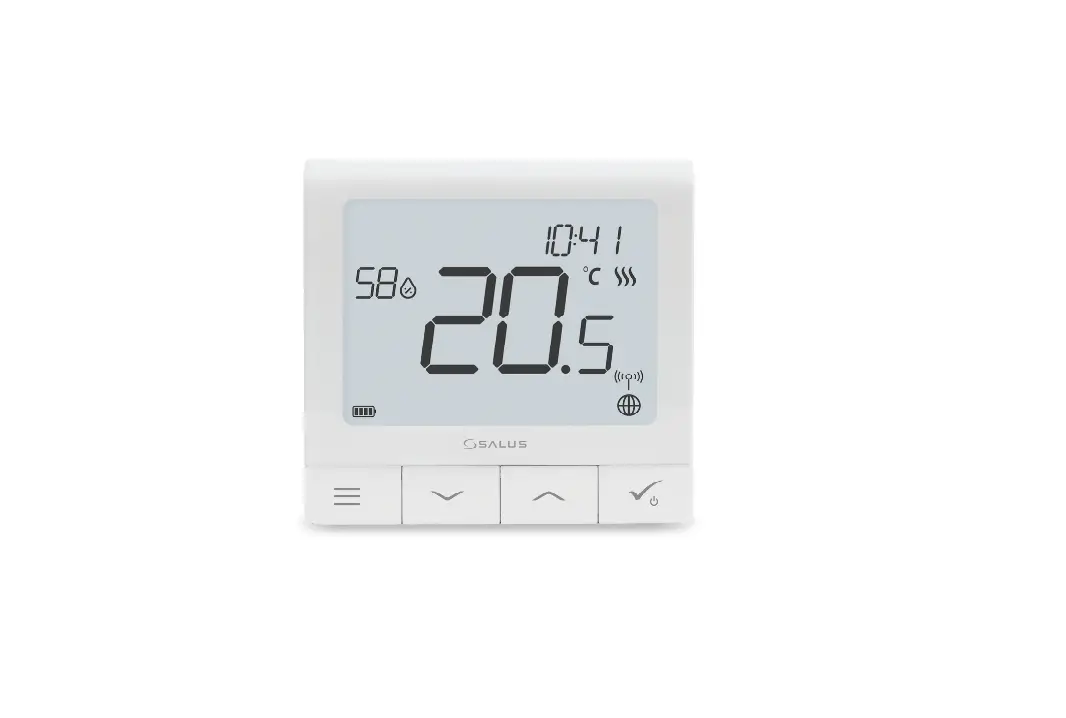
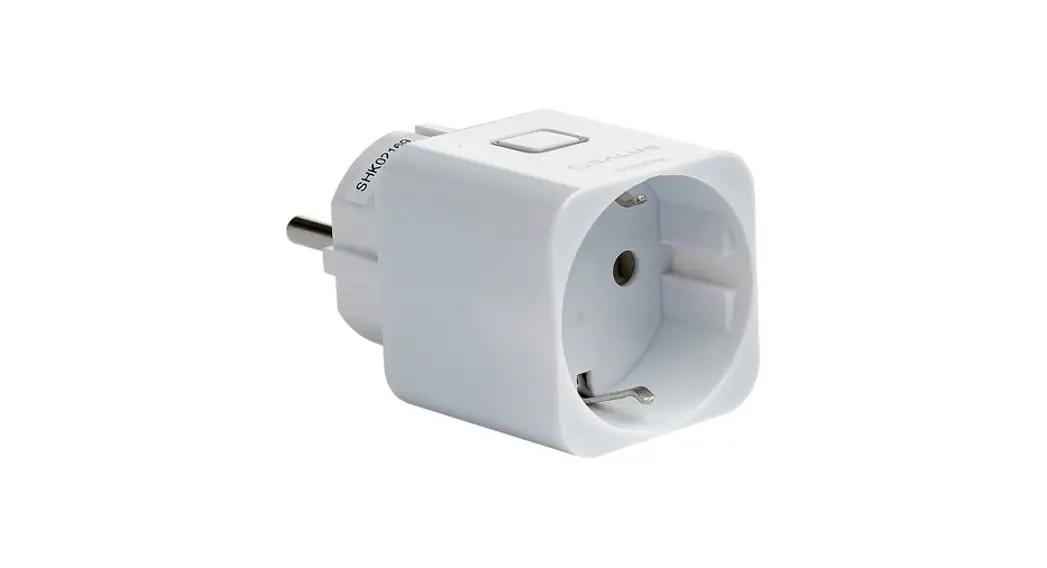
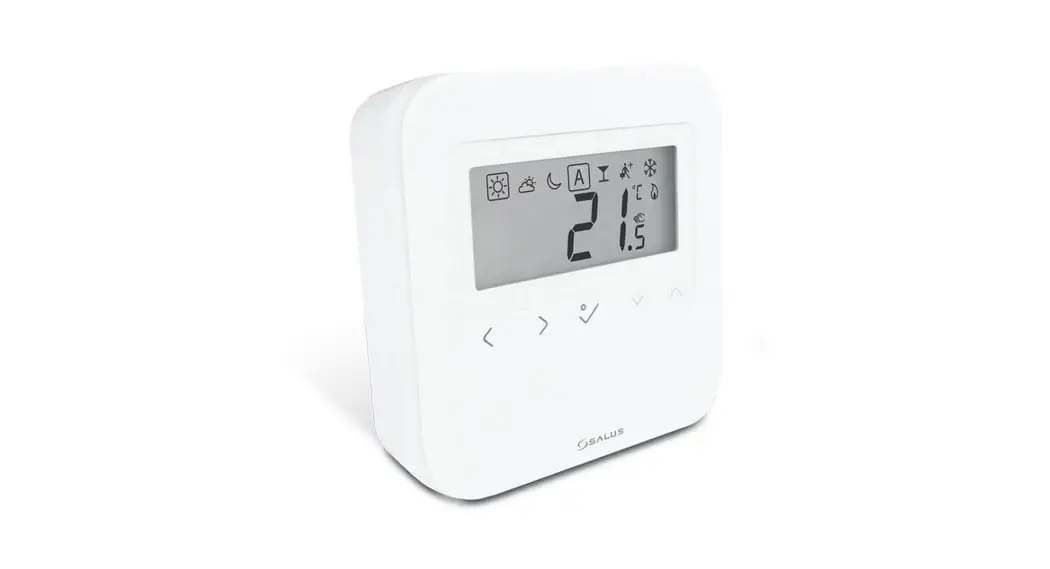
The RT310SPE module will switch your appliance on or off in accordance with the temperature set by you. The completed RT310SPE series consists of a transmitter – RT310TX thermostat and a Smart Plug SPE868.
Go to www.salus-manuals.com for the full PDF version of the manual.
Product Compliance
This product complies with EMC 2014/30/EU, LVD 2014/35/EU, RED 2014/53/EU and RoHS 2011/65/EU. Full text of the EU Declaration of Conformity on www.saluslegal.com. 868.0-868.6MHz; <13dBm
 Safety Information
 Safety Information
Use in accordance with the regulations. Indoor use only. Keep your equipment completely dry. Disconnect your equipment before cleaning it with a dry towel.
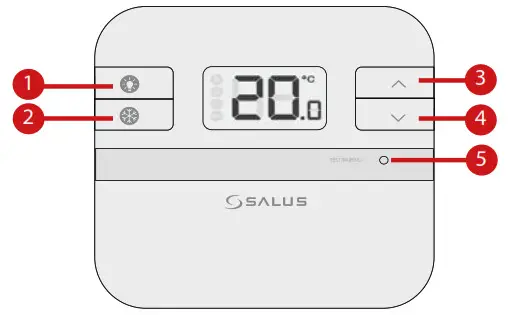
- Turn on the LCD backlight.
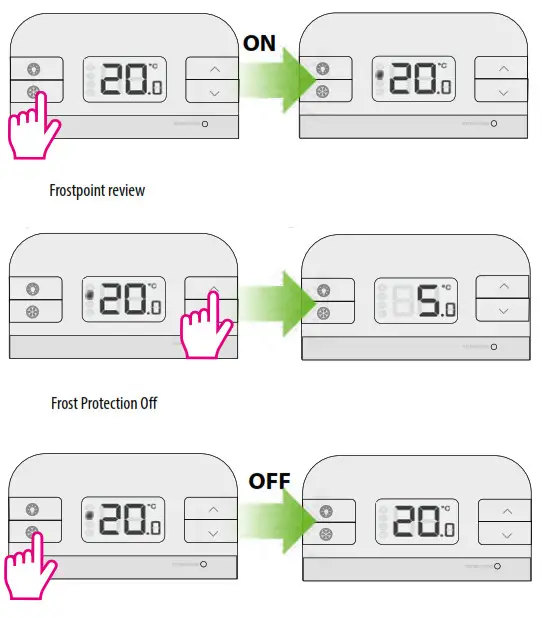
- Turn On/Off the Frost Mode.
- Increase button.
- Decrease button.
- Test Mode/ Pairing Mode
LCD icons
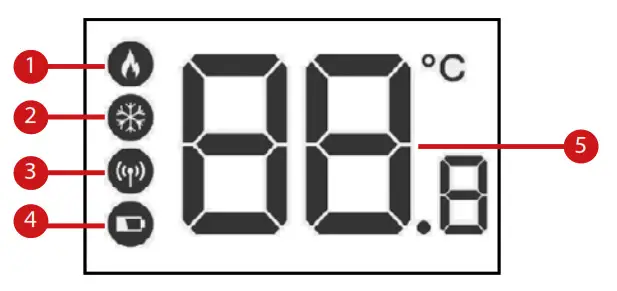
- The thermostat is calling for heat
- The thermostat is in frost mode
- The thermostat is sending a signal to the smart plug
- The low battery indicator icon
- Temperature display
DIP switch settings
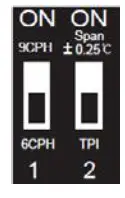
The DIP Switches can be found on the rear of your thermostat.
| Control feature | TPI | Span |
| Operation | When TPI is selected on DIP switch № 2, the DIP switch № 1 is functional. You can choose the Cycles Per Hour between a lower comfort level (6CPH) and a higher comfort level (9CPH). | When Span is selected on DIP switch № 2, the DIP switch № 1 is not functional. The temperature accuracy of your thermostat is set to ± 0.25 °C. |
Smart plug LED indication
 | Solid Red – paired, a smart plug is off |
 | Solid Green – paired, a smart plug is on |
 | 1. Pulsating red- waiting for pairing 2. Slow Flash red – overheat protection 3. Flashing red – safe mode, lost connection with thermostat and smart plug is off |
 | Flashing Green – in test pairing mode |
 | Flashing Red and Green – fail-safe mode, lost connection with thermostat, a smart plug is on |
Installation
Step 1
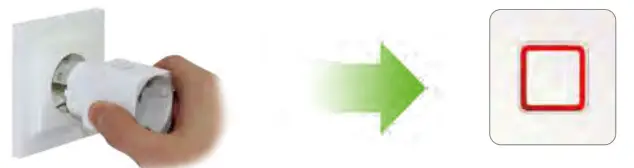
 The thermostat and the smart plug are pre-paired from the factory if purchased as a pack. If not, follow the thermostat pairing process.
Step 2 Thermostat pairing process
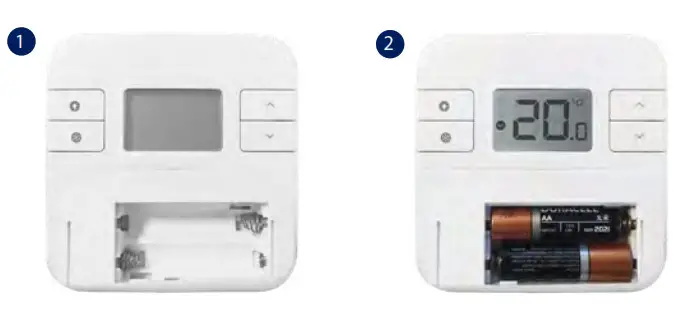 Thermostat pairing process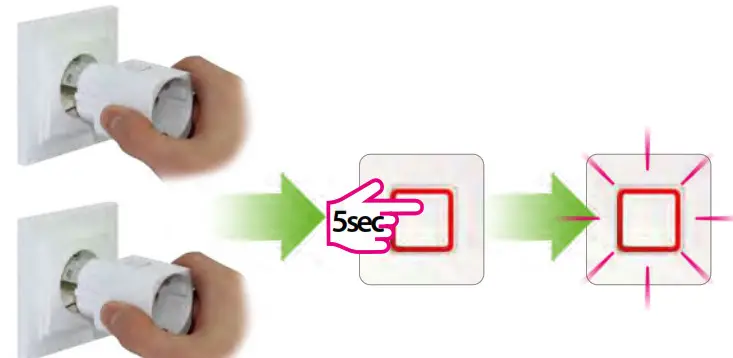
In case you have more than 1 smart plug, set ALL the smart plugs into pairing mode and start the pairing process. The LED will flash red when the plug is in pairing mode.
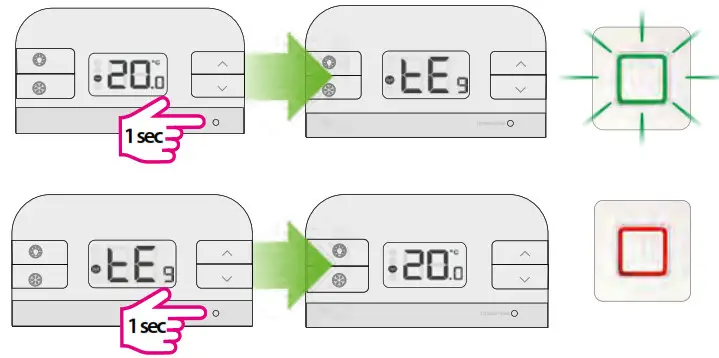
Put the thermostat into pairing mode, by pressing the pair button for 3 seconds. After the smart plug is paired with the thermostat, the LED is steady red.
Begin pairing process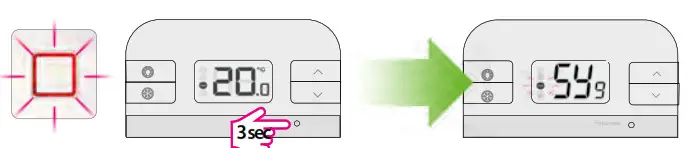
End pairing process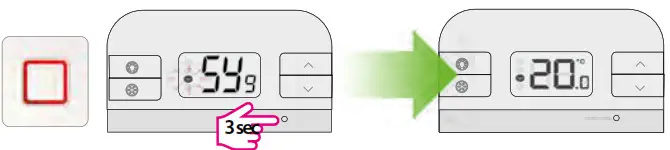
Test the pairing process
Change temperature
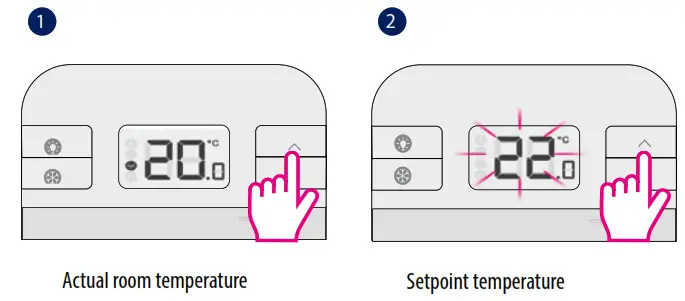
Note: By changing the Setpoint (desired) temperature, you are permanently altering your temperature.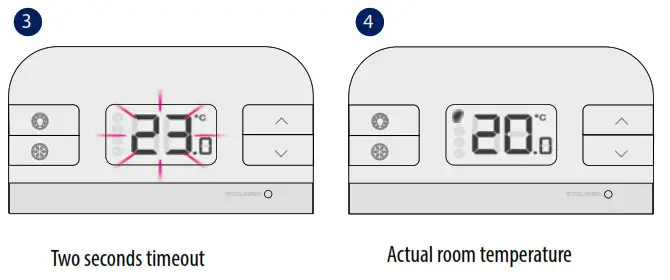
Frost Mode
If the thermostat loses connection with the Smart Plug, the Smart Plug goes into fail-safe mode after 22 minutes. In this mode, you still can operate your Smart Plug manually (by pressing the button on the device).
Installer mode
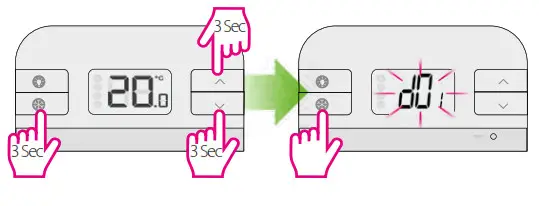
Press the three buttons together for 3 seconds. Use to select dxx parameter, ∧ or ∨ to change parameter value and
  to confirm.
Parameter
| dxx | Function | Parameter | Description | Default value |
| d01 | Temperature display increments | 0.1 or 0.5″C | S elect temperature display increments | 0.5°C |
| d02 | Temperature offset | +1-3.0°C | Calibrate your thermostat temperature | 0.0°C |
| d03 | Frost setpoint | 5.0-1 7.0°C | Set the Frost Point temperature | 5.0°C |
[email protected]
tel: +49 6108 8258515
Head Office:
SALUS Controls Plc
Units 8-10 Northfield
Business Park
Forge Way, Parkgate, Rotherham
S60 1SD, United Kingdom
T: +44 (0) 1226 323961
E: [email protected]

www.salus-controls.com
SALUS Controls is a member of the Computime Group
Maintaining a policy of continuous product development SALUS Controls plc reserves the right to change specification, design, and materials of products listed in this brochure without prior notice.
For PDF Installation guide please go to www.salus-manuals.com
Issue Date: V 2020
V011