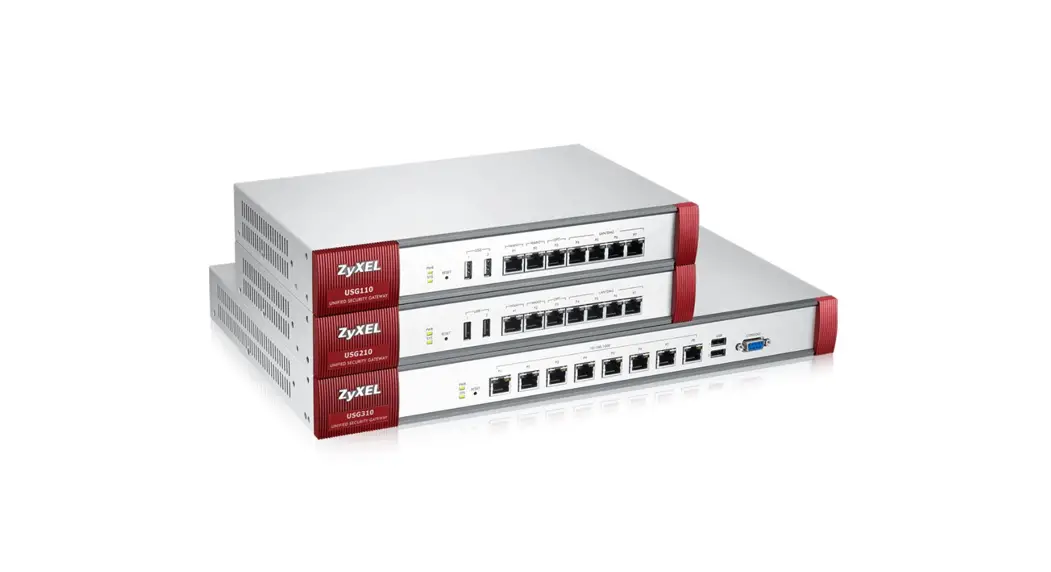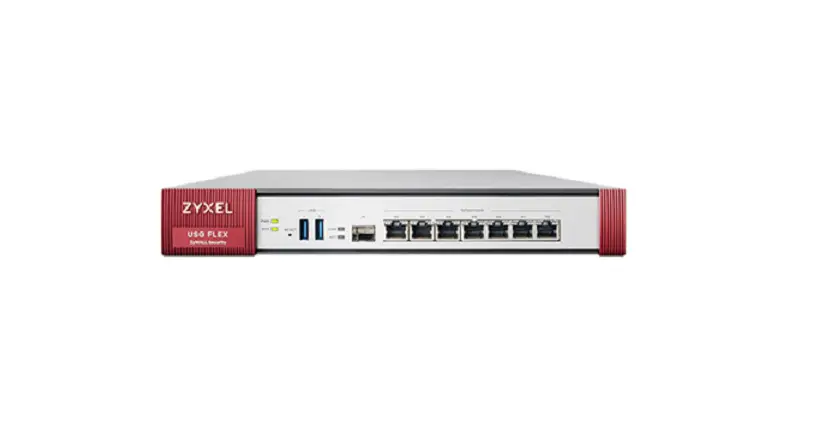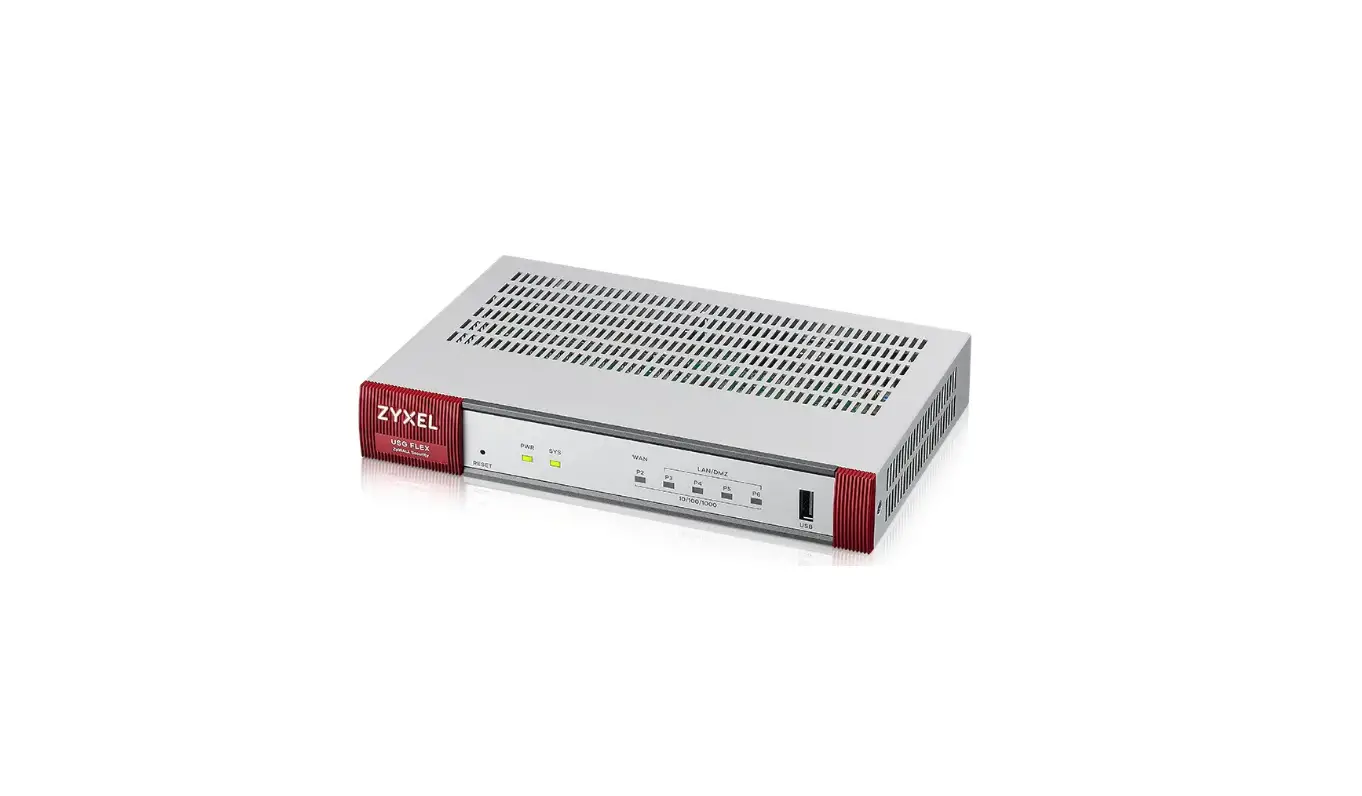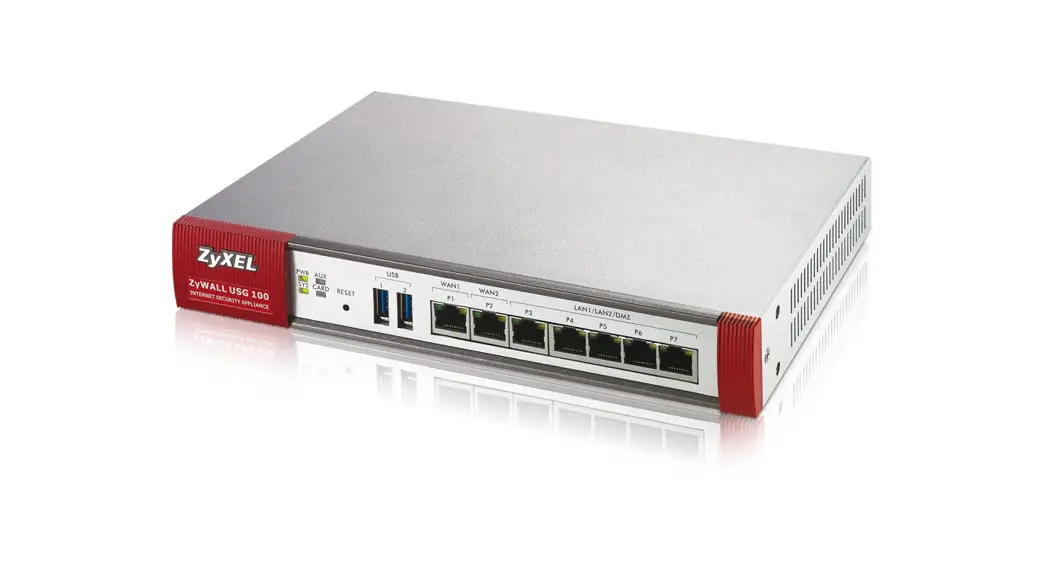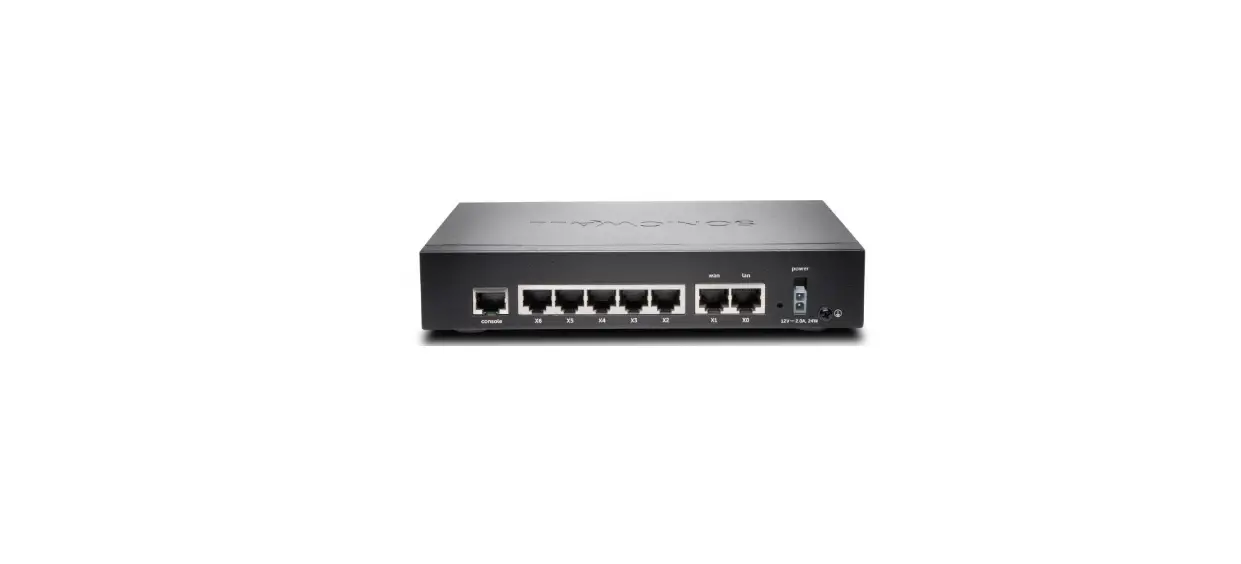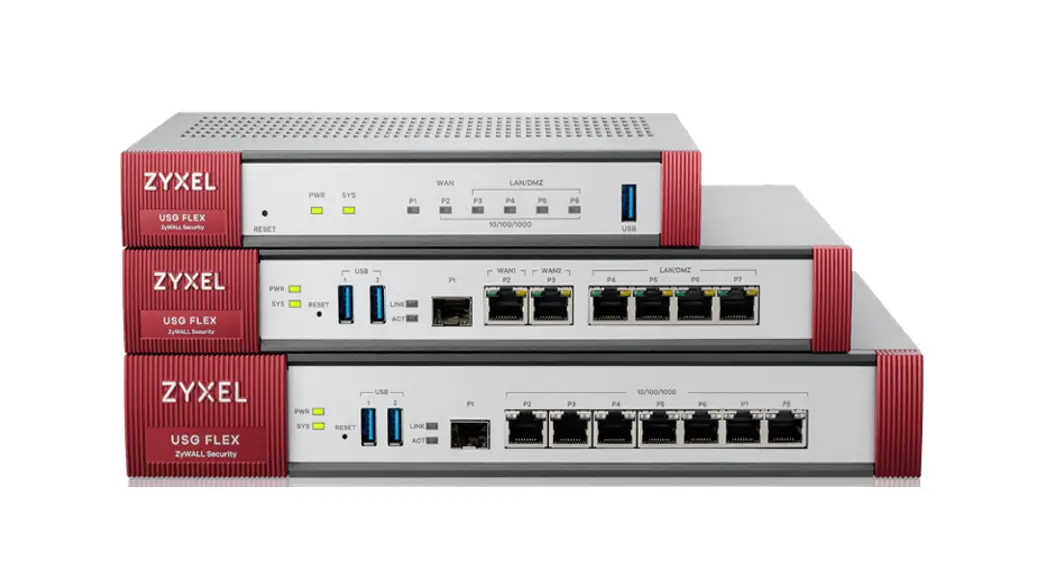

ZyWALL ATP Series Firewall
User Guide
ZyWALL ATP Series
ZyWALL USG FLEX Series
Management Quick Start Guide
Option 1 On-Cloud Nebula Registration with the App
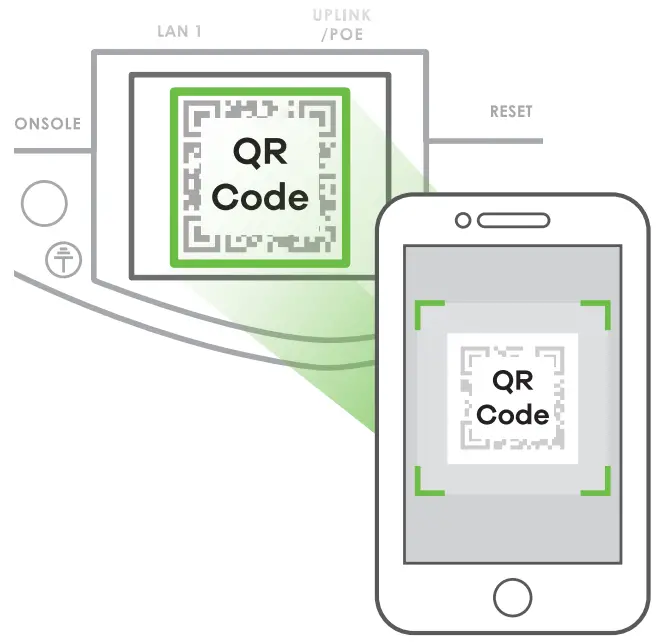
Use the Zyxel Nebula Mobile app to register a Zyxel Security Appliance with Nebula if your device uses a dynamic IP address. If your device uses a static IP address or PPPoE, use Option 2, login, choose Nebula Mode, then run the wizard and configure the WAN.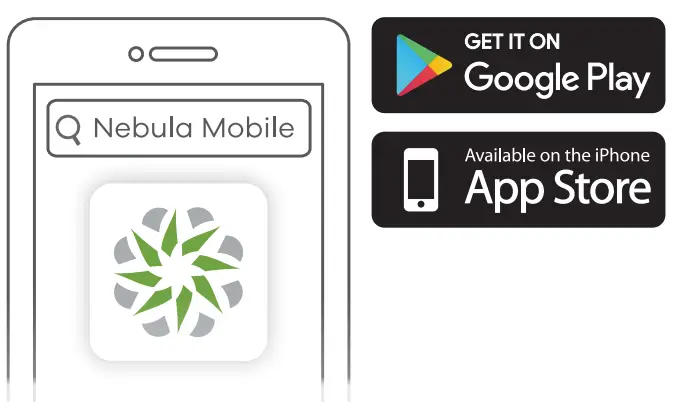 Where to find QR code: Label on the device
 Note: ZyWALL USG FLEX H Series does not support Nebula at the time of writing.
Download and open the Zyxel Nebula Mobile app. Log in with your Zyxel Account. Create an organization and site or select an existing site. Scan the Zyxel Security Appliance’s QR code to add it to the site.
Option 2 On-Premises Direct Management
Use this method if you want to manage the Zyxel Security Appliance directly using your web browser. Log in, choose On-Premises Mode, then run the wizard. http://192.168.1.1 USG FLEX H Series: http://192.168.168.1
 User Name: admin Login Password:1234 (default)
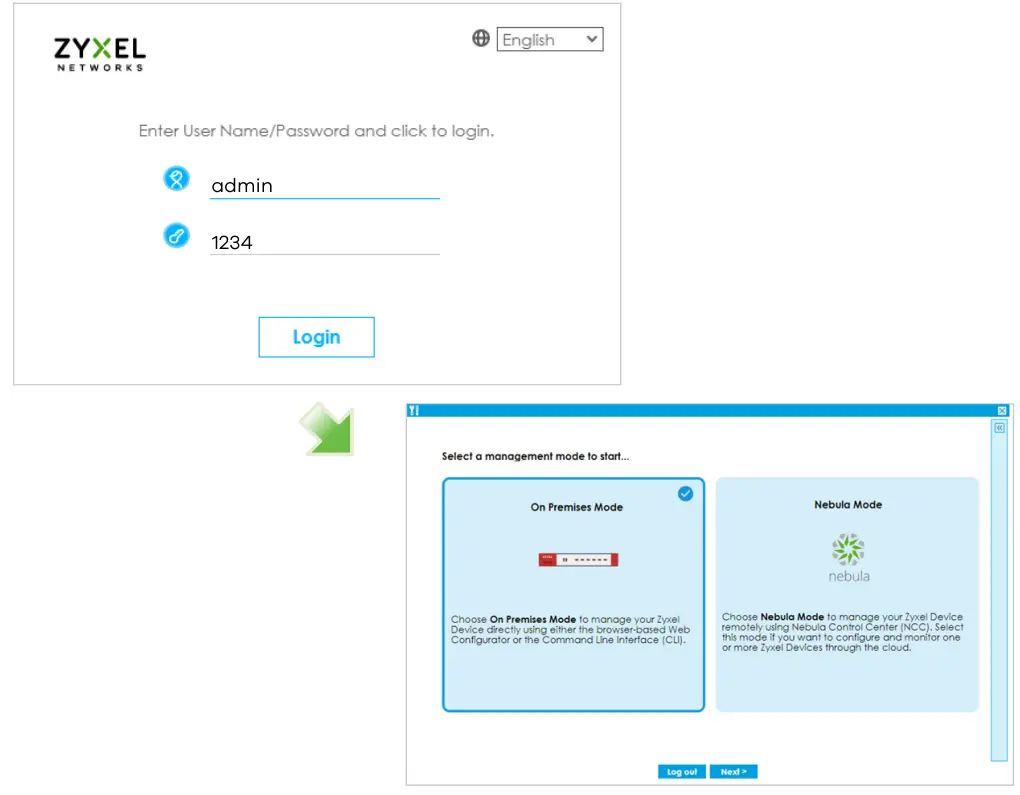 Launch your web browser and go to http://192.168.11 or http://192.168.168.1 for Zyxel Security Appliance (the Zyxel Security Appliance automatically redirects you to http://192.168.11 or http://192.168.1681). Click Yes to proceed if you get a security alert or certificate screen. Enter admin as the user name and 1234 as the password. Click Login.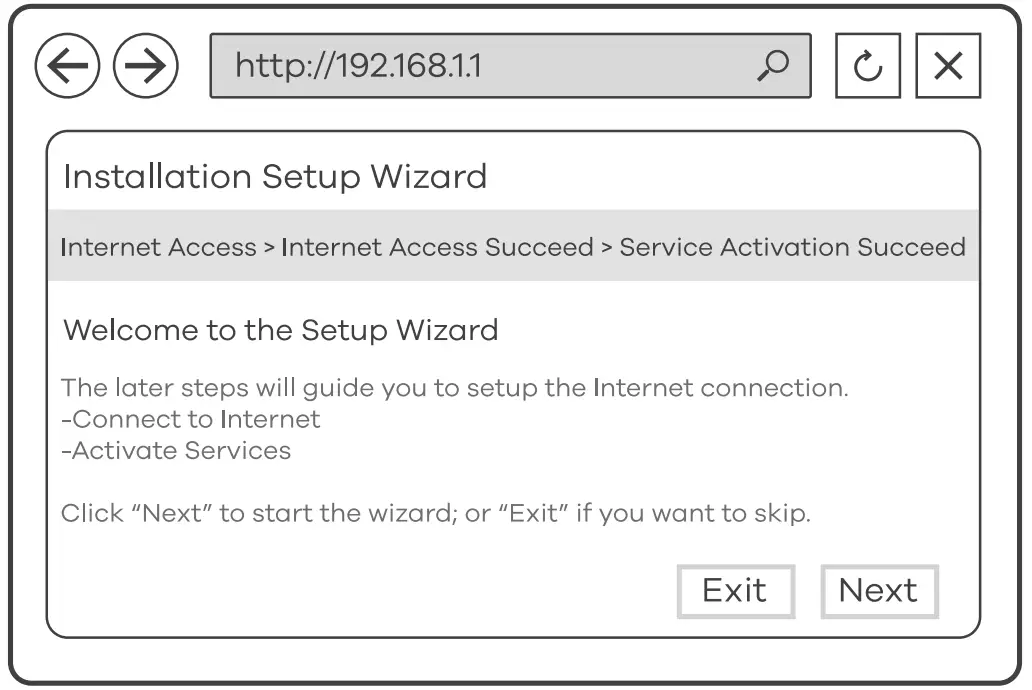
Use the installation setup wizard to connect to the Internet and register the Zyxel Security Appliance and/or activate trial and Standard services
Support Information
USA + 1 800 255 4101
 [email protected]
EU, Turkey, Russia https://supoort.zyxel.eu
Thailand+ 66 2831 5315[email protected]
Taiwan + 886 2 2739 9889[email protected]
See the User’s Guide at www.zyxel.com for more information, including customer support and safety warnings.
EU Importer
Zyxel Communications A/S
Gladsaxevej 378, 2. th. 2860 Soborg, Denmark
https://www.zyxel.com/dk/da/
UK Importer
Zyxel Communications UK Ltd.
2 Old Row Court, Rose Street, Wokingham, RG40 1XZ, United Kingdom (UK)
https://www.zyxel.com/uk/en/
US Importer
Zyxel Communications, Inc
1130 North Miller Street Anaheim, CA 92806-2001
https://www.zyxel.com/us/en/
Copyright © 2022 Zyxel and/or its affiliates. All Rights Reserved.