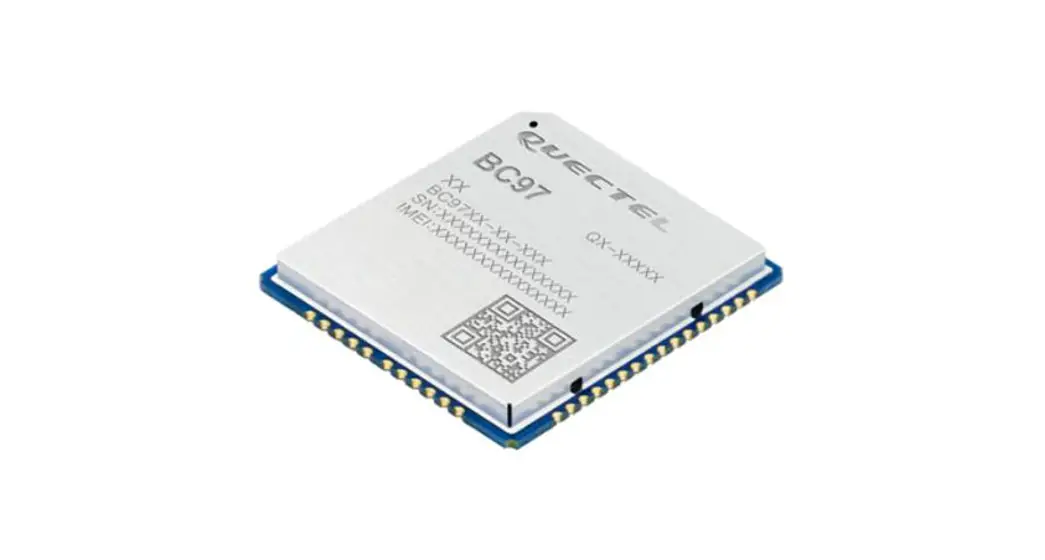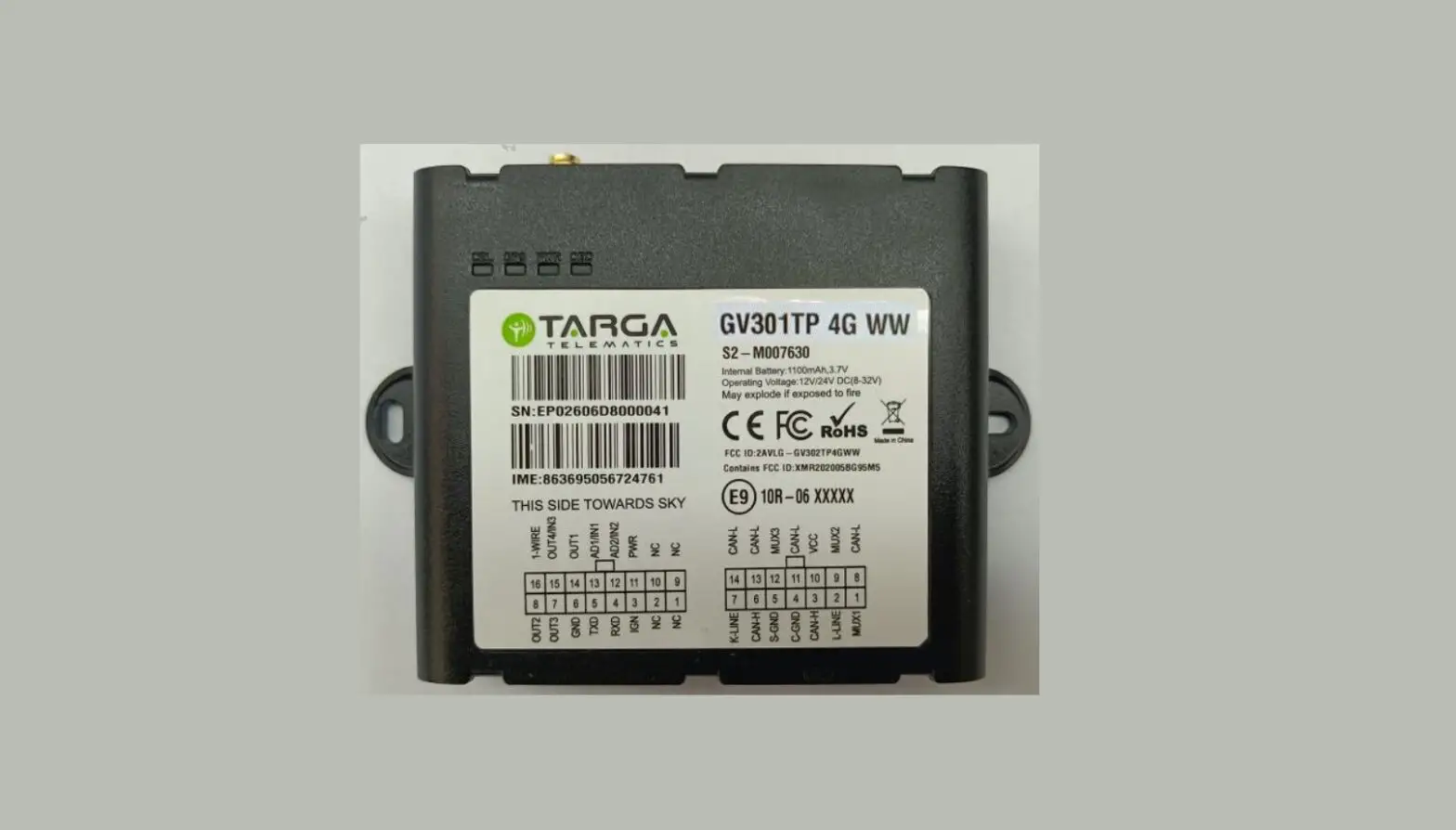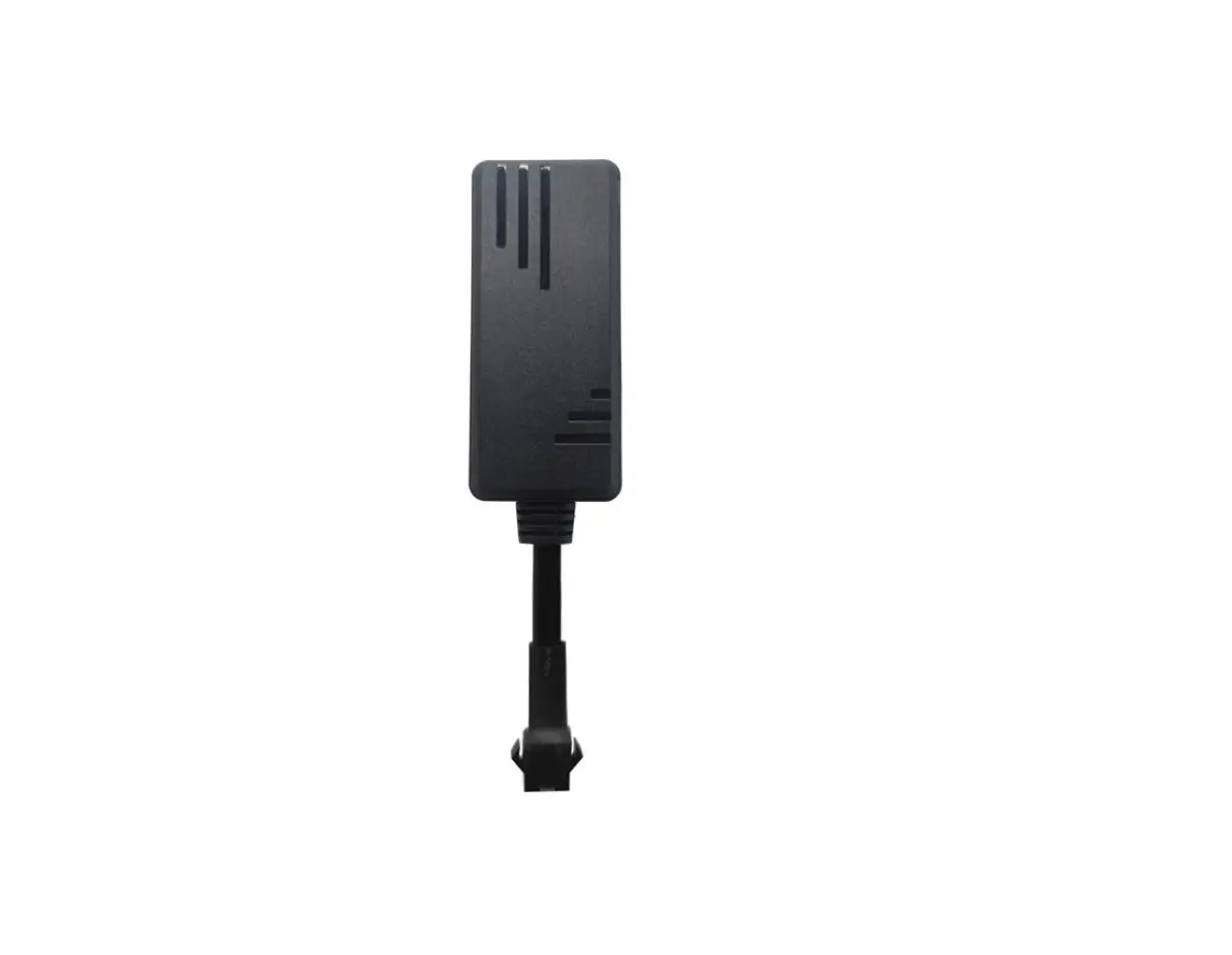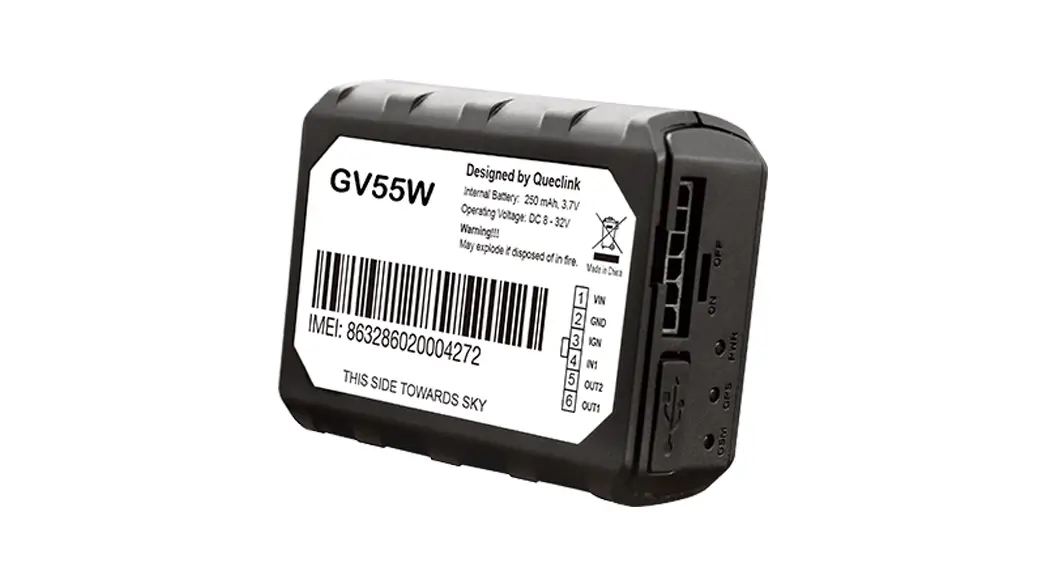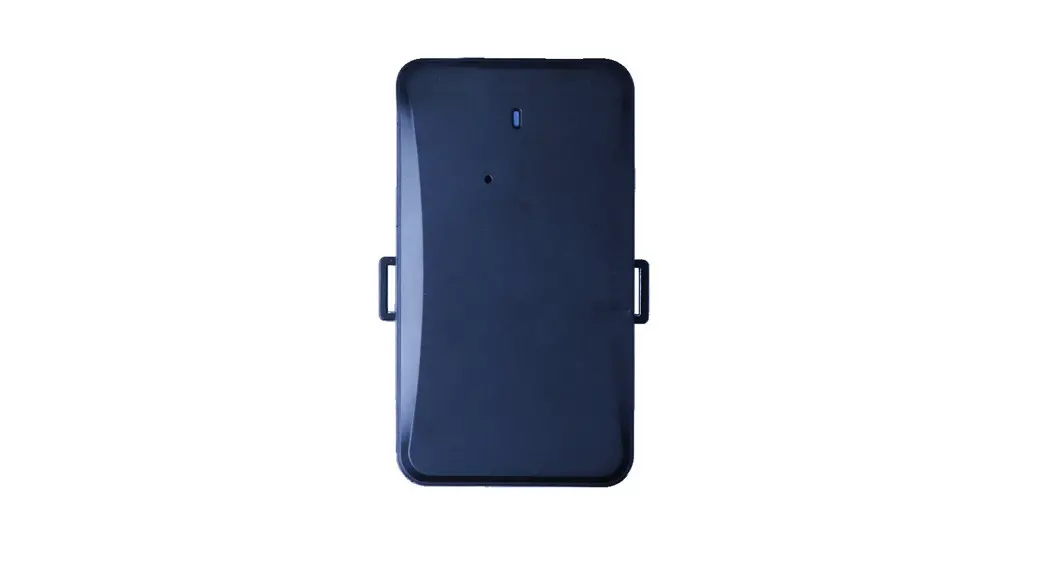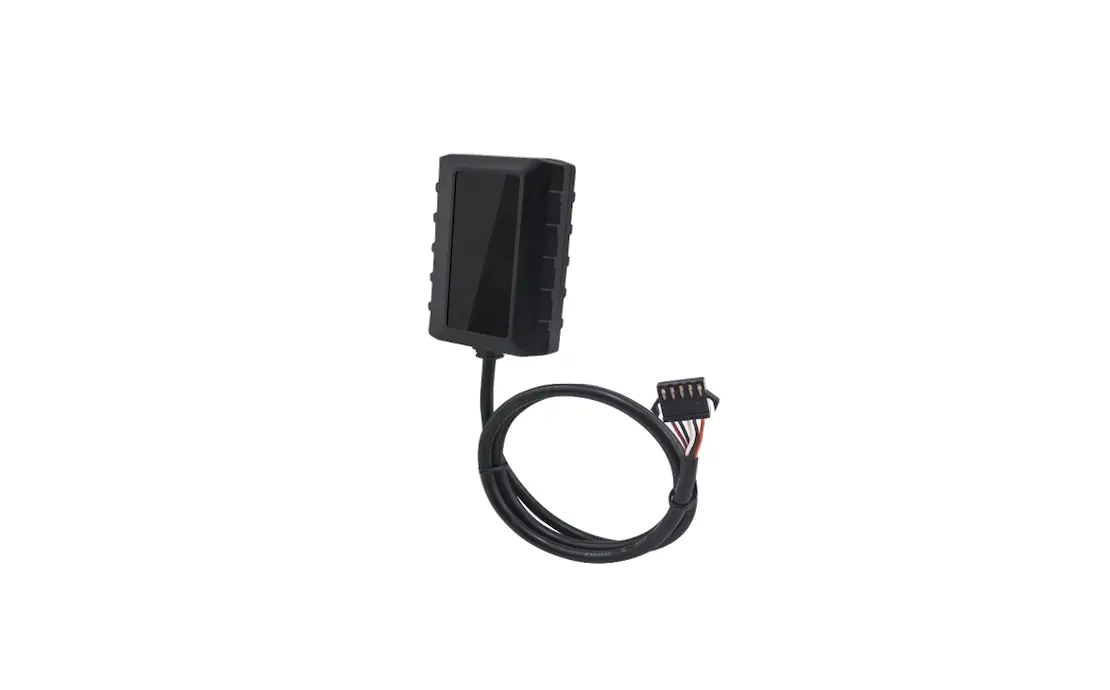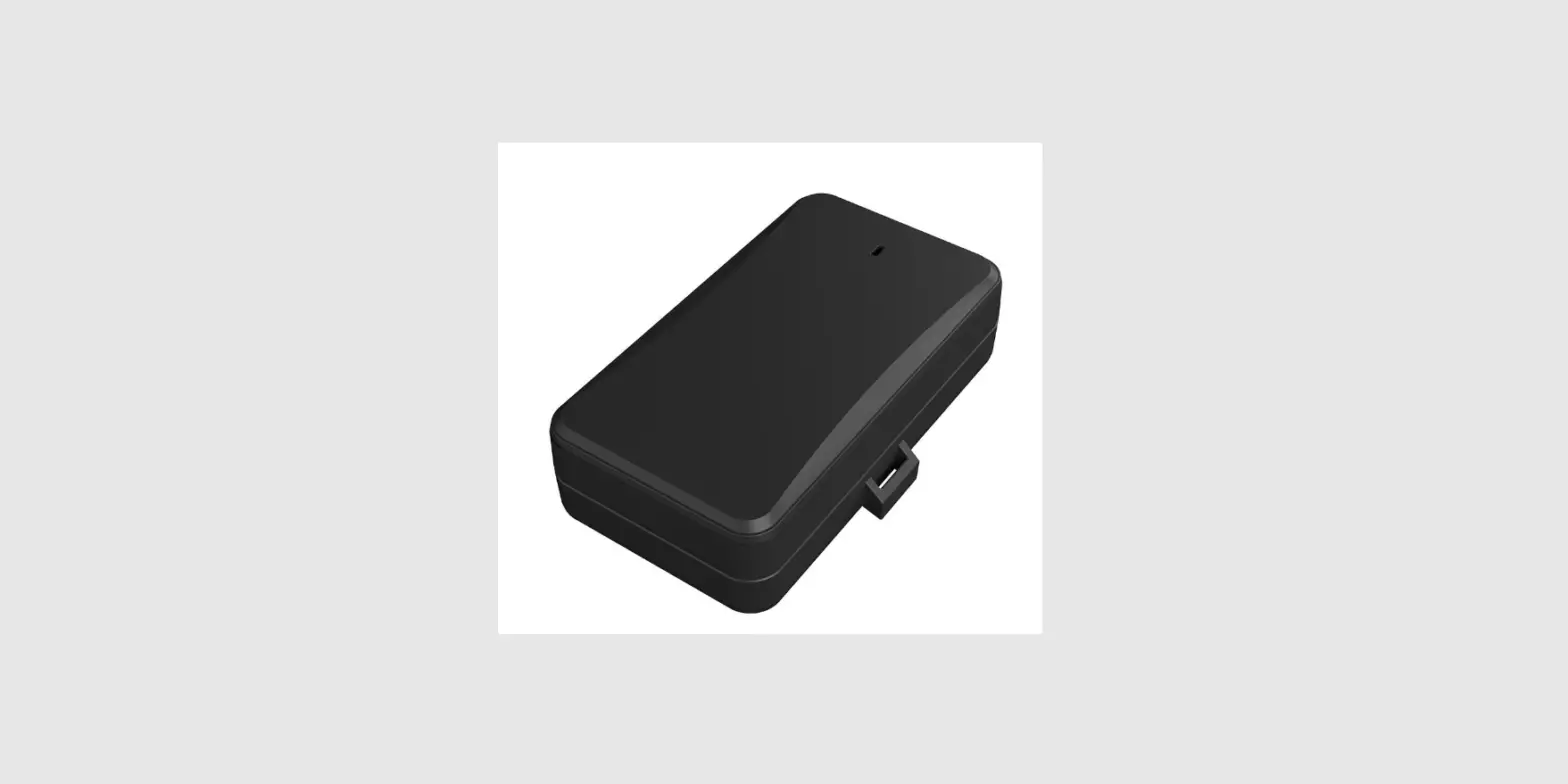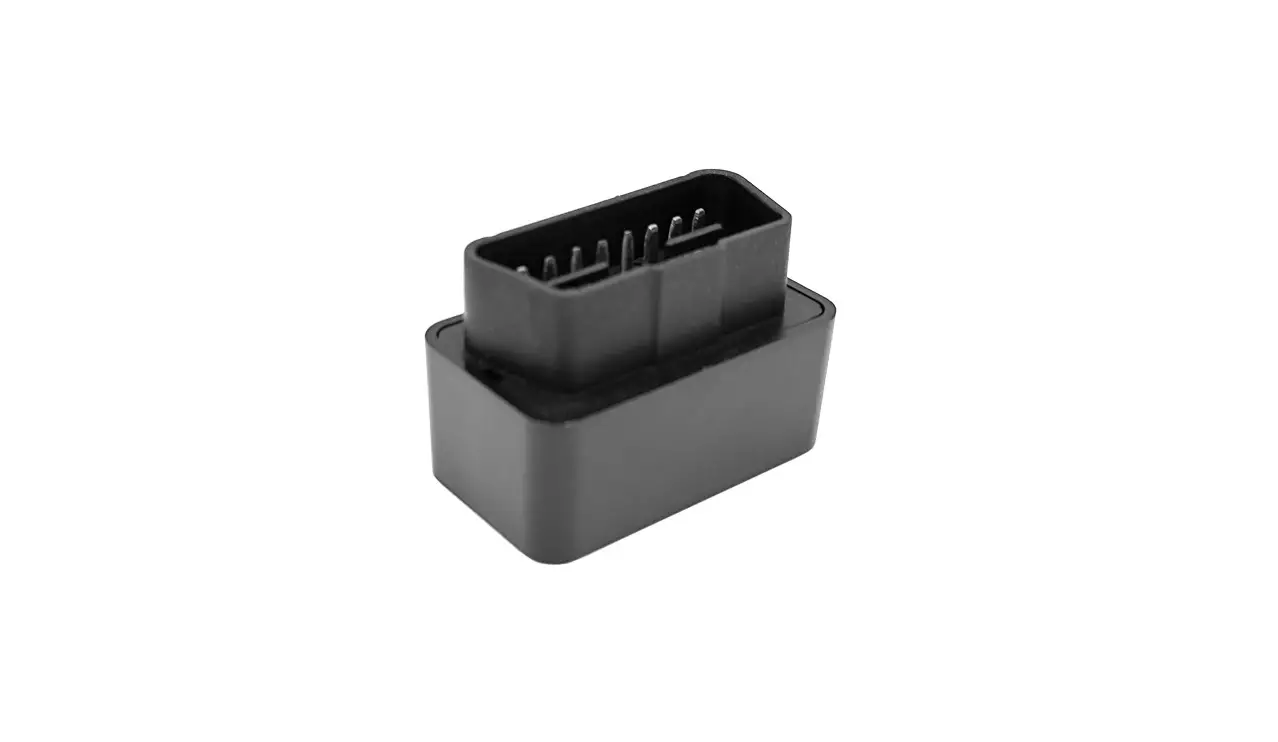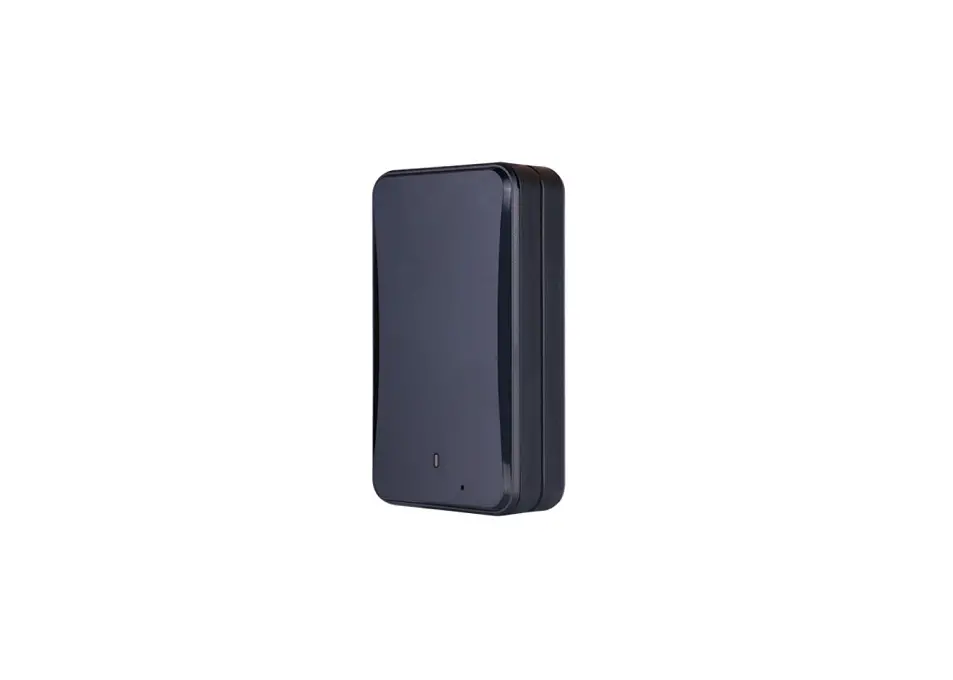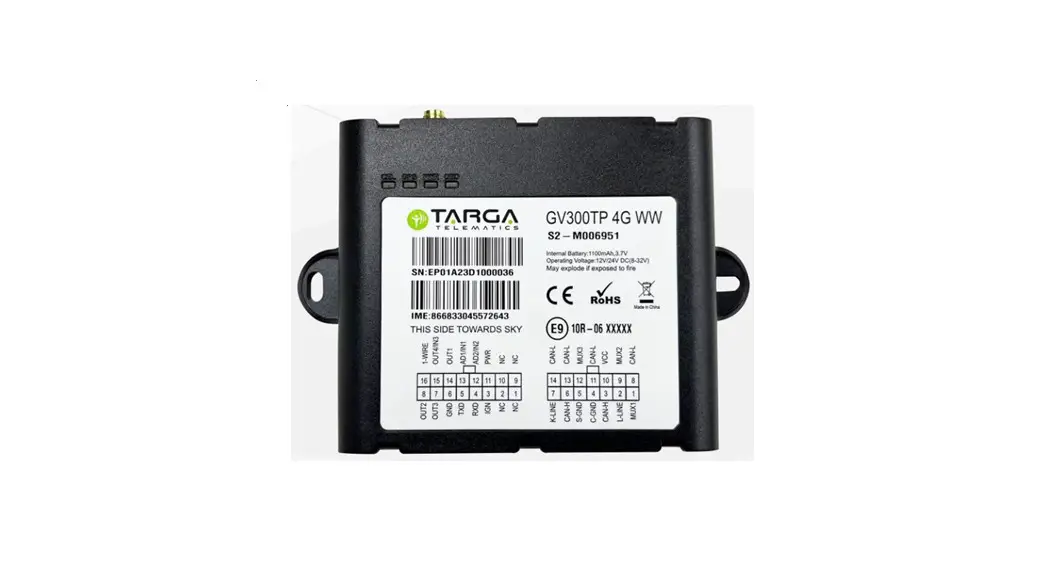

GV300TP User manual
GV300TP 4G WW User Manual EGPRS/LTE Cat-M1/LTE Cat-NB2/GNSS Tracker
QSZTGV300TPMGUM0100
Revision: 1.00
International Telematics Solutions Innovator
www. queclink .com
| Document Title | GV300TP 4G WW User Manual |
| Version | 1 |
| Date | 24-12-21 |
| Status | Released |
| Document Control ID | QSZTGV300TPMGUM0100 |
General Notes
Queclink offers this information as a service to its customers, to support application and engineering efforts that use the products designed by Queclink. The information provided is based upon requirements specifically provided to Queclink by the customers. Queclink has not undertaken any independent search for additional relevant information, including any information that may be in the customer’s possession. Furthermore, system validation of this product designed by Queclink within a larger electronic system remains the responsibility of the customer or the customer’s system integrator. All specifications supplied herein are subject to change.
Copyright
This document contains proprietary technical information which is the property of Queclink. Copying of this document, distribution to others or using or communication of the contents thereof is forbidden without express authority. Offenders are liable to the payment of damages. All rights reserved in the event of grant of a patent or the registration of a utility model or design. All specifications supplied herein are subject to change without notice at any time.
Copyright © Queclink Wireless Solutions Co., Ltd. 2021
Revision History
| Revision | Date | Author | Description of change |
| 1 | 24-12-21 | Eddy Qi | Initial |
Introduction
The GV300TP 4G WW is a powerful GPS locator designed for vehicle or asset tracking. It has superior receiver sensitivity, fast TTFF (Time to First Fix) and supports EGPRS/LTE Cat-M1/LTE Cat-NB2/GPS tracker. Its location can be monitored in real time or periodically tracked by a backend server or other specified terminals. It has Bluetooth. The GV300TP 4G WW has multiple input/output interfaces that can be used for monitoring or controlling external devices. Based on the integrated @Track protocol, the GV300TP 4G WW can communicate with a backend server through the network to transfer reports of emergency, geo-fence boundary crossings, low backup battery, and scheduled GPS position as well as many other useful functions. Users can also use GV300 TP 4G WW to monitor the status of a vehicle and control the vehicle by its external relay output. System integrators can easily set up their tracking systems based on the full-featured @Track protocol.
Reference
Table 1.GV300TP 4G WW Protocol Reference
| SN | Document name | Remark |
| [1] | GV300TPMG @Track Air Interface Protocol | The air protocol interface betweenGV300TP 4G WW and backendserver. |
Terms and Abbreviations
Table 2.Terms and Abbreviations
| Abbreviation | Description |
| AIN | Analog Input |
| DIN | Digital Input |
| GND | Ground |
| RXD | Receive Data |
| TXD | Transmit Data |
Product Overview
Check Parts List
Before starting, check whether the product is intact. If anything is missing, please contact your supplier.
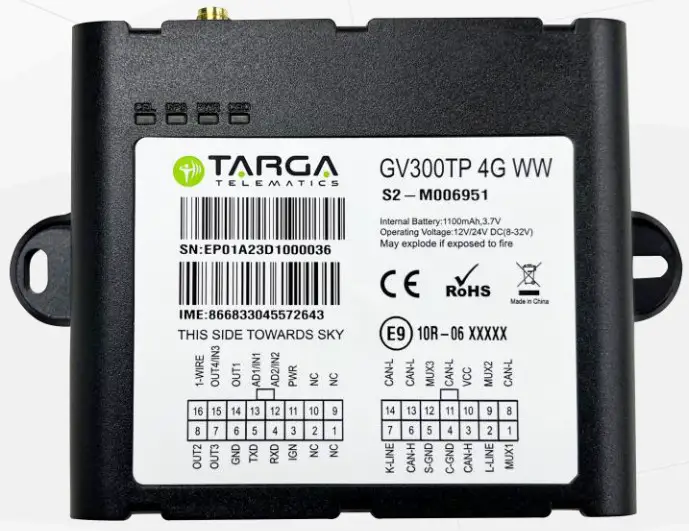
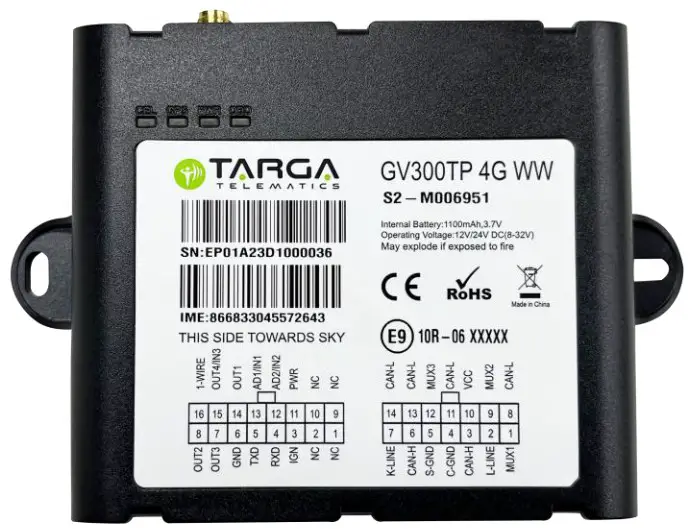 Figure 1. Appearance of GV300TP 4G WW
Parts List
Table 3. Parts List
| Name | Picture |
| GV300TP 4G WW Locator | 122*85.2*24.2 mm |
| Tracker Cable | 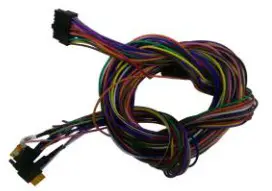 |
| OBD Cable | 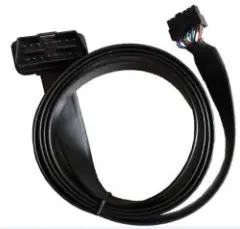 |
| GPS Antenna (Optional) | 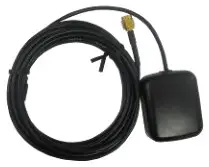 |
| Debug Cable (Optional) | 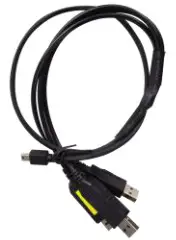 |
Interface Definition
16-pin interface
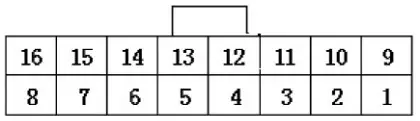
| PIN NO. | PIN Name | Description |
| 1 | MICP | Microphone input+ |
| 2 | AGND | Microphone ground (-) |
| 3 | IGN | IGN signal input |
| 4 | UARTORX | RS232 connect to external device TX |
| 5 | UARTOTX | RS232 connect to external device RX |
| 6 | GND | Signal ground (-) |
| 7 | OUTS | Voltage output 3(5V/ 1-WIRE power support)/ Negative output3 |
| 8 | OUT2 | Voltage output 2(12V)/ Negative output2 |
| 9 | EARP | Audio out + |
| 10 | EARN | Audio out – |
| 11 | VIN | Power supply (Range 8V to 32V DC) |
| 12 | AD2/IN2 | Analog input 2/ Negative triggered 2 |
| 13 | ADI/IN1 | Analog input 1/ Negative triggered 1 |
| 14 | OUT1 | Negative output 1 |
| 15 | OUT4/IN3 | Voltage output 4(12V) / Negative outputzi/ Negative triggered 3 |
| 16 | 1-WIRE DATA | 1-WIRE bus |
14-pin interface
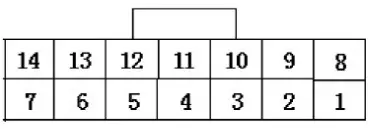
| PIN No. | PIN Name | Description |
| 1 | OBD1 | High-Speed CANH /Low-Speed CANH / Single Wire CAN BUS |
| 2 | OBD15 | ISO L-Line |
| 3 | OBD3 | HS CANH |
| 4 | Chassis Ground | Chassis Ground |
| 5 | Signal Ground | Signal Ground |
| 6 | OBD6 | HS CANH |
| 7 | OBD7 | ISO K7-Line |
| 8 | OBD8 | HSCANL |
| 9 | OBD9 | HS CANL /LS CANL |
| 10 | VCC signal | VCC (8V-32V DC only used to detect for OBD port insert) |
| 11 | OBD11 | HS CANL |
| 12 | OBD12 | ISO K12-Line/HS CANH |
| 13 | OBD13 | HS CANL |
| 14 | OBD14 | HS CANL |
Getting Started
Open the Case
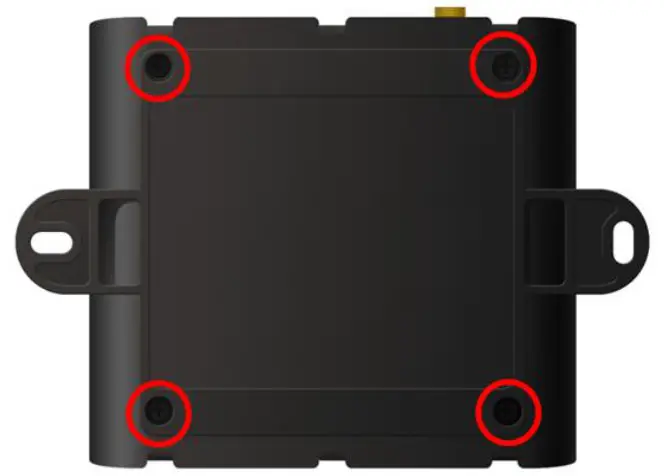
Figure 2. Open the Case
Loosen the screws at the back of the device.
Installing a SIM Card
Open the case and ensure the unit is not powered (unplug the cable and unplug the internal battery). Slide the holder to open the SIM card holder. Insert the SIM card into the slot. Take care to align the cut mark. Close the SIM card holder. Close the case.
Device Status LED
Note:
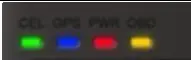
- CEL LED cannot be configured.

LED Device status LED status CEL (Note 1) Device is searching network. Fast flashing (Note 3) Device has registered to network. Slow flashing (Note 4) SIM card needs pin code to unlock. ON GPS (Note 2) GPS chip is powered off. OFF GPS sends no data or data format error occurs. Slow flashing GPS chip is searching GPS info. Fast flashing GPS chip has gotten GPS info. ON PWR (Note 2) No external power and internal battery voltage is lower than 3.35V. OFF No external power and internal battery voltage is below 3.5V. Slow flashing External power in and internal battery is charging. Fast flashing External power in and internal battery is fully charged. ON - GPS LED and PWR LED can be configured to turn off after a period of time by using the configuration tool.
- Fast flashing: for GSM LED is about 60 ms ON/780 ms OFF; for GPS LED and PWR LED is about 100 ms ON/100 ms OFF.
- Slow flashing: for GSM LED is about 60 ms ON/1940 ms OFF; for GPS LED and PWR LED is about 600 ms ON/600 ms OFF.
CE Declaration
Hereby, Queclink Wireless Solutions Co., Ltd. declares that the radio equipment type GPS tracker is in compliance with Directive 2014/53/EU.
The full text of the EU declaration of conformity is available at the following internet address: http://www.queclink.com/

GSM900: 32.85 dBm
GSM1800: 30.23 dBm
CATM
Band 1: 23.26 dBm
Band 3: 23.67 dBm
Band 8: 23.79 dBm
Band 20: 23.56 dBm
Band 28: 23.67 dBm
NB
Band 1: 23.55 dBm
Band 3: 23.88 dBm
Band 8: 23.52 dBm
Band 20: 23.99 dBm
Band 28: 23.39 dBm
Bluetooth Low Energy: 0.62 dBm
Tem:-30-80
This equipment complies with FCC and IC radiation exposure limits set forth for an uncontrolled environment. This equipment should be installed and operated with minimum distance of 20 cm between the radiator and your body. This transmitter must not be co-located or operating in conjunction with any other antenna or transmitter. This device complies with part 15 of the FCC rules. Operation is subject to the following two conditions:(1) this device may not cause harmful interference,and (2) this device must accept any interference received, including interference that may cause undesired operation.
NOTE: The manufacturer is not responsible for any radio or TV interference caused by unauthorized modifications to this equipment. Such modifications could void the user’s authority to operate the equipment. This equipment has been tested and found to comply with the limits for a Class B digital device, pursuant to part 15 of the FCC Rules. These limits are designed to provide reasonable protection against harmful interference in a residential installation. This equipment generates uses and can radiate radio frequency energy and, if not installed and used in accordance with the instructions, may cause harmful interference to radio communications. However, there is no guarantee that interference will not occur in a particular installation. If this equipment does cause harmful interference to radio or television reception, which can be determined by turning the equipment off and on, the user is encouraged to try to correct the interference by one or more of the following measures:
- Reorient or relocate the receiving antenna.
- Increase the separation between the equipment and receiver.
- Connect the equipment into an outlet on a circuit different from that to which the receiver is connected.
- Consult the dealer or an experienced radio/TV technician for help
- This device and its antenna(s) must not be co-located or operating in conjunction with any other antenna or transmitter.
QSZTGV300TPMGUM0100
GV300TP 4G WW User Manual
 Queclink-Driving Smarter IoT
 Targa Telematics® - Piattaforma IoT e Soluzioni per Automotive