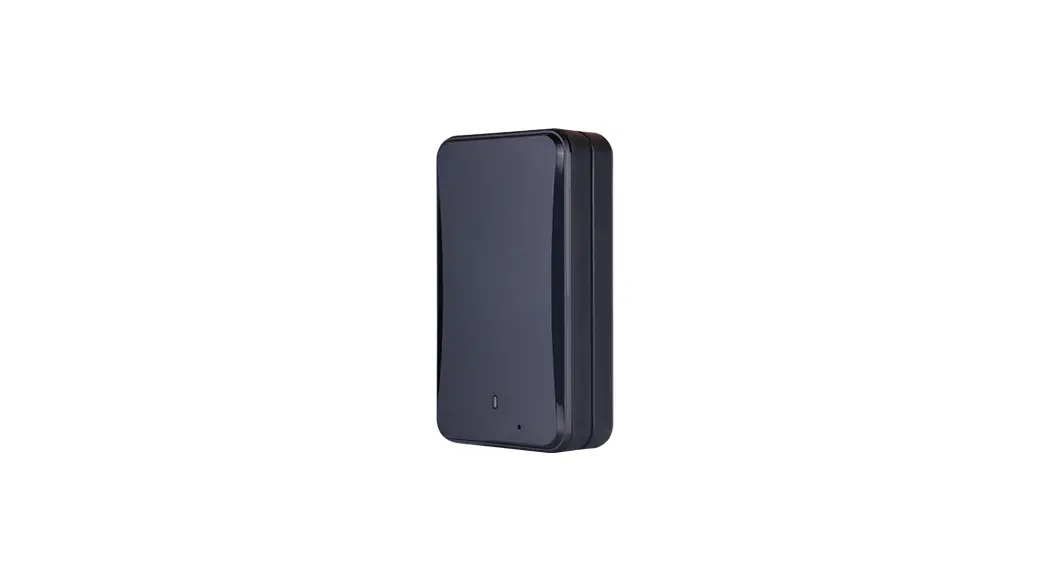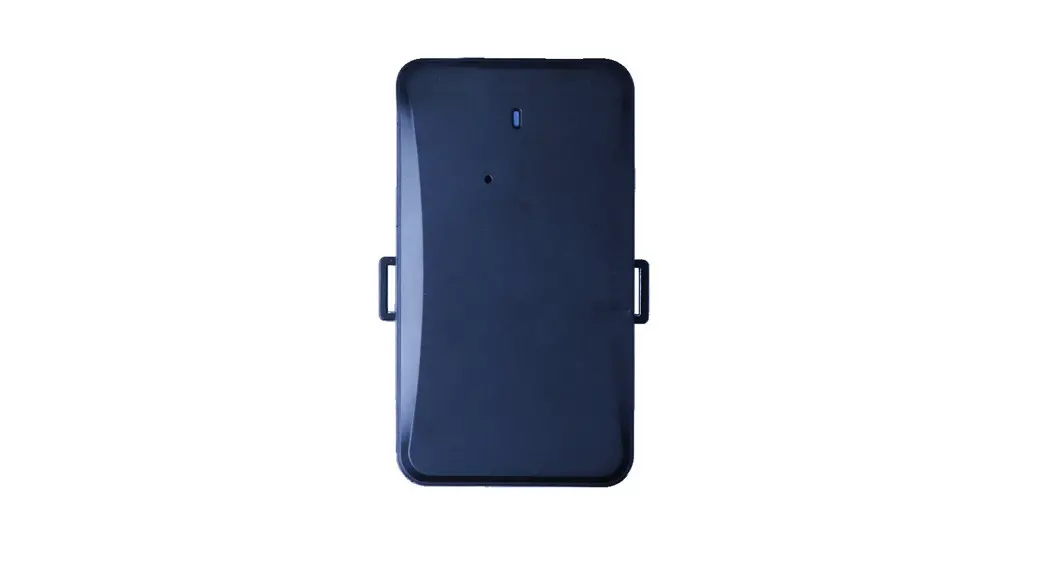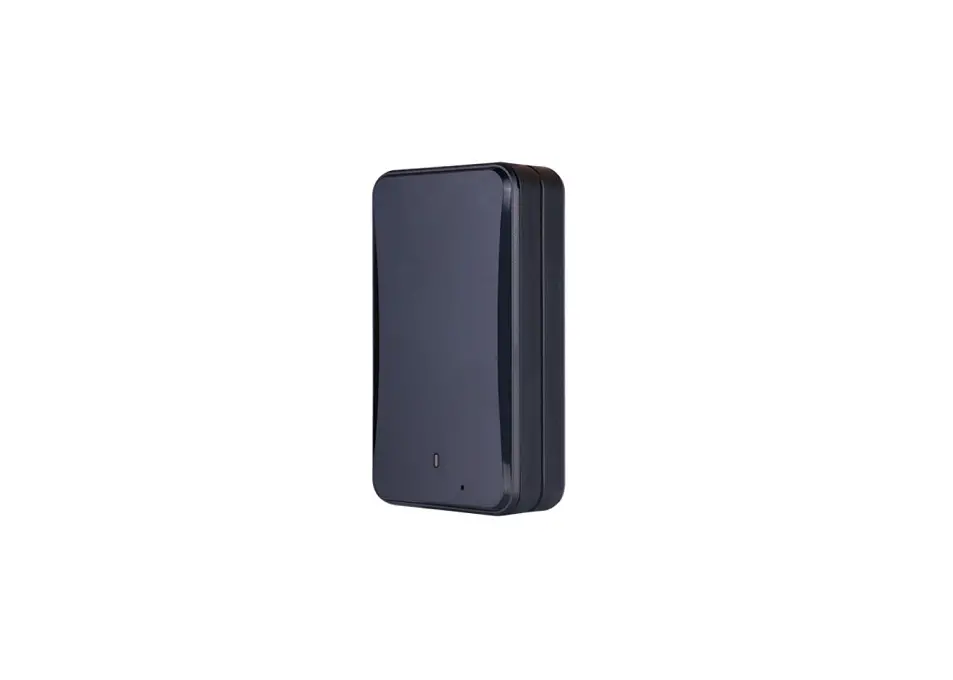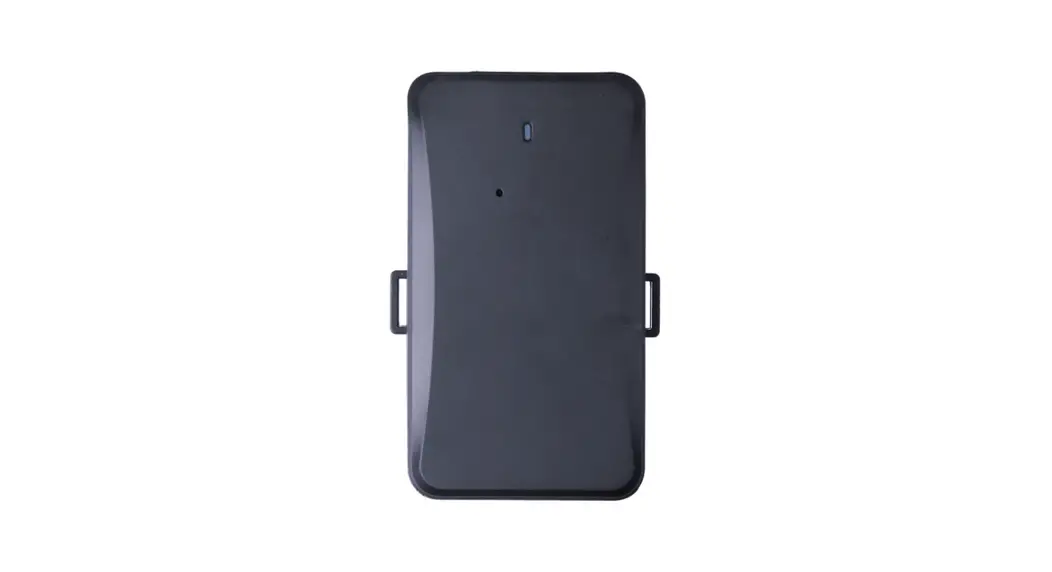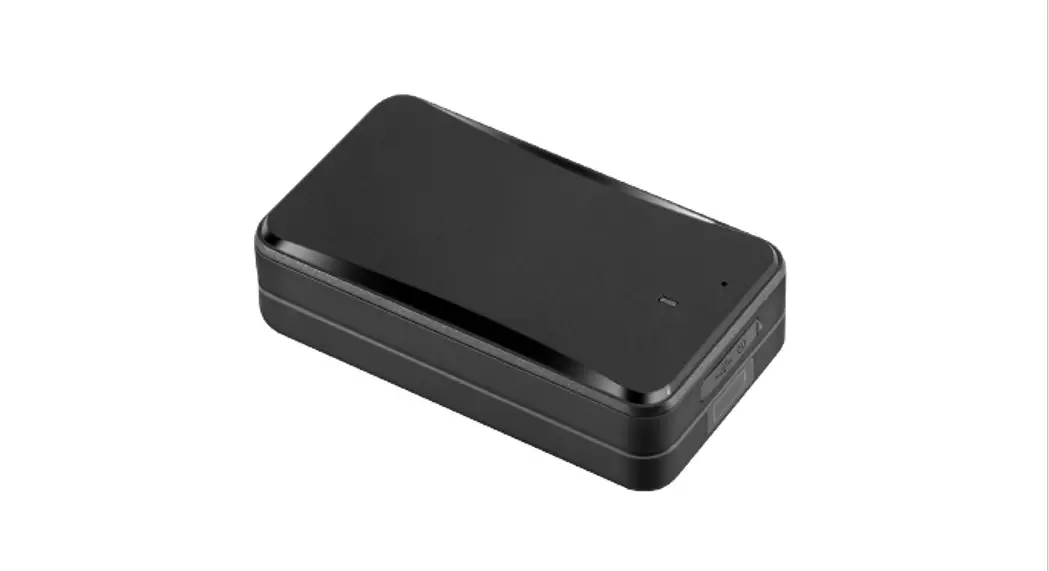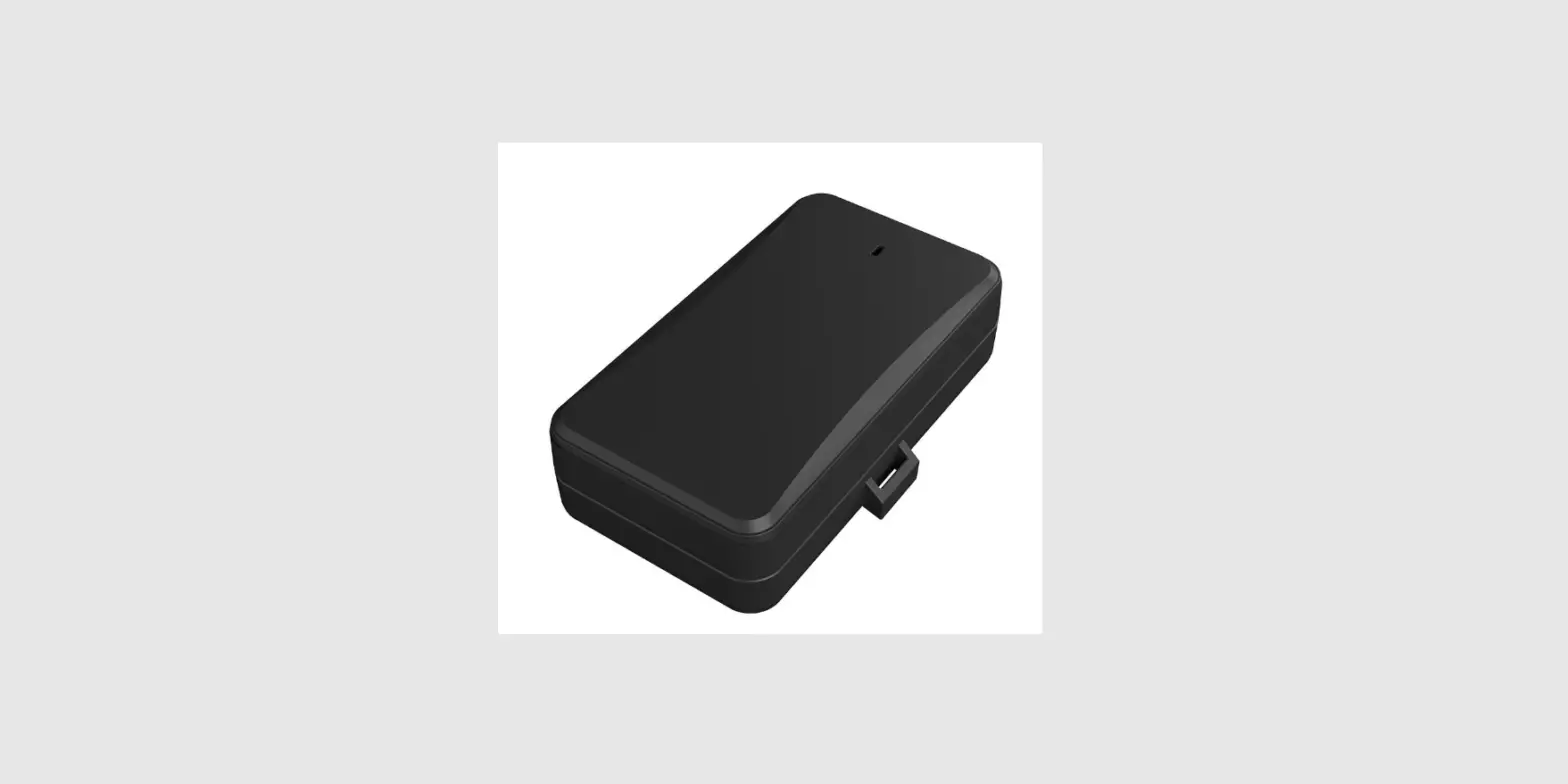

GB130MG EGPRS-LTE
Cat-M1-LTE Cat-NB2-GNSS Tracker
User Manual
International Telematics Solutions Innovator
www.queclink.com
EGPRS/LTE Cat-M1/LTE Cat-NB2/GNSS Tracker
TRACGB130MGUM001
Version: 1.00
GB130MG User Manual
| Document Title | GB130MG User Manual |
| Revision | 1.01 |
| Date | 2021-11-9 |
| Status | Release |
| Document Control ID | TRACGB130MGUM001 |
General Notes
Queclink offers this information as a service to its customers, to support application and engineering efforts that use the products designed by Queclink. The information provided is based upon requirements specifically provided to Queclink by the customers. Queclink has not undertaken any independent search for additional relevant information, including any information that may be in the customer’s possession. Furthermore, system validation of this product designed by Queclink within a larger electronic system remains the responsibility of the customer or the customer’s system integrator. All specifications supplied herein are subject to change.
Copyright
This document contains proprietary technical information which is the property of Queclink Limited. The copying of this document and giving it to others and the using or communication of the contents thereof are forbidden without express authority. Offenders are liable for the payment of damages. All rights are reserved in the event of the grant of a patent or the registration of a utility model or design. All specifications supplied herein are subject to change without notice at any time.
0. Revision History
| Version | Date | Author | Description of Change |
| 1.00 | 2021-11-09 | Eric Xu | Initial |
Introduction
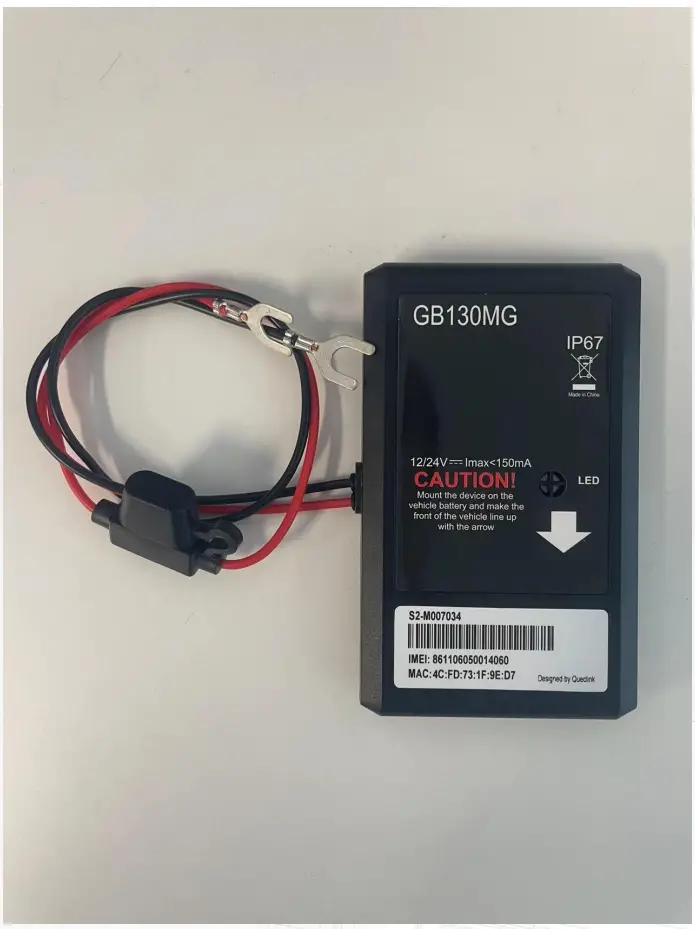
The GB130MG is a device designed for self-installation. It simply mounts directly onto the vehicle’s battery with only two wires to attach. This approach allows for either a very low-cost installation or for the insurance customer to self-install. Its built-in GNSS receiver has very high sensitivity, a fast time to first fix, and supports 1Hz (every second) location sampling during vehicle motion. Its built-in Bluetooth can be used for data transmission. Its multi-band LTE Cat-M1 and Cat-NB2 allow the GB130MG location to be monitored in real-time or periodically tracked by a backend server and mobile devices. Its built-in 3-axis accelerometer allows motion detection, 800Hz pre/post-incident data collection, and extends battery life through sophisticated power management algorithms. System integration is straightforward as complete documentation is provided for the full-featured @Track protocol. The @Track protocol supports a wide variety of reports including emergency, geo-fence boundary crossings, low battery, and scheduled and compressed GNSS position.
1.1. Reference
Table 1. GB130MG Protocol Reference
| SN | Document Name | Remark |
| [1] | GB130MG @Track Air Interface Protocol | The air protocol interface between GB130MG and the backend server. |
Product Overview
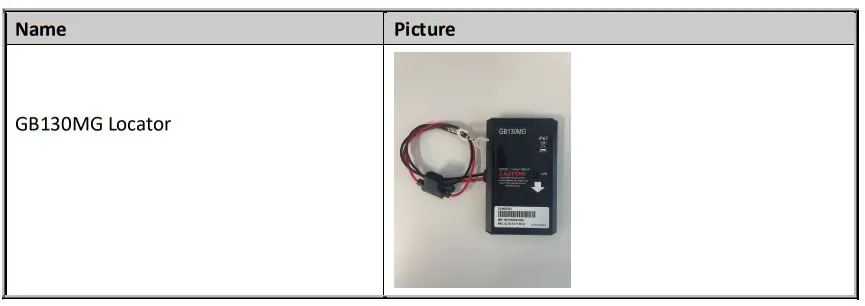
2.1. Check Parts List
Before starting, check all the following items have been included with your GB130MG. If anything is missing, please contact your supplier.

2.2. Parts List
Interface Definition
The GB130MG has a 2-pin power cable. The definition of the 2-pin power cable is shown below.
Table 3. Description of 2-Pin Power Cable
| Index | Colour | Definition | Description |
| 1 | Red | VIN | External DC power input, 8-32V |
Getting Started
3.1. Open the Case
Remove 6pcs screws from the device, insert the triangular-pry-opener into the gap of the case and push the opener up until the case is unsnapped.
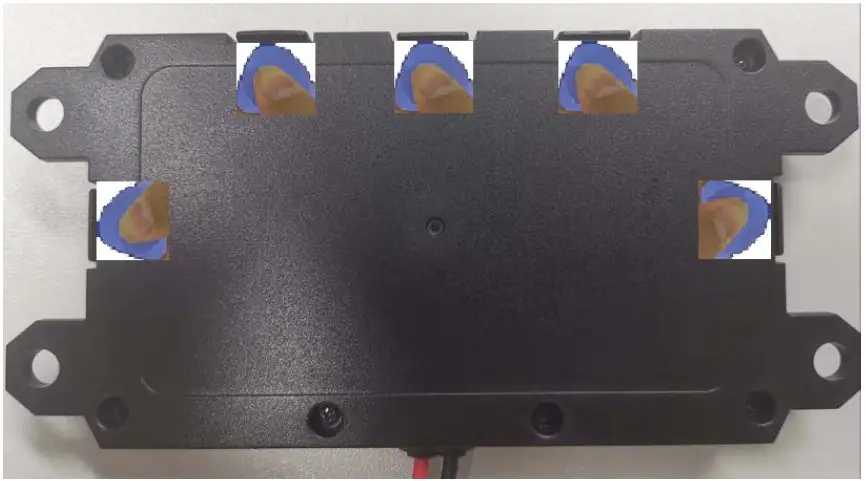
Figure 2. Open the Case
3.2. Close the Case
Step_1: Put the motherboard into the front case.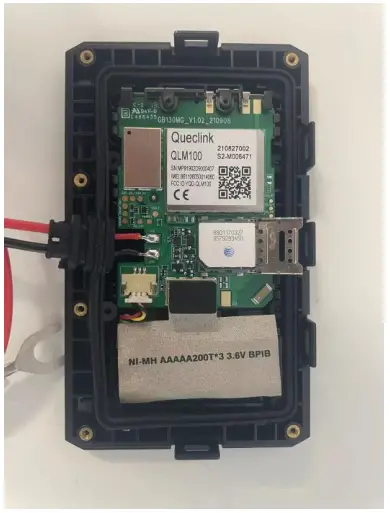 Step_2: Make sure the silicon rubber seal ring is in the gap of the front case and the power cable wire holder is in the rubber groove of the rear case.
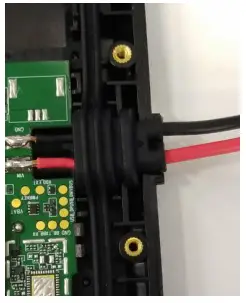 Step_3: Insert the battery connector into the socket.
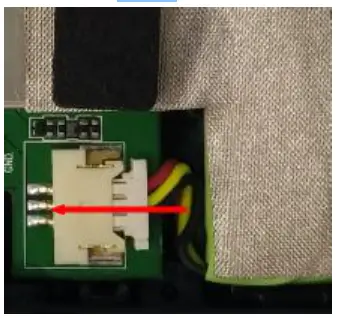 Step_4: Place the cover on the bottom, press the cover until it snaps into place, and tighten the screws.
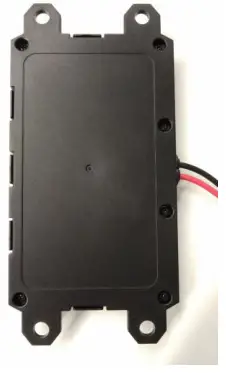 Figure 3. Close the Case
3.3. Install a SIM Card
Step_1: Slide the holder to the left to open the SIM card holder.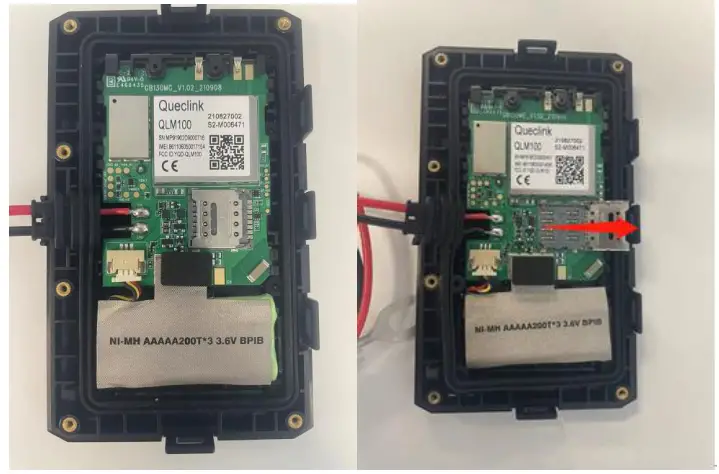
Step_2: Place the SIM card on the holder with the gold-color contact area facing down. Take care to align the cut mark.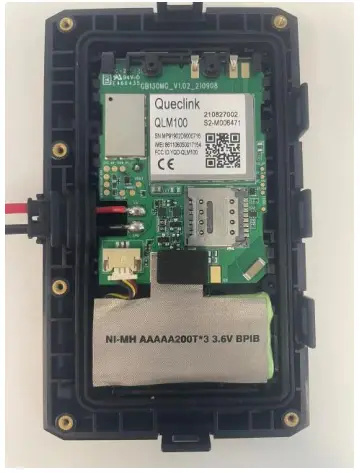 Step_4: Slide the holder to the right to close the SIM card holder.
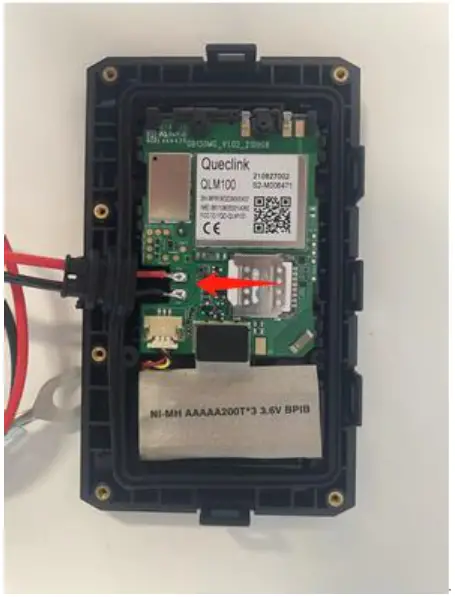
Step_5: Close the case.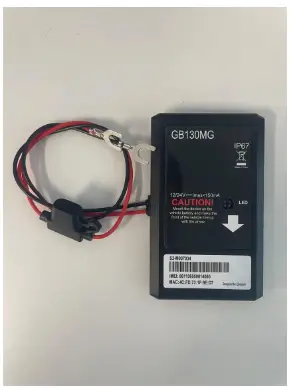 Figure 4. Install a SIM Card
3.4. Power Connection
VIN (PIN1) / GND (PIN2) are the power input pins. The input voltage range for this device is 8V to 32V. The device is designed to be installed in vehicles that operate on 12V/24V vehicles without the need for external transformers.
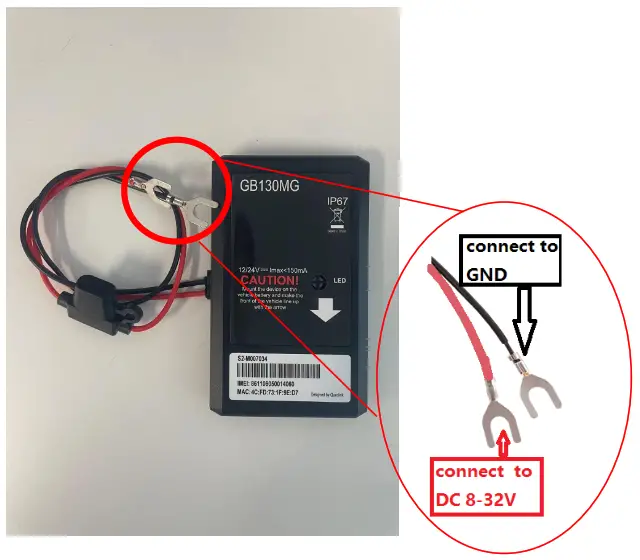 Figure 5. Typical Power Connection
Note:
1. Do not connect any external cable to the GB130MG device.
2. The GB130MG simply mounts directly onto the vehicle’s battery with only two wires to attach. It should be installed and operated at a minimum distance of 20cm from the human body.
LED Status
Table 4. Definition of Device Status and LED
| Device Status | LED Status |
| Working normally | Continuous on |
| PDP context not activated | Flashing pattern 1: 100ms On, 2s Off |
| Network not registered or SIM card not inserted | Flashing pattern 2: 100ms On, 500ms Off, 100ms On, 2s Off |
| GNSS location not fixed | Flashing pattern 3: 100ms On, 500ms off, 100ms On, 500ms Off, 100ms On, 2s off |
| PDP context not activated and GNSS location not fixed | Flashing pattern 4: 100ms On, 2s Off, 100ms On, 500ms Off, 100ms On, 500ms Off, 100ms On, 2s Off |
| Network not registered or SIM card not inserted and GNSS location not fixed | Flashing pattern 5: 100ms On, 500ms Off, 100ms On, 2s Off, 100ms On, 500ms Off, 100ms On, 500ms Off, 100ms On, 2s Off |
| SVR Paired successfully | Flashing pattern 6: 2s on, 2s off, for 40 seconds. |
| Device power off or sleep mode | Off |
Figure 6. GB130MG LED on the Case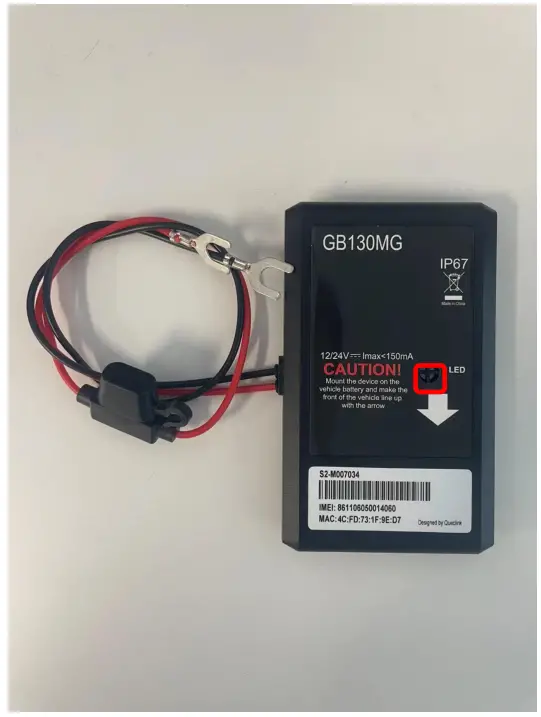 3.5. Motion Sensor Direction
GB130MG has an internal 3-axis accelerometer supporting driving behavior monitoring and motion detection. The following shows the directions of the motion sensor. The Z-axis points vertically outward.
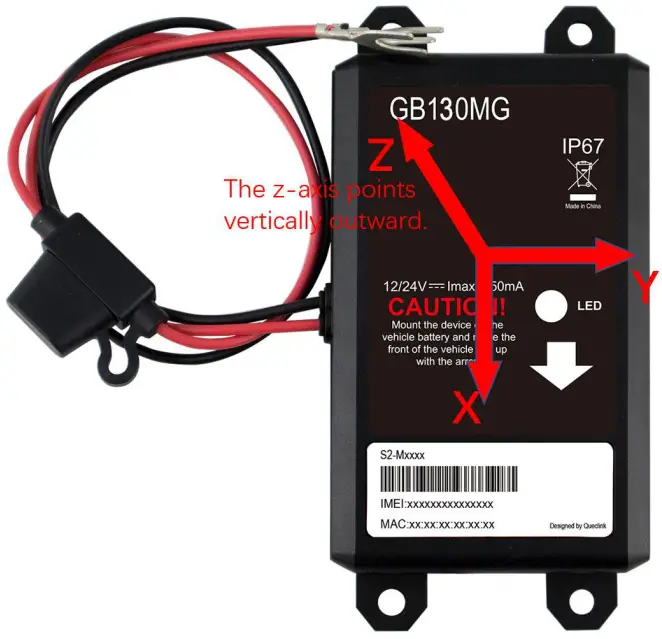 Figure 7. Motion Sensor Direction
This equipment complies with FCC radiation exposure limits set forth for an uncontrolled environment. This equipment should be installed and operated with a minimum distance of 20 cm between the radiator and your body. This transmitter must not be co-located or operating in conjunction with any other antenna or transmitter.
This device complies with part 15 of the FCC rules and RSS-247 of Industry Canada. Operation is subject to the following two conditions: (1) this device may not cause harmful nterference, and (2) this device must accept any interference received, including interference that may cause undesired operation.
NOTE: The manufacturer is not responsible for any radio or TV interference caused by unauthorized modifications to this equipment. Such modifications could void the user’s authority to operate the equipment.
NOTE: This equipment has been tested and found to comply with the limits for a Class B digital device, pursuant to part 15 of the FCC Rules. These limits are designed to provide reasonable protection against harmful interference in a residential installation. This equipment generates uses and can radiate radio frequency energy and, if not installed and used in accordance with the instructions, may cause harmful interference to radio communications. However, there is no guarantee that interference will not occur in a particular installation. If this equipment does cause harmful interference to radio or television reception, which can be determined by turning the equipment off and on, the user is encouraged to try to correct the interference by one or more of the following measures:
– Reorient or relocate the receiving antenna.
– Increase the separation between the equipment and receiver.
-Connect the equipment into an outlet on a circuit different from that to which the receiver is connected.
-Consult the dealer or an experienced radio/TV technician for help
This device and its antenna(s) must not be co-located or operating in conjunction with any other antenna or transmitter.