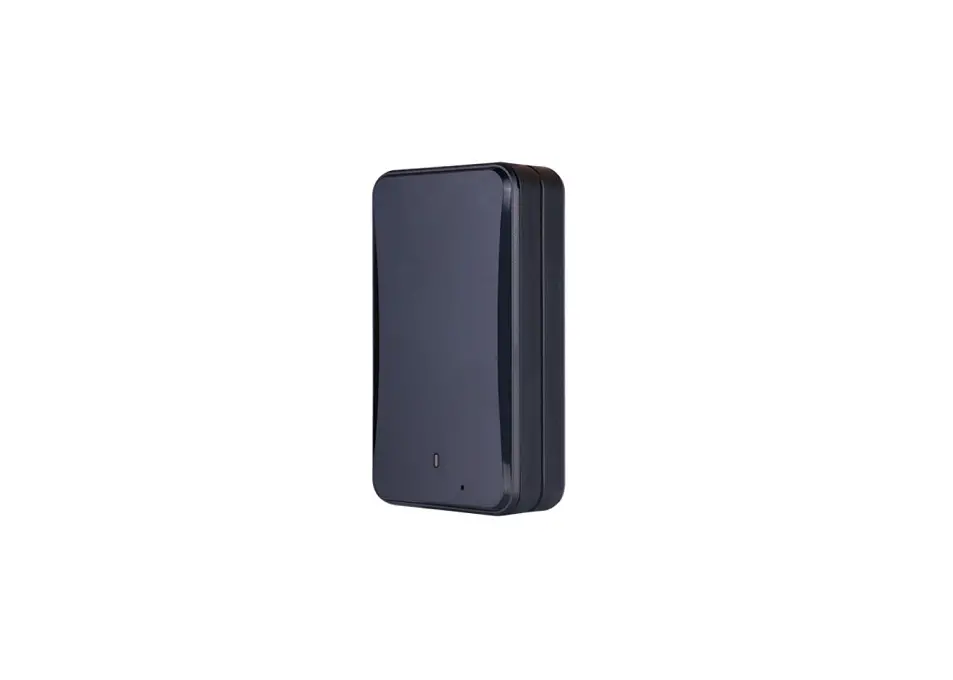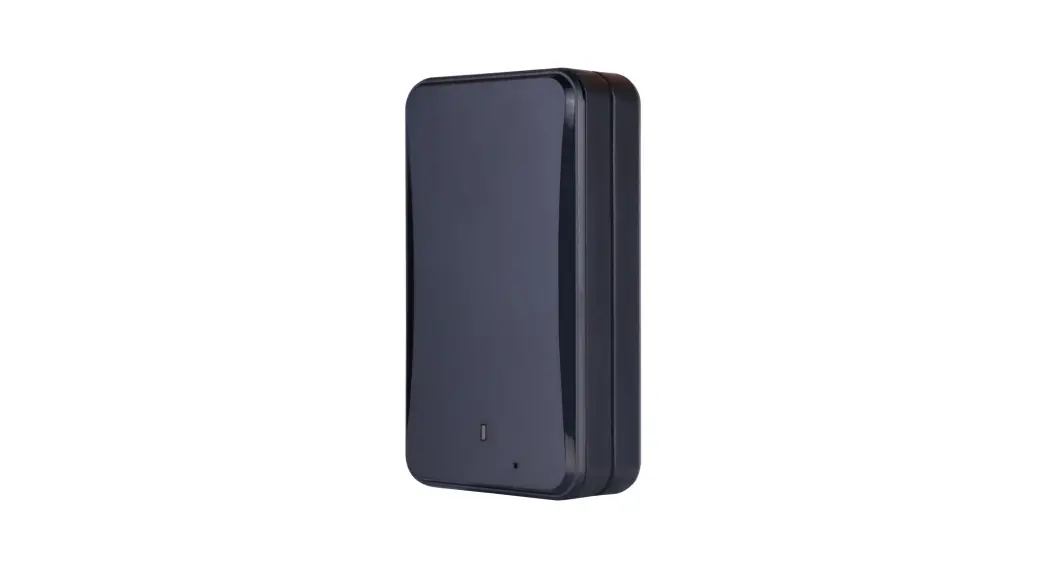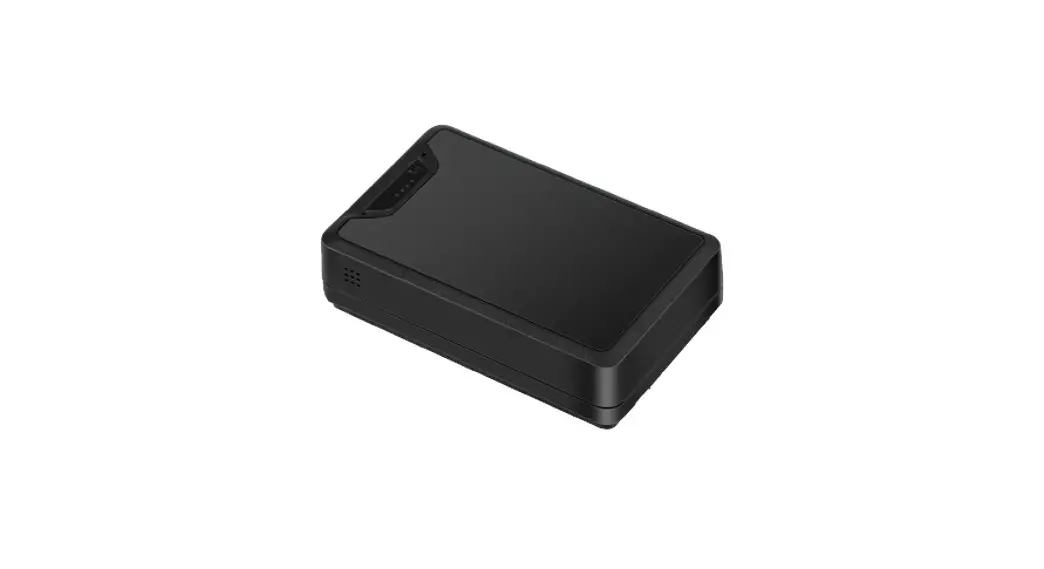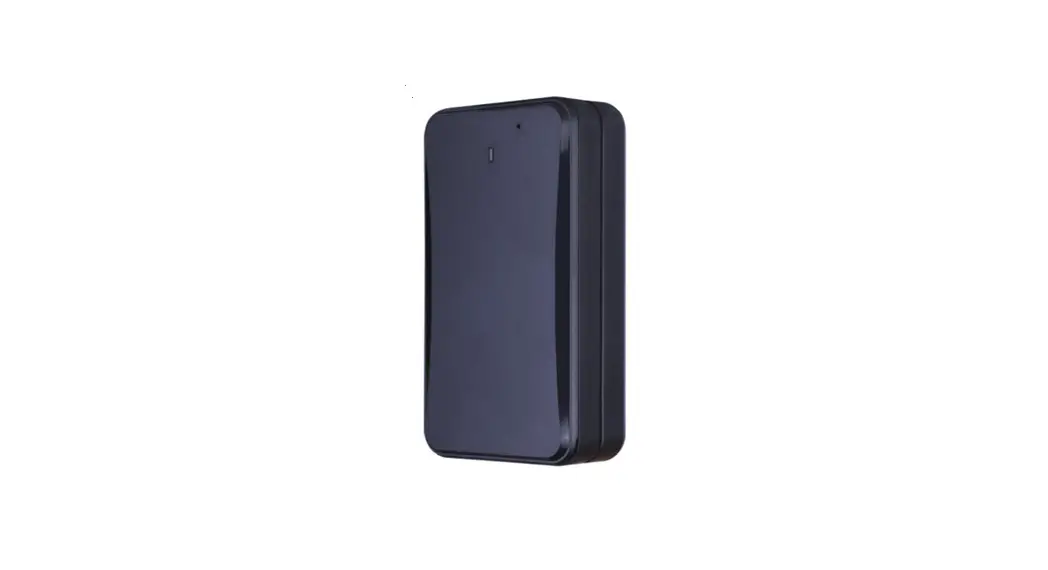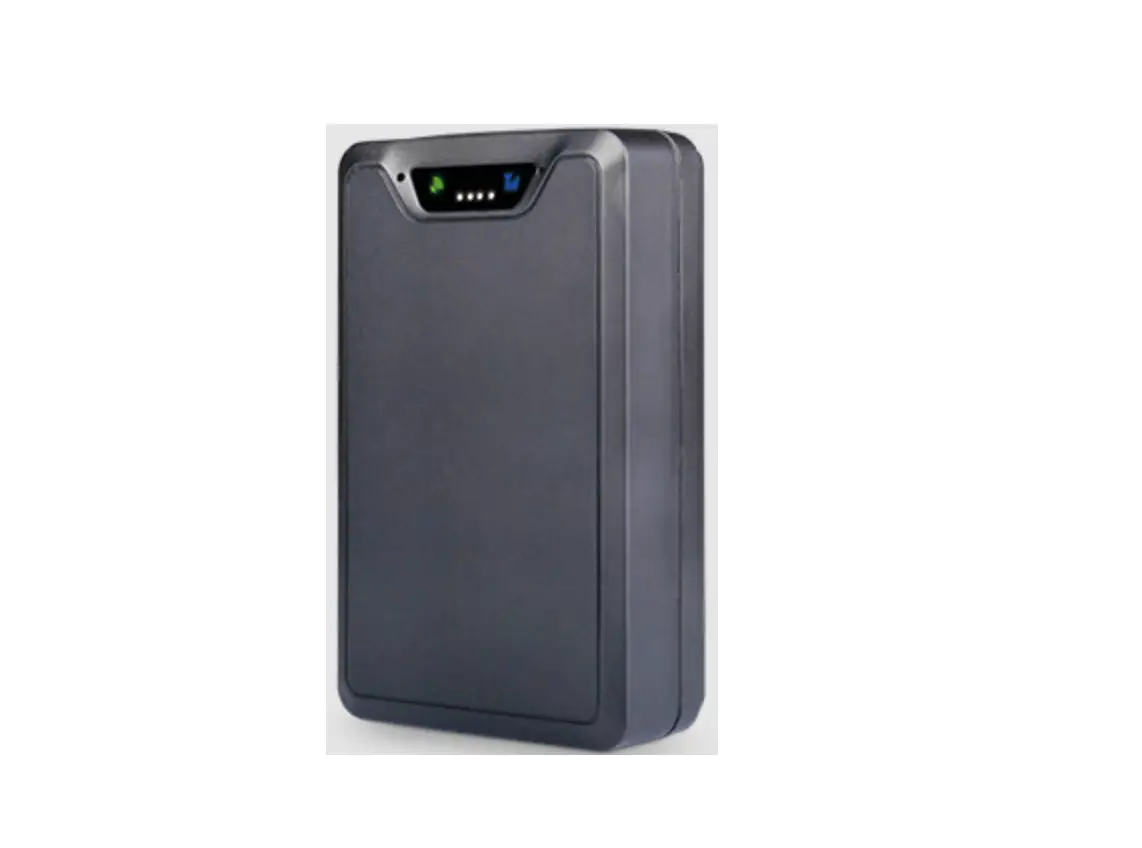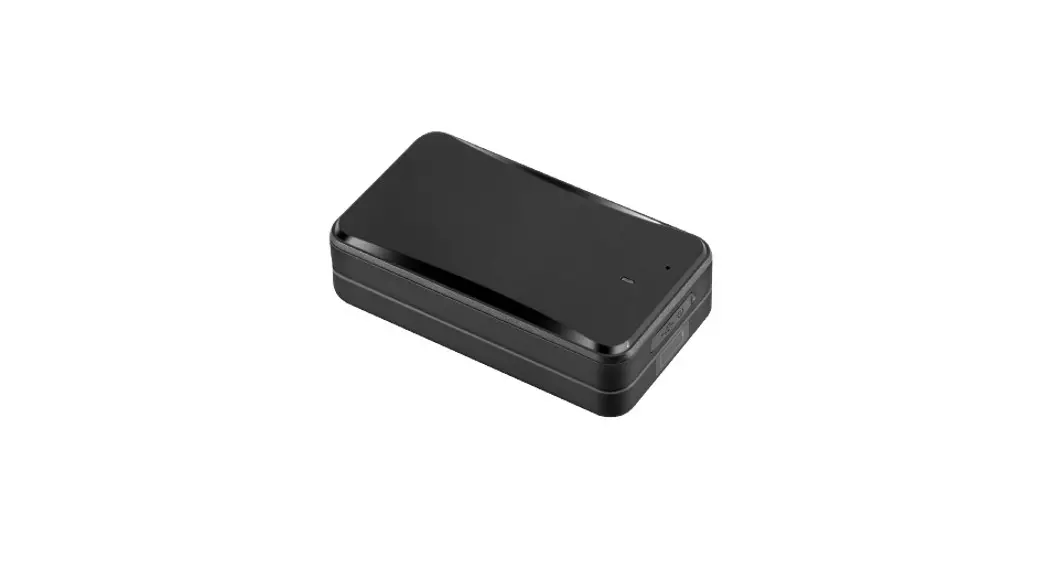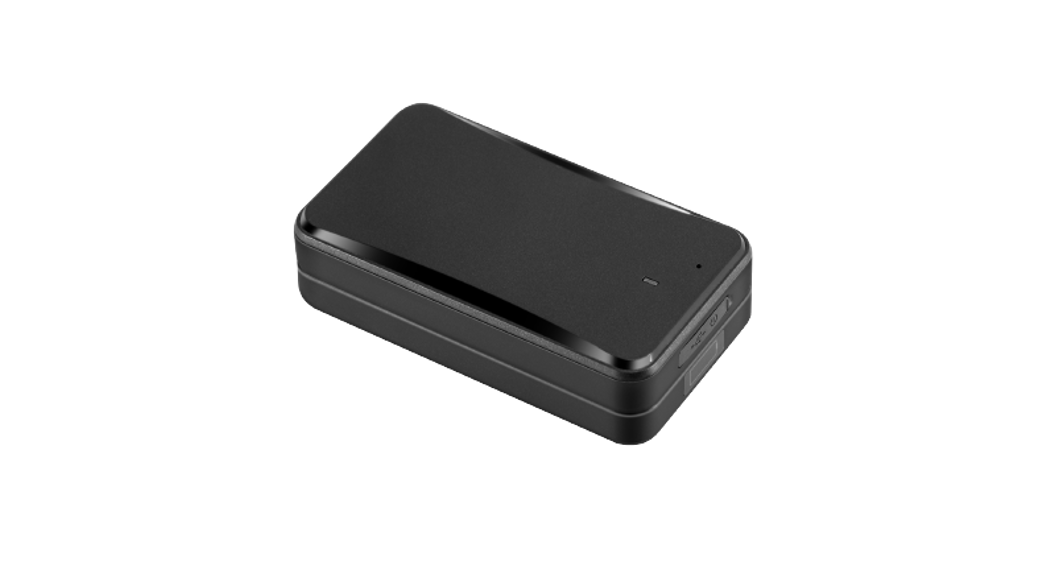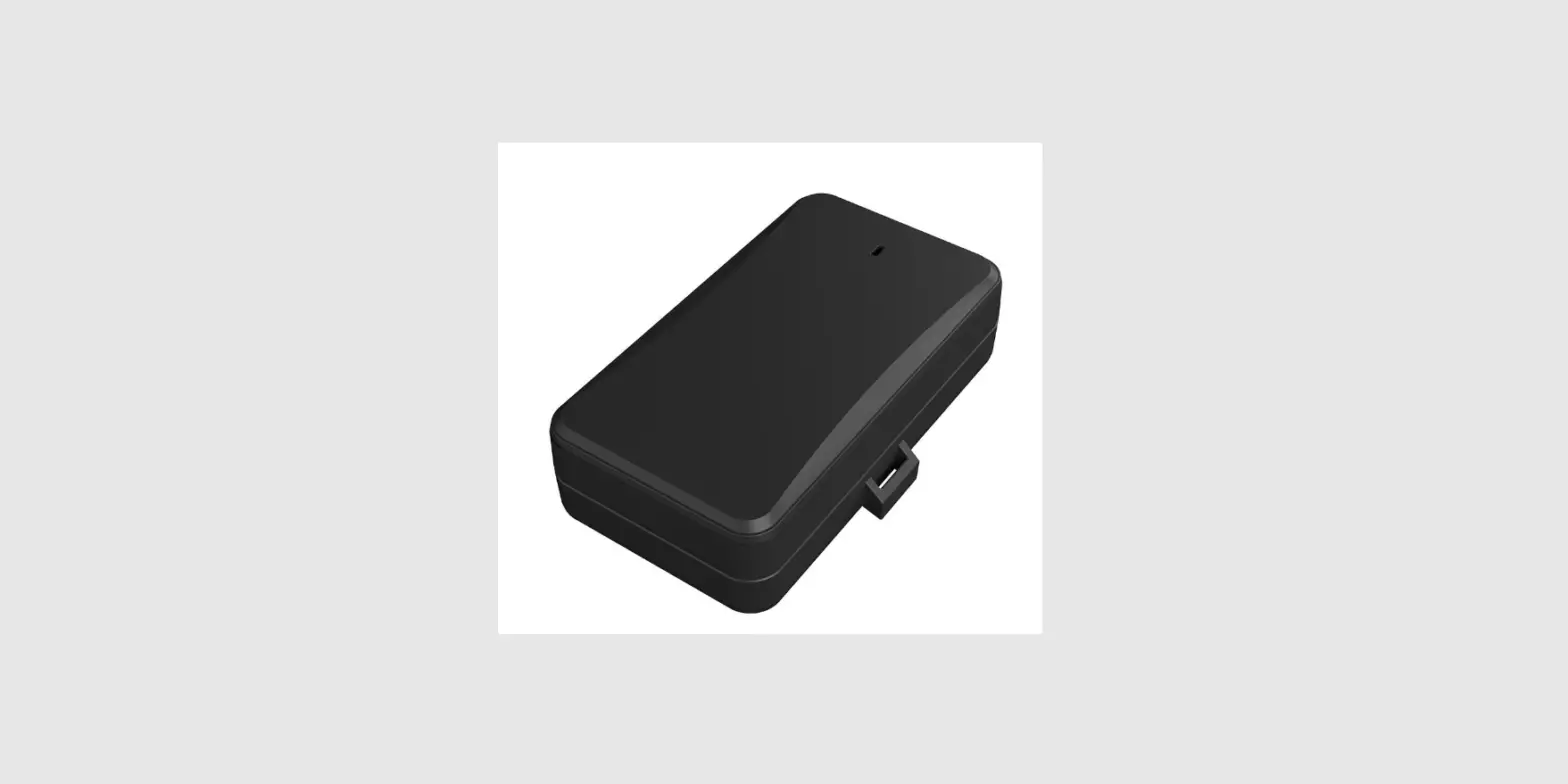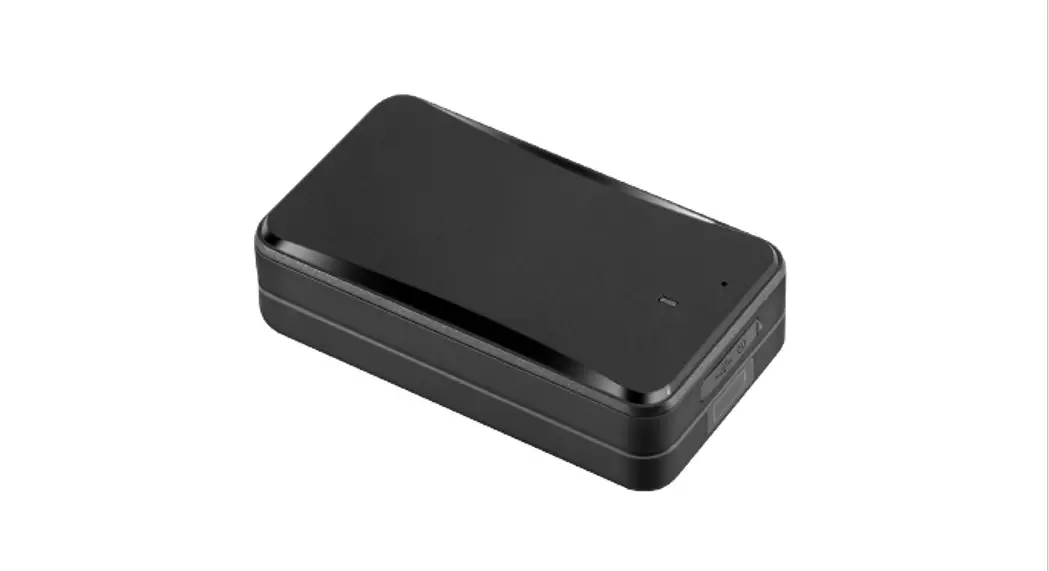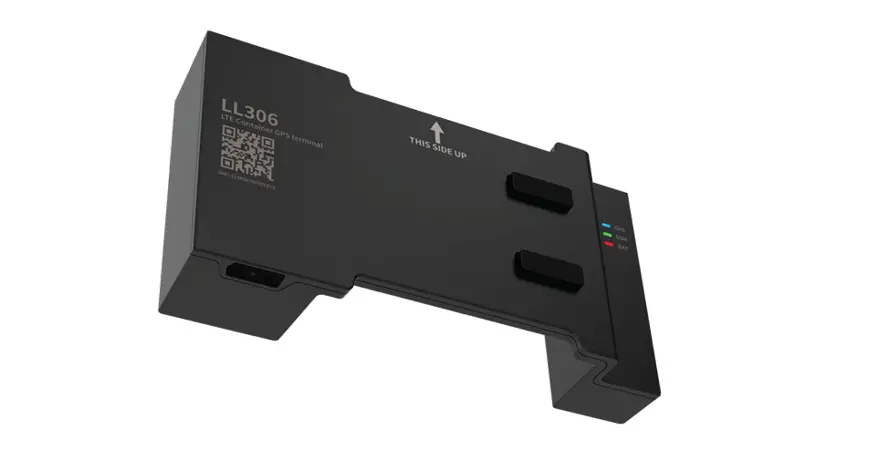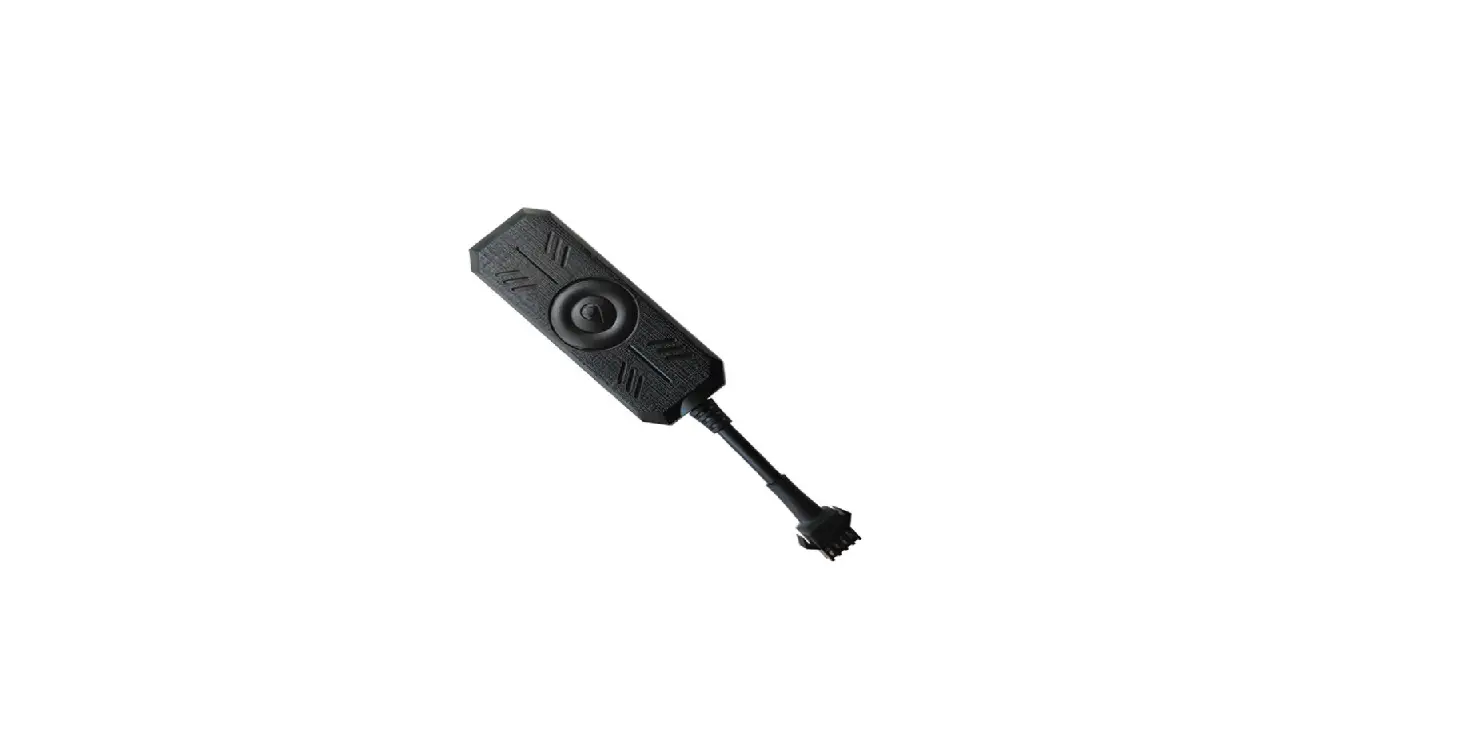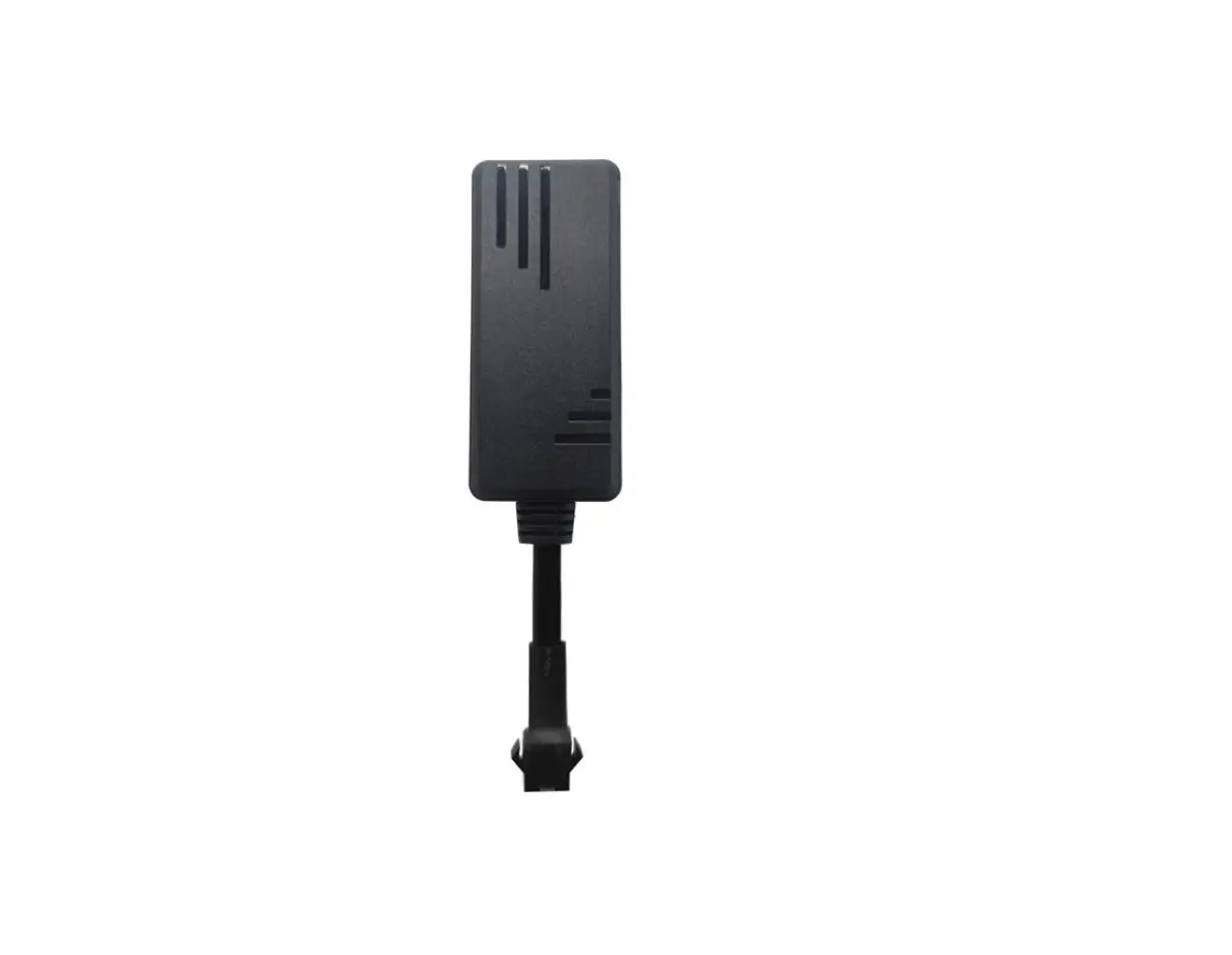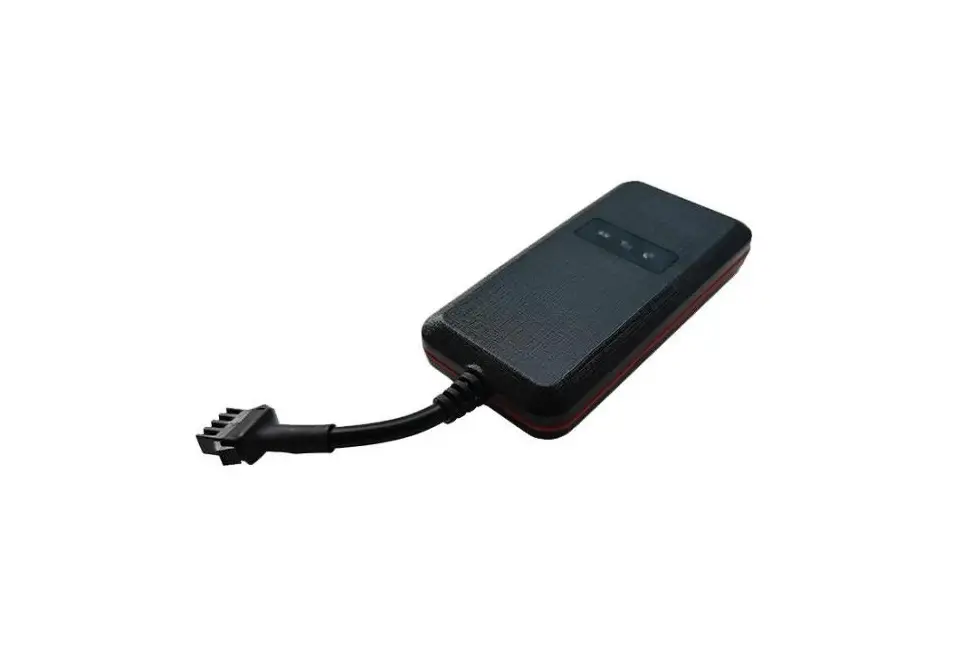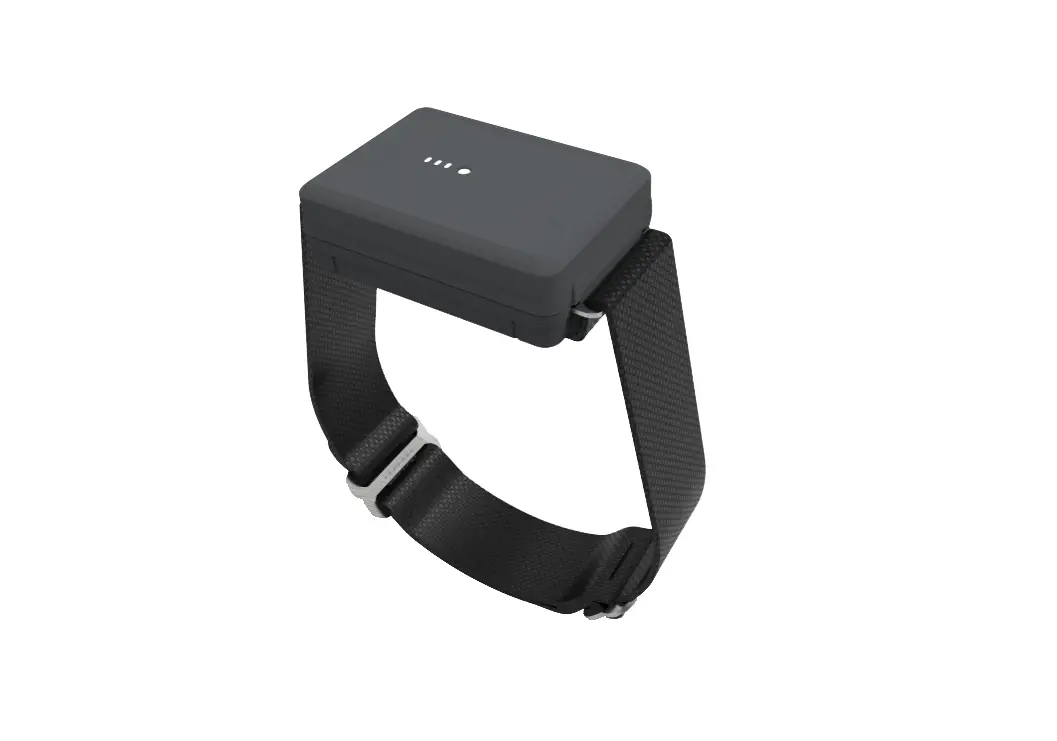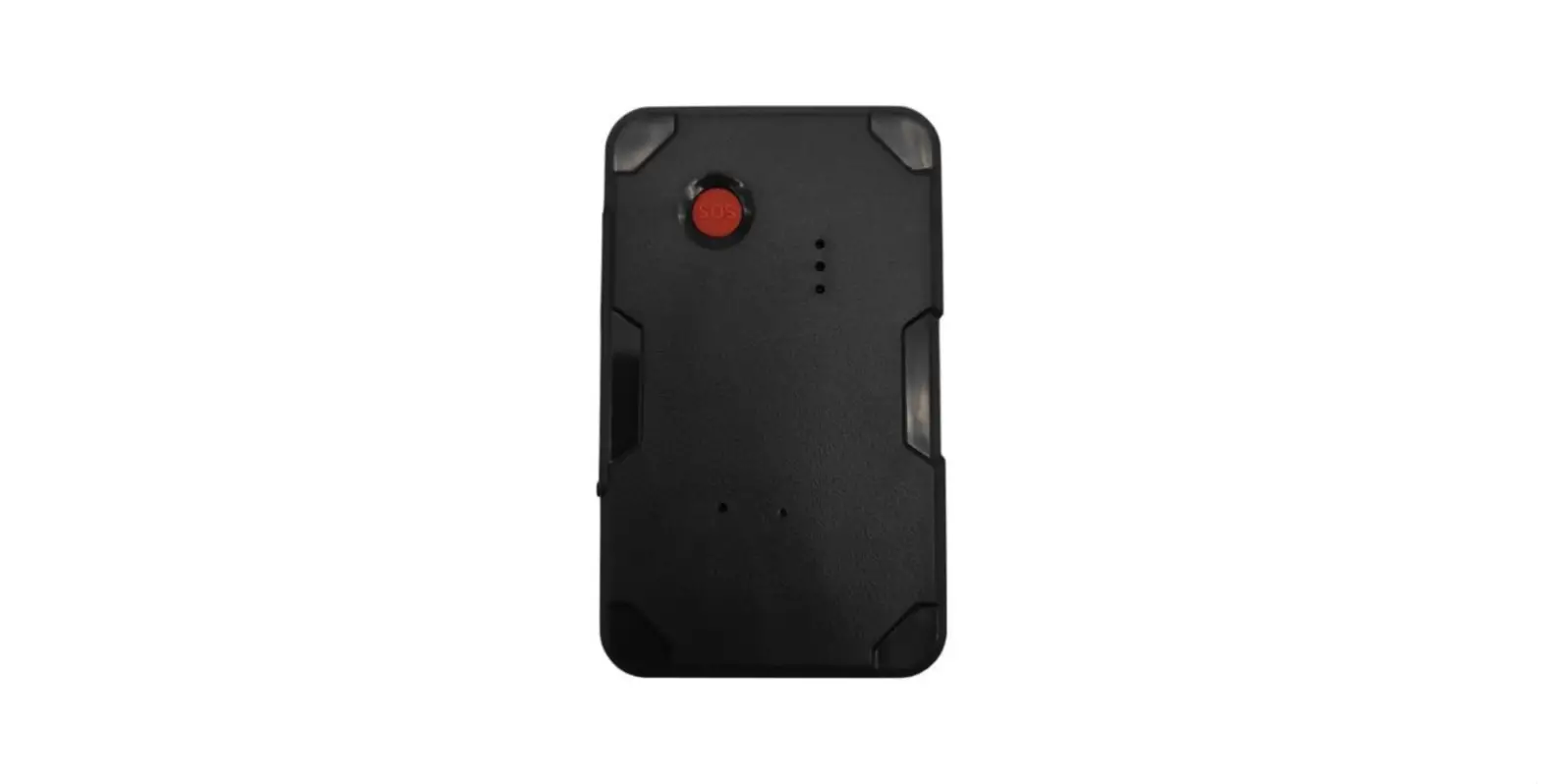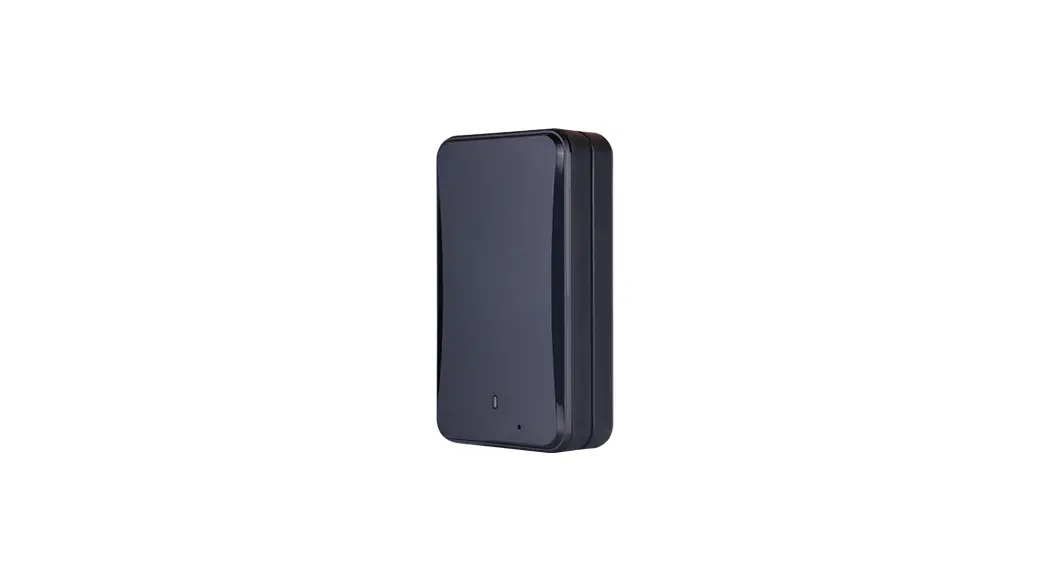

LL301
LTE CAT1 ASSET
GNSS TRACKER
User Manual
Version:V1.0
Read this manual carefully prior to use to ensure the fast and correct operation of the product. No prior notice will be given for any changes made to the appearance, color, or accessories of the product.
Introduction
Features
| Power saving | Multi-GNSS positioning |
| Large-capacity battery | Remote listening |
| Tamper alert | Cover removal alert |
| Humidity and temperature detection and alert | |
| IPx4 protection Com | |
Specification
Communication system:
| LL301E | LTE FDD: B1//B3/B7/B8/ B20/B28 GSM: 900/1800MHz |
| LL301L | LTE FDD : B1/B2/B3/B4/B5 /B7/B8/B28/B66 GSM: 850/900/1800/1900MHz |
| GNSS accuracy | <10m |
| Listening range: ≤5m | ≤5m |
| Operating current: <30mA | <30mA |
| LEDs | 1*Red (work status) and4*Blue (battery level) |
| Operating temperature | ‒20℃ to +70℃ |
| Dimensions (LxWxH) | 108x61x30mm |
Packing List
| Standard | |||
| Name | Unit | Qty | Remarks |
| Tracker | PCS | 1 | / |
| User Manual | PCS | 1 | / |
| Charging cable | PCS | 1 | / |
| 3M Tape | PCS | 1 | / |
| Bracket | PCS | 1 | / |
Note: Please check the received package against the packing list. The contents are subject to actual items. As the product is in the constant upgrade, no prior notice will be sent to you for any update in this User Manual.
Appearance
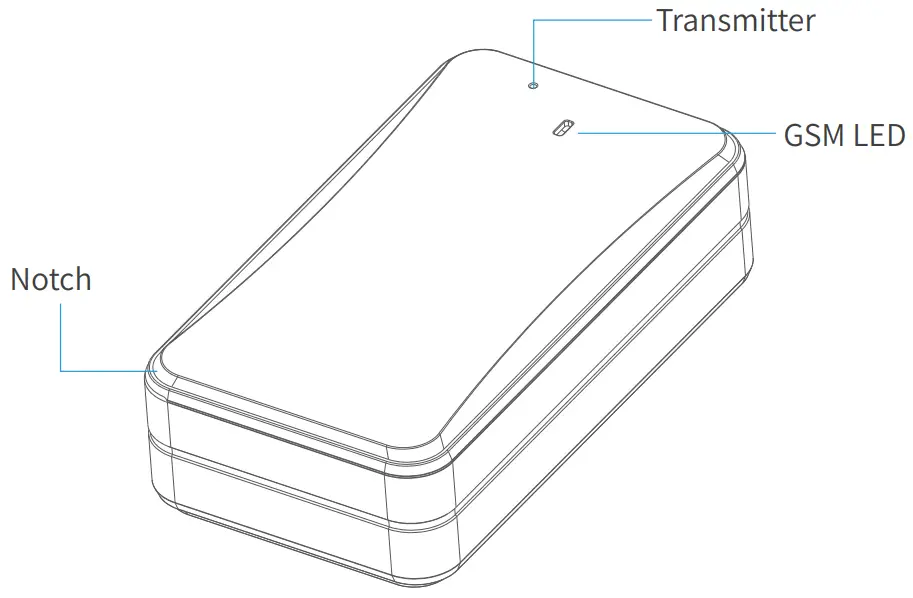
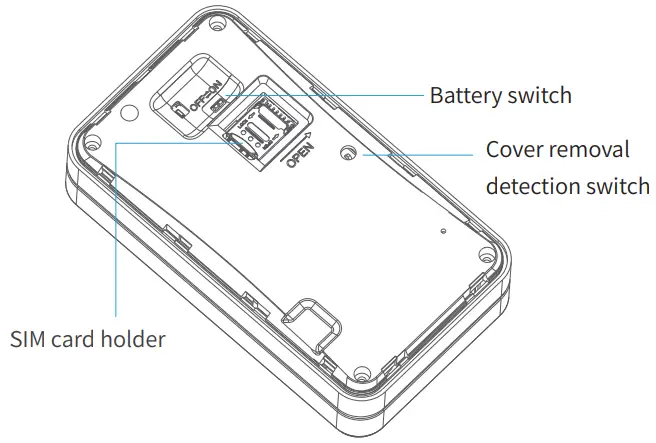
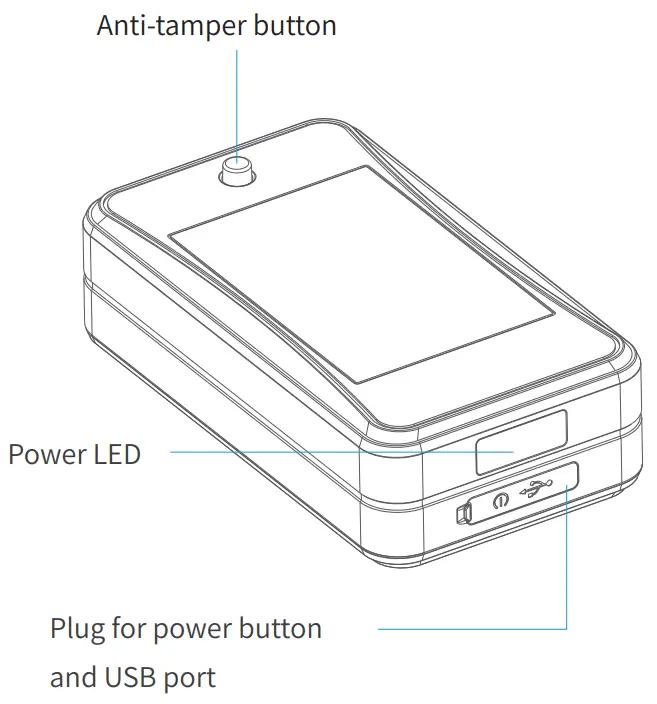
Note:
Once the anti-tamper button is released, a tamper alert will be triggered.
GSM LED
| Status | Meaning |
| Fast blink | GSM initializing/No GSM signal/ No SIM card
|
| Slow blink | Logging in to a platform |
| Solid on | Device in a call |
Note: The GSM LED goes off 3 minutes later after the device is turned on. The GSM LED will light up by short pressing the power button of the device in the power-on state and go off after 60 seconds.
Power LED
If the device is charging, then:
| Strength | LED1 | LED2 | LED3 | LED4 |
| 0‒25% | (o1ns‒off) | Off 1s‒1s | Off | Off |
| 25‒50% | On | (on-off) | Off | Off |
| 50‒75% | On | On | (o1ns‒off) | Off |
| C75‒96% charging | On | On | On | On |
| complete | On | On | On | On |
If the device is not charging, then:
| Strength | LED1 | LED2 | LED3 | LED4 |
| Undervoltage | Off | Off | Off | Off |
| 0‒25% | On | Off | Off | Off |
| 25‒50% | On | On | Off | Off |
| 50‒75% | On | On | On | Off |
| 75‒100% | On | On | On | On |
Note: The power LED goes off 3 minutes later after the device is turned on. The power LED will light up by short pressing the power button of the device in the power-on state and go off after 20 seconds.
Notes on Work Modes
- Timed mode: In this mode, the device uploads position fixes at a fixed interval, which is configured via the location service platform or mobile app specified by your dealer.
- Smart mode (default): In this mode, the device tracks the vehicle in real-time, records the trips of the vehicle, and can differentiate moving the state from the parking state. If the vehicle moves, the GPRS connection is persistent and the device will upload a position fix every 20 seconds. If the vehicle stops, the device will enter the sleep mode and no position fix will be uploaded.
- Long standby mode: The device will wake up at a certain configured interval to upload position fixes. After each upload is complete, the device will enter deep sleep and will not execute any remote query or set actions.
Tamper Alert
When the device is attached to a vehicle, the anti-tamper button will remain press-down. If the device is detached, the anti-tamper button will spring back, which will trigger the device to send out a tamper alert. In the long standby mode, the device will enable tracking for 20 minutes after the alert message is sent out. The tamper alert feature can be disabled by command.
Cover Removal Alert
When the front cover of the device is in place, the cover removal detection switch will remain press-down. If the cover is opened, the switch will spring back, which will trigger the device to send out a removal alert. In the long standby mode, the device will enable the smart mode for 20 minutes after the alert message is sent out. The removal alert can be disabled by command.
Attaching SIM and Description about Power-On and -Off
Tips:
- Activate GPRS and SMS services of the SIM card.
- Power off the device (battery switch to OFF) before attaching or
detaching the SIM card.
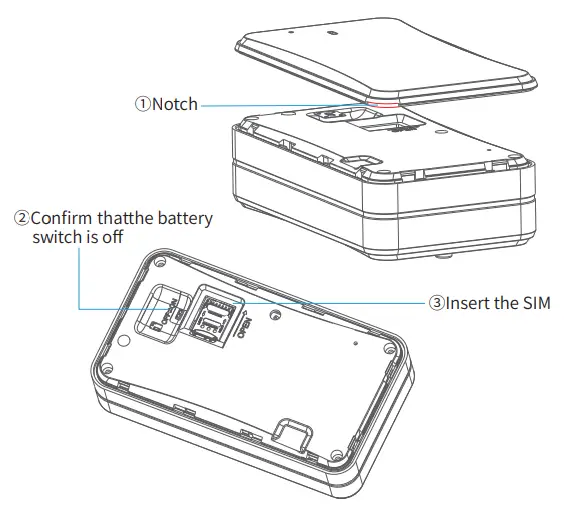
Attaching the SIM Card
Remove the back cover by the notch, slide the battery switch to OFF, and insert the SIM.
Power-On and -Off
Power-on: Press the power button for 3 seconds (prerequisite: the battery switch is ON).
Power-off: Press the power button for 3 seconds.
Installing the Device
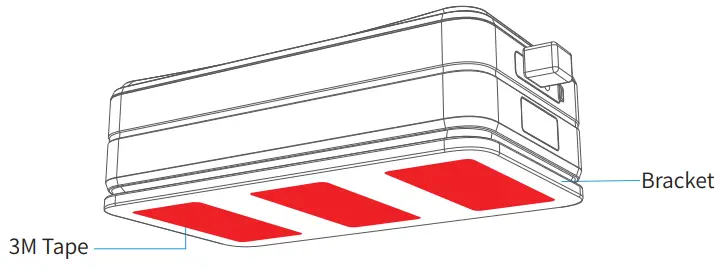
The device has a strong magnet built inside. It can attach to any ferromagnetic material. The magnet makes the installation easy. Or you can stick the 3M tapes on one side of the device bracket, and attach the bracket to the target object, then put the device on the bracket.
Platform Operations
After binding the device on the location service platform or mobile app designated by the dealer, you can monitor it, configure it, and do more to it via the platform or app.
Logging In to Service Platform
You can configure and control the device via the designated location service platform.
Downloading Mobile App
You can download the mobile app via the URL provided by your dealer.
Precautions
Please use batteries and accessories specified by the manufacturer of the device; otherwise, the warranty will become void.
The manufacturer of the device shall bear no warranty liabilities for any damage resulting from the use of non-original accessories.
Do not soak the battery in water or expose it to fire. Do not bend or forcibly open the battery.
Do not disassemble the battery as the device may be damaged if the disassembly is done improperly by a non-professional.
Troubleshooting
When a problem arises, you can troubleshoot it with the following solution. If the problem persists, please don’t hesitate to contact your dealer or service provider.
| CIsosmuems on | Possible Causes | Solutions |
| Poor signal | The device is used in an area where radio waves are hard to reach, such as near high-rise buildings or in a basement. | Try it in a place where satellite signals can be well received. |
| Pfaoilwuerer-on | No SIM | Insert a SIM. |
| OBaNt.tery switch is not set to | Slide the battery switch to ON. | |
| The battery is exhausted. | Charge the device. | |
| Faaccilesdsttohe network | The SIM card may be attached improperly. | Check the SIM. |
| The metal side of the SIM card is stained. | Wipe it with a clean cloth. | |
| The SIM is invalid. | Please contact your network service provider. | |
| The device is out of service areas. | Try it in a service area. | |
| The signal is extremely | Try it in an area with strong signals. | |
| Fqauielerdy ato location | The SIM is not activated with the data service. | Please contact your network service provider and activate the data service. |
| The device keeps replying with “No data found, please try again”. | Please contact your |
Warranty Instructions and Service
Special Statement
- No prior notice will be given if the product is upgraded due to technological reasons.
- The appearance or color of the product is subject to actuality.
- The warranty card applies to the services of repair, replacement, and refund of the product with the following IMEI.
- Please keep this warranty card and the original purchase receipt together in a safe place, as these will be needed at the time of services.
Warranty Terms
For damages not caused by human factors, this warranty lasts for 2 (two) years (including one-year replacement service) from the date of the original purchase. You can choose to pay for the repair services in any of the following cases:
- The warranty card expires;
- No warranty card or valid proof of purchase;
- The product, including its accessories, is not on the warranty period;
- Damage caused by unauthorized repairs, crash, liquid spillage, the incident, accident, modifications, or incorrect voltage input; or the label, IMEI, or counterfeit mark of the product is broken or scribbled;
- Damages caused by the installation or use not in accordance with the user manual;
- Damage caused by force majeure such as fire, flood, or lightning;
- The device model is inconsistent with the warranty card or the warranty card has been altered;
- Other damages caused by force majeure.
Reminder
For vehicle trackers:
As of January 1, 2016, the warranty lasts for 2 (two) years for repair from the date of purchase, including one year for replacement.
The specific terms are:
A full replacement, including accessories, if the product is found defective during unpacking check;
If a defect occurs within one year after installation, then:
- Replace only the mainboard if the housing is intact and doesn’t affect normal use; or
- Replace the housing and the mainboard if the housing is defective and affects normal use (Please be noted that man-made damages will void the replacement service for the housing).
Free repair services will be given to the product if a defect is found during the second year under proper use.