
Fast Wireless Charger
User Manual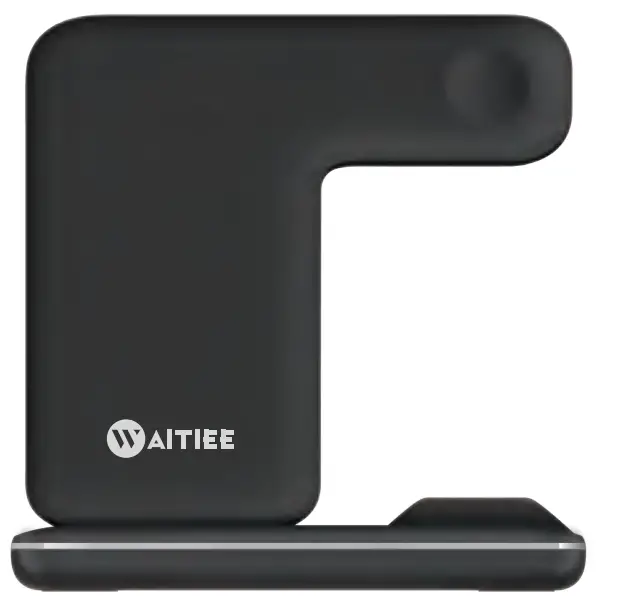
Note: To ensure safe and efficient charging of 3 devices, you must use this product equipped with an adapter or 9V/2A adapter (Qualcomm Quick Charger 3.0) and a fast-charging cable (if you don’t use a suitable adapter and fast charging cable, the charger may not be able to charge the phone or Cannot charge 3 devices at the same time, and may even damage the device)
PRODUCT INTRODUCTION
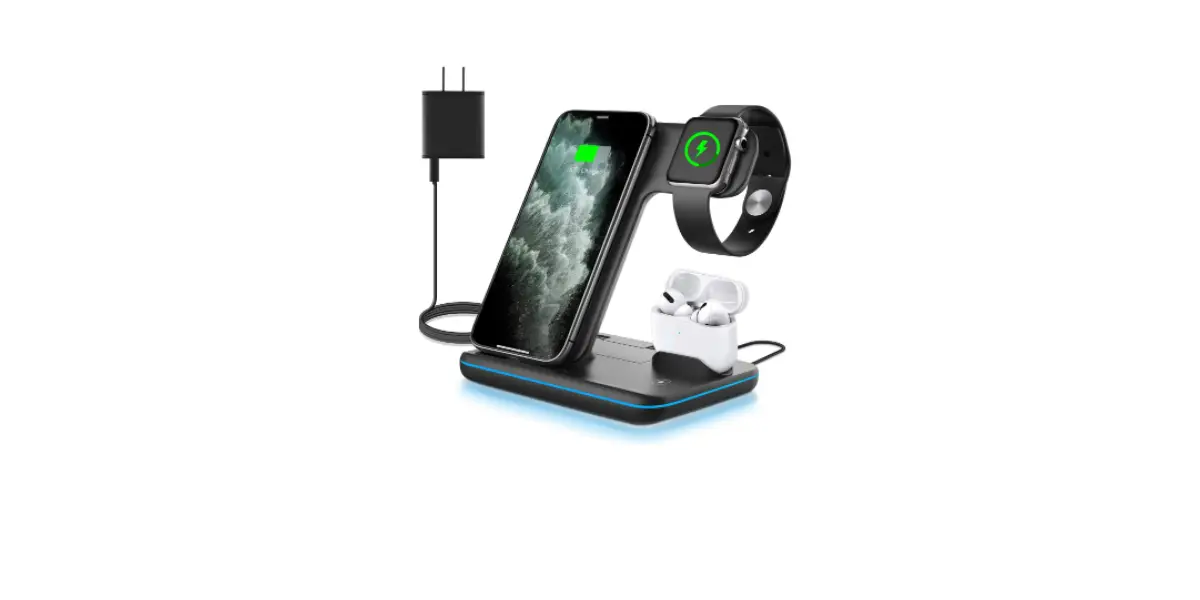
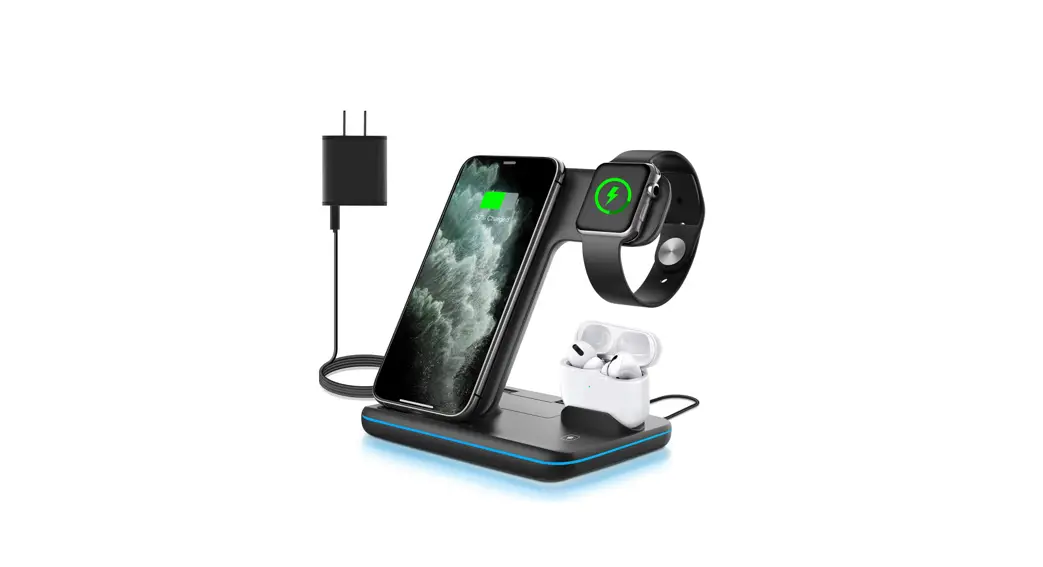
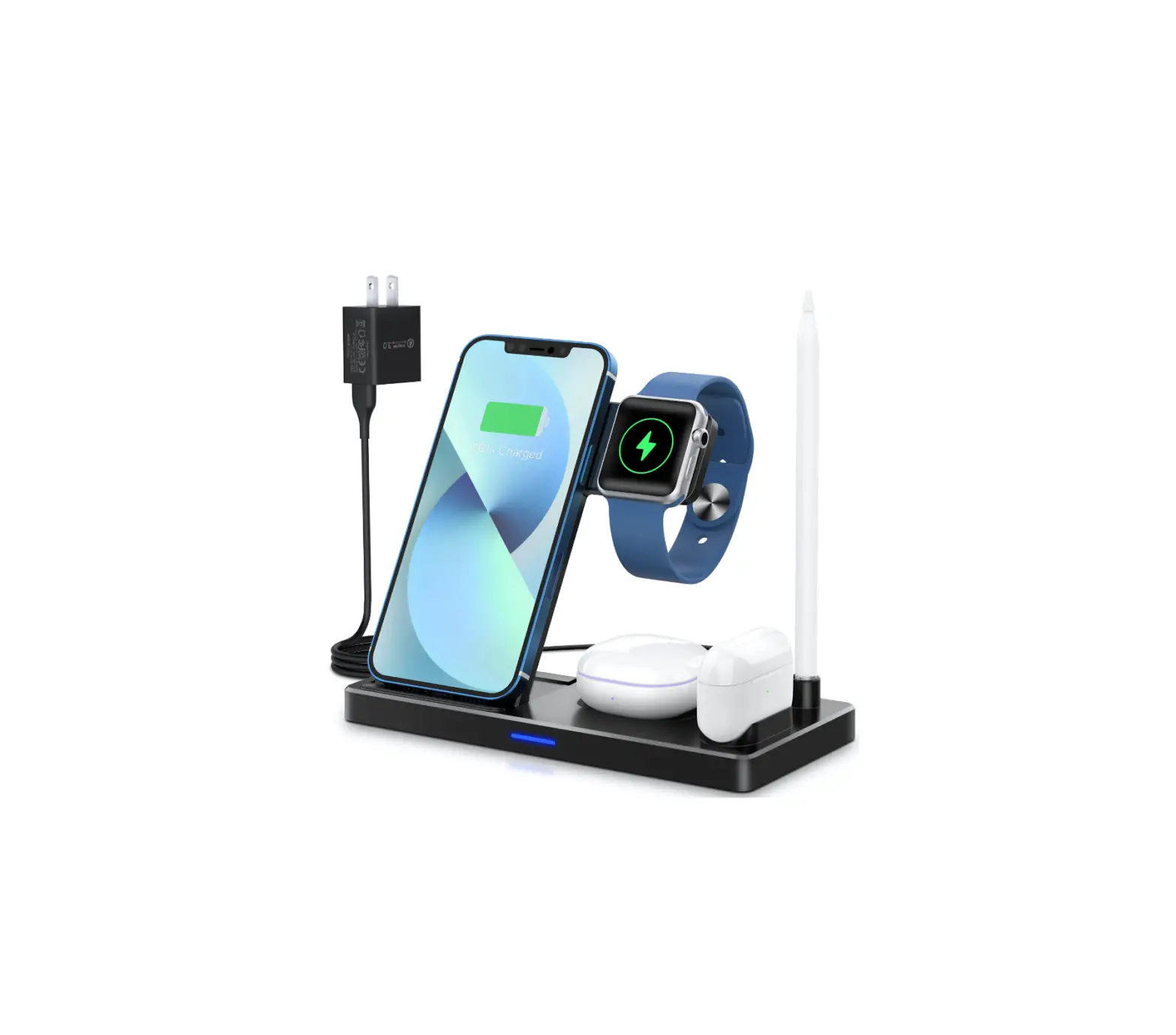
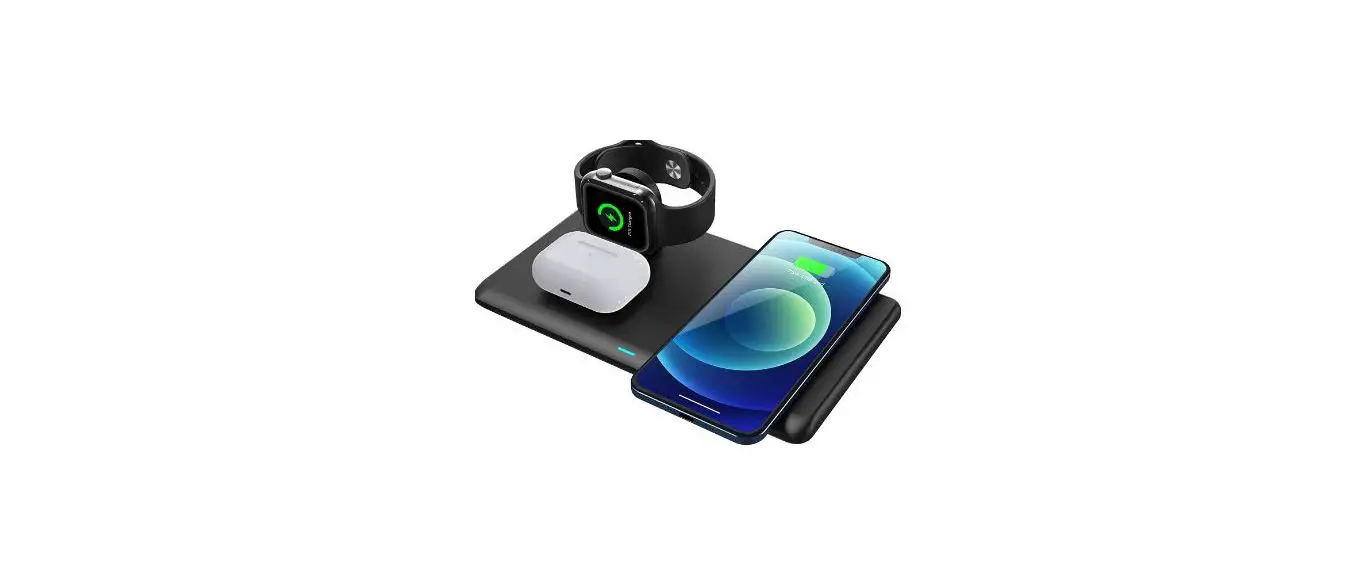
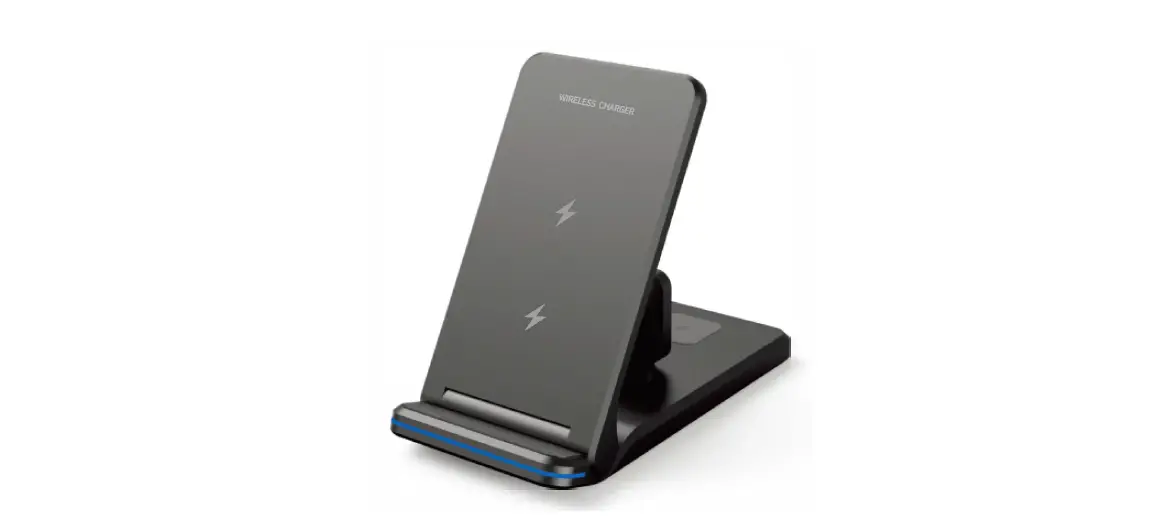
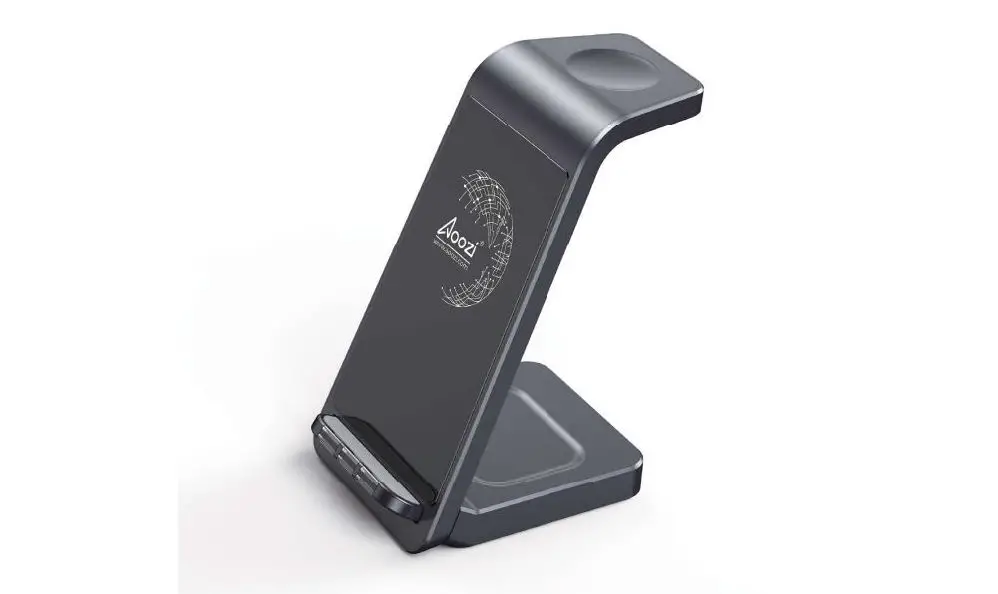
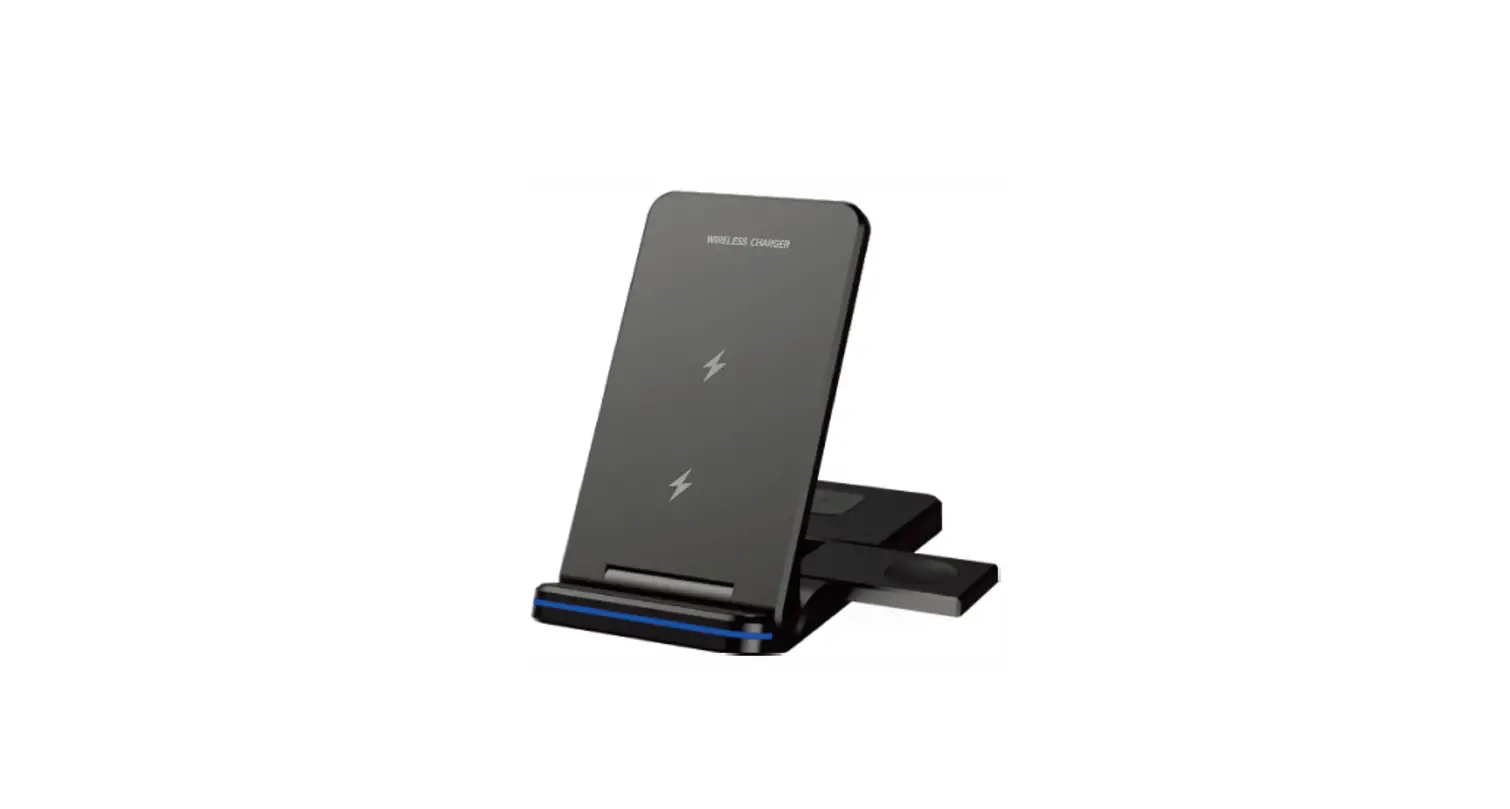
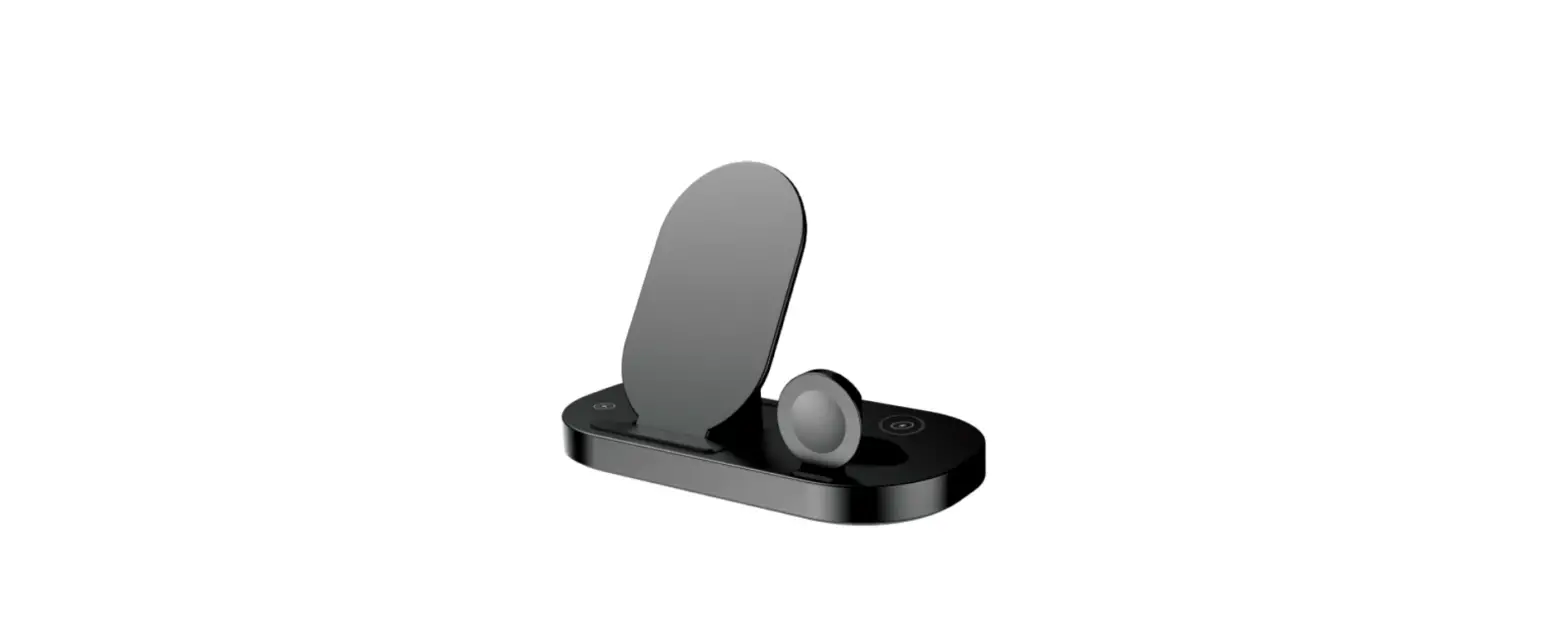
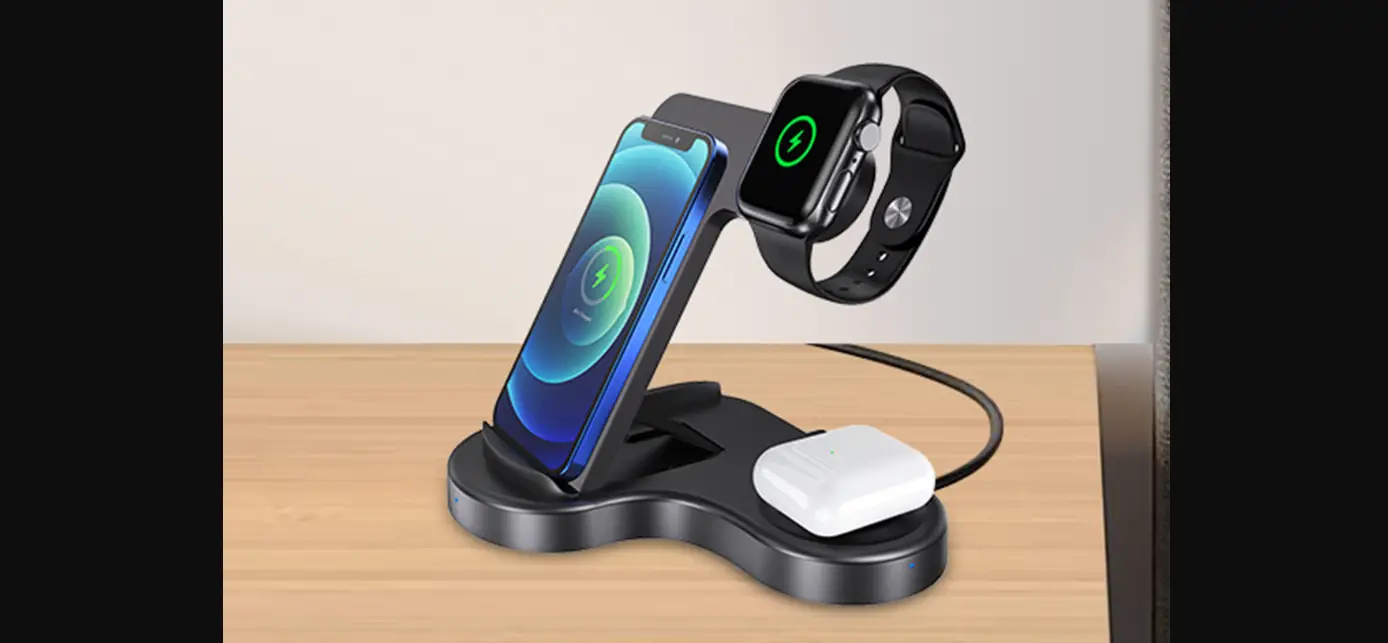
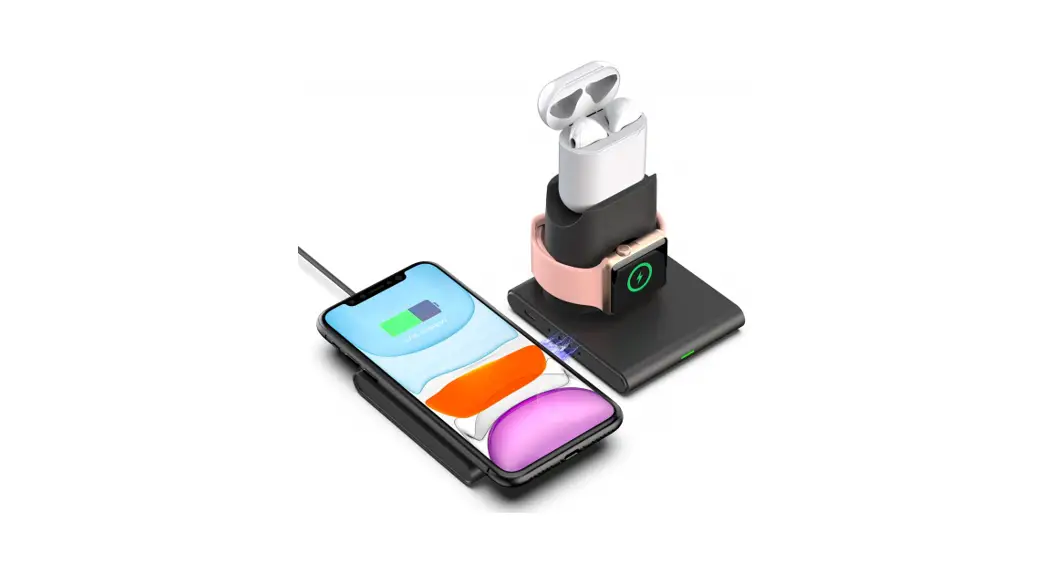
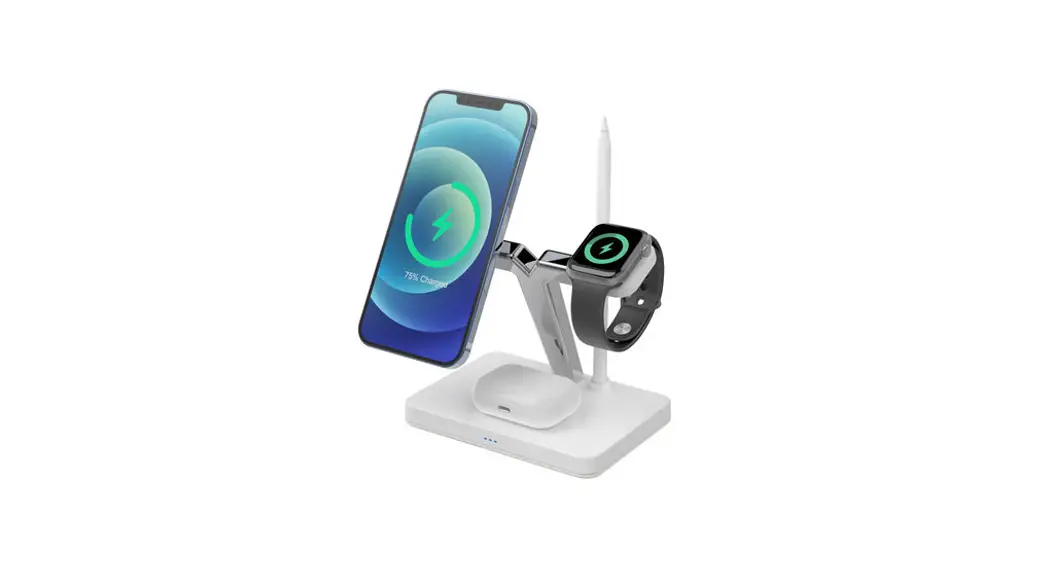
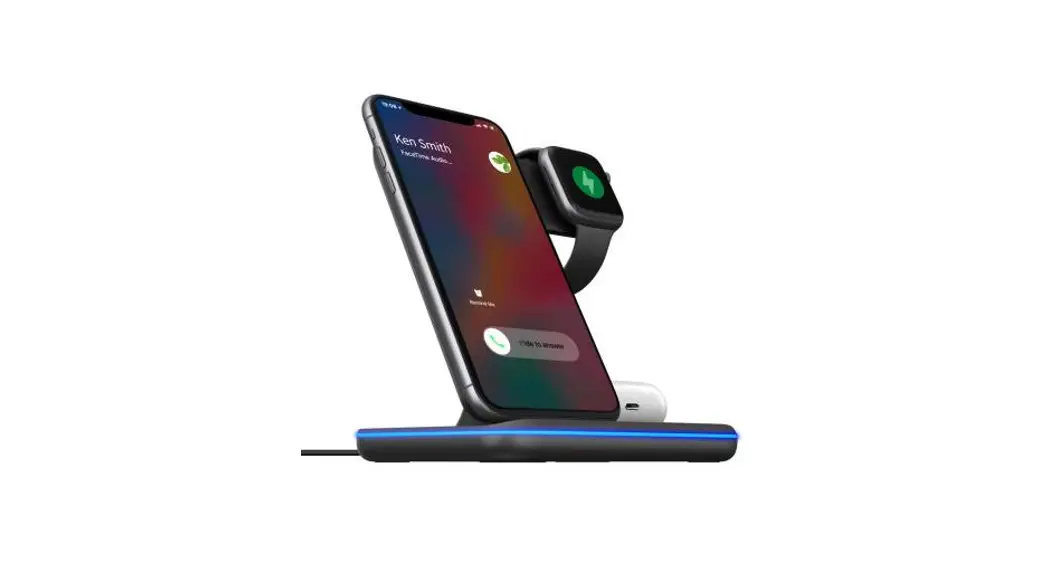
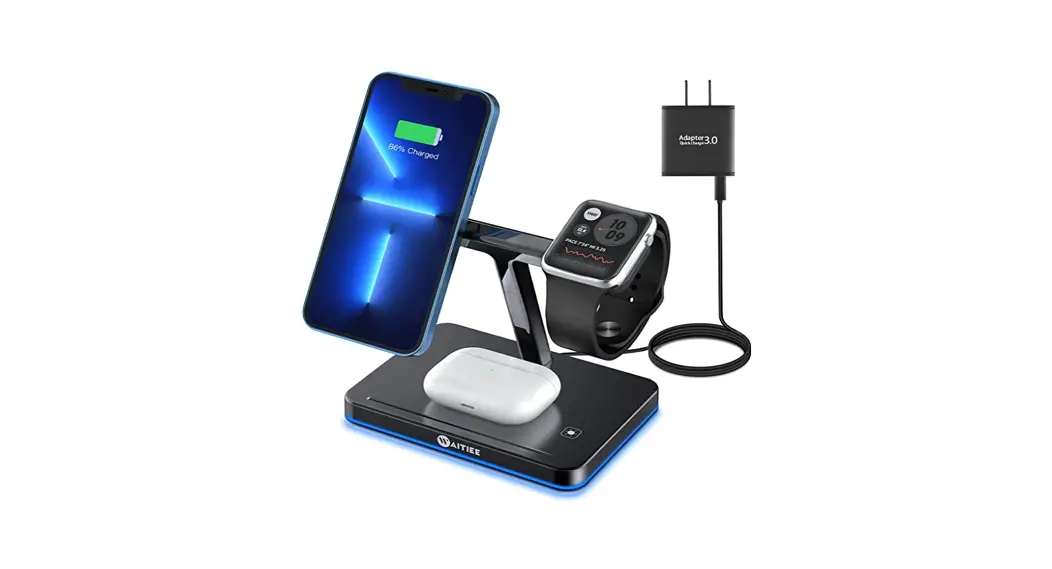
The 3 in I Van; less Charger is a multi-function charging station, you can charge three smart devices (Qi smartphone, iWatch, and earbuds) on our product at the same time. It is compatible with Qi-enabled smartphones, iWatch, AirPods It is a unique design with an elegant appearance, and is perfect to use at the office or at home. It is very convenient to charge your smart devices on our product, especially for Apple users. There is the protection of over-charge and FOD function, you can enjoy your charging experience safely you can turn off the light by the switch.
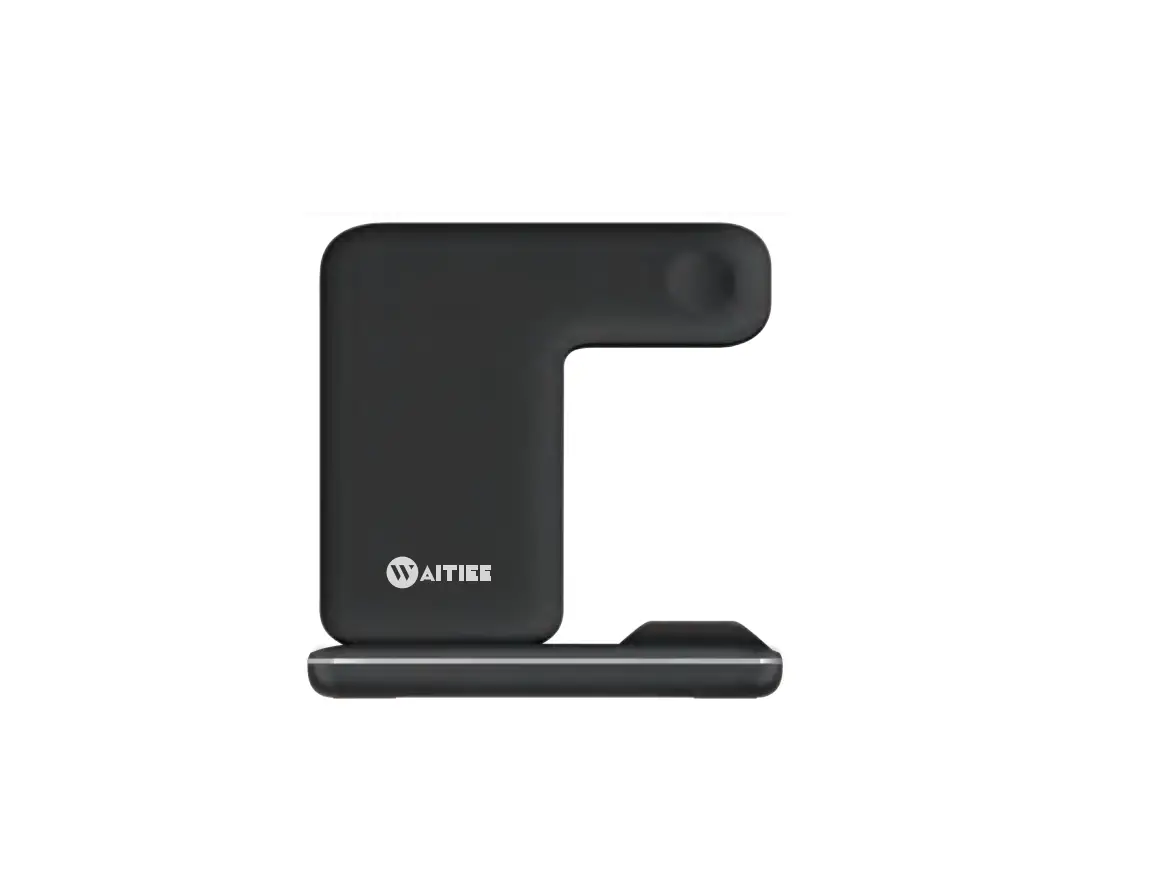
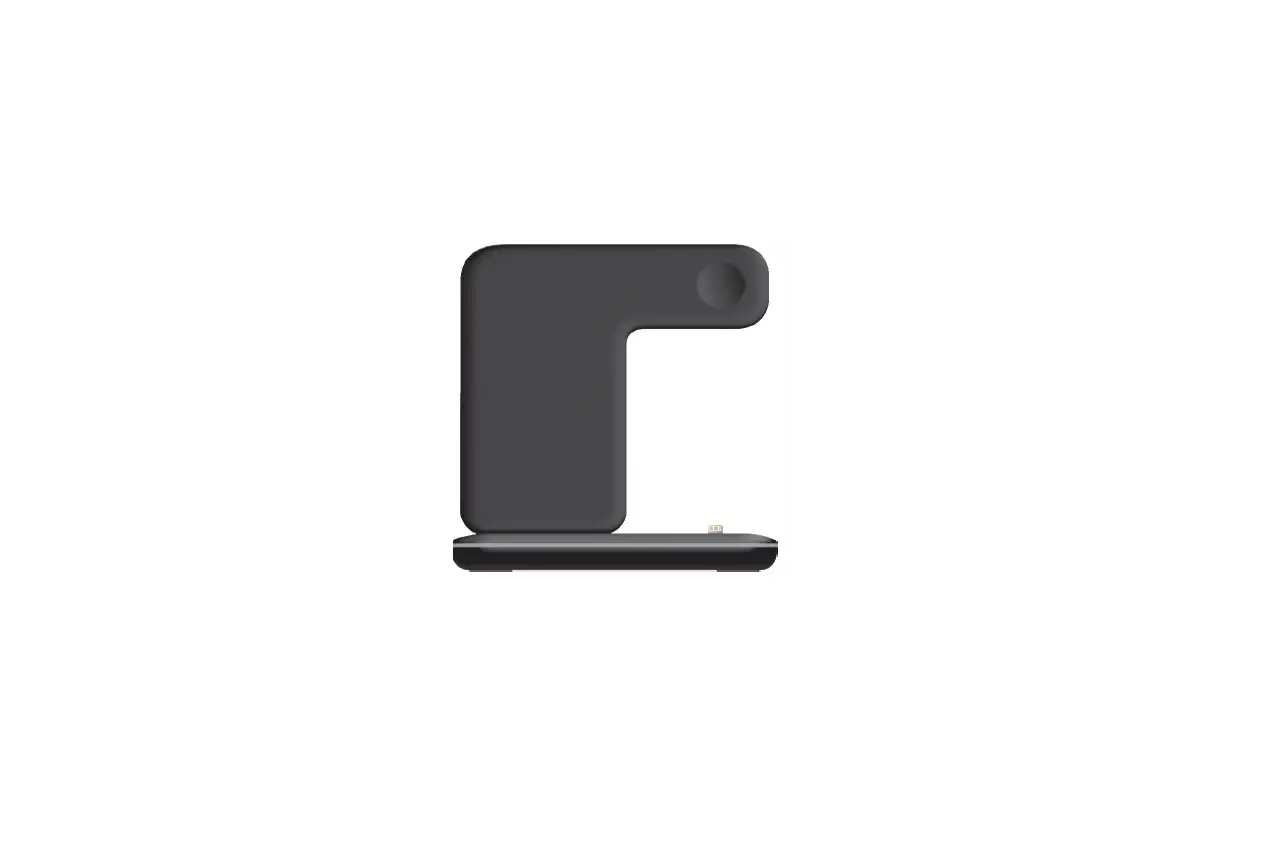
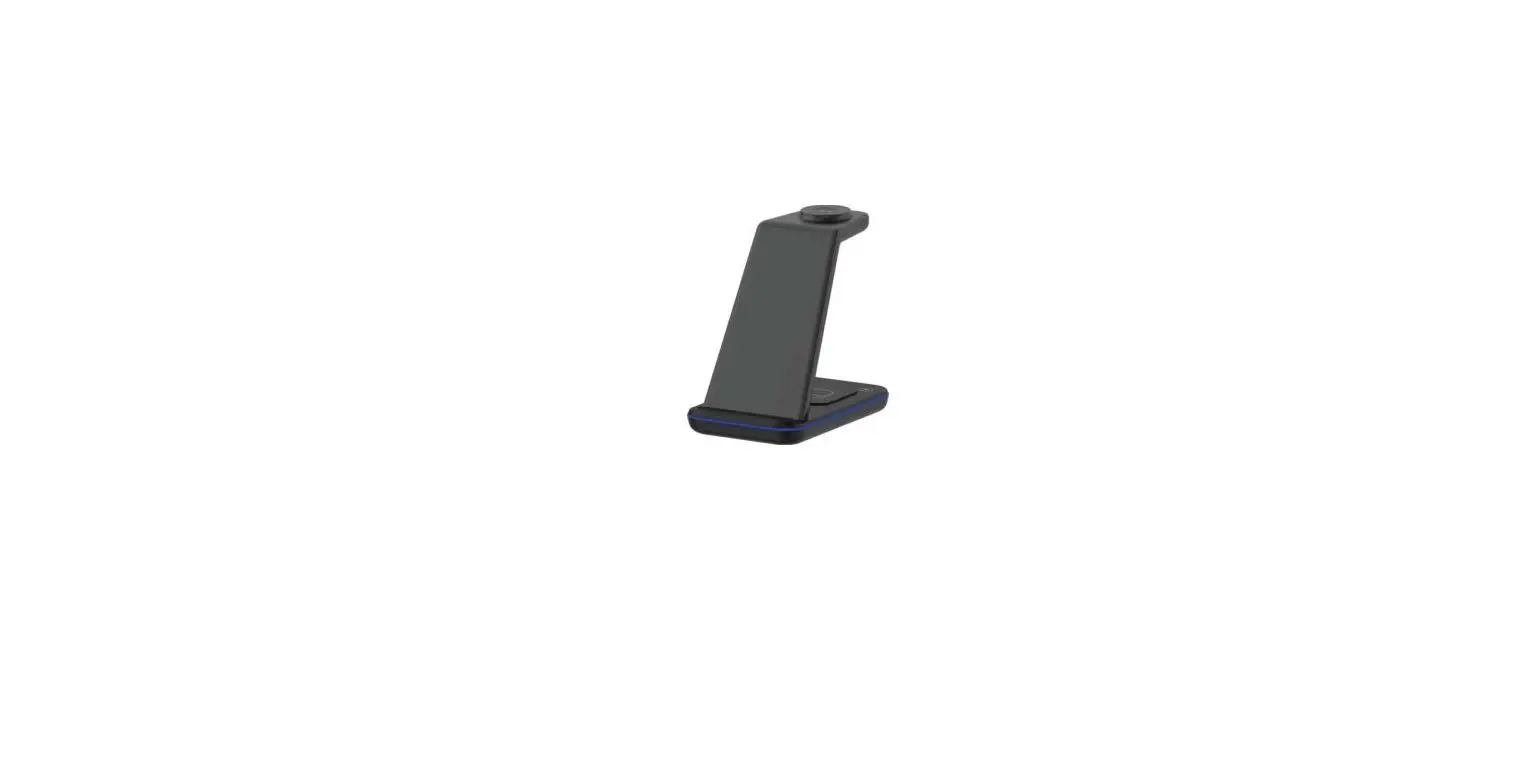
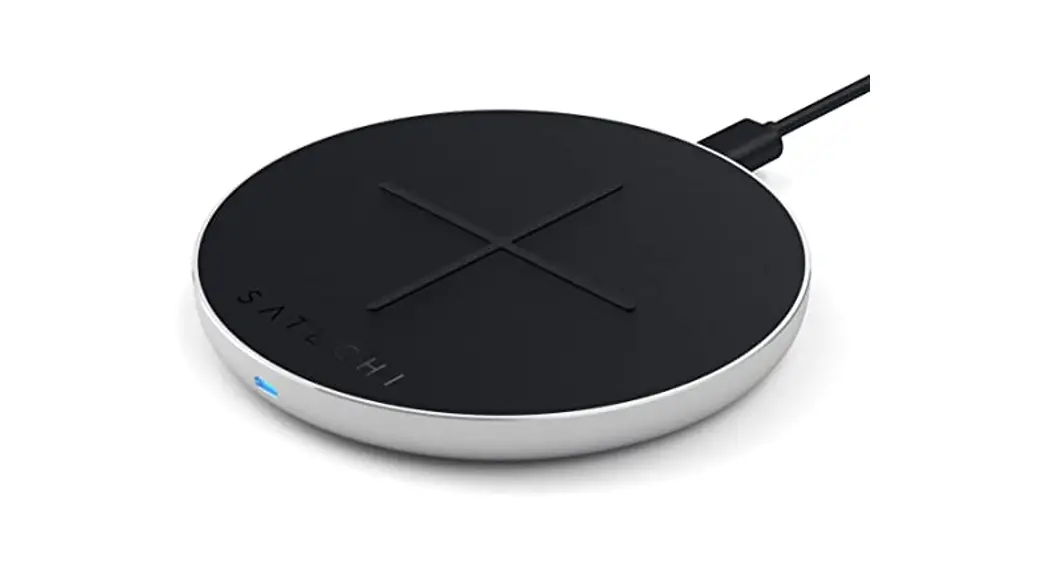
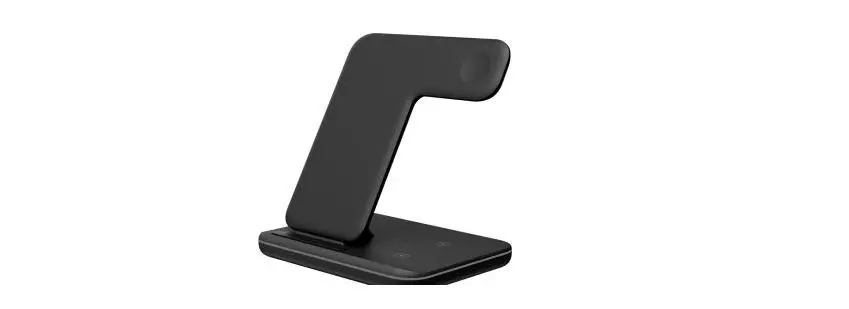
PRODUCT APPEARANCE

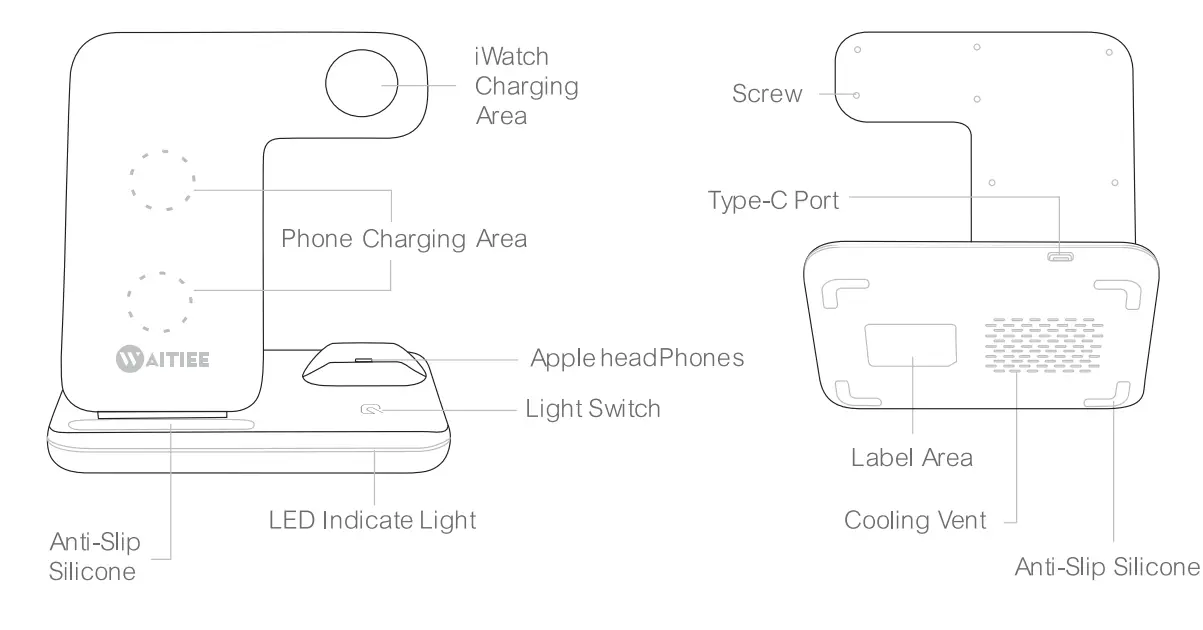
HOW TO USE
- Plugin the Type-C cable to power on the wireless charger.
- Place the smartphone on the charging station and make sure it is charging.
- Put the Apple watch on the iWatch charging area to start charging.
- Place your earbuds on the charging station and make sure it is charging.
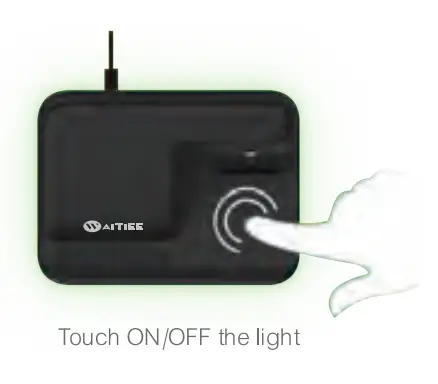
LED LIGHT INSTRUCTIONS
- Greenlight on Standby mode
- Blue light breathing: : Phone charging
- Blue and green flashing: Foreign object detection working
CHARGING SCHEMATIC DIAGRAM 
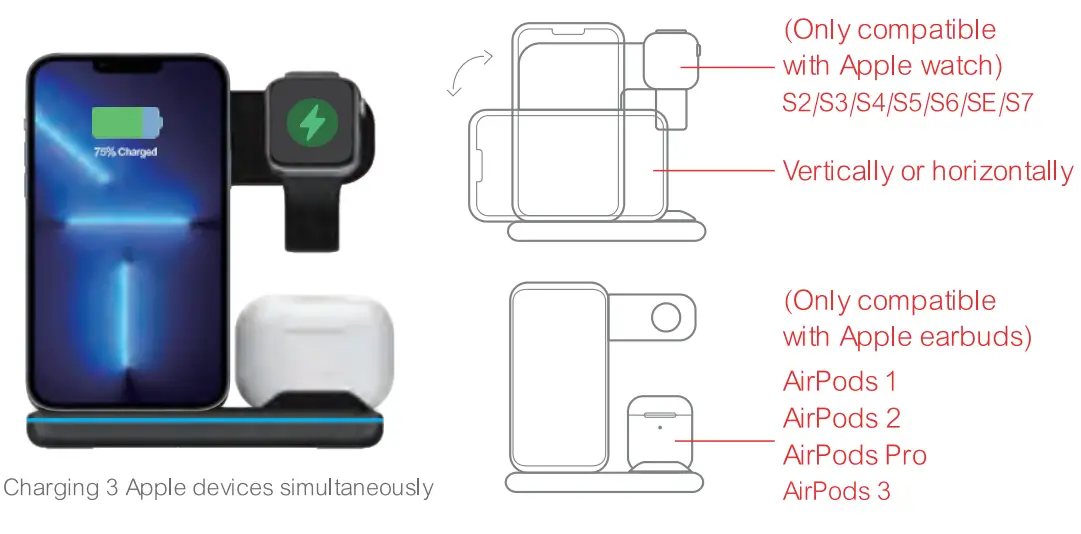
APPLICABLE DEVICES
- SmartPhone:
Apple: iPhone 13,13 mini,13 Pro,13 Pro Max,12,12 Pro,12 Pro Max,12 mini,SE,11,11 Pro, 11 Pro Max, Xs, Xs Max, XR,X,8,8 Plus.
Samsung: Galaxy S:
21 5G,21 + 5G,21 Ultra 5G,FE 5G,20 5G, 20+ 5G, 20 Ultra 5G, 1 0,10+,1 0e,9,9+,8,8+,7,7 edge,6,6 edge,6 edge+, 6 G9209,6 Active. Galaxy Note: 10,10e,1 0+,9,8,7,6,5. Huawei:
P30 Pro,P40 Pro,P40 Pro+. Mate:40E,40 RS,40 Pro+140 Pro,40,30E Pro,30 5G,30 Pro 5G,30,30 Pro, 30 RS,20 Pro,20 RS, RS. Xiaomi: 10,10 Pro,9,9Pro,Mix 3,Mix 2s.lncluding other devices with wireless charging receiver built-in.(Note: All devices must meet the Qi standard). - Smart Watch:
Apple: ‘Watch S2,S3,S4,S5,S6,SE,S7. - Earbuds:
Apple: AirPods 1, AirPods 2, AirPods Pro, AirPods 3,
PRODUCT SPECIFICATION
- Input 9V/2A Phone
- Output 10W/7.5W/5W
- Watch Output 2.5W
- Earbuds Output 2.5W
- Input socket Type-C
- Conversion Rate(Phone): 73`)/co
- Product Size: 136(W)X1 01 (D)X136(H)mm
PACKING LIST
Wireless Charger*1, Type-C Quick Charge Cable*1, QC3.0 Adapter*1, User Manual*1
WARNING
- Avoid using the product at places that are wet, humid, or have a high temperature.
- Avoid dropping the product from high places.
- Do not disassemble the product by yourself. Please contact us if necessary
- Do not clean the product unless the unit is powered oft
- It is recommended to use an 18W or above adapter to charge 3 smart devices at the same time.
ANSWER QUESTIONS
1. If you’re experiencing interrupted or slow charging, check the following:
- The back of your phone should not have any metal, pop sockets, or credit cards.
- Put the phone in the center of the charging surface (this lets the charging coil in your phone line up with the one inside the wireless charger).
- The wireless charging coil on Sony phones is located slightly below the center.
- Phone cases should be no thicker than 5 mm for effective charging.
- Check whether the adapter is QC3.0 fast charger.
2. If you’re failing to charge your device, please try out the following:
- Please restart your cell phone and test with another USB cable.
- Please check whether the indicator turns on or not.
- Please check the Adapter is QC3.0 Quick Charger (Output 9V/2A) or not, iPhone original adapter does not match the wireless charger.
- Please check your Phone case thickness(<=5mm). Metal ring or Magnetic Pad will not be available.
3. If you’re using the recommended wireless charger with the QC3.0 Adapter and have removed any potential charging obstructions, but are still experiencing issues, try this:
- Replacing the cable connecting your wireless charger.
- Rebooting your phone.
- Unplug the adapter and reinsert
AFTER-SALES SERVICE
If your problem has not been solved by following the above steps, please reach out to us via Amazon’s message center or [email protected]. In order to solve it for you faster, please have the following information at hand: your phone’s model, the type of wall charger you are using, and the type of phone case you are using (with a link if possible). Optionally, you may include a video to illustrate the problem you are having.
FCC Statement
This device complies with part 15 FCC Rules. Operation is Subject To the following two conditions:
(1) This device may not cause harmful interference, and (2) this device must accept any interference received, including interference that may cause undesired operation. Changes or modifications not explicitly approved by the party responsible for compliance could void the user’s authority tooperate this equipment.
Note: This equipment has been tested and found to comply with the limits for a Class B digital device, pursuant to part 15 of the FCC Rules. These limits are designed to provide reasonable protection against harmful interference in a residential installation. This equipment generates, uses and can radiate radio frequency energy and, if not installed and used in accordance with the instructions, may cause harmful interference to radio communications. However, there is no guarantee that interference will not occur in a particular installation. If this equipment does cause harmful interference to radio or television reception, which can be determined by turning the equipment off and on, the user is encouraged to try to correct the interference by one or more of the following measures
- Reorient or relocate the receiving antenna.
- Increase the separation between the equipment and receiver.
- Connect the equipment into an outlet on a circuit different from that to which the receiver is connected.
- Consult the dealer or an experienced radio/TV technician for help.
FCC radiation exposure
The equipment complies with FCC radiation exposure limits set forth for an uncontrolled environment. During the operation of device, a distance of 15 cm surrounding the device and 20 cm above the top surface of the device must be respected.