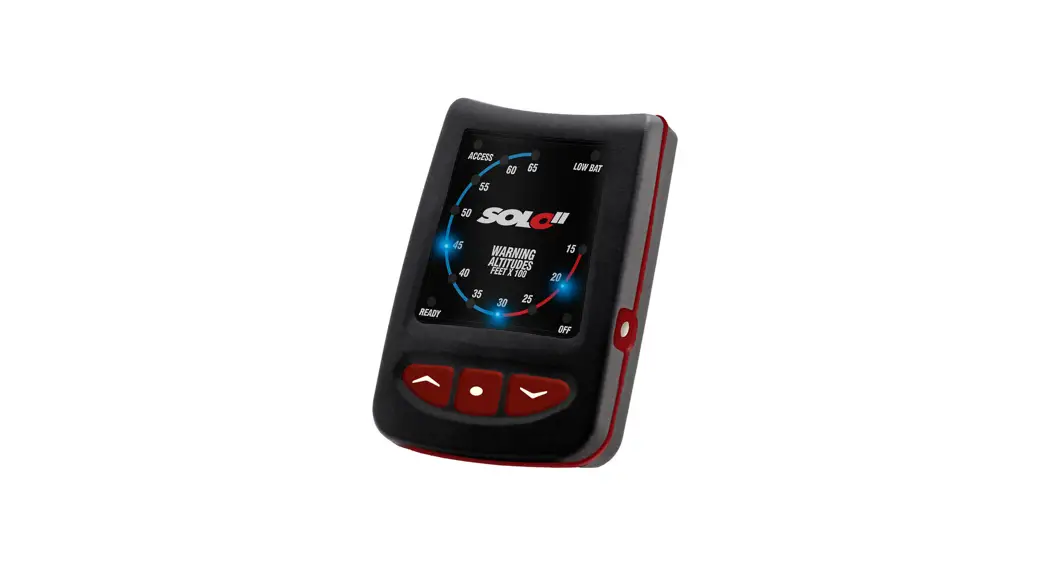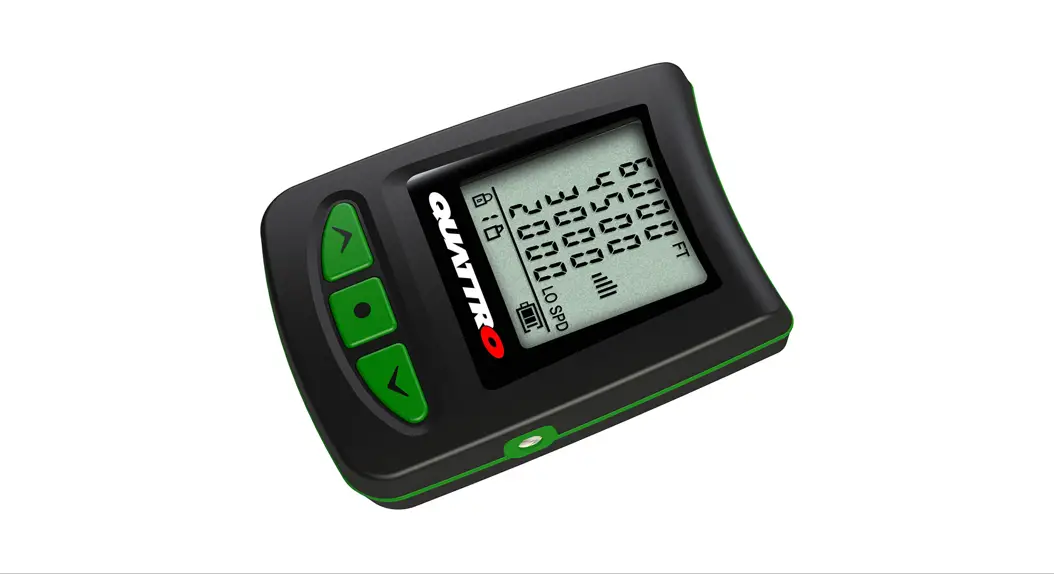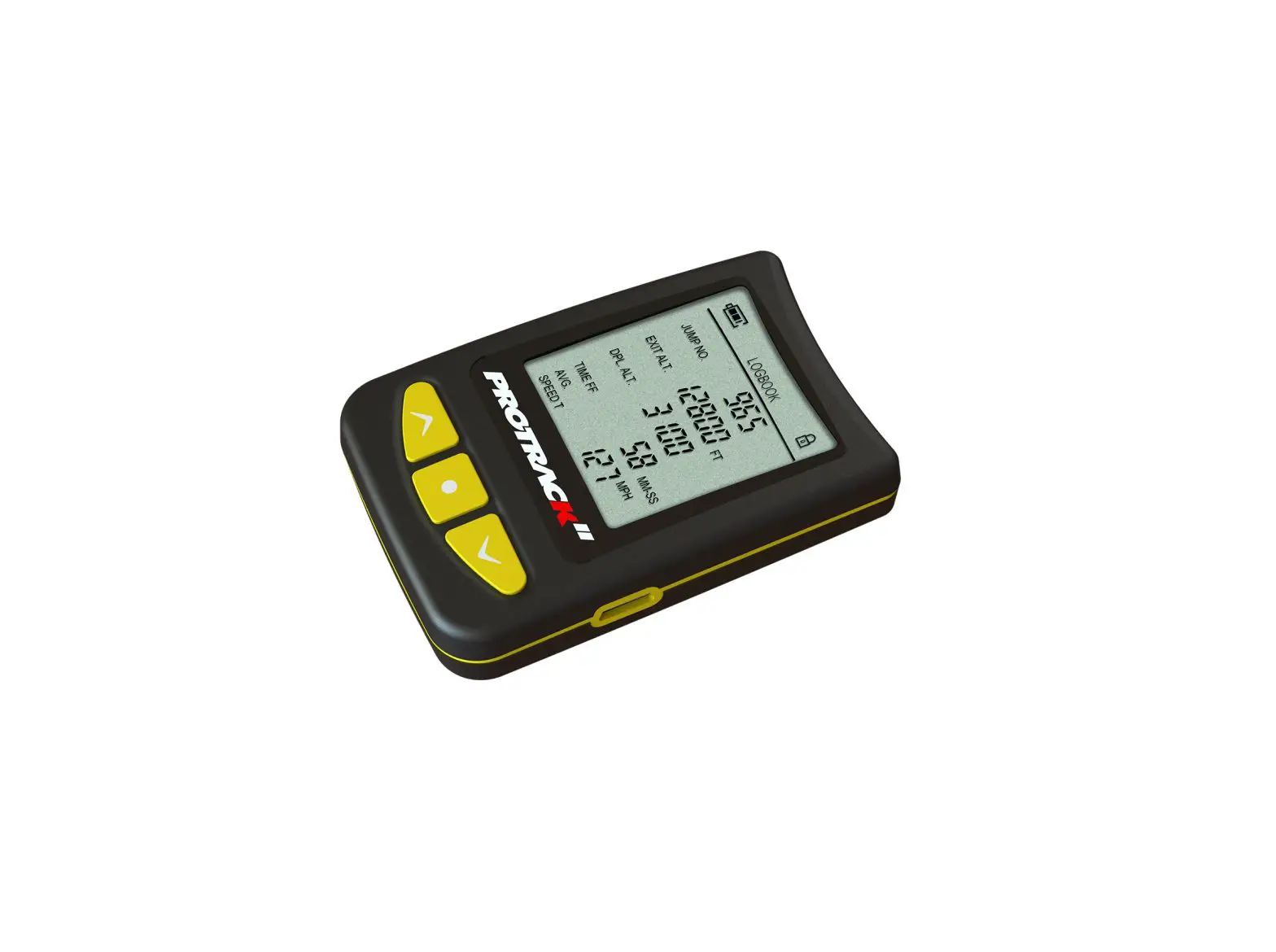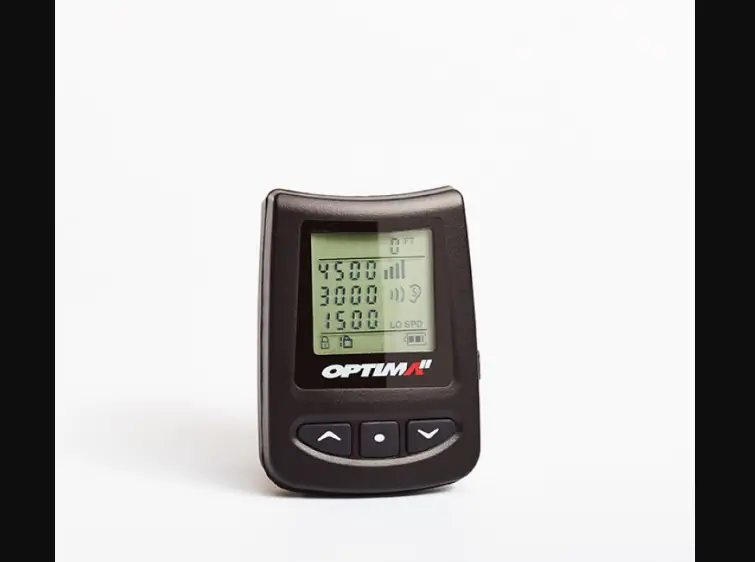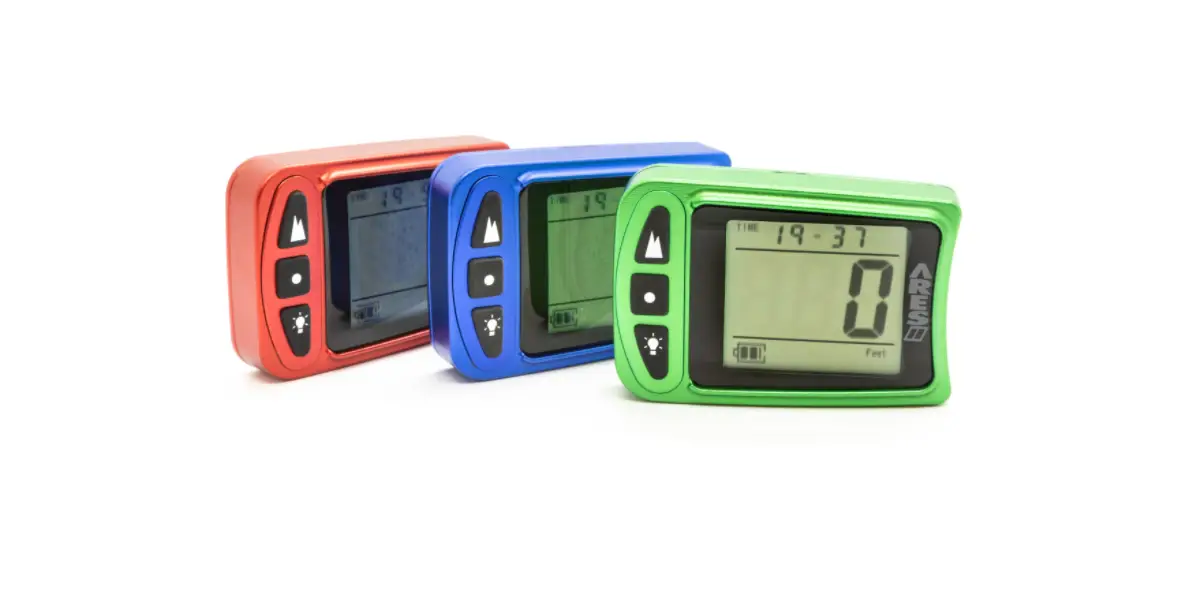

ALTIMETERS Optima II Audible Devices
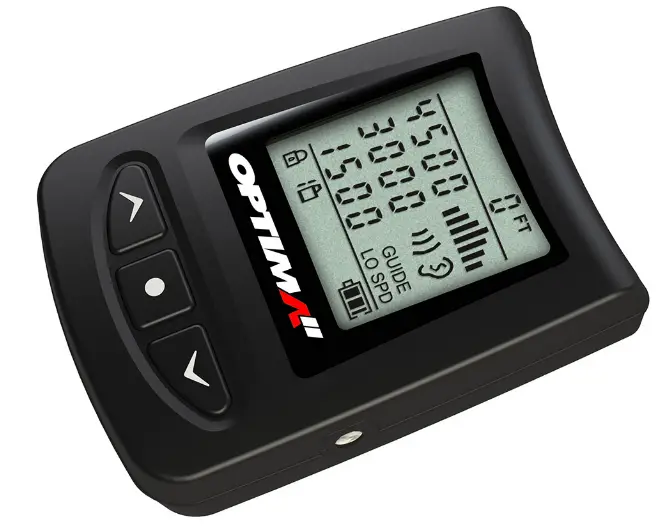
WARNING
This Road Map does not replace the OPTIMA II™ Manual nor releases the user from the obligation to comply with the contents of the OPTIMA II™ Manual.
Visit lbaltimeters.com for manual and support

Instructional videos and YouTube channel

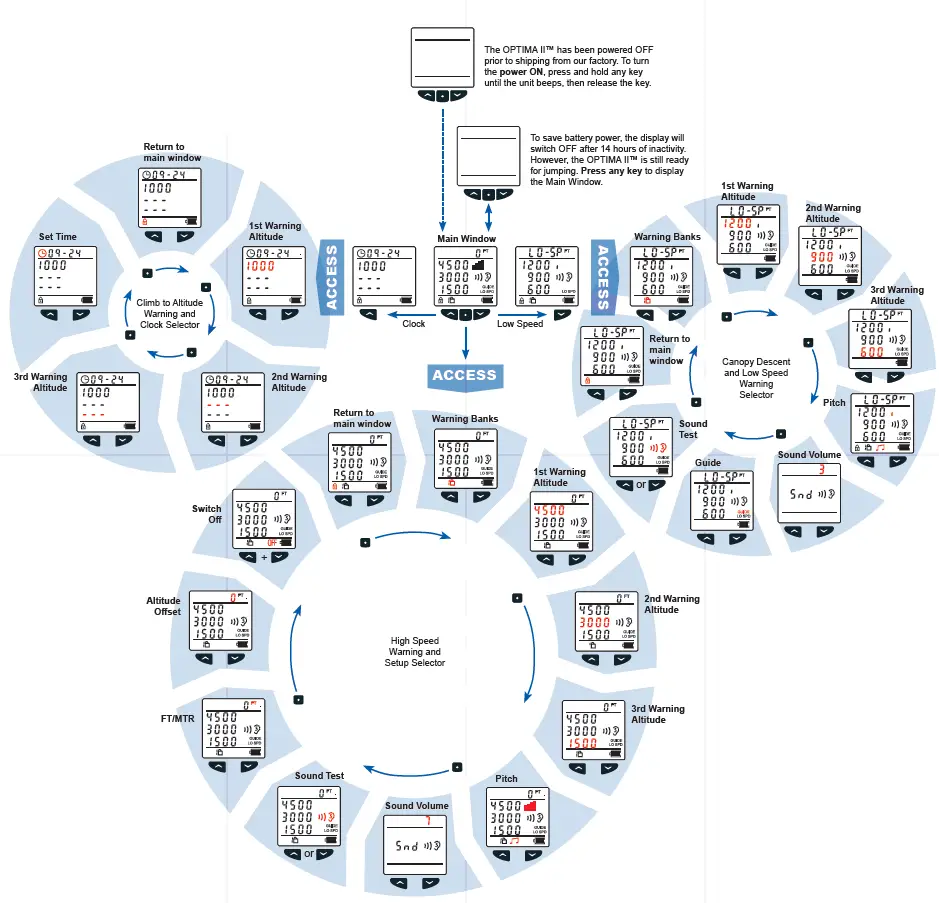
ACCESS
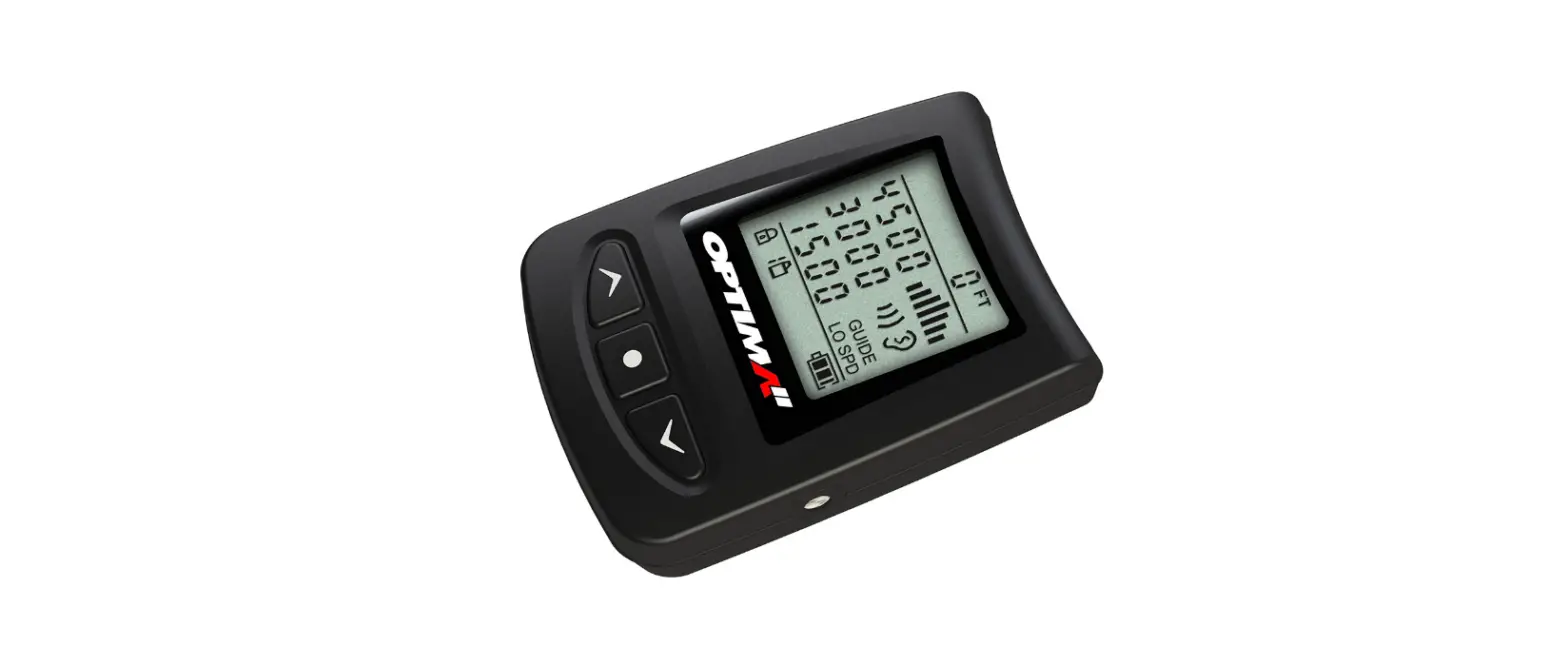
- Press and release the mode button
 – the lock icon
 turns off
 - When the lock icon reappears, immediately press and hold the mode button– the lock icon turns off again
- When the lock icon appears again, release the mode button . – The OPTIMA II™ is now in ACCESS mode
 – the lock icon
 turns off
Note: The OPTIMA II™ exits ACCESS and returns to the Main Window if no button has been pressed within 5 seconds. ALL functions (except Power ON) can be performed ONLY when the OPTIMA II™ is in ACCESS mode.
 LB Altimeters webstore