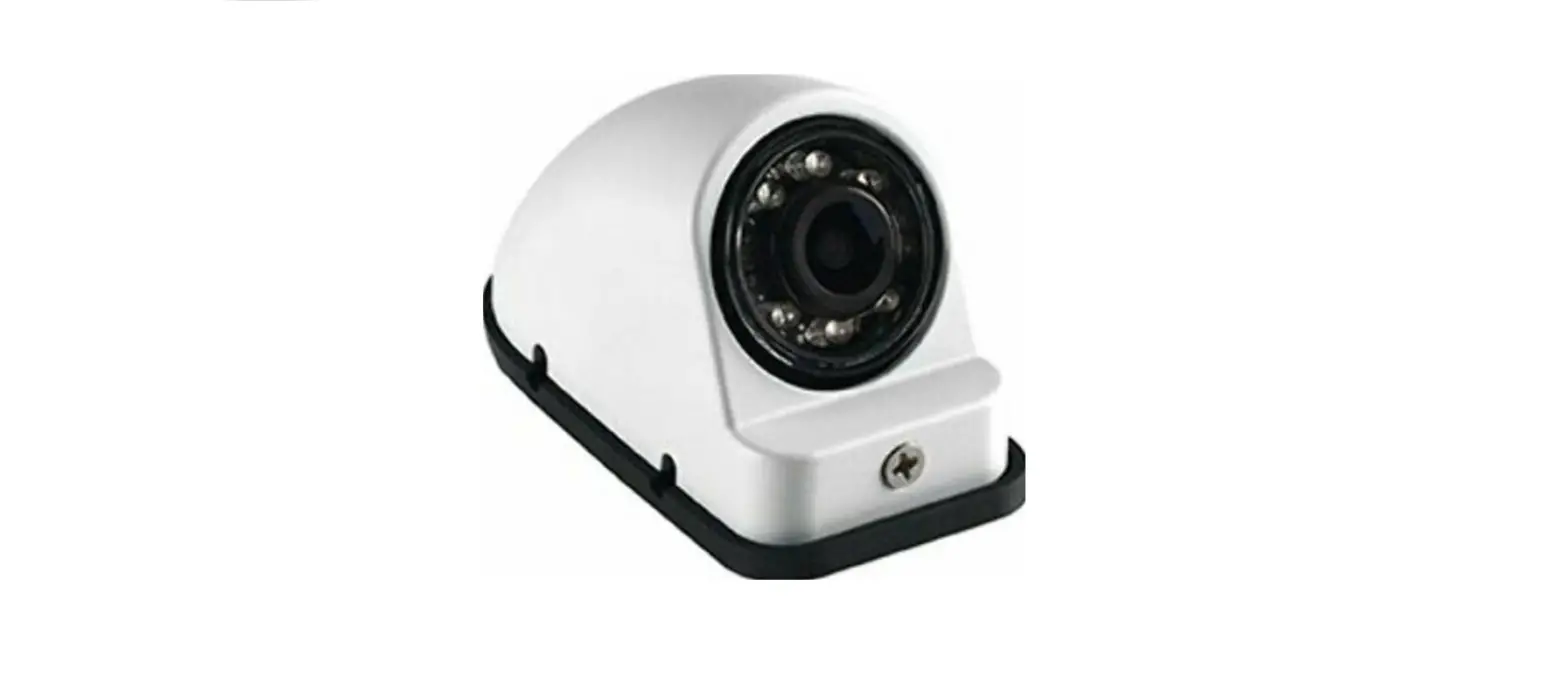

asa ELECTRONICS VCMS14R NTSC System
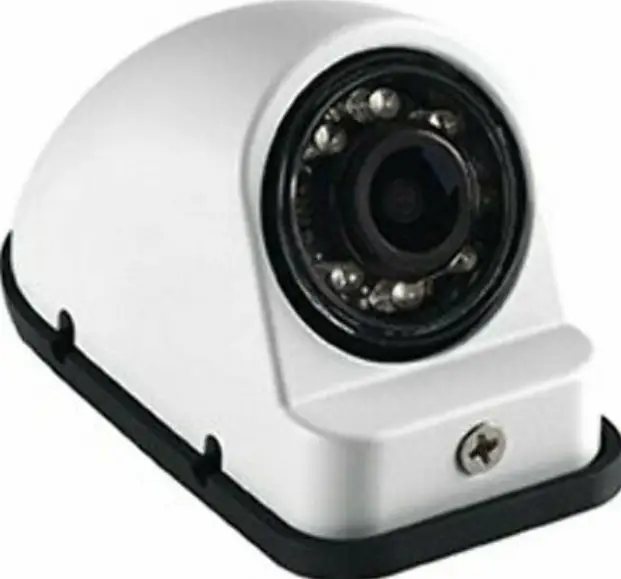
NTSC SYSTEM VCMS14L/R
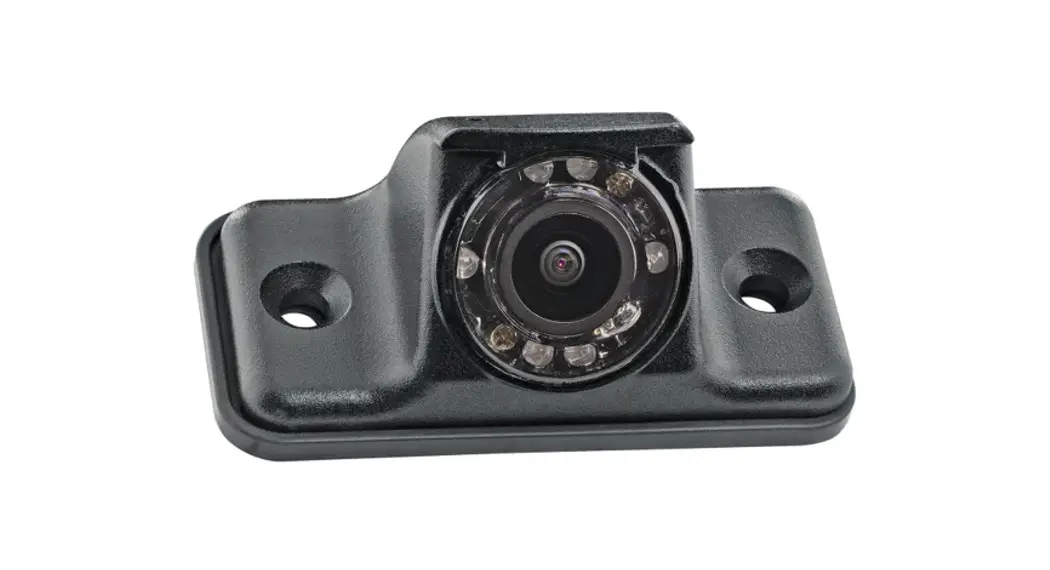
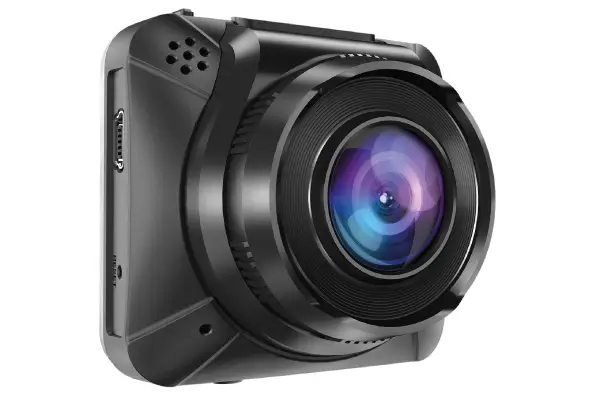
- VCMS14L/R Features:
- High Performance CMOS Sensor
- IR LED Low Light Enhancement
- Waterproof
- Compact Size

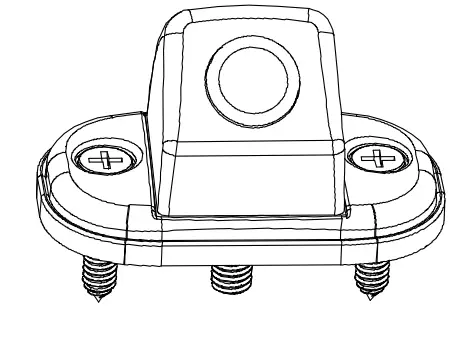
Contents:
- Camera
- Bracket
- Hardware Kit
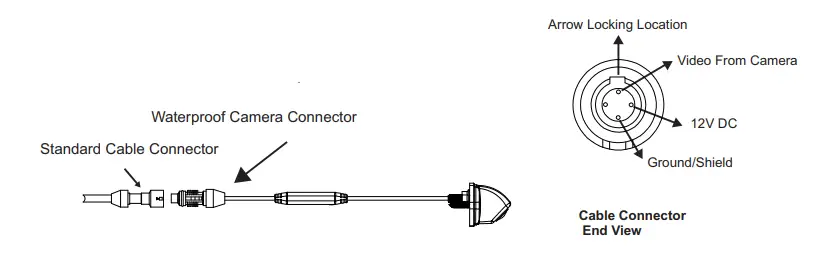
Installation and Pin Out 
Specifications
| Mounting Type | External Type |
| Image Sensor | 1/3″ CMOS Sensor |
| Resolution | 600TVL |
| Water Resistance | IP69K |
| View Angle | 125°(H), 111°(V), 153°(D) |
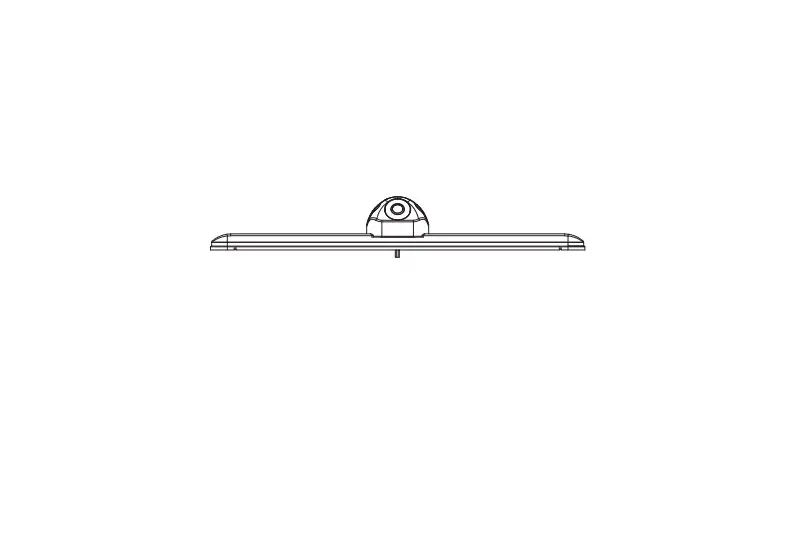
| Dimension | 58(W)*27(H)*33.5(D)mm 2.28(W)*1.1(H)*1.32(D)inch |
| Operation Temperature | -20℃ ~ +70℃ |
| Weight | Approx.0.3kg/0.66 |
Mounting Plate Method 
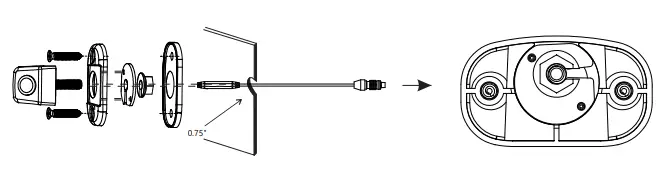
Instruction:
- Assemble camera onto mounting plate
- a. Remove 3M film from the mounting plate
- b. Passthrough the wire harness and position camera to mounting plate
- c. Mount the slotted washer on the back of the camera bracket according to the diagram, screw on the nut and tighten well with socket or wrench
- d. Fit the gasket on the back of the camera assembly
- Pass CEC connector through 0.75” diameter hole in the vehicle body
- Attach the camera assembly to the vehicle body using the included self tapping screws
Direct Mount Method 
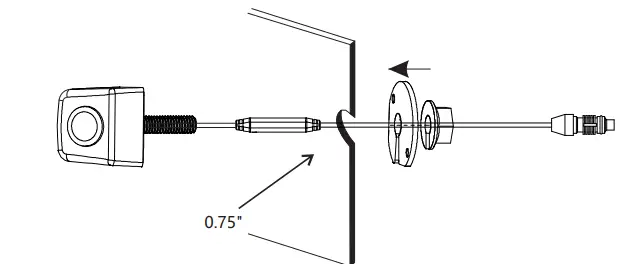
Instruction:
- Mount the slotted washer & screw the nut after the camera attached to vehicle body
- Caulk around the perimeter of the camera after the camera attached to the vehicle body.
Camera to bracket hardware 
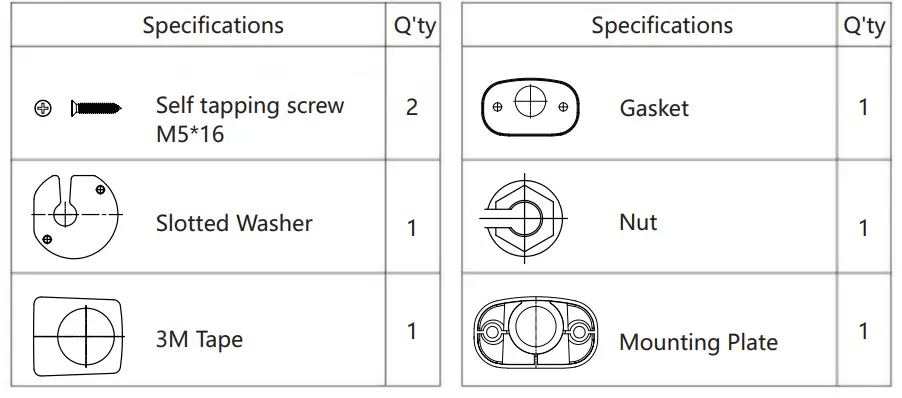
Mounting Plate Hole Dimensions 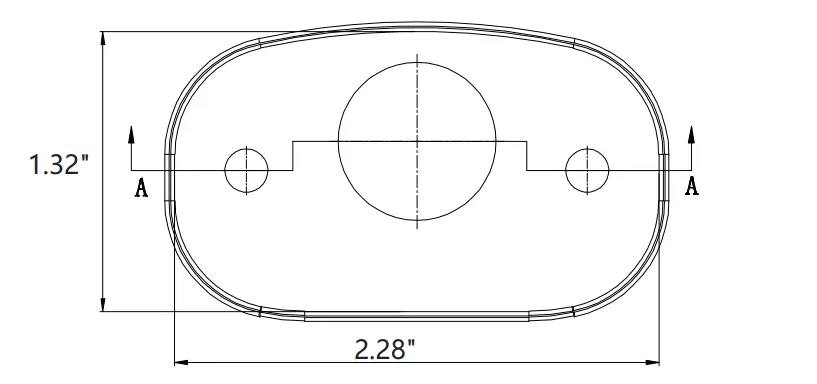
UNIT: Inch