 DROP STAND™
USER MANUAL
GETTING STARTED
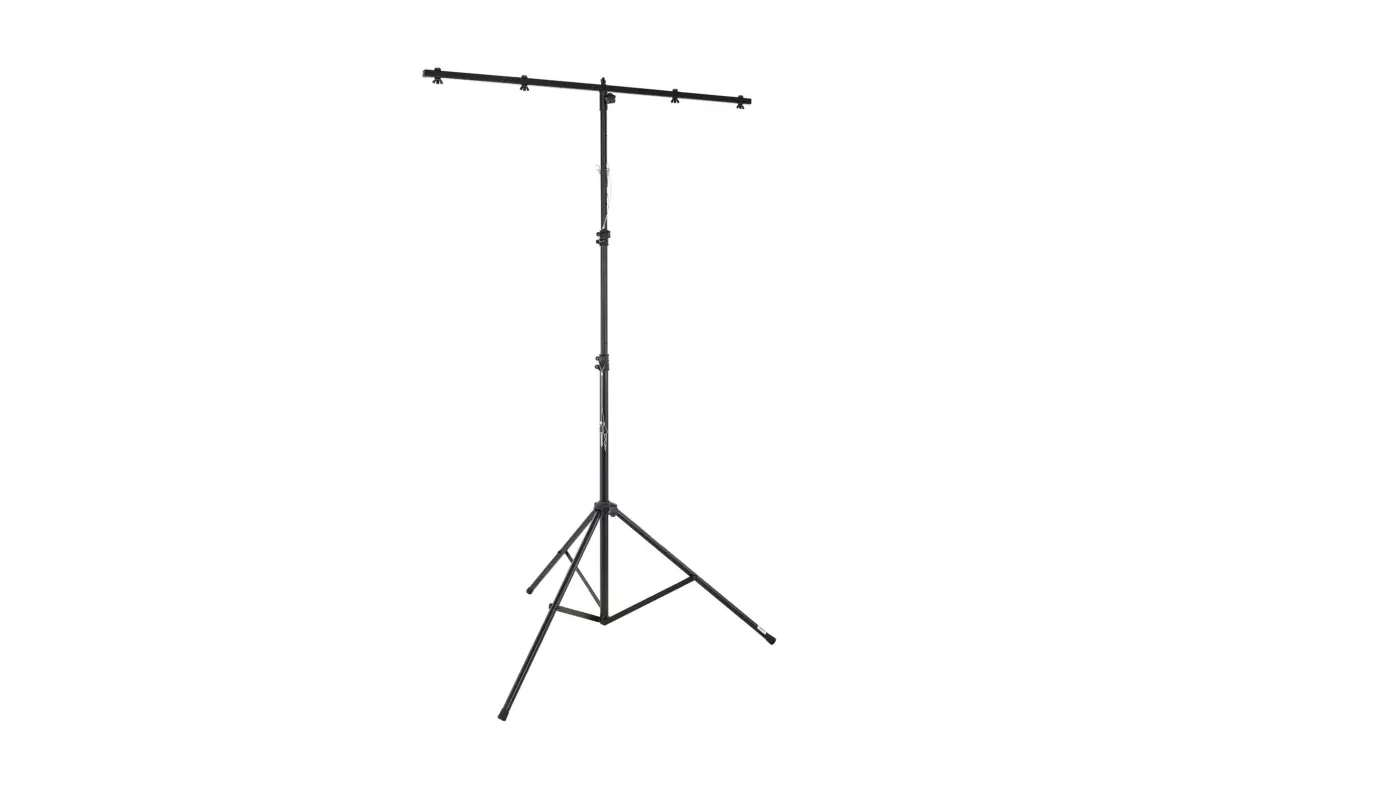
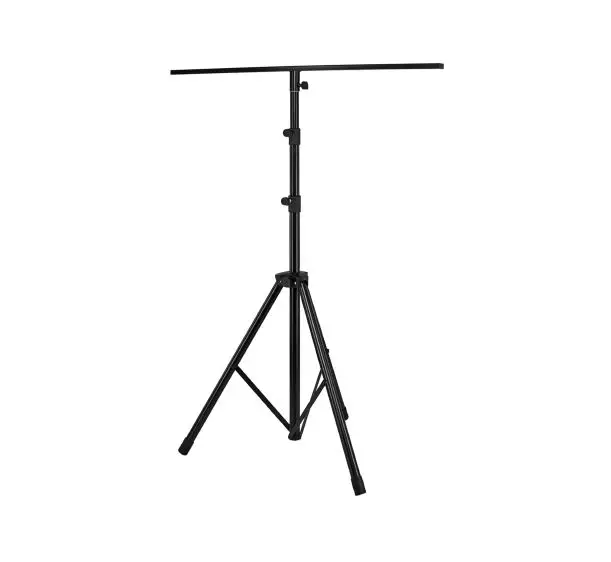
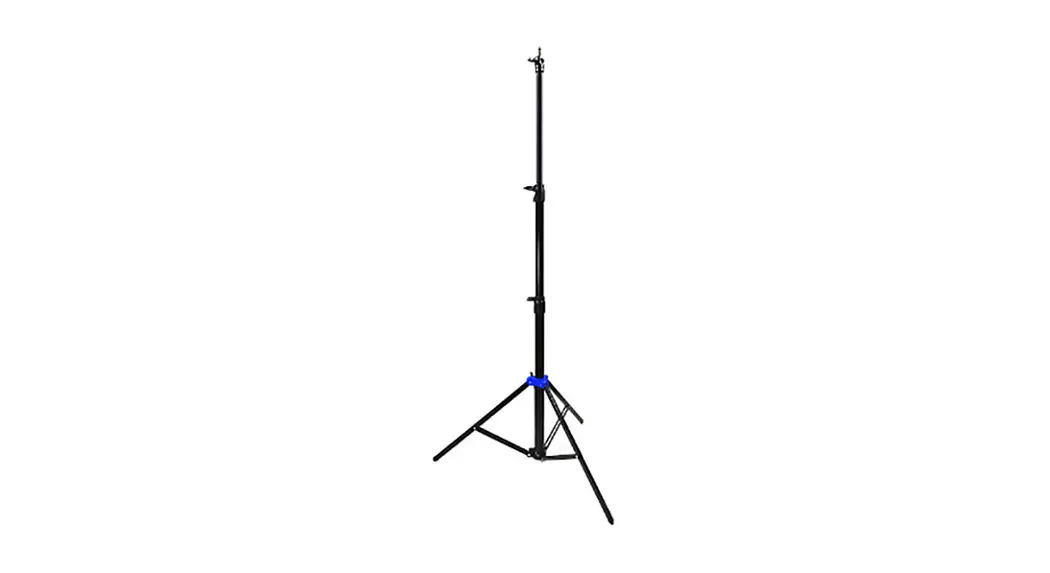
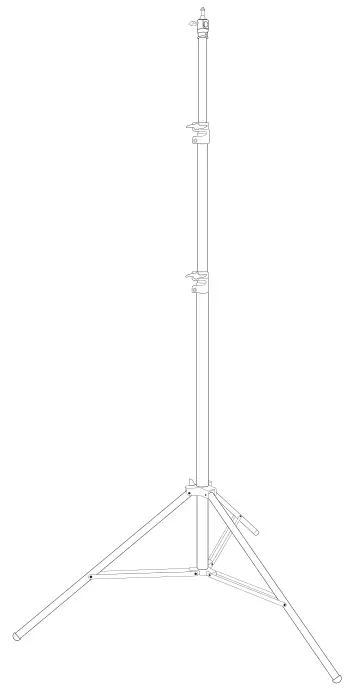
The Savage Drop Stand™ is hands-down the easiest and quickest light stand set-up on the market today!
The stand’s key benefit is in its auto-extending and collapsing legs which allow for quick and easy repositioning of lighting when moving between groups and in tight spaces. Simply place the stand on the ground to extend its legs and lift the stand up to retract them automatically.
The Savage Drop Stand™ also features a reversible 1/4”-20 / 3/8” stud adapter for vertical or horizontal use.
SETUP
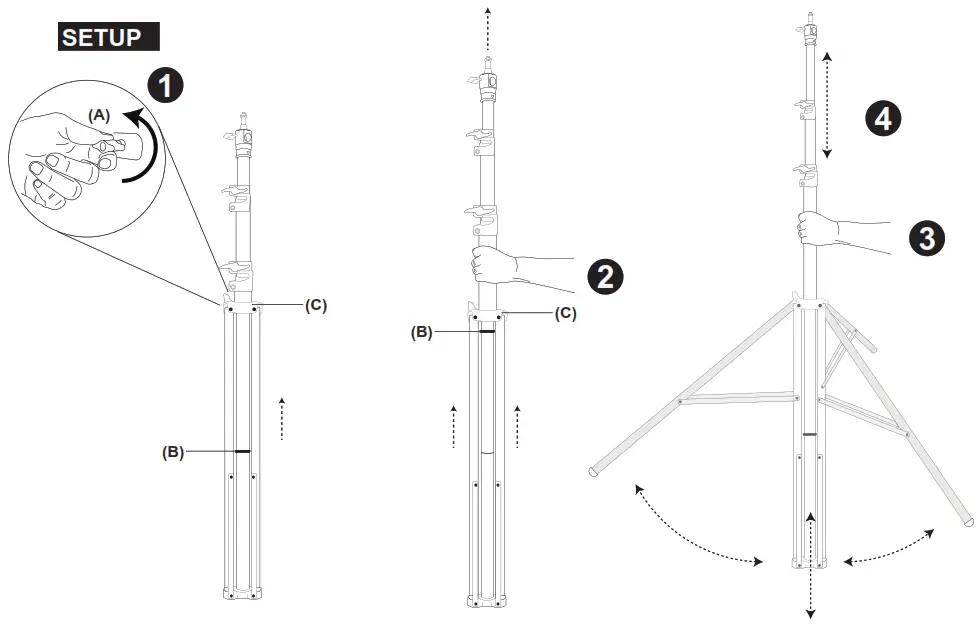
- Loosen handle (A) located on blue leg bracket (C).
- While holding upright center column, pull column upwards until stop collar (B) makes contact with blue leg bracket (C). Tighten handle (A).
- Your Drop Stand™ legs should now auto-expand and auto-collapse when lifted off or placed onto the floor.
The feature works best on smooth, uncarpeted surfaces. - Starting with the uppermost collar, extend the upright column to the desired height and tighten handles to secure it in place.
Your Drop Stand™ is now ready for use.STORAGE
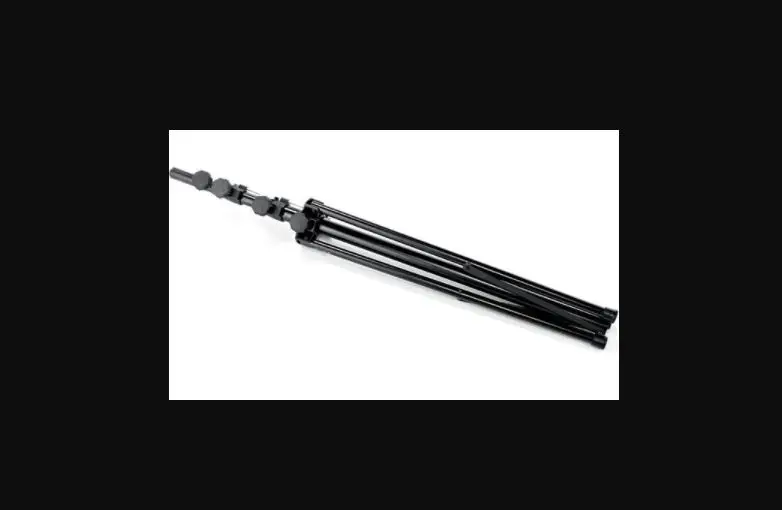
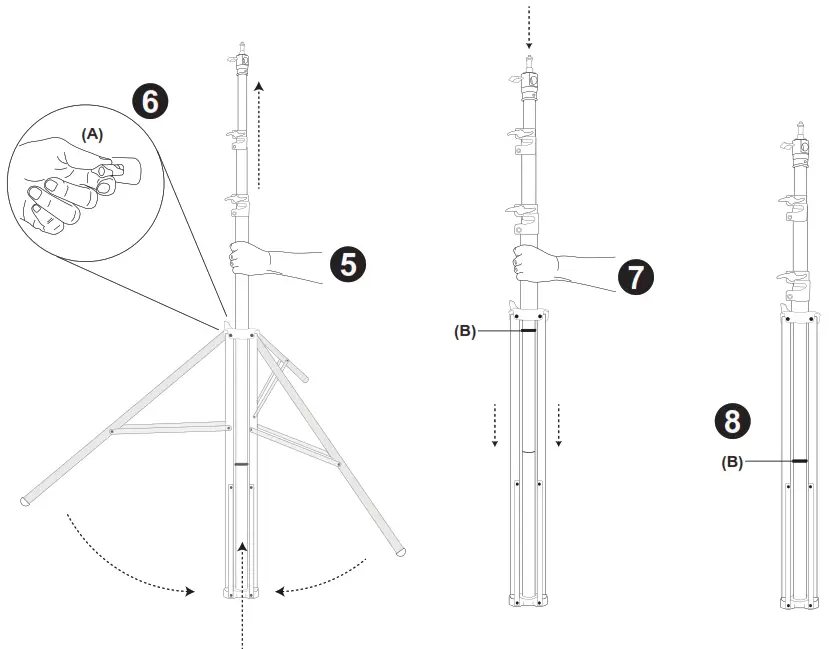
- To collapse your Drop Stand™ for storage, remove any lights or modifiers and lift the stand-off floor by grasping the center column and raising upright until the legs collapse.
- With legs fully collapsed, loosen handle (A) located on blue leg bracket (C).
- Slide center upright column downwards as far as possible until stop collar(B) can go no further.
- Tighten handle (A).
Your Drop Stand™ is now ready for storage.
PRECAUTIONS
• It is best practice to utilize a sandbag around the legs of a light stand for added stability.
Maximum load limit:
DS-007
12 lbs. (5.44kg)
DS-009
16 lbs. (7.25kg)
DS-013
15 lbs. (6.8kg)

SavageUniversal.com
Videndum Media Solutions
2050 S. Stearman Drive, Chandler, AZ 85286 USA
 Savage Universal: Photography Backdrops, Seamless Paper & Studio Equipment