PAI Window Cleaner Robot
Product Information
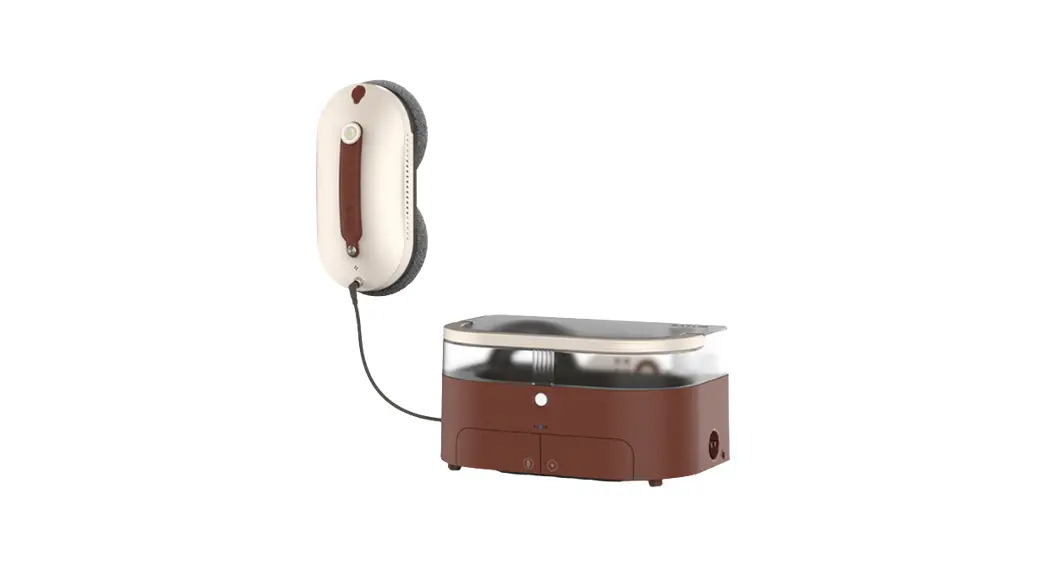
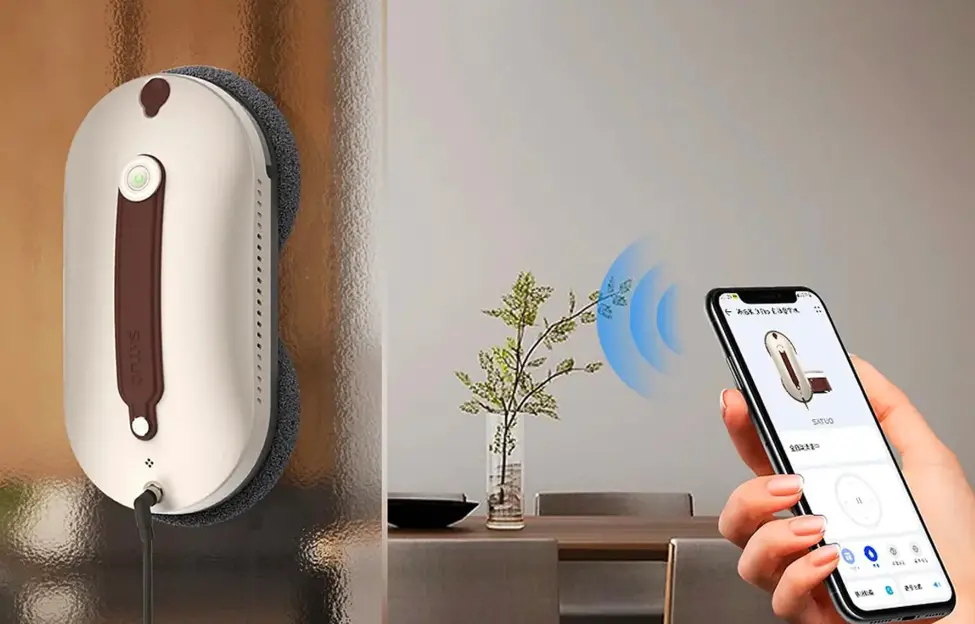
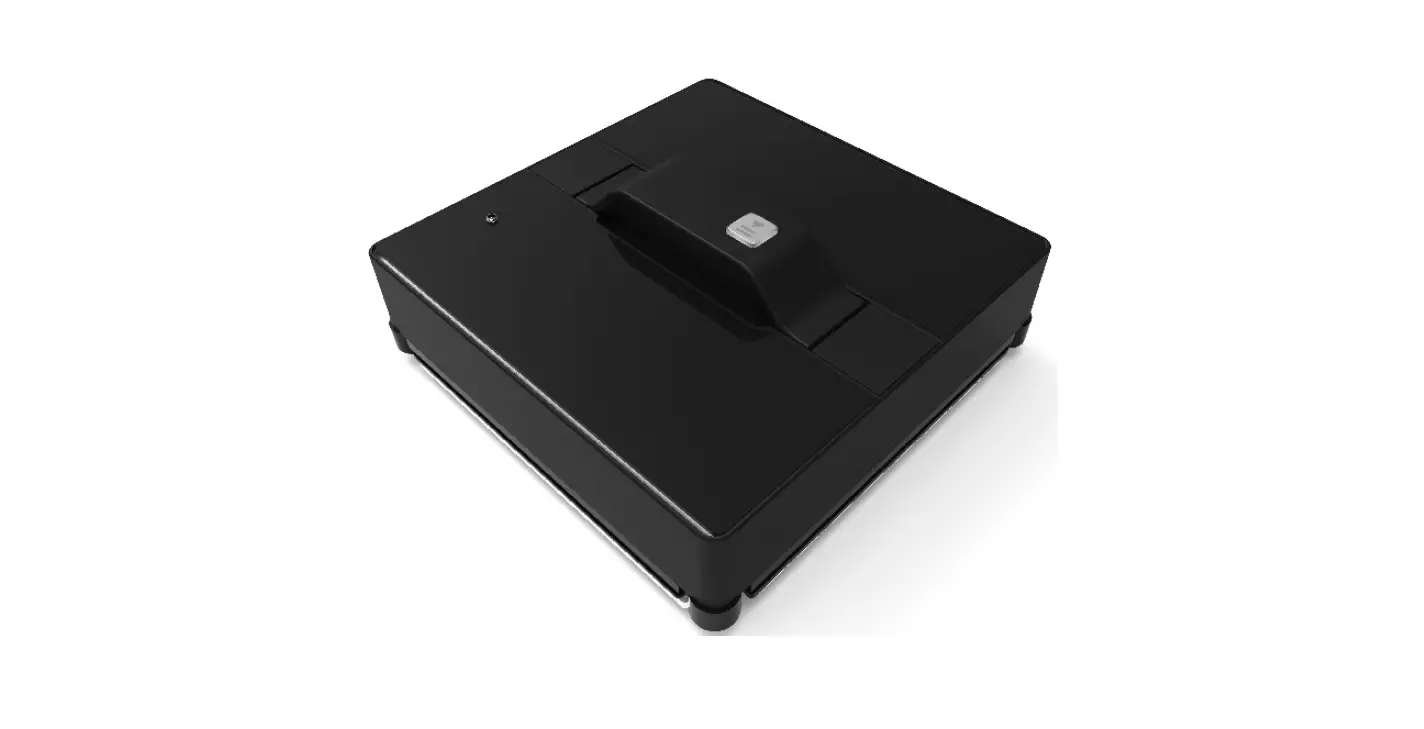
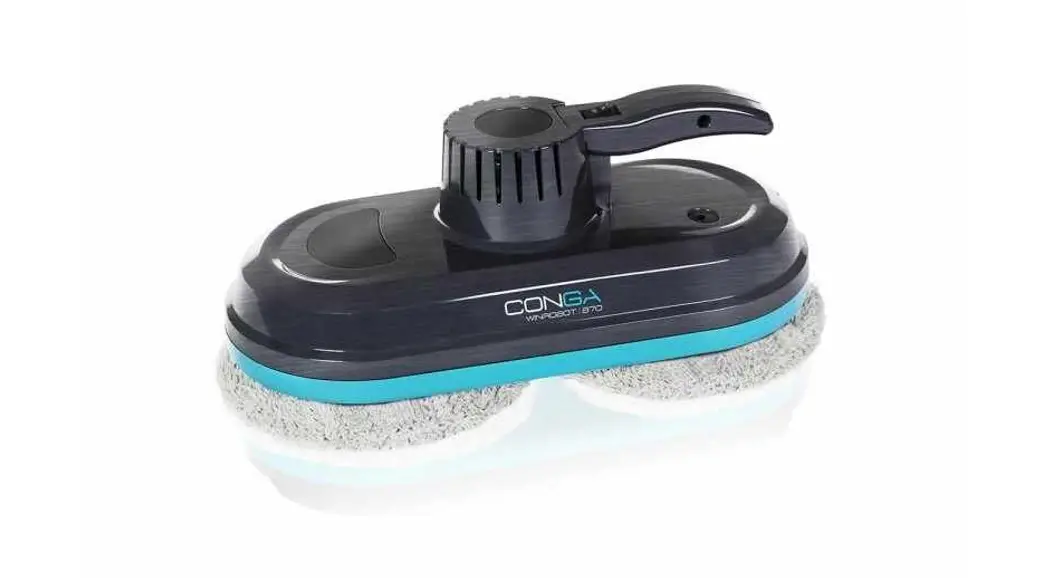
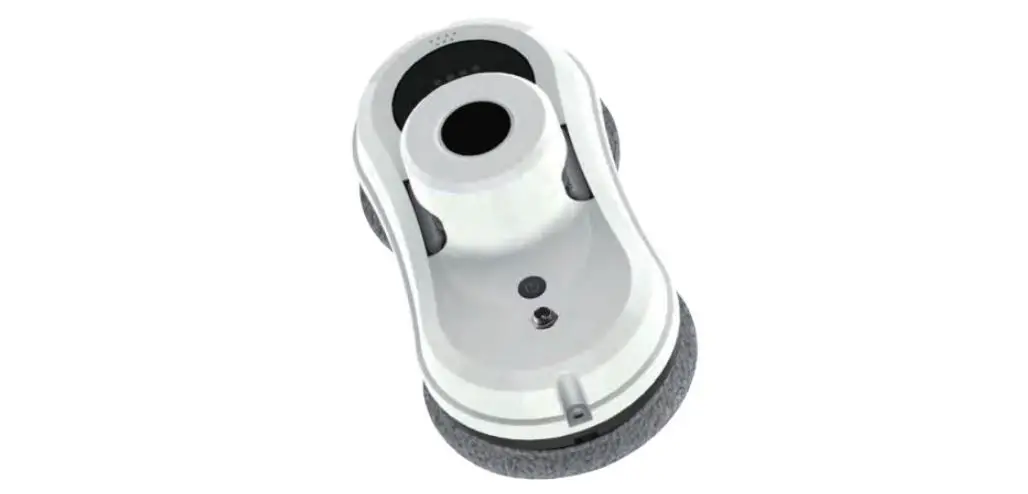
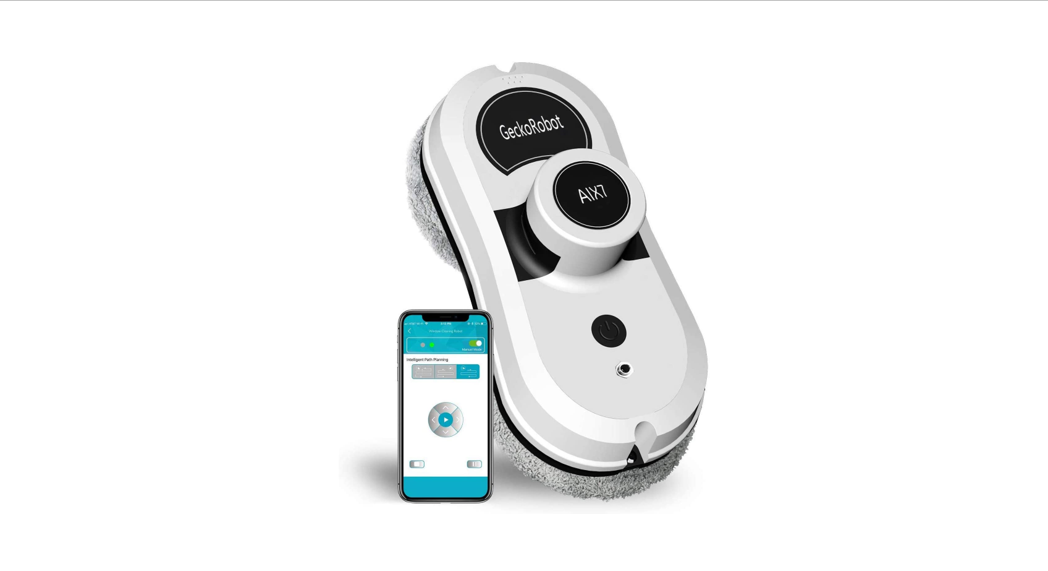
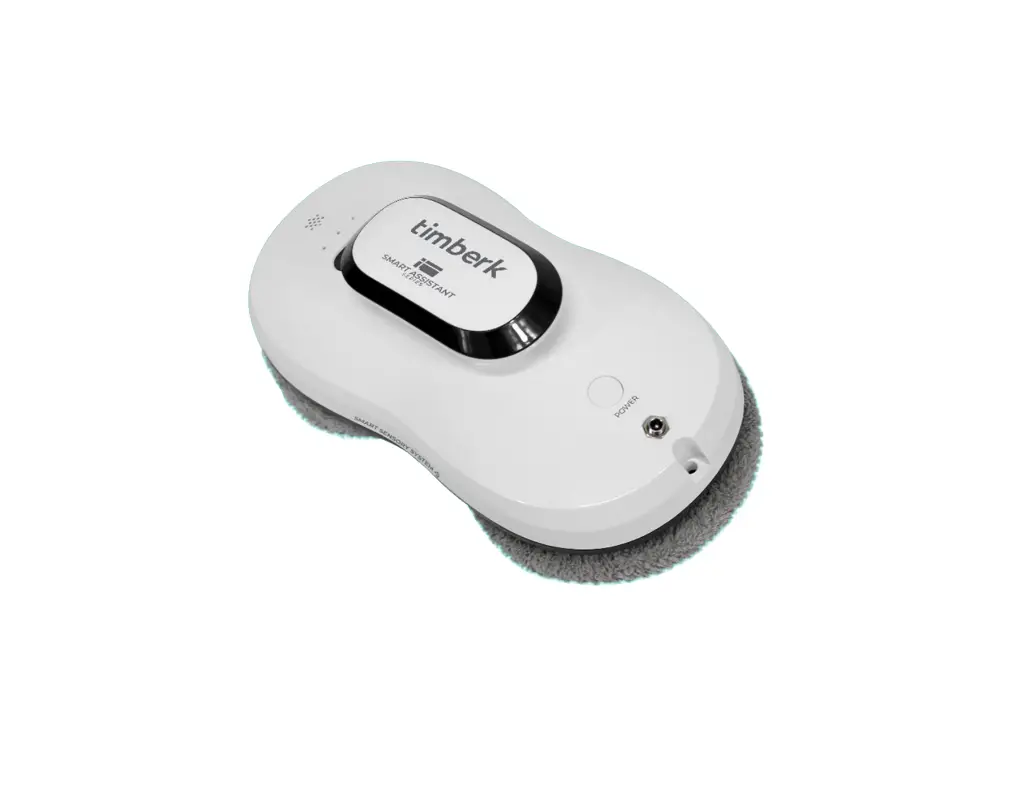
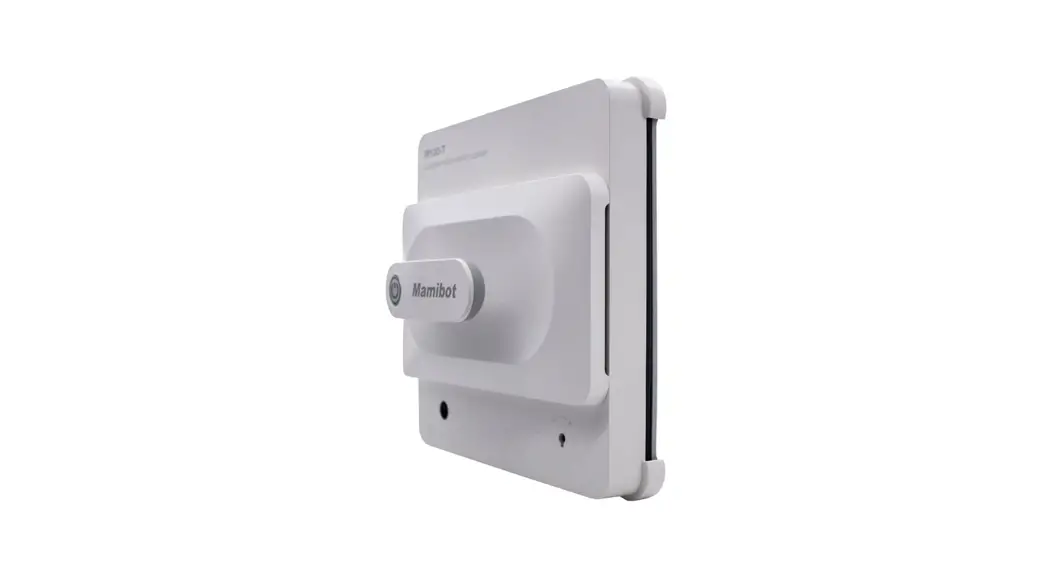
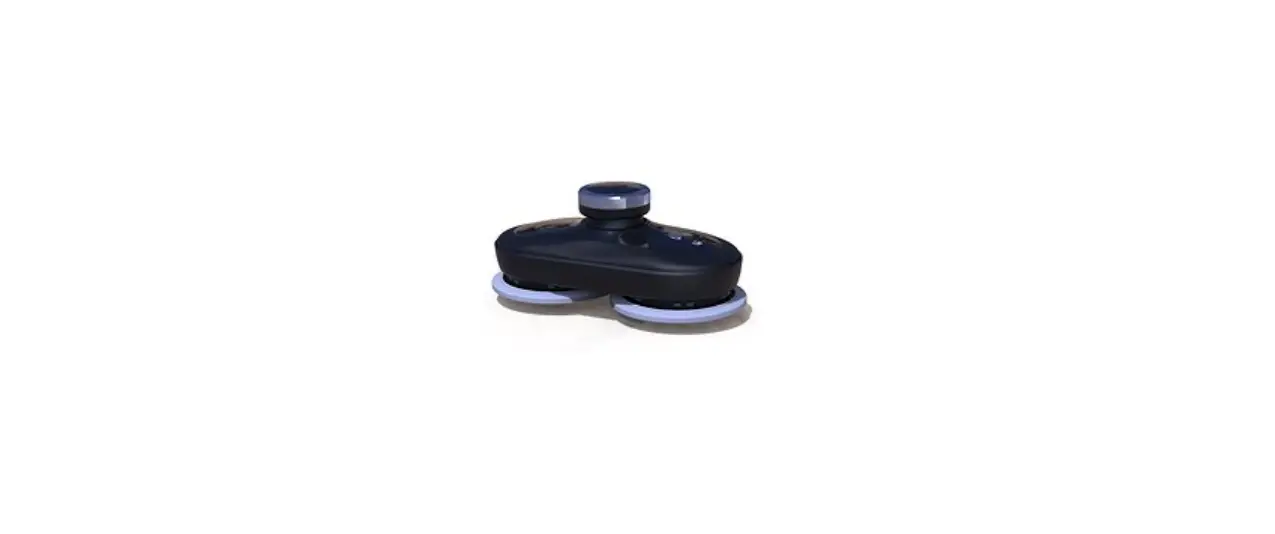
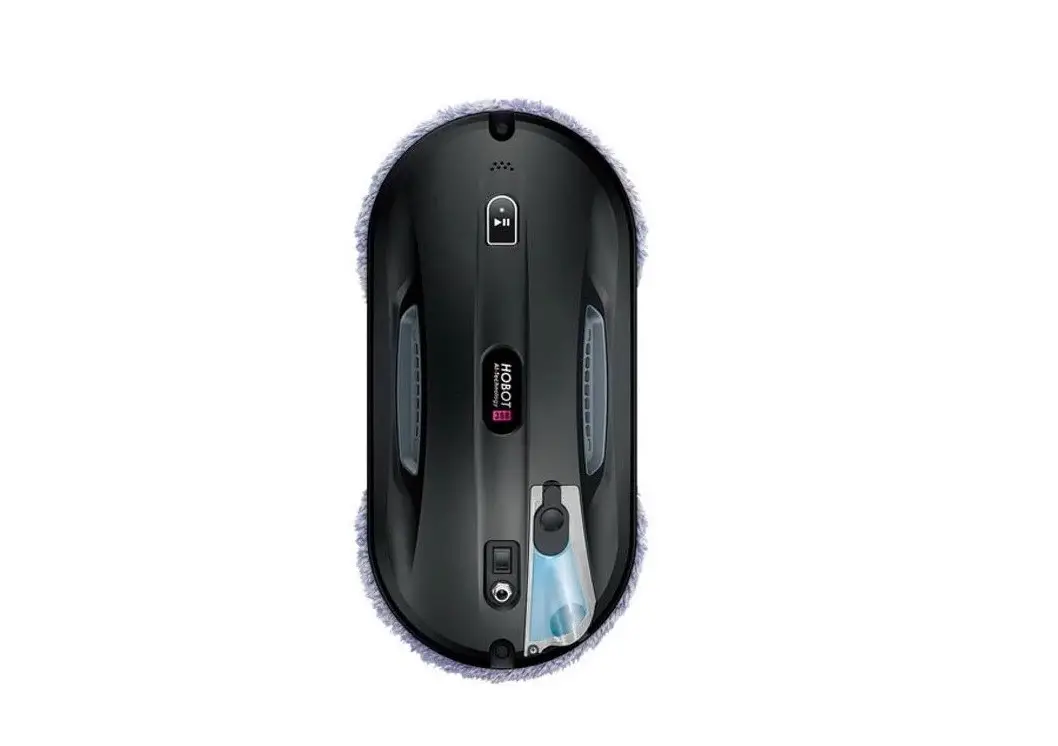
The SATUO Window Cleaner Robot is a remote-controlled window
cleaning device. It is designed to efficiently clean windows with
ease. The robot operates on a wireless frequency of 433.92MHz and
requires 3V DC AAA type batteries.
Product Usage Instructions
- Ensure that the robot is powered off before starting.
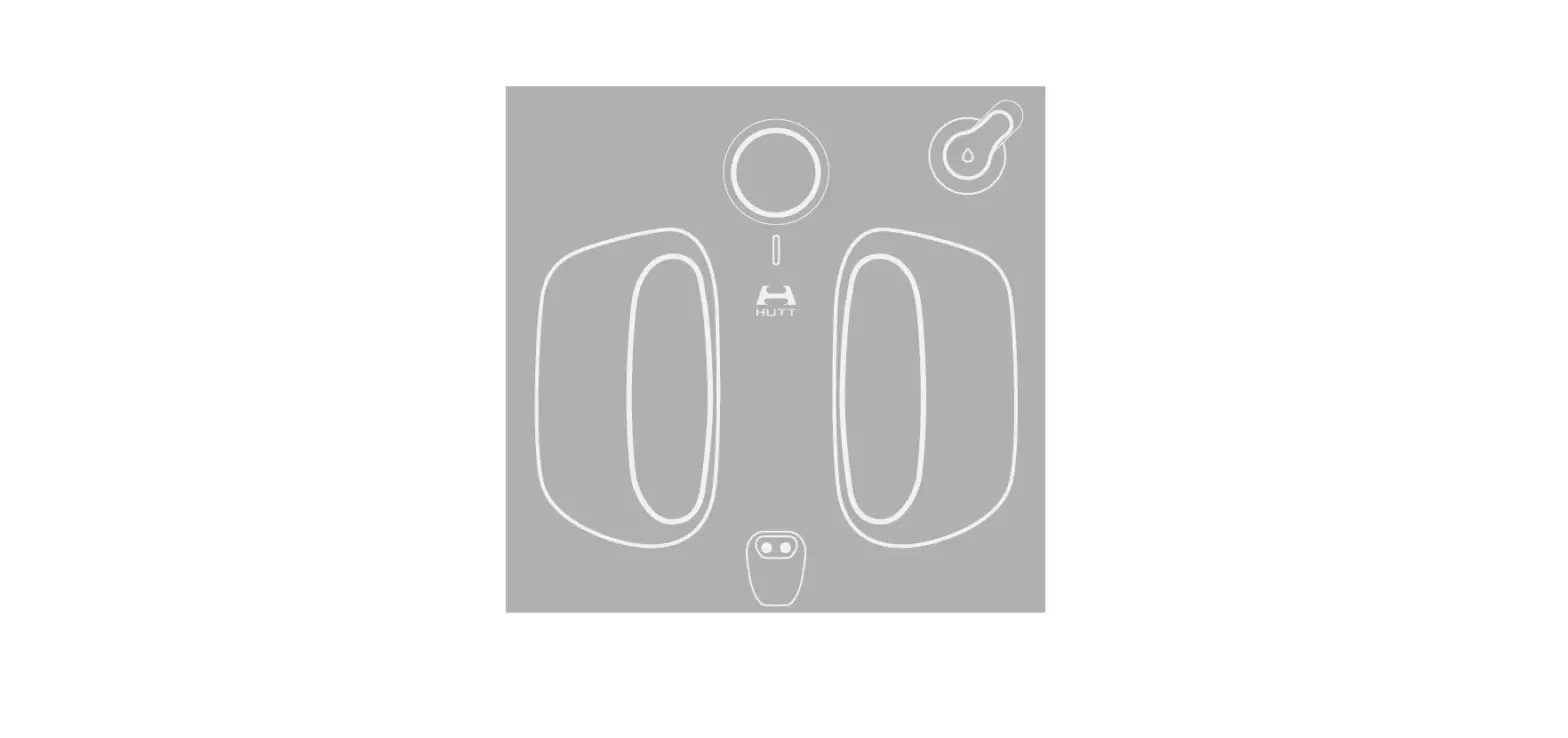
- Attach the cleaning pad to the bottom of the robot
securely. - Fill the water tank with a suitable window cleaning
solution. - Place the robot on the desired window surface, ensuring it is
properly aligned and positioned. - Turn on the robot using the remote control.
- Select the desired cleaning mode on the remote control.
- Press the start button to initiate the cleaning process.
- The robot will automatically navigate across the window
surface, cleaning as it moves. - Monitor the cleaning progress and ensure that the robot does
not get stuck or tangled in any wires or obstacles. - Once the cleaning is complete, press the stop button on the
remote control to halt the robot’s movement. - Carefully remove the robot from the window surface.
- Clean and dry the robot and its components after each use.
Please refer to the detailed user manual for additional
information and safety precautions.
SATUO Window Cleaner Robot
Instruction manual
Window cleaner robot-Remote control
Rating3VDCAAA TYPE) Wireless Frequency433.92MHz
NOTE: This equipment has been tested and found to comply with the limits for a Class B digital device, pursuant to part 15 of the FCC Rules. These limits are designed to provide reasonable protection against harmful interference in a residential installation. This equipment generates, uses and can radiate radio frequency energy and, if not installed and used in accordance with the instructions, may cause harmful interference to radio communications. However, there is no guarantee that interference will not occur in a particular installation. If this equipment does cause harmful interference to radio or television reception, which can be determined by turning the equipment off and on, the user is encouraged to try to correct the interference by one or more of the following measures: – Reorient or relocate the receiving antenna. – Increase the separation between the equipment and receiver. -Connect the equipment into an outlet on a circuit different from that to which the receiver is connected. -Consult the dealer or an experienced radio/TV technician for help Changes or modifications not expressly approved by the party responsible for compliance could void the user’s authority to operate the equipment. This device complies with Part 15 of the FCC Rules. Operation is subject to the following two conditions: (1) this device may not cause harmful interference, and (2) this device must accept any interference received, including interference that may cause undesired operation.