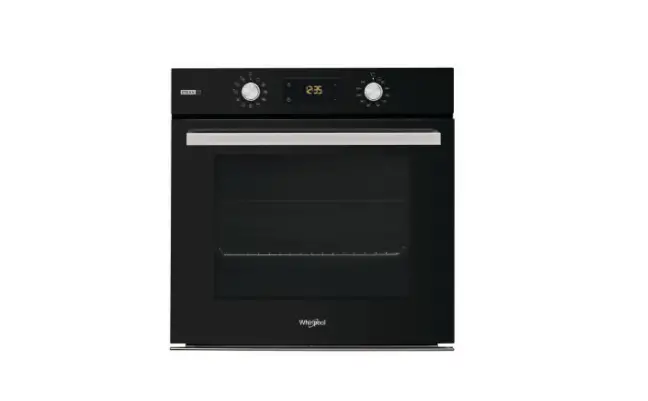
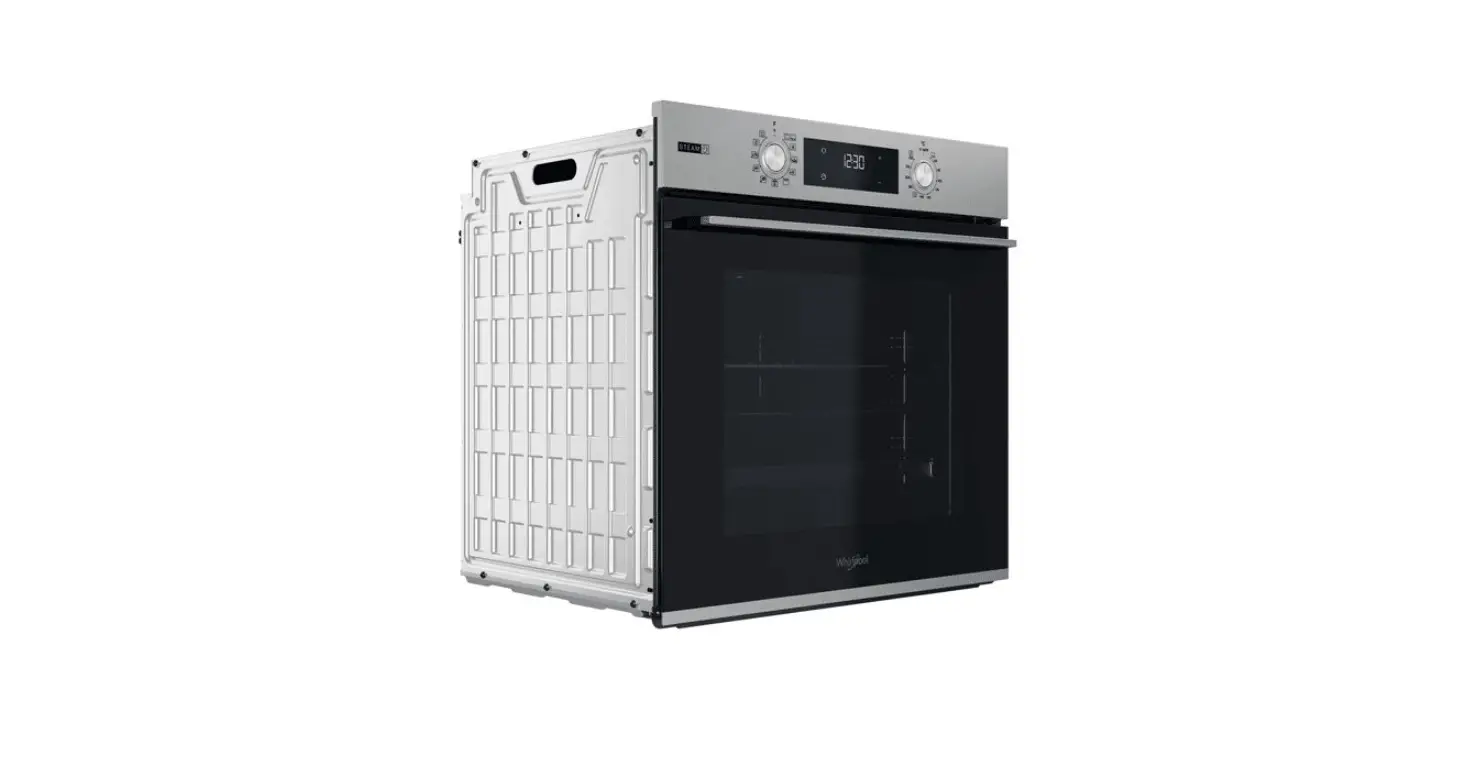
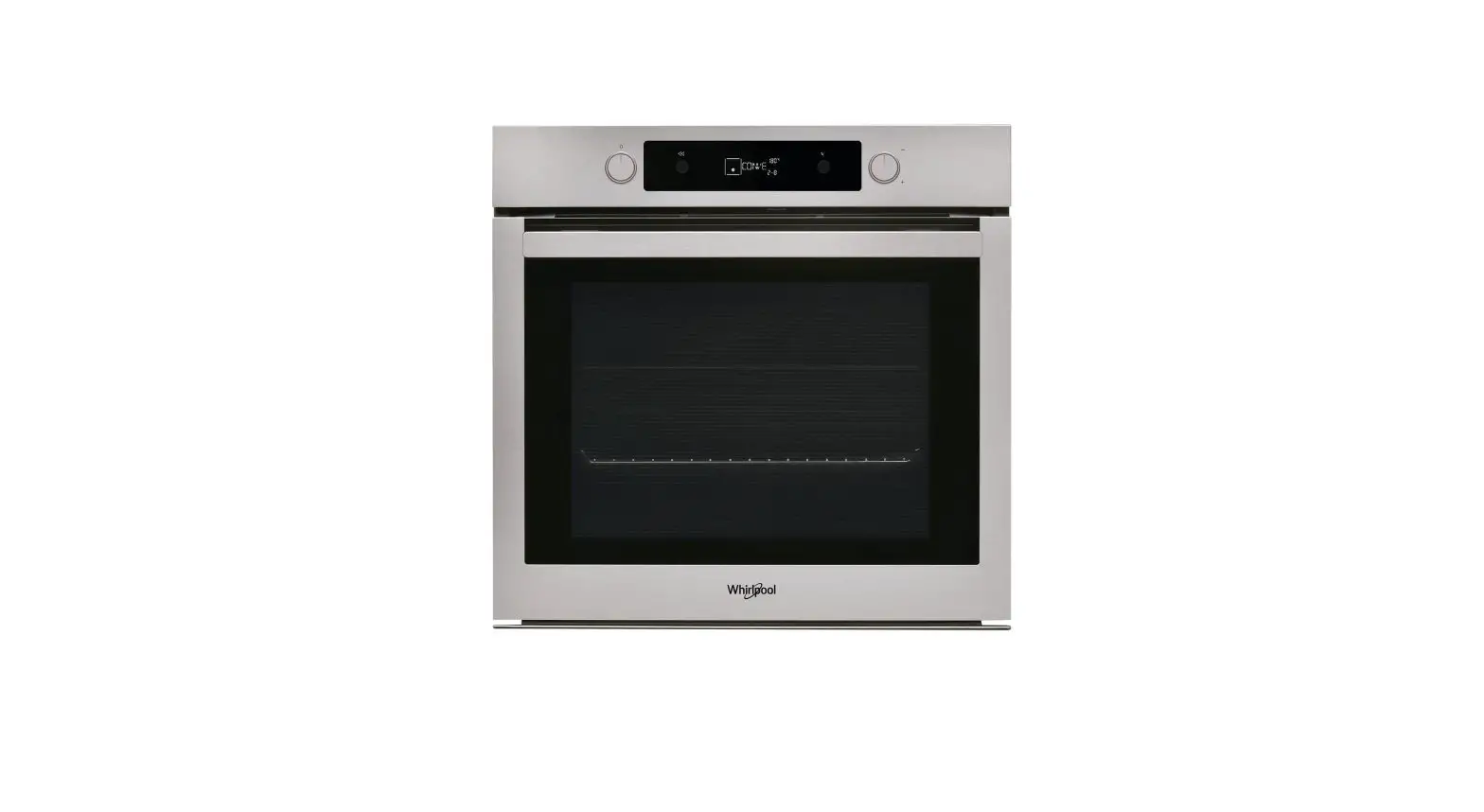
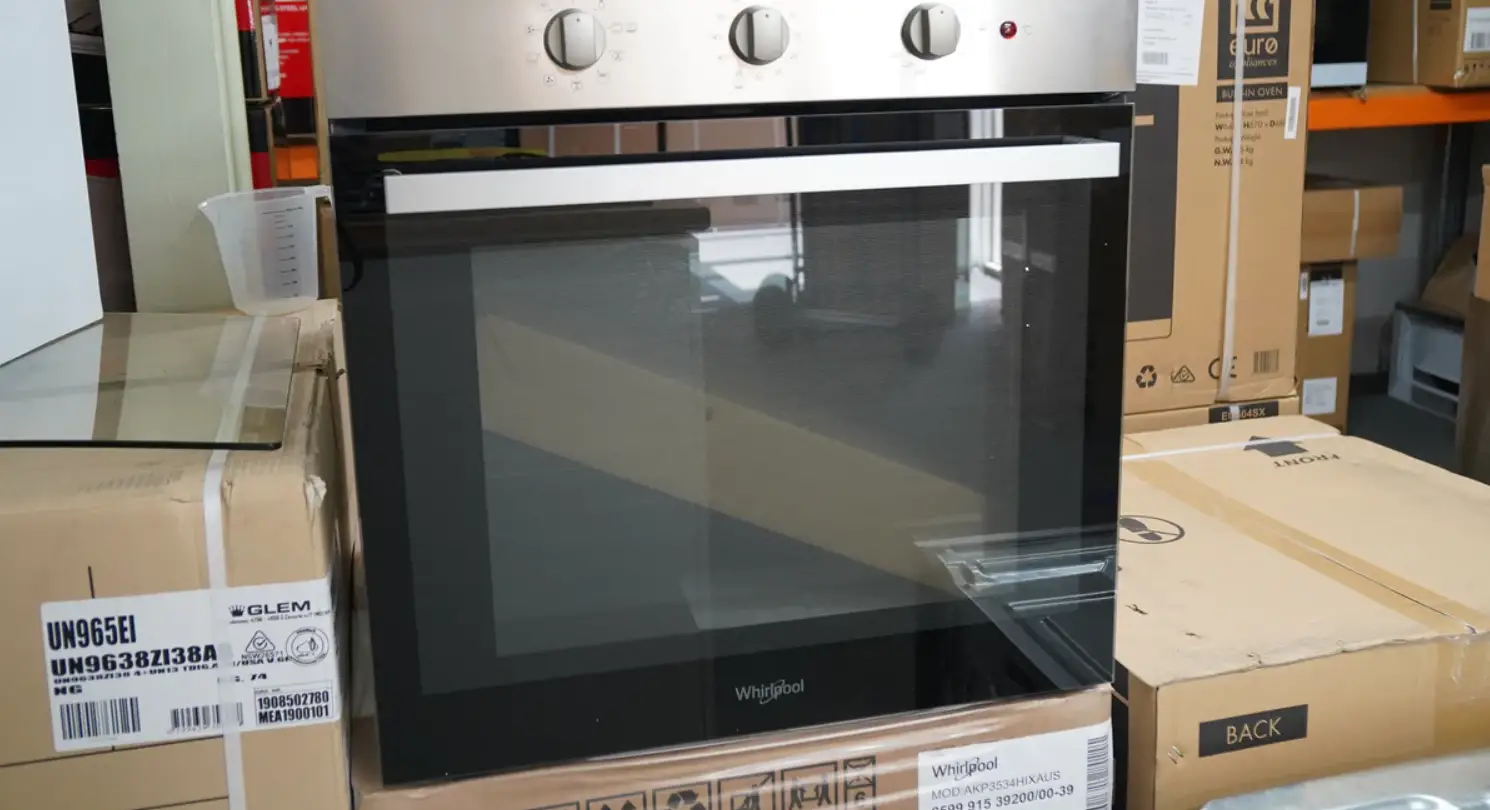
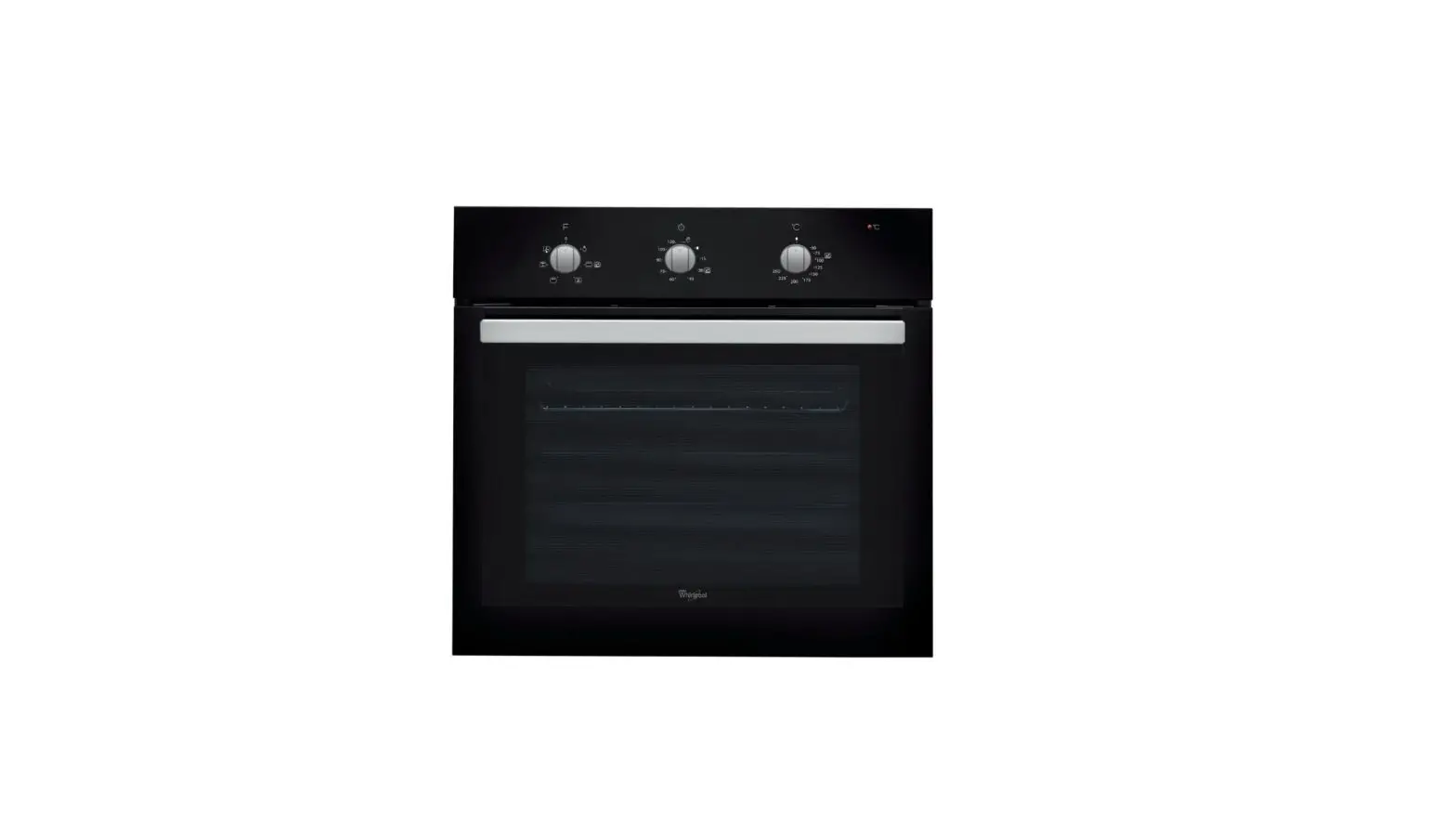
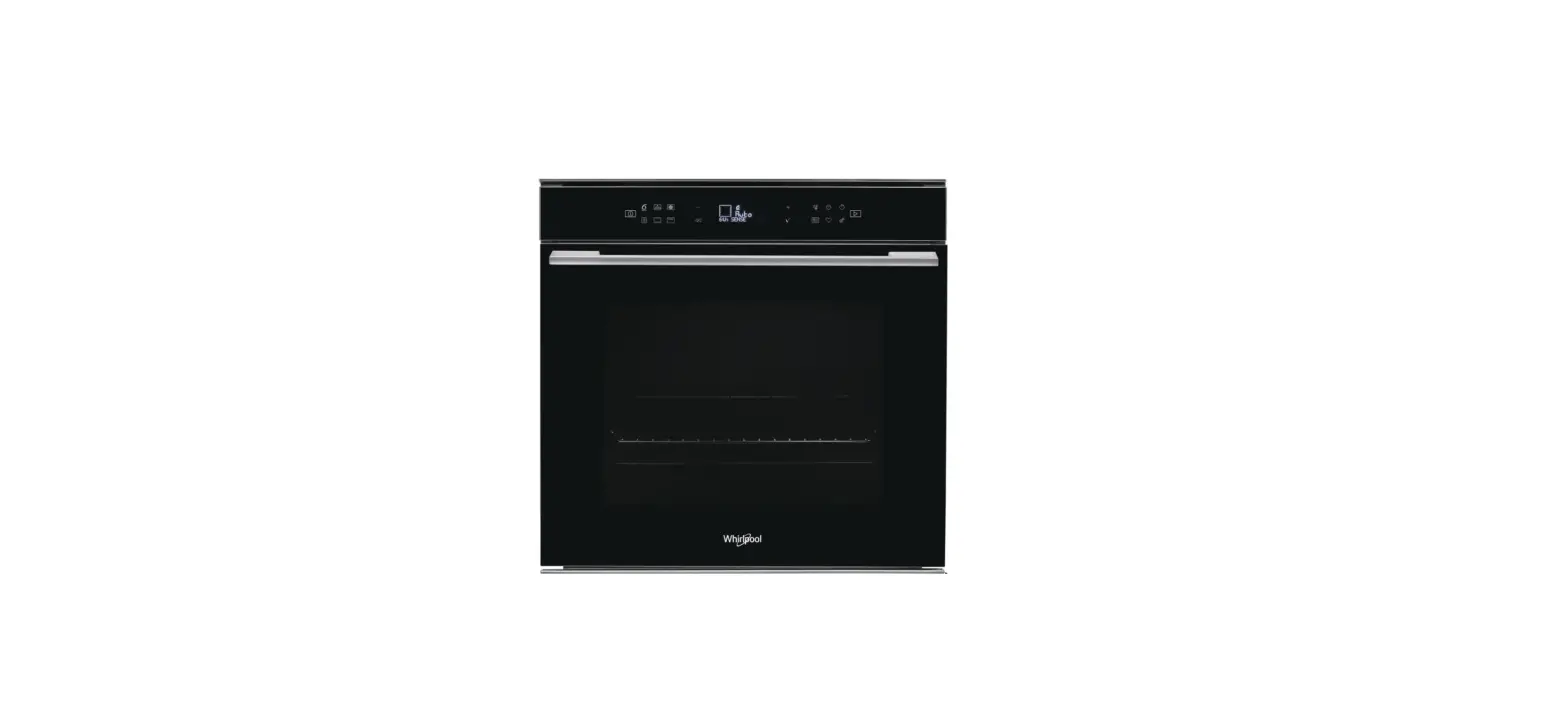
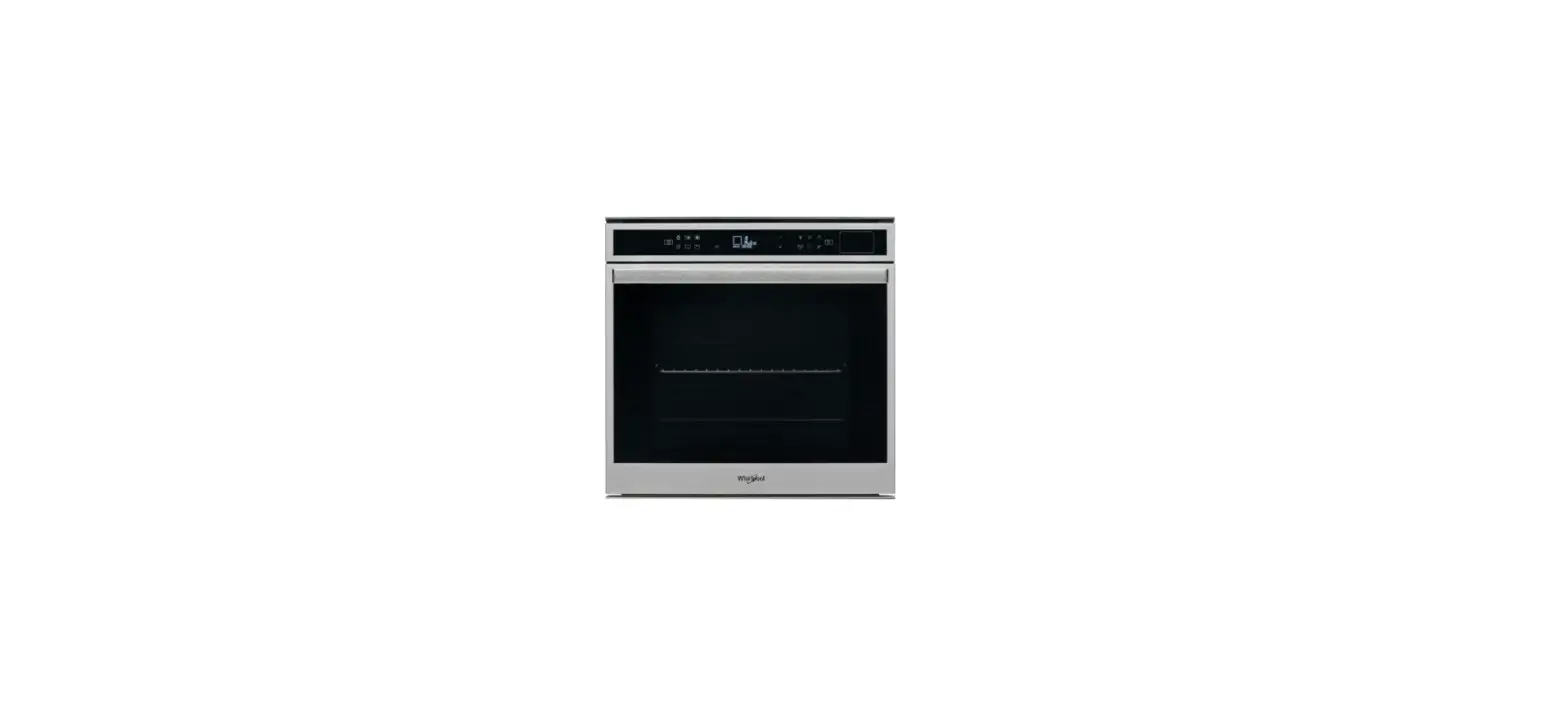
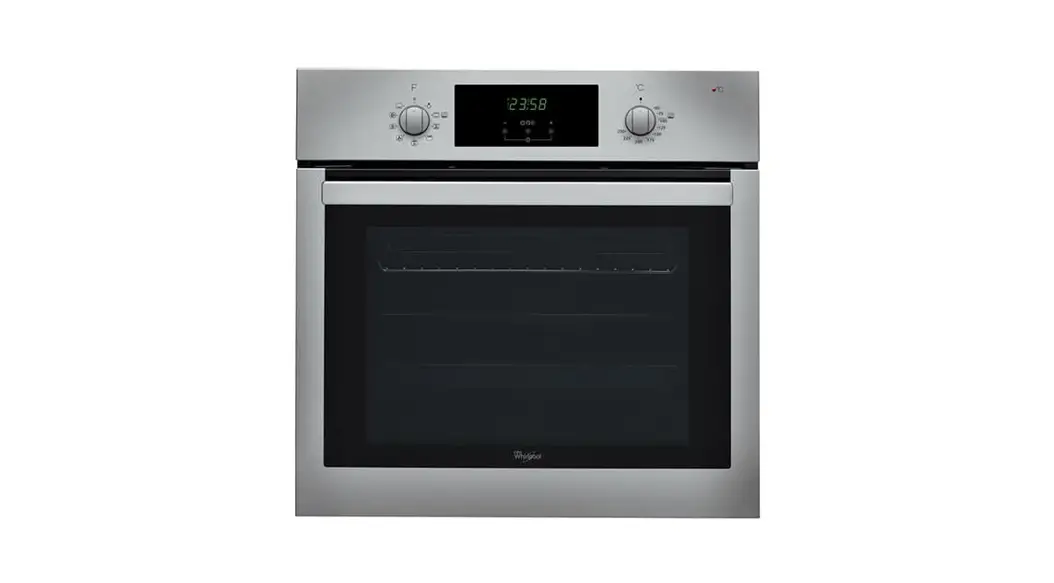
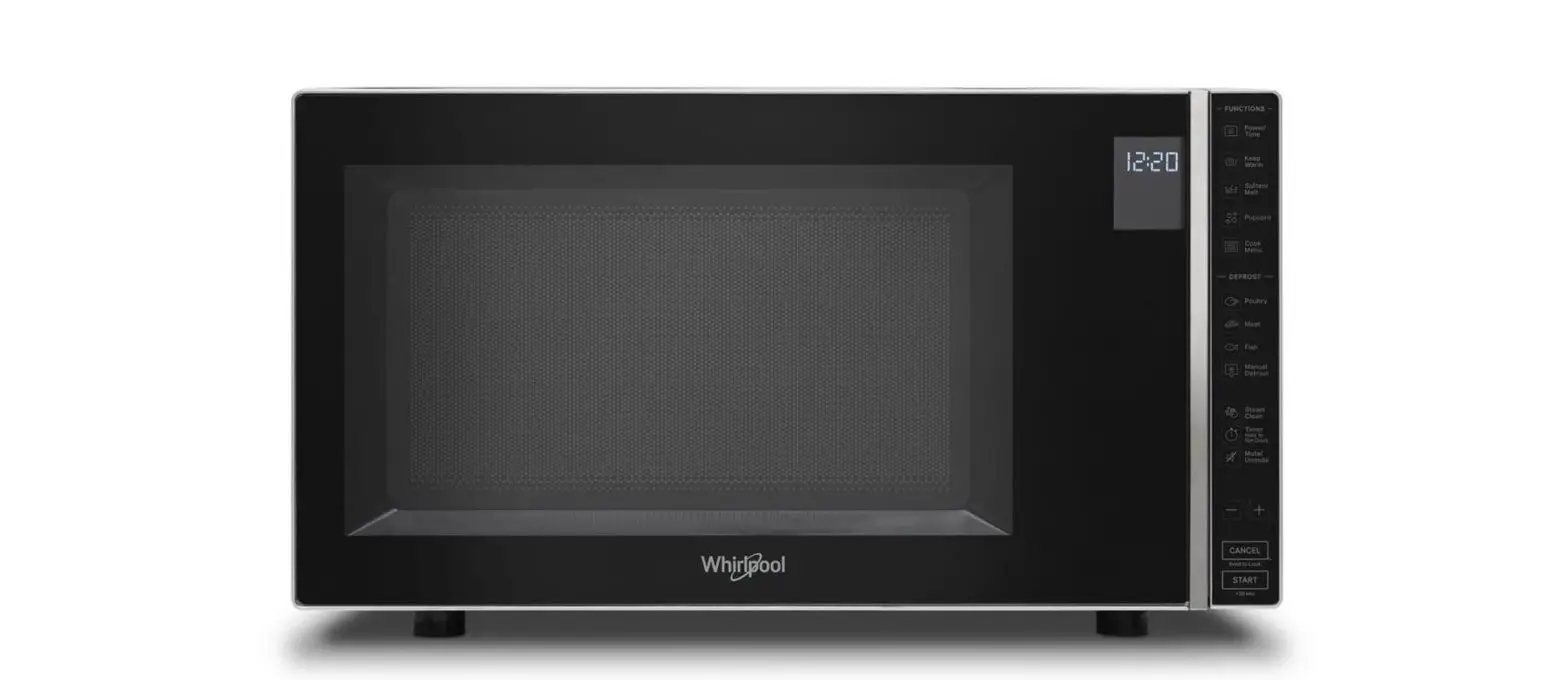
W4-OMK58RU1BA 60cm Multi-Function Hybrid Clean Oven
Product Information
Thank you for purchasing a Whirlpool product. To receive
complete assistance, please register your product on www.whirlpool.eu/register.
Control Panel Description
Before using the appliance, please read the safety instructions
carefully.
- SELECTION KNOB: Use this knob to switch the
oven on by selecting a function. Turn it to the off position to
switch off the oven. - LIGHT: Press this button to turn the oven
compartment lamp on or off when the oven is switched on. - SETTING THE TIME: Use this button to access
cooking time settings, delayed start, and timer. It also displays
the time when the oven is off. - DISPLAY: Shows the current settings and
information. - ADJUSTMENT BUTTONS: Use these buttons to
change the cooking time settings. - THERMOSTAT KNOB: Turn this knob to select the
desired temperature when activating manual functions. Note: The
type of knobs may vary based on the model. If the knobs are
push-activated, push down on the center of the knob to release it
from seating.
Sliding Shelves and Shelf Guides
Prior to using the oven, remove the protective tape [a] and
protective foil [b] from the sliding runners.
- Removing the Sliding Runners:
- Pull the lower part of the sliding runner to uncouple the lower
hooks (1). - Then, pull the sliding runners upwards to remove them from the
upper hooks (2).
- Pull the lower part of the sliding runner to uncouple the lower
- Refitting the Sliding Runners:
- Hook the upper hooks on the shelf guides (1).
- Press the lower part of the sliding runners against the shelf
guides until the lower hooks click into place (2).
Removing and Refitting the Shelf Guides
- To remove the shelf guides, firmly grip the external part of
the guide and pull it towards you to extract the support and the
two internal pins from the lodging. - To reposition the shelf guides, position them near the cavity
and initially insert the two pins into their lodgings. Next,
position the external part near its lodging, insert the support,
and firmly press towards the wall of the cavity to ensure proper
securing.
Product Usage Instructions
First Time Use
- Setting the Time:
- When you switch on the appliance for the first time, you need
to set the time. - Press until the icon and two digits for the hour start flashing
on the display. - Use or to set the hour and press to confirm.
- The two digits for the minutes will start flashing. Use or to
set the minutes and press to confirm. - Note: If the icon is flashing (e.g., after power outages), you
will need to reset the time.
- When you switch on the appliance for the first time, you need
- Set the Power Consumption:
- By default, the oven is programmed to work at a power higher
than 3 kW (Hi). - To operate the oven at a power compatible with a domestic power
supply less than 2.9 kW (Lo), follow these steps: - Turn the selection knob to the icon and then back to .
- Press and hold and for five seconds immediately
afterwards. - Use or to change the setting, and then press and hold for at
least two seconds to confirm.
- By default, the oven is programmed to work at a power higher
Functions & Daily Use
- Heat the Oven:
- A new oven may release odors from manufacturing. This is
normal. - Prior to cooking food, it is recommended to heat the empty oven
to remove any possible odors. - Remove any protective cardboard or transparent film from the
oven and remove any accessories from inside it.
- A new oven may release odors from manufacturing. This is
Quick guide
THANK YOU FOR BUYING A WHIRLPOOL PRODUCT In order to receive a more complete assistance, please register your product on www.whirlpool.eu/register
CONTROL PANEL DESCRIPTION
EN
Before using the appliance carefully read the Safety Instruction.
1
23
4
5
6
1. SELECTION KNOB For switching the oven on by selecting a function. Turn to the position to switch the oven off.
2. LIGHT With the oven switched on, press to turn the oven compartment lamp on or off.
3. SETTING THE TIME For accessing the cooking time settings, delayed start and timer.
For displaying the time when the oven is off.
4. DISPLAY 5. ADJUSTMENT BUTTONS For changing the cooking time settings.
6. THERMOSTAT KNOB Turn to select the temperature you require when activating manual functions.
Please note: Type of knobs may vary from model type. If the knobs are push-activated, push down on the center of the knob to release it from seating.
SLIDING SHELVES AND SHELF GUIDES
Before using the oven remove the protective tape [a] and then
remove the protective foil [b] from the sliding runners.
2
1
REMOVING THE SLIDING RUNNERS [c] Pull the lower part of the sliding runner to uncouple the lower hooks (1) and pull the the sliding runners upwards, removing them from the upper hooks (2).
REFITTING THE SLIDING RUNNERS [d] Hook the upper hooks on the shelf guides (1) then press the lower part of the sliding runners against the shelf guides, until
the lower hooks are clicking (2).
1
[c]2
[d]REMOVING AND REFITTING THE SHELF GUIDES 1. To remove the shelf guides, firmly grip the external part of the guide, and pull it towards you to extract the support and the two internal pins from the lodging.
2. To reposition the shelf guides, position them near the cavity and initially insert the two pins into their lodgings. Next, position the external part near its lodging, insert the support, and firmly press towards the wall of the cavity to make sure the shelf guide is properly secured.
FIRST TIME USE
1. SETTING THE TIME
You will need to set the time when you switch on the appliance for the first time: Press until the icon and the two digits for the hour start flashing on the display.
Use or to set the hour and press to confirm. The two digits for the minutes will start flashing. Use or to set the minutes and press to confirm.
Please note: When the icon is flashing, for example following lengthy power outages, you will need to reset the time.
2. SET THE POWER CONSUMPTION
By default the oven is programmed to work at a power higher than 3 kW (Hi): To operate the oven at a power that is compatible with a domestic power supply less than 2,9 kW (Lo), you will need to change the settings.
To go to the change menu, turn the selection knob to icon, then turn it back to .
Press and hold and for five seconds immediately afterwards.
Use or to change the setting, then press and hold for at least two seconds to confirm.
FUNCTIONS & DAILY USE
CONVENTIONAL For cooking any kind of dish on one shelf only. RISING For helping sweet or savoury dough to rise effectively. Turn the thermostat knob to the icon to activate this function. FORCED AIR For cooking different foods that require the same cooking temperature on several shelves (maximum three) at the same time. This function can be used to cook different foods without odours being transferred from one food to another. PIZZA For baking different types and sizes of pizza and bread. It is a good idea to swap the position of the baking trays halfway through cooking. ECO FORCED AIR For cooking roasts and stuffed roasting joints on a single shelf. Food is prevented from drying out excessively by gentle, intermittent air circulation. When this ECO function is in use, the light will remain switched off during cooking but can be switched on again by pressing . GRILL For grilling steaks, kebabs and sausages, cooking vegetables au gratin or toasting bread. When grilling meat, we recommend using a DRIP TRAY to collect the cooking juices: position the pan on any of the levels below the wire shelf and add 200 ml of drinking water. TURBO GRILL For roasting large joints of meat (legs, roast beef, chicken). We recommend using a DRIP TRAY to collect the cooking juices: position the pan on any of the levels below the wire shelf and add 200 ml of drinking water.
3. HEAT THE OVEN
A new oven may release odours that have been left behind during manufacturing: this is completely normal.
Before starting to cook food, we therefore recommend heating the oven with it empty in order to remove any possible odours. Remove any protective cardboard or transparent film from the oven and remove any accessories from inside it.
Heat the oven to 250 °C for about one hour. The oven must be empty during this time.
Please note: It is recommended to ventilate the room after using the appliance for the first time.
MAXI COOKING
XL For cooking large joints of meat (above 2.5kg). We recommend turning the meat over during cooking to ensure that both sides brown evenly. We also recommend basting the joint every so often to prevent it from drying out excessively.
BREAD AUTO
This function automatically selects the ideal temperature and baking time for bread. For best results, carefully follow the recipe. Activate the function when the oven is cold. Thermostat knob needs to remain in position as the temperature is set automatically by the function.
PASTRY AUTO
A This function automatically selects the ideal temperature and baking time for cakes. Activate the function when the oven is cold. Thermostat knob needs to remain in
position as the temperature is set automatically by the function.
FLEXI CLEAN PACK
SMARTCLEAN
The action of the steam released during this special low-temperature cleaning cycle allows dirt and food residues to be removed with ease. To activate the “Smart Clean” function, pour 100-120ml of drinking water on the bottom of the oven then turn the selection knob and the thermostat knob to the icon. and only. Activate the function when the oven is cold. The position of the icon does not correspond to the temperature reached during the cleaning cycle.
AUTOMATIC CLEANING – PYRO
For eliminating cooking spatters using a cycle at very high temperature. To activate this function move thermostat knob to .
The position of the icon does not correspond to the real temperature reached during the cleaning cycle.
1. SELECT A FUNCTION
To select a function, turn the selection knob to the symbol for the function you require: the display will light up and an audible signal will sound.
2. ACTIVATE A FUNCTION
MANUAL To start the function you have selected, turn the thermostat knob to set the temperature you require.
Please note: During cooking you can change the function by
turning the selection knob or adjust the temperature by turning the
thermostat knob. The function will not start if the thermostat knob
will be on
position. You can set the cooking time, cooking
end time (only if you set a cooking time) and a timer.
RISING
To start the “Rising” function, turn the thermostat knob to Rising position (40 deg) and put function knob in
Conventional position; if the oven is set to a different temperature, the function will not start.
Please note: You can set the cooking time, cooking end time (only if you set a cooking time) and a timer.
3. PREHEATING AND RESIDUAL HEAT
Once the function starts, an audible signal and a flashing icon on the display indicate that the preheating phase has
been activated. At the end of this phase, an audible signal and the fixed icon
on the display will indicate that the oven has reached the set temperature: at this point, place the food inside and proceed with cooking.
Please note: Placing the food in the oven before preheating has finished may have an adverse effect on the final cooking result. After cooking and with the function deactivated, the icon may continue to remain visible on the display even after the cooling fan has switched off to indicate that there is residual heat in the compartment. Please note: The time after which the icon switches off varies because it depends on a series of factors such as ambient temperature and function used. In any case, the product should be considered to be off when the pointer on the selection knob is at “0”.
4. PROGRAMMING COOKING
You will need to select a function before you can start programming cooking.
DURATION Keep pressing until the icon and “00:00” start flashing on the display.
Use or to set the cooking time you require, then press to confirm.
Activate the function by turning the thermostat knob to the temperature you require: an audible signal will sound and the display will indicate that cooking is complete.
Please note: To cancel the cooking time you have set, keep pressing until the icon starts flashing on the display, then use to
reset the cooking time to “00:00”. This cooking time includes a preheating phase.
PROGRAMMING THE END COOKING TIME/ DELAYED START After a cooking time has been set, starting the function can be delayed by programming its end time: press until the icon and the current time start flashing on the display.
END OF COOKING An audible signal will sound and the display will indicate that the function has finished. Turn the selection knob to select a different function or to to switch the oven off. Please note: If the timer is active, the display will show “END” alternately with the remaining time.
5. SETTING THE TIMER
This option does not interrupt or program cooking but allows you to use the display as a timer, either during while a function is active or when the oven is off. Keep pressing until the icon and “00:00” start flashing on the display.
Use or to set the time you require and press to confirm. An audible signal will sound once the timer has finished counting down the selected time.
Notes: To cancel the timer, keep pressing until the icon starts flashing, then use to reset the time to “00:00”.
6. AUTOMATIC CLEANING FUNCTION PYRO
Do not touch the oven during the Pyro cycle. Keep children and animals away from the oven during and after running the Pyro cycle, until the room has finished airing.
Remove all accessories – including shelf guides – from the oven before activating the function. If the oven is installed below a hob, make sure that all the burners or electric hotplates are switched off while running the selfcleaning cycle. For optimum cleaning results, remove excessive residuals inside the cavity and clean the inner door glass before using the pyrolytic function. Avoid activating the pyro cycle cleaning in the presence of limescale residues. We recommend only running the Pyro function if the appliance contains heavy soiling or gives off bad odours during cooking. To activate the automatic cleaning function, turn the selection knob and the thermostat knob to the icon. The function will be activated automatically, the door locked and the light inside the oven switched off: The display will show the time remaining to the end, alternating with “Pyro”.
Use or to set the time you want cooking to end and press to confirm.
Activate the function by turning the thermostat knob to the temperature you require: the function will remain paused until it starts automatically in time calculated based on selected cooking end time.
Please note: To cancel the setting, switch the oven off by turning the selection knob to position.
Delay to start functionality is not available for Grill and Turbo Grill functions.
Once the cycle has been completed, the door remains locked until the temperature inside the oven has returned to a safe level. Air the room during and after running the Pyro cycle.
COOKING TABLE
RECIPE
Leavened cakes
Biscuits / tartlets
Pizza / Focaccia Lasagne / baked pasta / cannelloni / flans Lamb / veal / beef / pork 1 kg Chicken / rabbit / duck 1 kg Toasted bread Roast potatoes
FUNCTION
PREHEAT Yes Yes Yes Yes Yes Yes Yes Yes Yes Yes Yes 5′ Yes
TEMPERATURE (°C) 170 160 160 160 160 150
190 – 250 190 – 250 190 – 200 190 – 200 200 – 230
250 200 – 210
DURATION (MIN) 30 – 50 30 – 50 40 – 60 25 – 35 25 – 35 35 – 45 15 – 50 20 – 50 45 – 65 80 – 110 50 – 100 2 – 6
35 – 55**
LEVEL AND ACCESSORIES
2
2
4
1
3
3
4
2
1 / 2
4
2
2
3
2
5
3
ACCESSORIES
Wire shelf
FUNCTIONS
Conventional
Baking dish on the wire shelf
Baking tray/Drip tray or baking dish on the wire
shelf
Drip tray / Baking tray
Drip tray / Baking tray with 200 ml of water
Forced air
Pizza
Grill
Turbo grill
Eco forced air
** Turn food two thirds of the way through cooking (if necessary). The level is indicated on the wall of the cooking compartment.
The time indicated does not include the preheating phase: we recommend placing the food in the oven and setting the cooking time only after the required temperature has been reached.
TROUBLESHOOTING
Problem
The oven is not working.
The display shows the letter “F” followed by a number or letter. The display is showing the message “Hot” and the selected function will not start.
Possible cause Power cut. Disconnection from the mains.
Oven failure.
Temperature too high.
Solution
Check for the presence of mains electrical power and whether the oven is connected to the electricity supply. Turn off the oven and restart it to see if the fault persists.
Contact you nearest Client After-sales Service Centre and state the number following the letter “F”.
Allow the oven to cool down before activating the function. Select a different function.
The display shows unclear text and appears to be broken.
Another language set.
Contact your nearest Client After-sales Service Center.
Download the complete Daily Reference Guide from docs.whirlpool.eu for more informations about your product
Policies, standard documentation and additional product information can be found by:
· Visiting our website docs.whirlpool.eu · Using QR Code · Alternatively, contact our After-sales Service (See phone number in the warranty booklet). When
contacting our After-sales Service, please state the codes provided on your product’s identification plate.
Model: xxxXXXXxx
XXXXXXXXXXXXXX
For markets outside Europe:
Australia: www.whirlpool.com.au
To register your product and to receive more comprehensive local help Hong Kong: www.whirlpool.com.hk
and support, please call the number shown on the warranty booklet New Zealand: www.whirlpool.co.nz
specific to your country or follow the website’s instructions on:
Singapore: www.whirlpool.com.sg
South Korea: www.whirlpool.co.kr
Taiwan: www.whirlpool.com.tw
Vietnam: www.whirlpool.com.vn
 Whirlpool Docs
 월풀코리아 (Whirlpool Korea)
 Whirlpool Australia | Kitchen & Laundry Appliances
 Whirlpool Australia | Kitchen & Laundry Appliances
 Whirlpool Hong Kong
 Whirlpool Singapore | Home appliances | Kitchen appliances | Electrical Appliances
 台灣惠而浦 Whirlpool