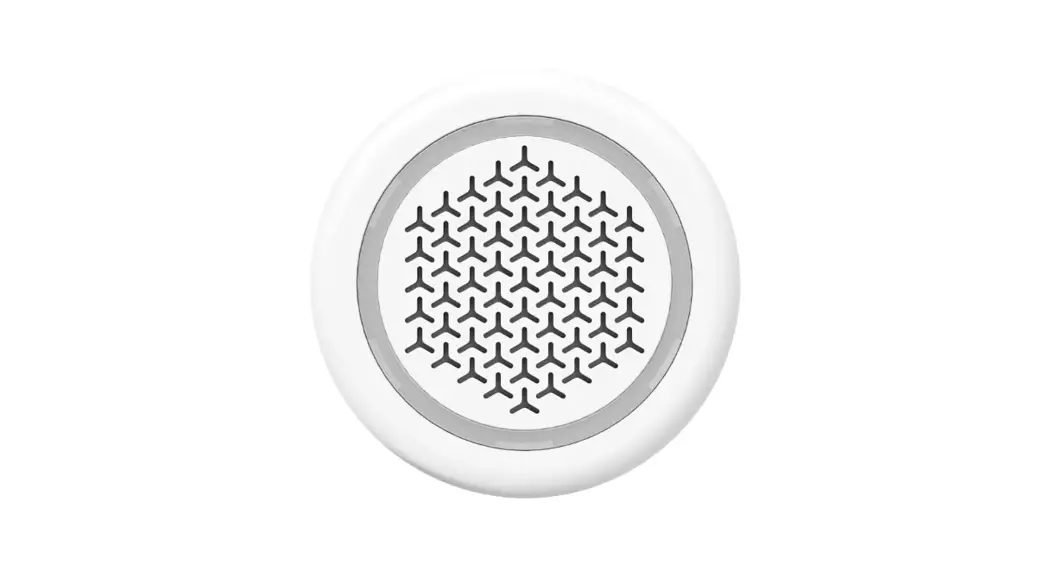
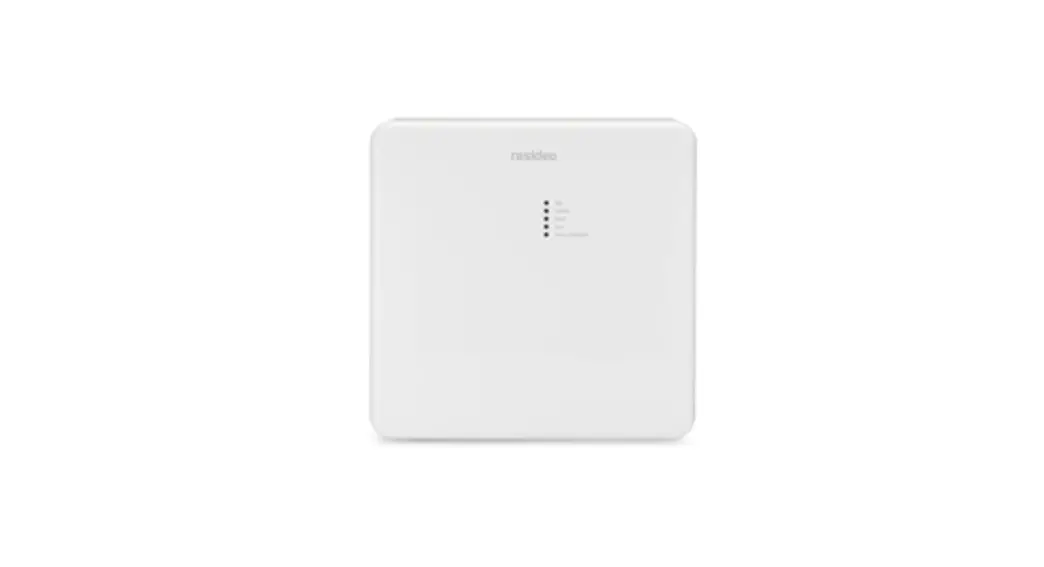
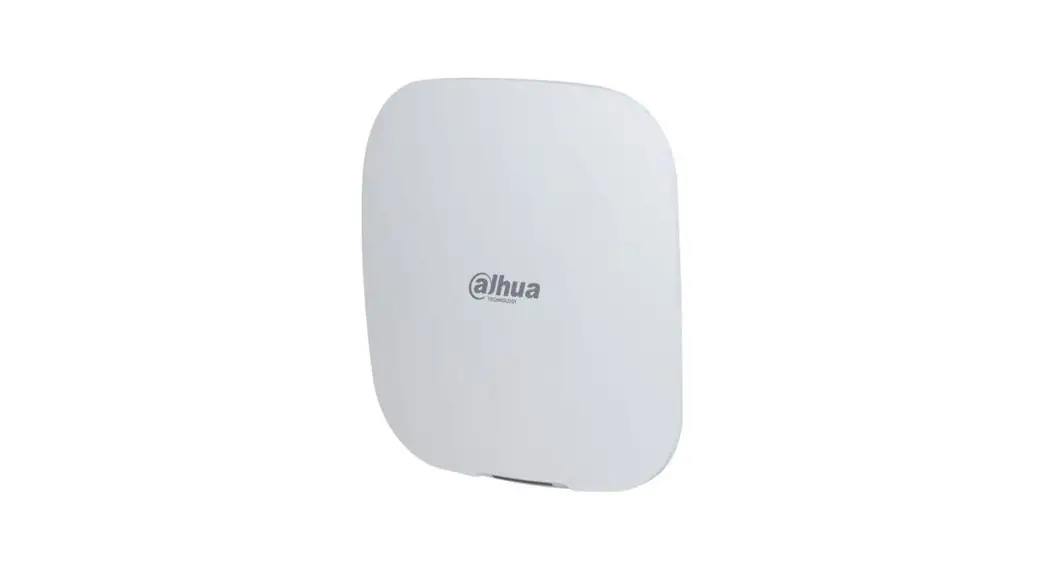
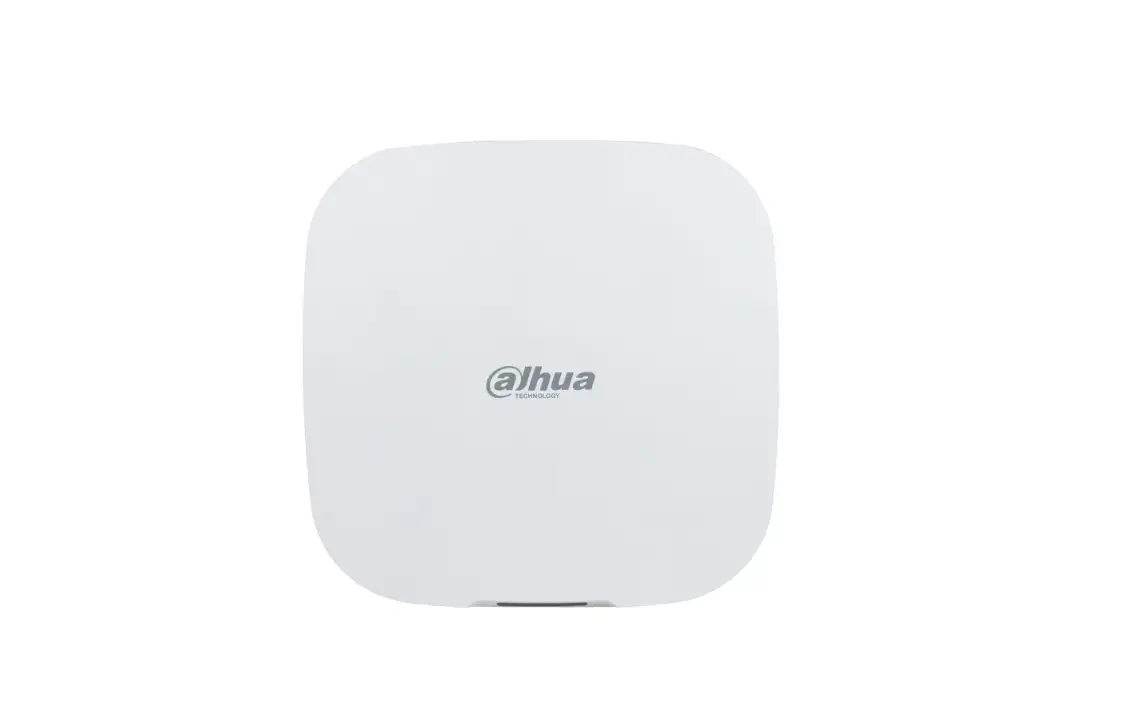
ELK-WA007 C1M1 Alarm Communicator
Product Information:
C1M1 Alarm Communicator
The C1M1 Alarm Communicator is a device designed to improve
cellular signal stability. It is compatible with C1M1LTE units
only.
Secondary Antenna ELK-WA007
The Secondary Antenna ELK-WA007 is an accessory that can be used
with the C1M1 Alarm Communicator to enhance its signal
reception.
Spacing between antennas: 5.5 – 7.5
(inches)
Product Usage Instructions:
- Before installing the secondary antenna, ensure that the power
to the C1M1 Communicator is turned off. - Remove the front cover from the C1M1 Alarm Communicator.
- Locate the secondary antenna connector on the C1M1 cellular
card. - Plug the antenna cable connector onto the secondary antenna
connector on the board. Make sure the cellular card remains
securely connected to the C1M1 primary circuit board. - Route the cable towards the bottom of the board.
- Replace the front cover on the C1M1 Alarm Communicator,
ensuring that the secondary antenna cable is properly routed
through the opening at the bottom of the C1M1 housing. - To avoid damage, limit excessive removal and reconnection of
the secondary antenna. - Power up the C1M1 unit and observe the 7 segment display for
the signal strength (bars), indicated by a lower case “b” followed
by a number. A minimum of 2 bars are required for proper
operation.
Note: For detailed installation instructions,
refer to Figure 1, Figure 2, Figure 3, and Figure 4 in the user
manual.
For any further assistance, please contact our customer support
at PO Box 100 3266 US Hwy 70 West Hildebran, NC 28637 or call
828-397-4200. You can also visit our website at https://www.elkproducts.com.
Printed In USA 10/18/2022
C1M1 Alarm Communicator
Secondary Antenna ELK-WA007
APPLICATION: Improves cellular signal stability. For C1M1LTE units only.
SPECIFICATIONS: · Antenna size: 4.56″ x 0.81″ · Cable length: 18″ · Strong adhesive for mounting
INSTALLATION INSTRUCTIONS
Before installing the secondary antenna REMOVE POWER FROM THE C1M1 COMMUNICATOR.
6. The secondary antenna has a strong adhesive on the back side suitable for mounting to a clean, smooth surface. The primary antenna on the C1M1 and the secondary antenna should be no less than 5.5″ apart. (See Figure 4). Ideal spacing is between 5.5″ and 7.5″.
Spacing between antennas: 5.5″ – 7.5″
FIGURE 1
1. Remove the front cover from the C1M1 Alarm Communicator
2. Locate the secondary antenna connector on the C1M1 cellular card (See Figure 1).
3. Plug the antenna cable connector onto the secondary antenna connector on the board. Ensure the cellular card does not become unseated from the connector on the C1M1 primary circuit board
4. Route the cable towards the bottom of the board (See Figure 2).
5. Replace the front cover on the C1M1 Alarm Communicator, ensuring the secondary antenna cable is properly routed though the opening at the bottom of the C1M1 housing, as shown below in Figure 3.
FIGURE 4
NOTE: To avoid damage, care should be taken to limit excessive removal and reconnection of the secondary antenna.
7. Power up the C1M1 unit and observe the 7 segment display for the signal strength (bars), indicated by a lower case b followed by a number. A minimum of 2 bars are required for proper operation.
FIGURE 2
FIGURE 3
PO Box 100 3266 US Hwy 70 West Hildebran, NC 28637 Phone 828-397-4200 https://www.elkproducts.com
Printed In USA 10/18/2022
 ELK Products - Manufacturer of Premium Products for Security, Energy Management, and Integrated Control Systems