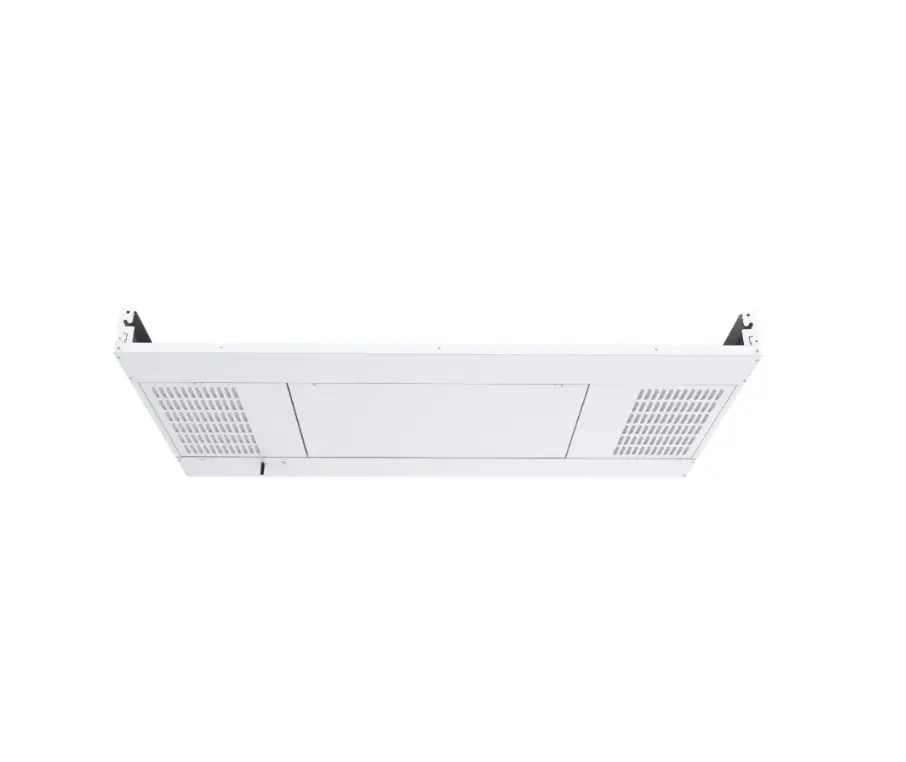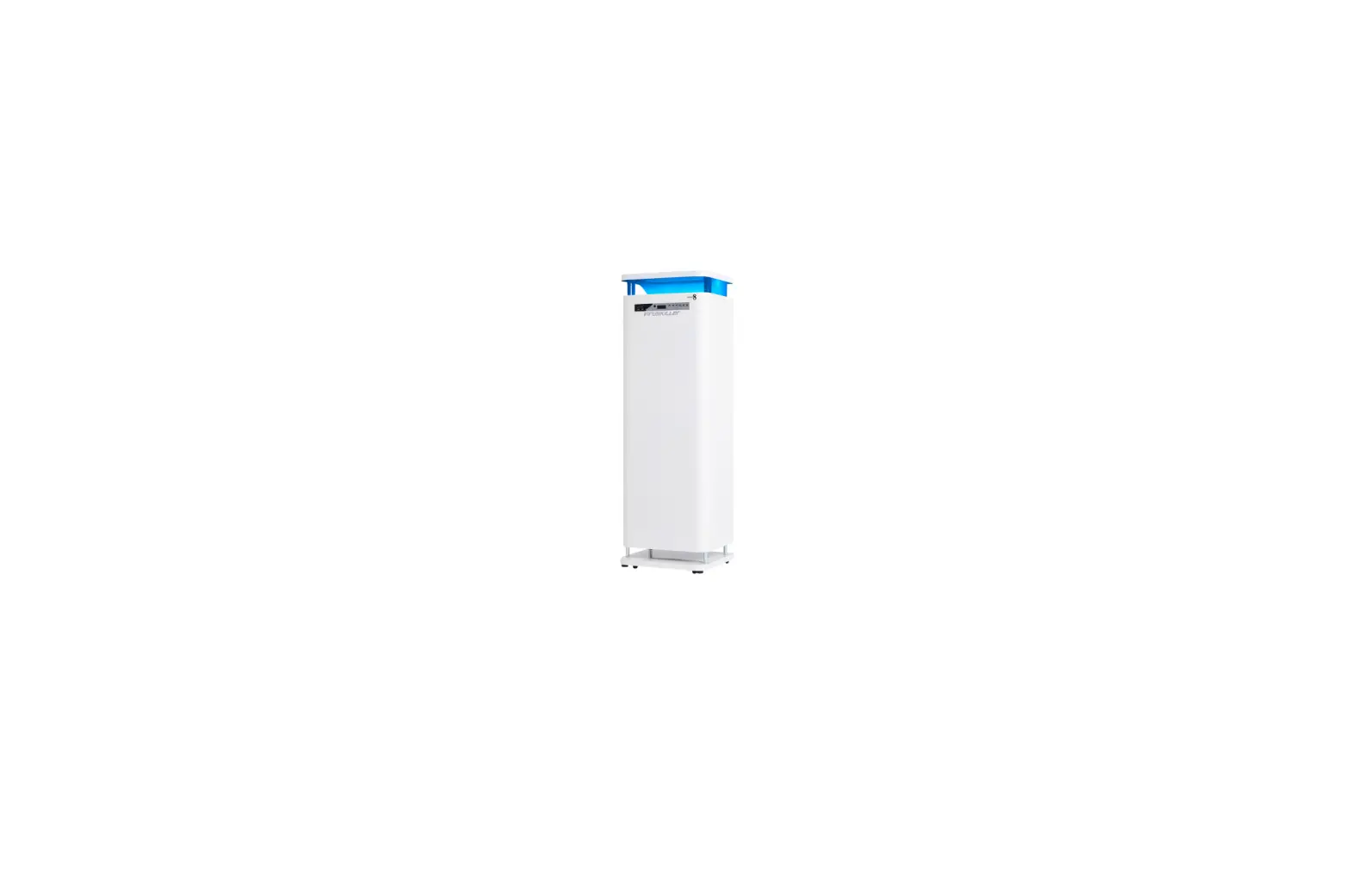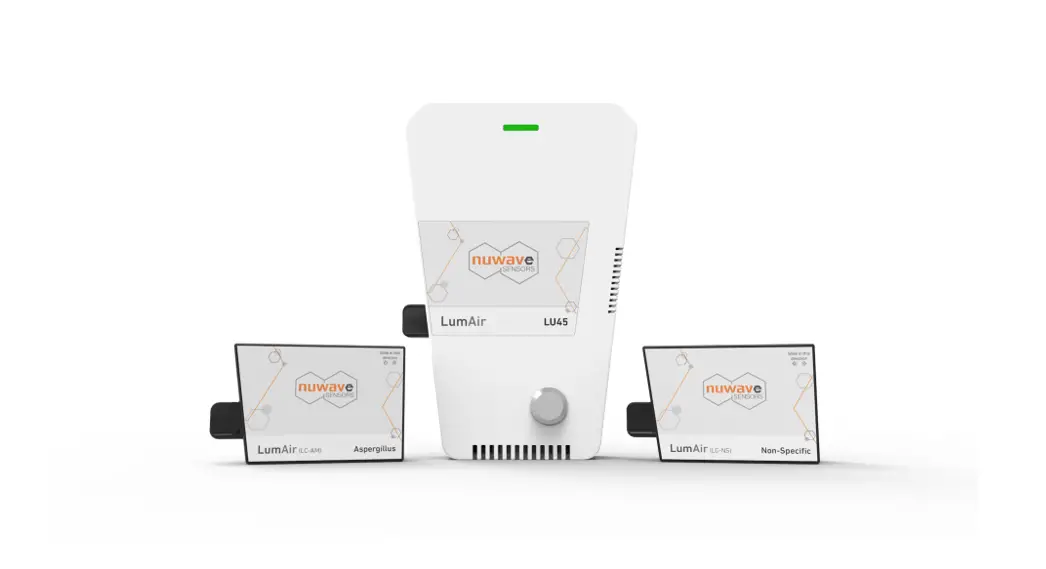
 LumAir LA100
Pathogen Detection System
Cartridge Loading/Unloading Guide
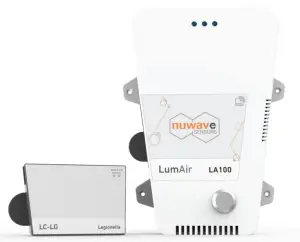
This guide is intended to provide instructions on how to insert or remove a cartridge from an installed LA100 Pathogen Detection System.
Note: Please see the cartridge data sheet for detailed information on the application, use, and disposal of cartridges
Introduction
This guide is intended to provide instructions on how to insert or remove a cartridge from an installed LumAir LA100 Pathogen Detection System.
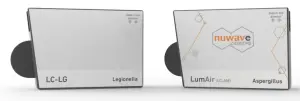
Package Contents
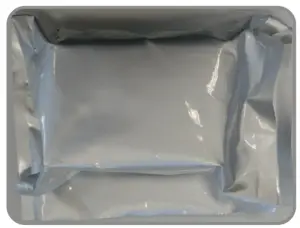 | 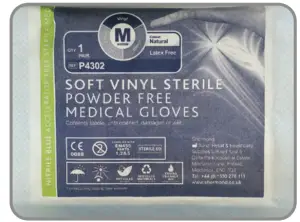 |
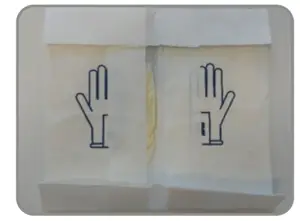
| Cartridge (in Foil Bag) | Sterile Gloves |
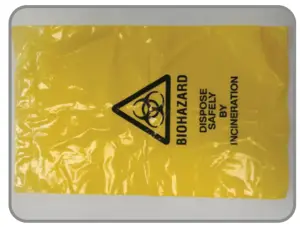 | 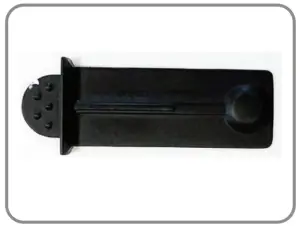 |
| Bio-Hazard Safety Disposal Bag | Cartridge Removal Tab |
Step 1: Inserting a New Cartridge (visual steps)
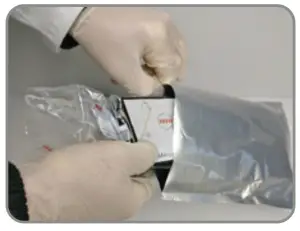
| 1. Put on sterile gloves using sterile technique | 2. Remove Cartridge from foil pack & zip lock bag |
 |  |
| 3. Peel back sticker to remove cartridge pull tab | 4. Once the pull tab is removed, re-seal with sticker |
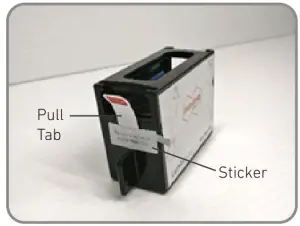 | 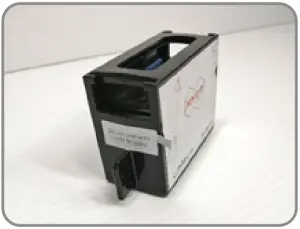 |
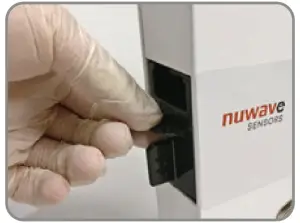
| 5. Insert cartridge fully into the unit | 6. LED status changes to green Active |
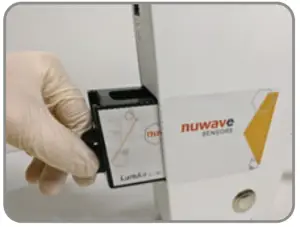 | 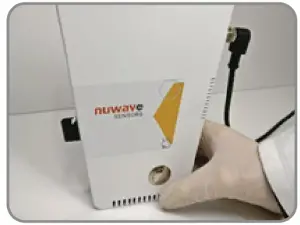 |
Step 2 – Removing the Cartridge
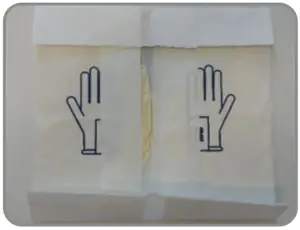
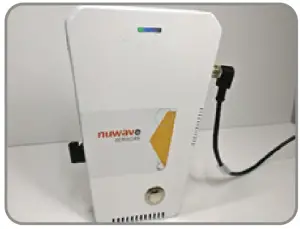
| 1. Put on sterile gloves using sterile technique | 2. Push button, turning the LED status light to blue |
 |  |
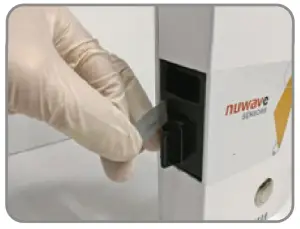
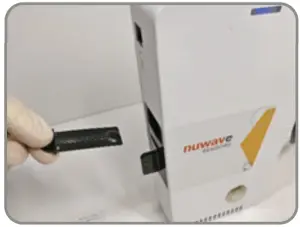
| 3. Peel back the sticker fully | 4. Insert the locking slide (included in cartridge box) |
 |  |
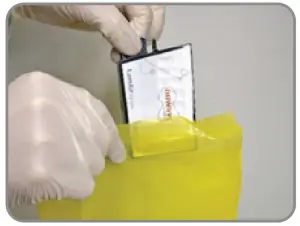
| 5. Ensure locking slide is completely inserted | 6. Remove cartridge and place in yellow Biohazard bag – Seal bag |
 |  |
For questions not covered in this guide:
Email: [email protected]
Tel: (+353) 1 254 4188 (International)