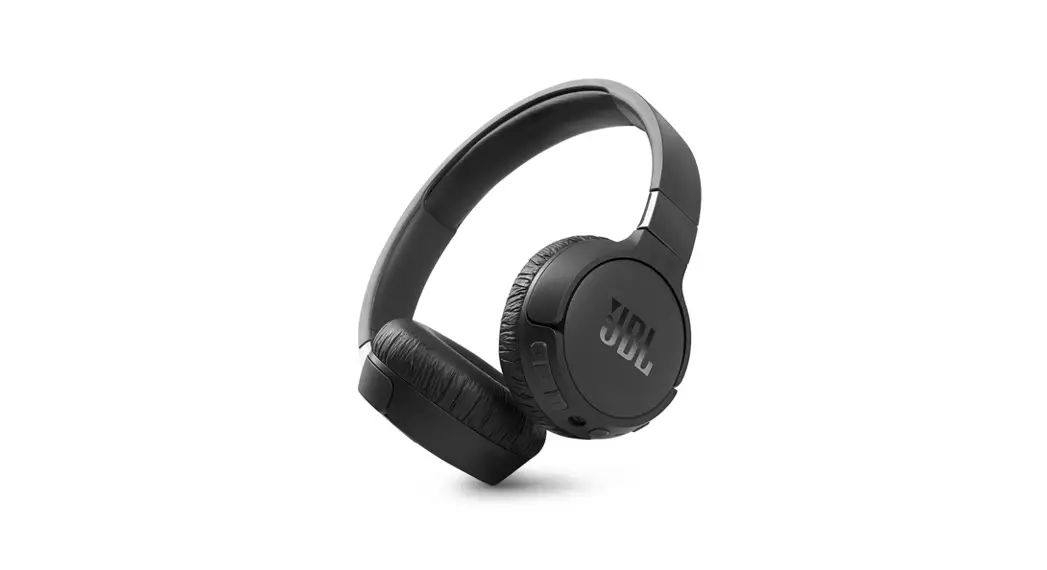

Headphones
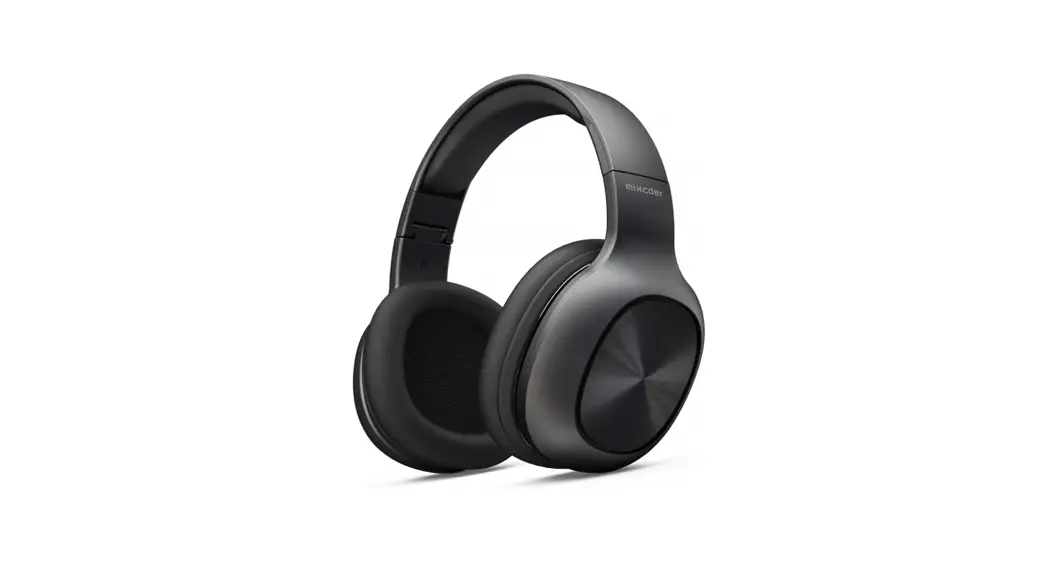
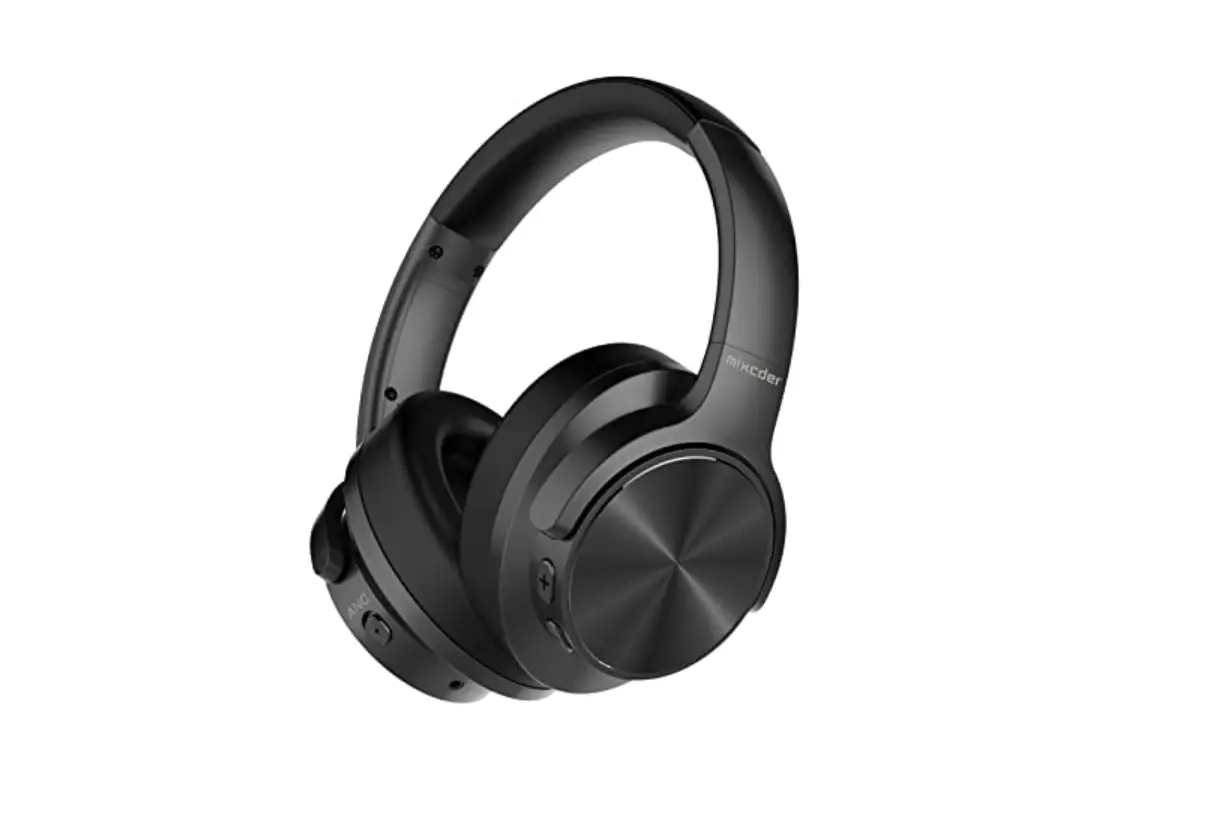
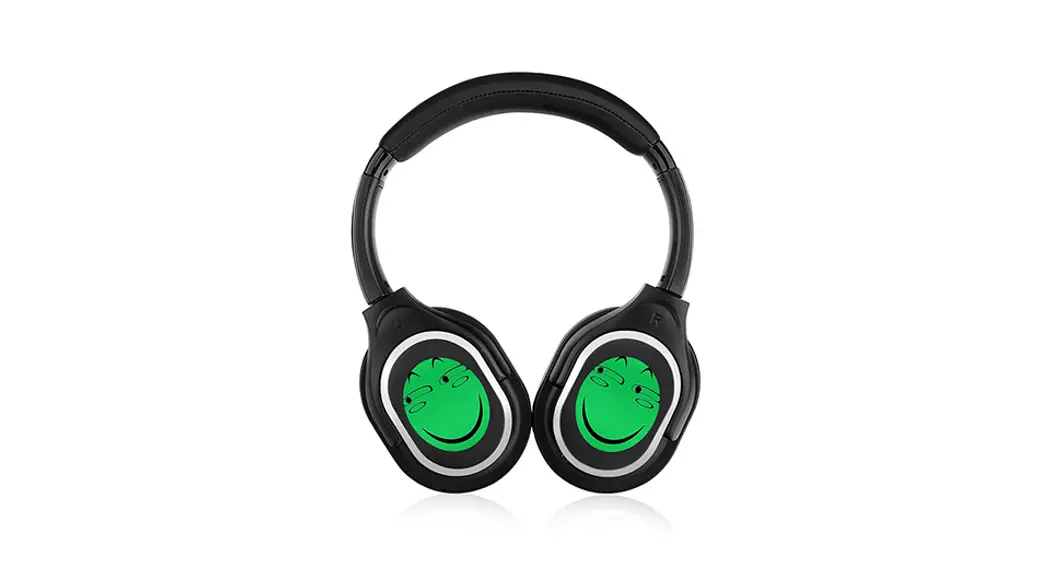
LED Hi-Fi Wireless Silent Disco Headphone – IL998BRF
HI-FI Rechargeable LED Silent Disco Headphone IL998BRF Manual

Highlights
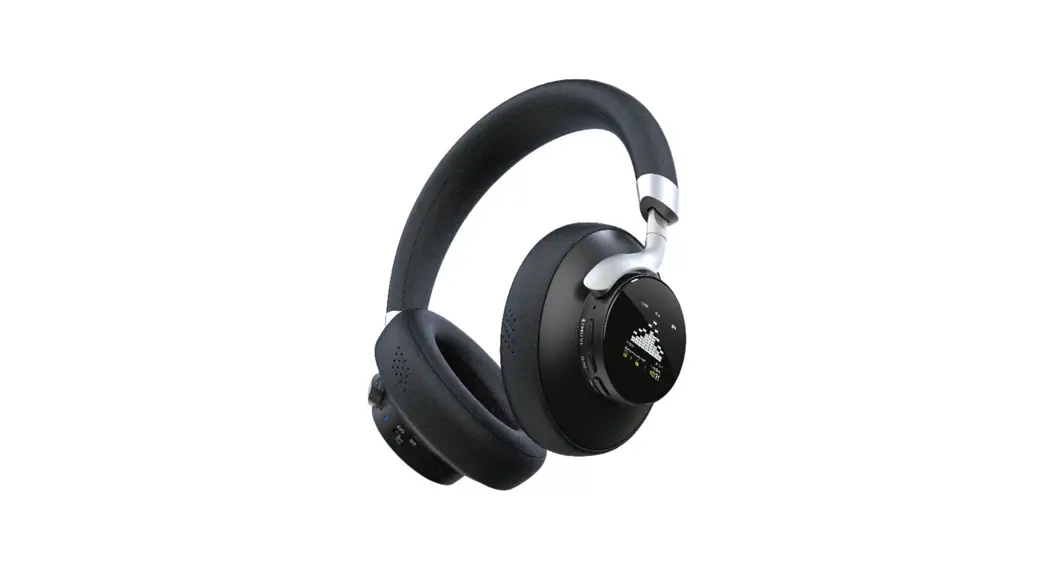
A. Professional Headphone Design.
B. HI-FI Superior Silent Disco System, Technology-Patented, worldwide unique in Silent Disco Field.
C. C. BIG LOGO LED Lights to Indicate Channel Difference.
D. D. 12-Month After-sale quality warranty.
Features:
- Professional silent disco wireless headphones with 798/801/805 MHz ISM Bands, channels can be switched.
- Transmits audio signal to a range of 300 m, through walls, floors, and ceilings.
- Active noise reduction system for crystal clear sound.
- Advanced 40 mm speaker for outstanding sound performance.
- Double PLL system for ultimate frequency stability.
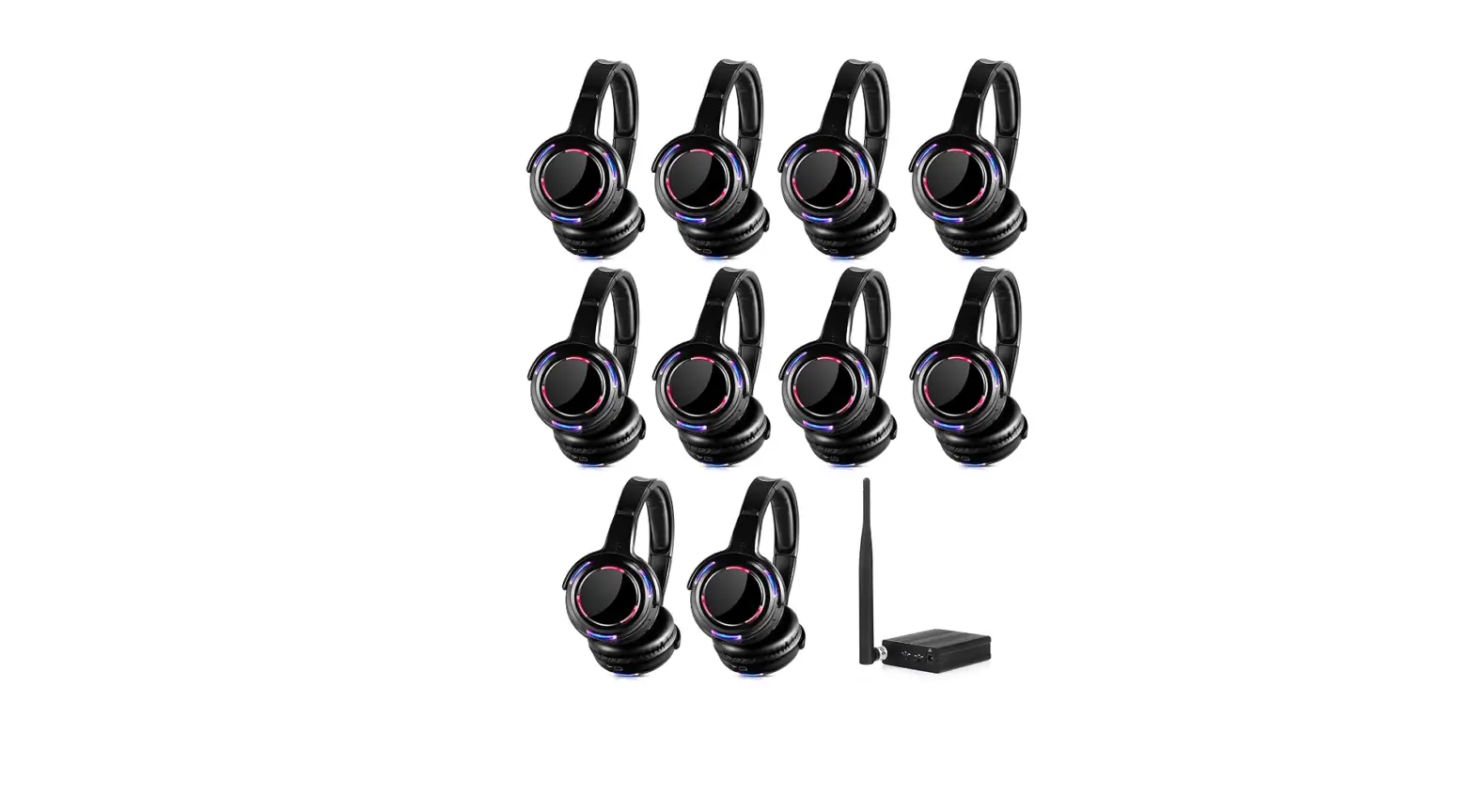
- Big channel-indicating logo light, you can see the channel difference by logo color change.
- Soft leatherette ear cushions and robust headband let you listen to your entertainment in extreme comfort, even during long hours of extended wear.
- With Shock-Resistant, Robust Metal Headband.
- Endless headphones can be used simultaneously with one transmitter.
- Auto mute and automatic shut-off after 10 minutes of no signal detection, conserve battery life.
Specification:
| System | UHF/RF |
| Modulation | FM |
| Audio Mode | Stereo |
| Effective range | 300 m |
| Speaker | 40 mm Mylar |
| Impedance | 32 ohm |
| Frequency Response | 20~15,000 Hz |
| S/N Ratio | ≥80 dB |
| Channel separation | >40 dB |
| Distortion: | <1% |
| The power supply of the headphone | Grade-A 600 mAh Built-in lithium battery (work time: about 8 hours) |
Operation:
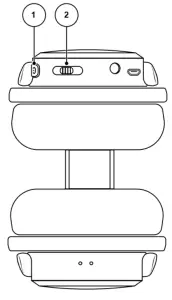
- POWER/TUNE: Hold the power button for ~3 seconds to turn the headphones on and off.
Press the power button once to change the selected channel. The LED lights will change to display the currently selected channel.
Channel 1 – Red
Channel 2 – Green
Channel 3 – Blue - VOLUME/LED: Move the switch to the left to increase volume, move to the right to decrease volume. Press the switch in and hold for ~2 seconds to toggle the LED
light mode. LED will toggle between always on and off.