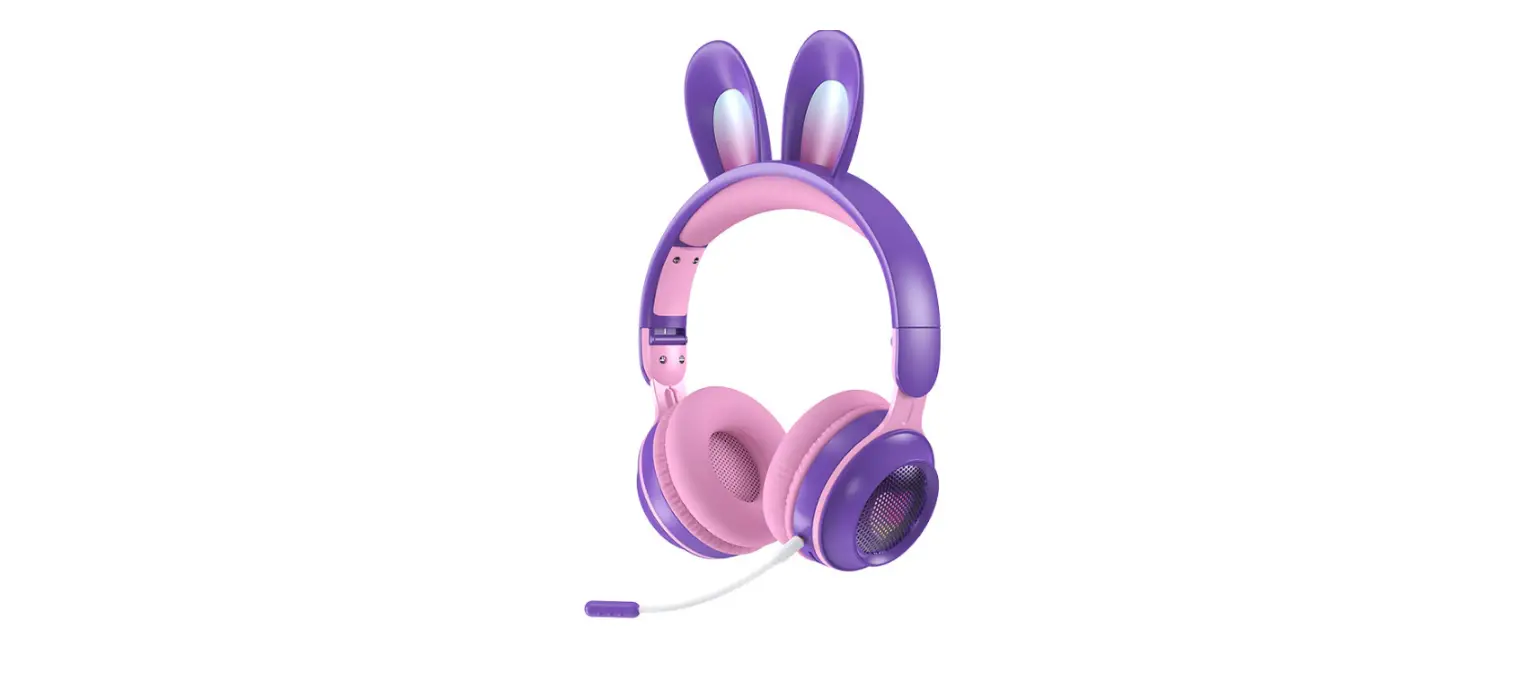
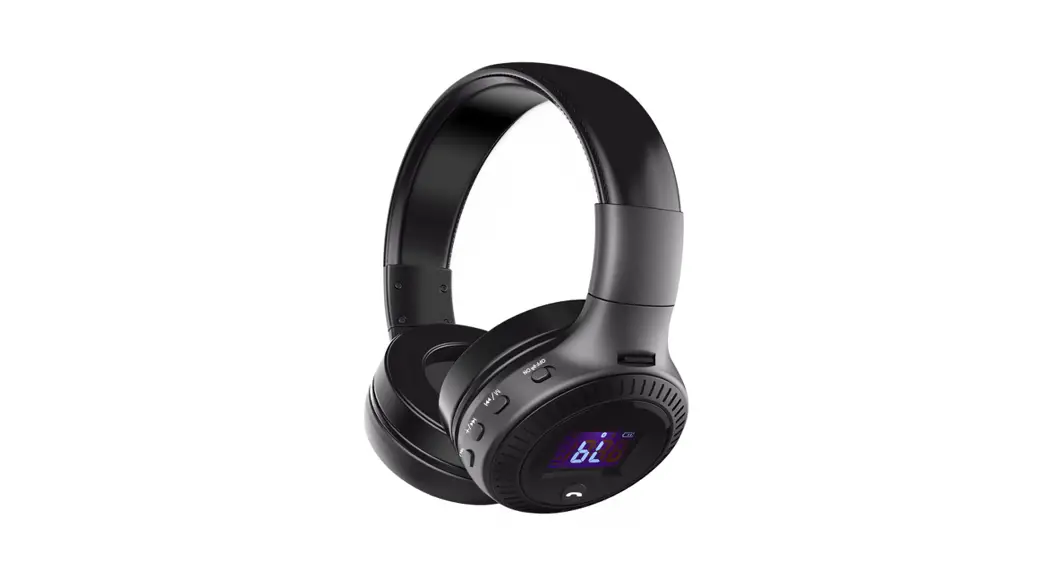
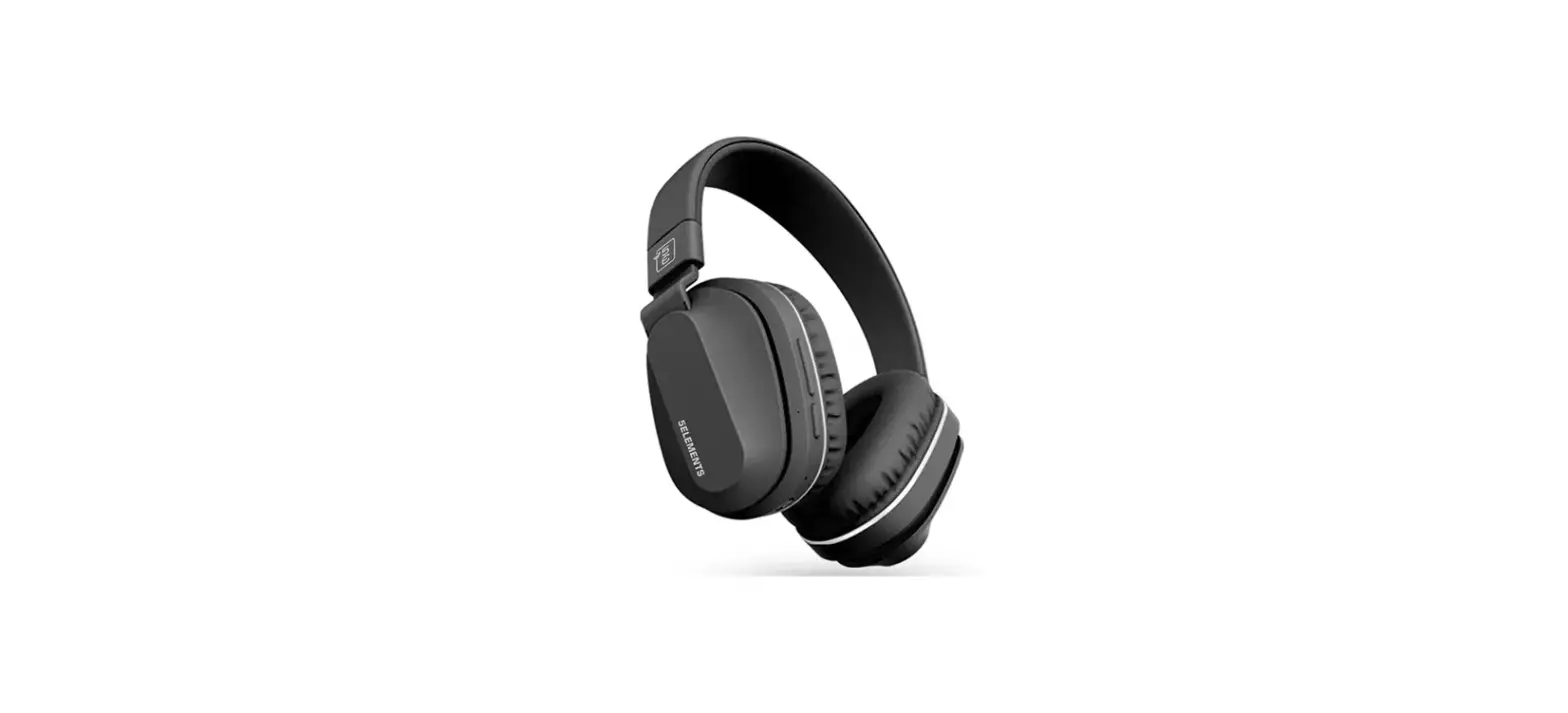
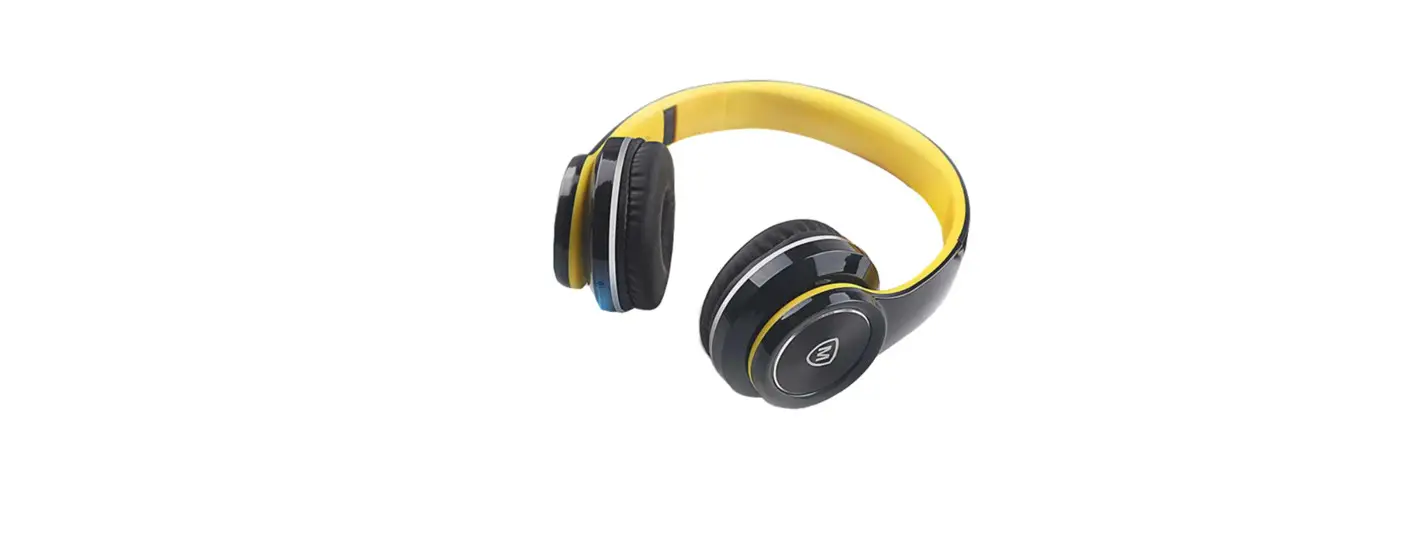
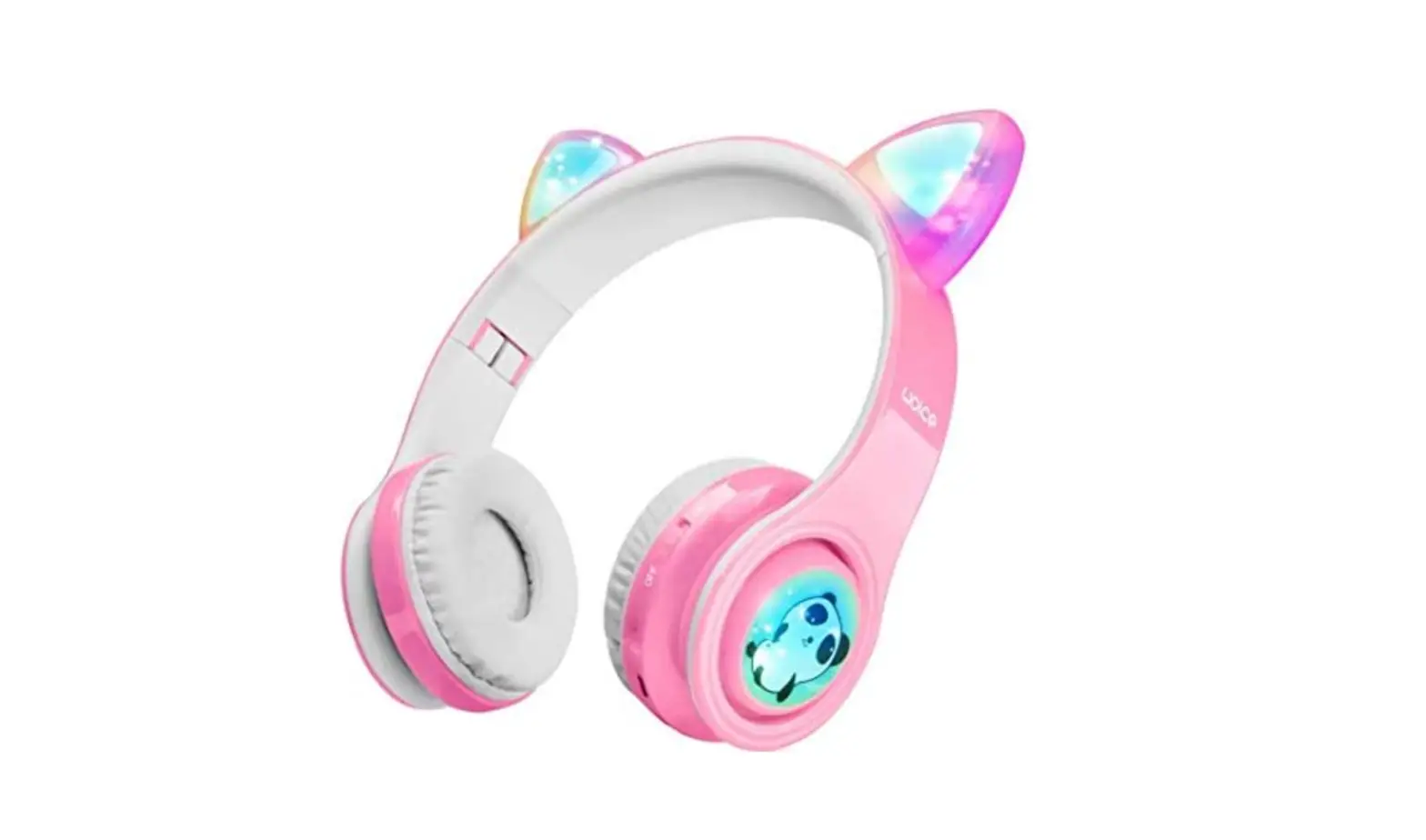
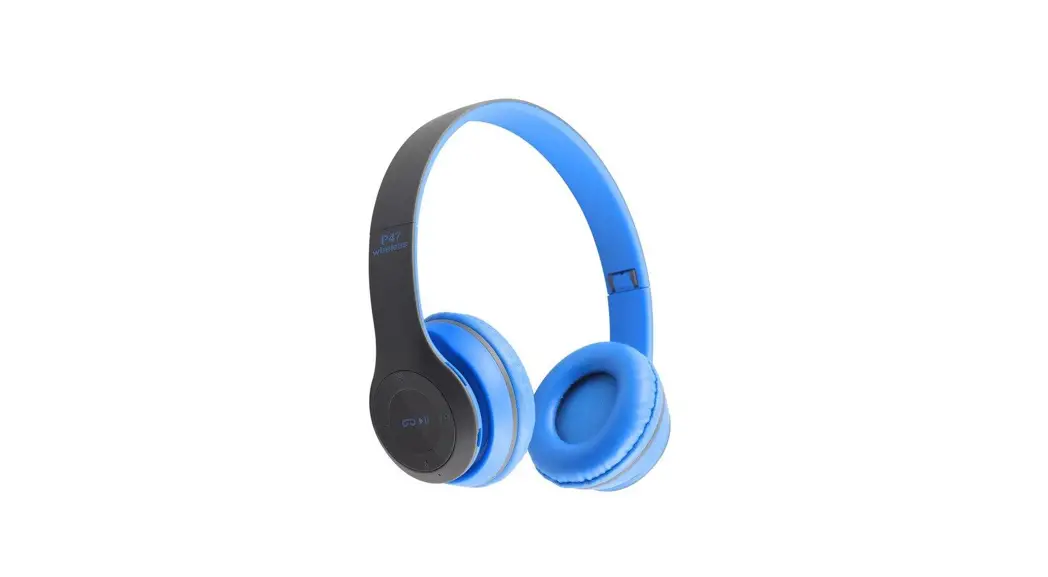
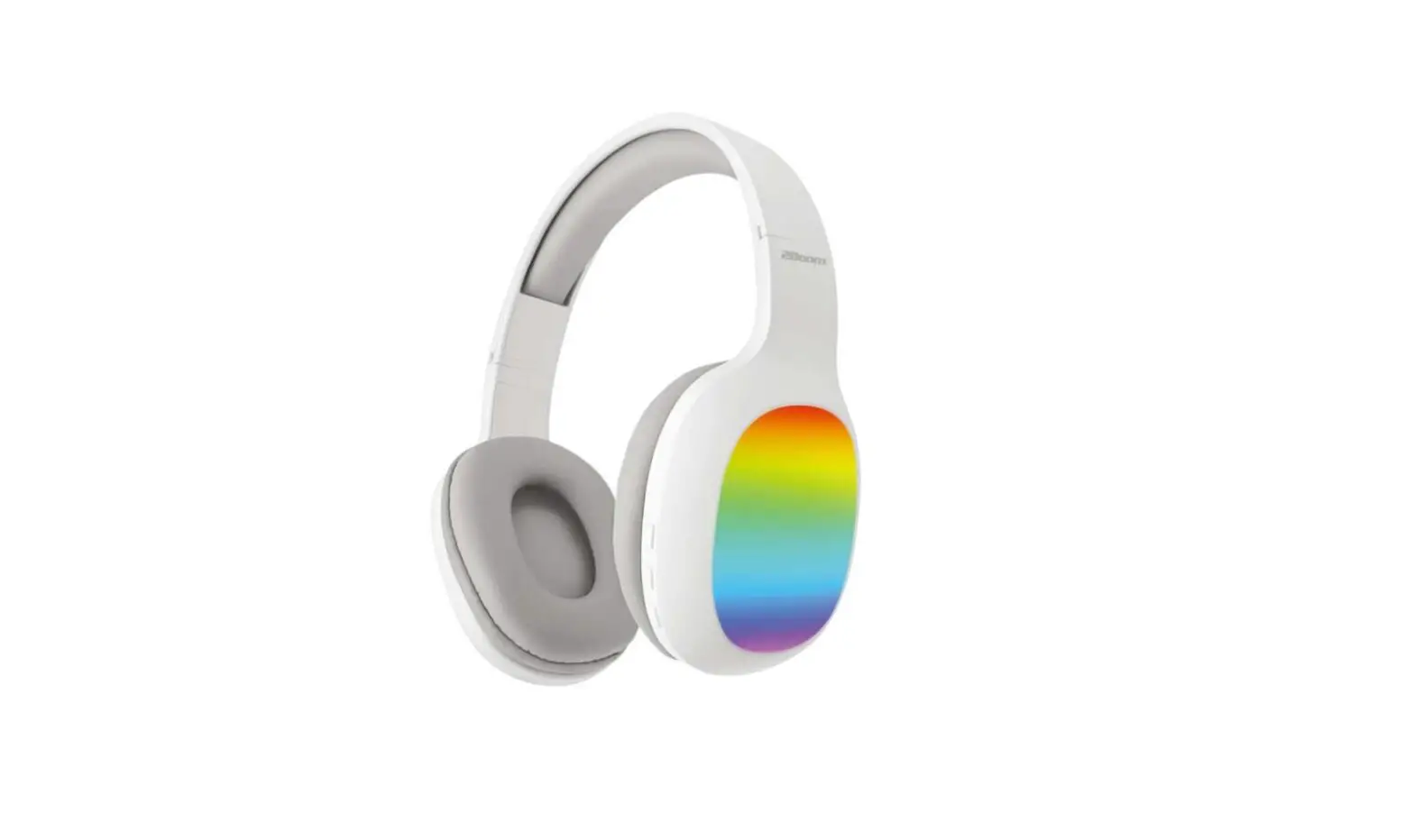
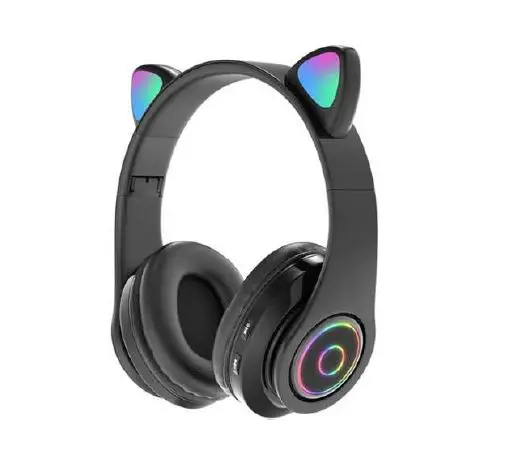
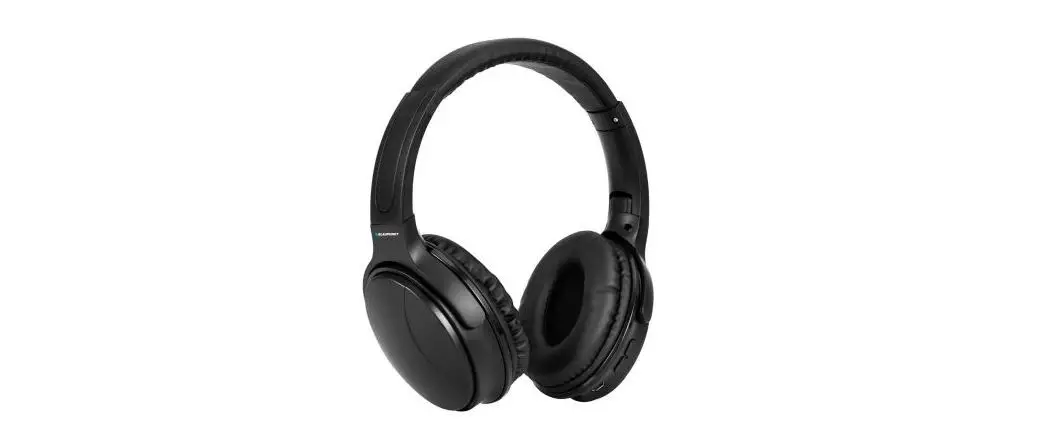
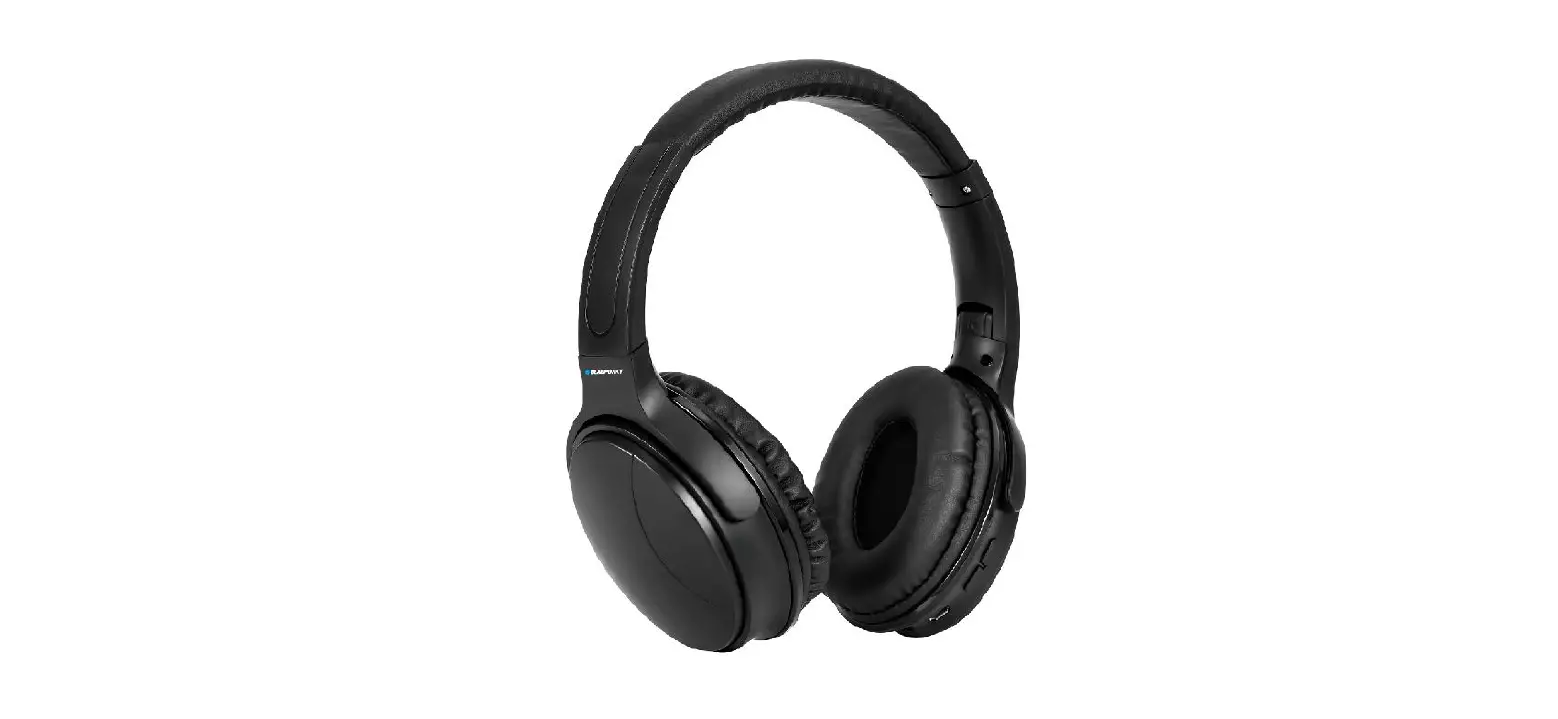
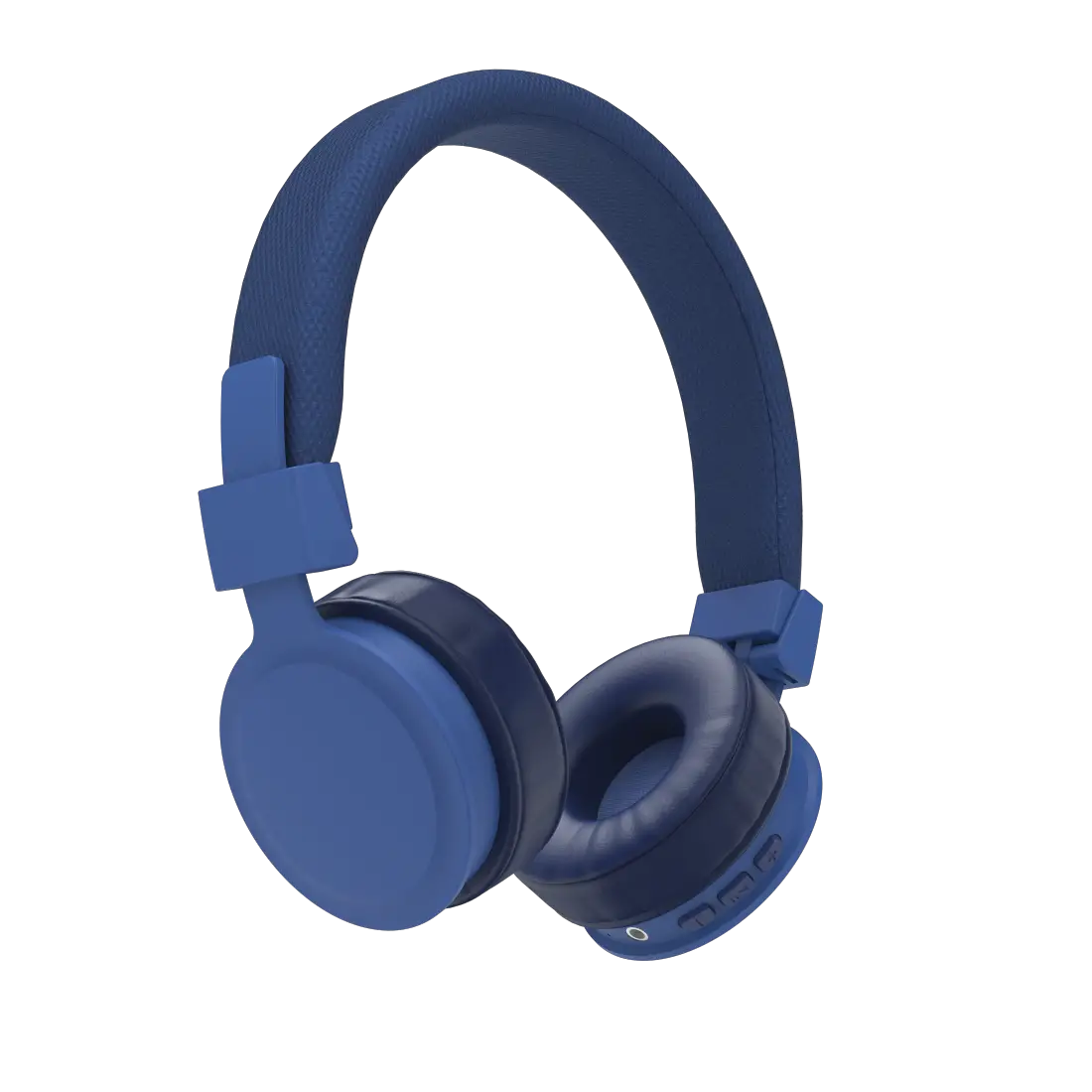
MU01041 BT LED Headphone
Product Information:
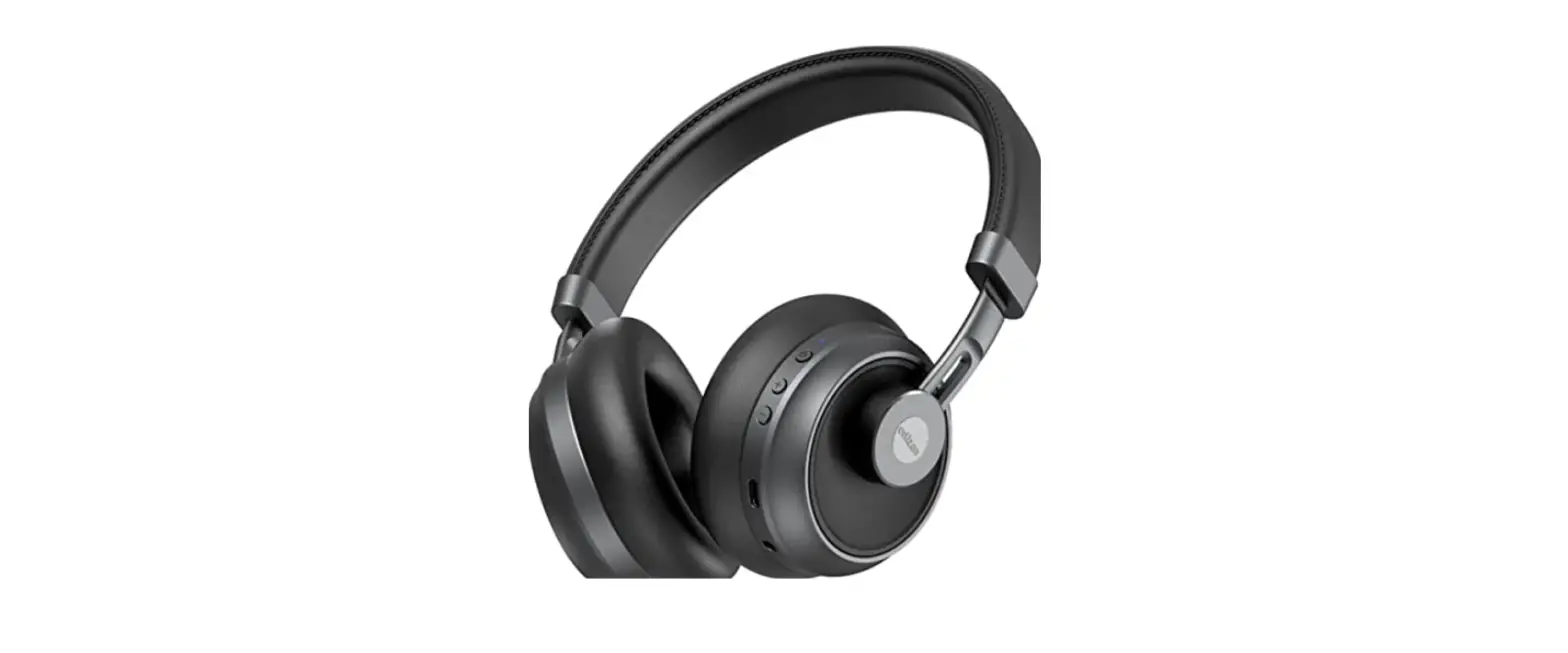
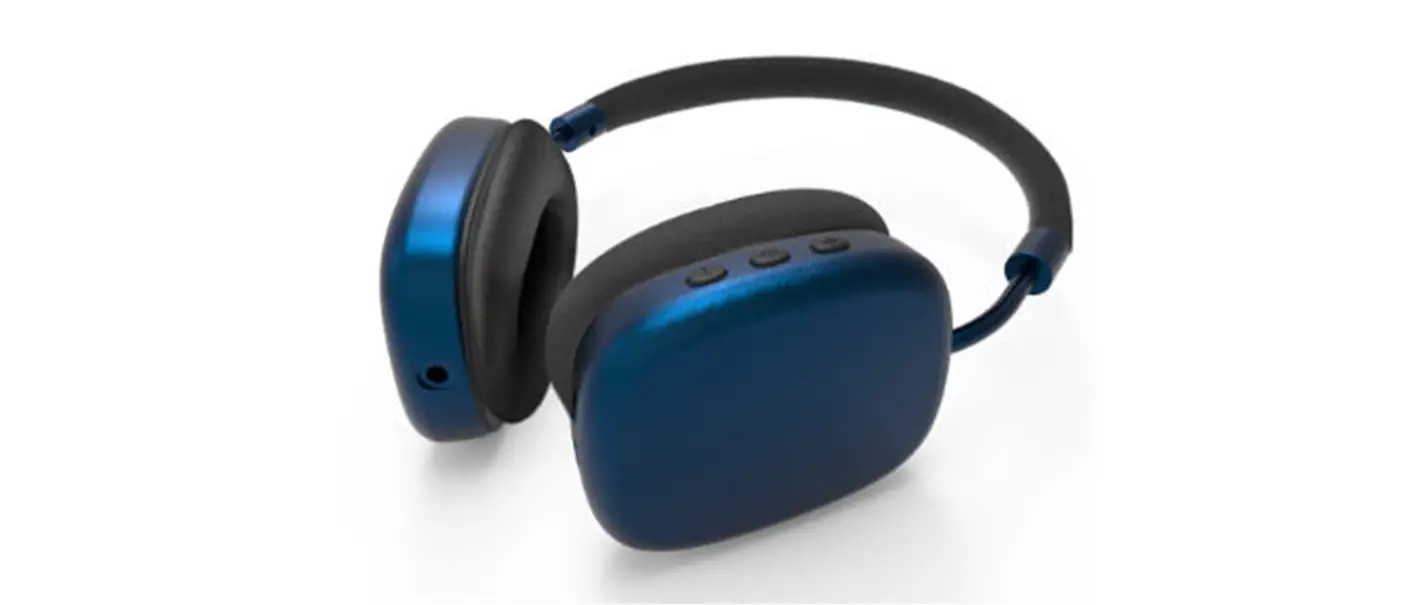
Product Name: Trinity BT LED Headphone
Connector Type: TYPE-C
Dimensions: 6.7in. X 3.15in. X 7.48in. (17cm X 8cm X 19cm)
Weight: 5.9in. (15cm)
Power Input: No power protection device at the input
2A2H6-MU01041
Product Usage Instructions:
- Connect the Trinity BT LED Headphone to a compatible device
using the provided TYPE-C connector. - Ensure that the headphone is turned off.
- Insert one end of the TYPE-C connector into the headphone and
the other end into the device. - You will hear a prompt sound indicating successful
connection. - Power on the Trinity BT Headphone using the designated power
button or switch. - To adjust the volume, use the volume control buttons located on
the headphone. - Enjoy your audio experience with the Trinity BT LED
Headphone.
Please refer to the detailed instruction manual for any
additional information or troubleshooting steps.
NN
Trinity BT LED Headphone
TYPE-C
A prompt sound will be heard.
-1(One) X
H
-1(One) X
C
-1(One) X Instruction
6.7in. X 3.15in. X 7.48in. (17cm X 8cm X 19cm) 5.9in.(15cm)
turn TRINITY BT HEADPHONE
between
MU01041
TYPE-C
180
a
No power protection device at the input 2A2H6-MU01041